47 Free winter scenery Midjourney AI images
Explore our Winter Scenery image collection, featuring 47 free AI-generated images. This curated selection includes diverse types such as stock photos, 3D objects, vectors, and illustrations. Each image is available for high-resolution download, and with our 'open in editor' feature, you can easily adjust prompts to regenerate your perfect winter scene.
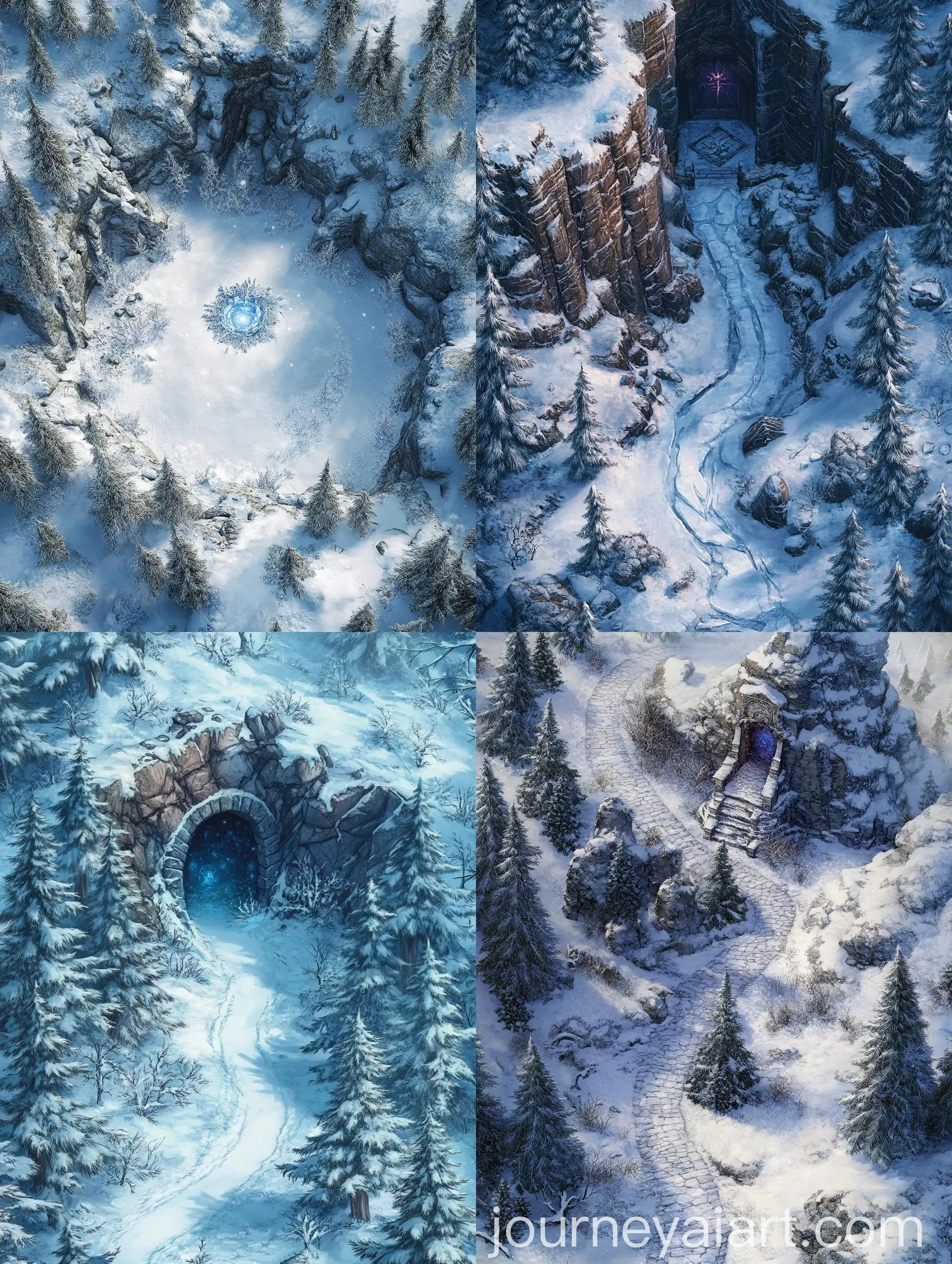
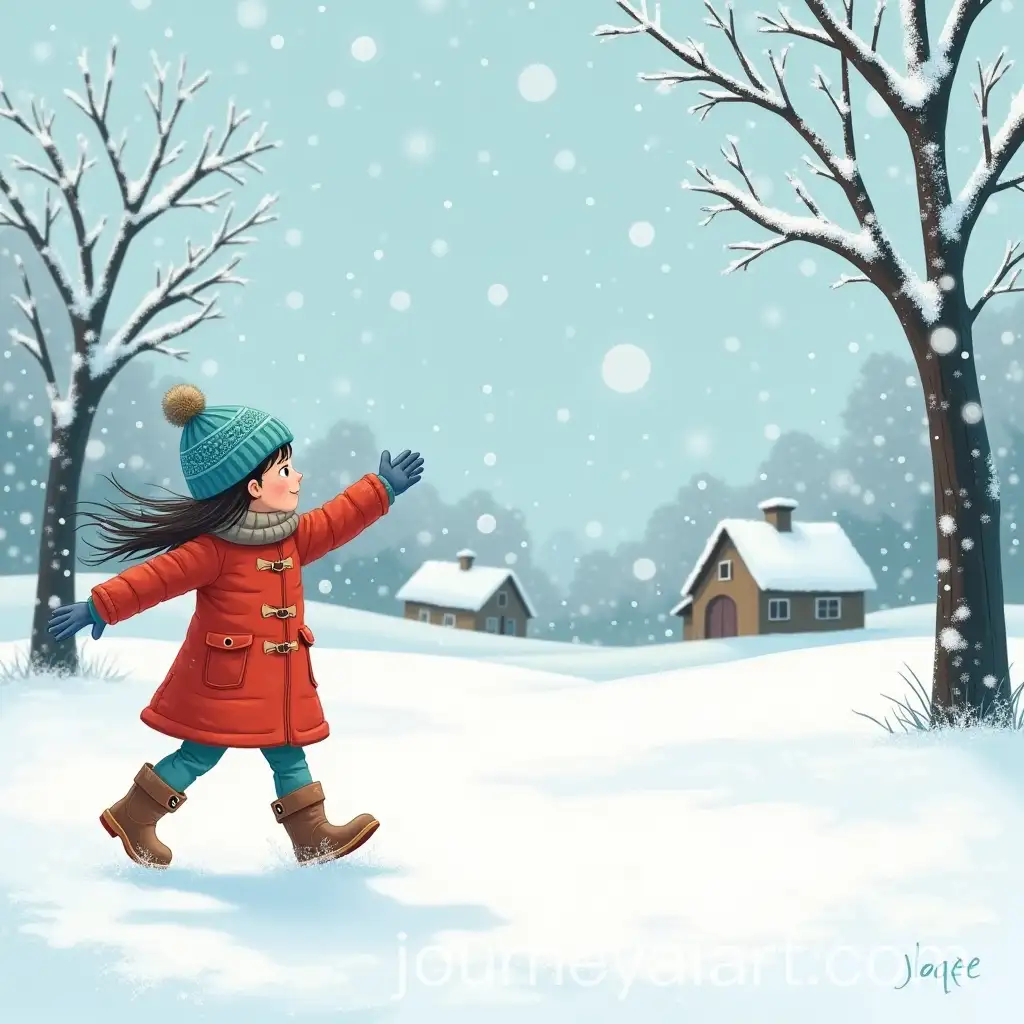
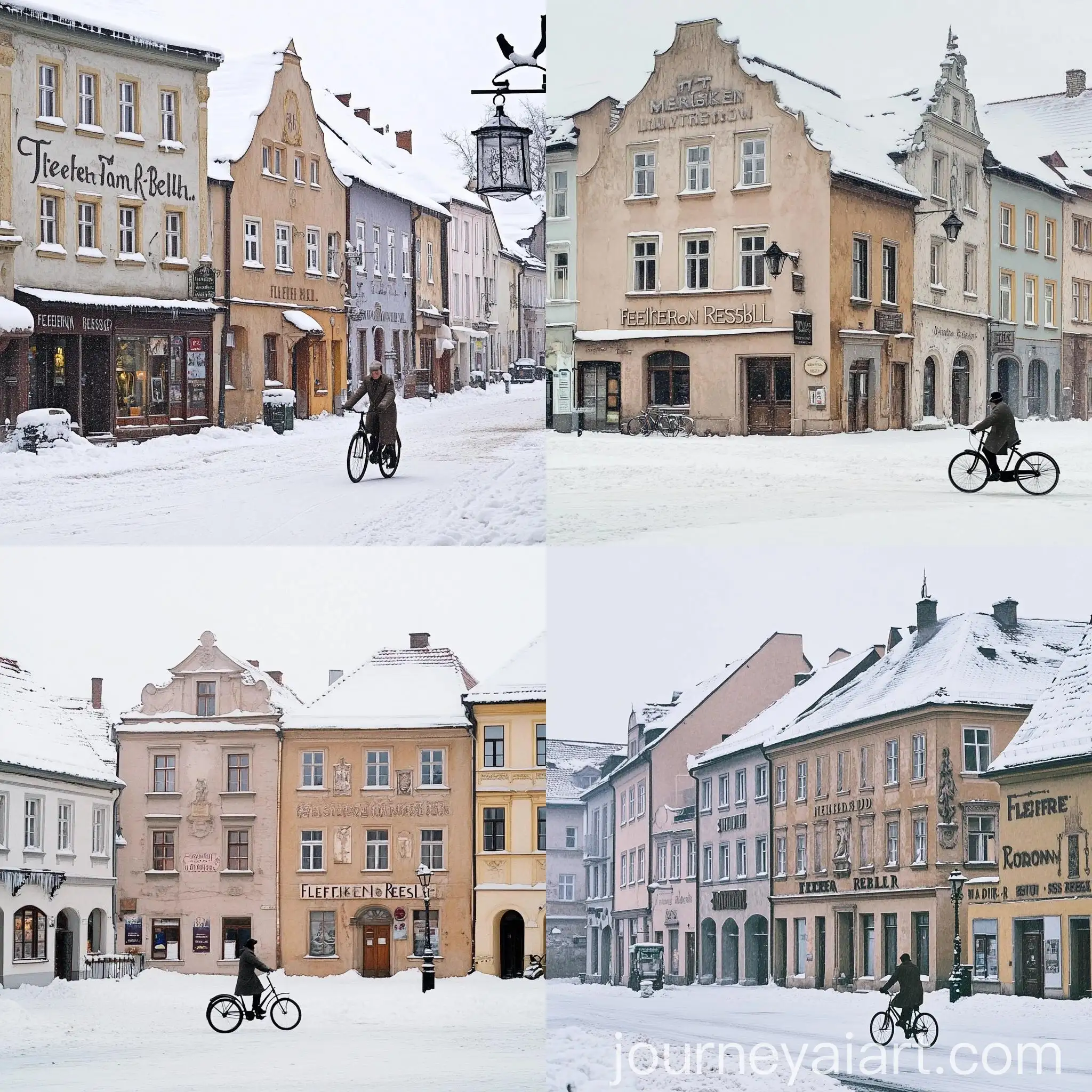
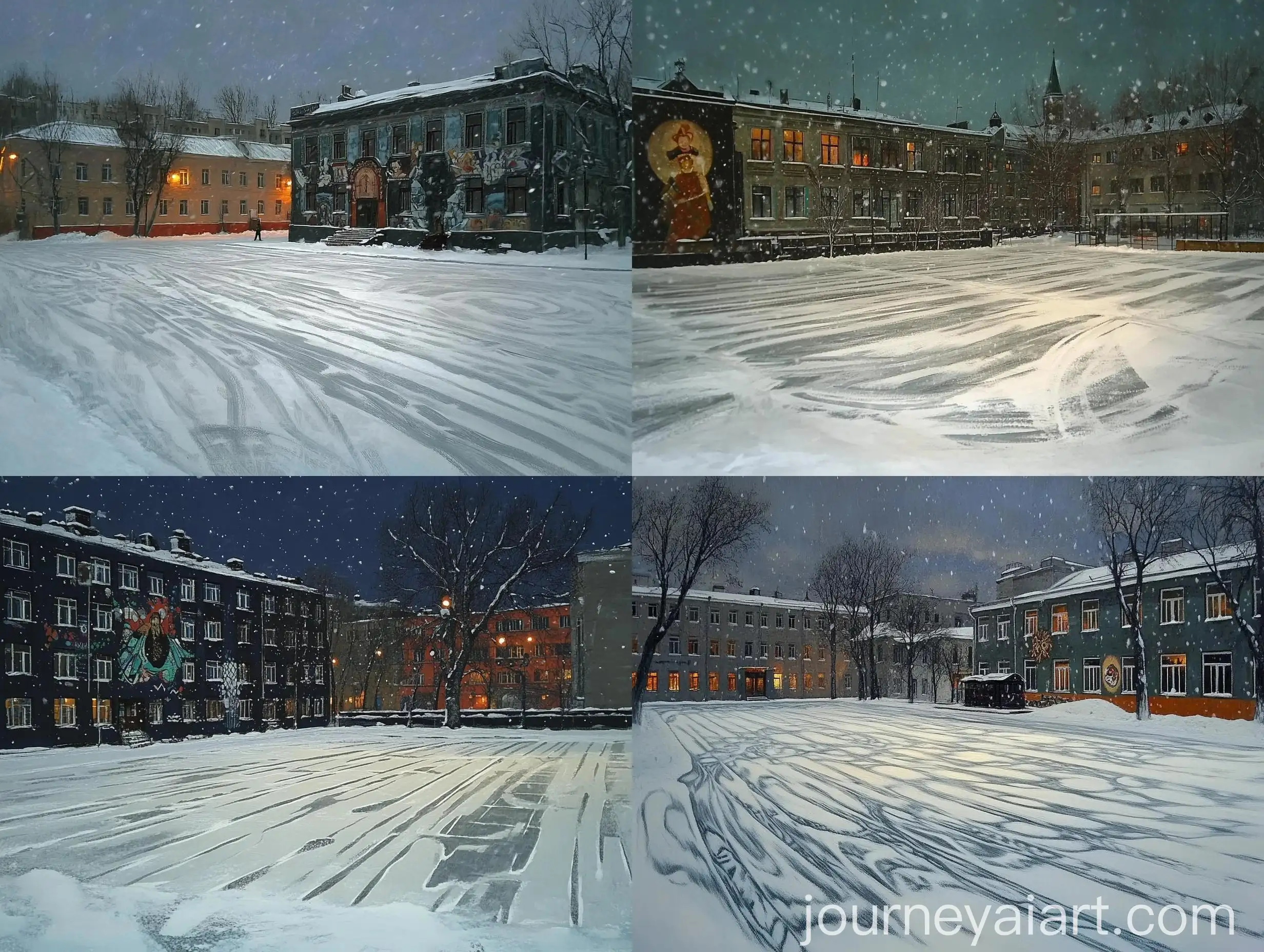
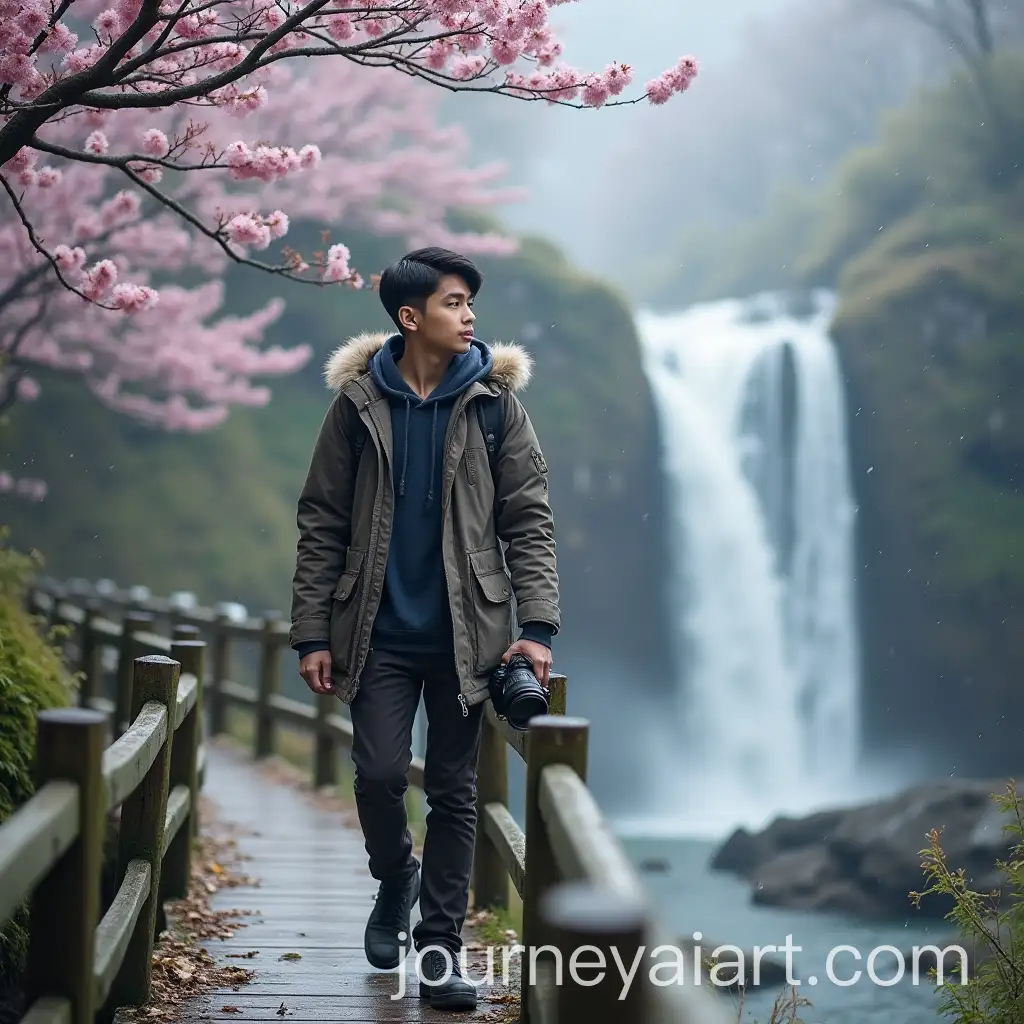
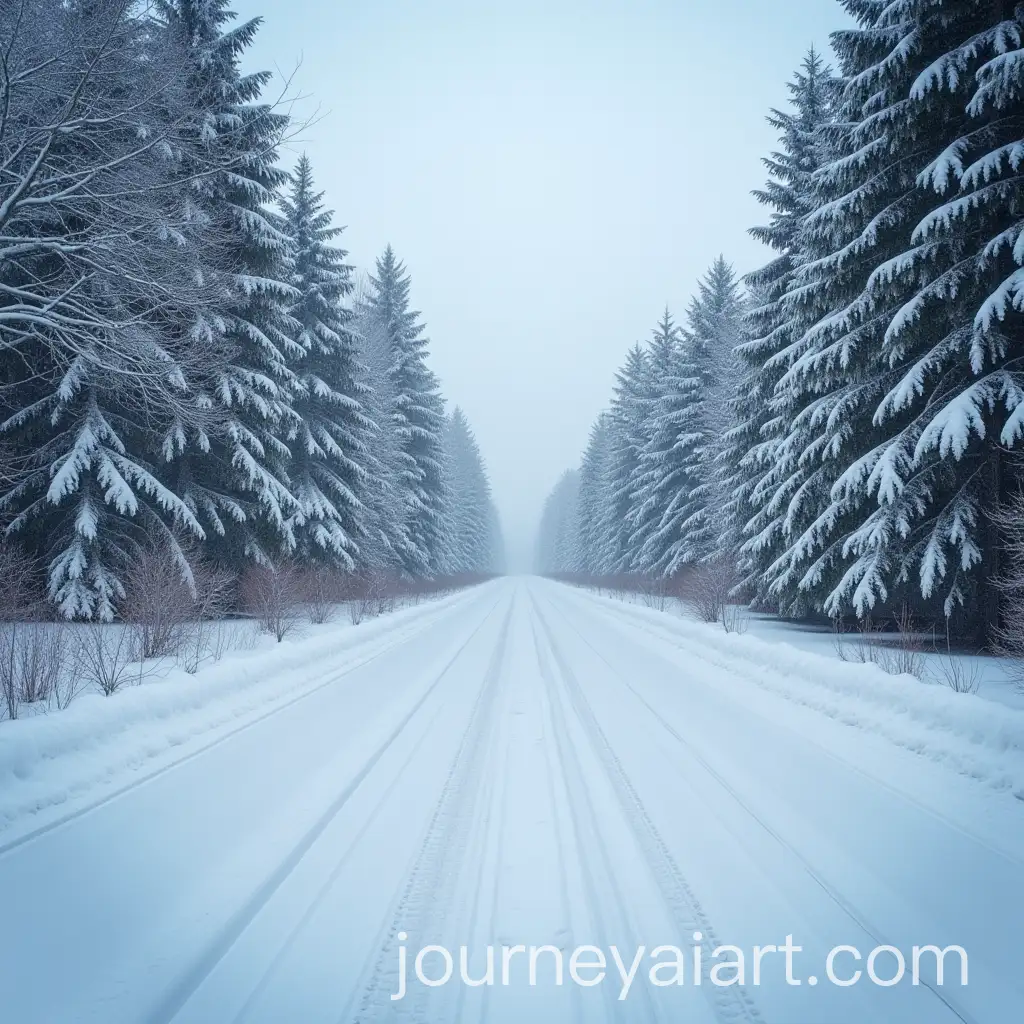
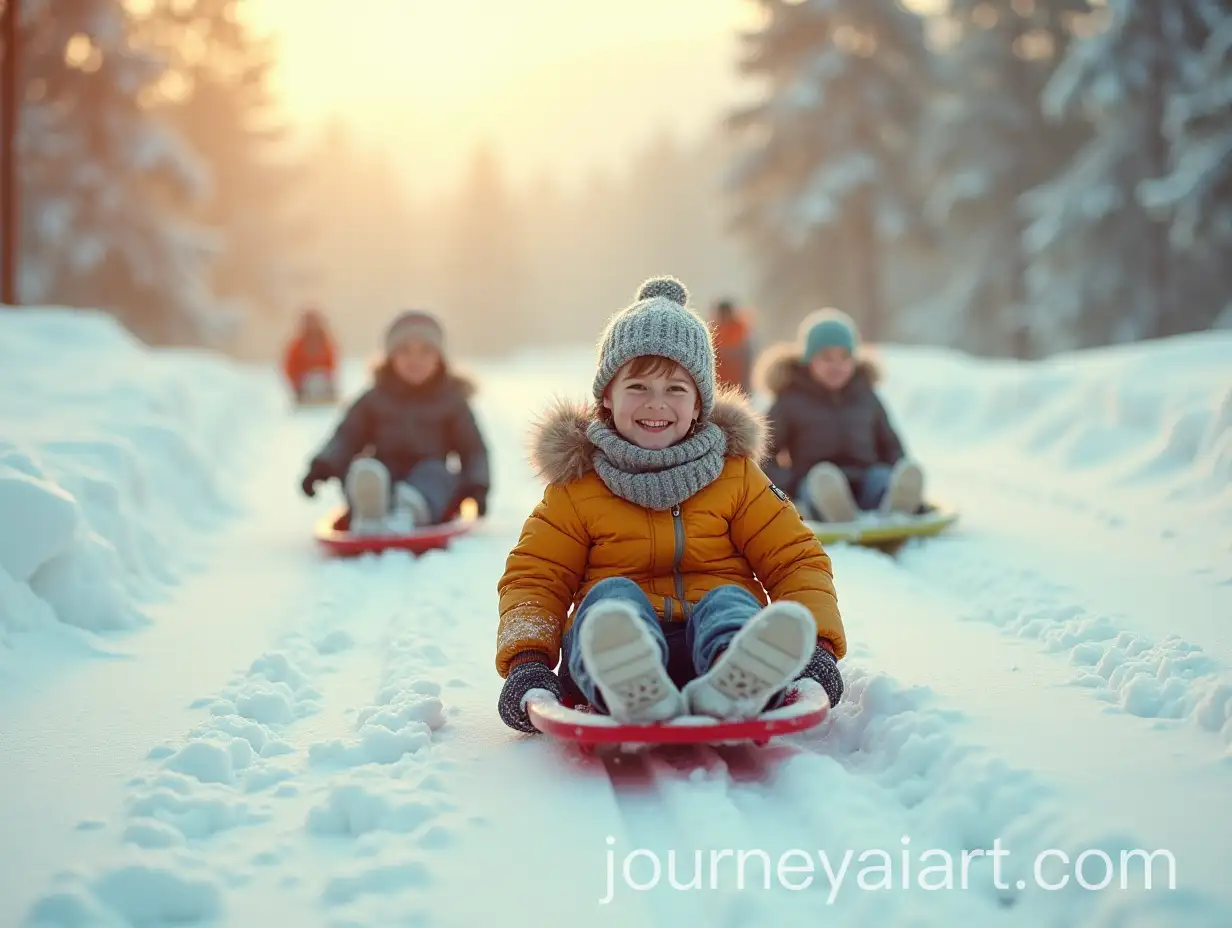
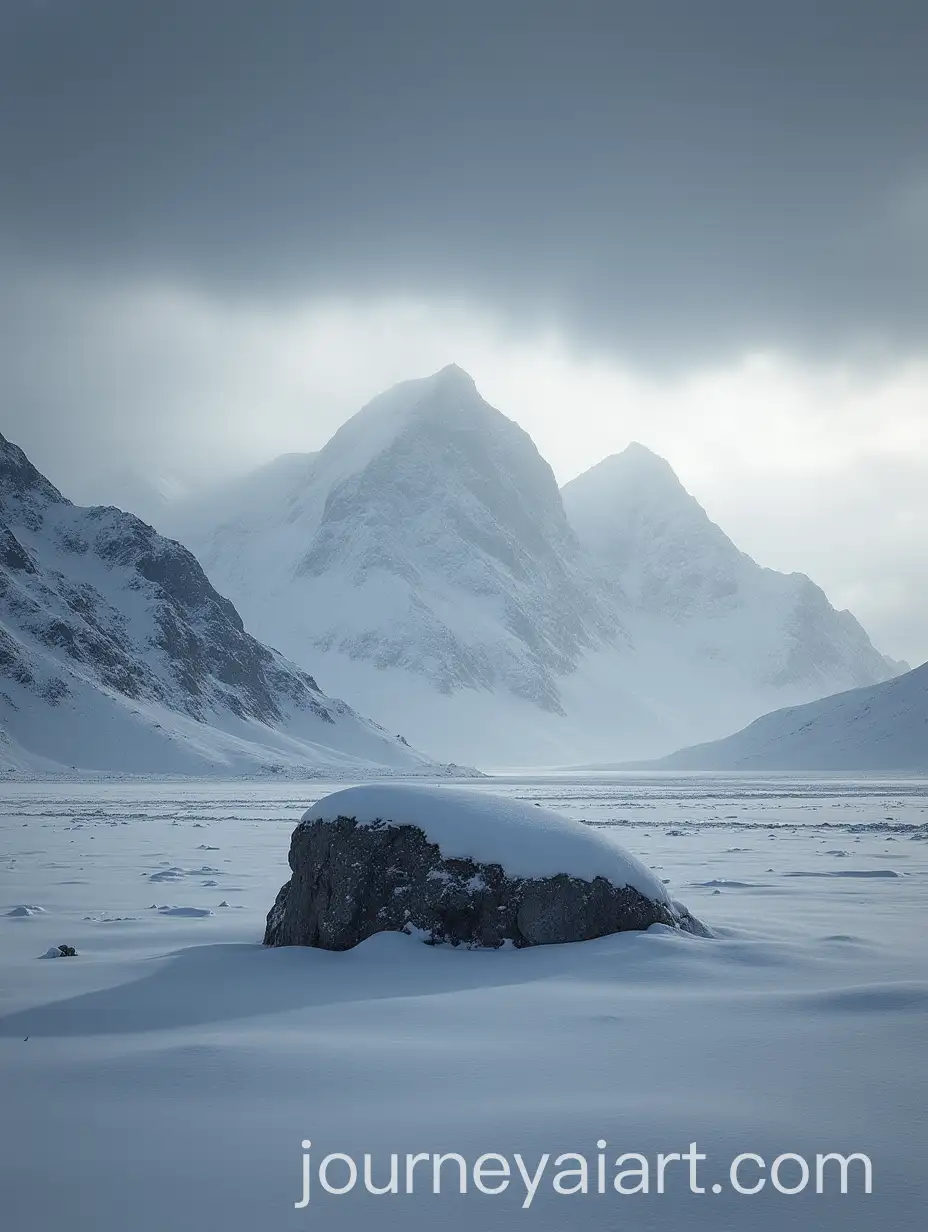
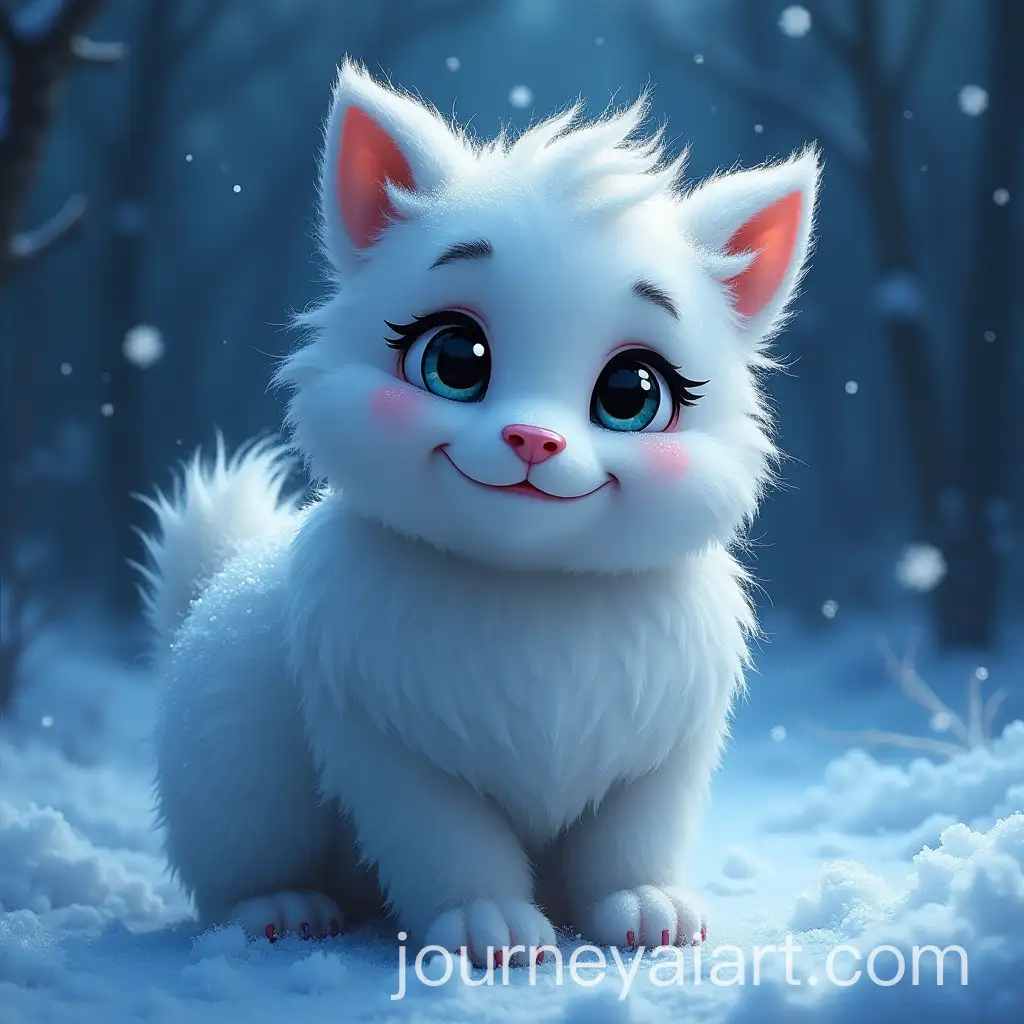
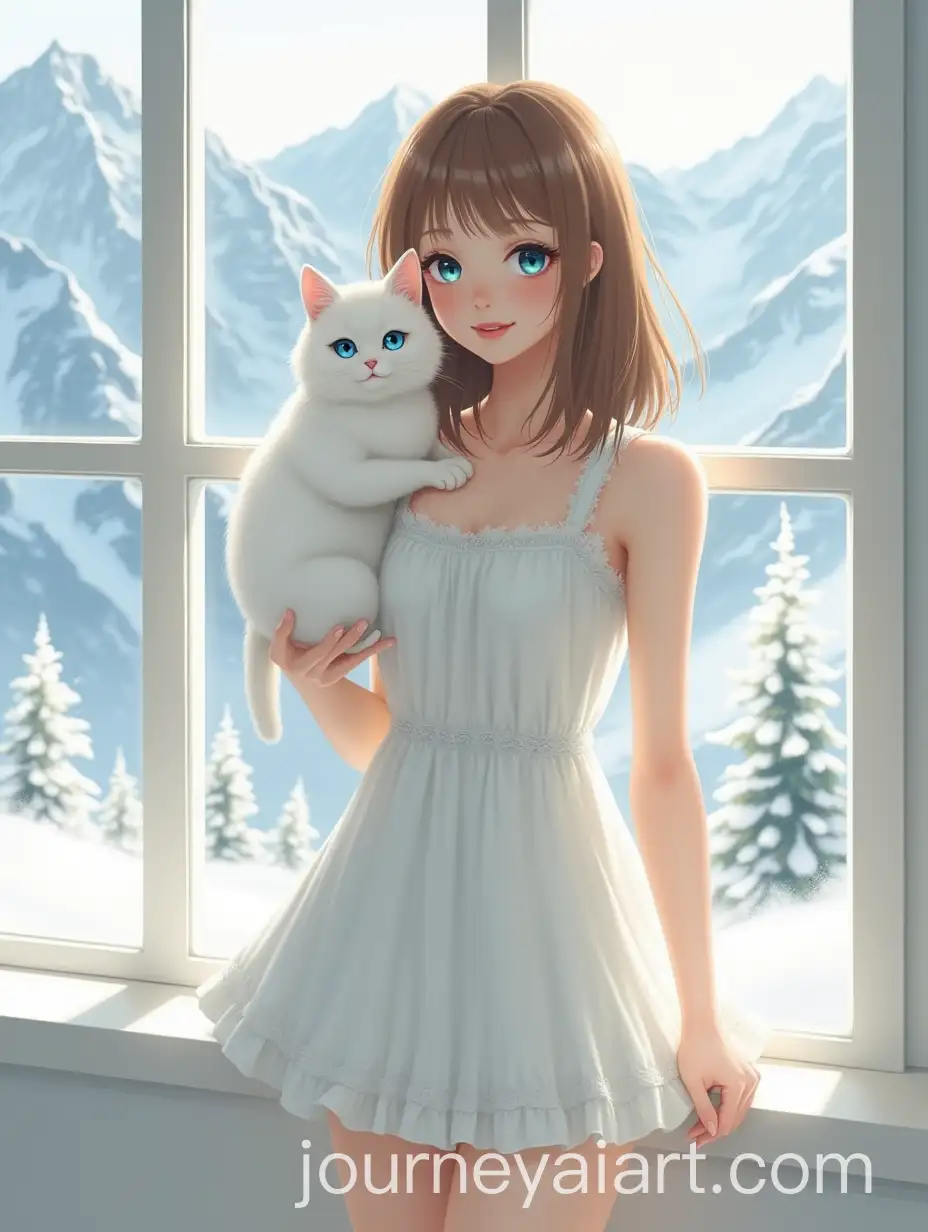
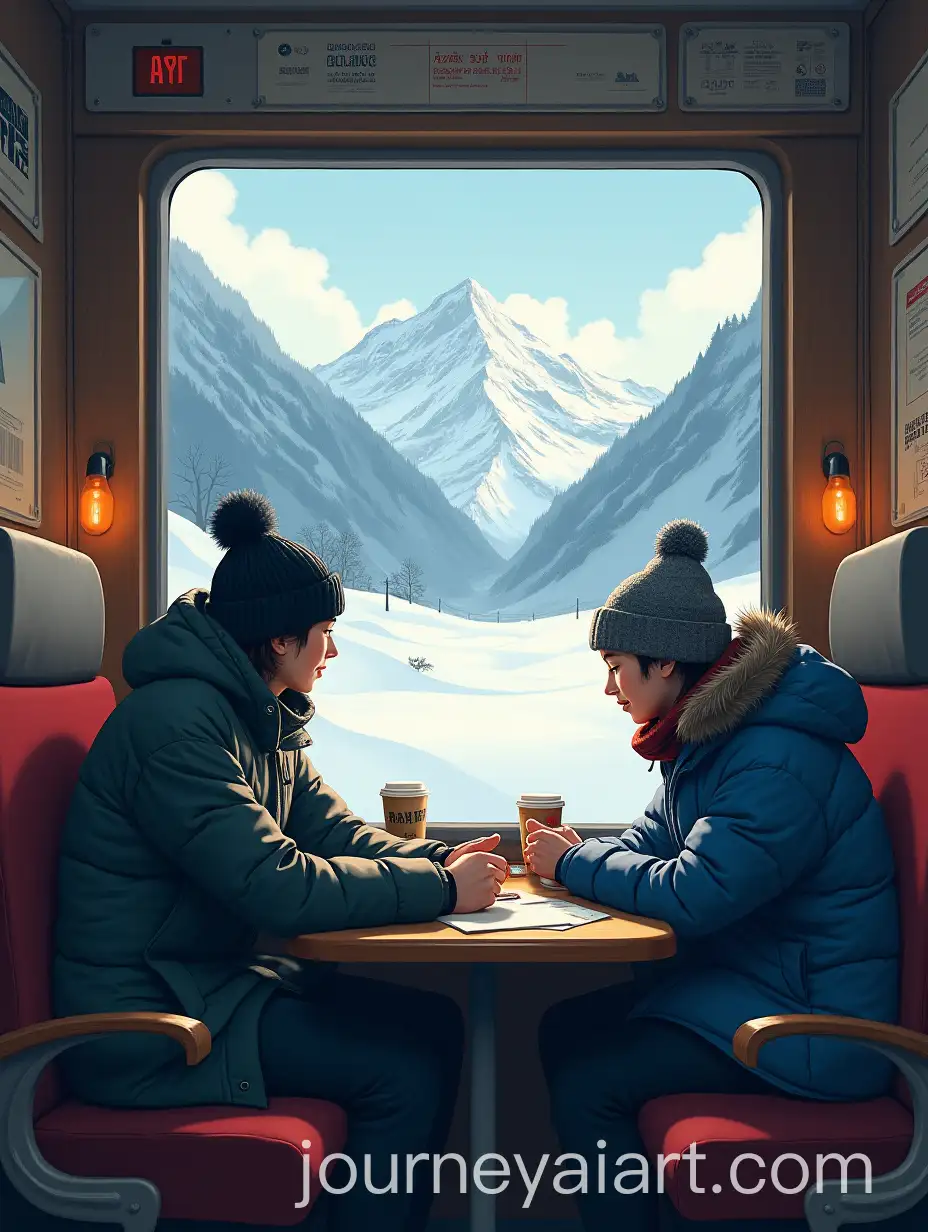
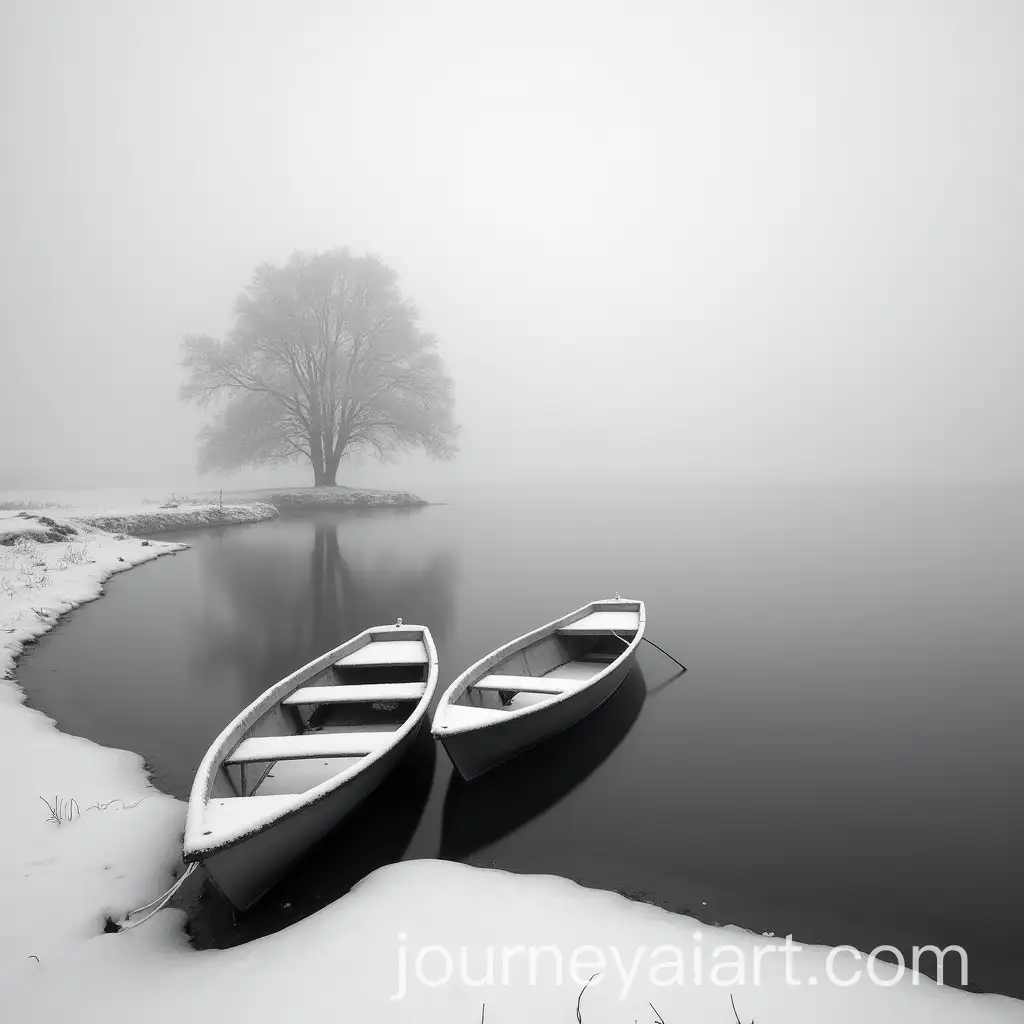
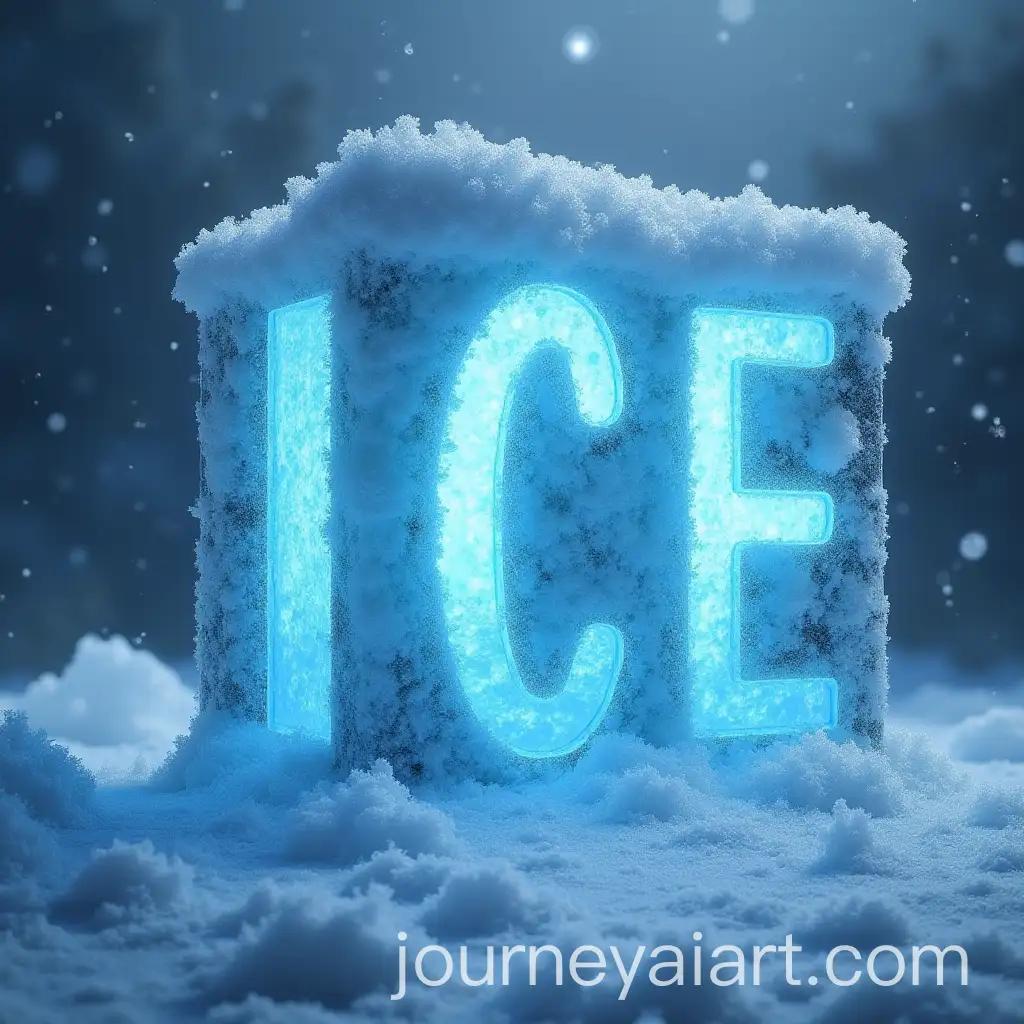
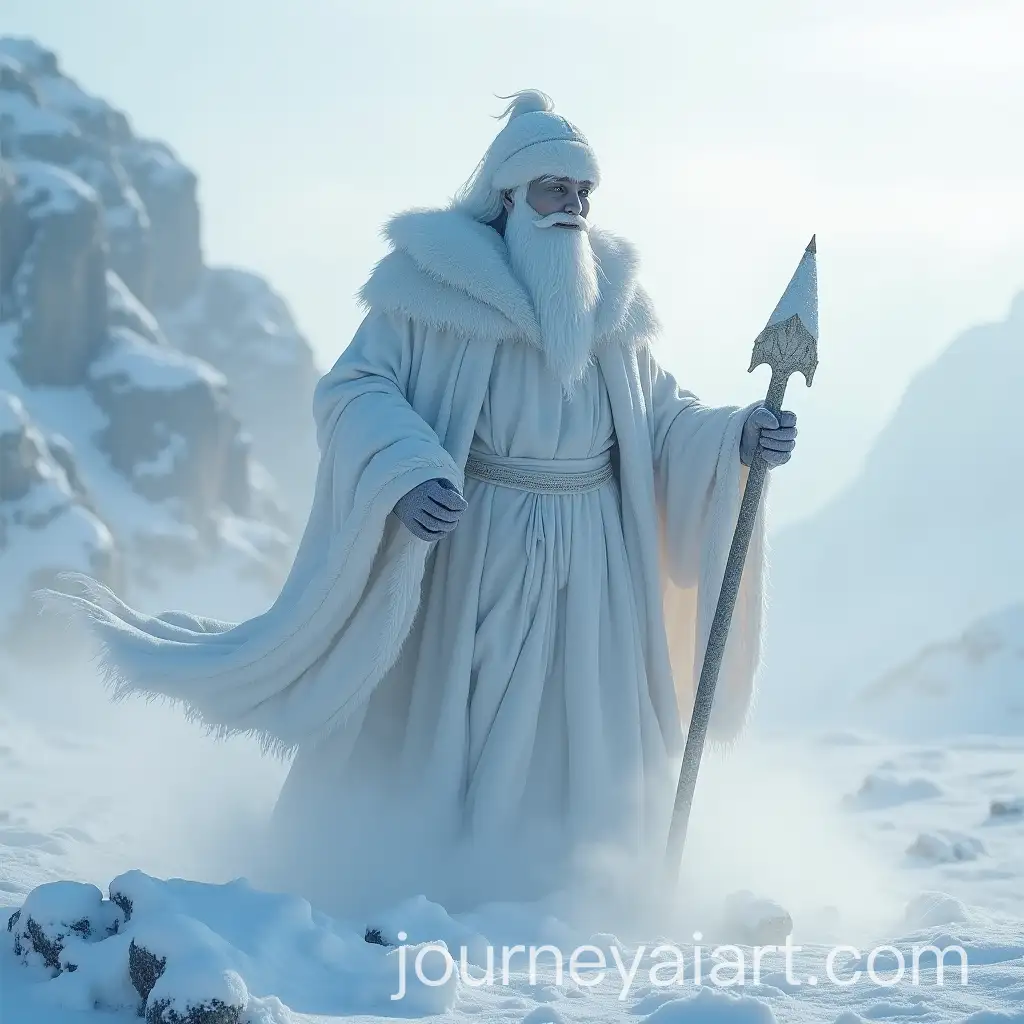
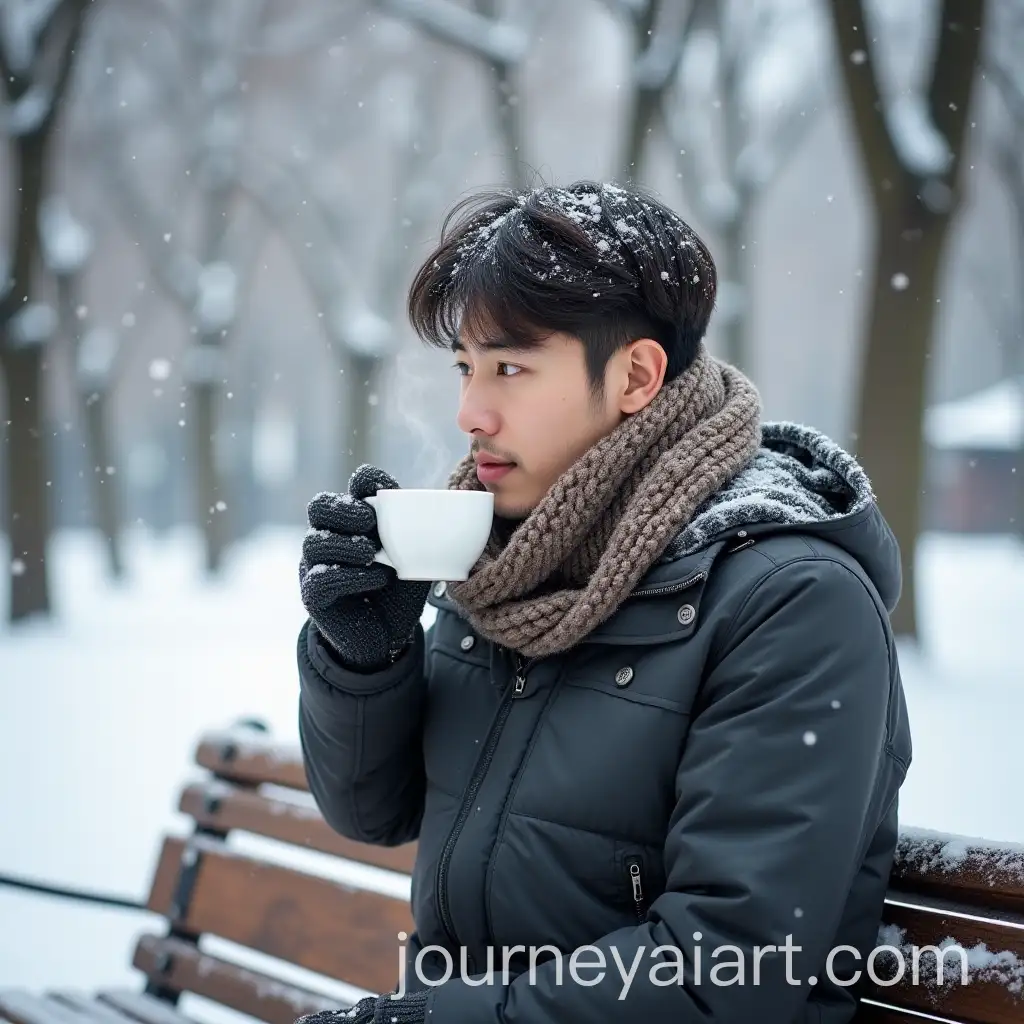
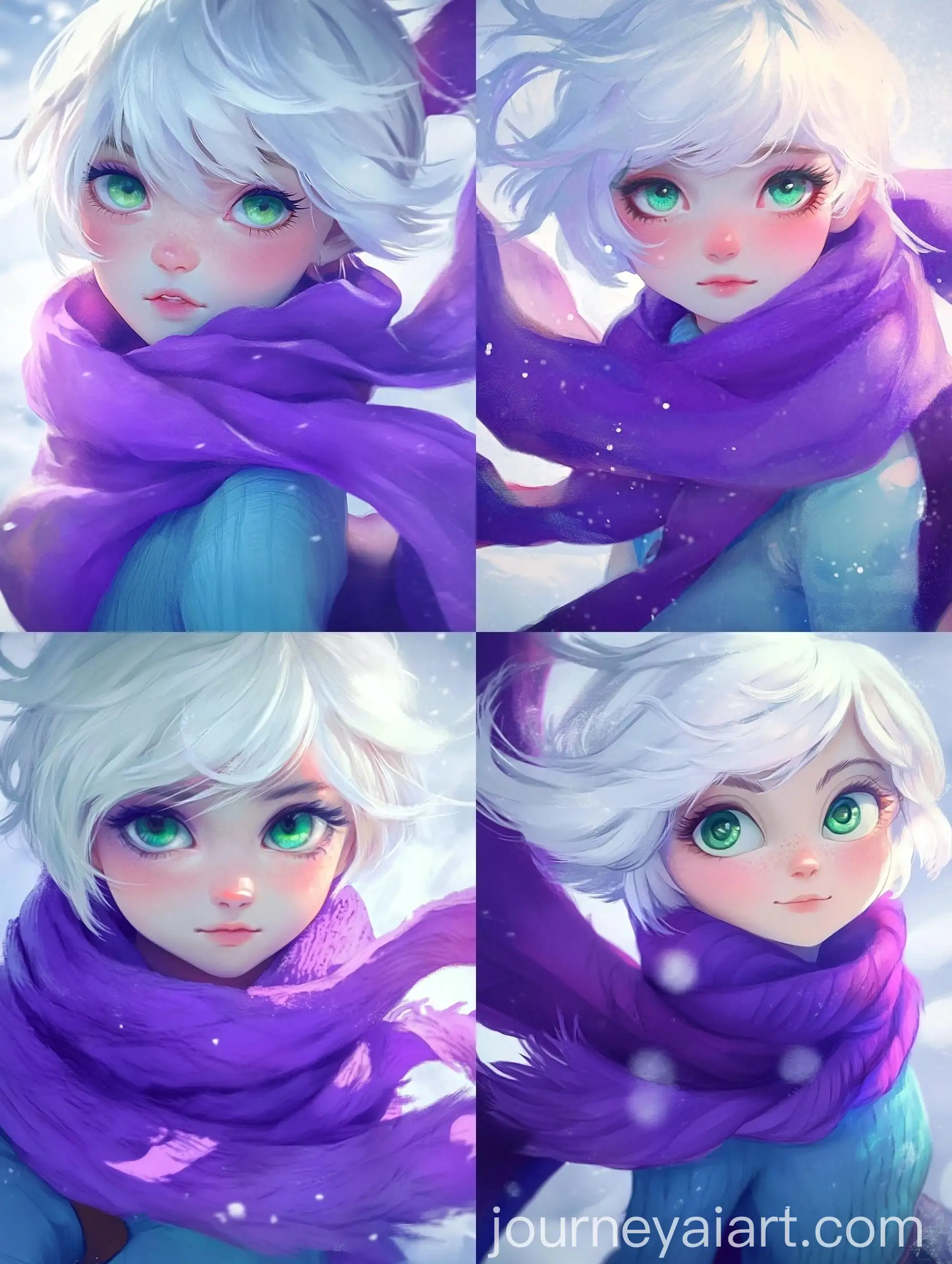
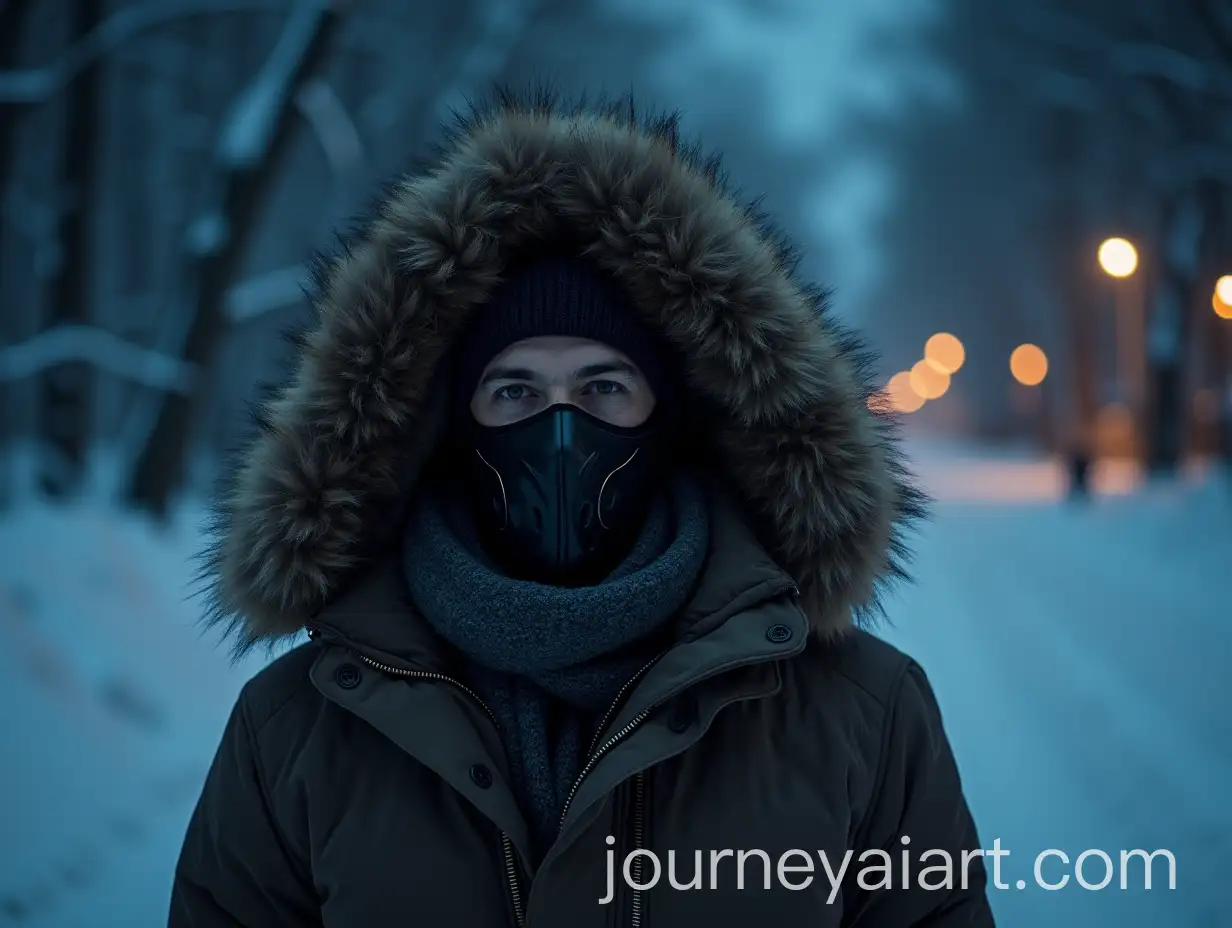
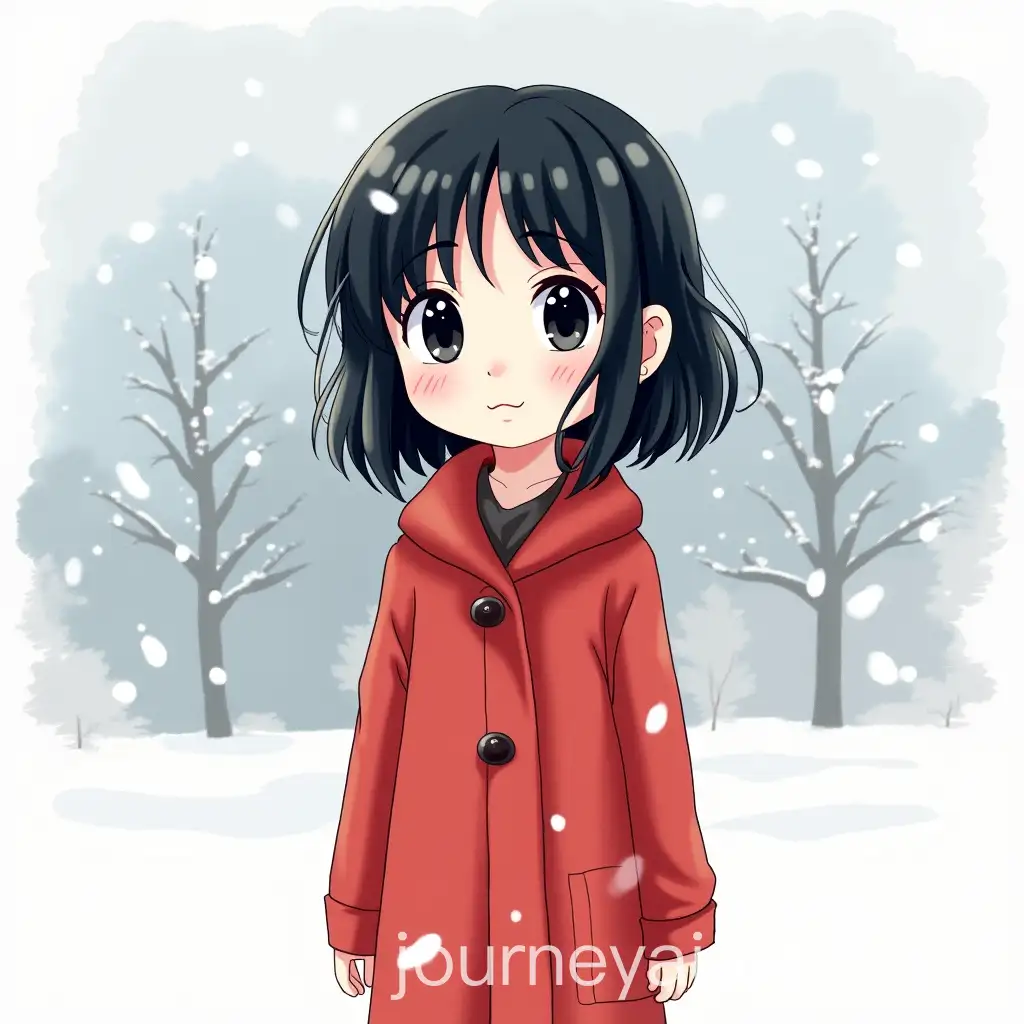
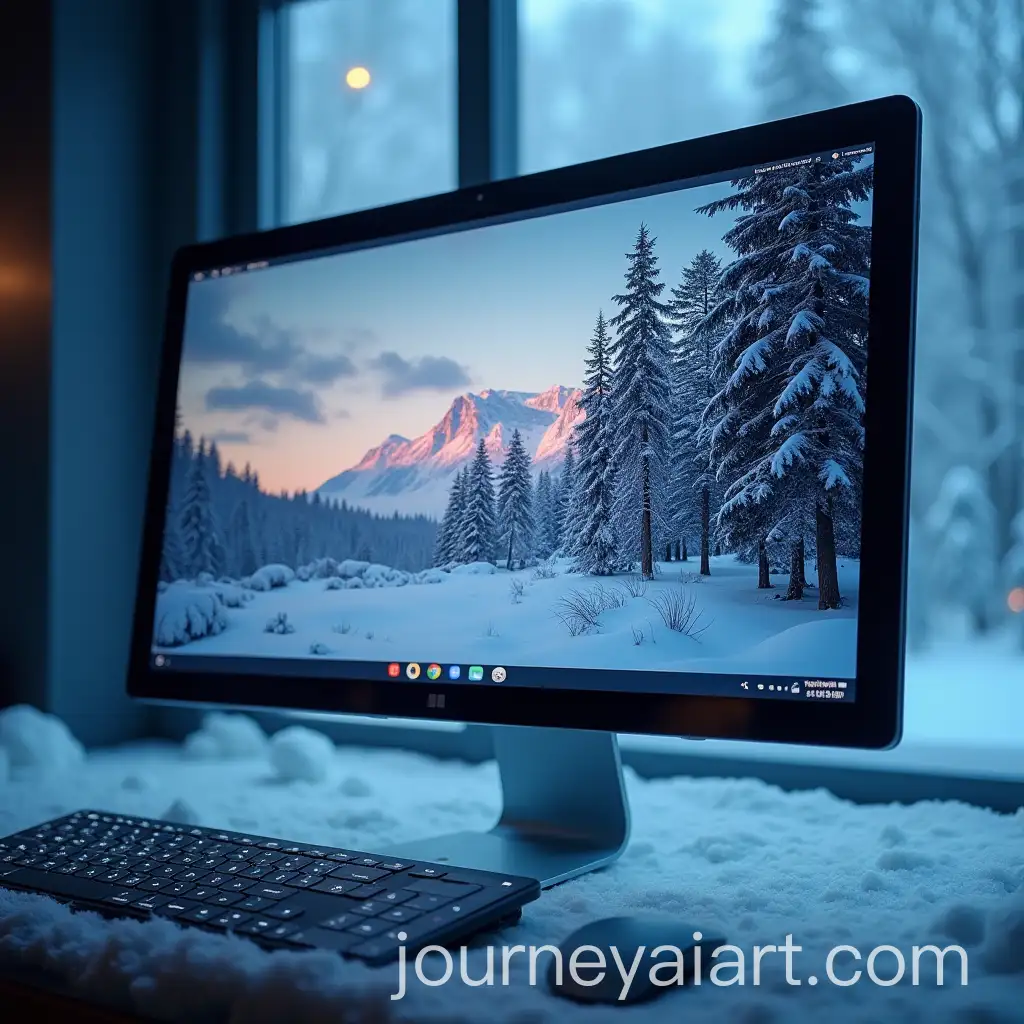
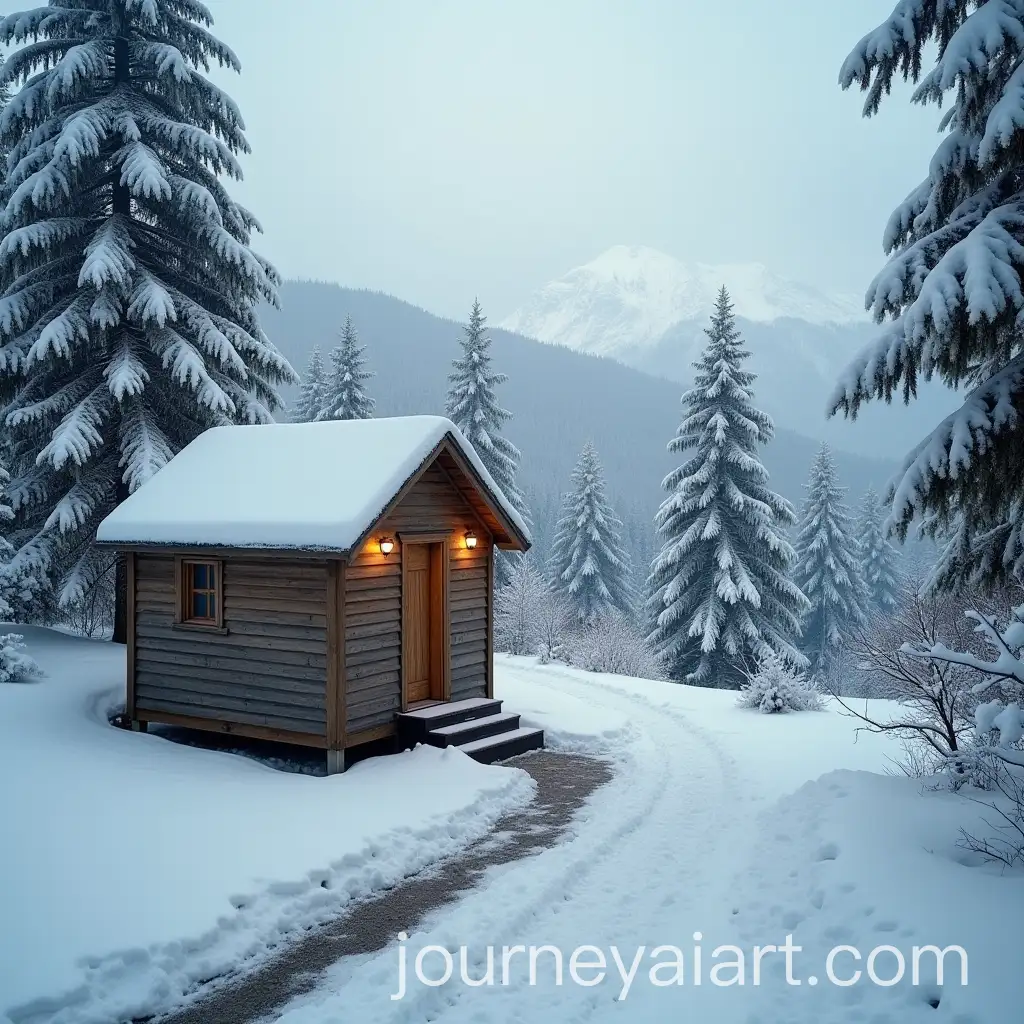
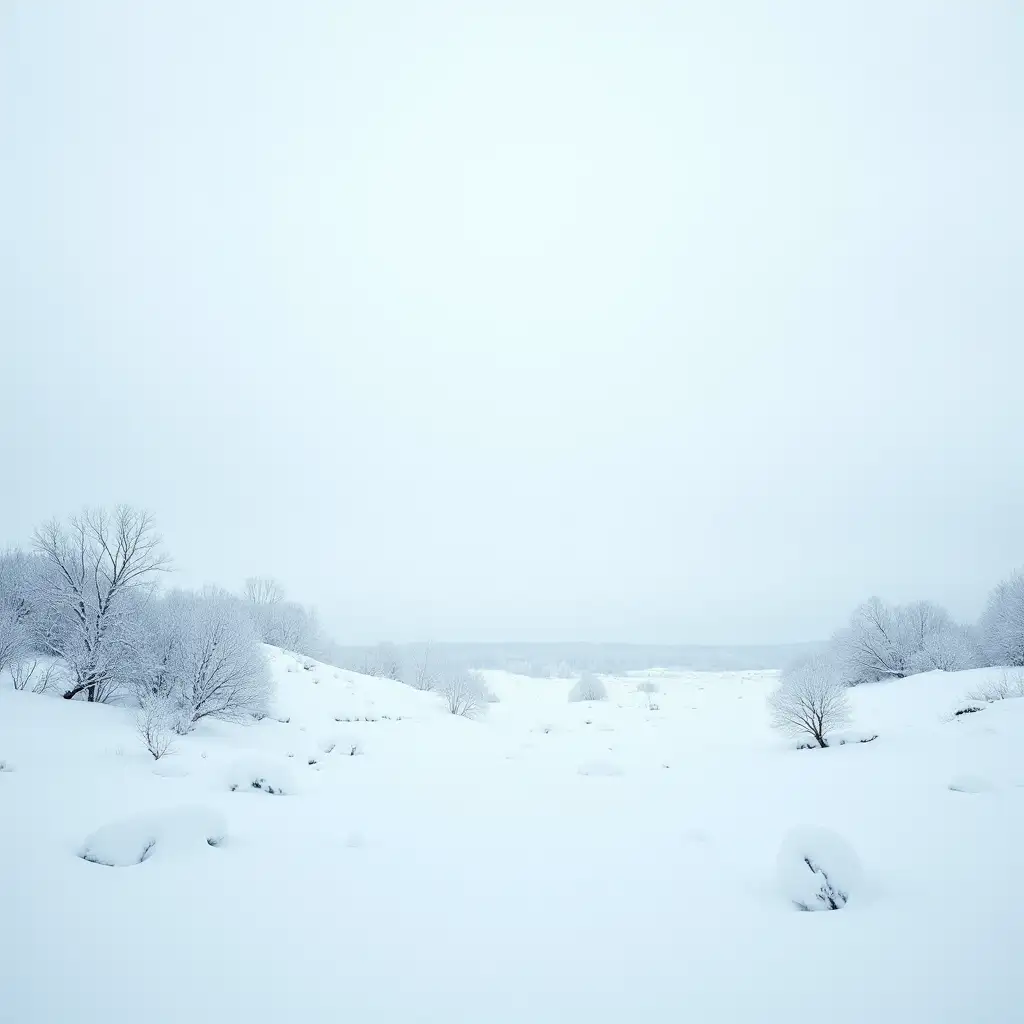
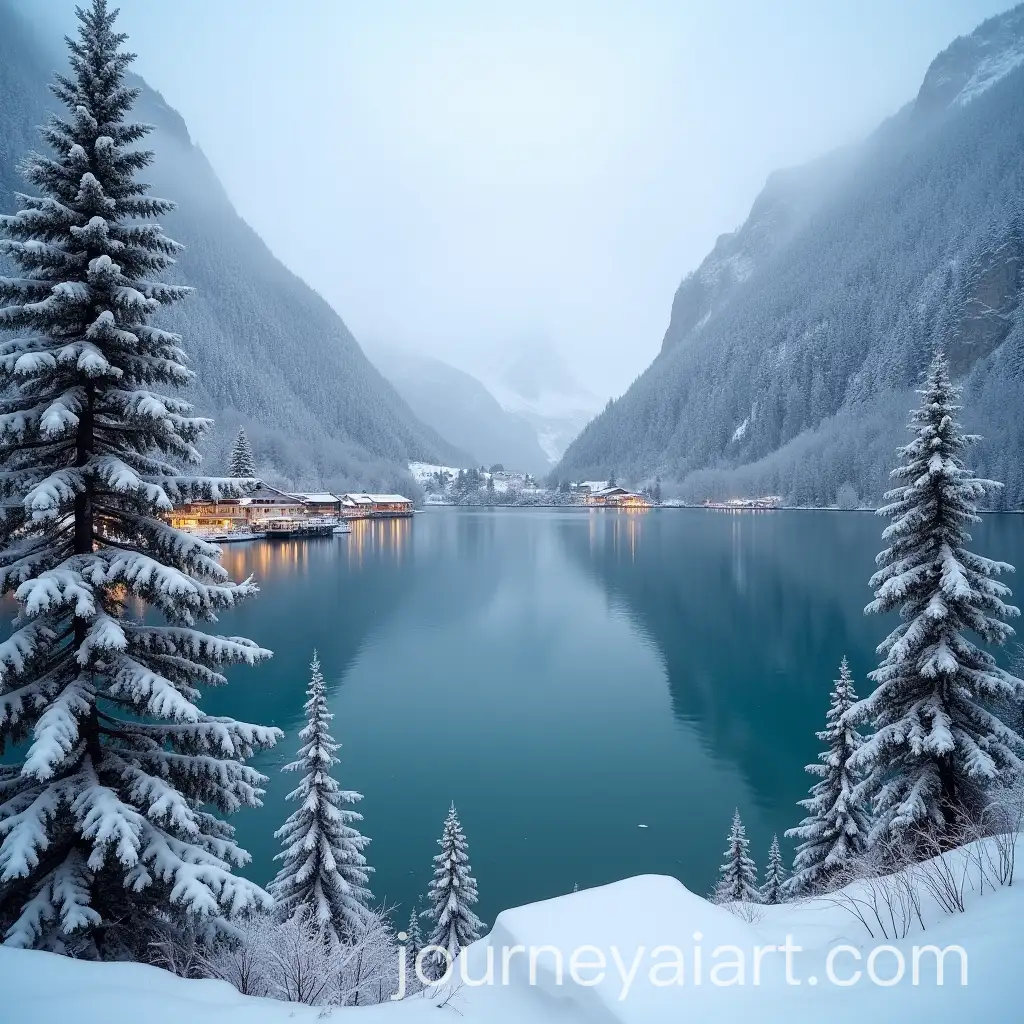
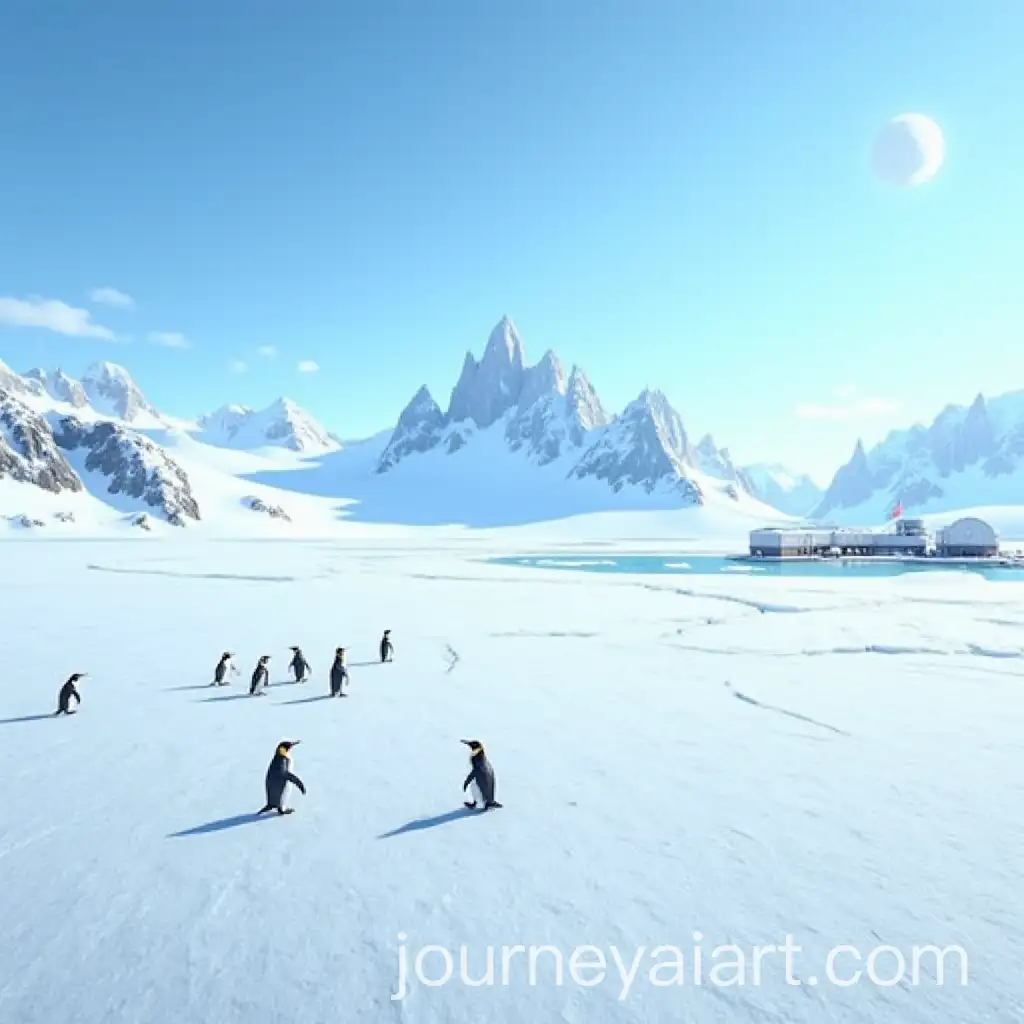
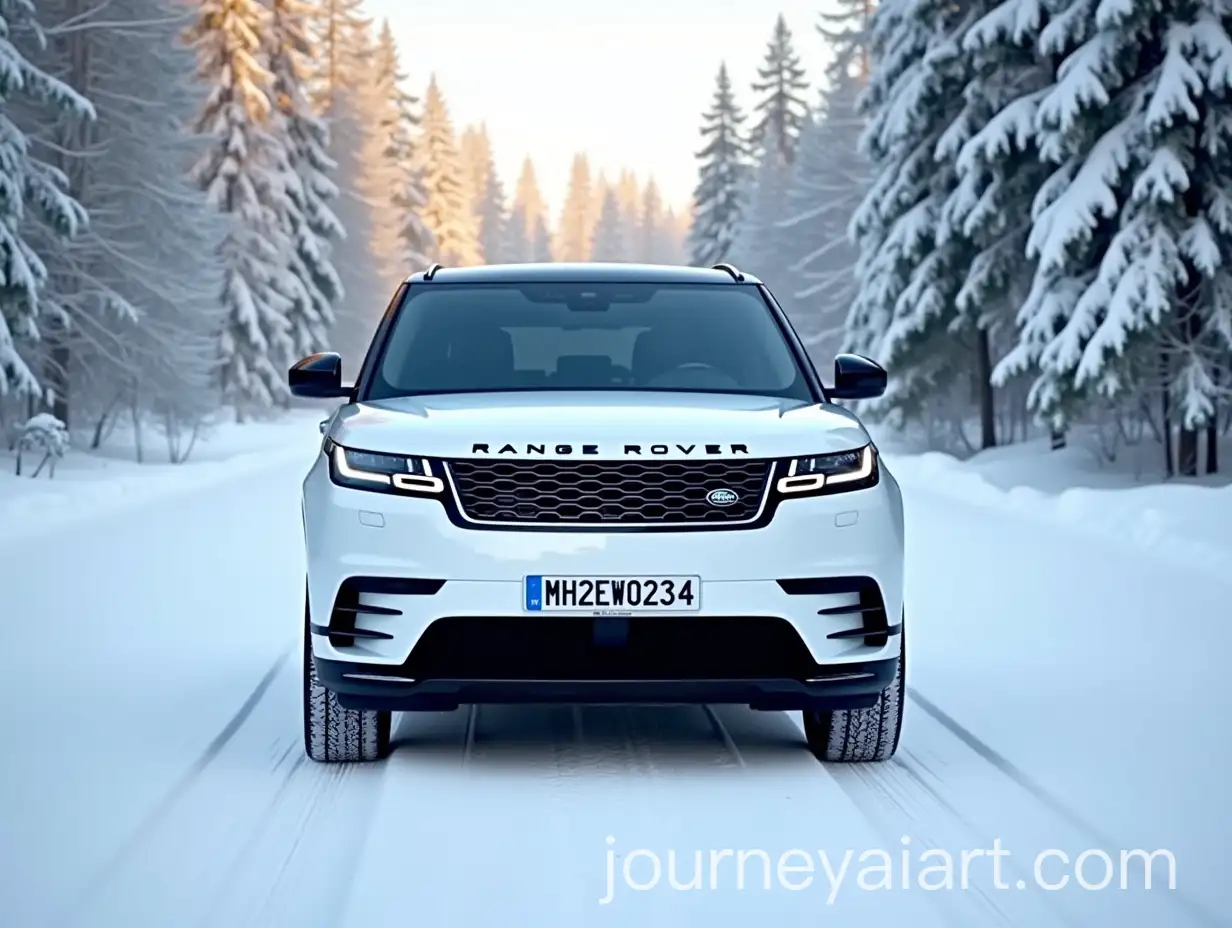
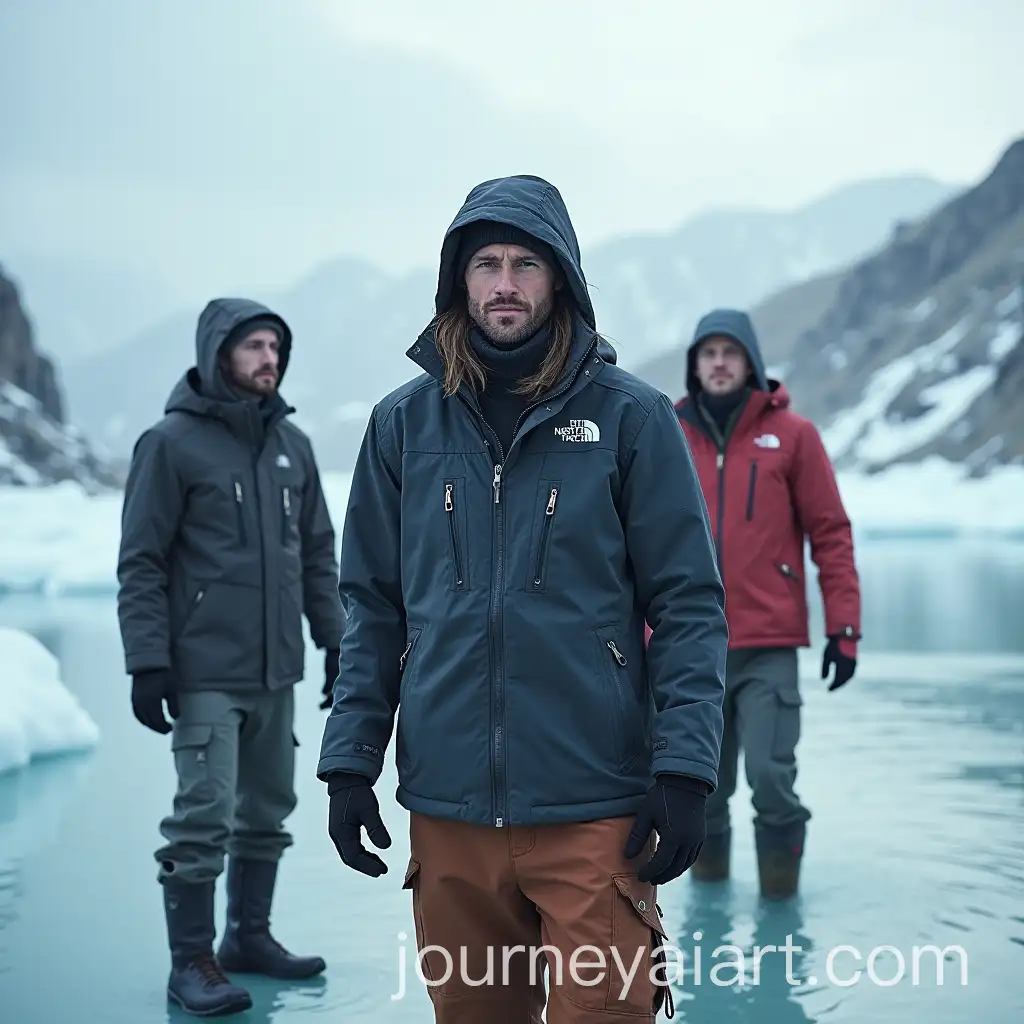

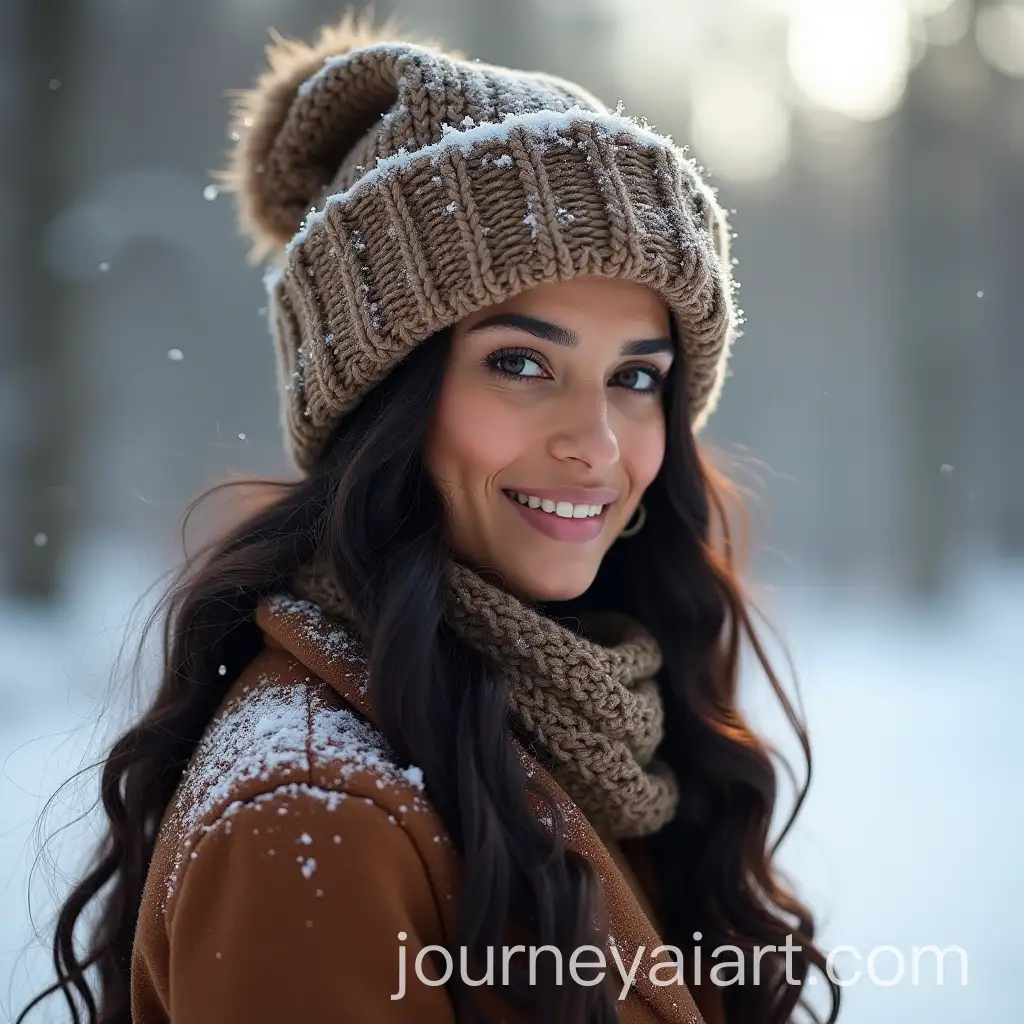
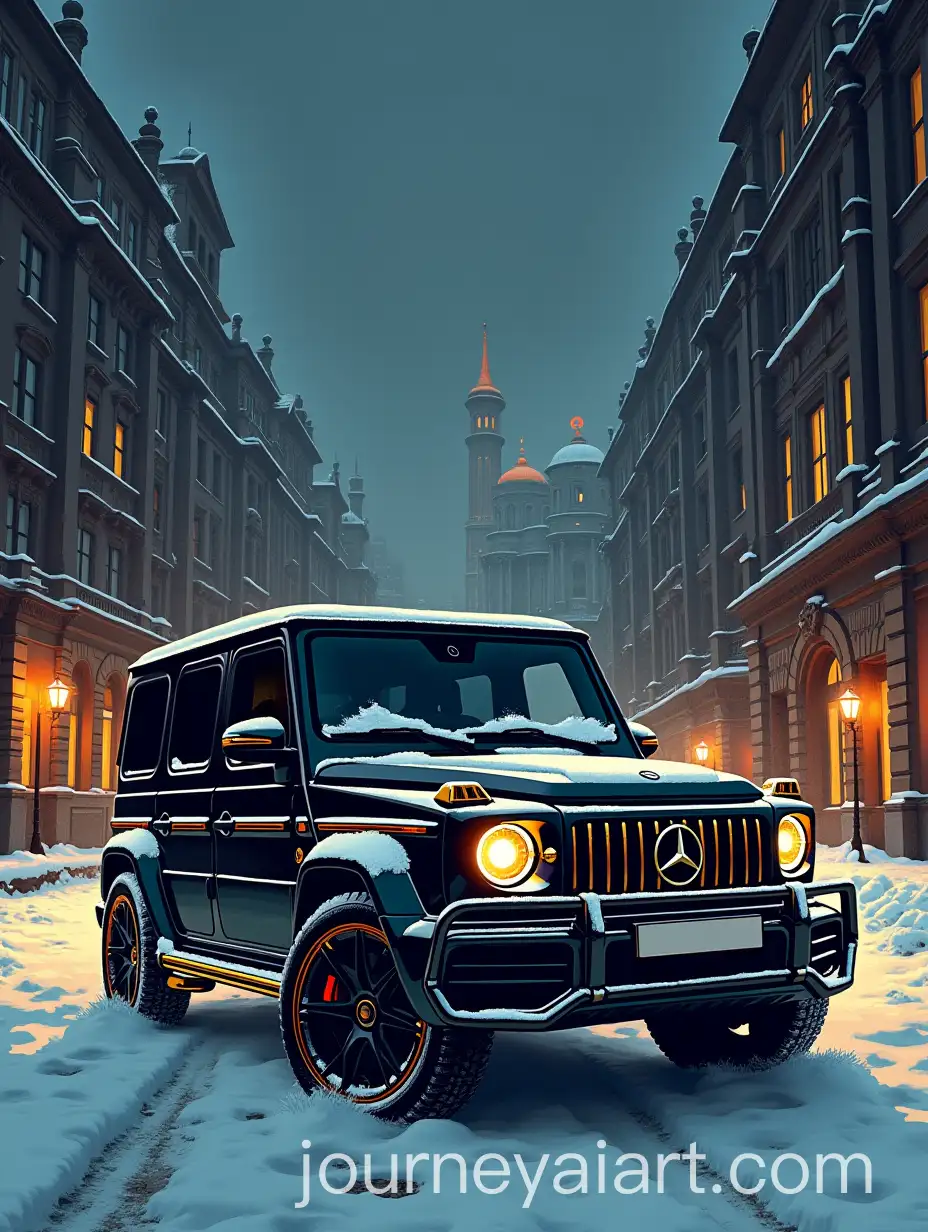
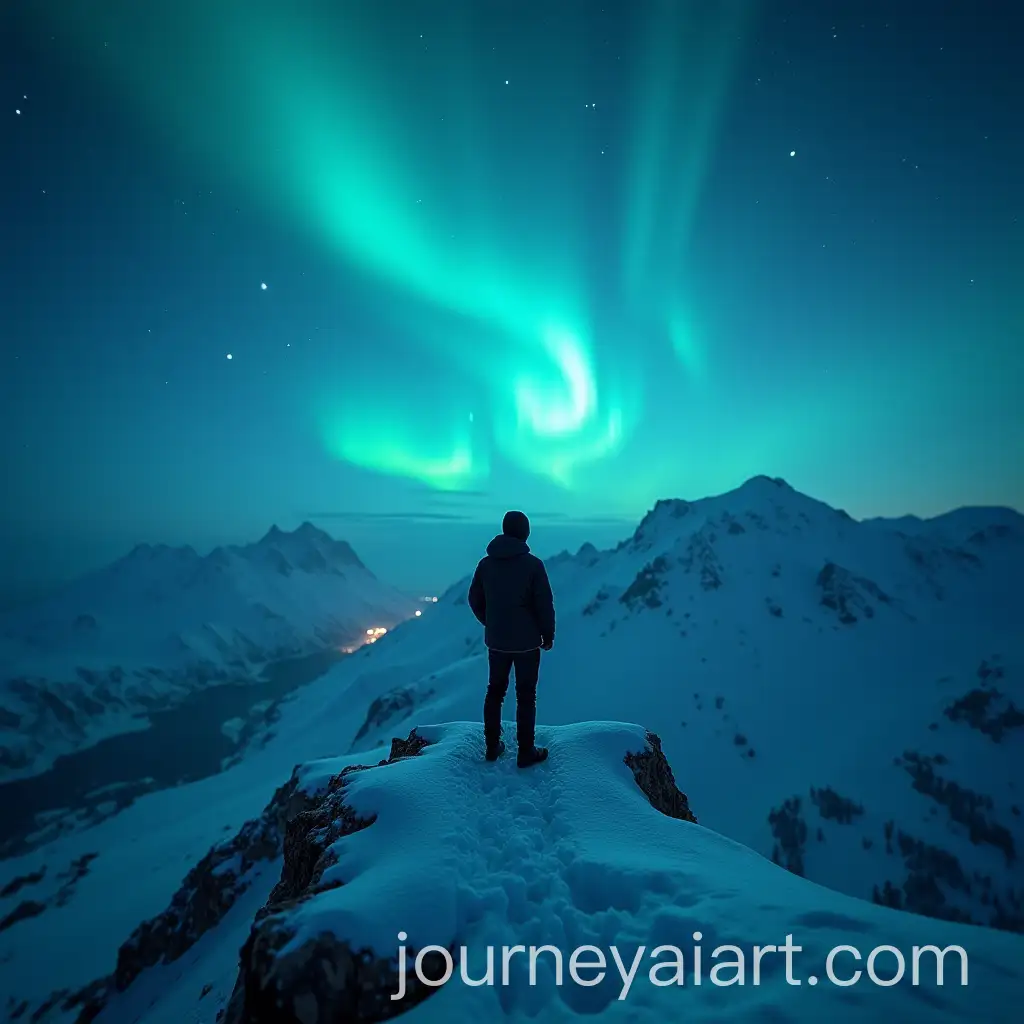
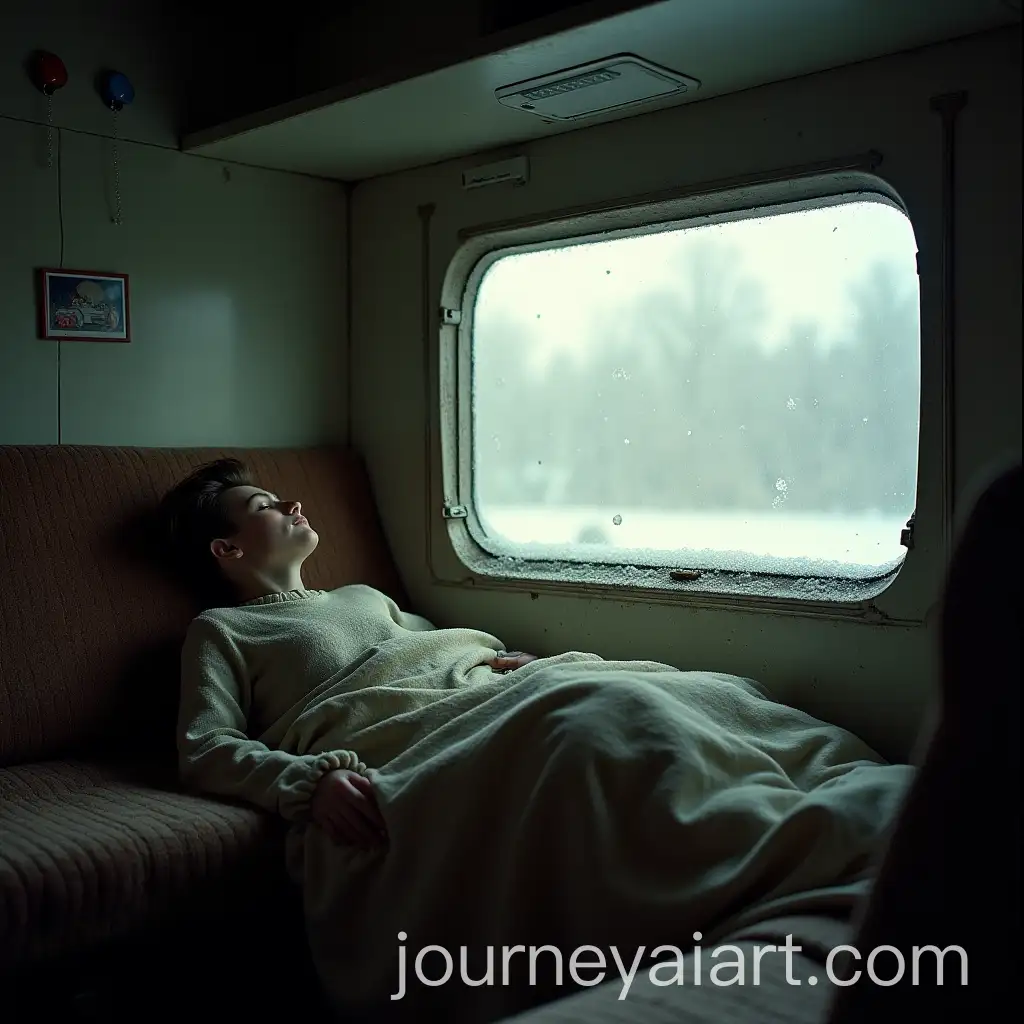
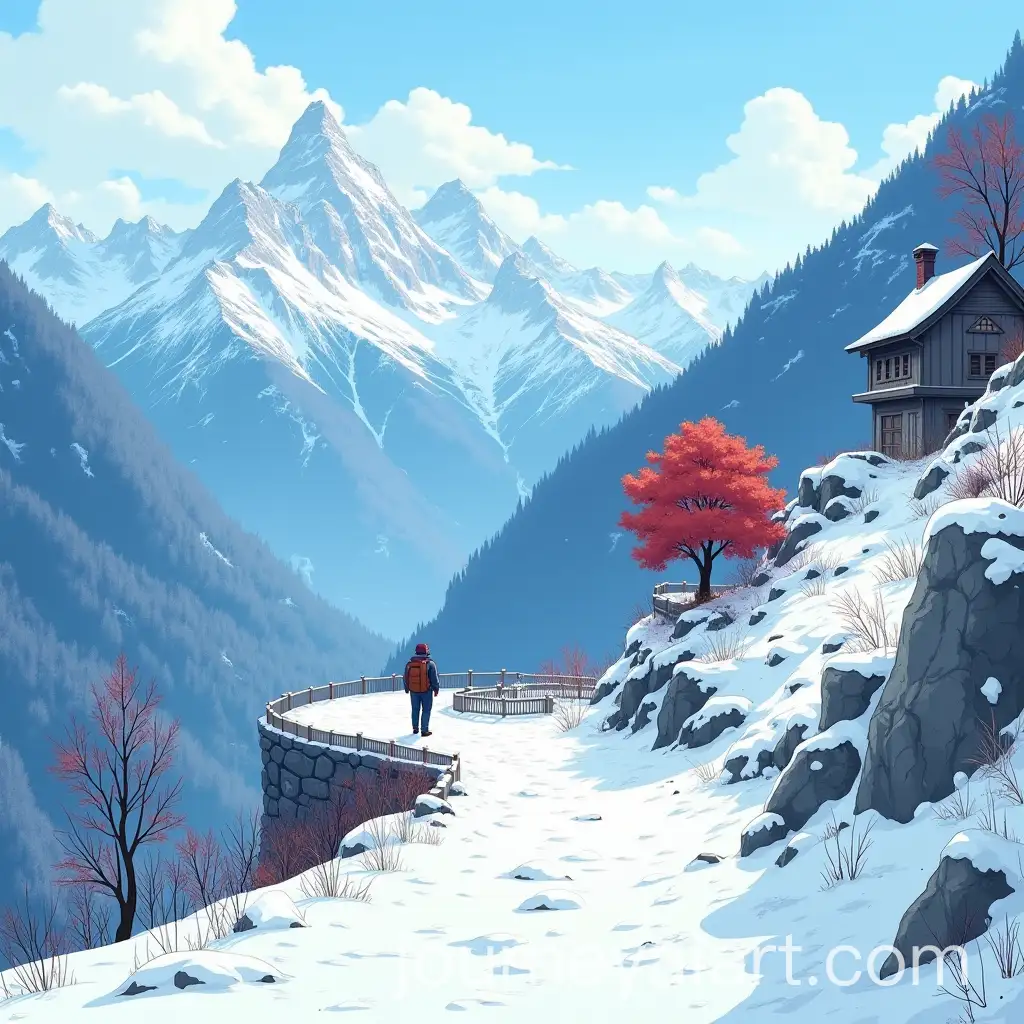
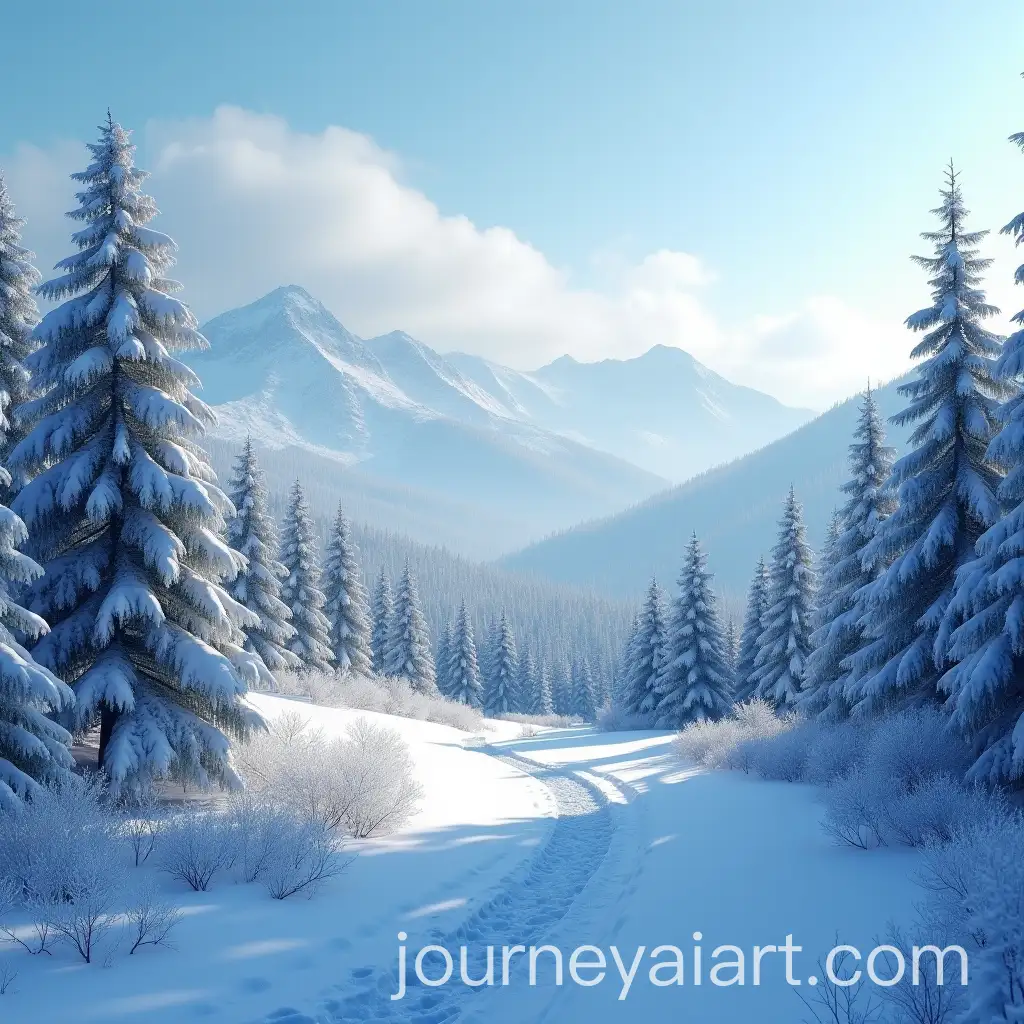
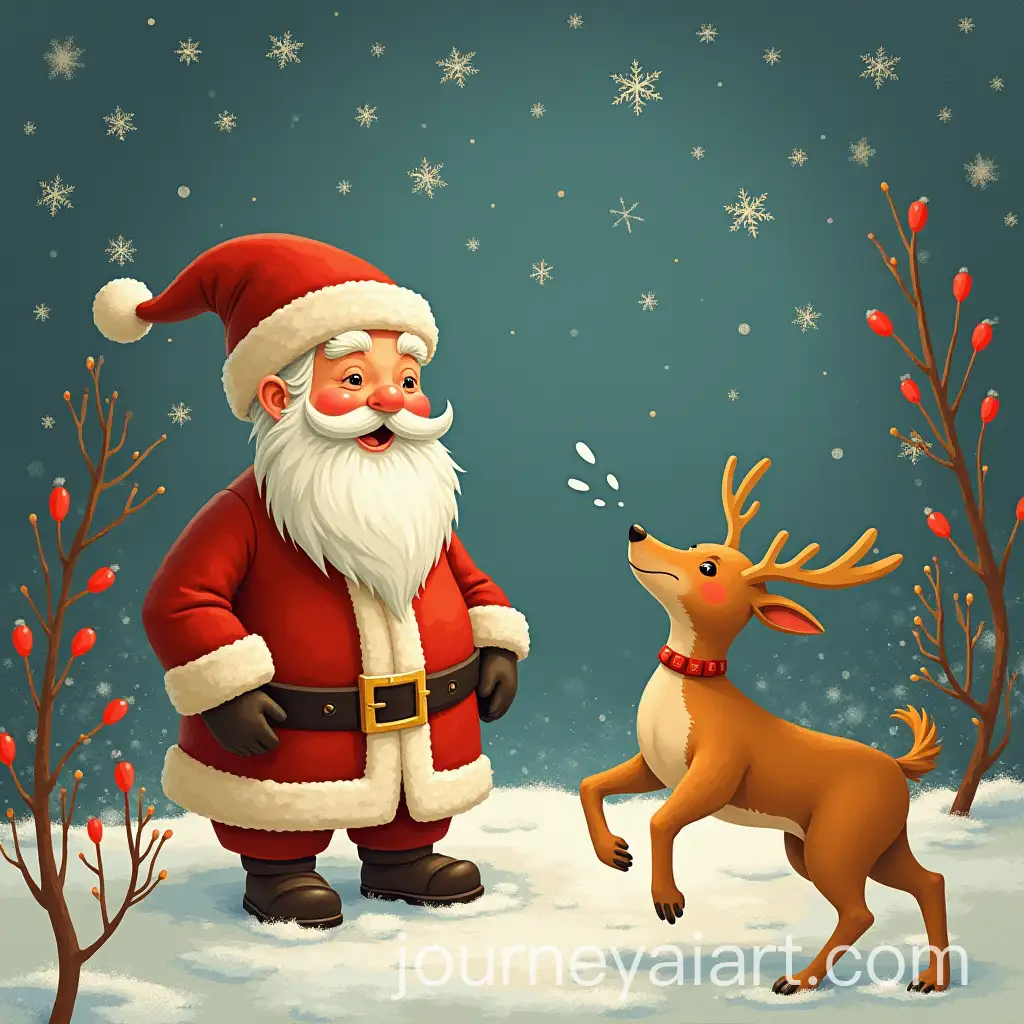
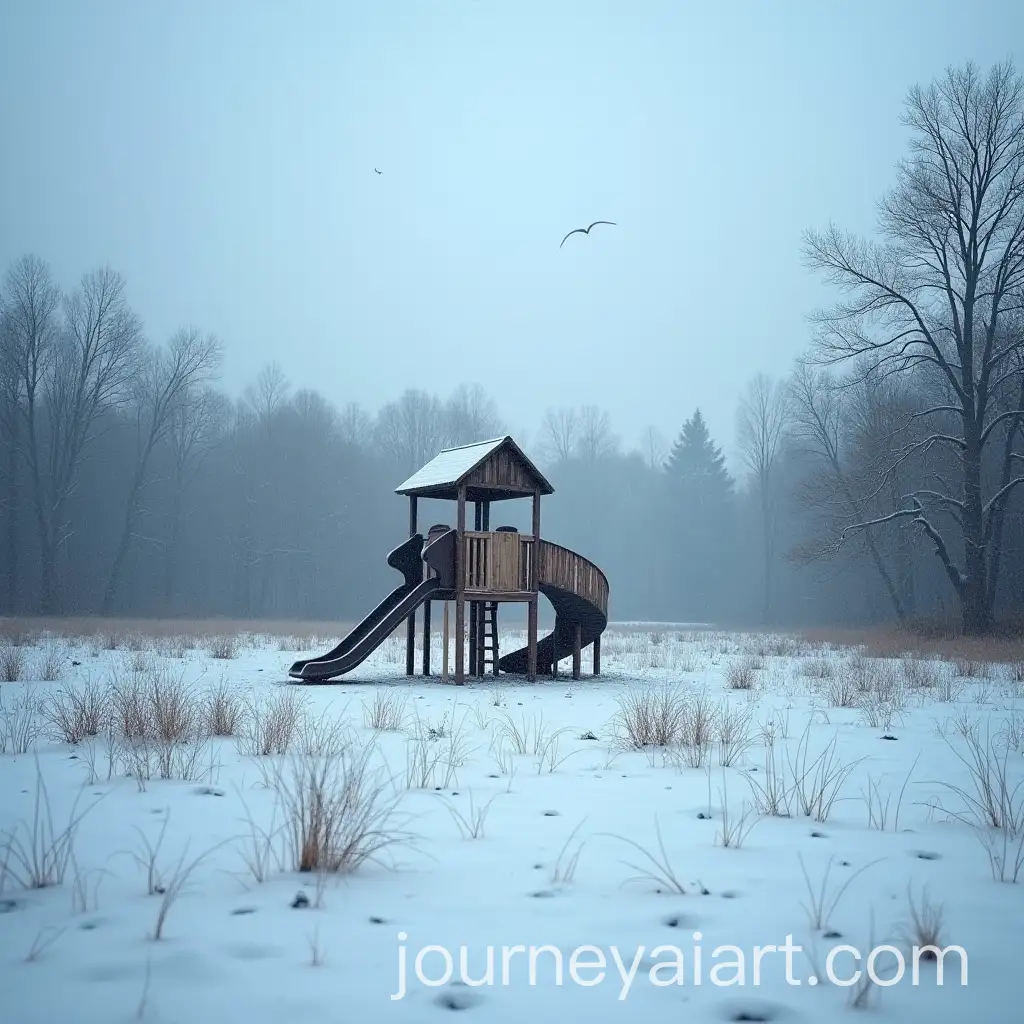
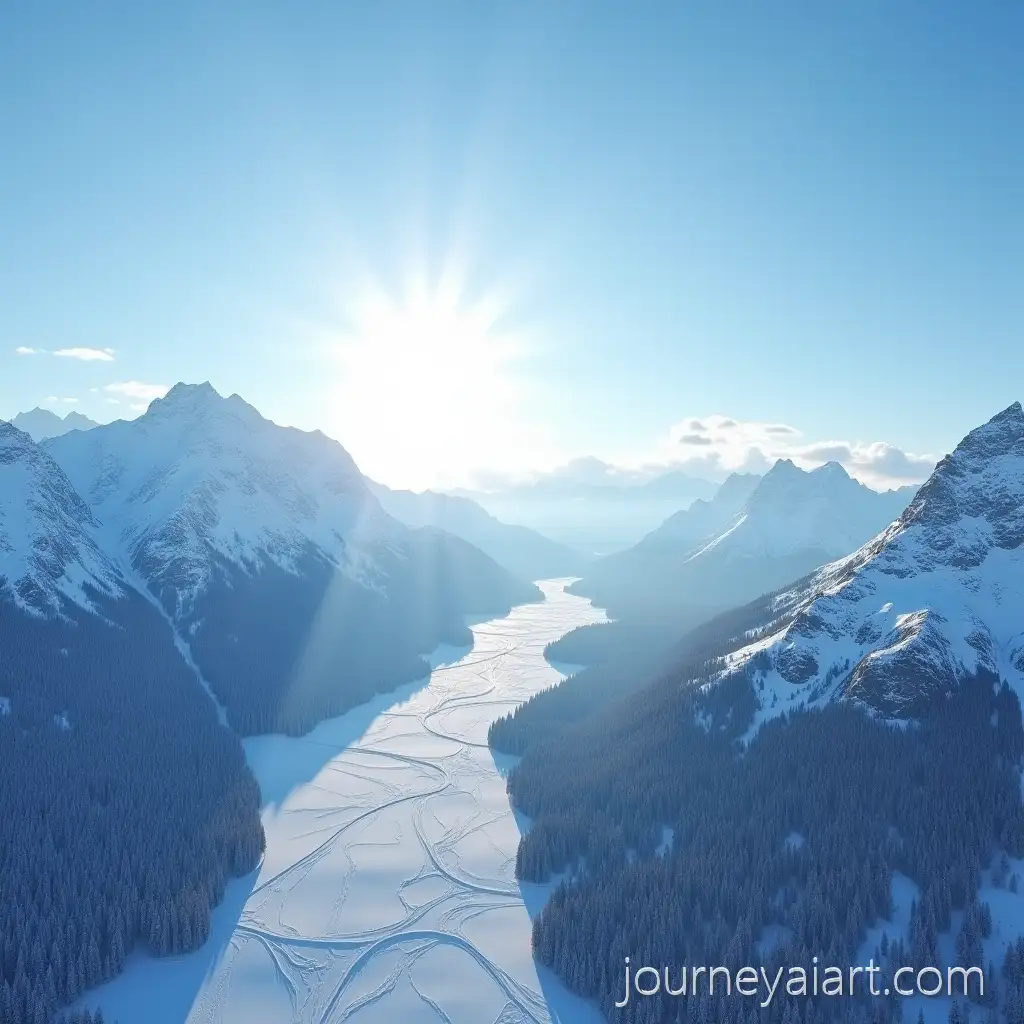
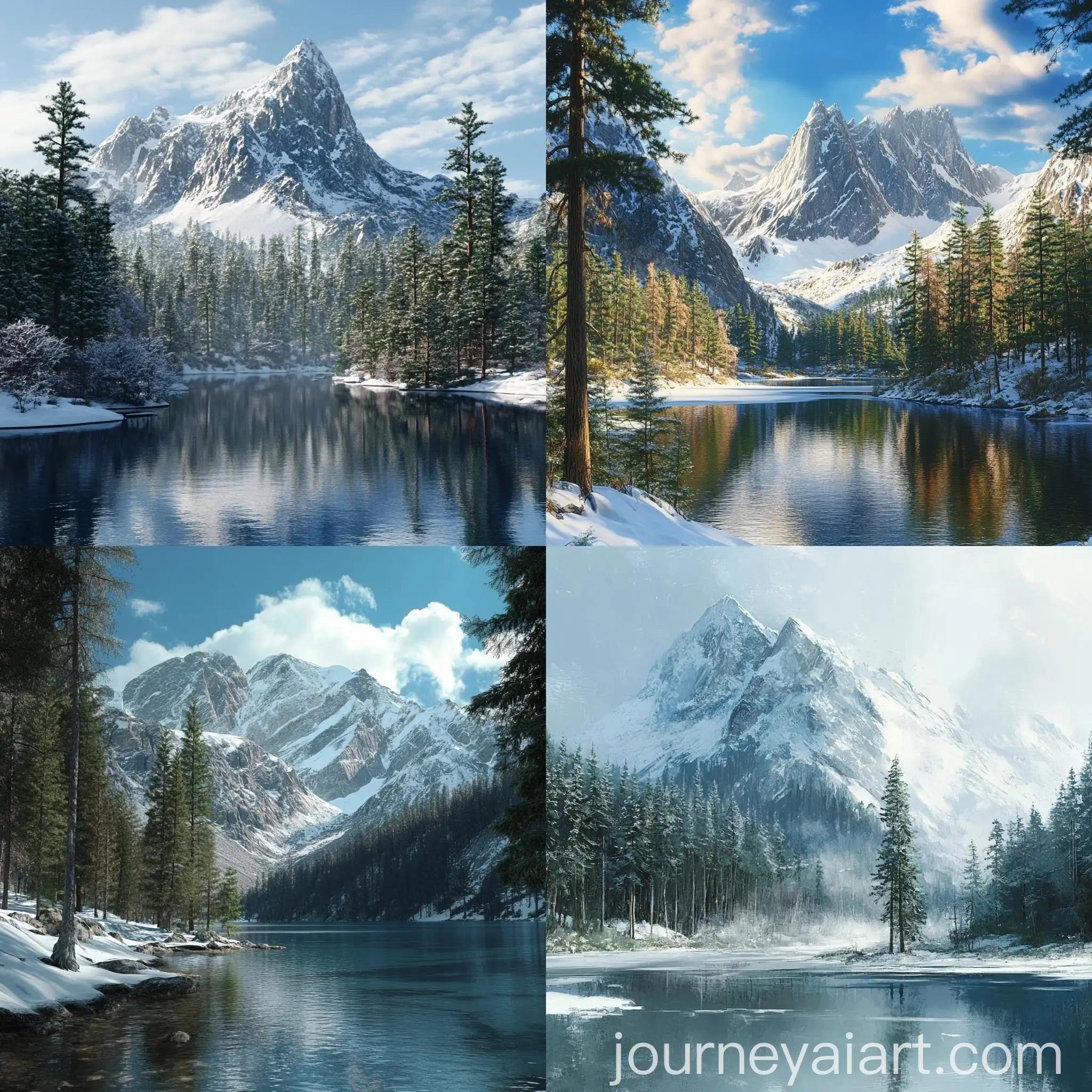
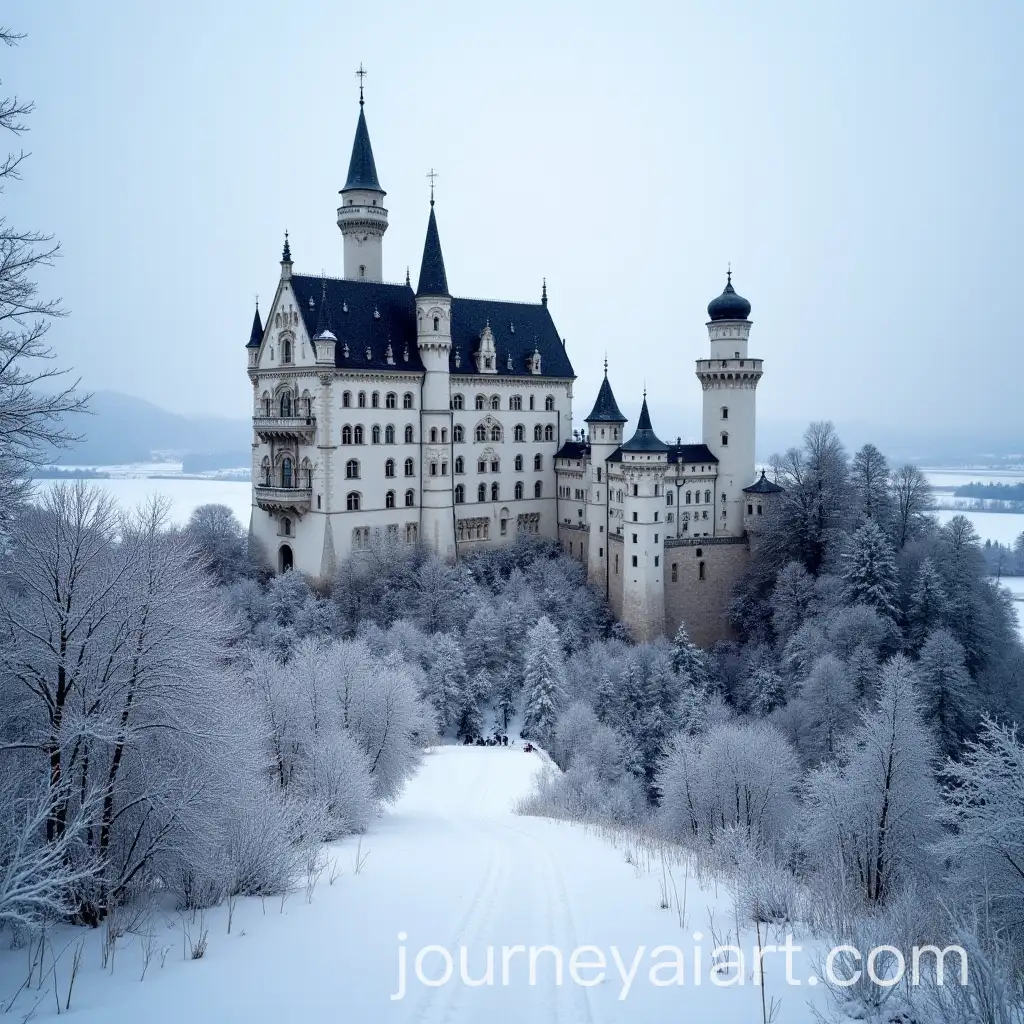
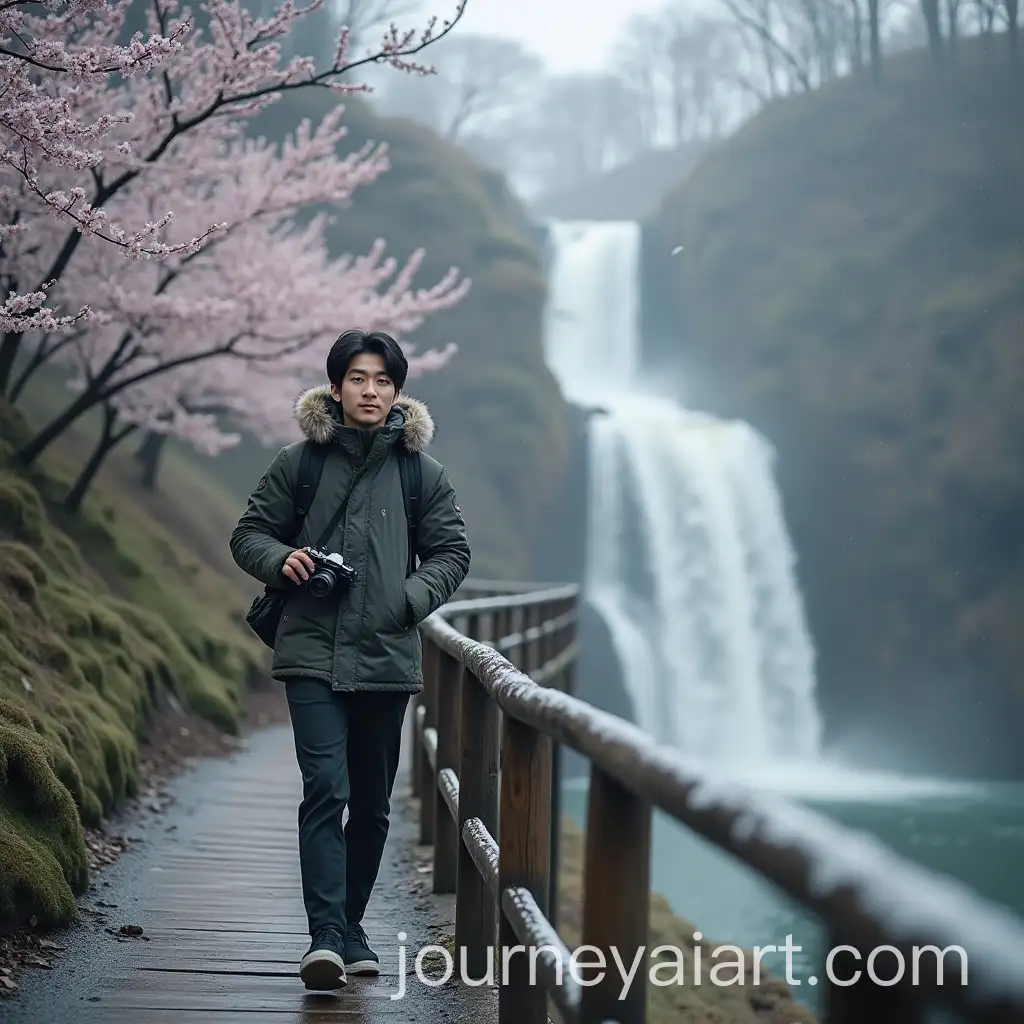
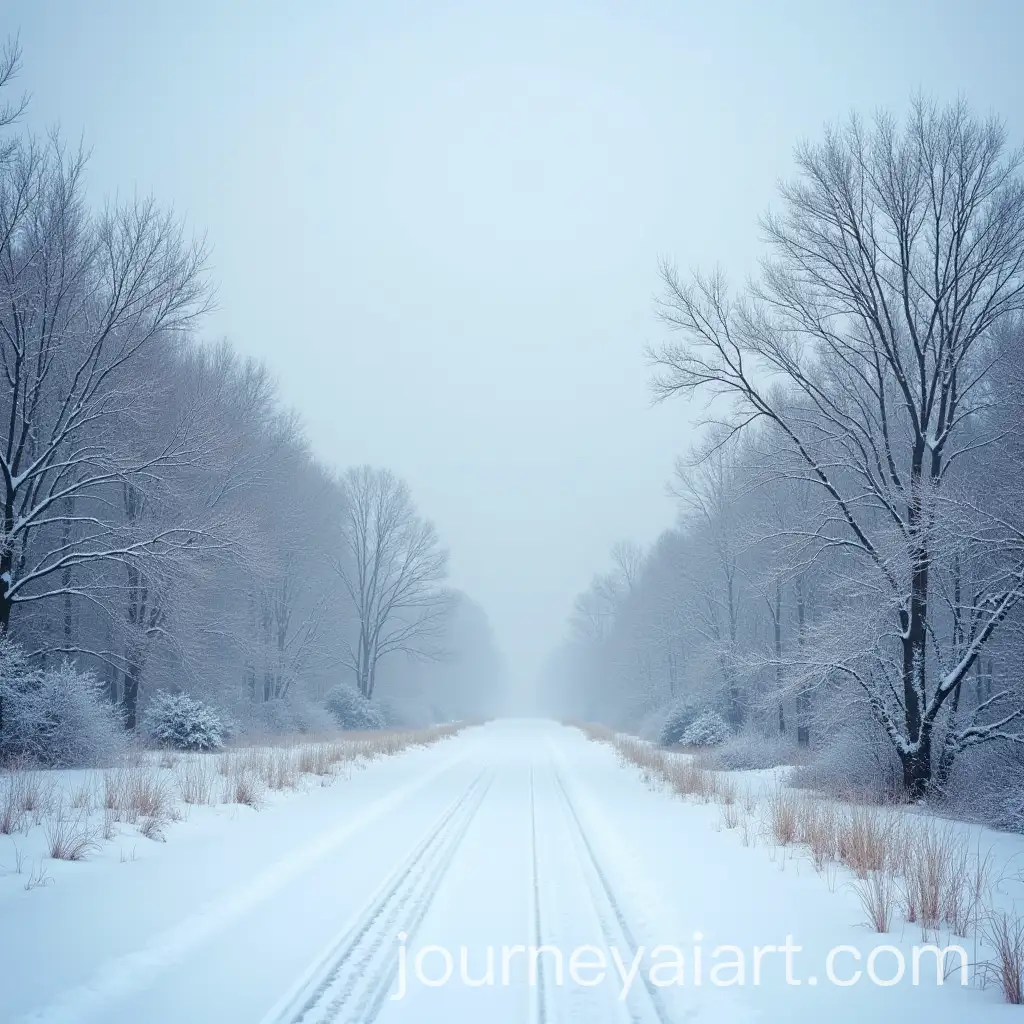
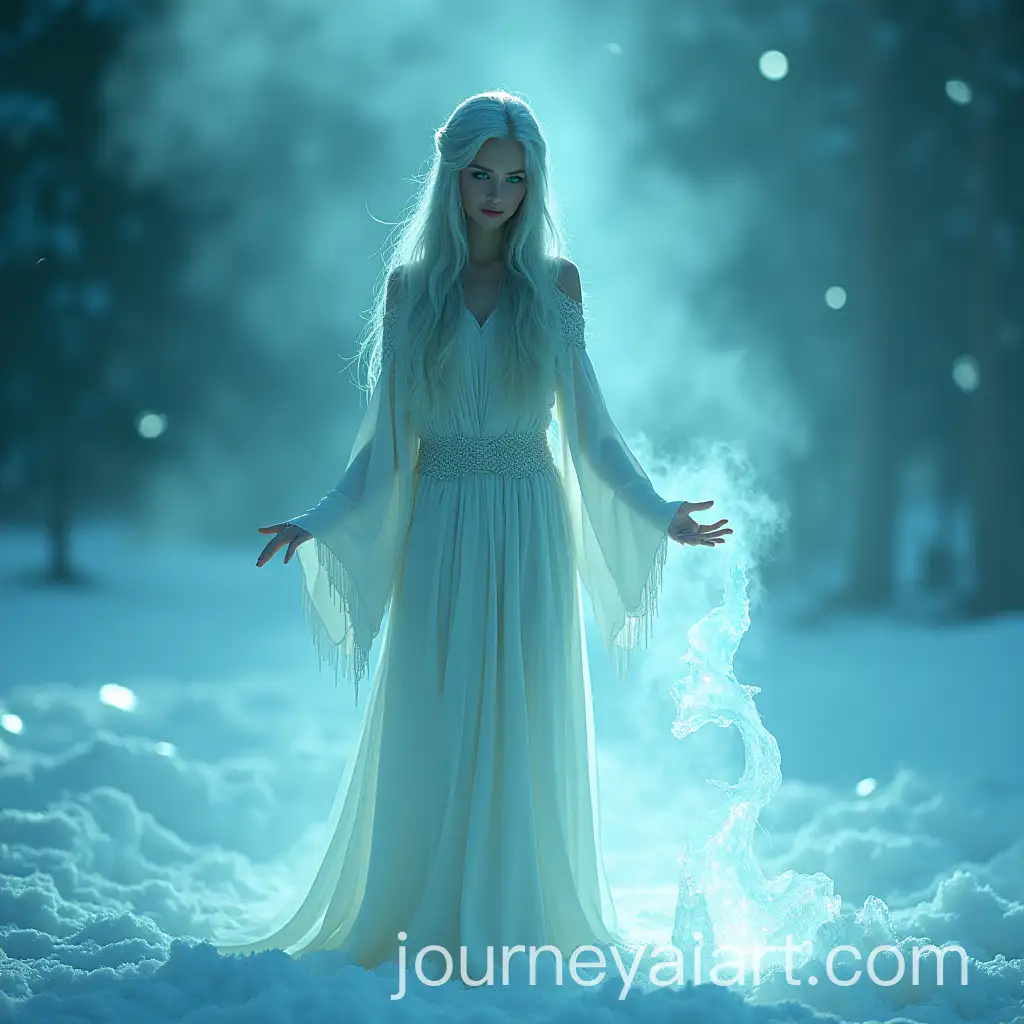
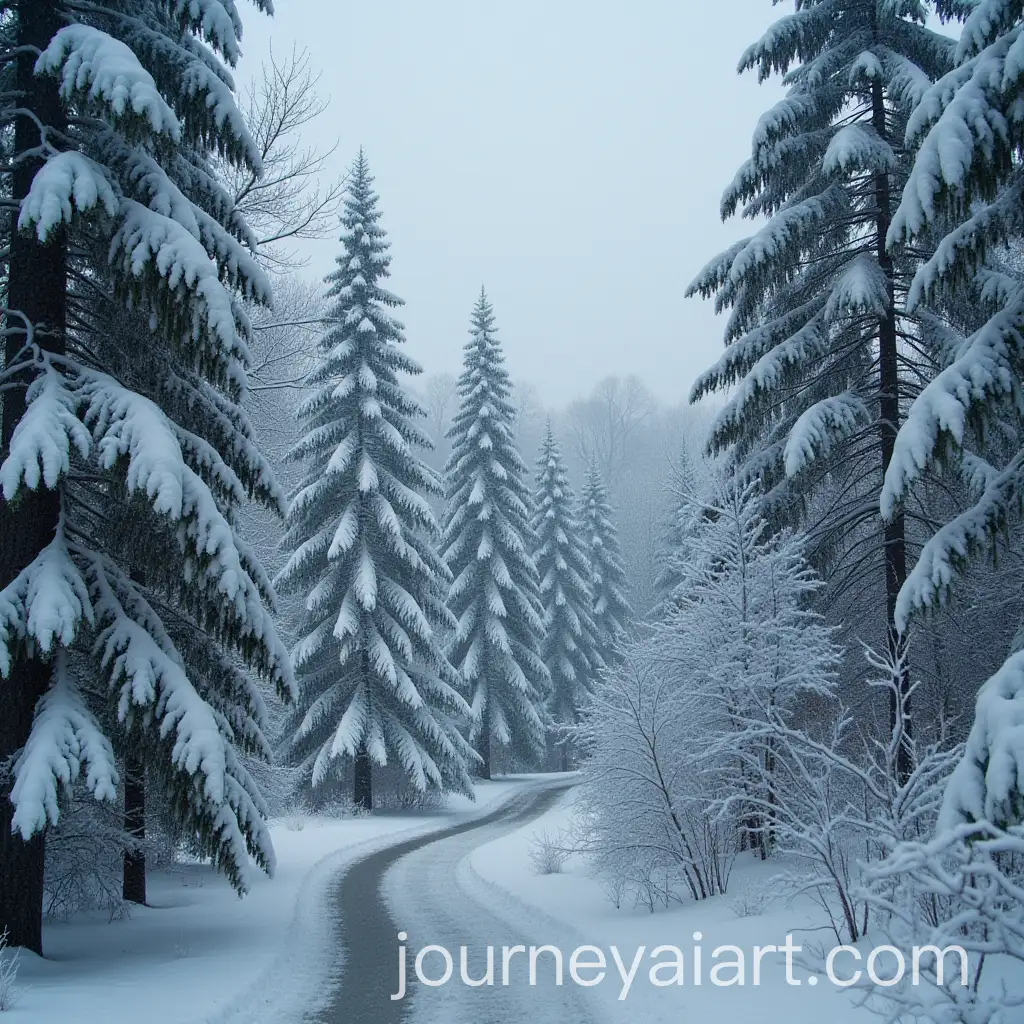
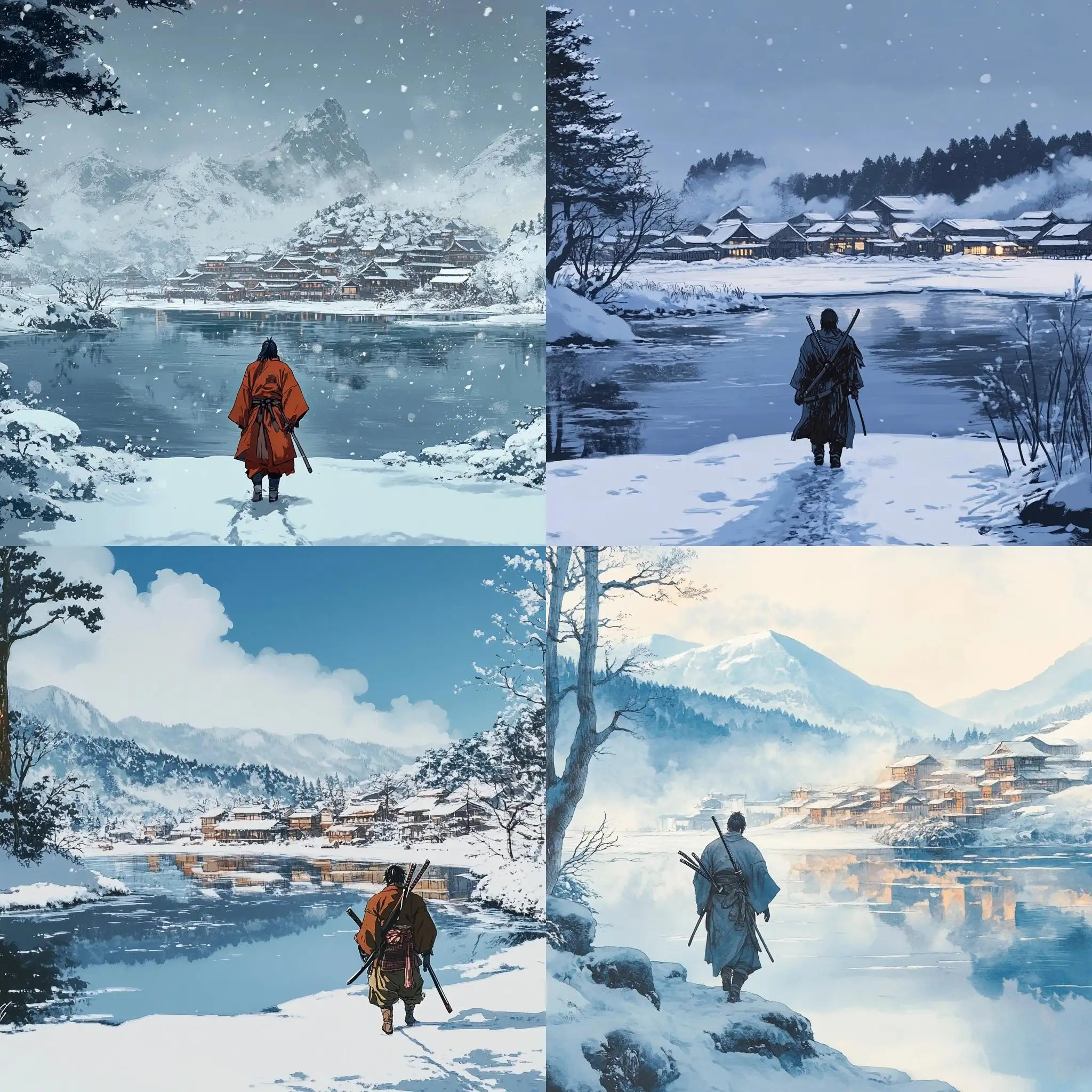
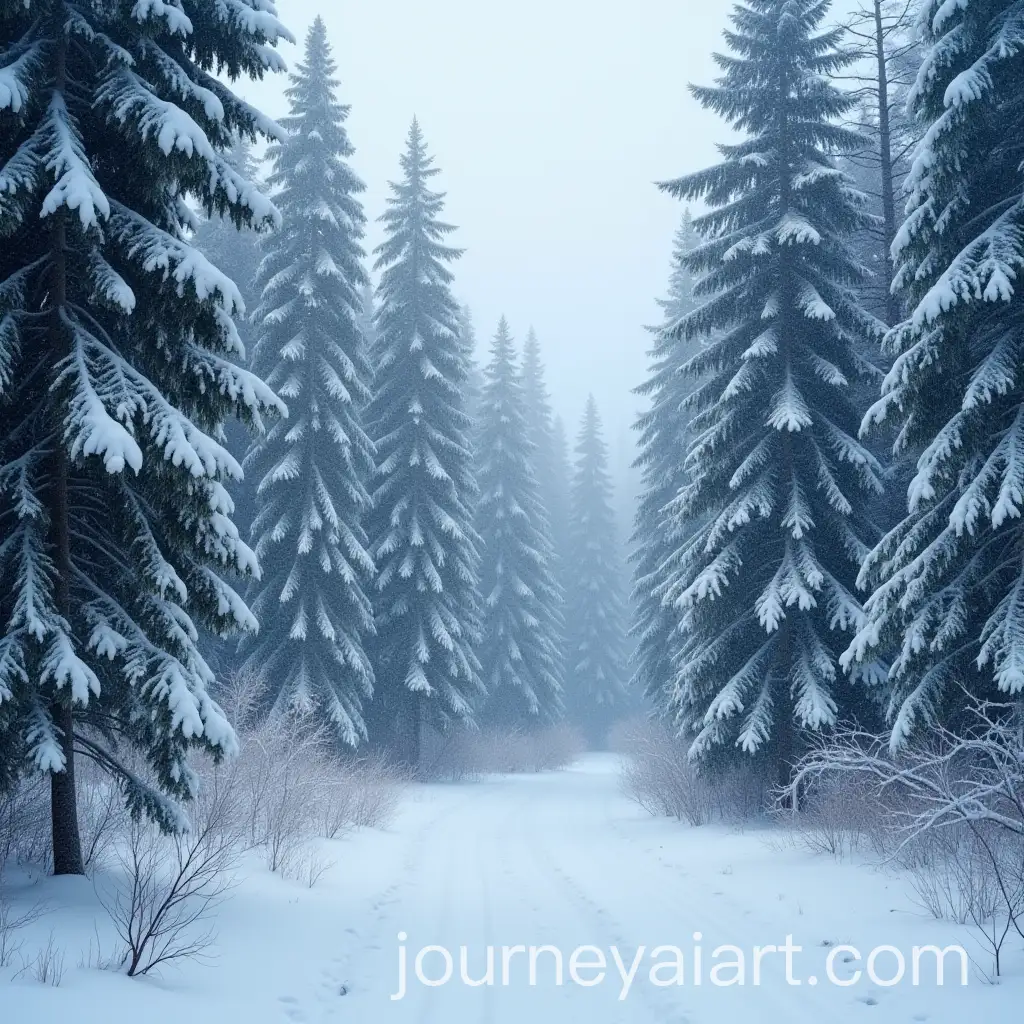
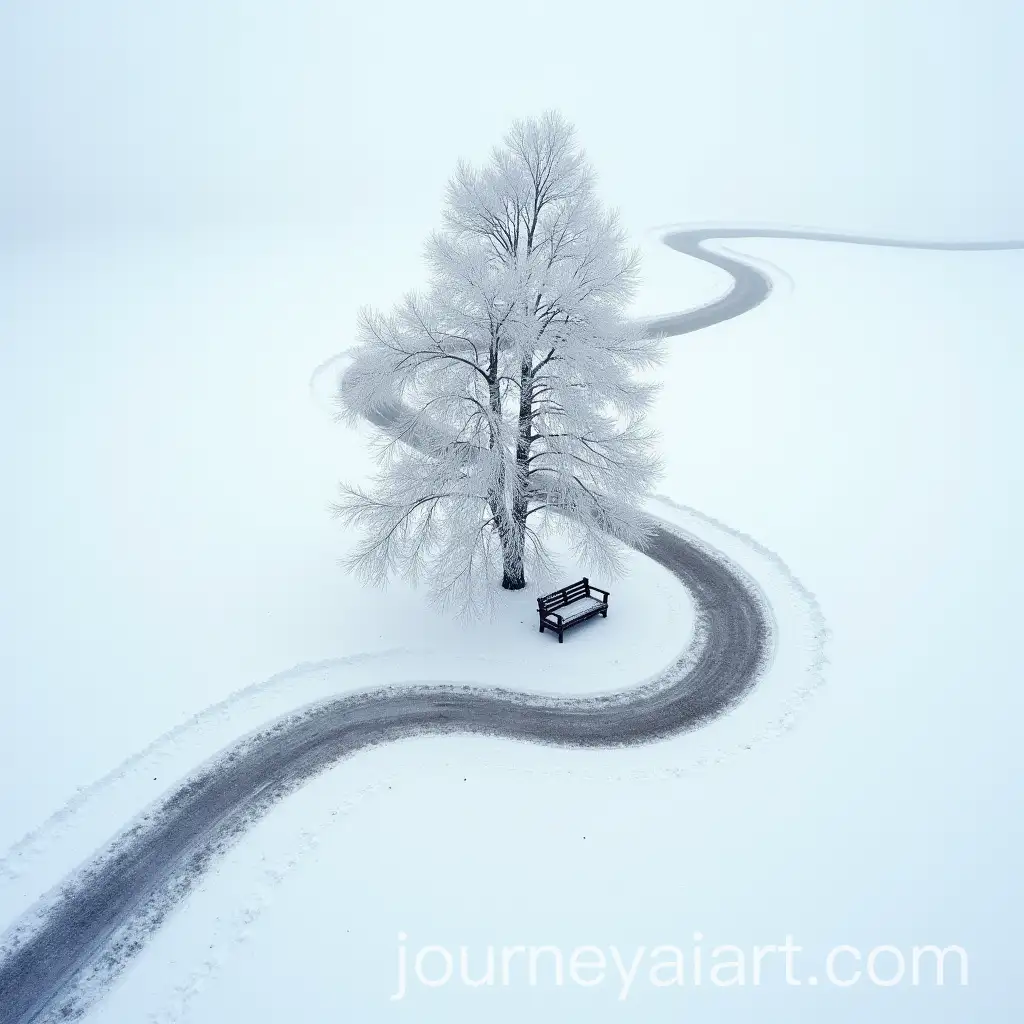
Winter scenery often captures the serene and tranquil beauty of snow-covered landscapes, icy terrains, and frosty weather conditions. These images typically showcase elements like snowy forests, frozen lakes, and quiet, snow-draped villages, evoking feelings of calmness and introspection. The color palette in winter scenery is often muted, with whites, blues, and grays dominating, providing a stark contrast to the warm hues of autumn or the vibrant colors of spring and summer.
What Defines Winter Scenery in Art and Photography
Winter scenery images are widely used across different industries. In marketing, they are perfect for seasonal campaigns, especially around the holidays, helping brands create a festive or cozy atmosphere. In the publishing industry, winter scenes are commonly featured in book covers for genres like romance or mystery, where the cold, quiet setting enhances the narrative's mood. Additionally, these images are popular in the travel industry, promoting winter destinations or activities like skiing, snowboarding, and ice skating.
Applications of Winter Scenery Images in Various Industries
AI-generated winter scenery can vary greatly in style, from hyper-realistic depictions that mimic photography to more abstract or stylized interpretations. Some images might focus on the fine details of snowflakes or the crystalline texture of ice, while others might present a more impressionistic view, with soft, blended colors and dreamlike compositions. This variety allows for broad creative application, whether you're looking for a lifelike winter scene for a project or something more artistic and conceptual.
Different Styles of Winter Scenery in AI-Generated Art
Creating your own winter scenery using AI tools is straightforward and accessible, even for beginners. Start by selecting a base image or a concept you want to develop, then use an AI image generator to refine the details. Adjust parameters like snow density, lighting, and color balance to achieve the desired effect. If you’re not satisfied with the first result, you can easily tweak the prompt or parameters to generate variations until you find the perfect winter scene. The 'open in editor' feature on our site makes it easy to experiment and refine your images.
How to Use AI Tools to Create Your Own Winter Scenery