12 Free retro graphics Midjourney AI images
Explore our Retro Graphics collection, featuring 12 free AI-generated images. From stock photos to 3D objects, vectors, and illustrations, this tag offers diverse, high-resolution images ready for download. Use the 'open in editor' feature on the image detail page to adjust prompts and create your perfect design.
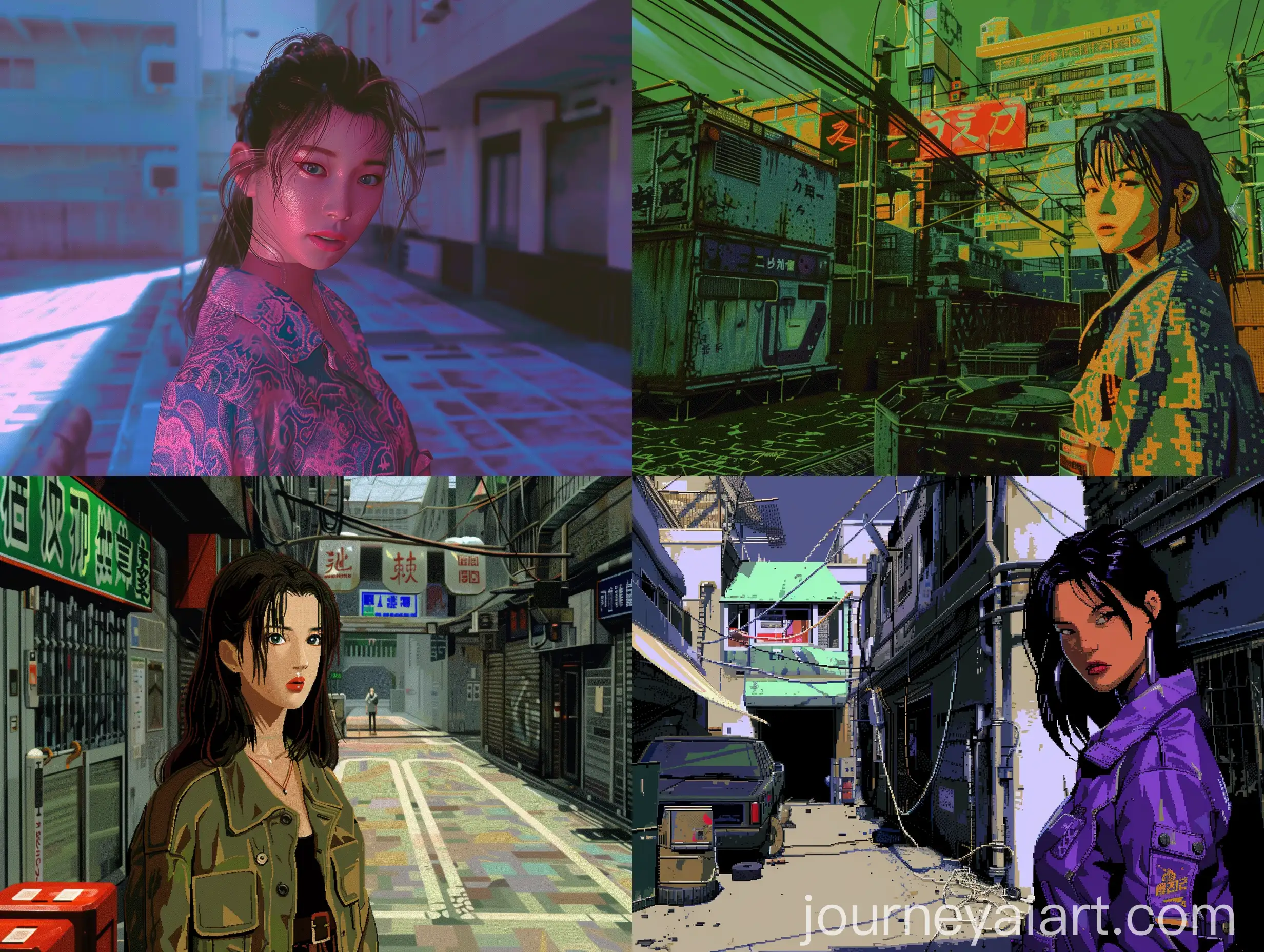
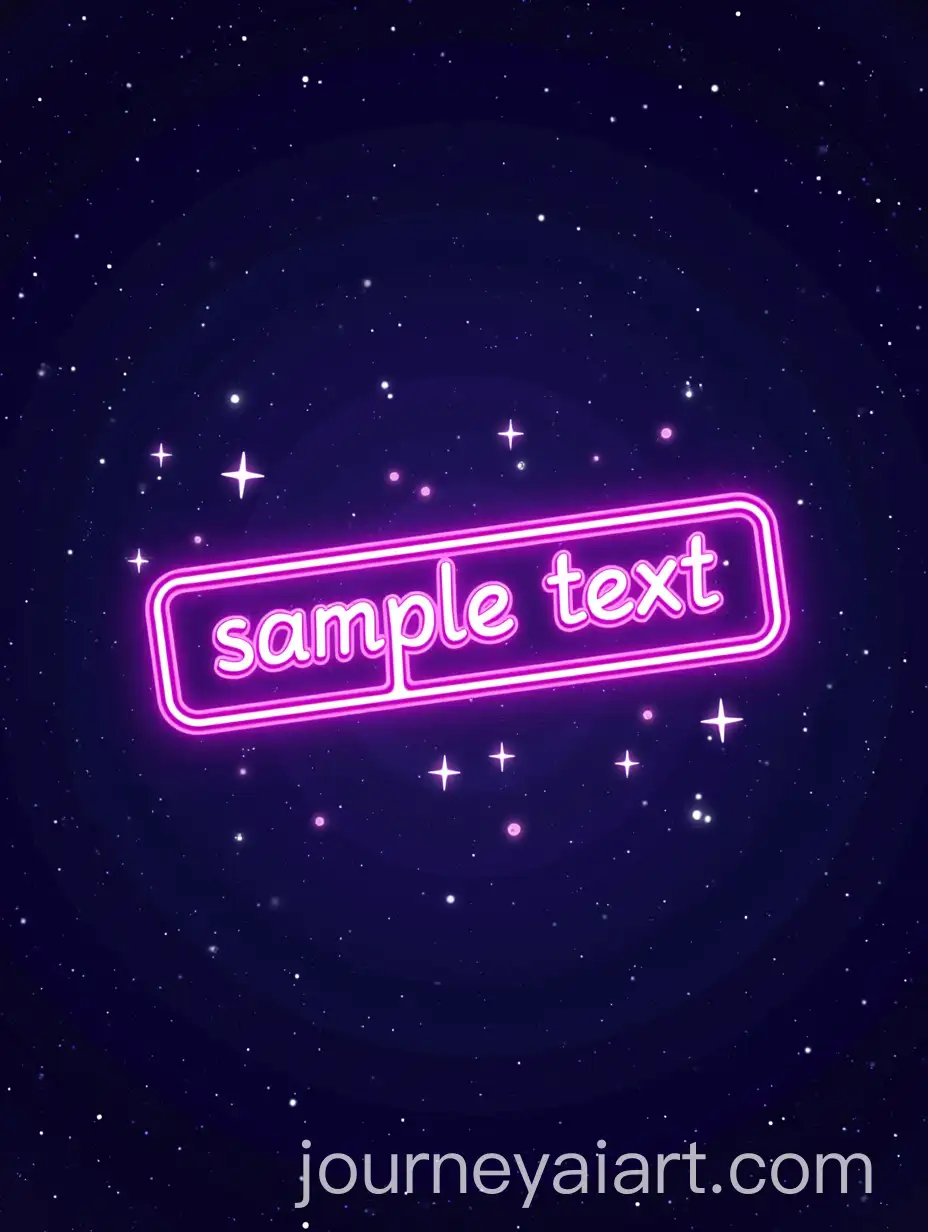
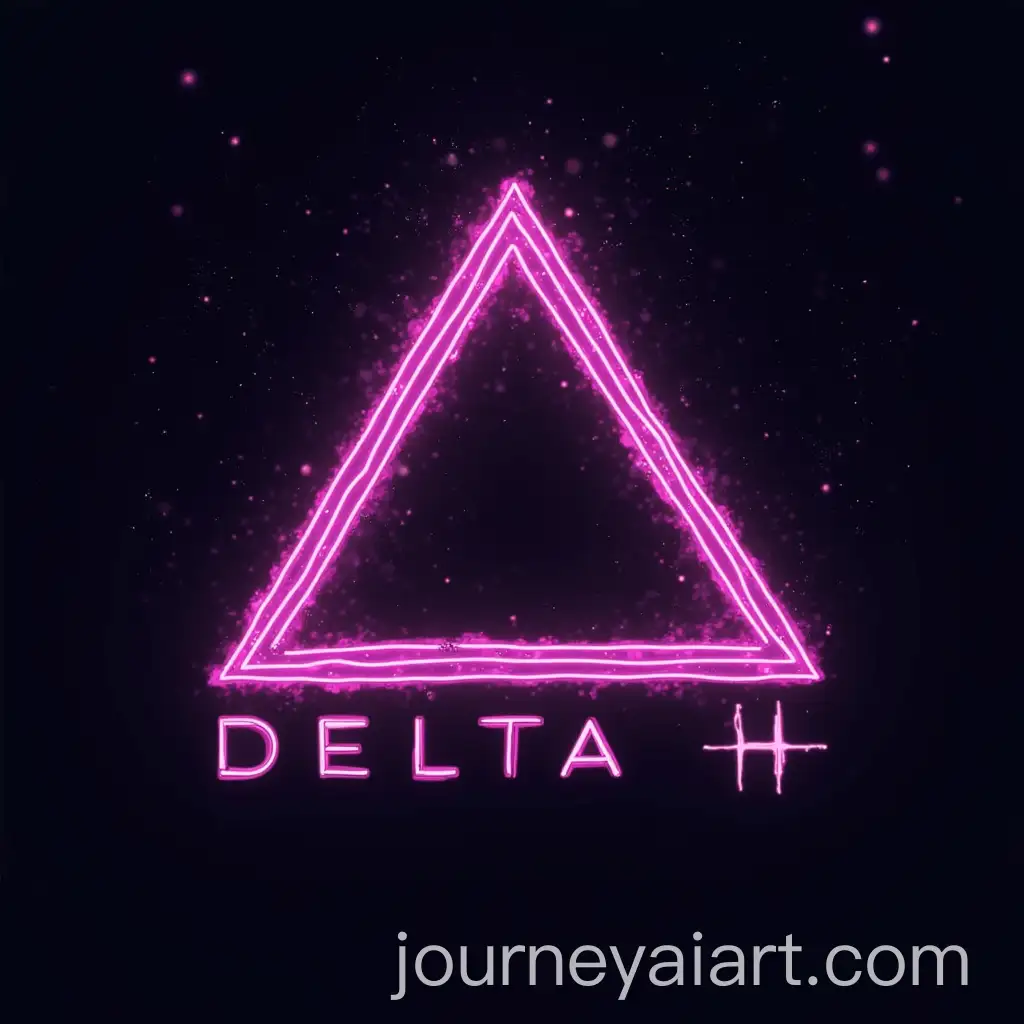
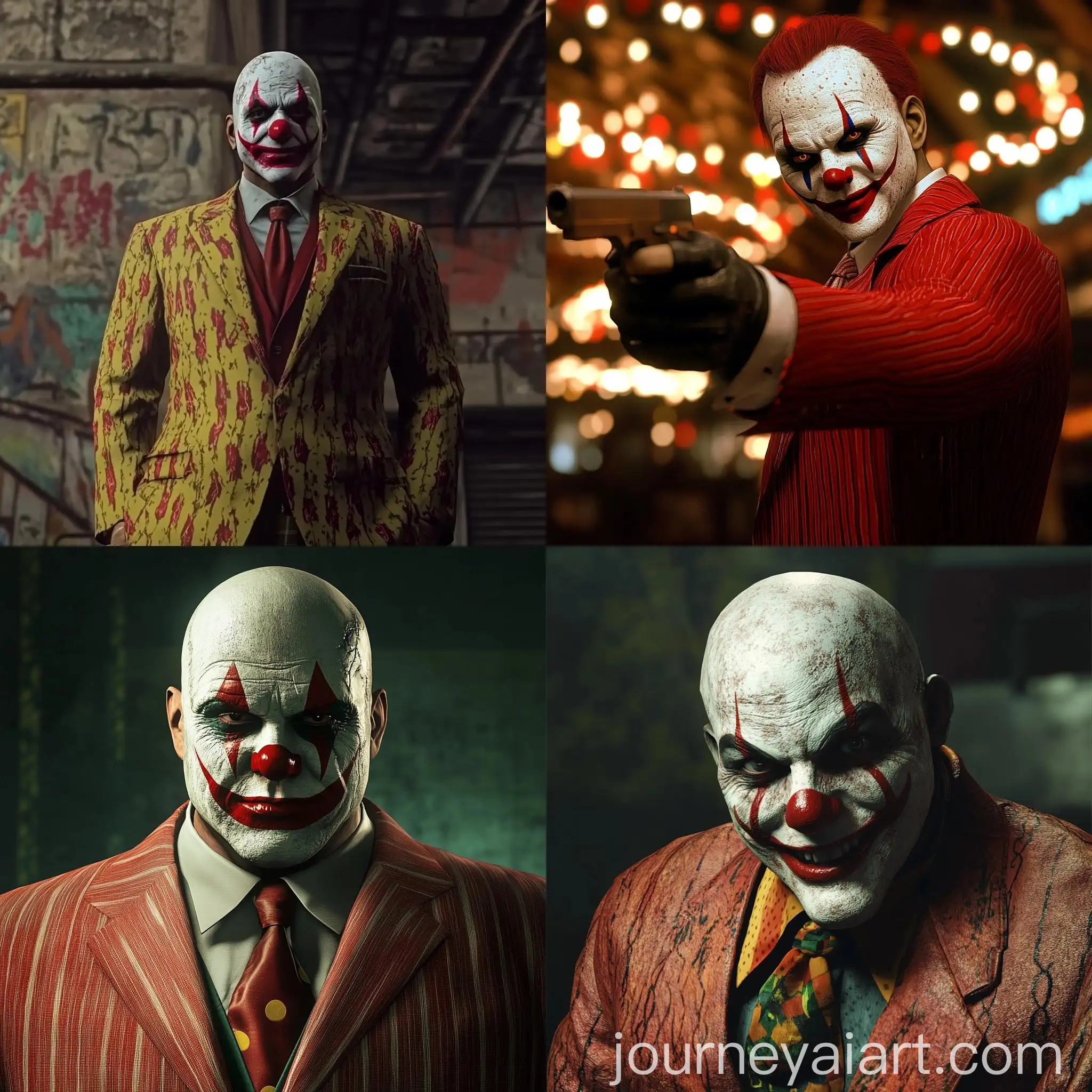
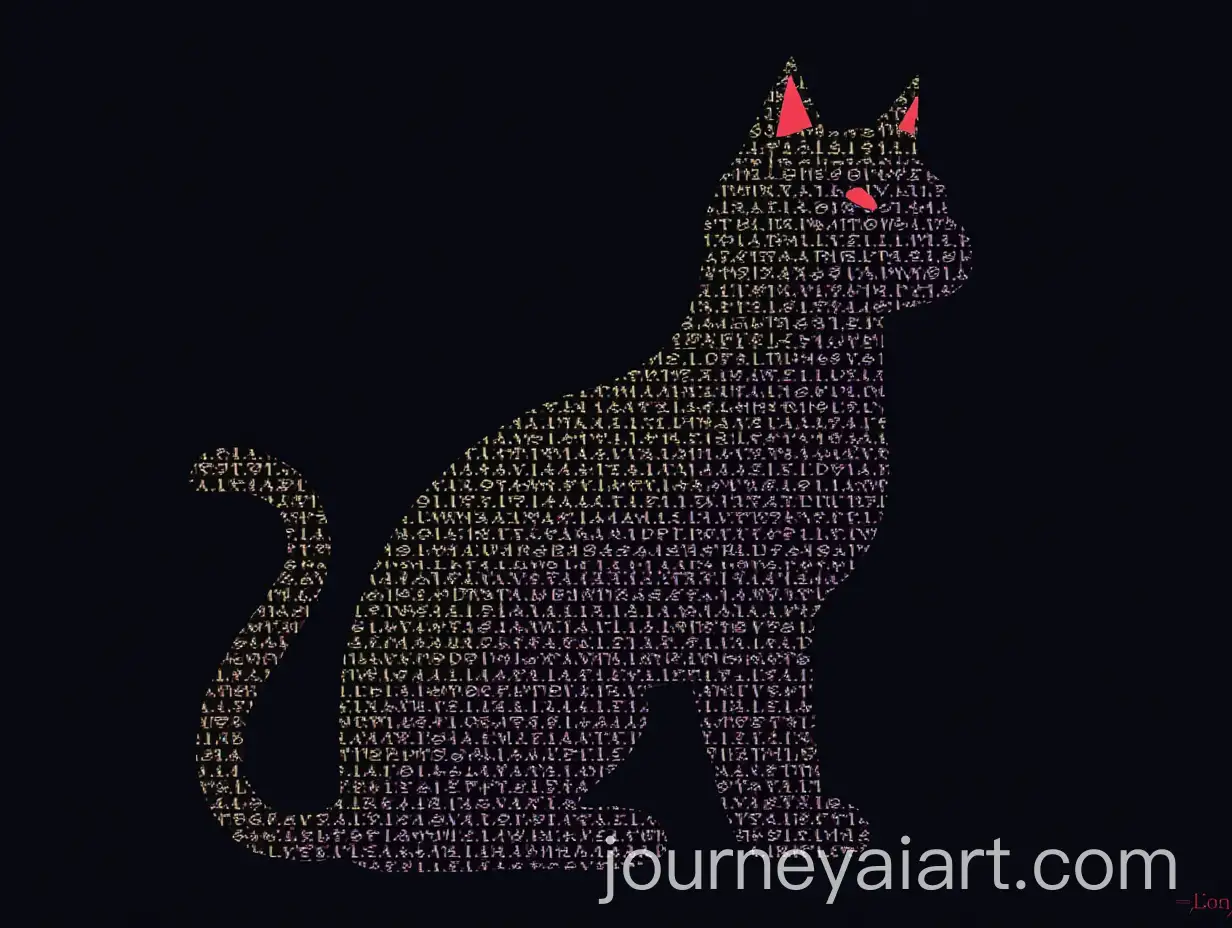
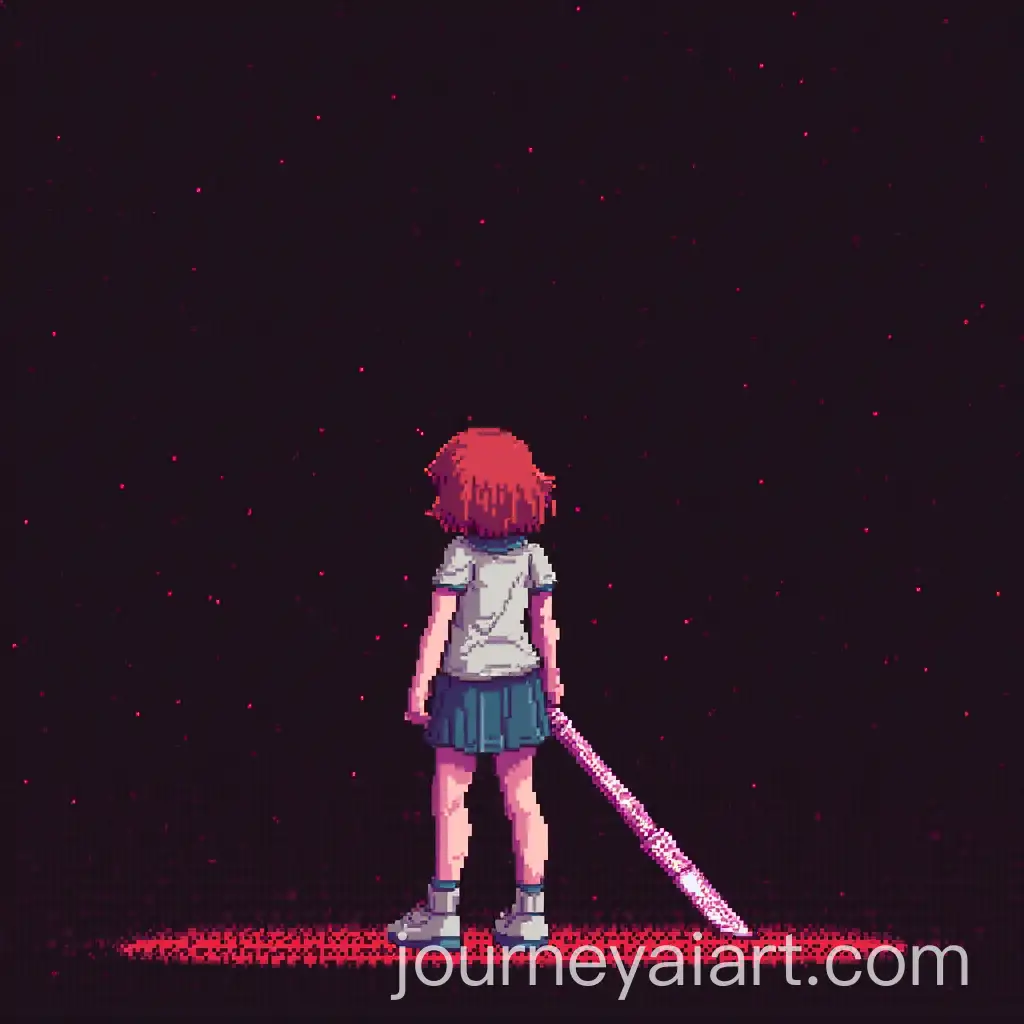
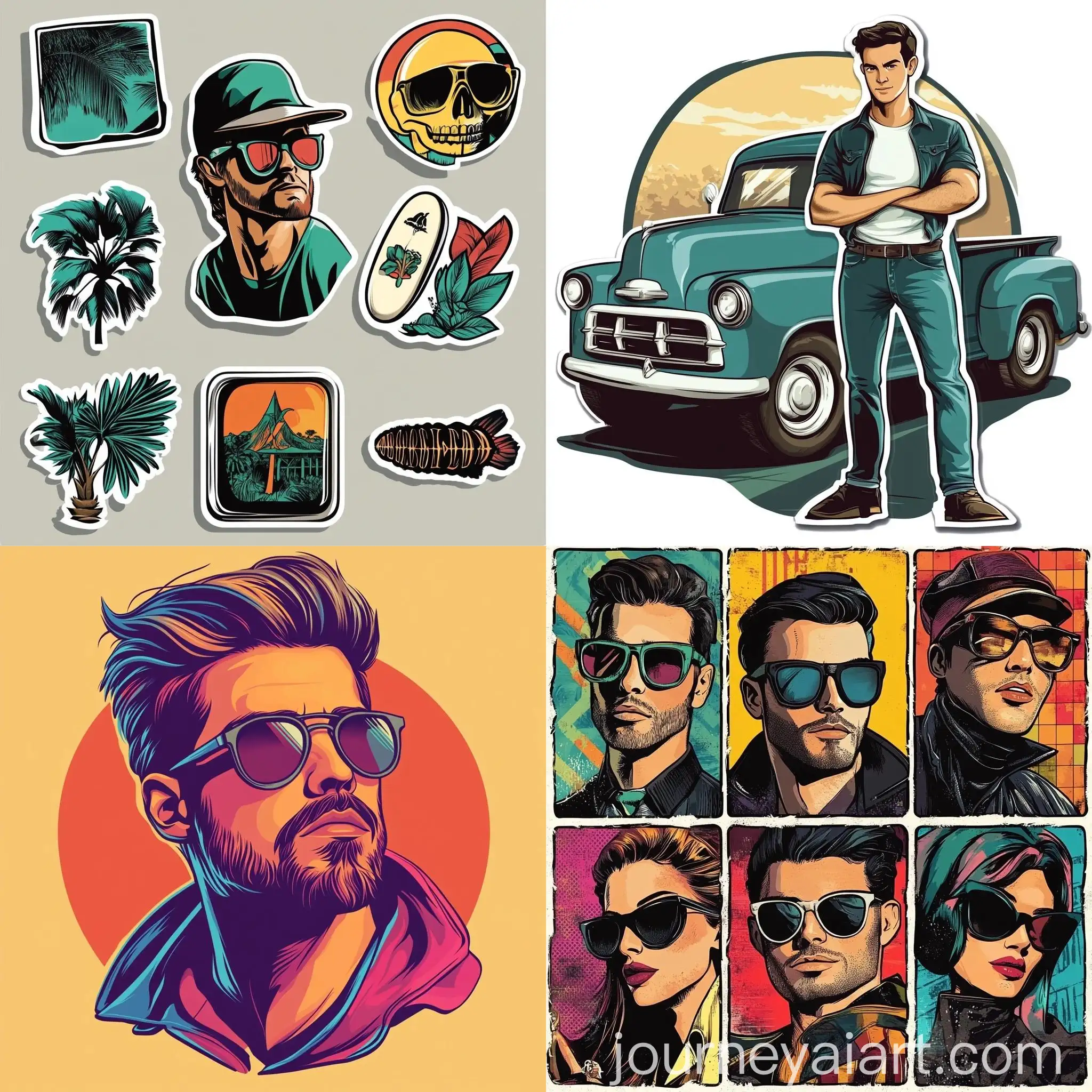
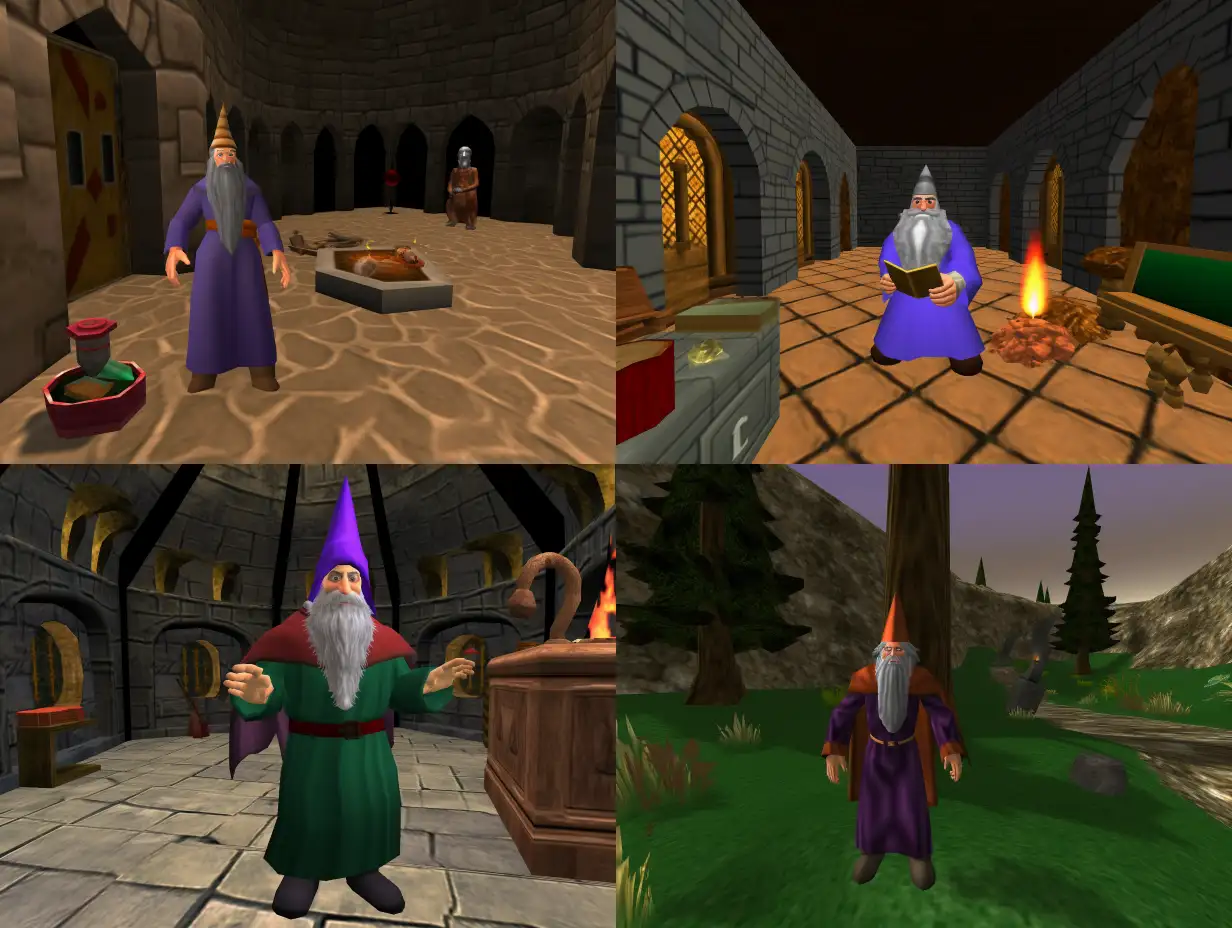
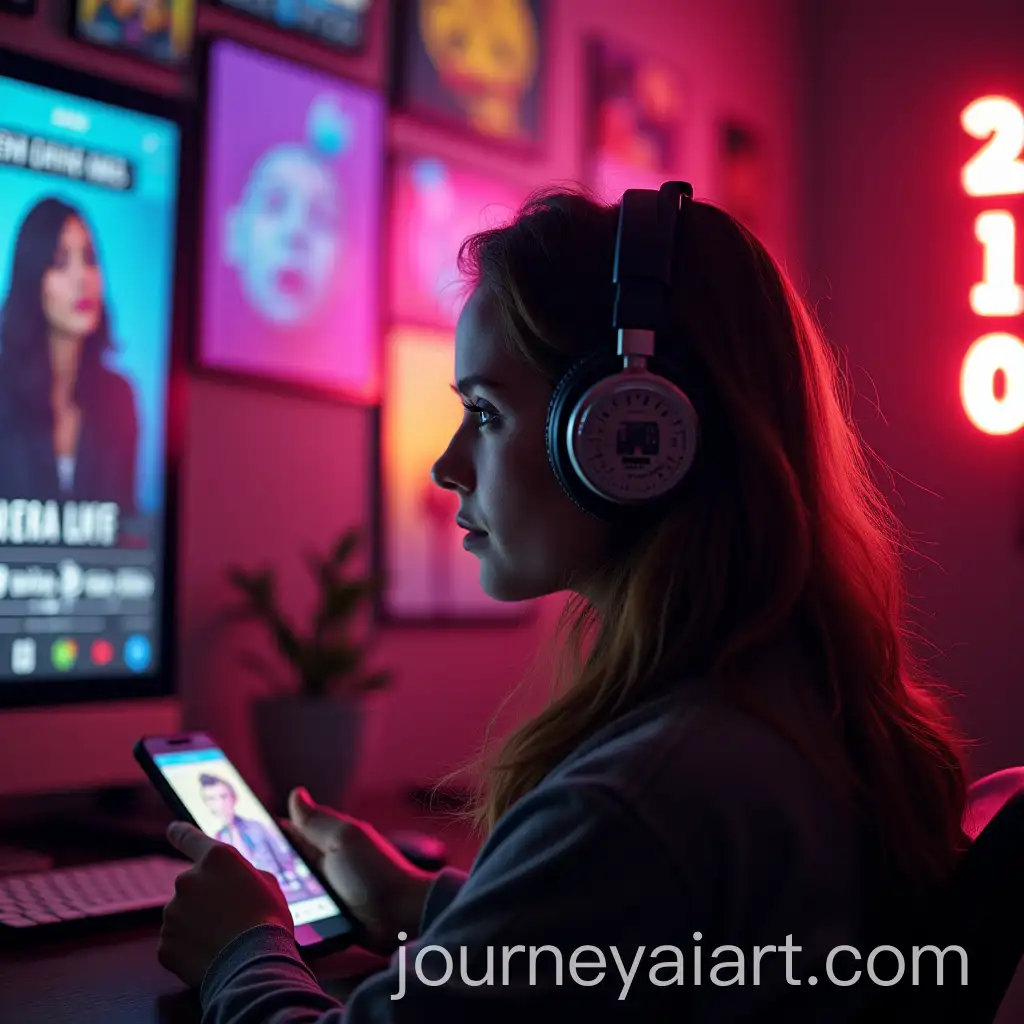
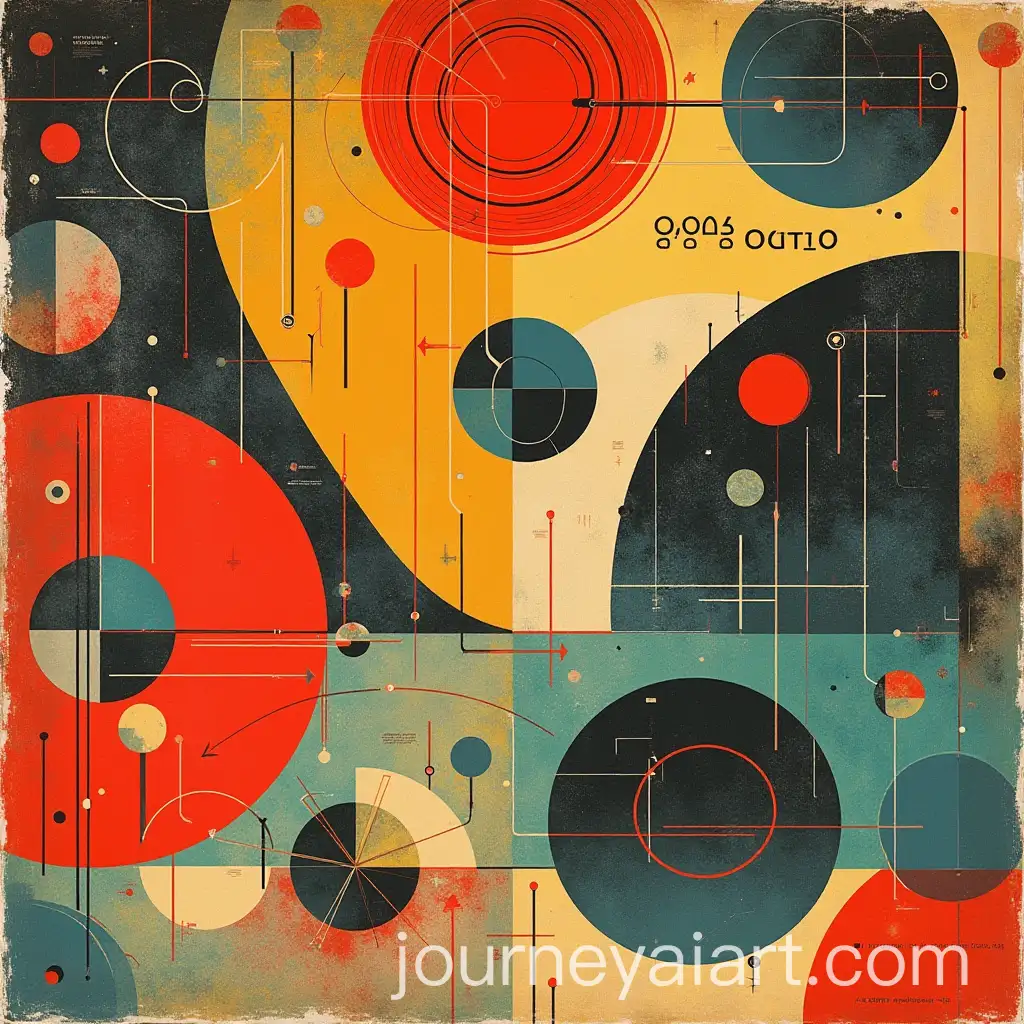
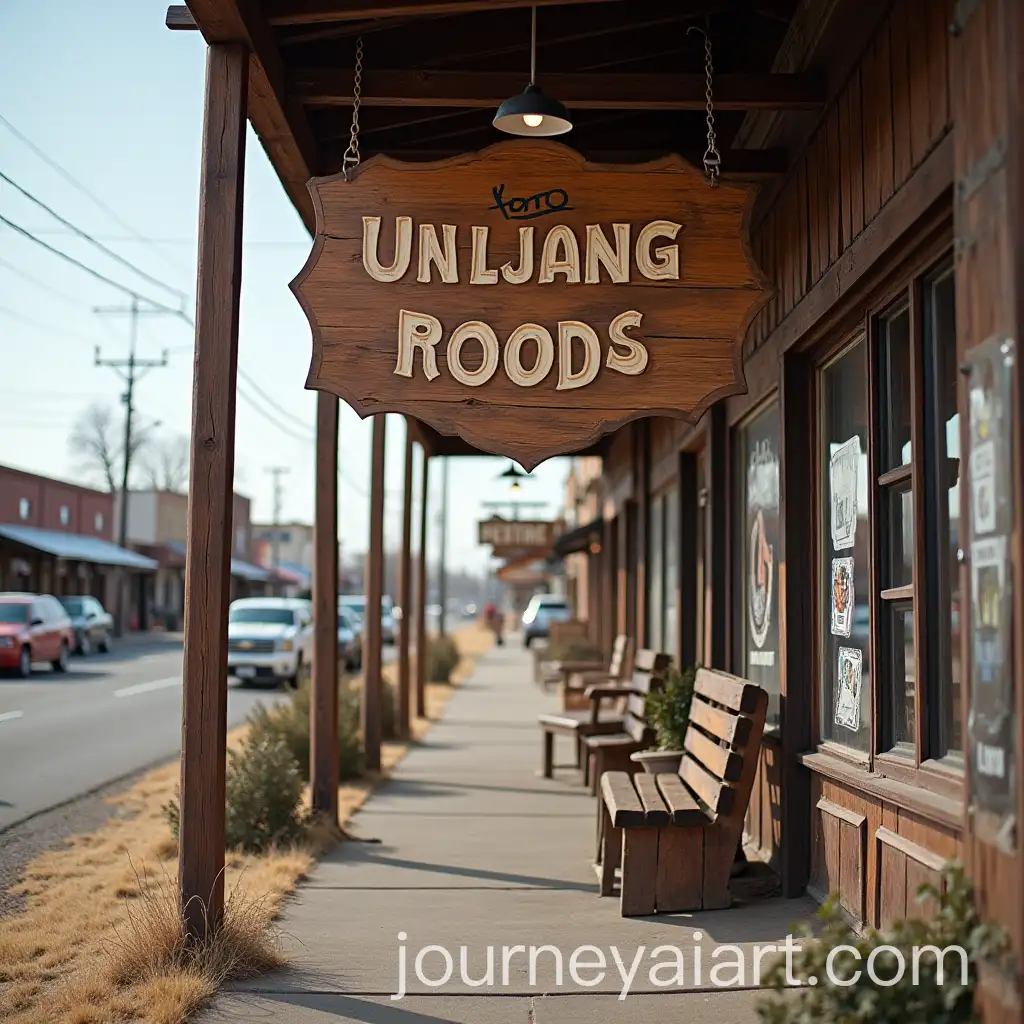
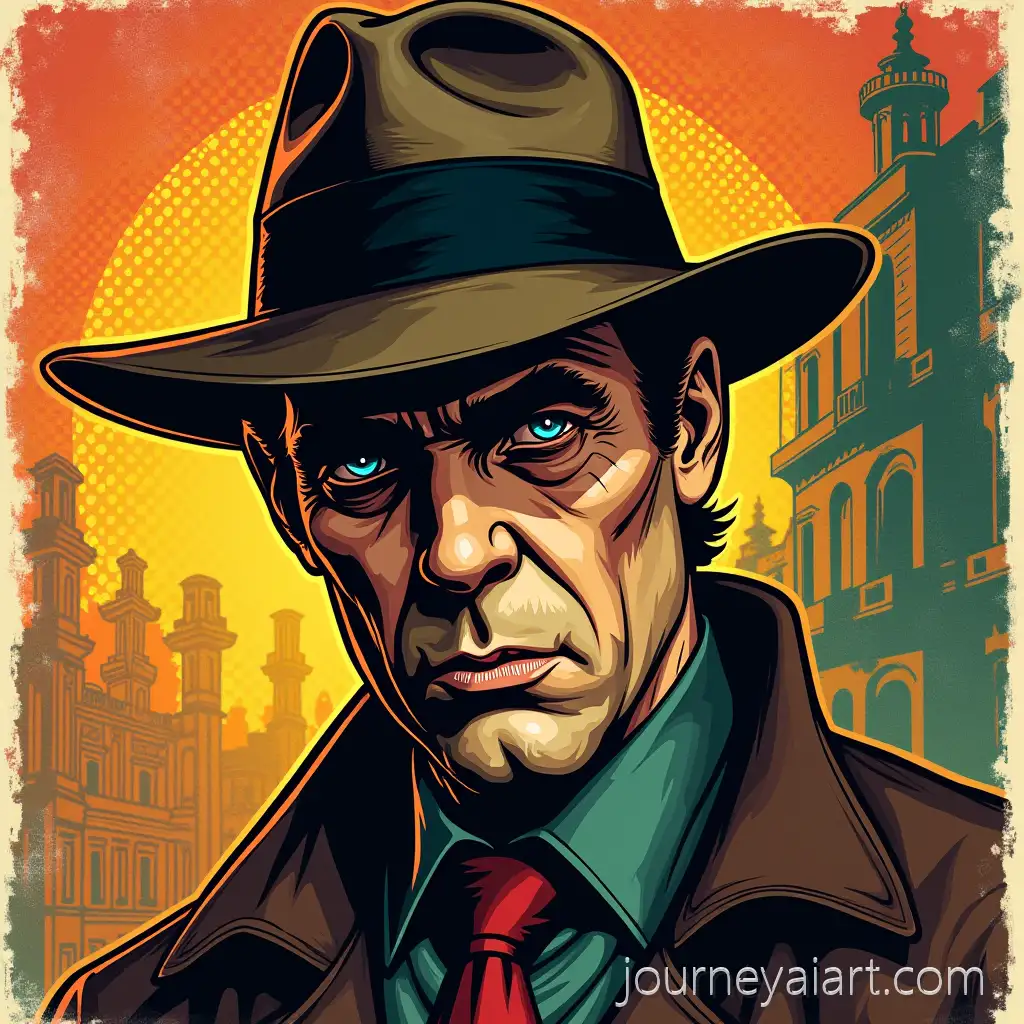
Retro Graphics draws inspiration from design elements popular in the mid-20th century, particularly from the 1950s to the 1980s. It incorporates nostalgic patterns, colors, and typography to evoke a sense of past decades, often seen in advertising, packaging, and media of those eras. The rise of digital design has allowed these nostalgic visuals to be recreated and transformed into modern AI-generated artwork, blending old-school aesthetics with new technology.
Understanding Retro Graphics: A Dive into Its History
Retro Graphics are known for their bold color palettes, geometric shapes, and distinctive typography. Common visual motifs include pixel art, neon lights, glitch effects, and gradients that mimic old CRT screens. These images often reflect the technological optimism of their time, with a playful use of futuristic elements mixed with minimalistic design. Whether it's the vintage look of 1970s ads or the 1980s arcade game aesthetics, Retro Graphics spans a wide array of visual styles.
Key Characteristics and Visual Styles in Retro Graphics
The resurgence of Retro Graphics in modern design is apparent across fashion, entertainment, and digital platforms. From the popularity of 80s-inspired TV shows like 'Stranger Things' to retro-themed marketing campaigns, these graphics strike a chord with audiences looking for a blend of nostalgia and modernity. Brands often use retro styles to evoke a sense of authenticity and timelessness, connecting emotionally with consumers by tapping into their memories.
How Retro Graphics Shape Modern Visual Culture
Creating Retro Graphics has never been easier, thanks to AI tools. Start by selecting iconic color schemes from your desired decade, then integrate geometric shapes, bold lines, and pixel art styles. AI generators allow you to customize these elements effortlessly. Use features like the 'open in editor' option on this page to adjust prompts, experiment with vintage fonts, or add a glitch effect for that authentic retro feel.
How to Create Stunning Retro Graphics with AI Tools