24 Free photorealistic illustration Midjourney AI images
Welcome to our Photorealistic Illustration image collection, featuring 24 free AI-generated images. Explore a diverse array of stock photos, 3D objects, vectors, and illustrations. Enjoy high-resolution downloads and use our 'open in editor' feature to customize prompts for your perfect image.
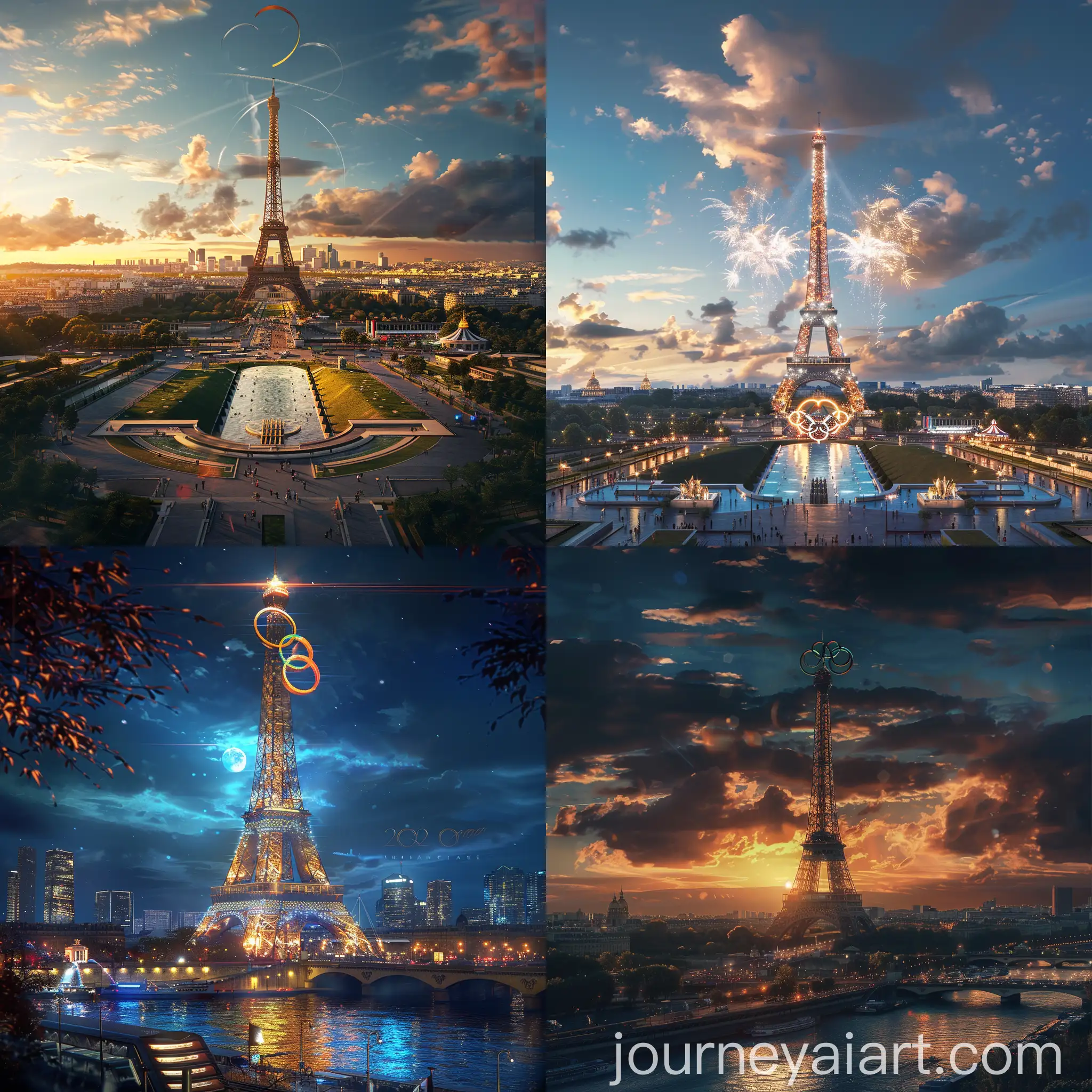
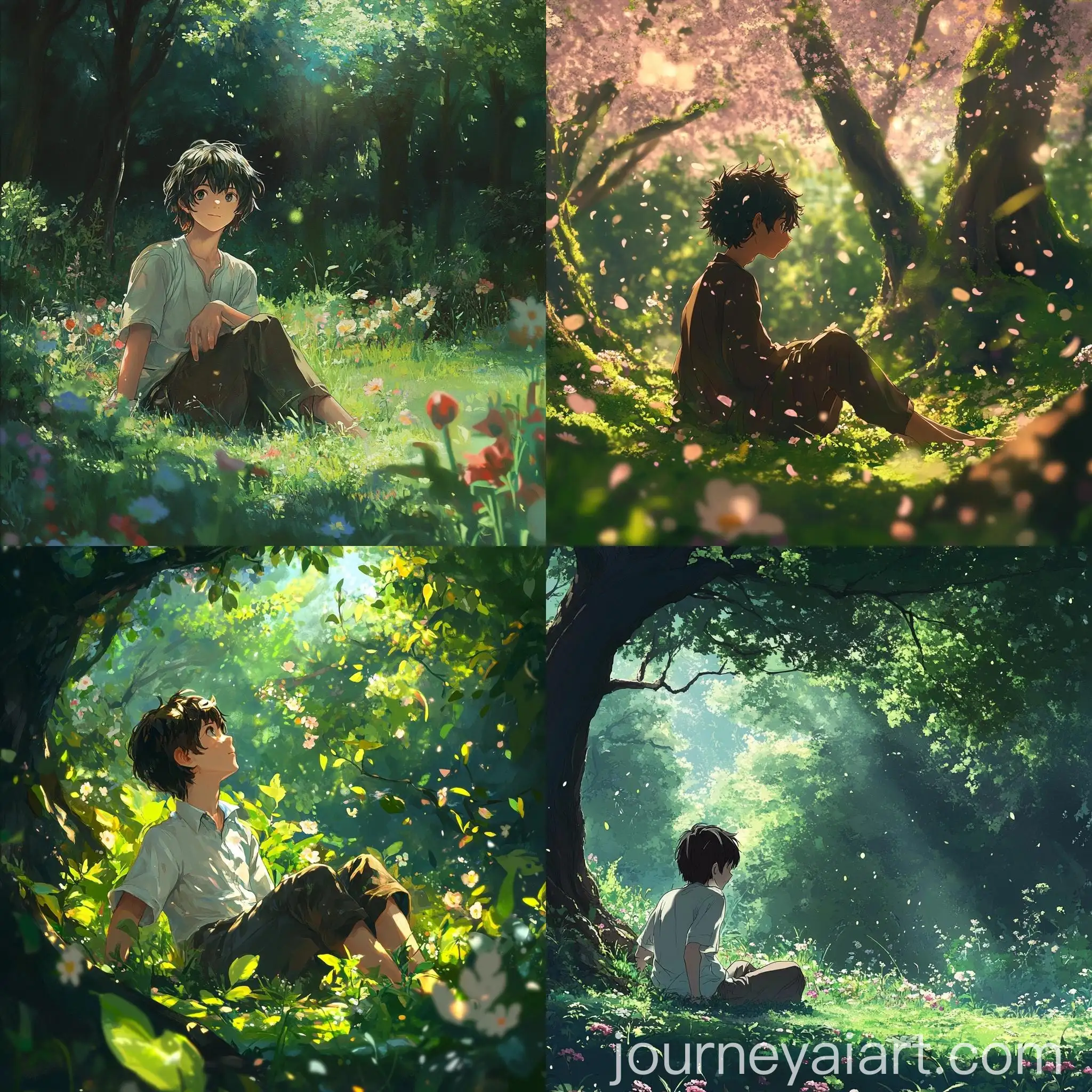
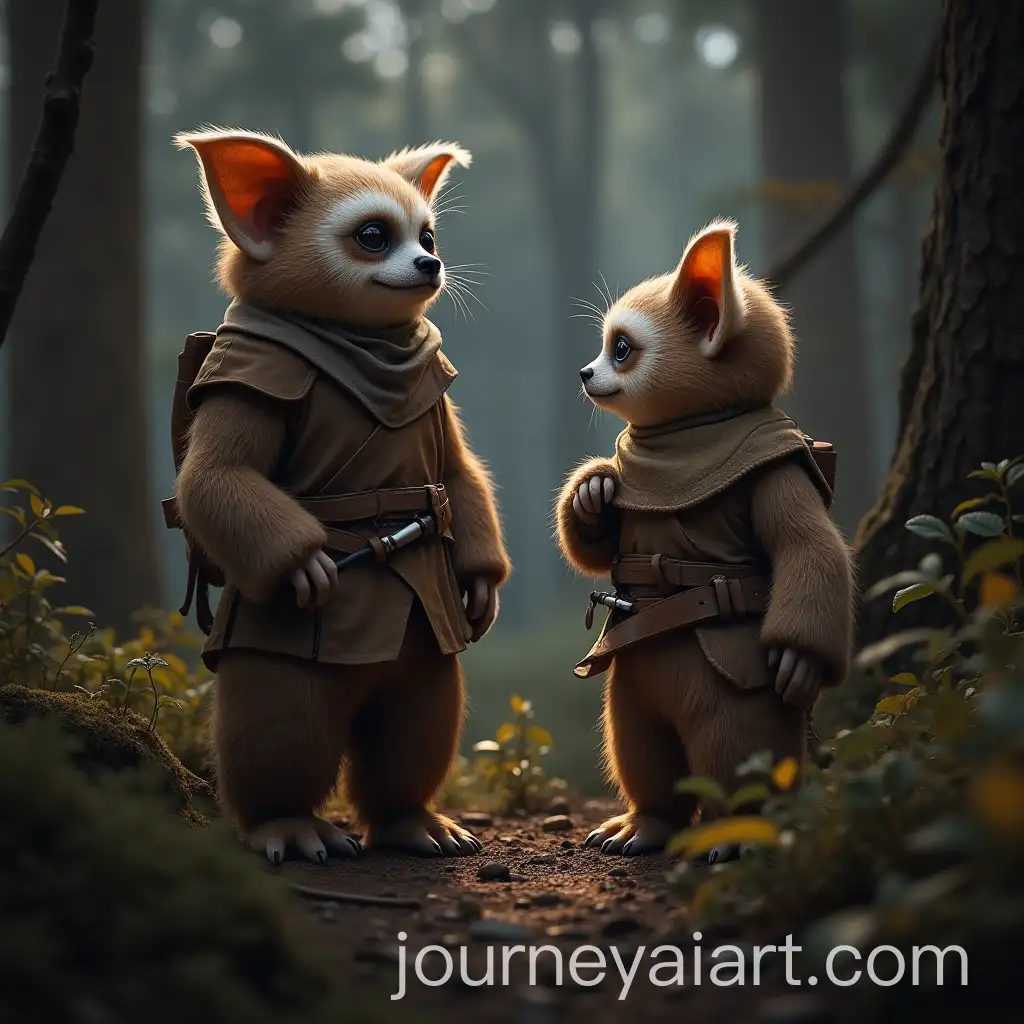
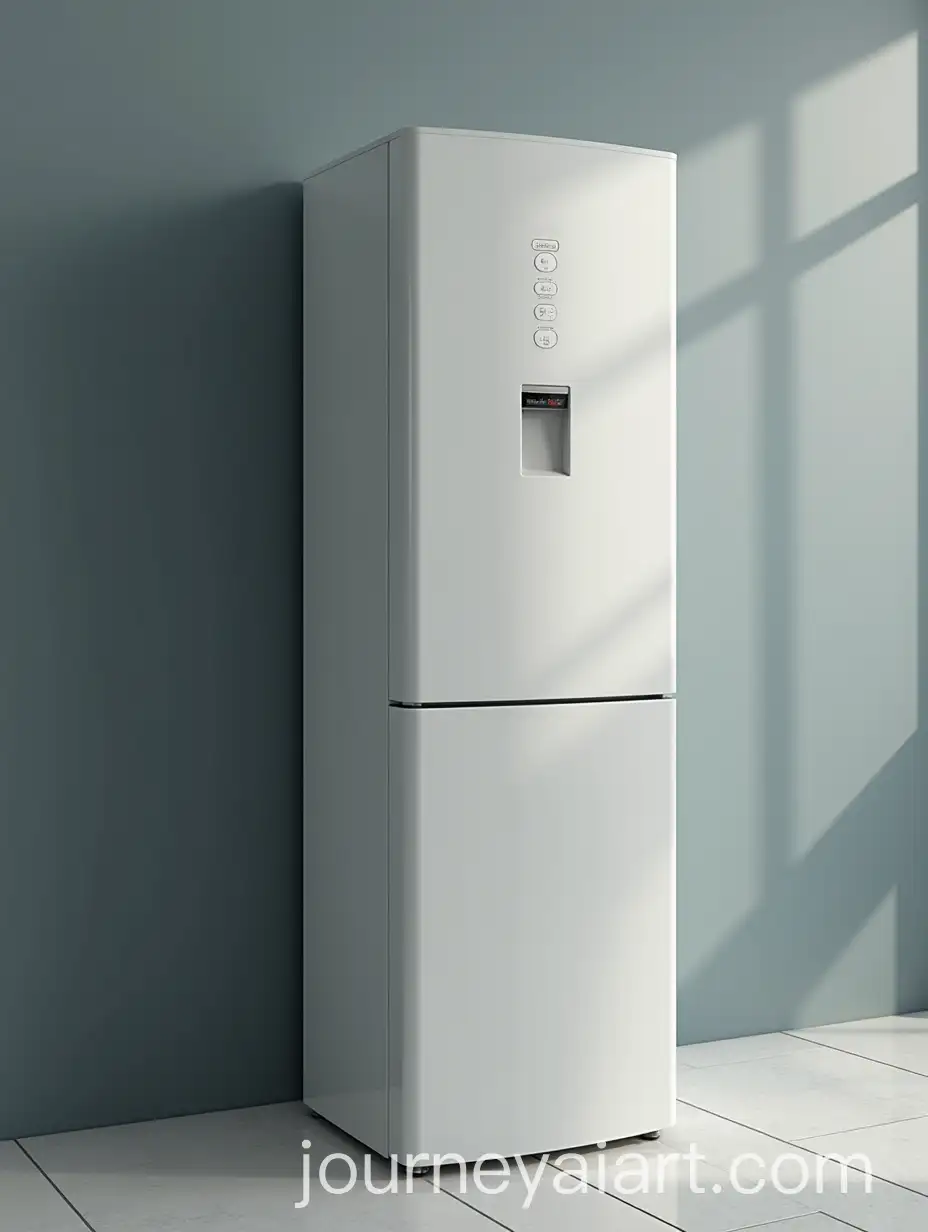
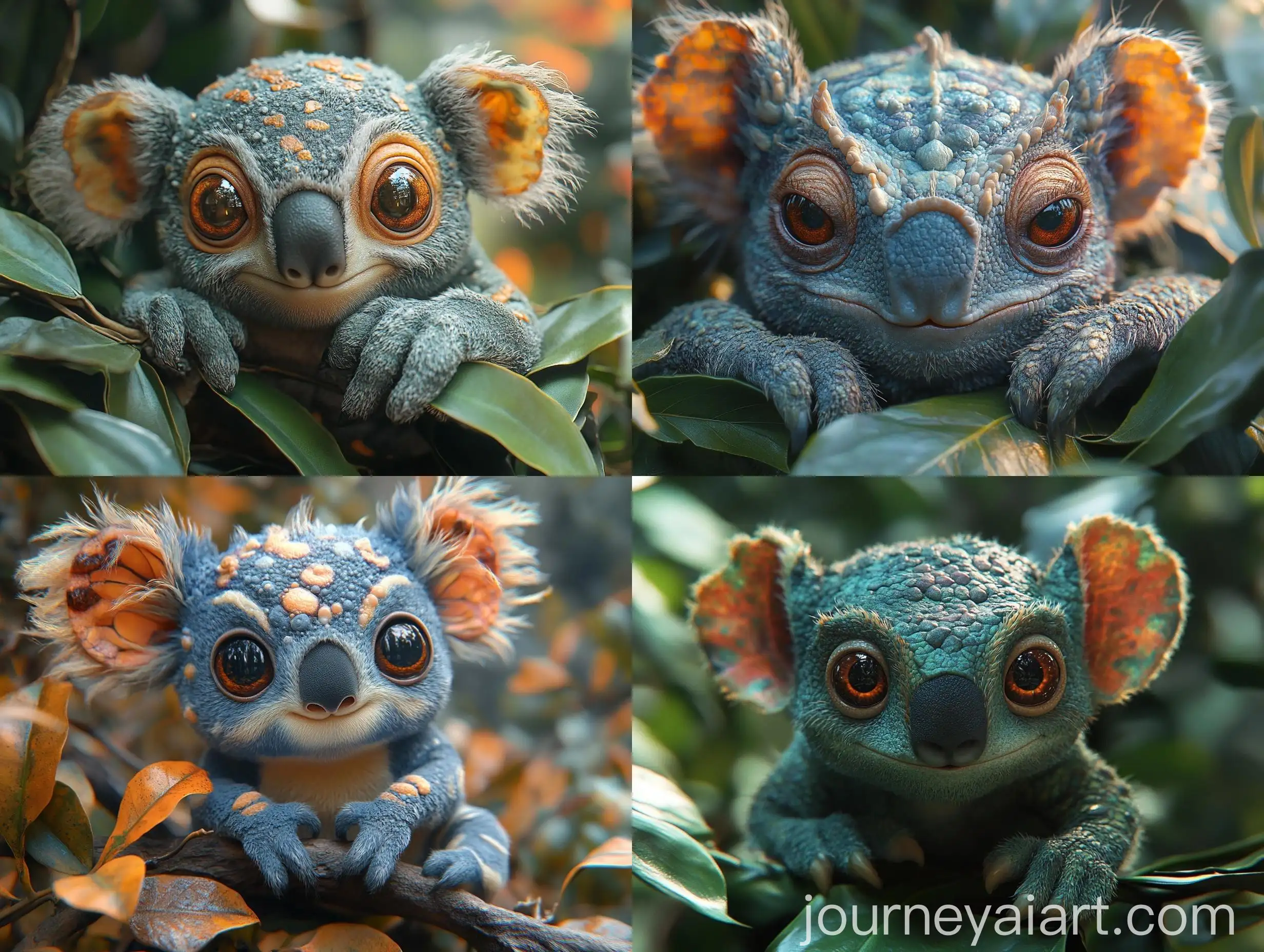
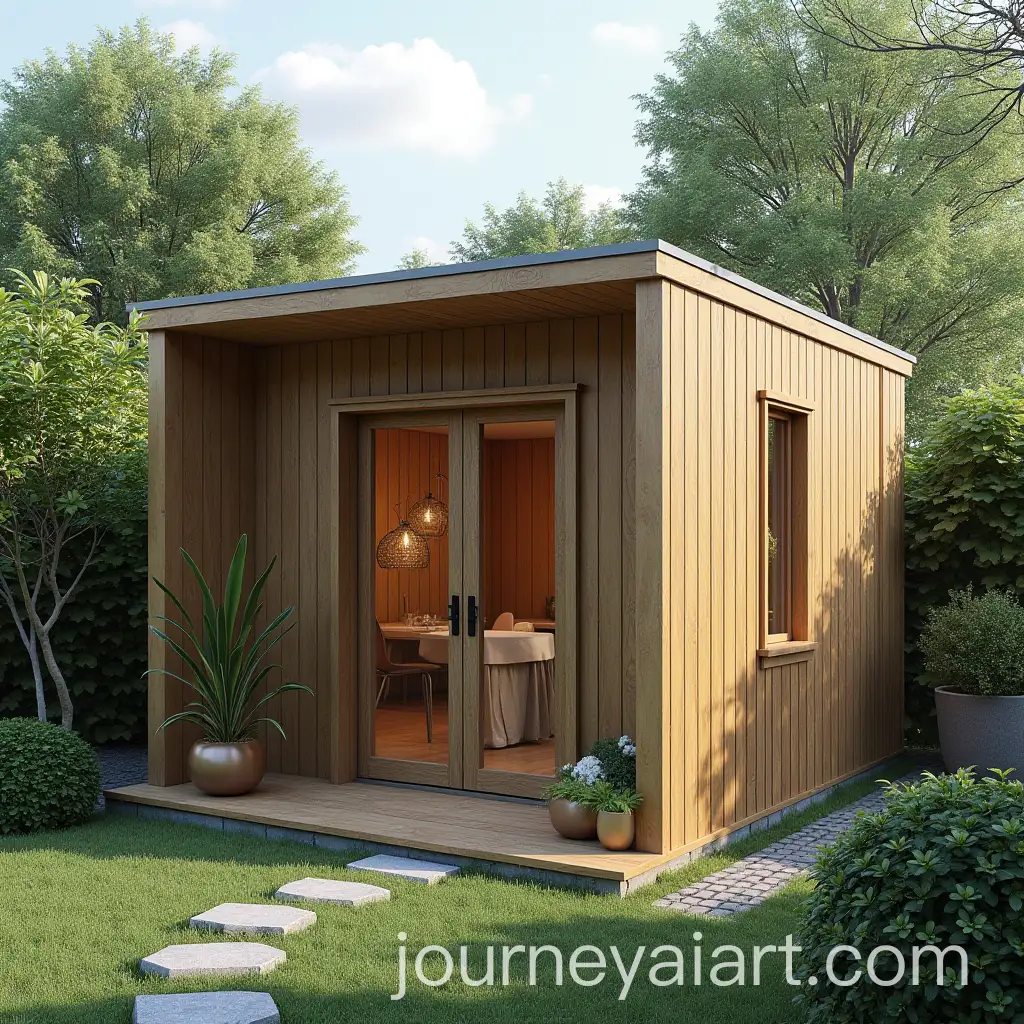
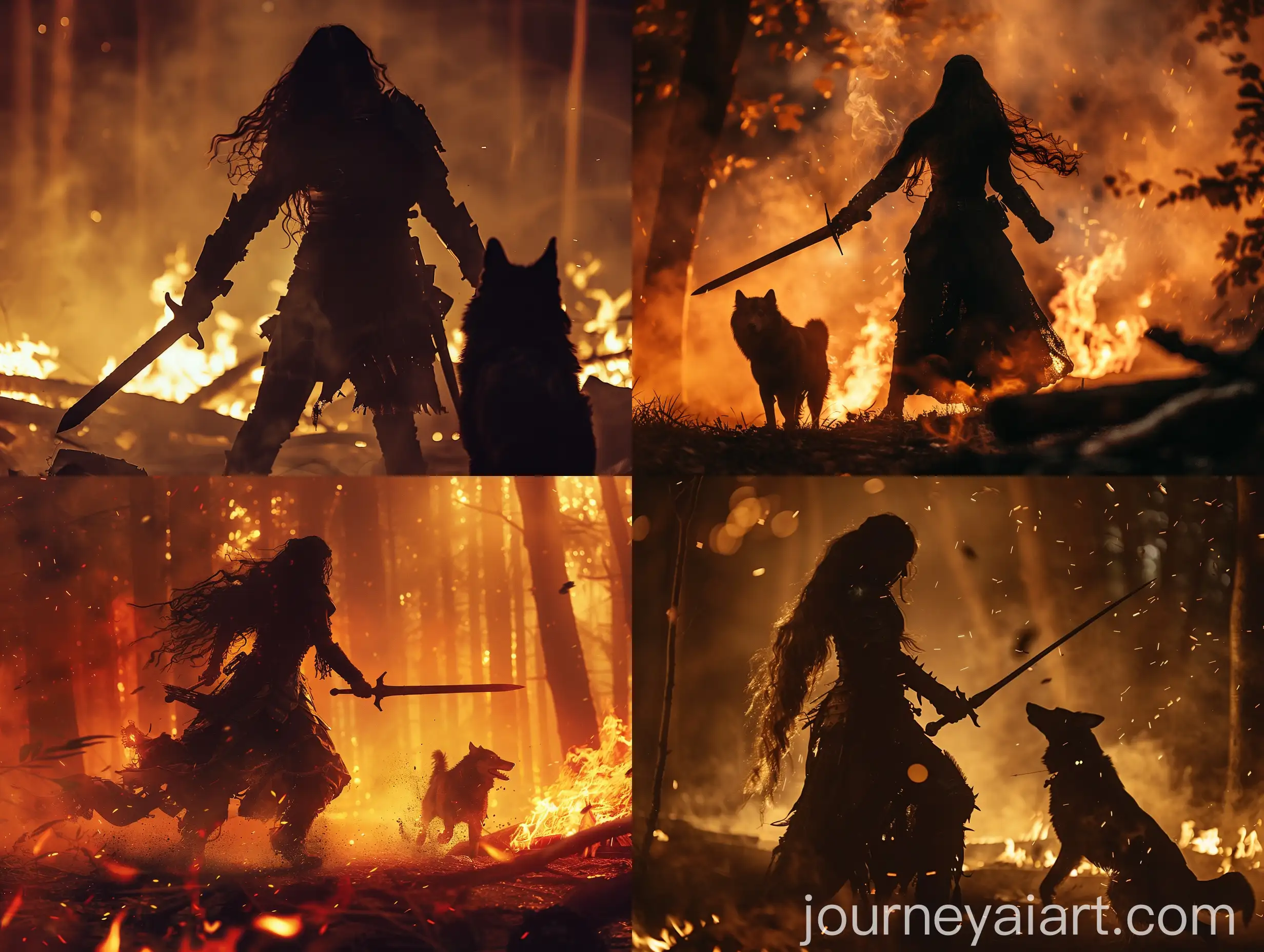
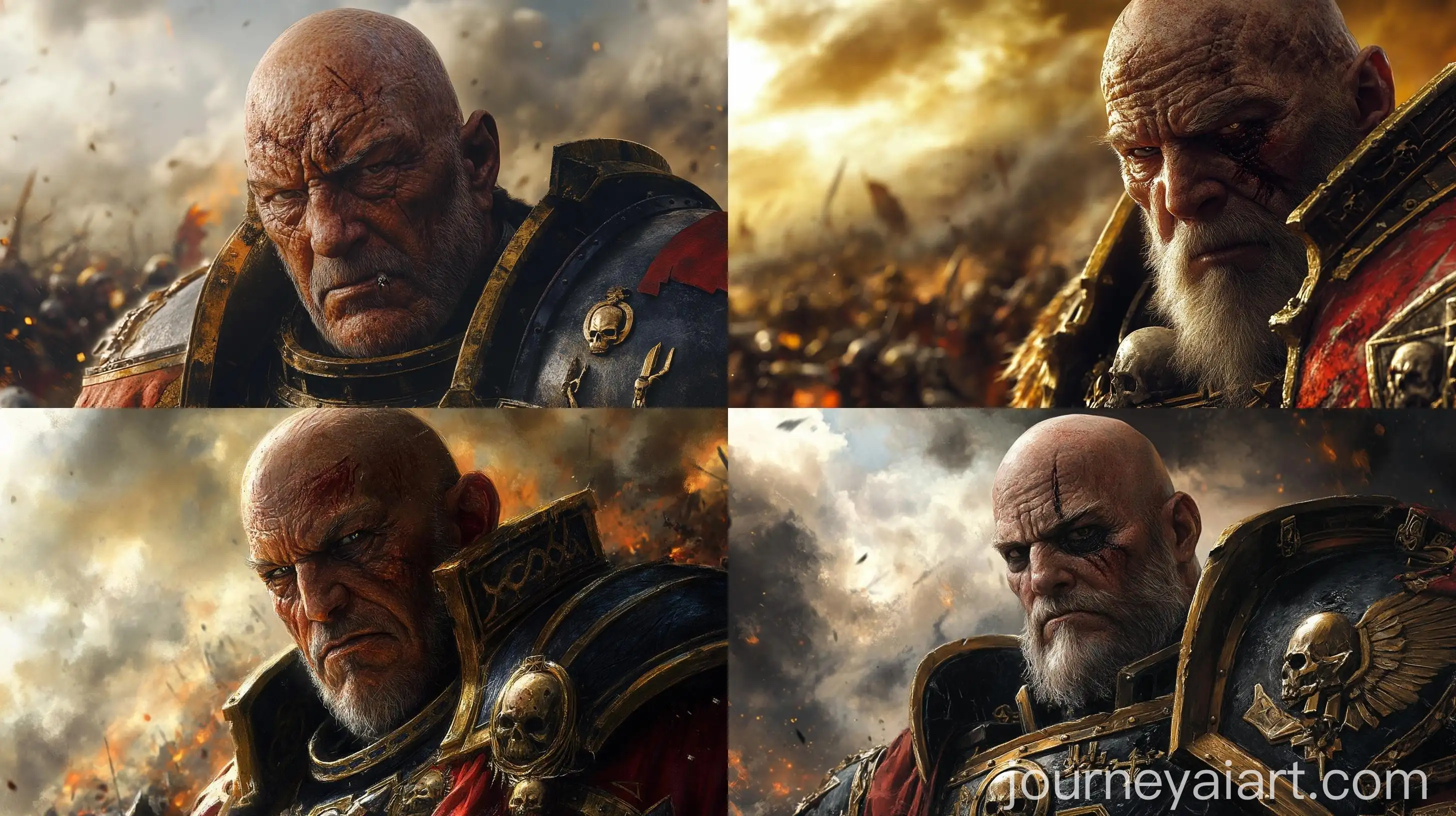
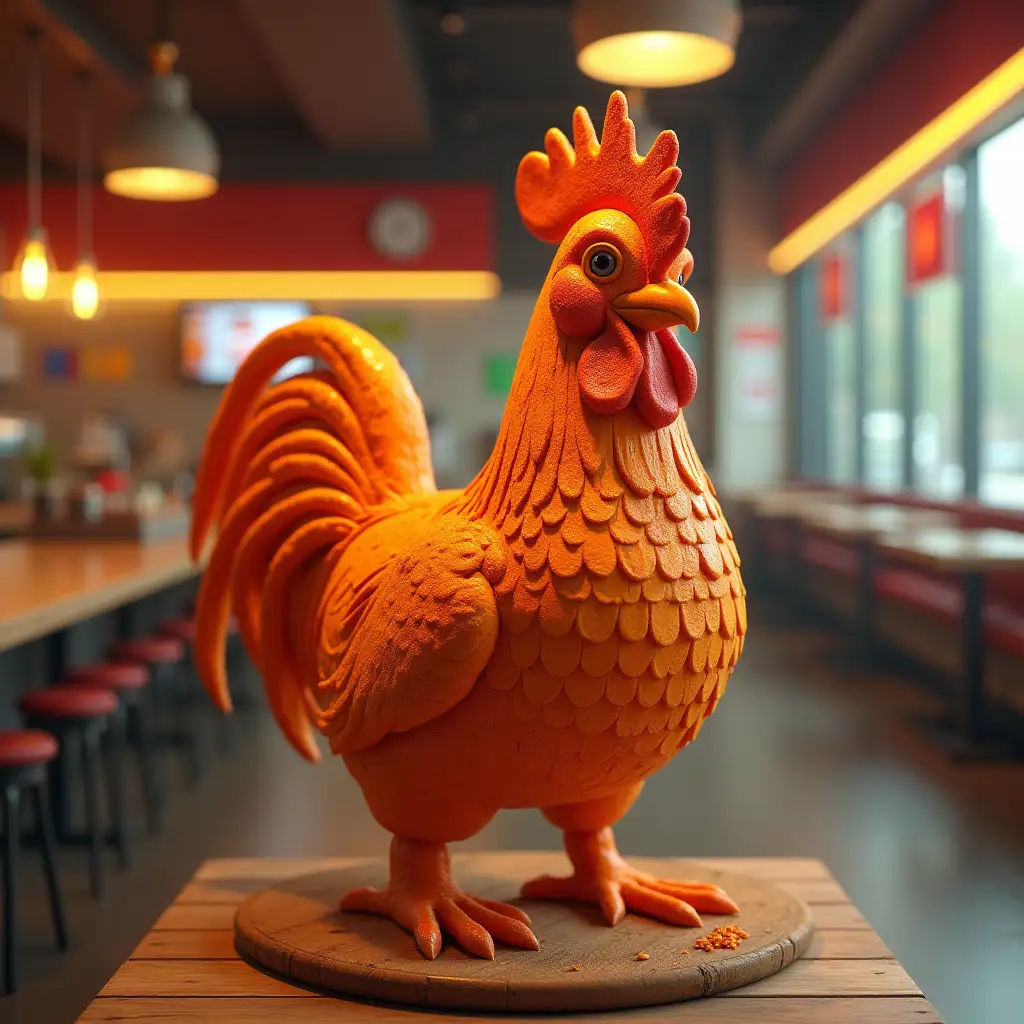
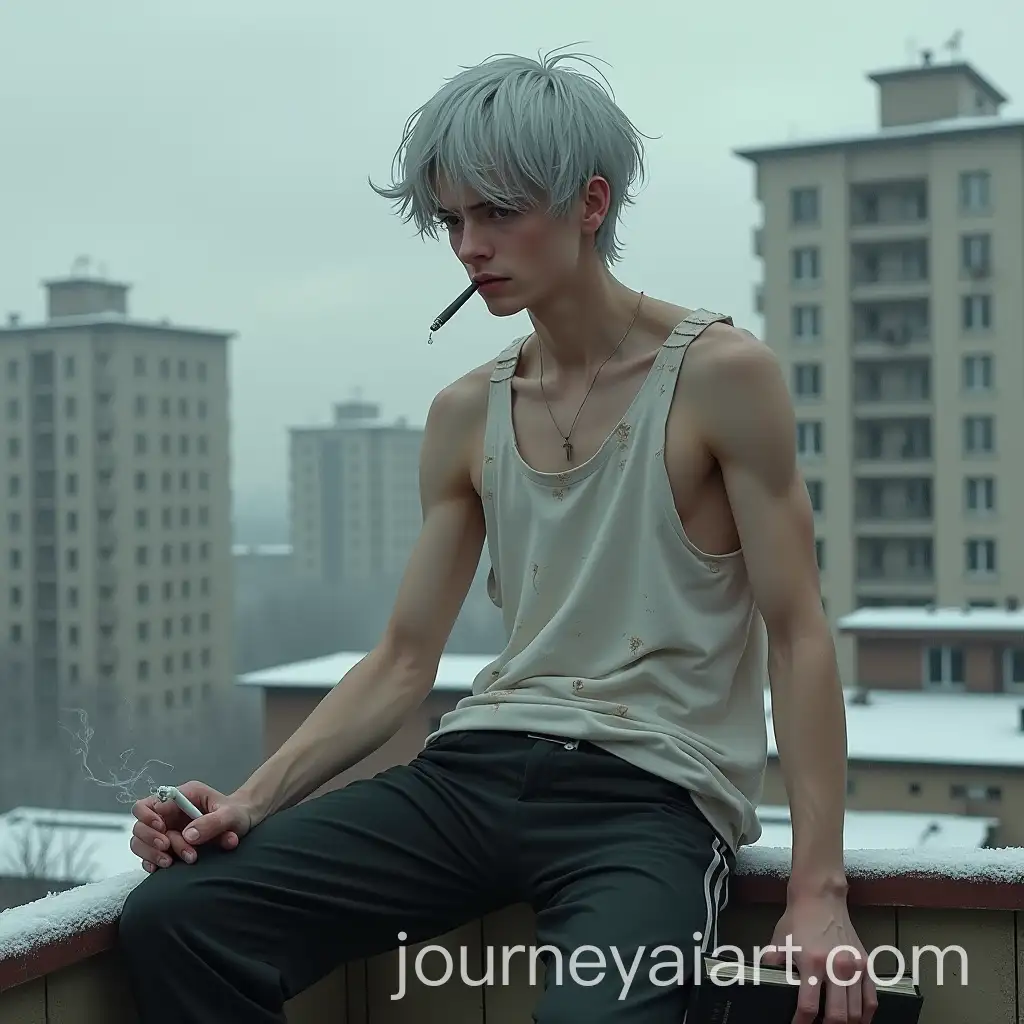
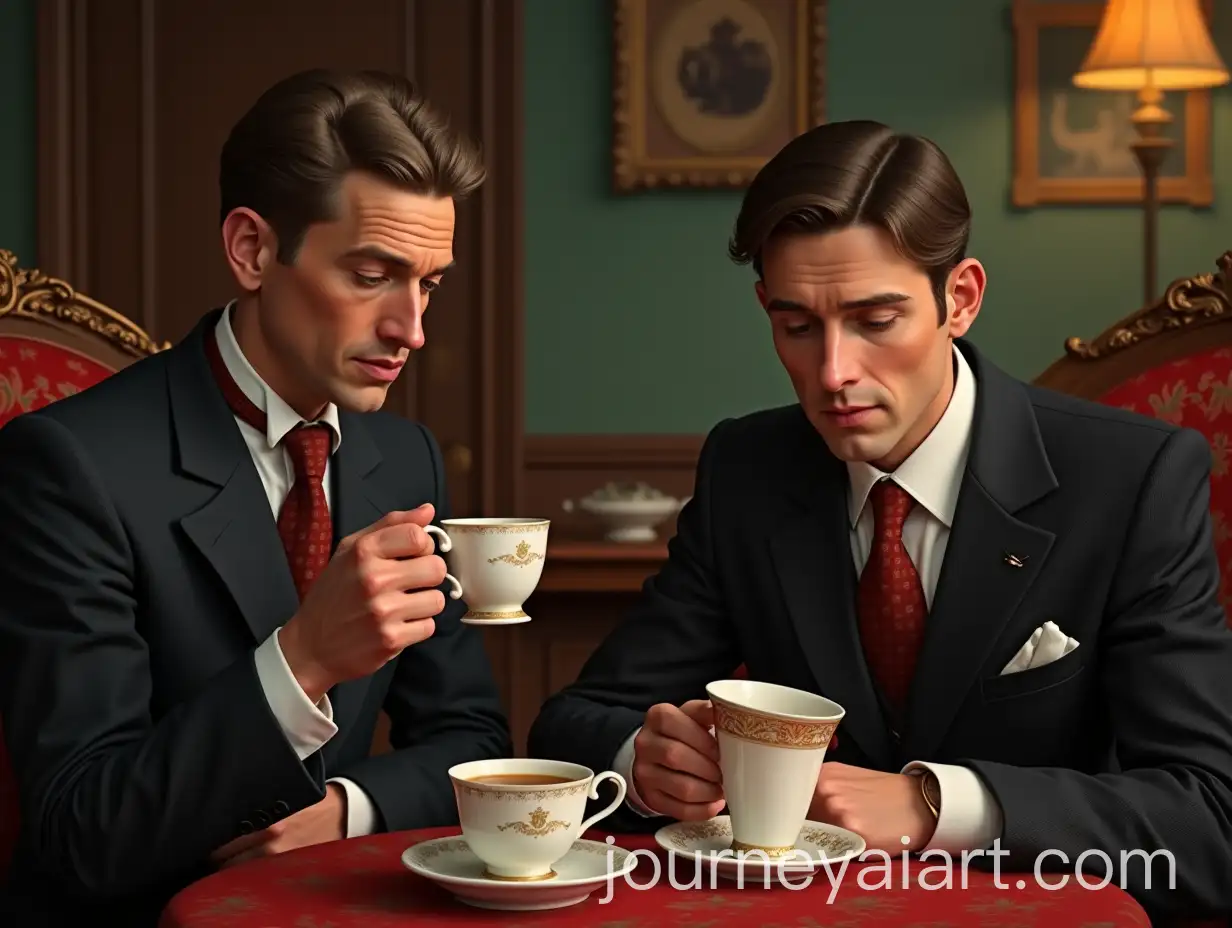

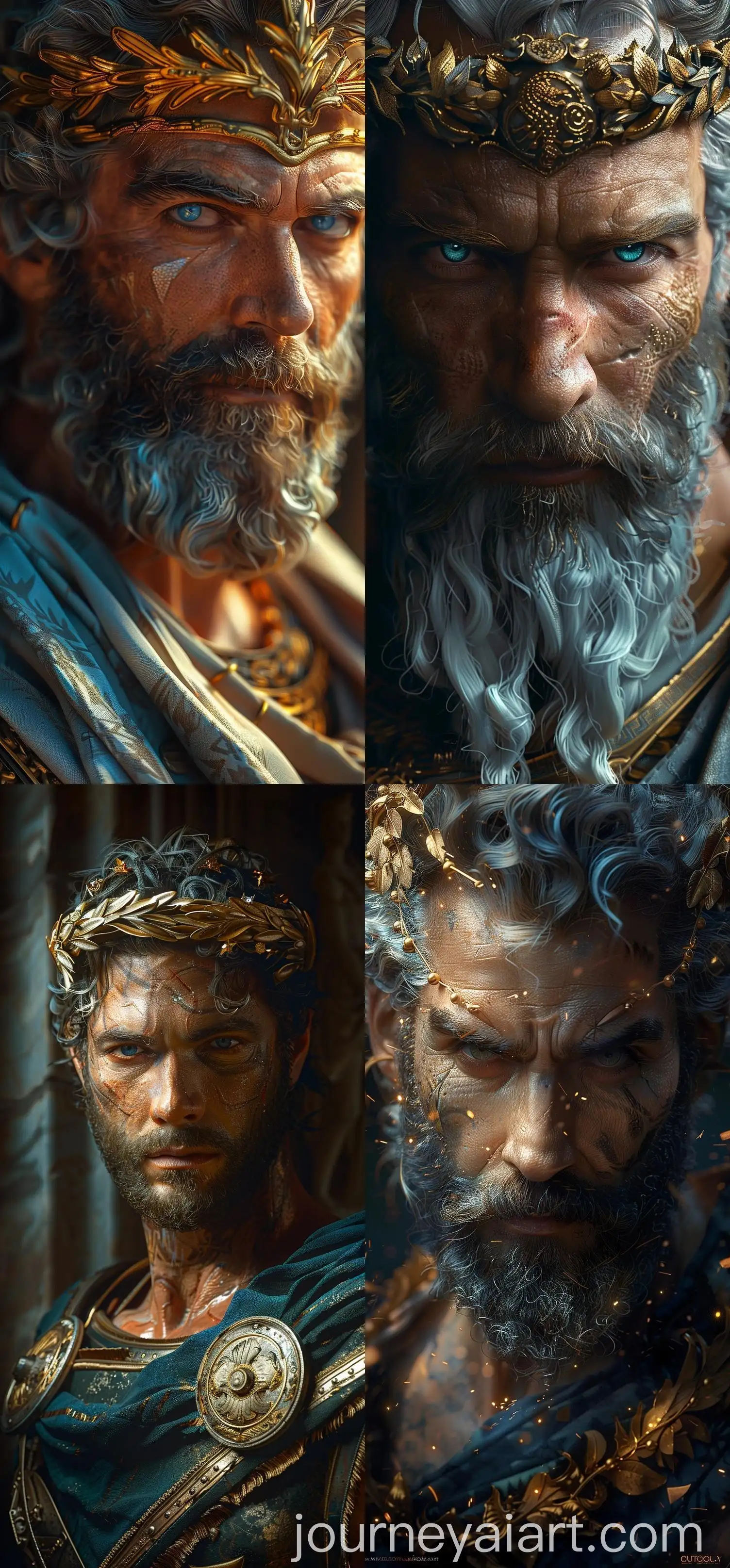
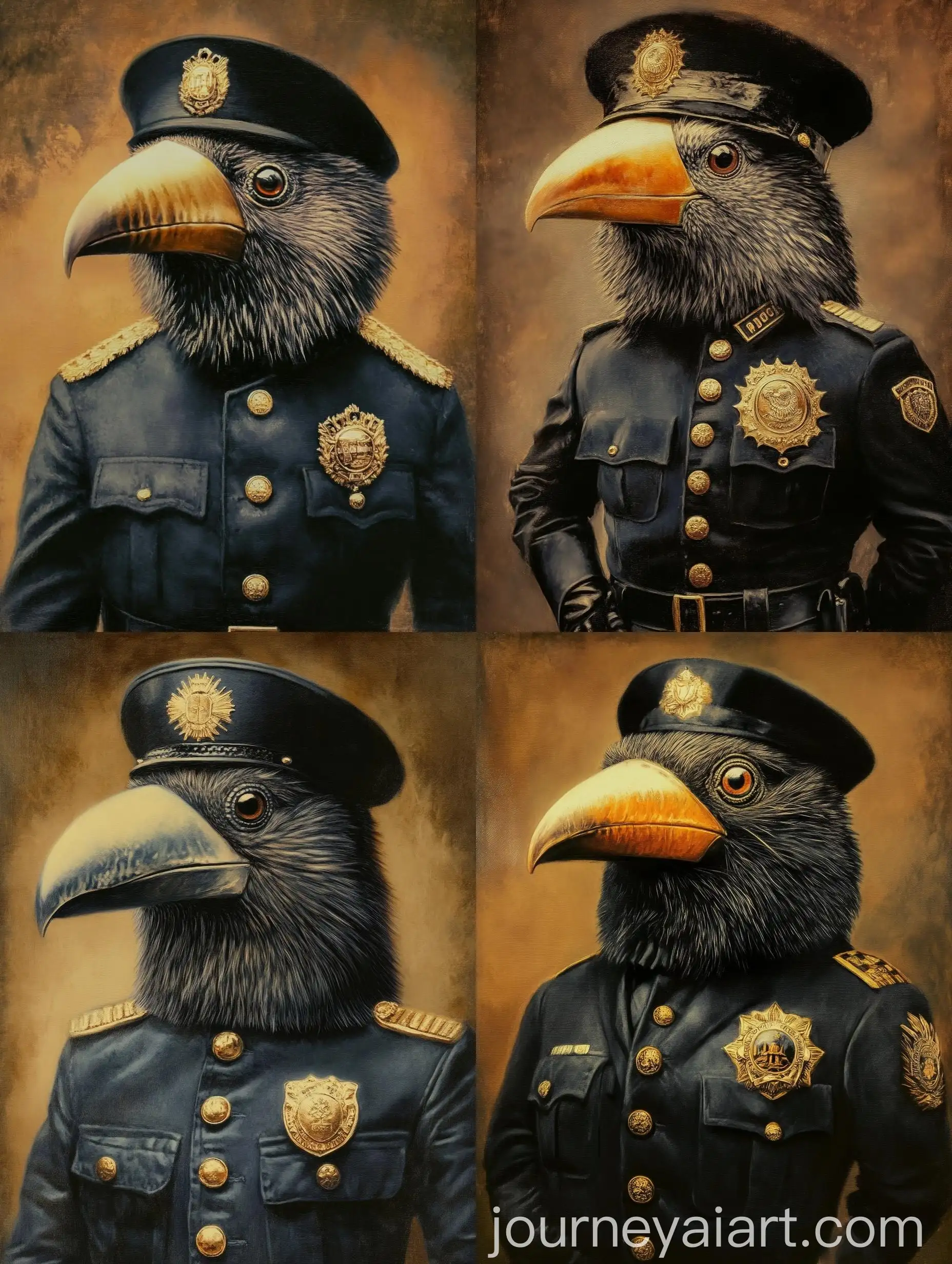
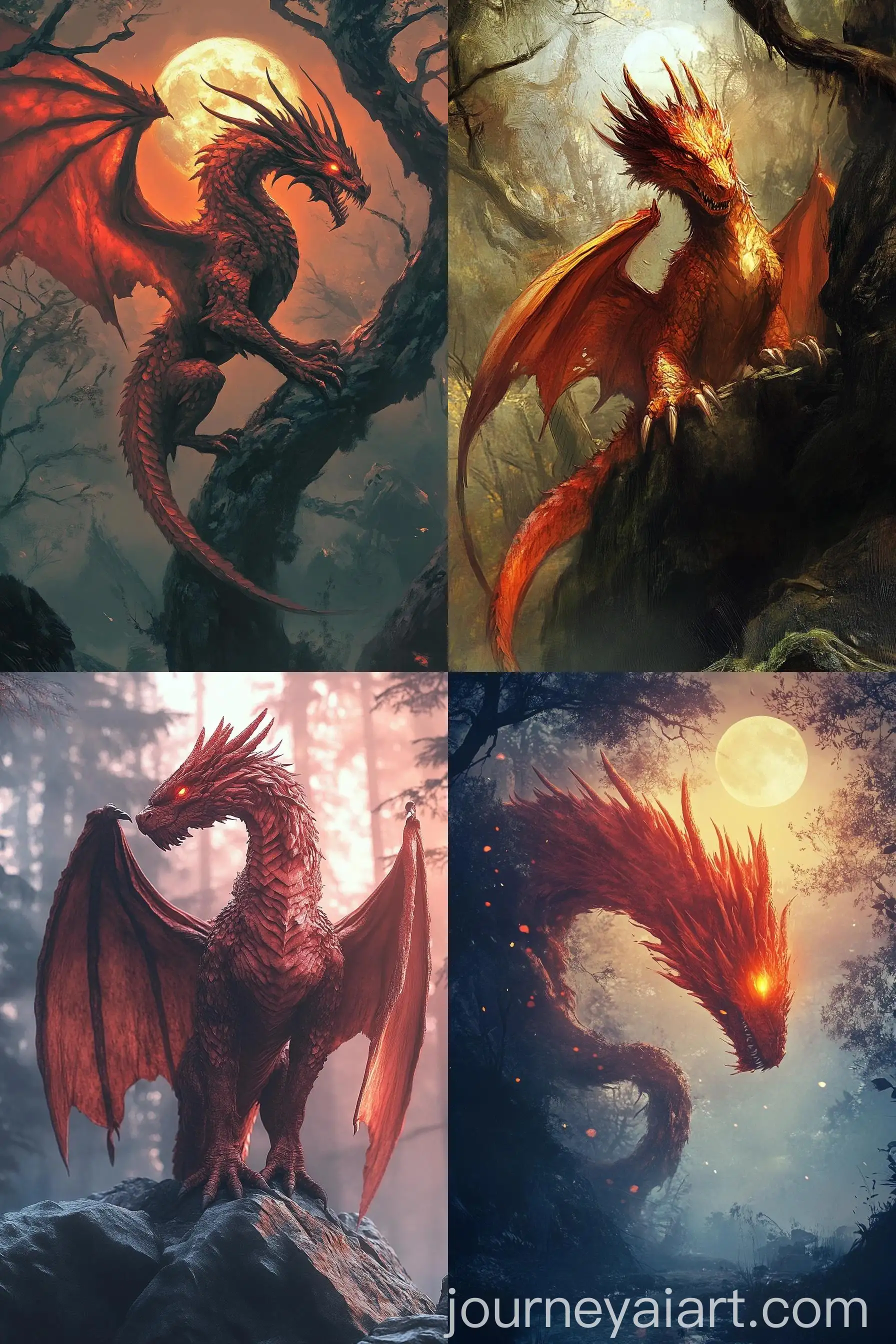
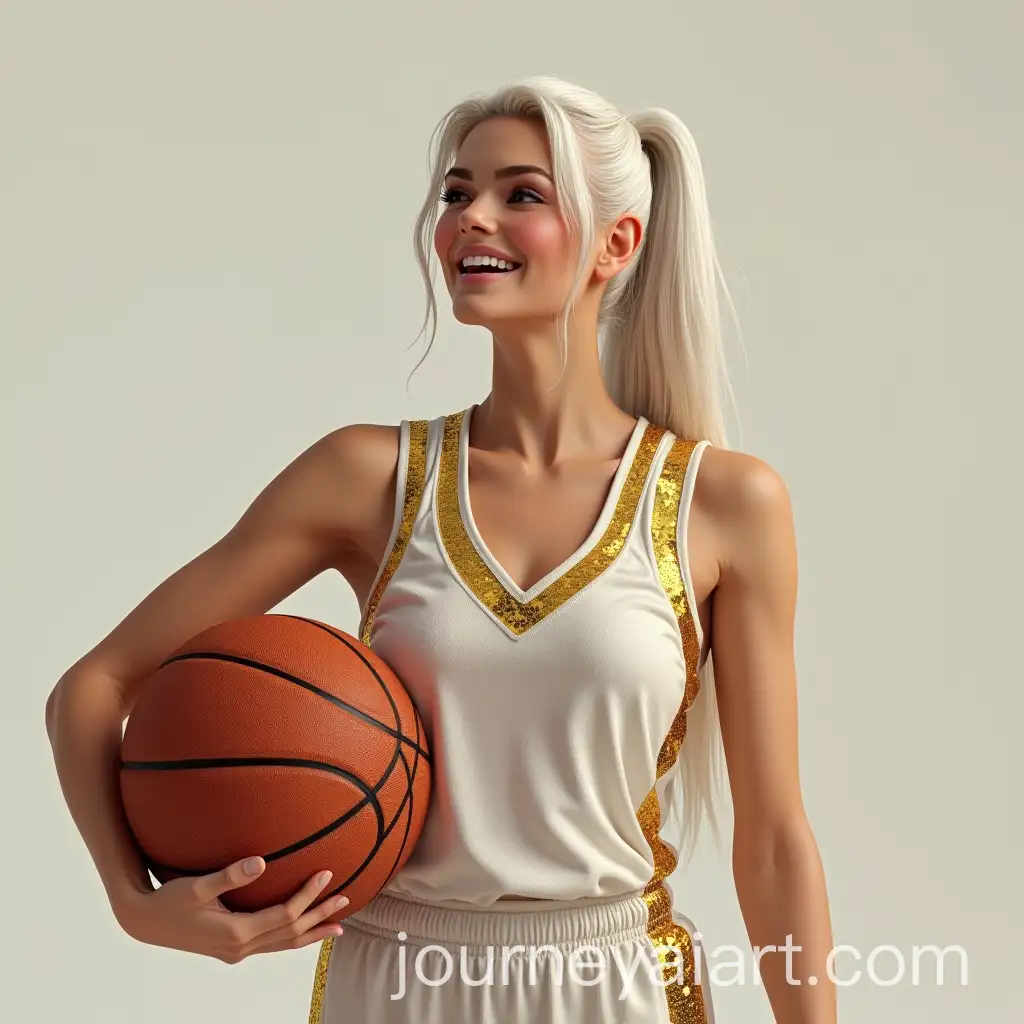
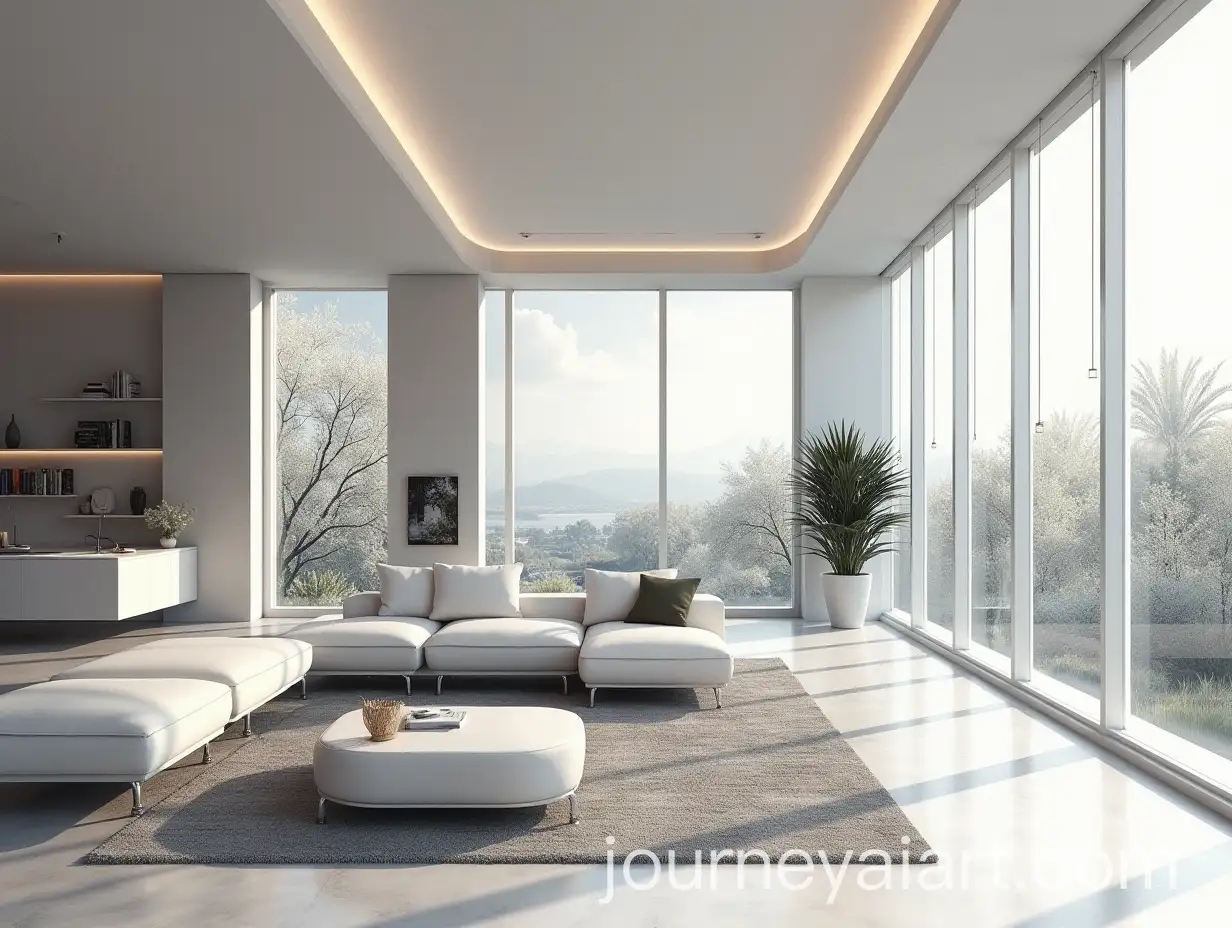
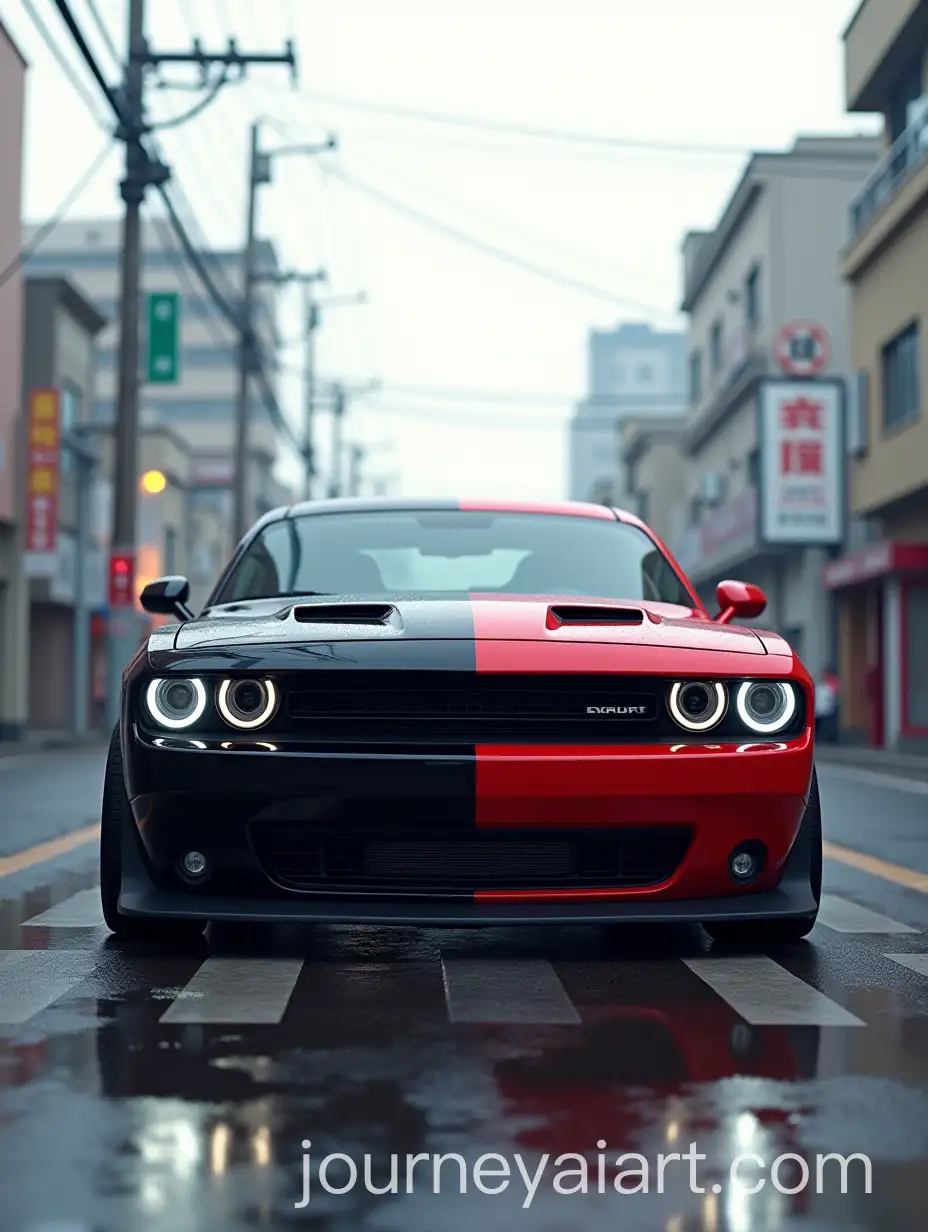
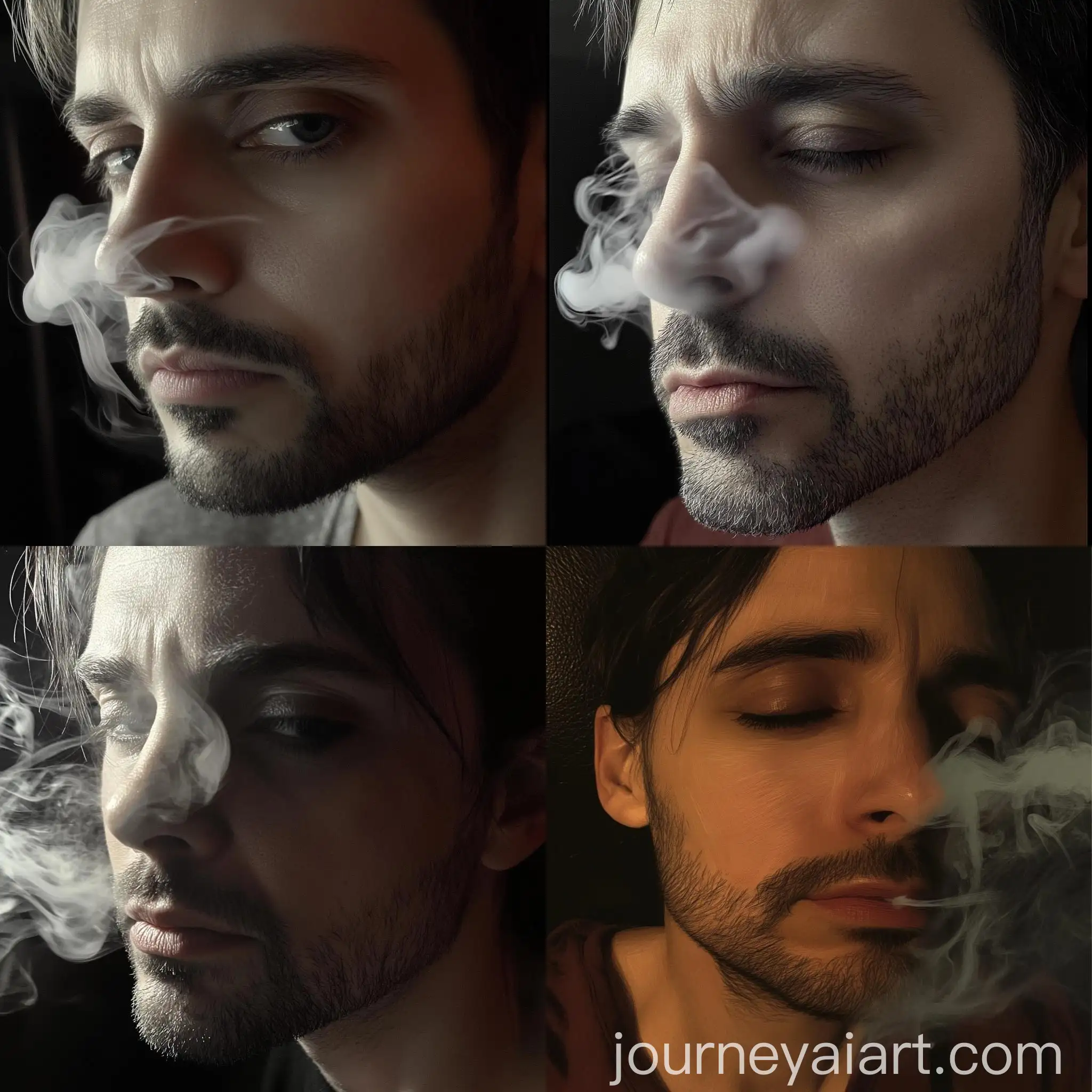
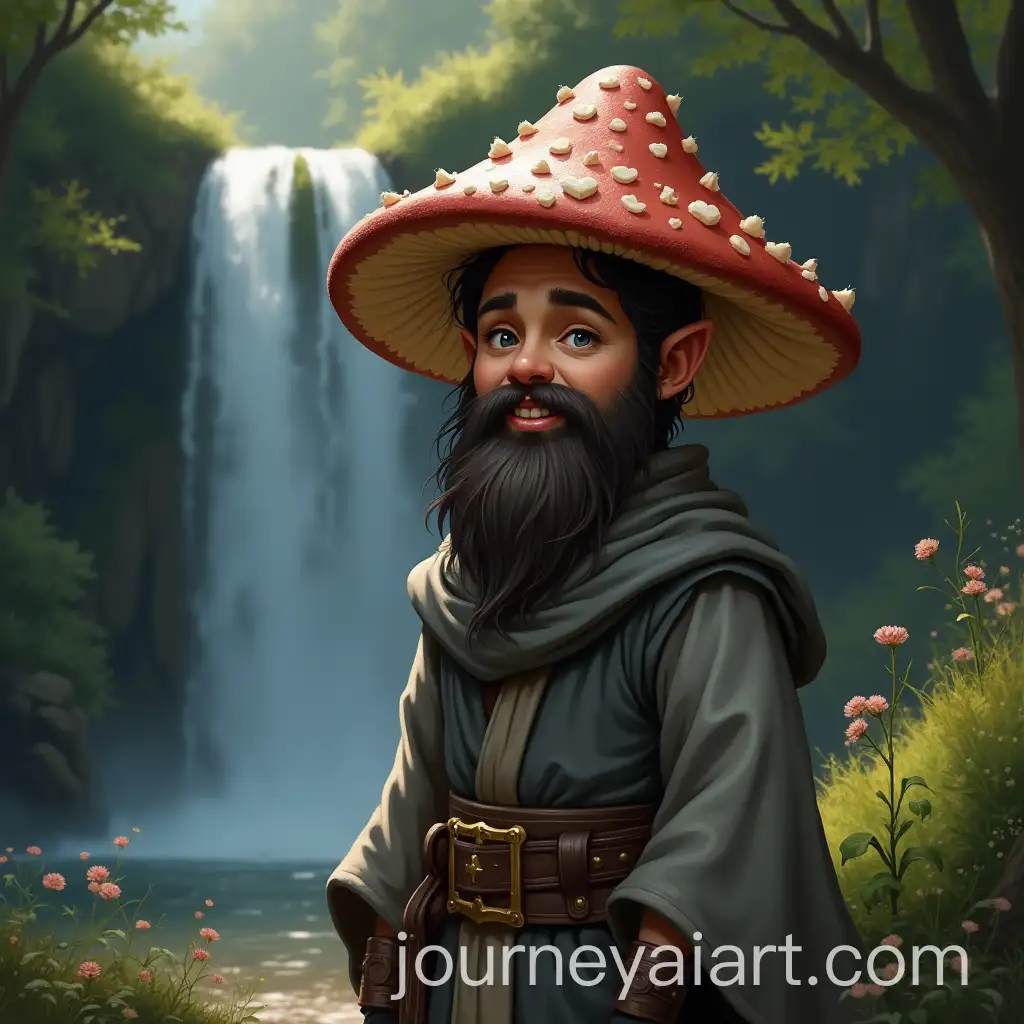
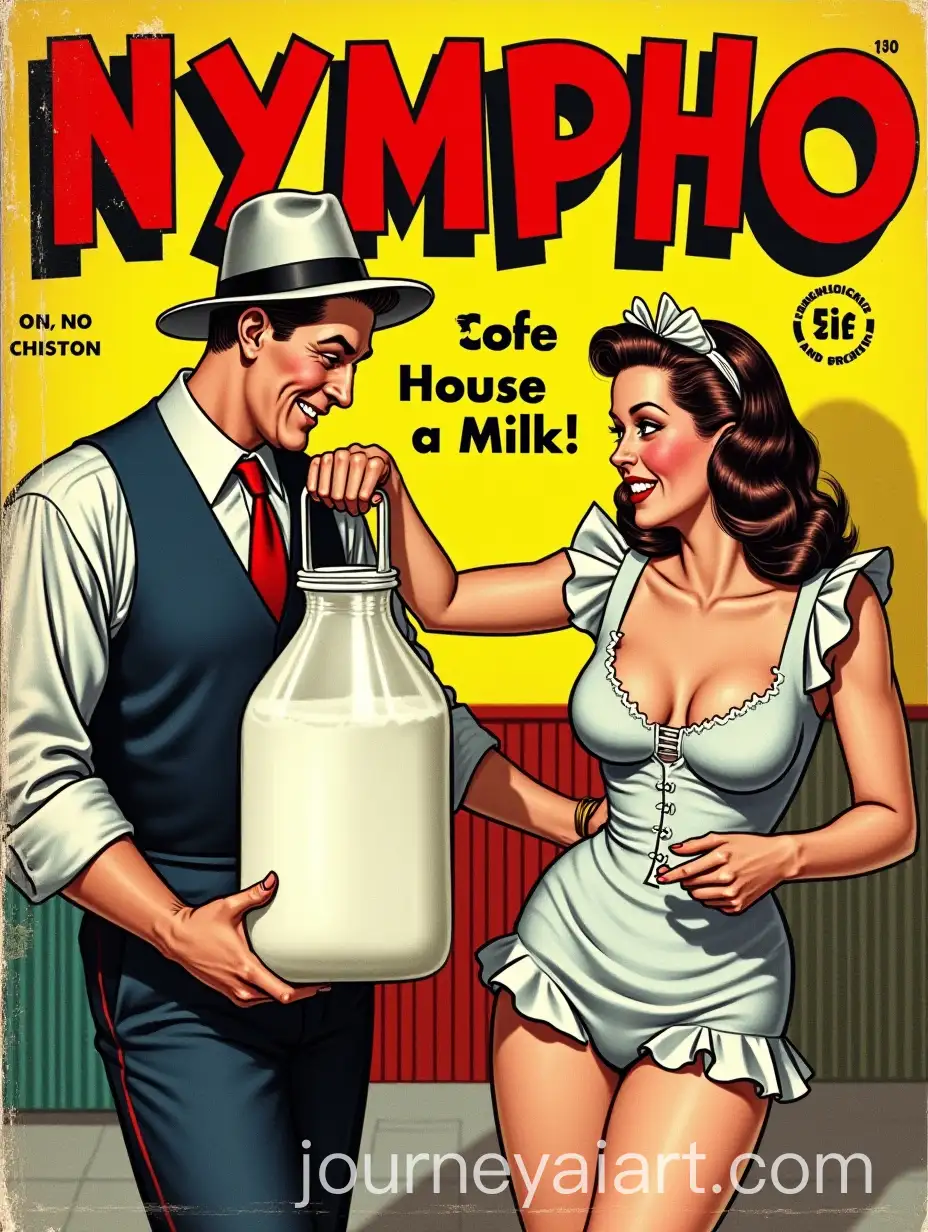

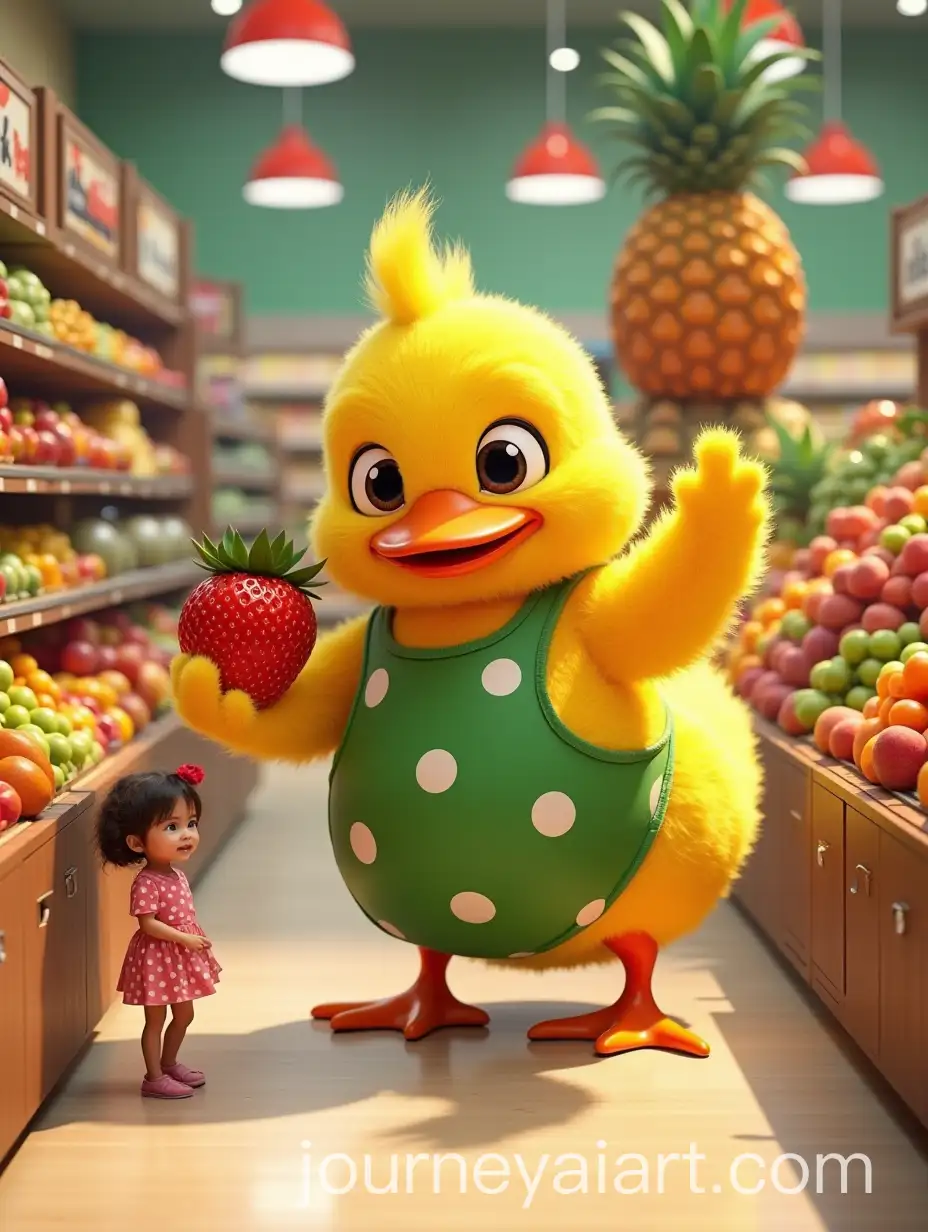
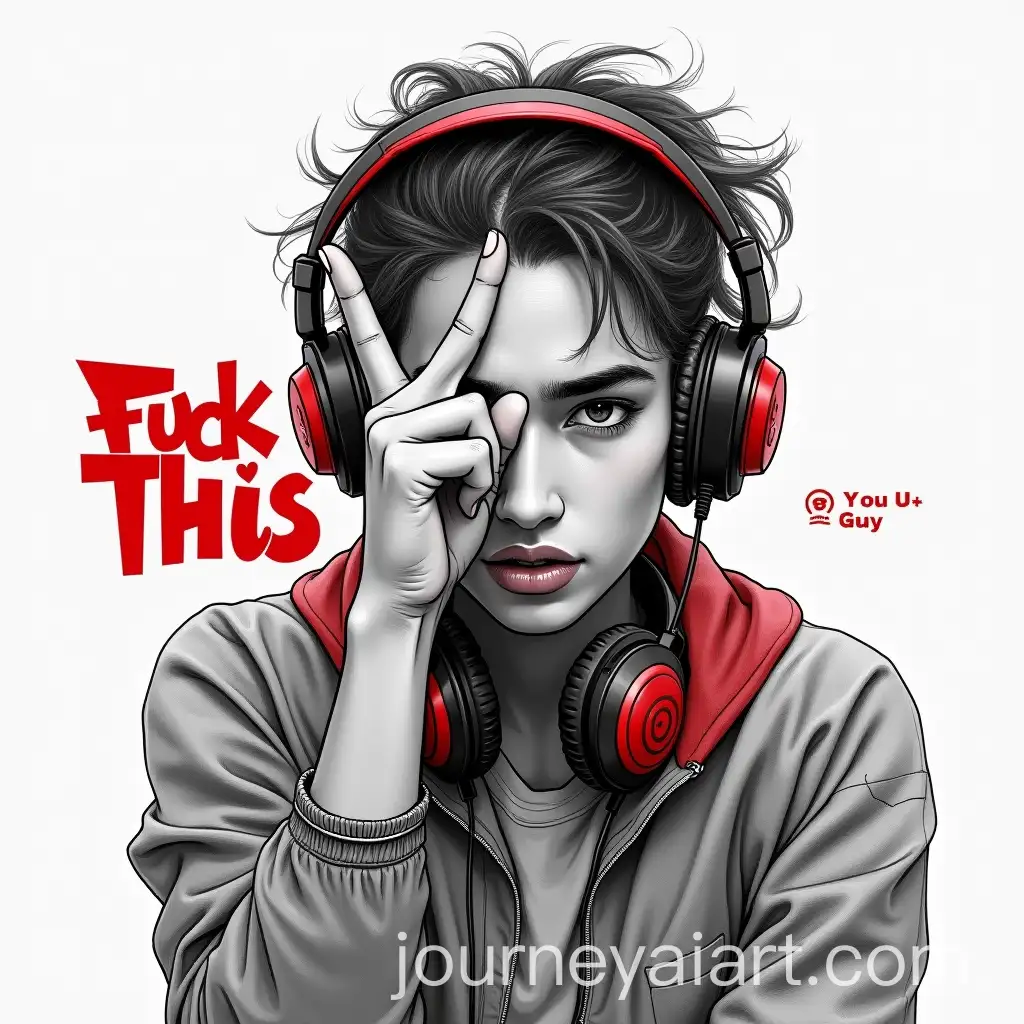
Photorealistic illustrations aim to create images that are as close to real-life photography as possible. This art form combines the precision of digital tools with artistic creativity to produce lifelike images. It has roots in the hyperrealism movement and is utilized in various fields such as advertising, product visualization, and digital media. By replicating the subtle details of light, texture, and color, photorealistic illustrations can deceive the eye and offer a high level of visual realism.
Understanding Photorealistic Illustrations
Photorealistic illustrations are characterized by their attention to detail, realistic lighting, and accurate textures. These features make them highly valuable in industries such as marketing, where realistic product images are essential for advertising. They are also widely used in architecture for creating realistic renderings of buildings and interiors. In entertainment, photorealistic illustrations enhance visual storytelling in movies, video games, and virtual reality experiences by creating immersive environments.
Key Features and Applications of Photorealistic Illustrations
Notable artists in the realm of photorealism include Richard Estes, known for his meticulous urban landscapes, and Chuck Close, famous for his large-scale, detailed portraits. In digital art, contemporary artists like Pascal Blanché and Marek Denko are celebrated for their stunningly realistic 3D renderings. Their works push the boundaries of what is possible in digital media, blending technical skill with artistic vision to create images that rival traditional photography.
Influential Artists and Iconic Works in Photorealism
Creating photorealistic illustrations involves mastering digital tools and understanding the principles of light, color, and texture. Software such as Adobe Photoshop, Blender, and 3ds Max are commonly used to achieve photorealism. Starting with a detailed concept, artists build up layers of color and texture, paying close attention to how light interacts with surfaces. The 'open in editor' feature on our website allows users to adjust prompts and experiment with different settings to create their unique photorealistic images.
Creating Your Own Photorealistic Illustrations