13 Free autumn background Midjourney AI images
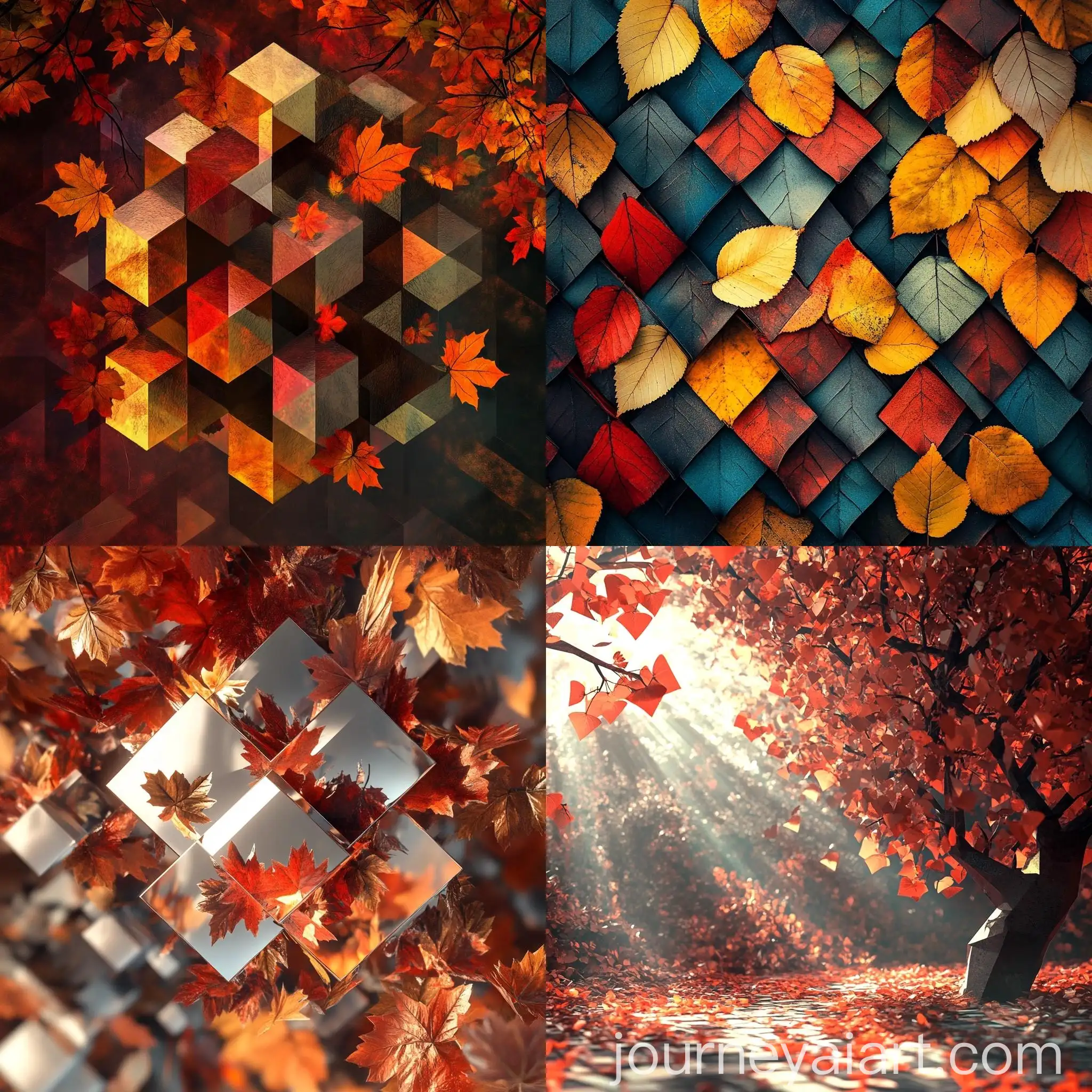
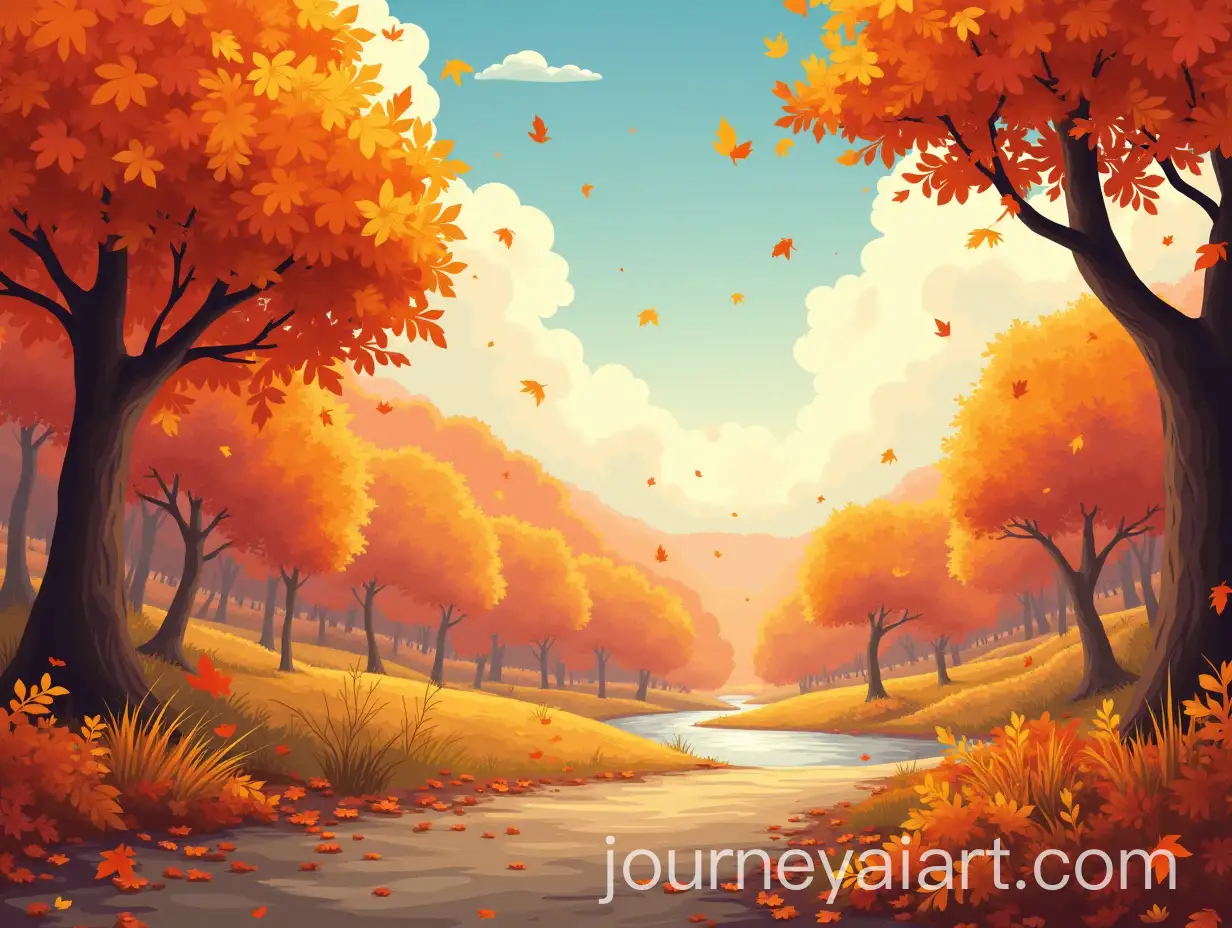
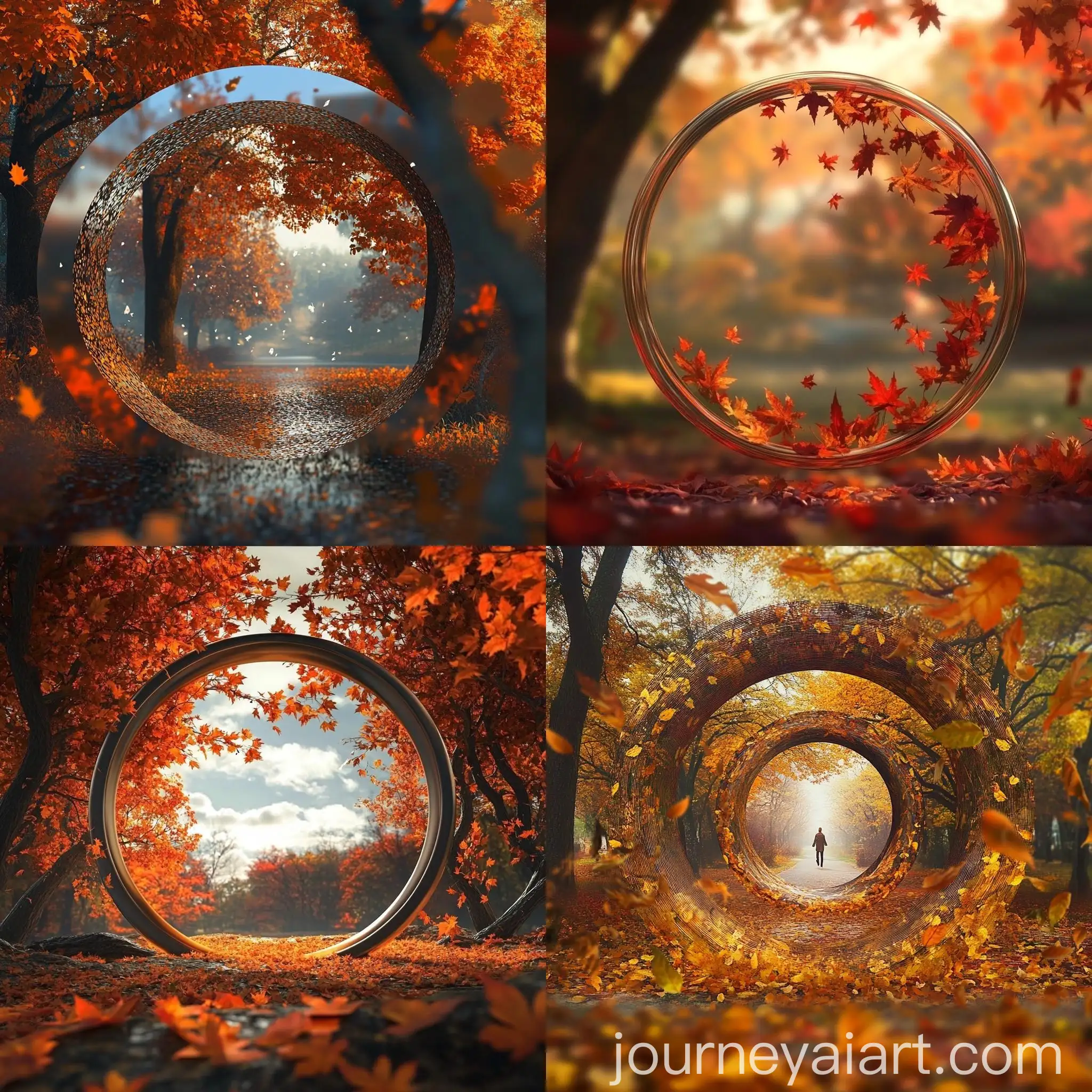
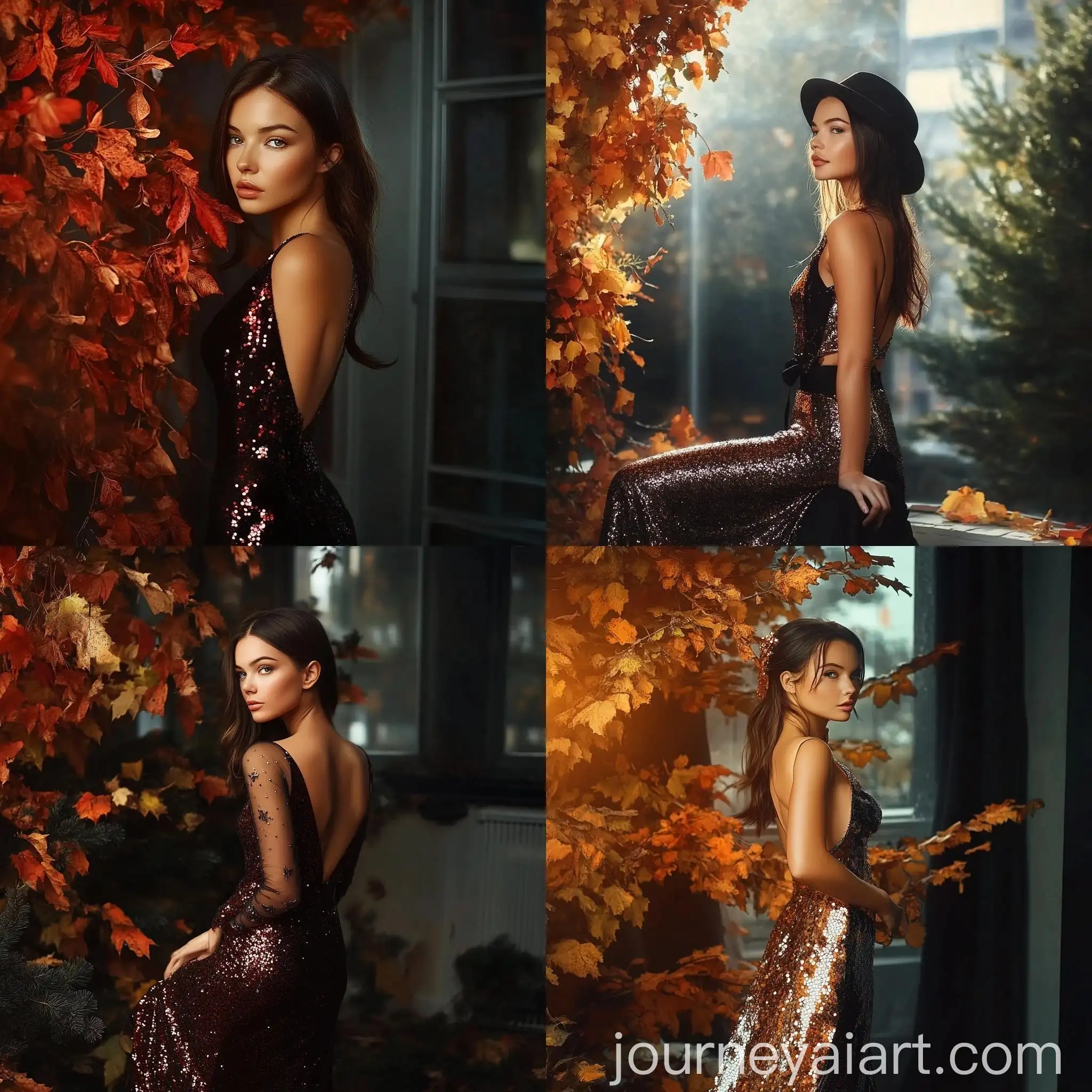
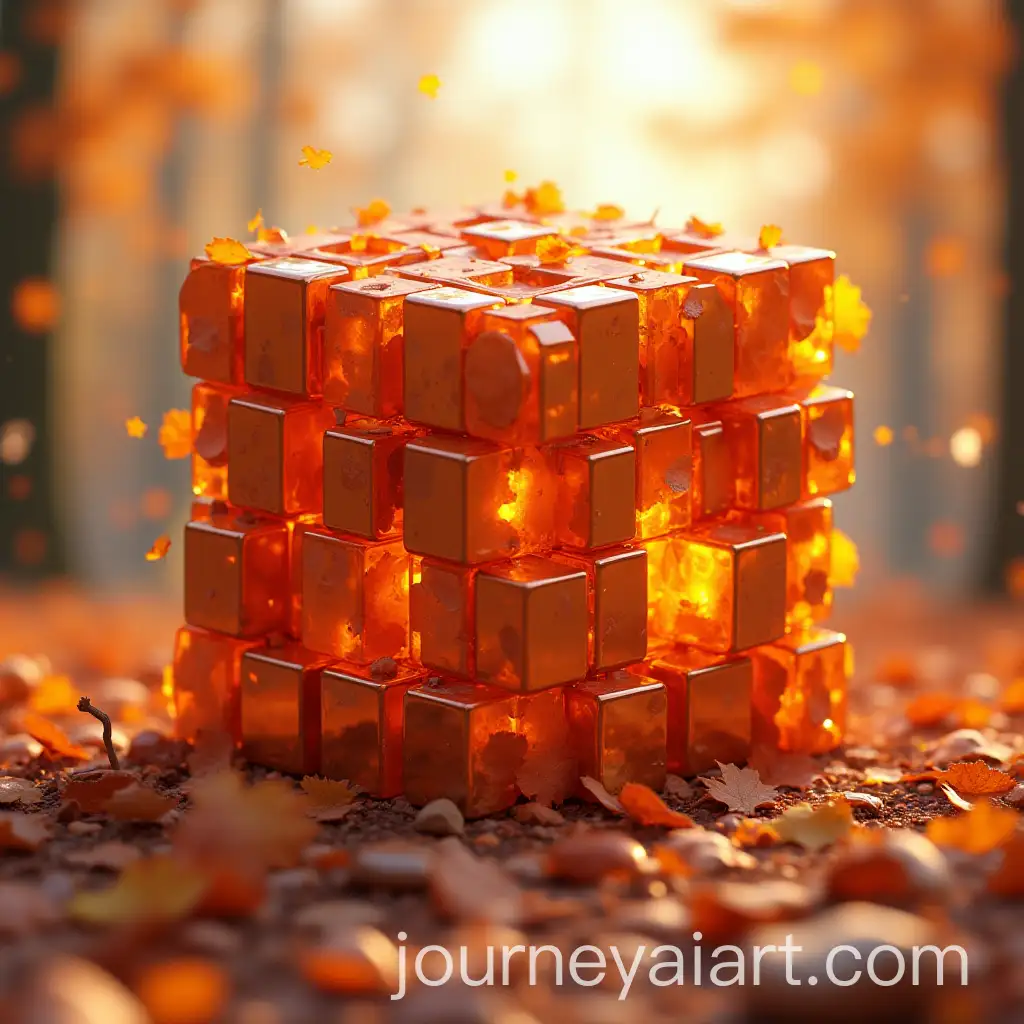
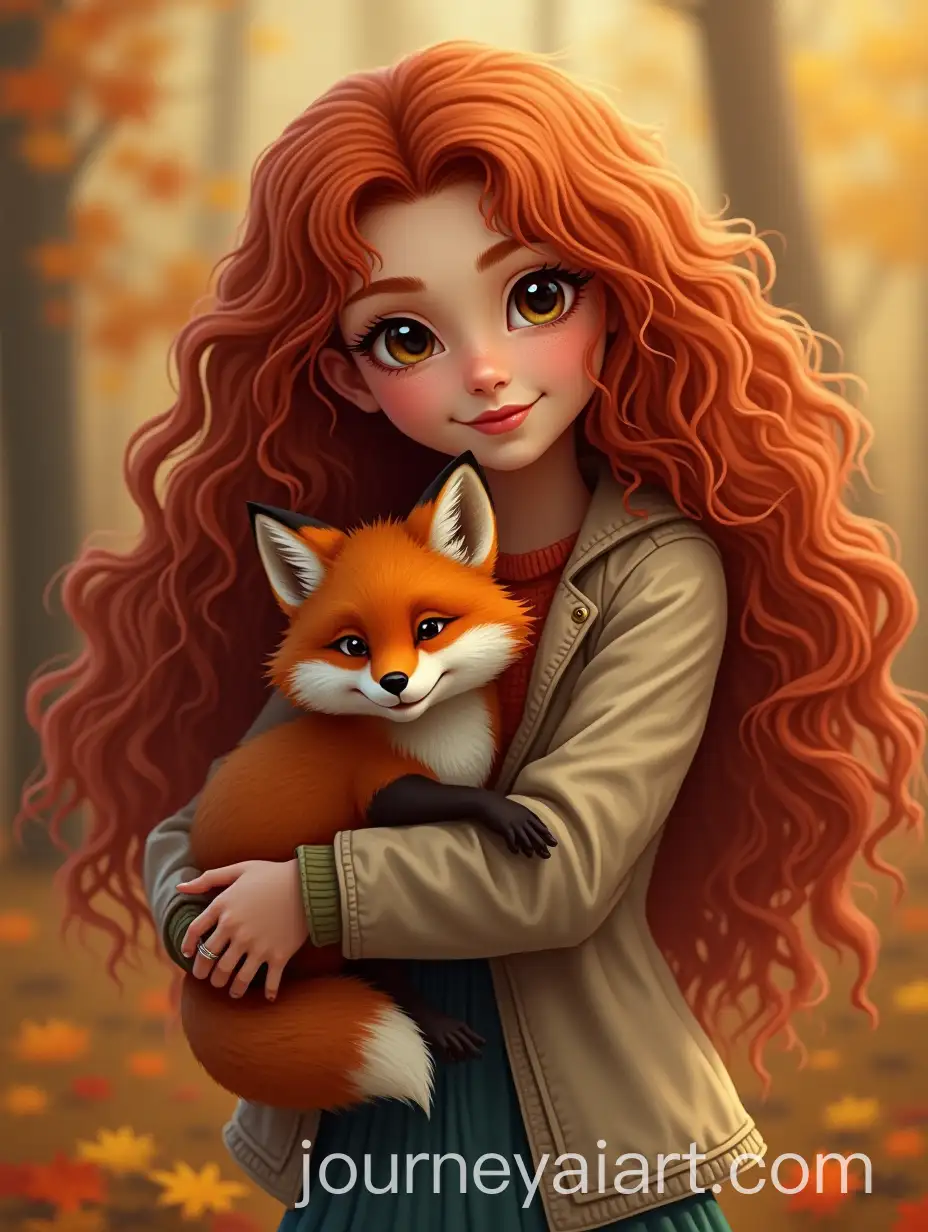
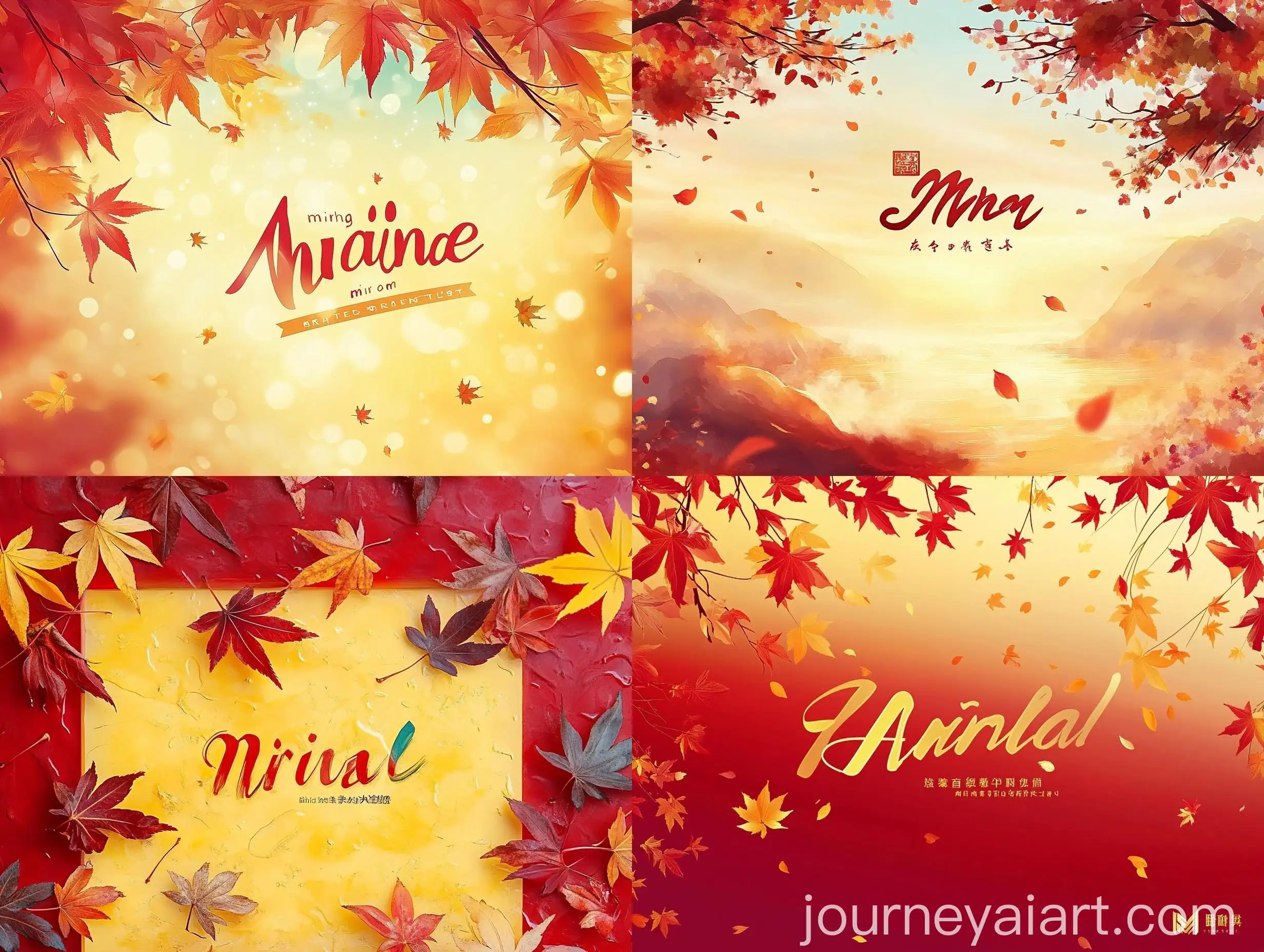
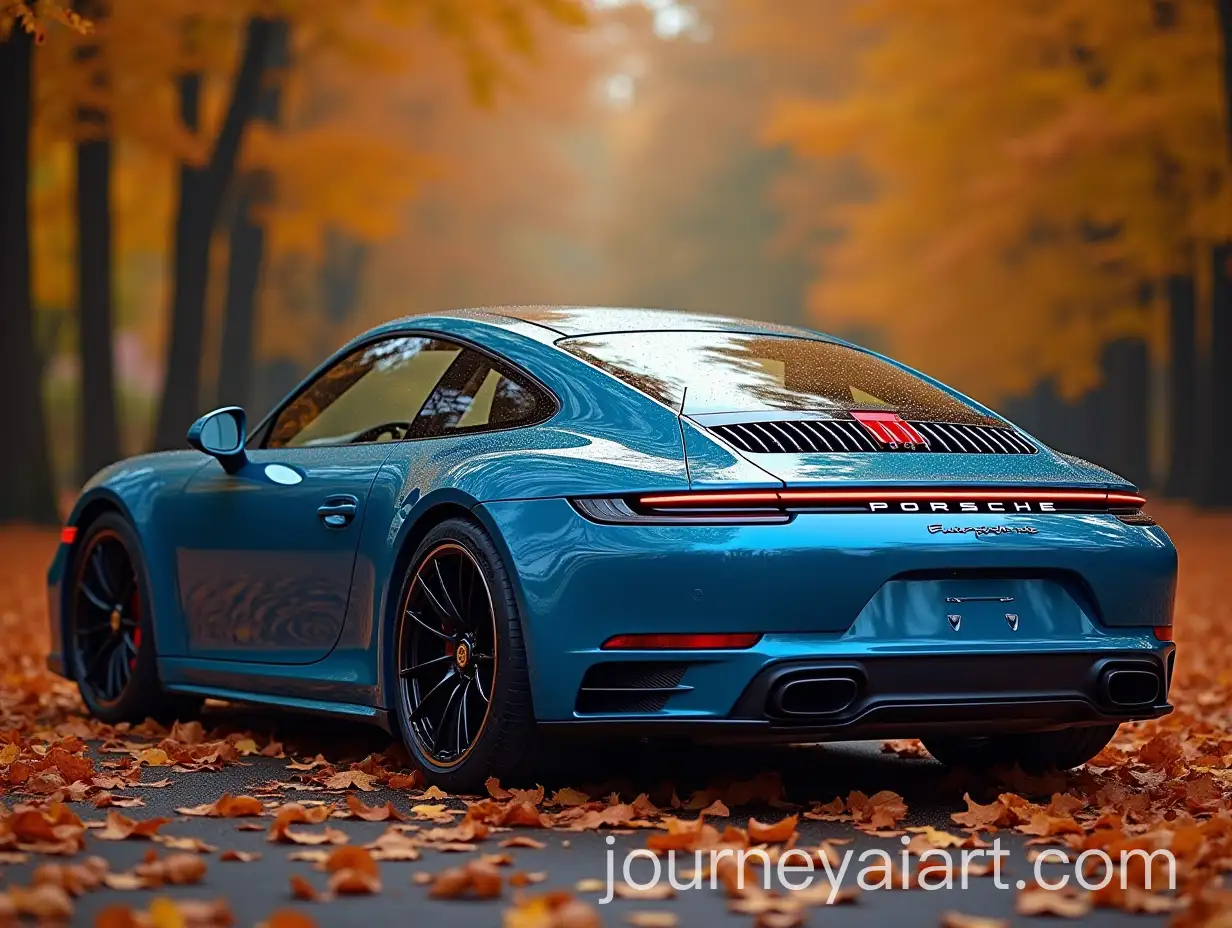
Welcome to our 'Autumn Background' image collection, showcasing 13 free AI-generated images. Dive into a diverse array of stock photos, 3D objects, vectors, and illustrations, all capturing the essence of autumn. Enjoy high-resolution downloads and utilize our 'open in editor' feature to customize prompts and regenerate images to perfectly suit your needs.





Related Tags
An autumn background in digital art often incorporates the rich, warm tones of fall foliage—reds, oranges, yellows, and browns. These backgrounds may feature a variety of elements such as fallen leaves, pumpkins, misty mornings, and twilight hues to evoke a sense of nostalgia and tranquility. AI-generated autumn backgrounds can range from realistic depictions to abstract interpretations, offering versatility for different artistic needs, from digital illustrations to marketing materials.
What Defines an Autumn Background in Digital Art?
Autumn background images are highly versatile and can be used in a variety of applications. In graphic design, they serve as captivating backdrops for promotional materials, seasonal advertisements, and social media posts. These images are also popular in website designs, creating a warm and welcoming atmosphere for seasonal promotions or themed content. Additionally, autumn backgrounds are often used in print media, such as greeting cards and posters, to convey the beauty and essence of the fall season.
Applications and Uses of Autumn Background Images
AI-generated autumn backgrounds come in a wide array of styles to suit various creative needs. From hyper-realistic images that meticulously capture the details of autumn landscapes to minimalist designs focusing on color palettes and shapes, the options are endless. Vintage styles may employ sepia tones and muted colors to evoke a sense of nostalgia, while modern designs might use vibrant, exaggerated hues or digital effects like bokeh or lens flares to create a more dynamic and engaging visual experience.
Exploring Different Styles of Autumn Backgrounds
Creating and customizing autumn backgrounds with AI tools is both easy and flexible. Users can start by selecting a base image and then use the 'open in editor' feature to tweak the prompt and regenerate the image to better match their vision. Adjustments can include changing color schemes, adding or removing specific elements, or altering the level of detail. This functionality is particularly useful for designers looking to create unique, high-quality images quickly, without the need for advanced graphic design skills.
How to Create and Customize Autumn Backgrounds Using AI Tools