9 Free Wavy lines Midjourney AI images
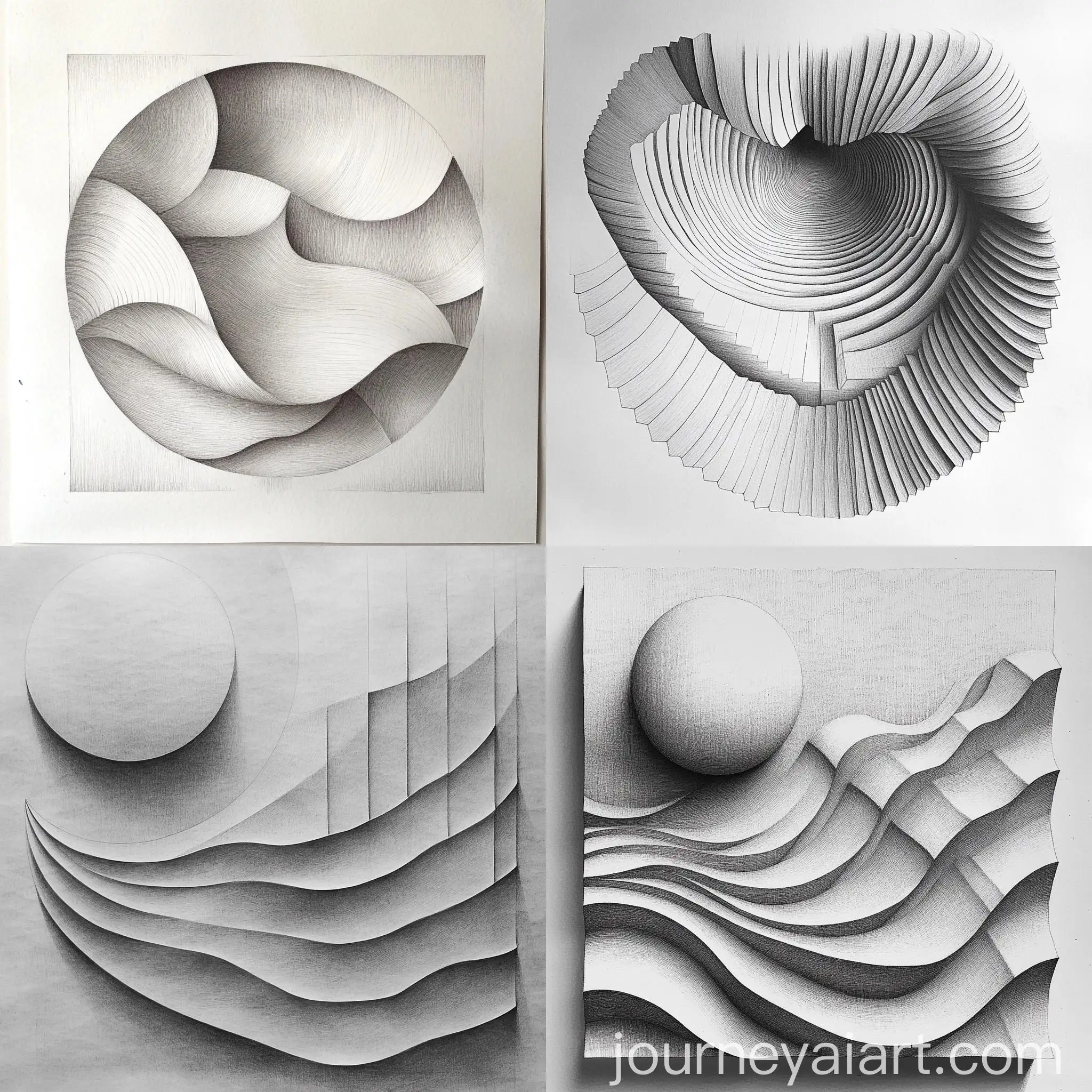
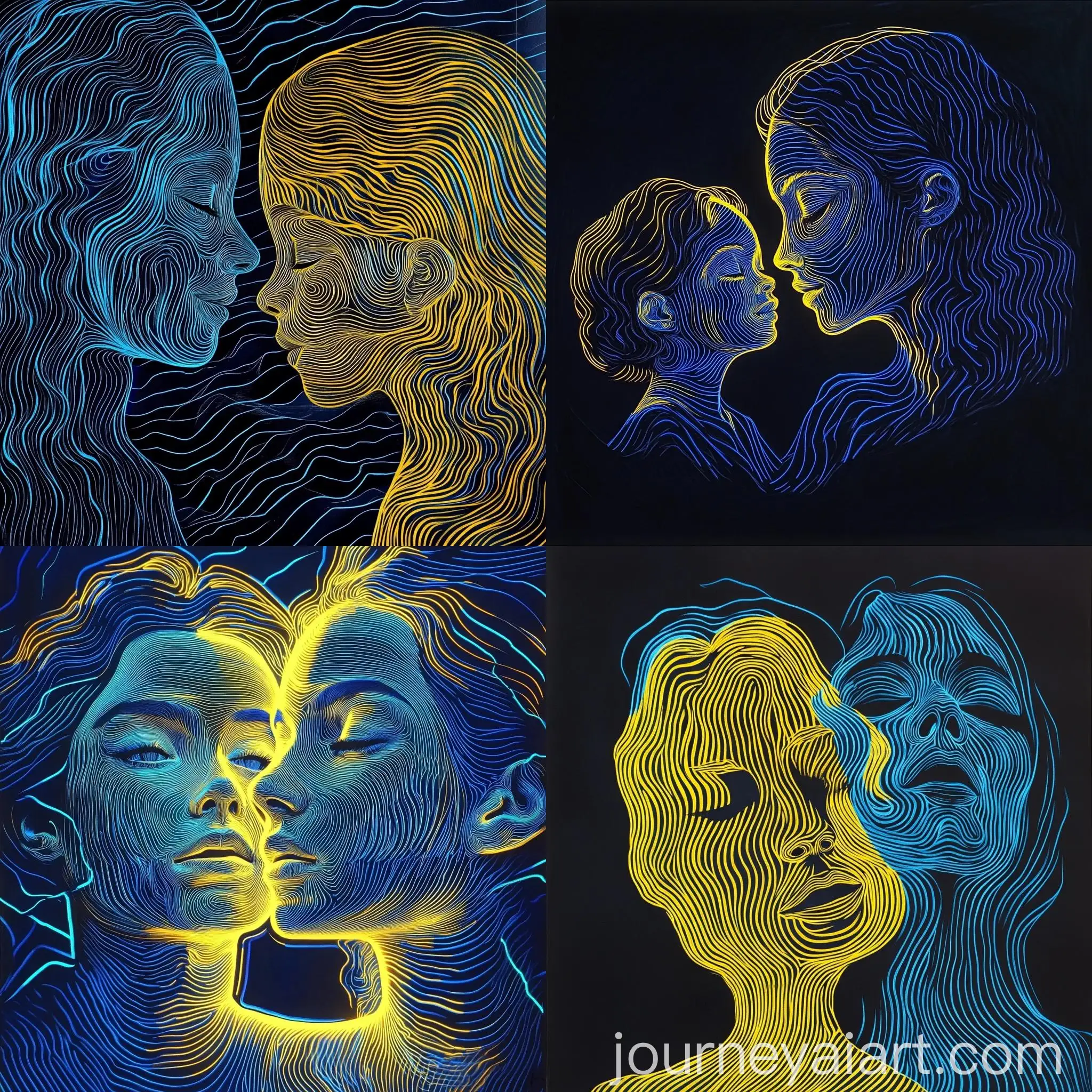
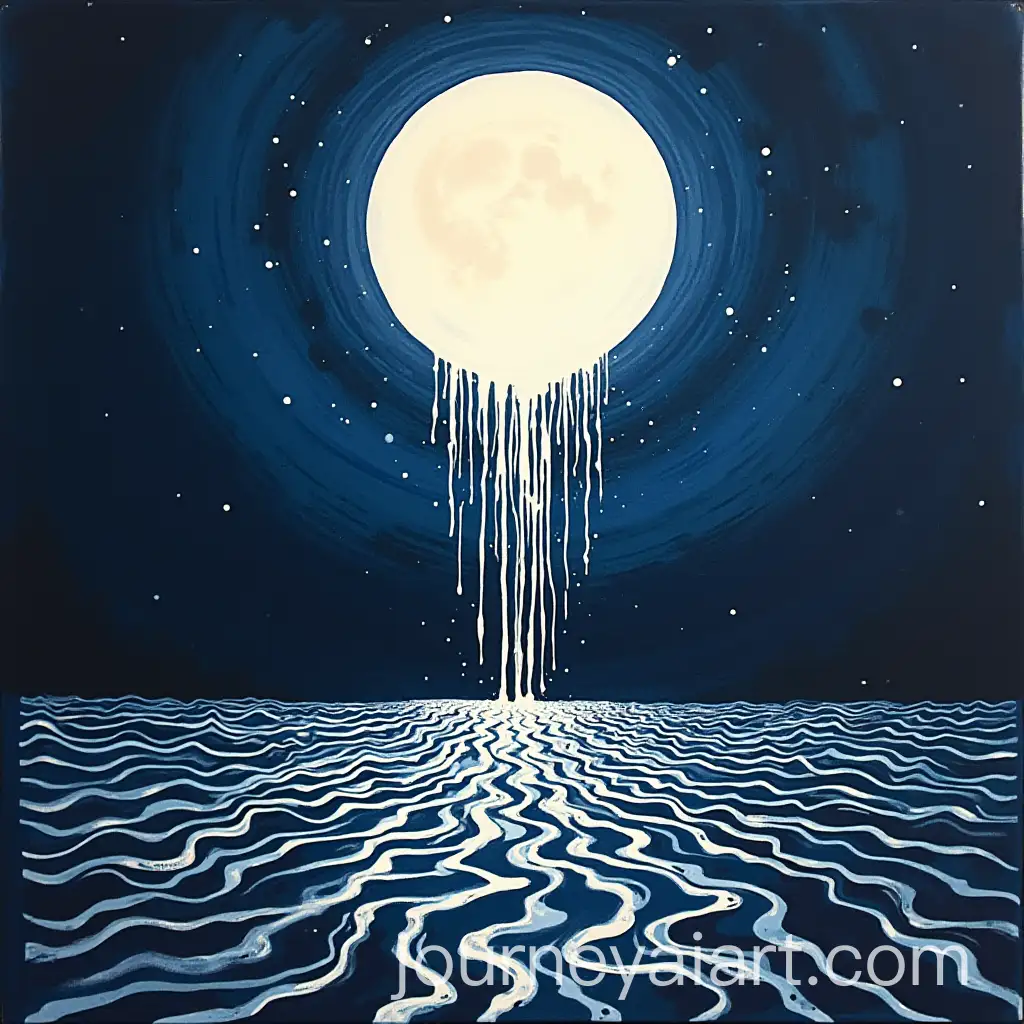
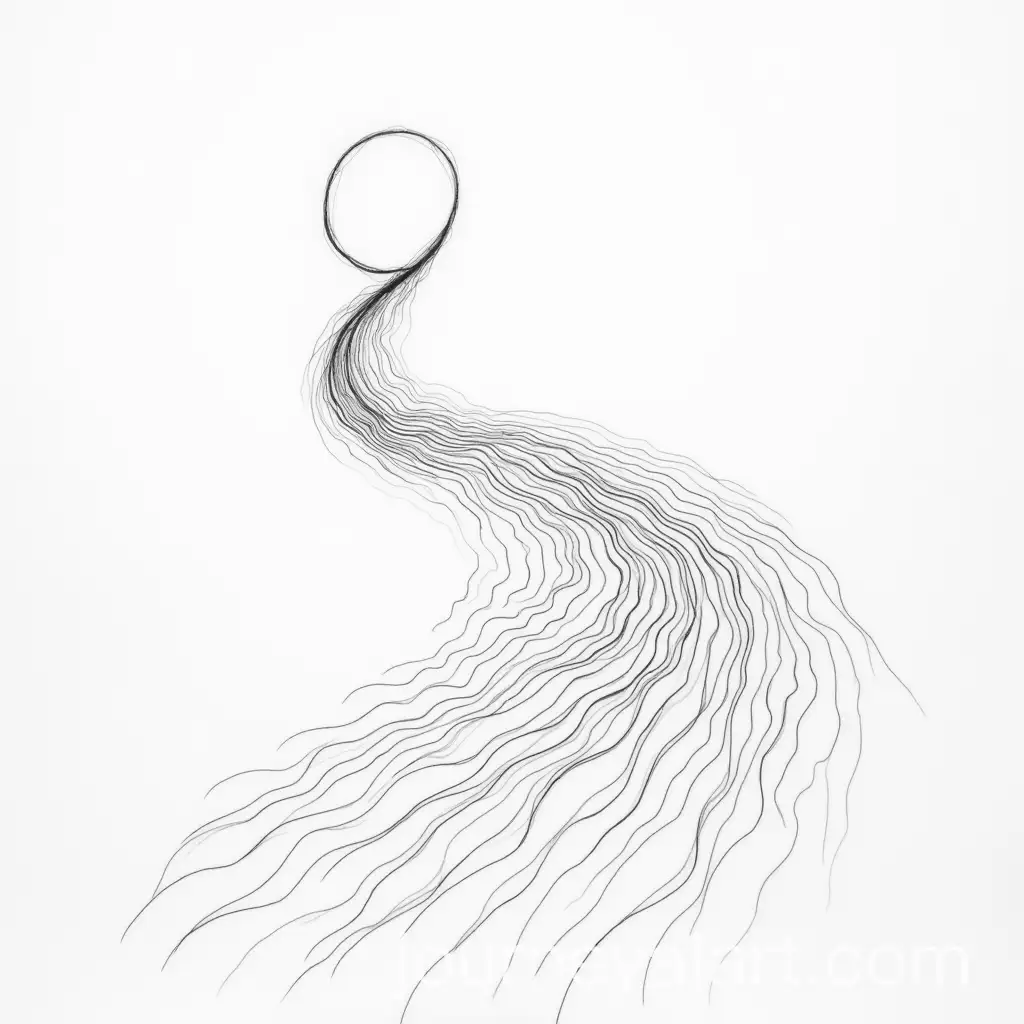
Explore our collection of 9 free AI-generated images under the tag 'Wavy Lines.' This page showcases a diverse array of images, including stock photos, 3D objects, vectors, and illustrations. Each image is available in high-resolution for download, and you can click 'open in editor' on any image detail page to adjust the prompt and regenerate images tailored to your needs.




Related Tags
Wavy lines are a design element commonly used in visual art to create a sense of flow, movement, and rhythm. Unlike straight lines, wavy lines add a dynamic quality to compositions, often evoking emotions like calmness, fluidity, or energy. This versatile element is found across various art forms, from abstract paintings to digital designs, enhancing the overall aesthetic and engaging the viewer’s senses.
Understanding Wavy Lines in Visual Art
Wavy lines are characterized by their smooth, undulating curves that vary in amplitude and frequency. They can be subtle or pronounced, thick or thin, and are often used to suggest water, wind, or organic movement. These lines are extensively used in graphic design, branding, motion graphics, and UI/UX design to guide the viewer’s eye or create visual harmony. In AI-generated art, wavy lines often add a touch of elegance and modernity, making them popular in digital artwork and illustrations.
Characteristics and Applications of Wavy Lines
Wavy line art comes in various styles, from minimalistic line drawings to complex, layered patterns. Some common types include continuous wavy lines, which create a seamless flow, and broken wavy lines, which add texture and contrast. Artists and designers use these styles to convey different moods, such as tranquility with smooth, gentle waves or excitement with sharp, rapid undulations. In AI art, these styles can be customized and tweaked to achieve unique visual effects, enhancing the versatility of wavy line designs.
Different Styles and Types of Wavy Line Art
Creating AI art with wavy lines involves understanding prompt engineering to guide the AI in generating desired effects. By specifying line characteristics, such as thickness, frequency, or color variations, you can achieve diverse artistic outcomes. The 'open in editor' feature on this page allows users to refine prompts, experiment with styles, and generate custom images. Whether for abstract art, background textures, or design elements, wavy lines offer endless creative possibilities for artists and designers alike.
Creating AI Art with Wavy Lines: Tips and Techniques