17 Free User interface elements Midjourney AI images
Welcome to our User Interface Elements image collection, where you'll find 17 free AI-generated images. This page offers a wide variety of image types, including stock photos, 3D objects, vectors, and illustrations, all available for high-resolution download. With our 'open in editor' feature, you can easily customize prompts and regenerate images to suit your specific needs.
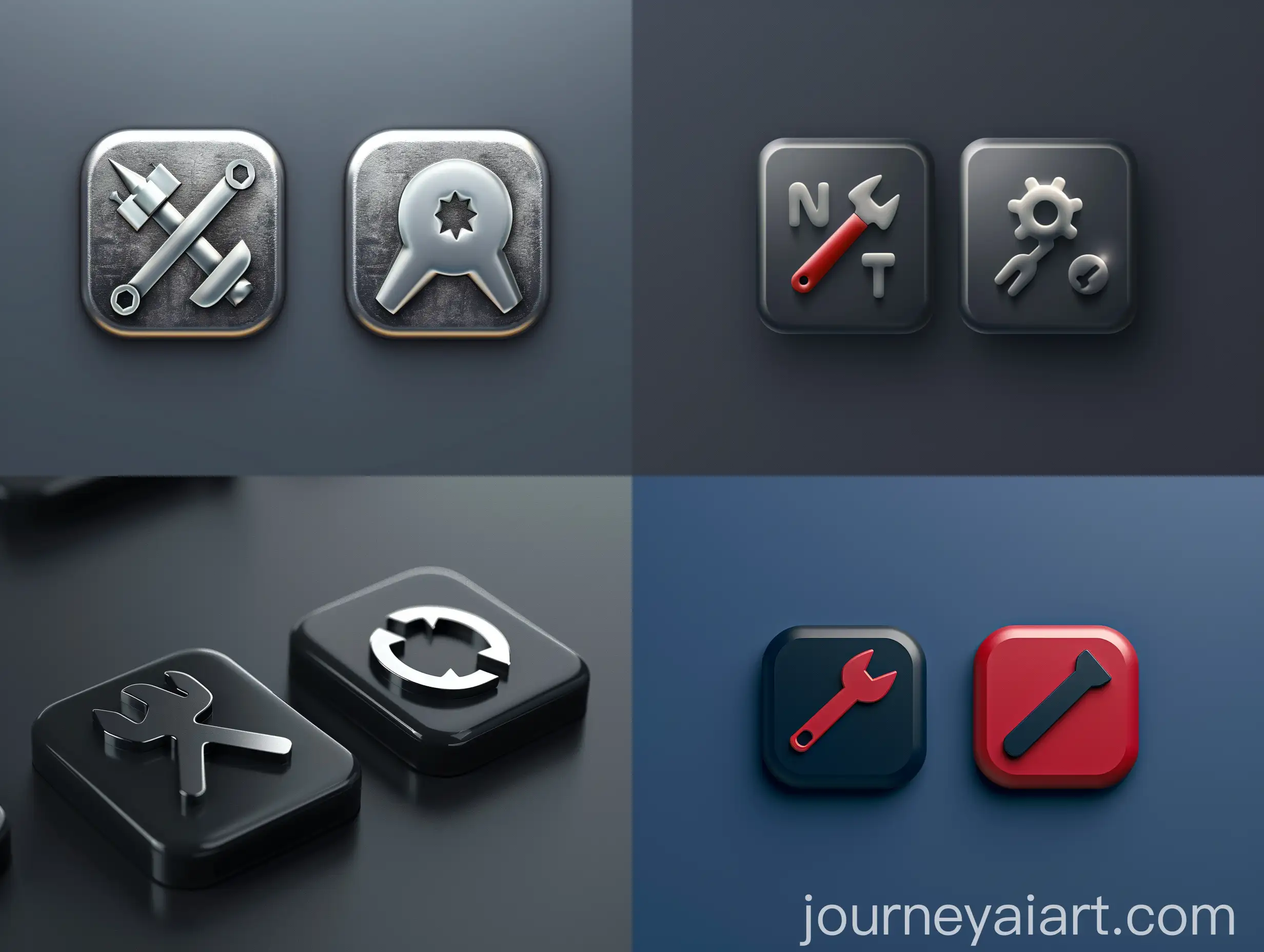
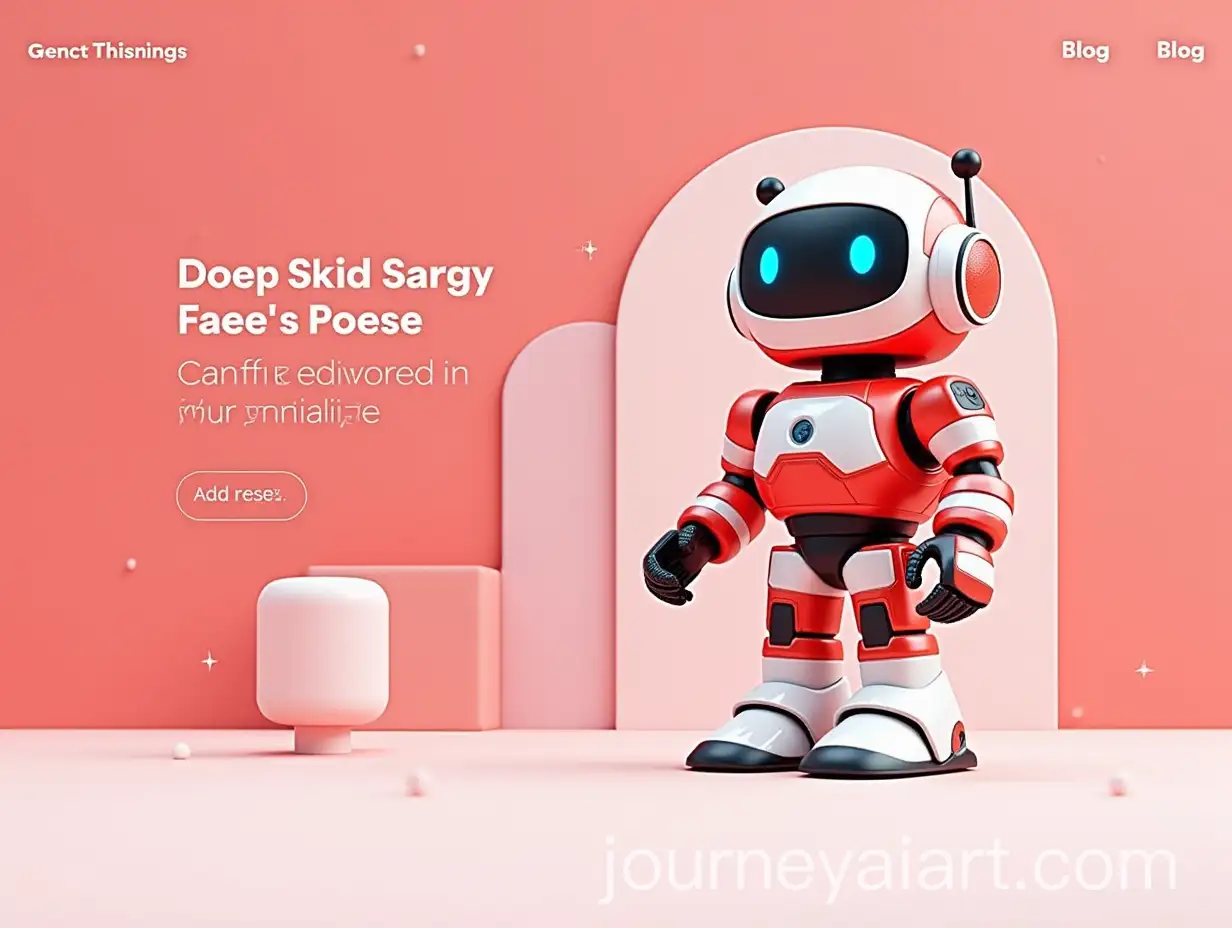
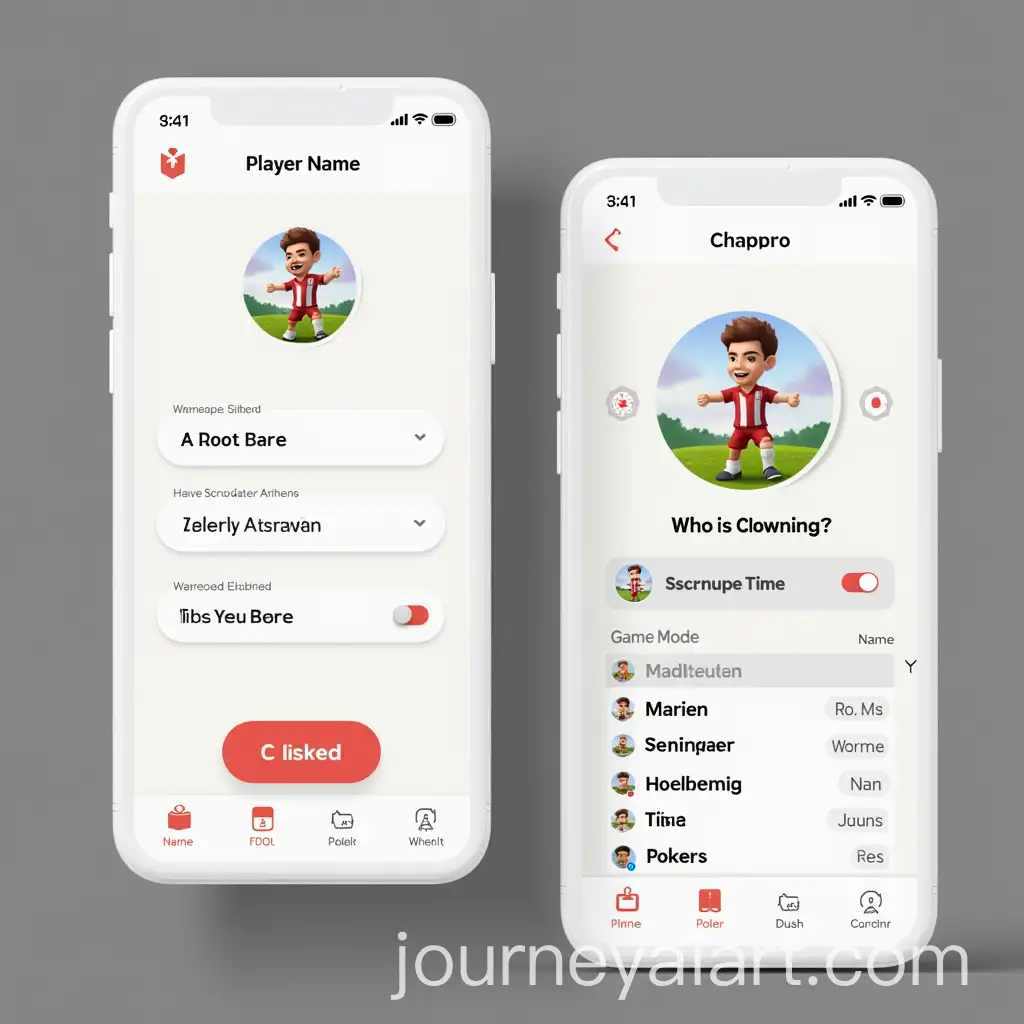
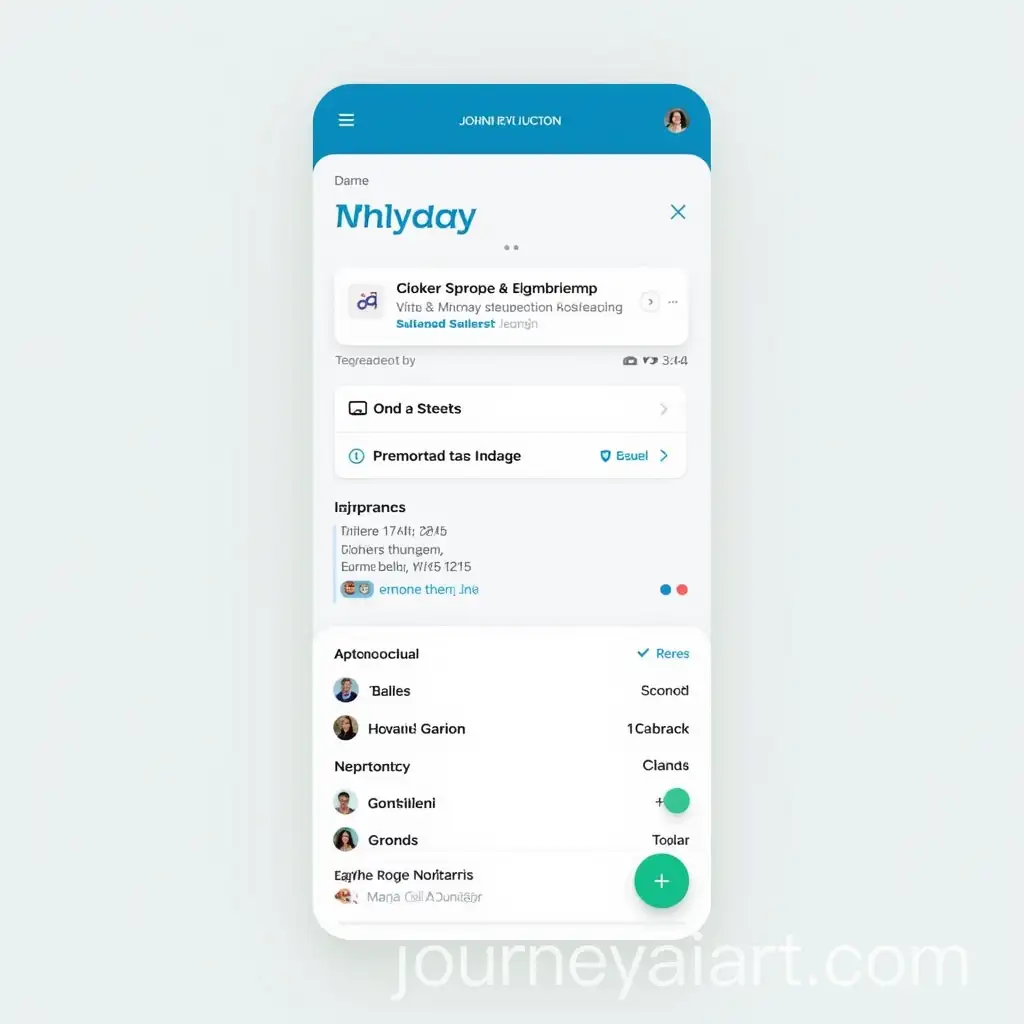

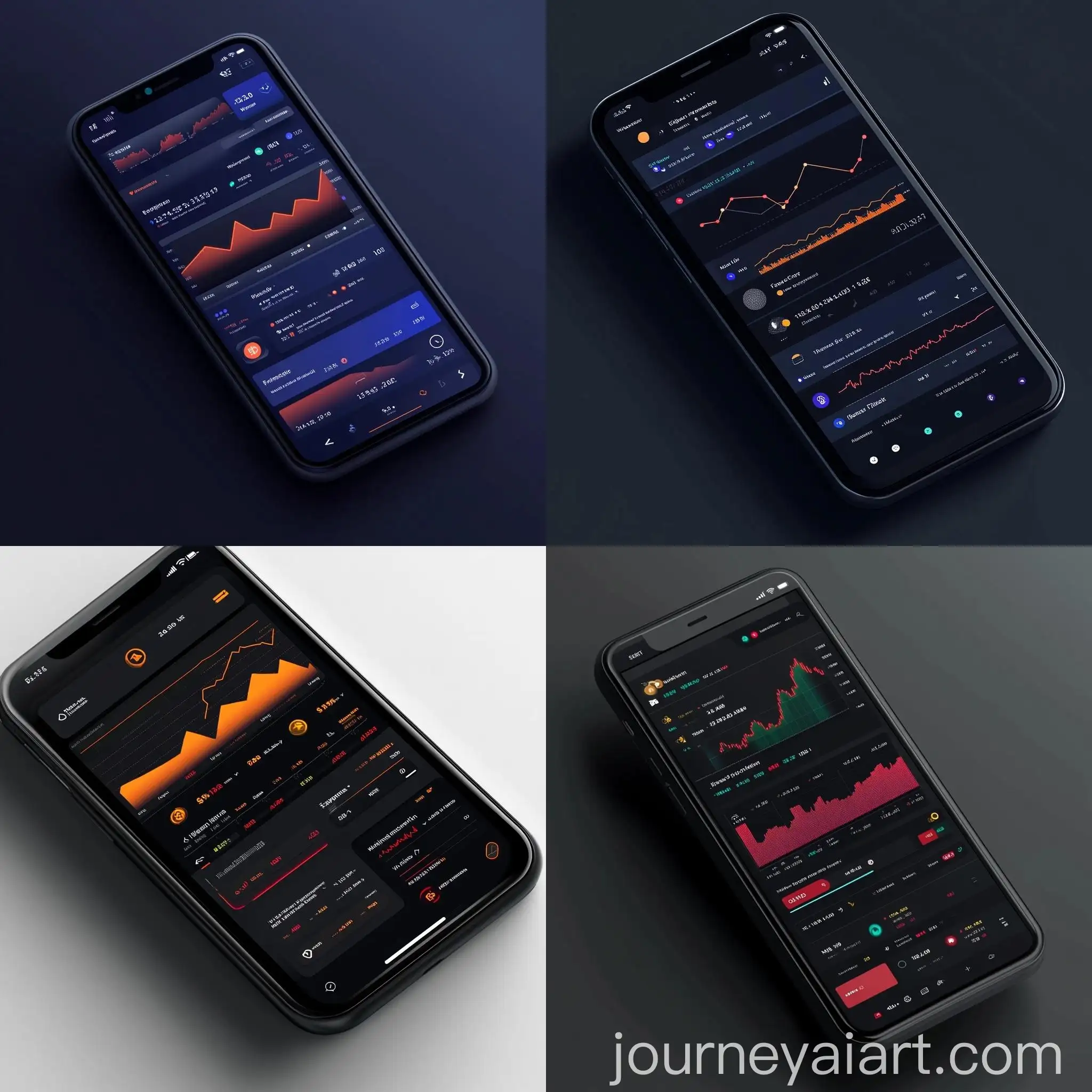



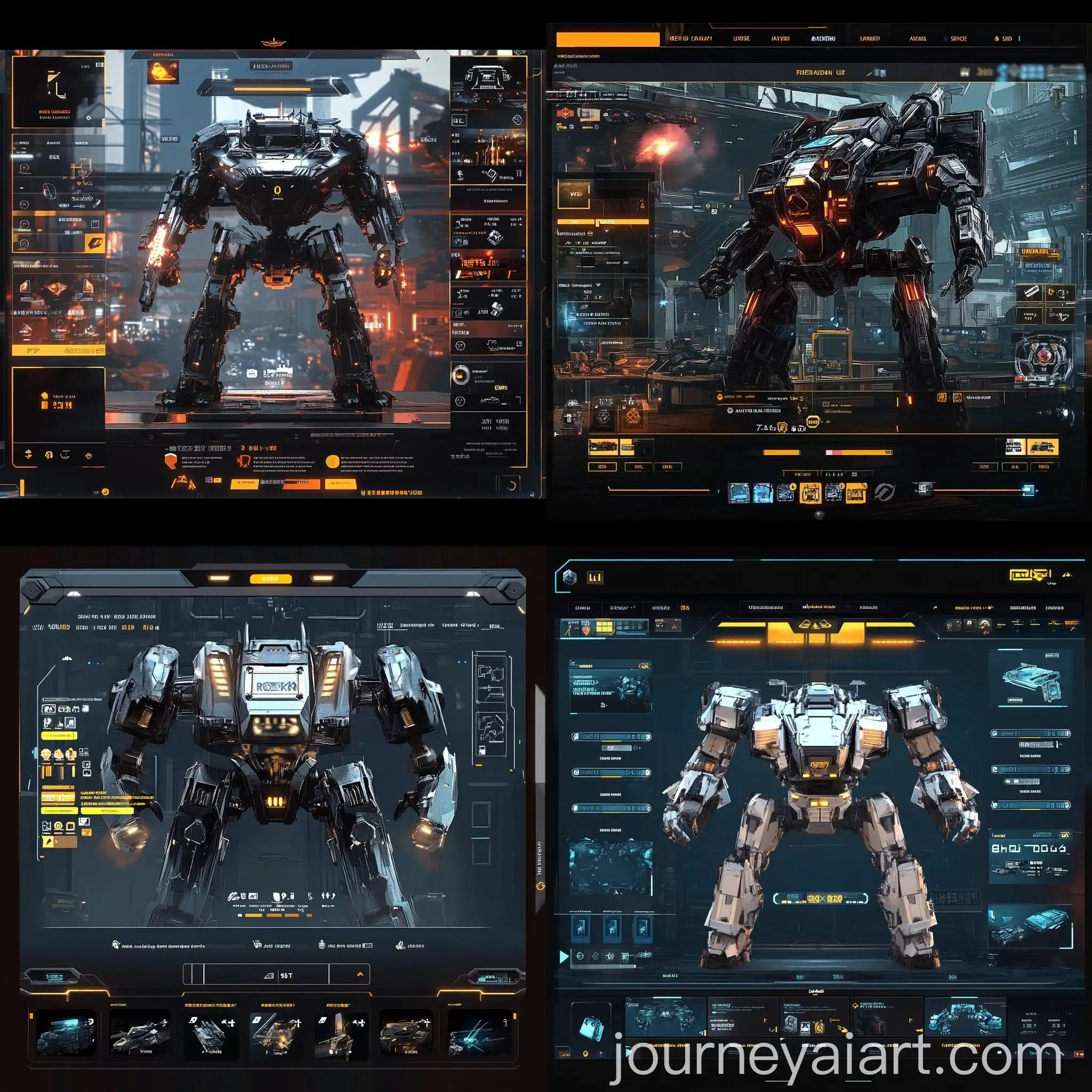
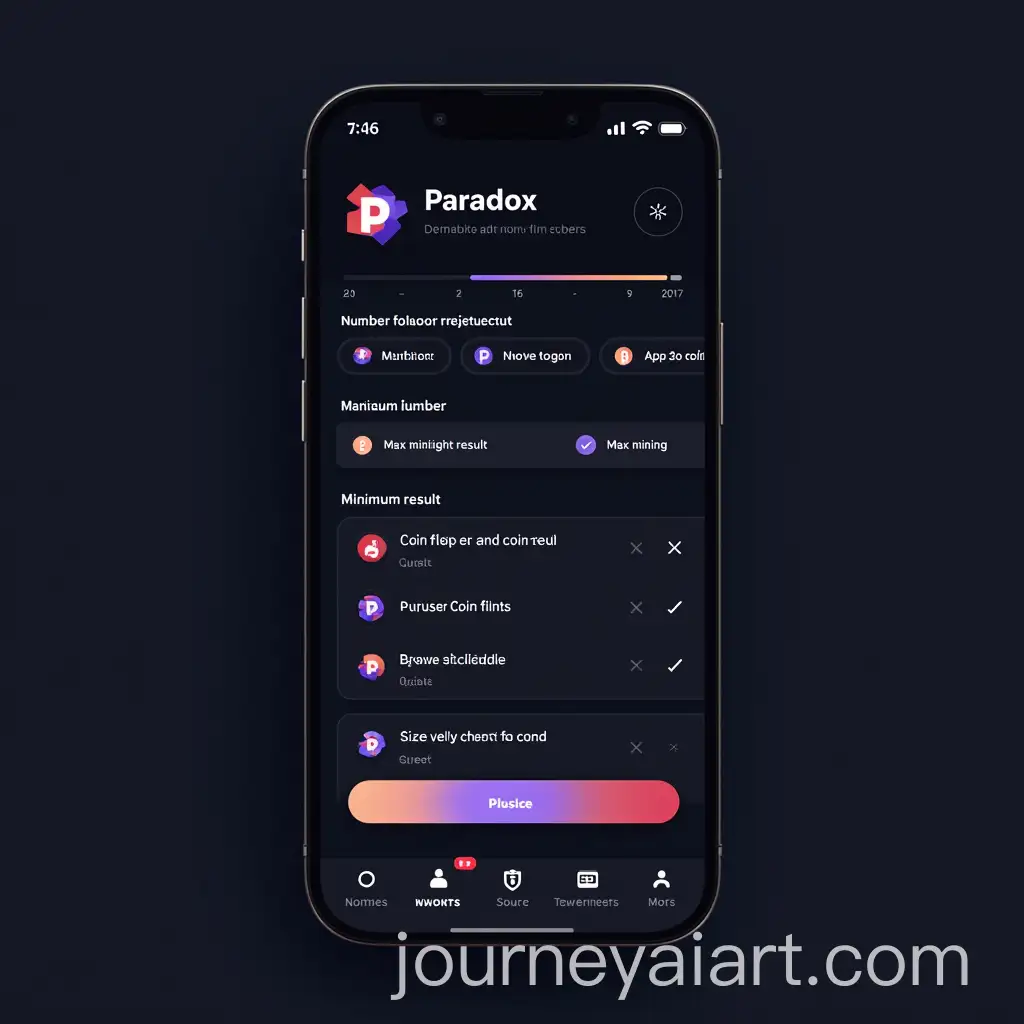



User Interface (UI) Elements are crucial components in the design of digital platforms, shaping the way users interact with software, websites, and apps. These elements include buttons, icons, menus, and sliders, each designed to enhance usability and ensure a smooth user experience. The aesthetic and functional qualities of UI elements are vital in guiding user behavior and making digital interfaces intuitive. As digital platforms continue to evolve, so too does the design of UI elements, with trends focusing on minimalism, accessibility, and responsive design.
The Role of User Interface Elements in Modern Design
User Interface Elements come in a wide array of styles and types, catering to different design needs. Flat design, for instance, emphasizes simplicity and uses minimalistic elements with clean, open space, while skeuomorphic design mimics real-world objects, offering a more tangible user experience. 3D UI elements add depth and realism, often used in gaming interfaces or complex software applications. Each style serves a distinct purpose, whether it's creating a visually engaging interface or ensuring functionality in a user-centered design.
Different Styles and Types of User Interface Elements
Creating custom User Interface Elements has never been easier, thanks to AI-driven design tools. These tools allow designers to generate UI elements quickly by inputting specific prompts or selecting from predefined templates. The ability to regenerate images by adjusting prompts means designers can fine-tune the aesthetic and functionality of UI elements to fit the unique needs of their projects. This flexibility is especially valuable in agile development environments where rapid prototyping and iterative design are essential.
How to Create Custom User Interface Elements with AI
The future of User Interface Elements is closely tied to advances in AI and machine learning. As these technologies evolve, we can expect more intuitive and adaptive UI elements that respond to user behavior in real-time. Voice-activated interfaces, gesture controls, and augmented reality (AR) are poised to become more prominent, offering users more immersive and interactive experiences. Additionally, the ongoing focus on accessibility will drive the development of UI elements that cater to a broader range of users, ensuring inclusivity in digital design.
The Future of User Interface Elements in Digital Design