4 Free Texture Overlay Midjourney AI images
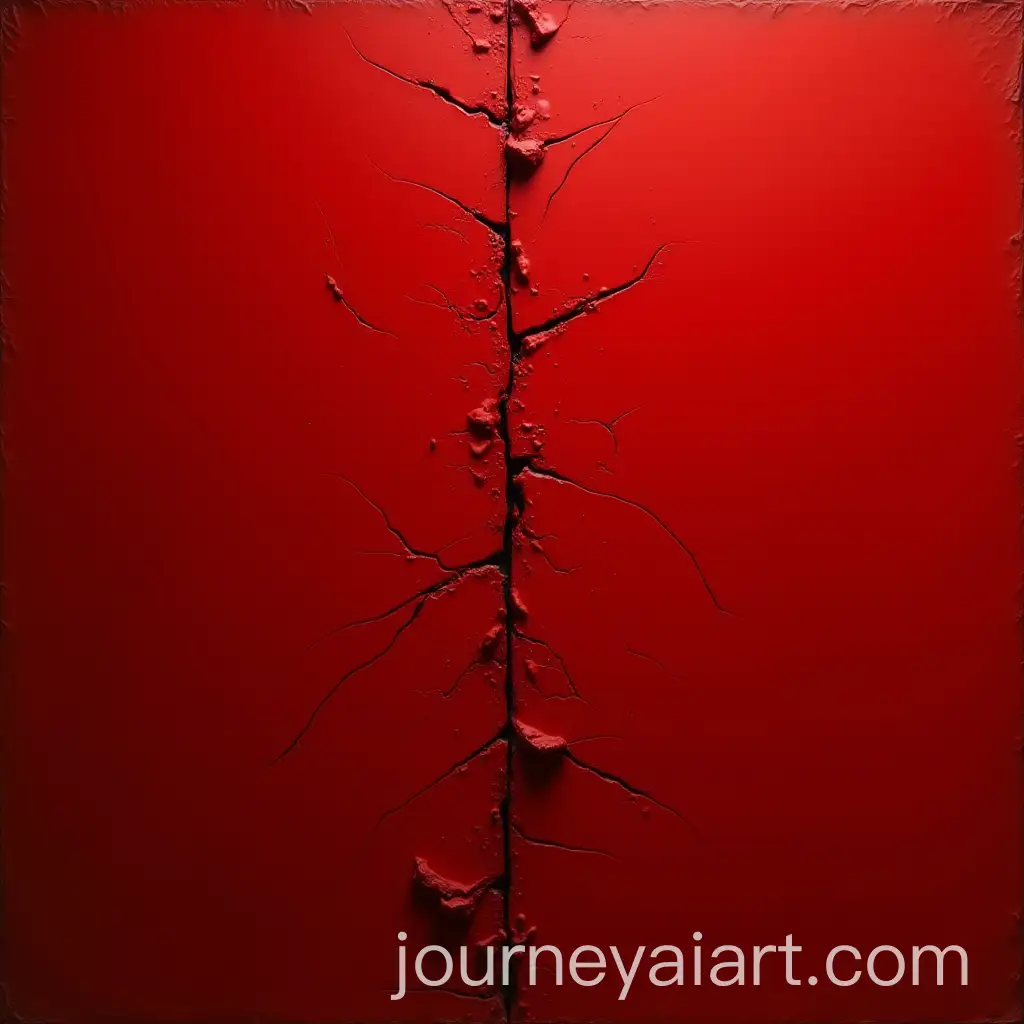
Welcome to our Texture Overlay image collection, showcasing 4 free AI-generated images. Here, you'll find a variety of textures in different formats such as stock photos, 3D objects, vectors, and illustrations. These high-resolution images are perfect for enhancing your design projects, and you can easily download them or use the 'open in editor' feature to modify prompts and create your custom image with a few clicks.



Related Tags
A texture overlay is a visual element layered on top of other images or designs to add depth, interest, and realism. It can be used to simulate a variety of surfaces, such as grunge, paper, metal, or fabric, giving designs a tactile, tangible feel. Designers often use texture overlays in digital artwork, website backgrounds, and advertisements to enrich the visual experience. AI-generated texture overlays offer a versatile and efficient way to apply these effects without manual effort.
What is a Texture Overlay and How is it Used?
Texture overlays come in various styles, each suited to specific design needs. For example, grunge textures offer a distressed look, ideal for edgy or vintage projects, while bokeh textures create a soft, dreamy effect often seen in photography or wedding invitations. Metallic and glass textures bring a sleek, modern feel to tech or product designs. With AI-generated images, these textures are created in high quality and can be further customized to match your project’s aesthetic.
Diverse Styles of Texture Overlays for Different Design Needs
Creating texture overlays using AI is simple and efficient. On this platform, you can browse existing textures and click 'open in editor' to modify the image prompt, enabling you to regenerate the texture with specific qualities, such as changing its color, pattern density, or material type. This flexibility allows users to quickly produce bespoke textures tailored to their unique design needs, saving time while maintaining creativity.
How to Create and Customize AI-Generated Texture Overlays
AI technology continues to evolve, offering increasingly sophisticated texture overlays that can be hyper-realistic or entirely fantastical. Future developments may include textures that respond dynamically to user input, such as lighting or perspective changes, offering a more interactive and immersive design experience. As AI becomes more integrated into creative industries, we can expect texture overlays to become even more customizable and adaptable, pushing the boundaries of digital art and design.
Future Trends in AI-Generated Texture Overlays