35 Free Soft Gradients Midjourney AI images
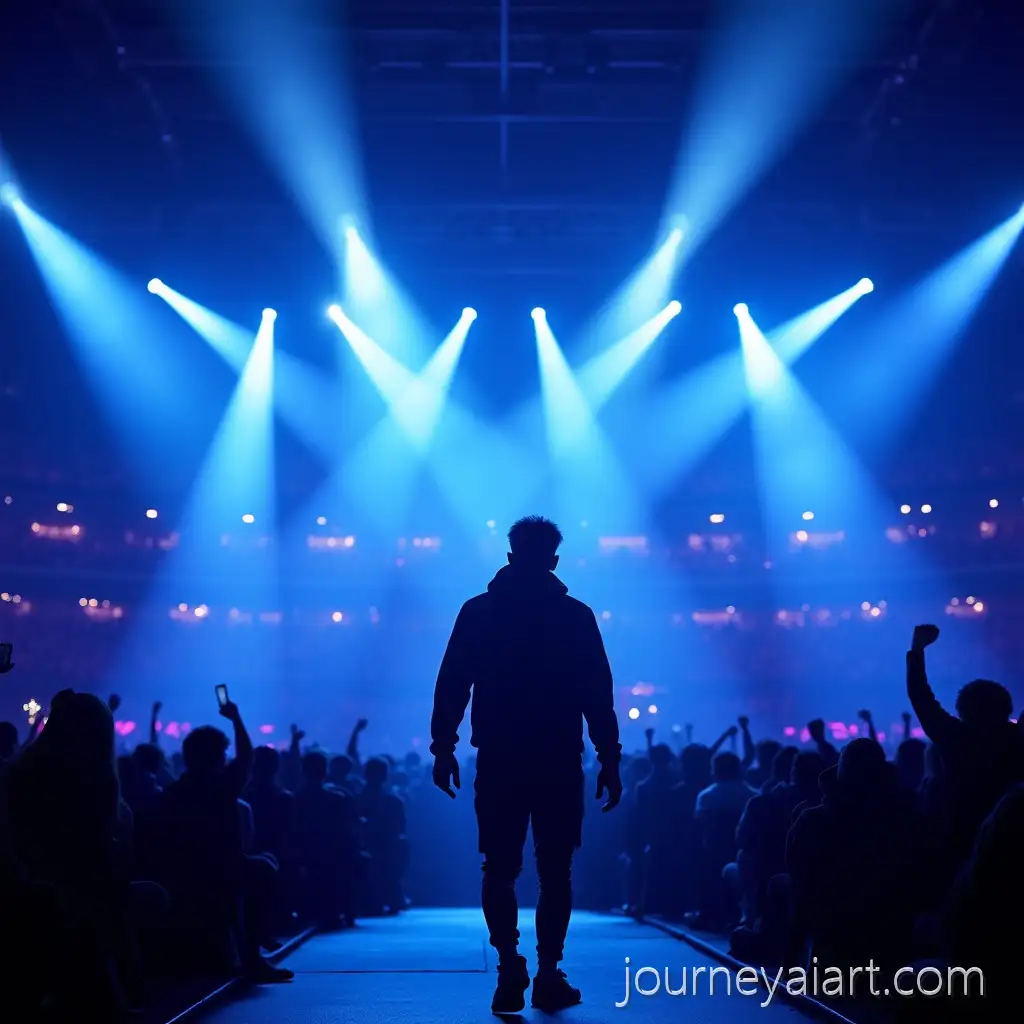
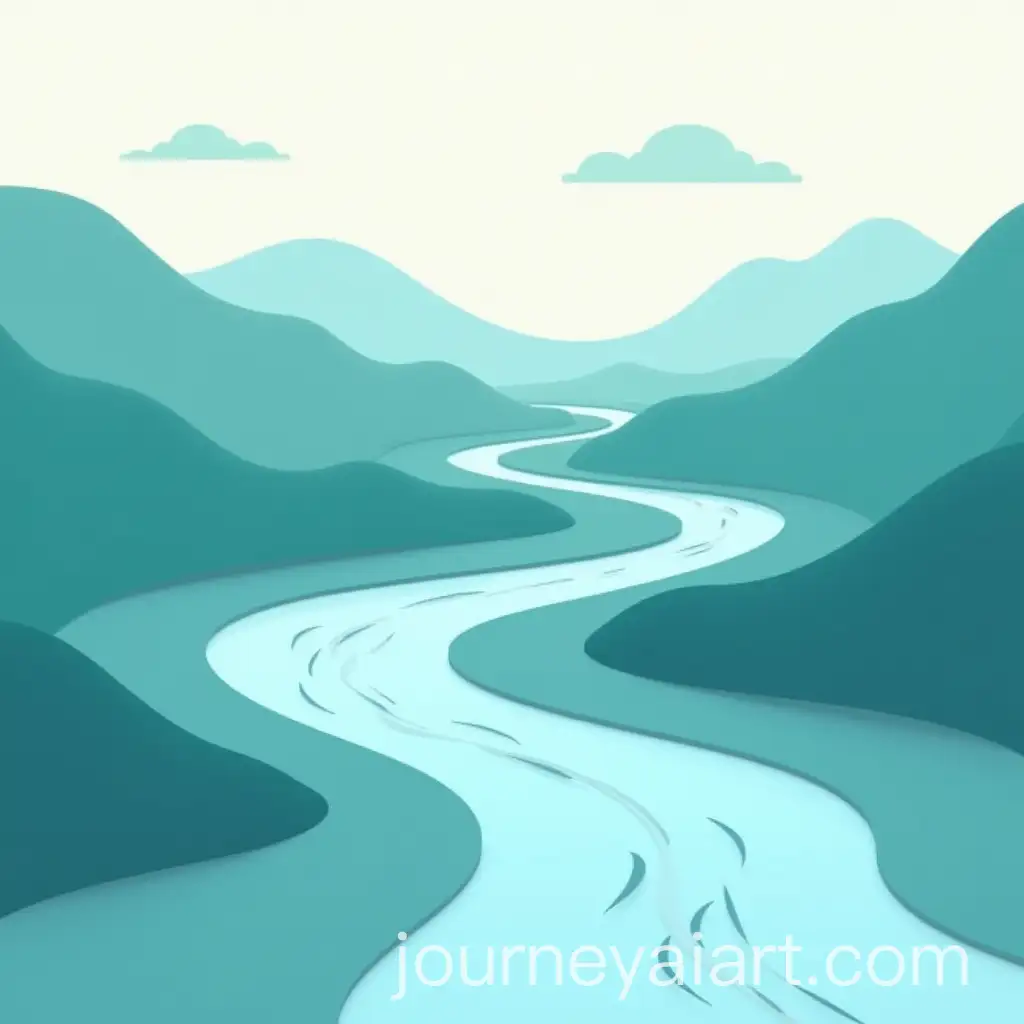
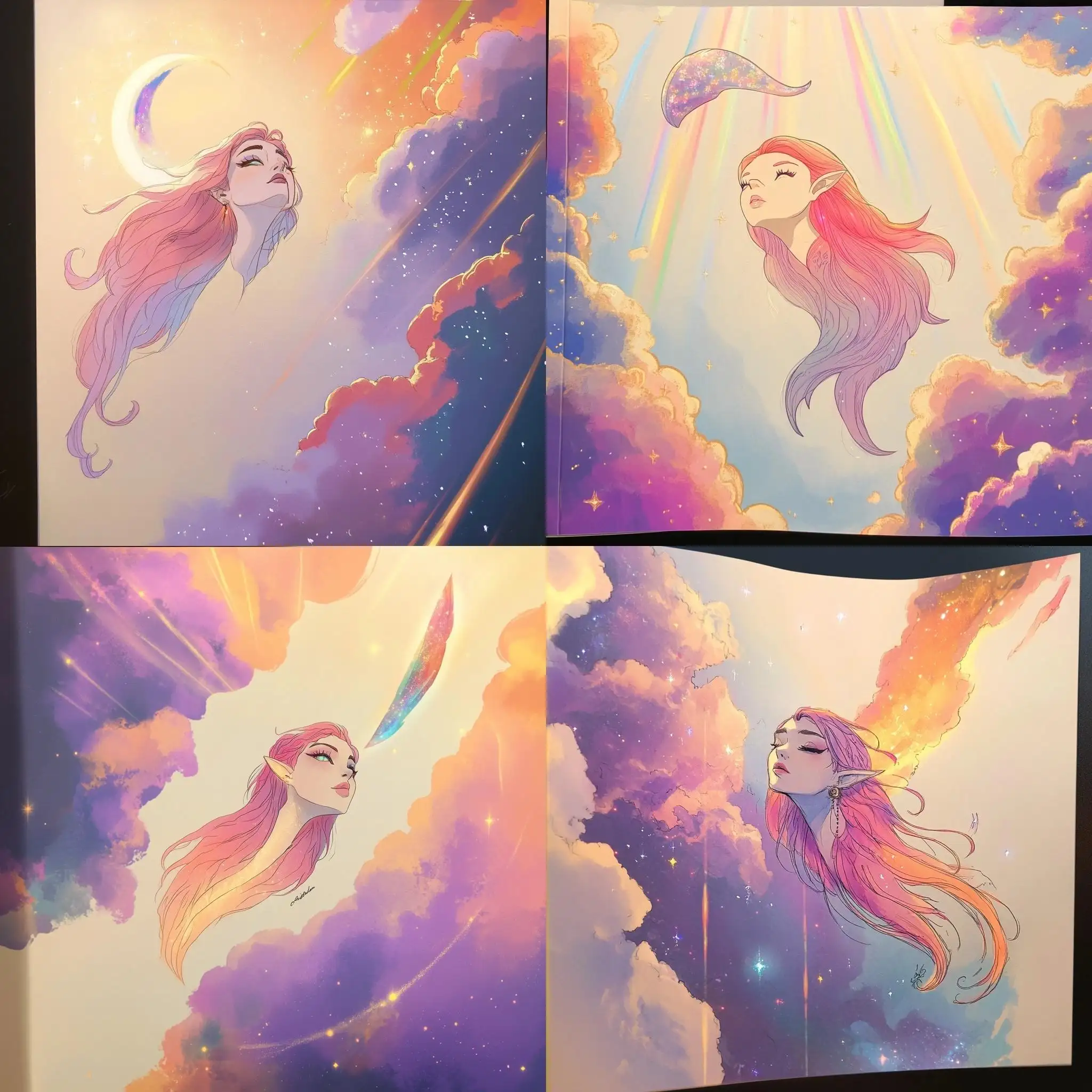
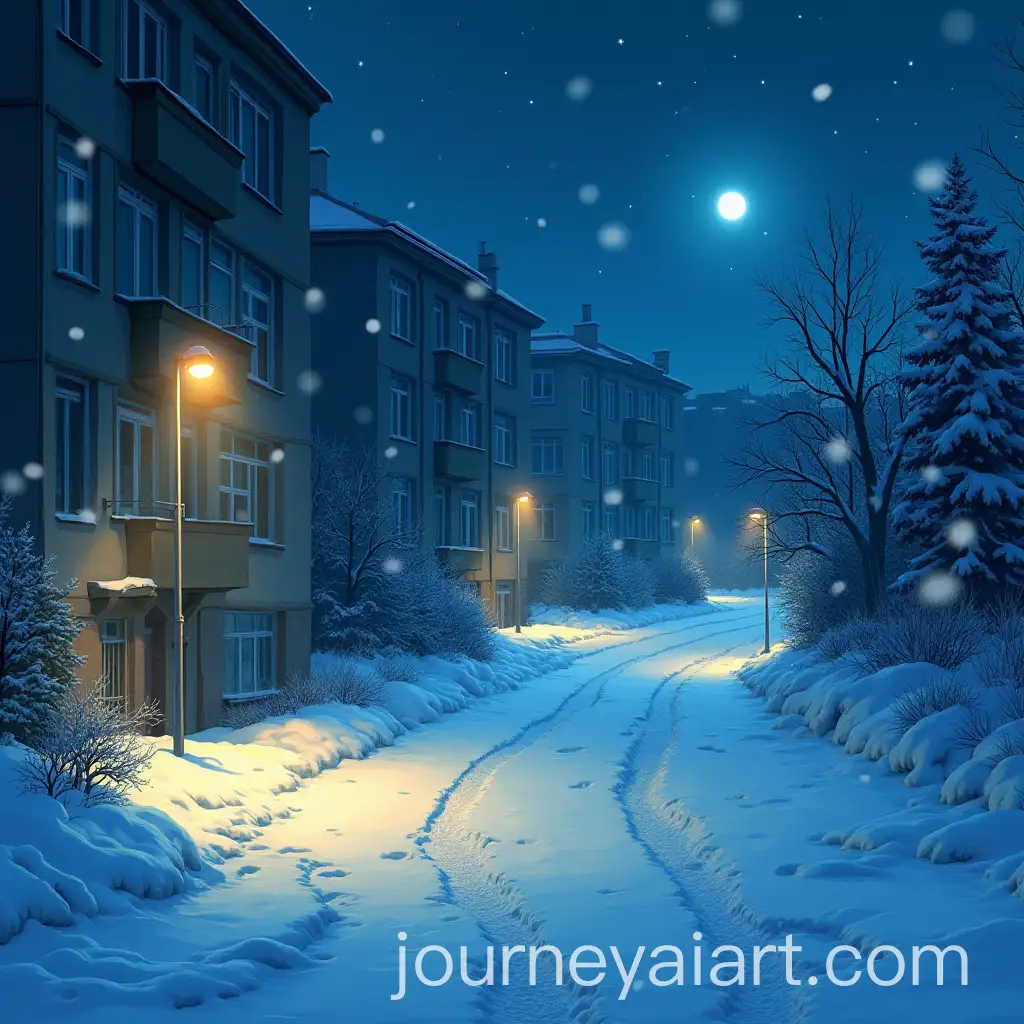
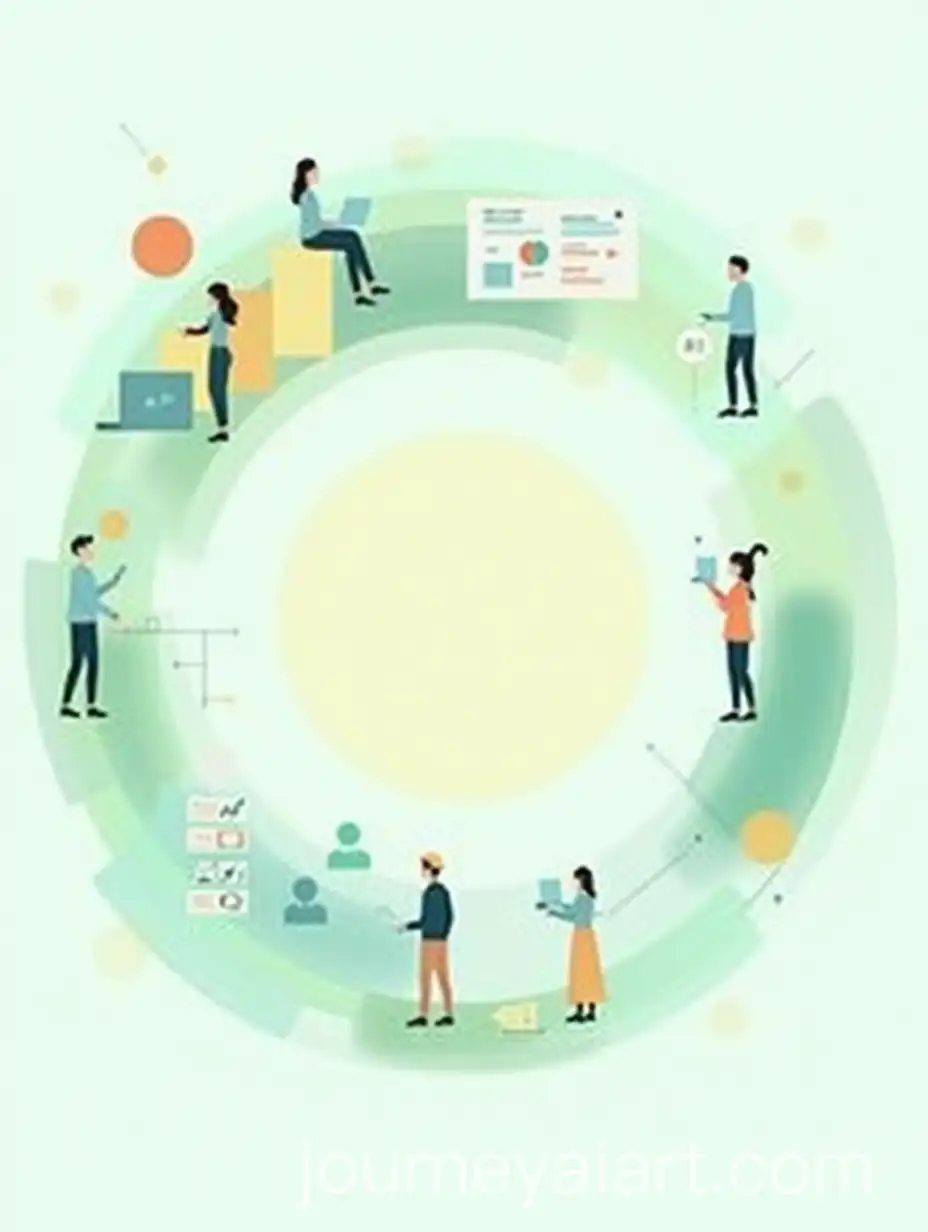
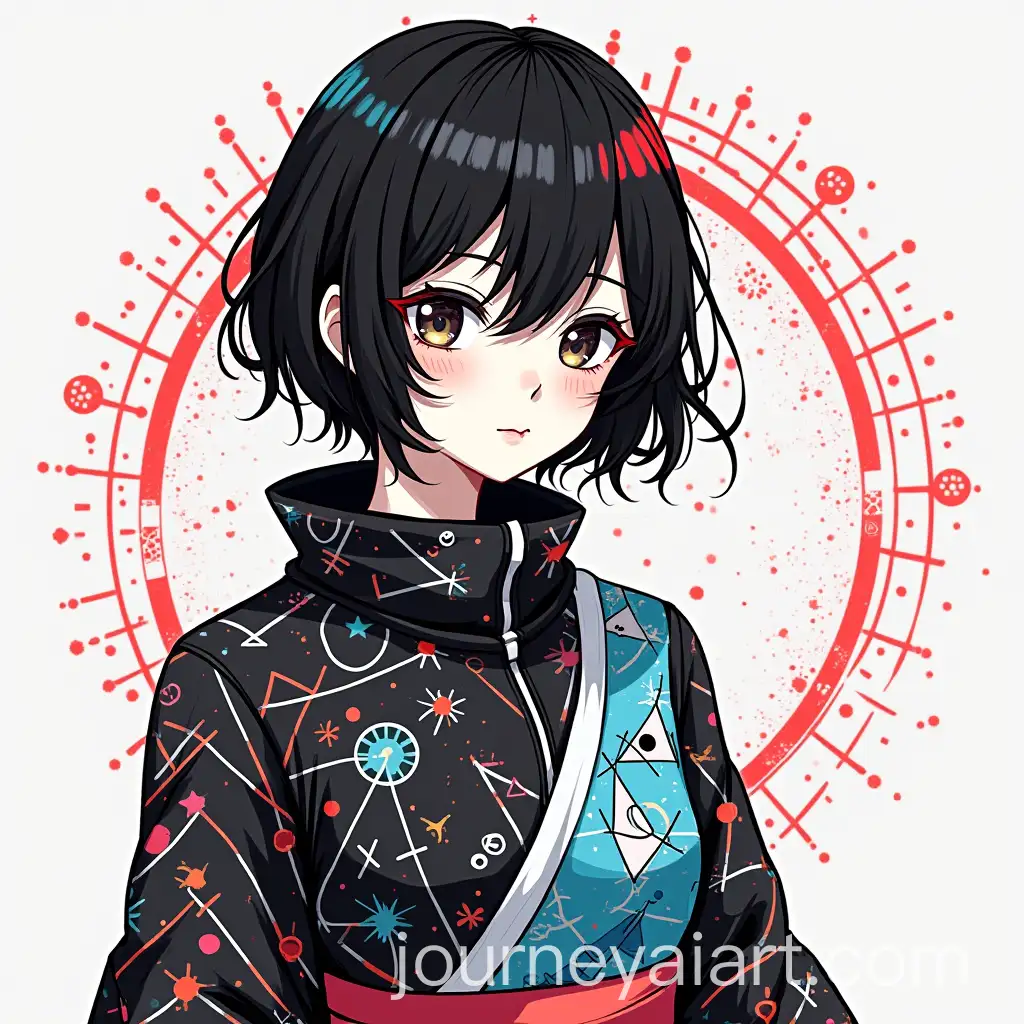
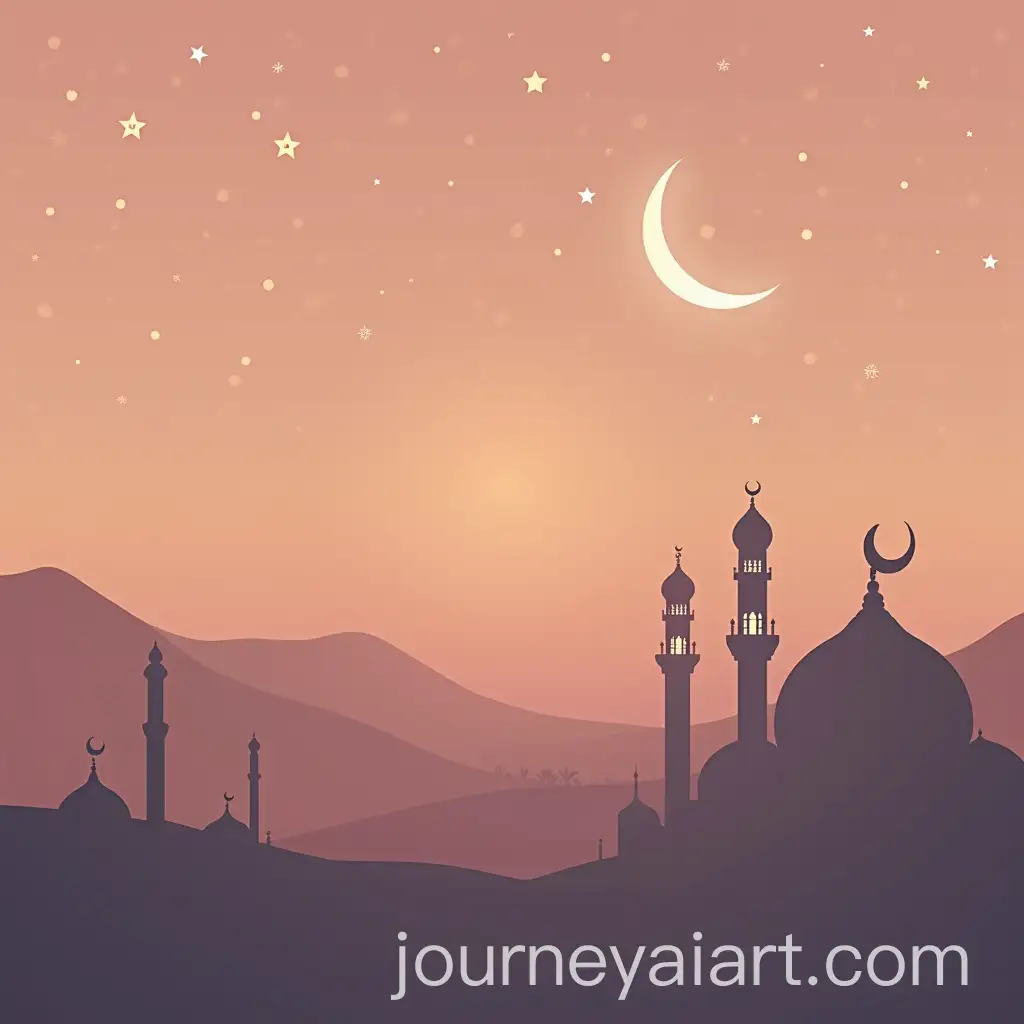
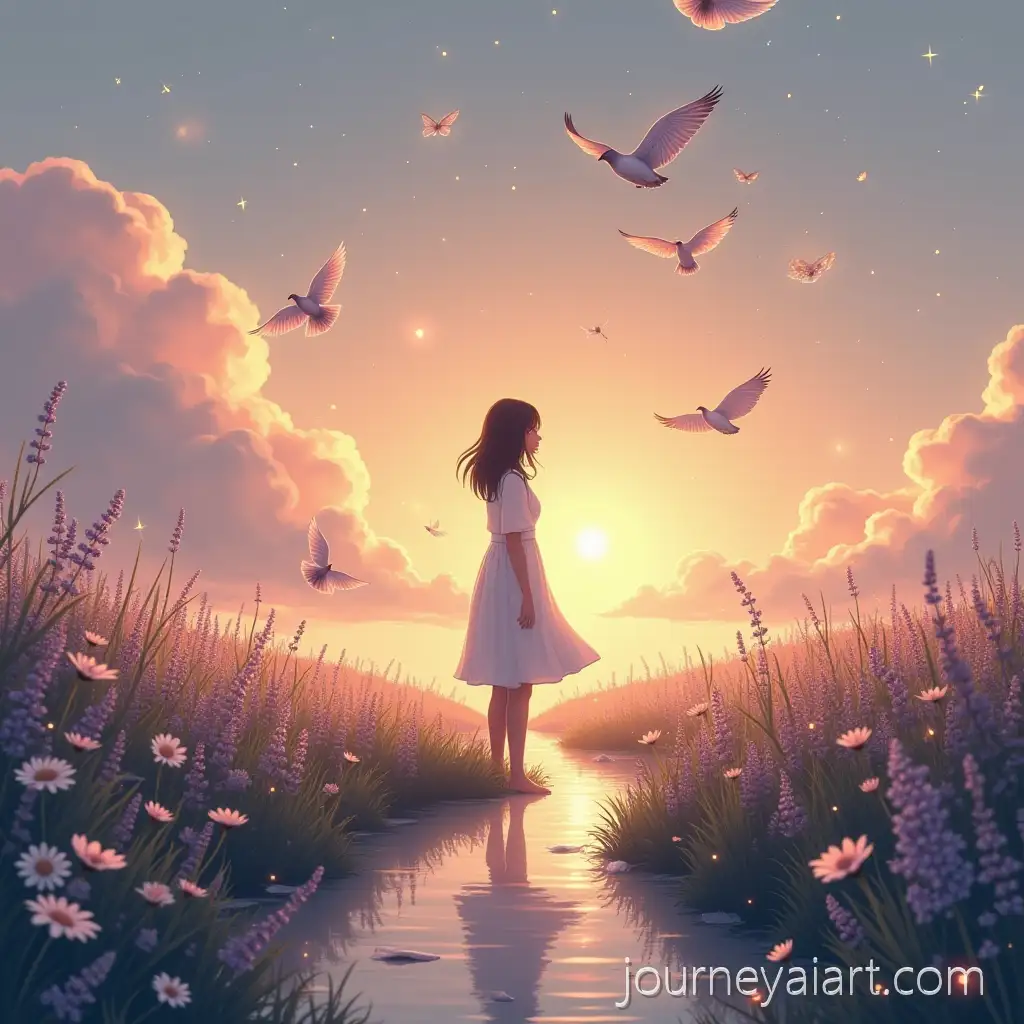
Welcome to our collection of 'Soft Gradients' images, showcasing 35 free AI-generated visuals. This collection includes a wide variety of image types such as stock photos, 3D objects, vectors, and illustrations. Each image is available for high-resolution download, and you can easily customize the prompts using our 'open in editor' feature to create the perfect image for your needs.












Related Tags
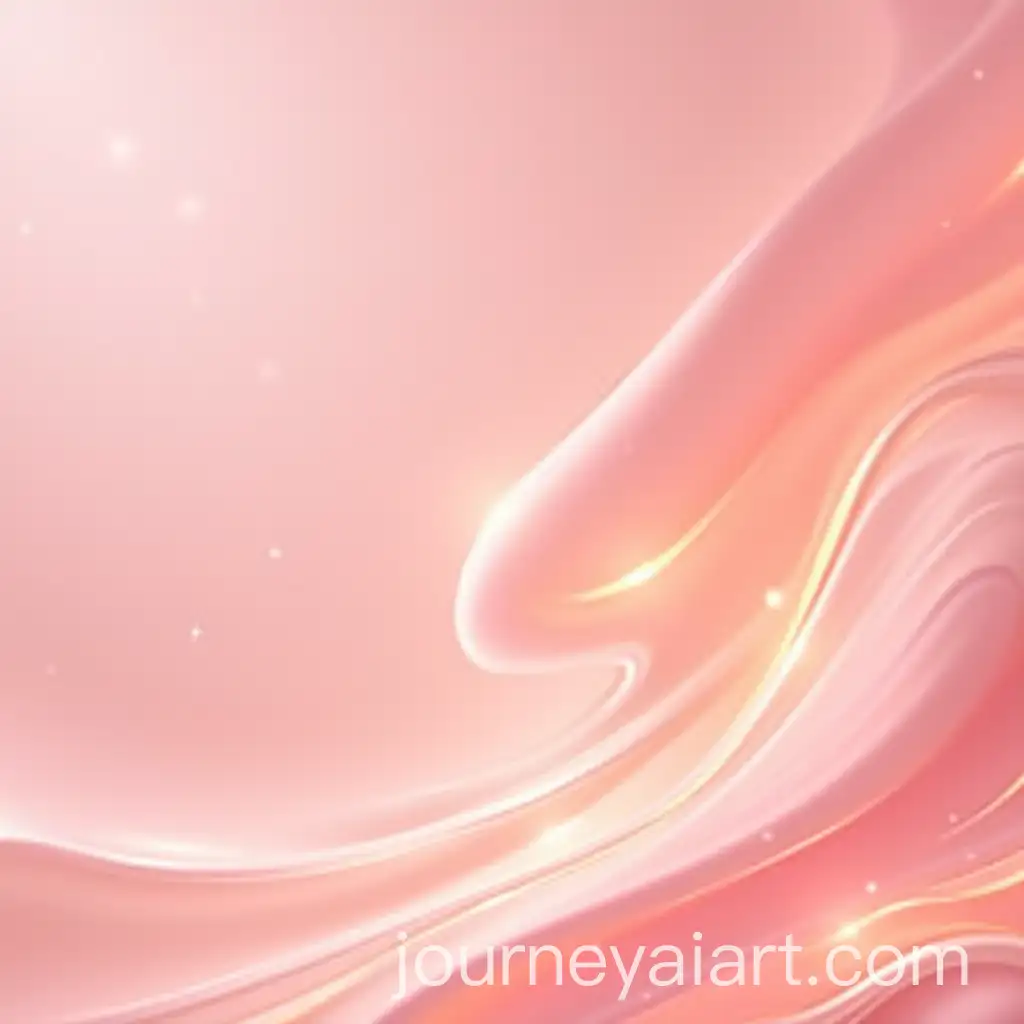
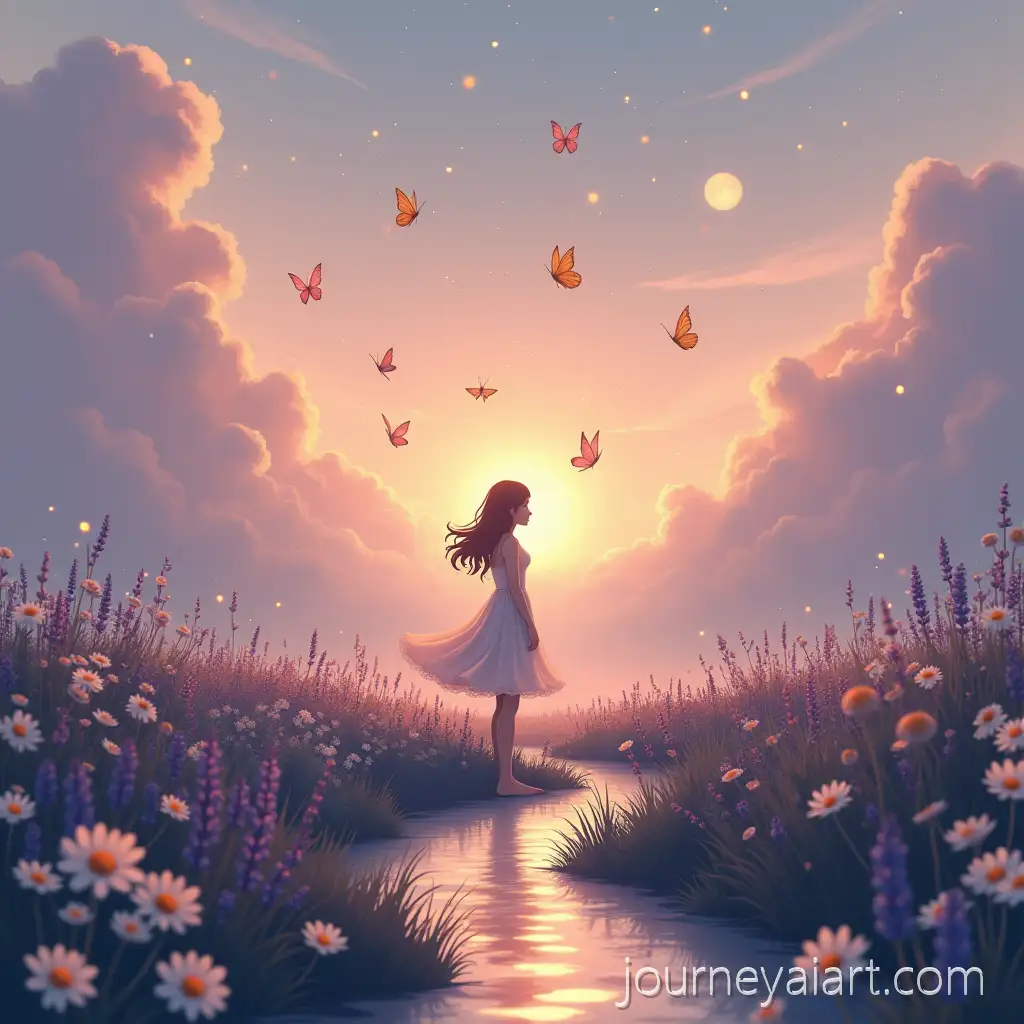
Soft gradients refer to the smooth transition between colors, creating a gentle blending effect in digital art. This technique is widely used to add depth, light, and a calming aesthetic to visuals. The use of soft gradients can range from subtle background transitions to more prominent features in digital compositions, making them a versatile tool for artists and designers.
Understanding Soft Gradients in Digital Art
Soft gradients are characterized by their seamless color transitions, often used to evoke emotion, emphasize texture, or create a sense of movement. In practical applications, these gradients are popular in web design, branding, and user interface elements where they contribute to a modern and sophisticated look. Additionally, soft gradients are commonly found in abstract art, enhancing the overall mood and composition without overpowering the main subject.
Characteristics and Applications of Soft Gradients
In recent years, soft gradients have become a staple in modern design, influencing everything from logo creation to social media graphics. Their ability to create visually appealing and emotionally resonant images has made them a favorite among designers looking to produce content that is both contemporary and timeless. This trend reflects a broader movement towards minimalism and subtlety in digital design, where the focus is on creating smooth, harmonious visuals.
Impact of Soft Gradients on Modern Design Trends
To create stunning images using soft gradients, start by selecting a color palette that complements your design goals. Gradual shifts between analogous colors work well for a cohesive look, while contrasting colors can add dynamic interest. Using design software or AI tools, apply the gradient to your background or as an overlay to your central elements. Experiment with opacity and blending modes to achieve the desired effect. The 'open in editor' feature on our site allows you to easily modify and regenerate images with soft gradients, tailoring them to your exact specifications.
How to Create Stunning Images Using Soft Gradients