23 Free Smooth Shading Midjourney AI images
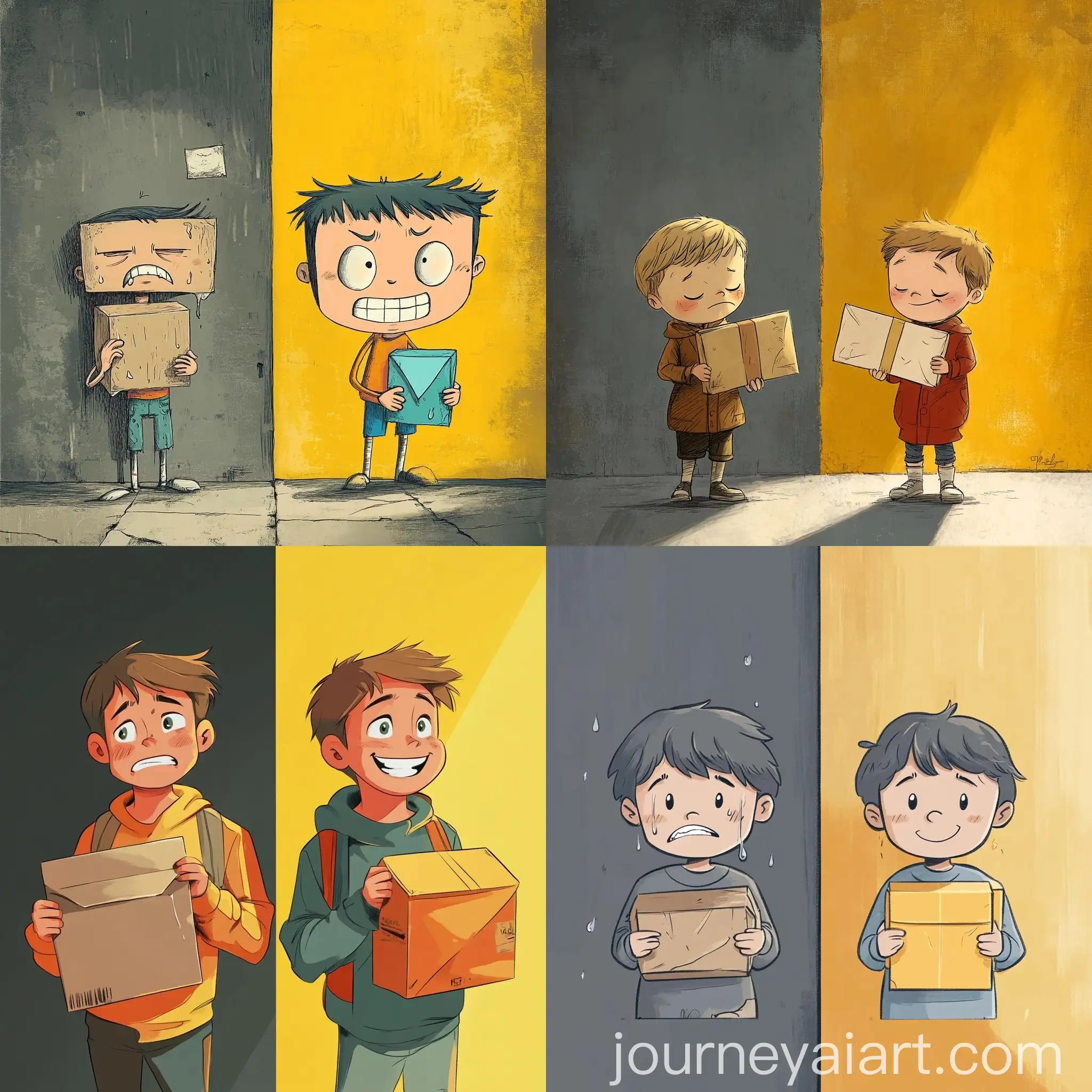
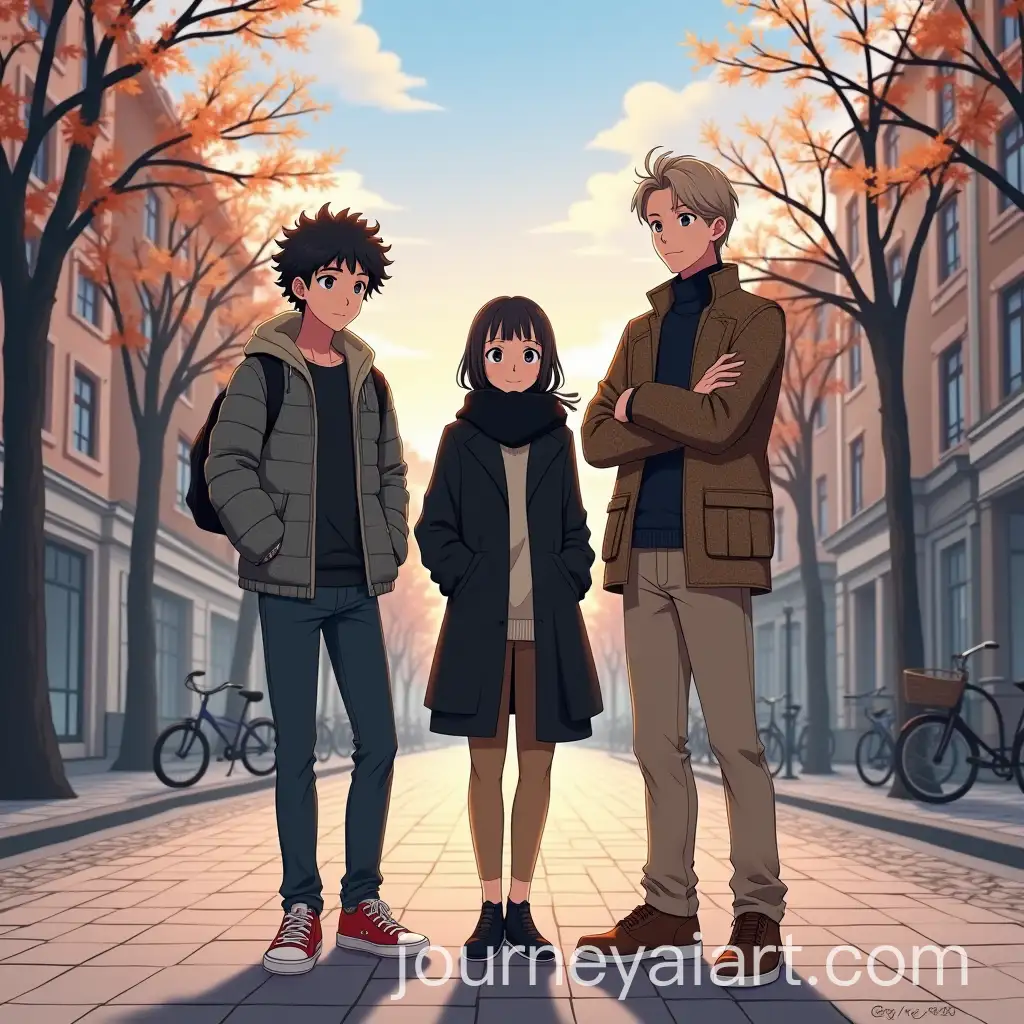
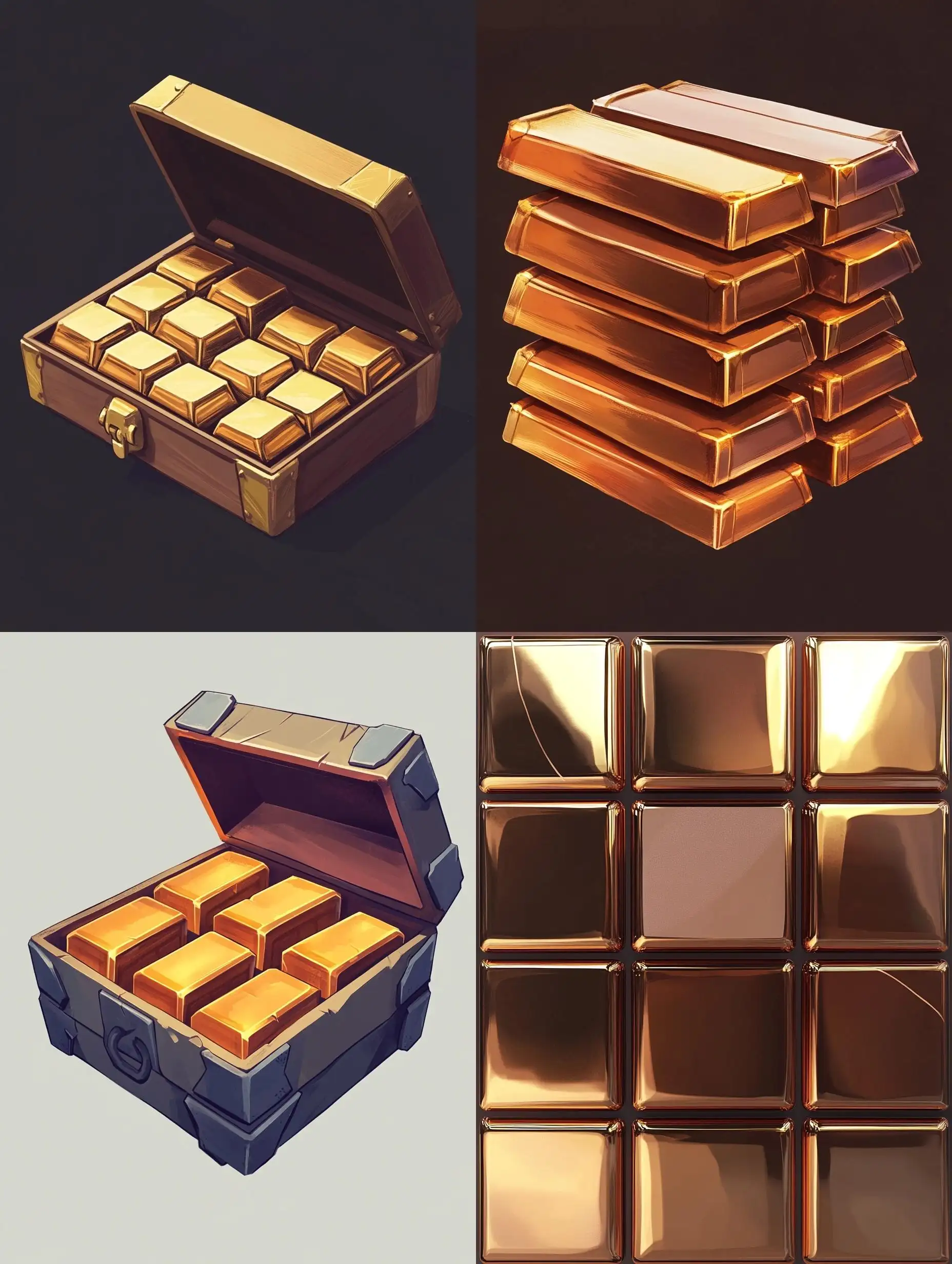
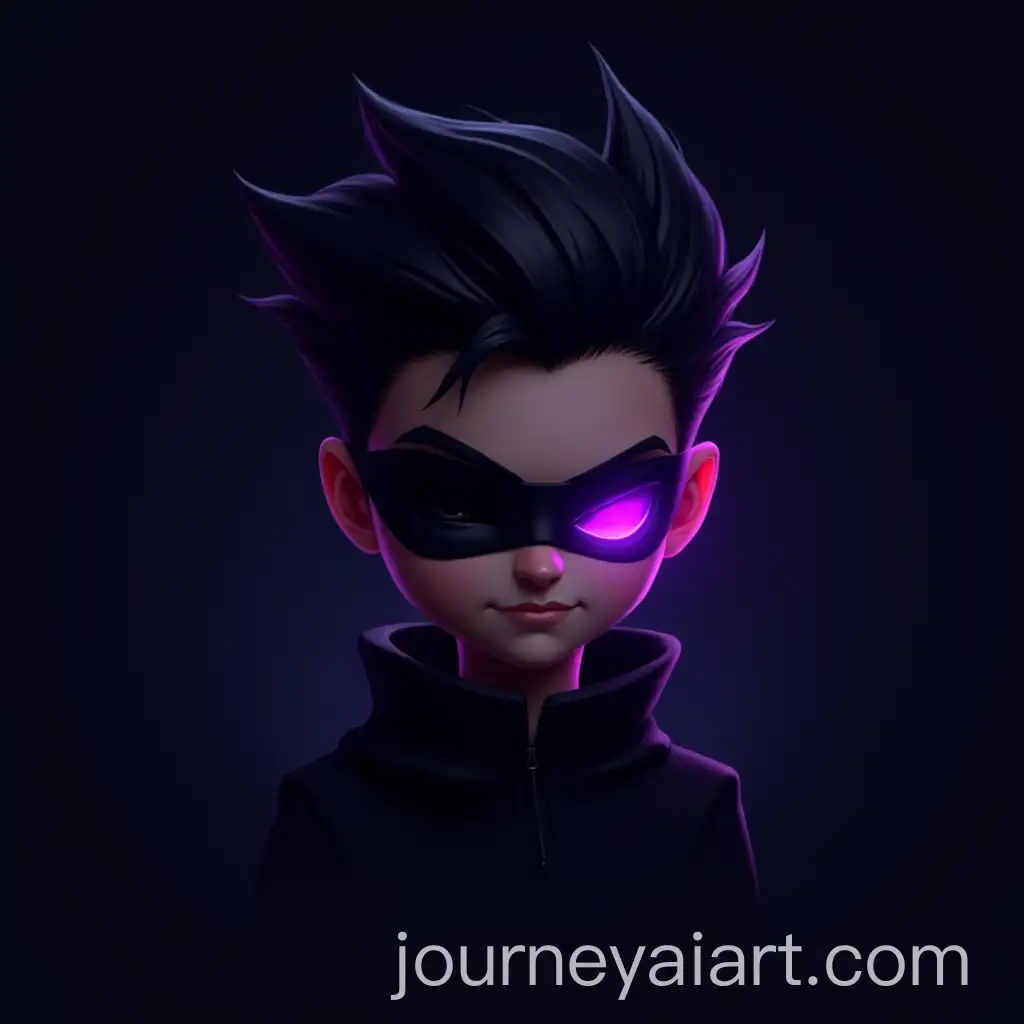
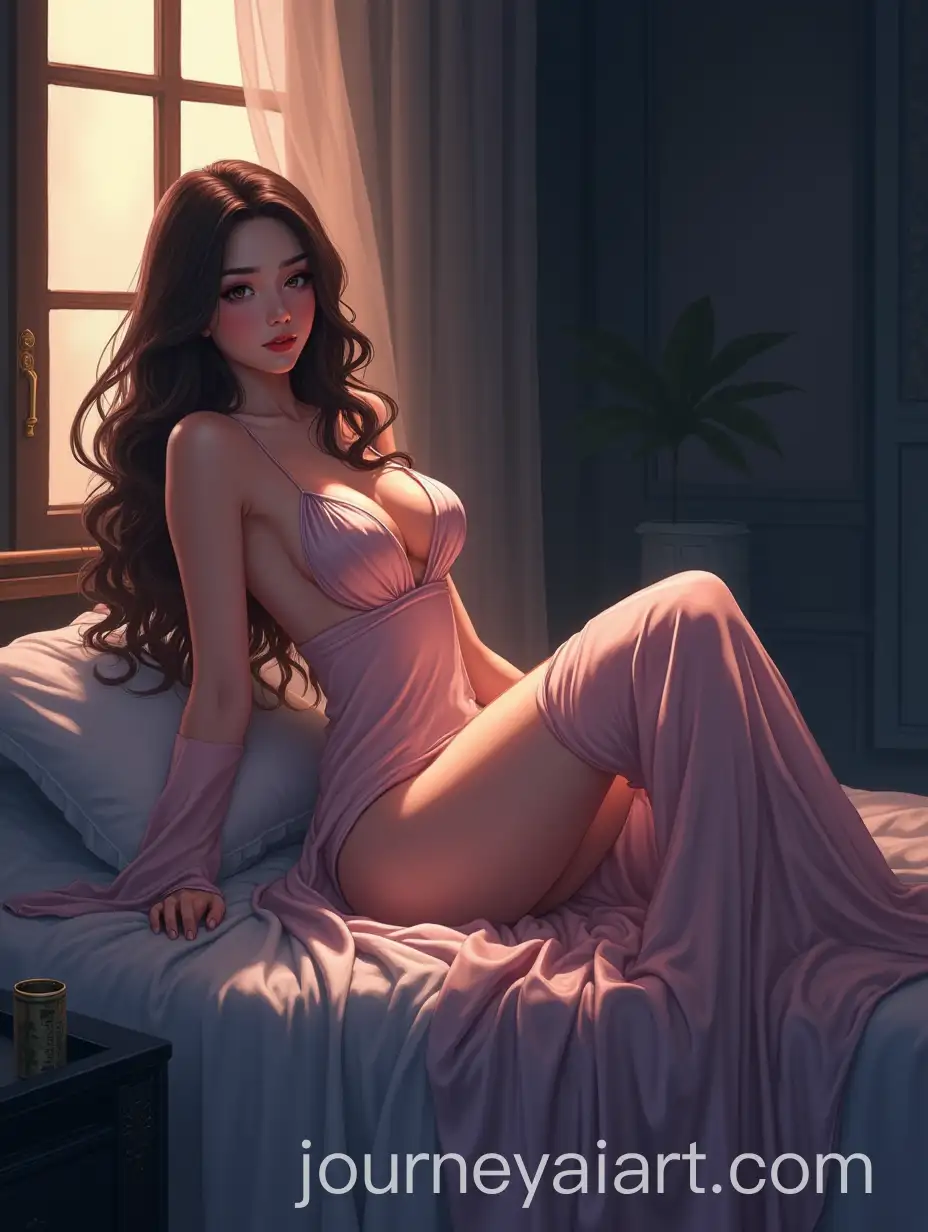
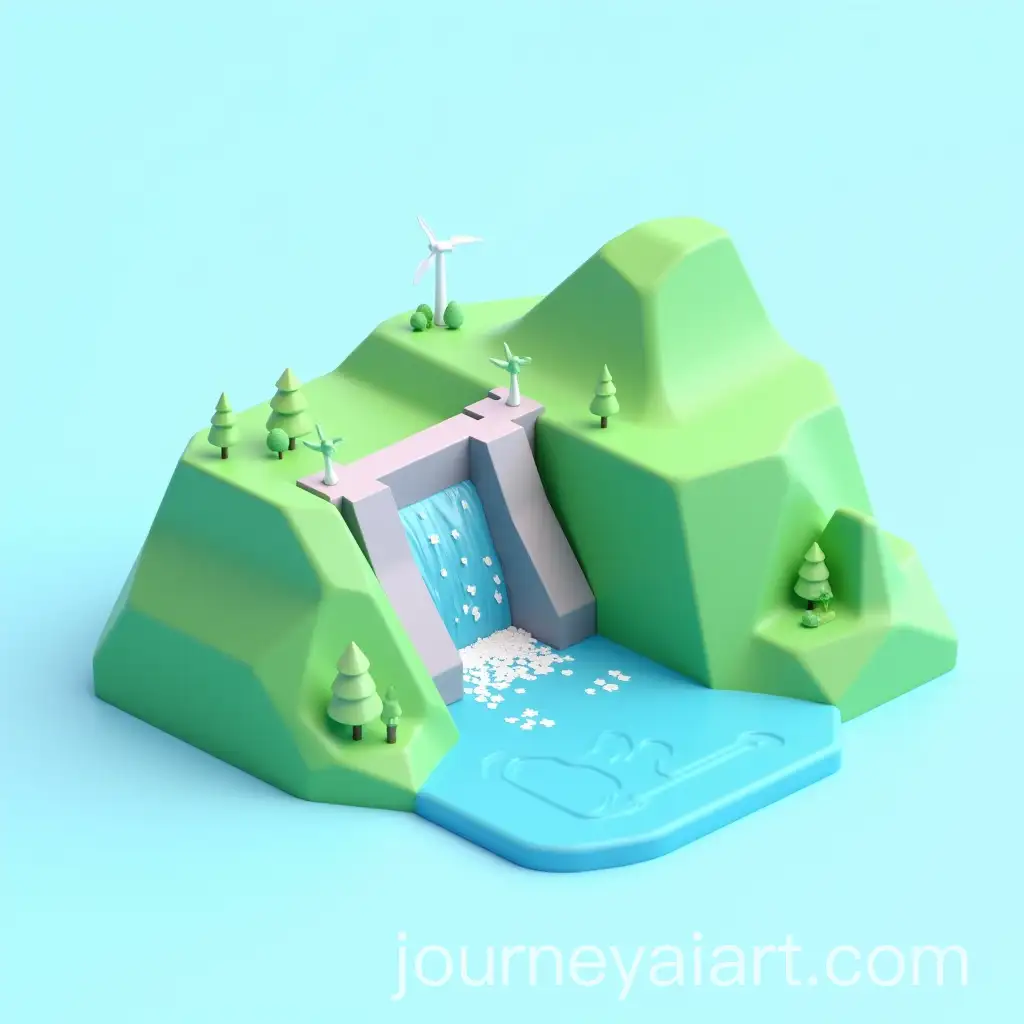
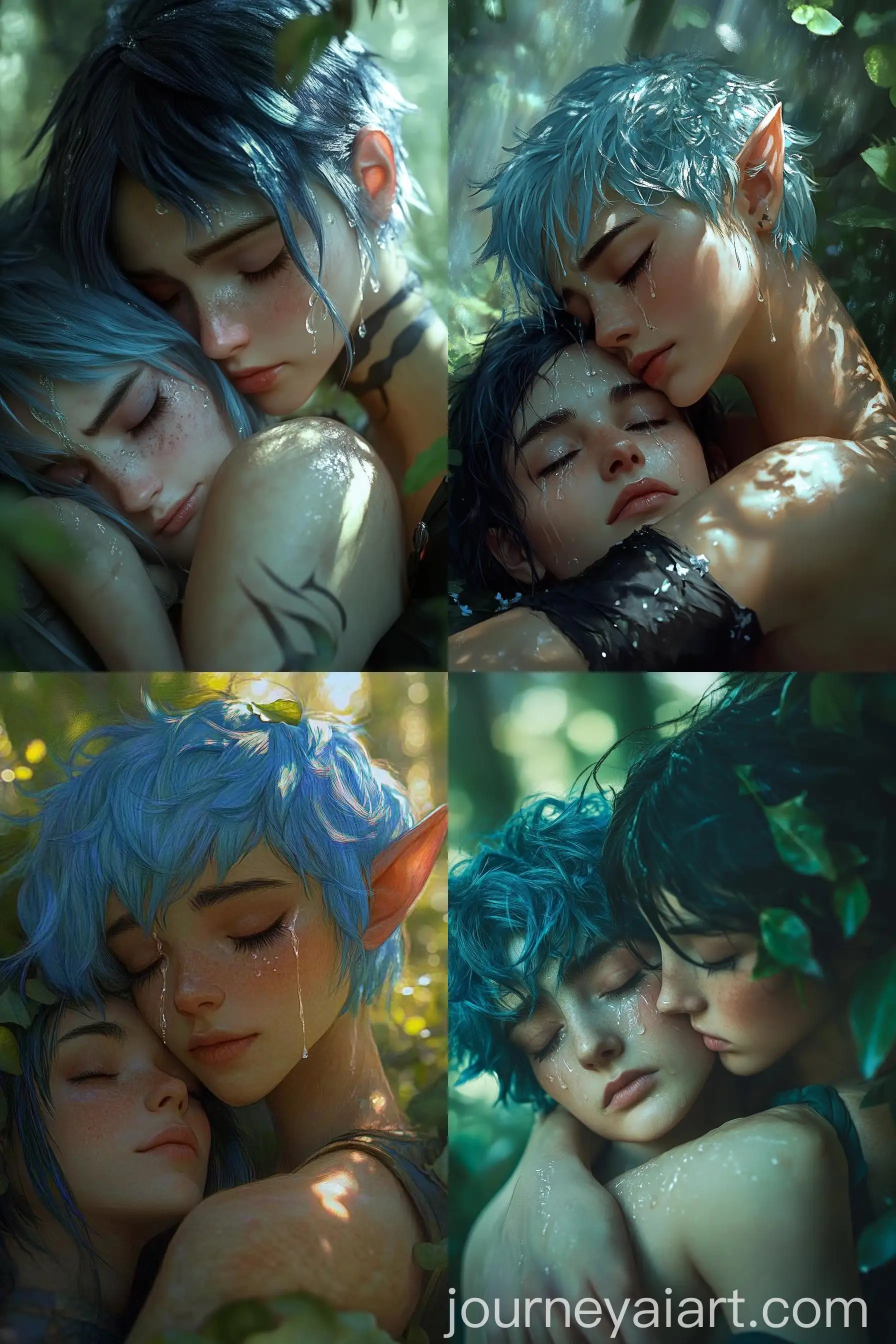
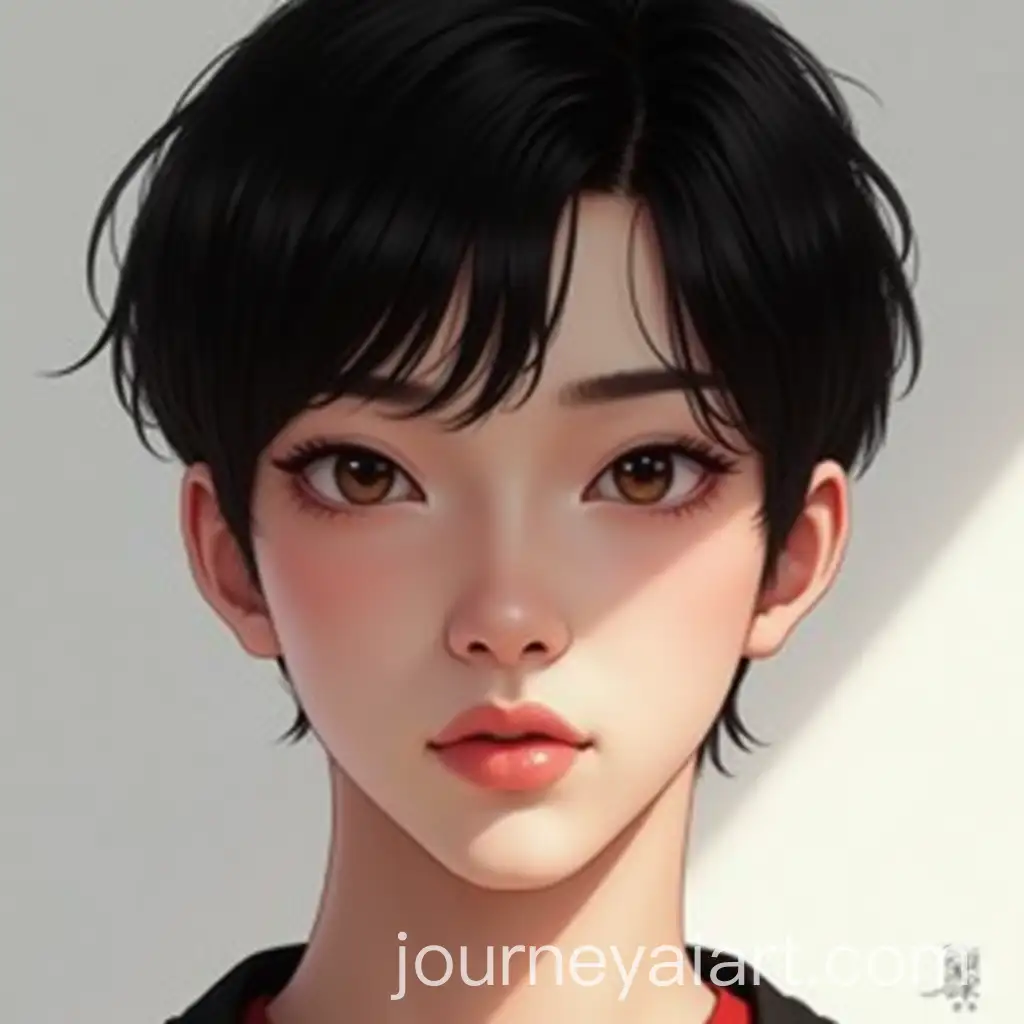
Welcome to our Smooth Shading image collection, featuring 23 free AI-generated images. Discover a range of visuals, including stock photos, 3D objects, vectors, and illustrations, all with a smooth shading technique. Enjoy high-resolution downloads and customize your image using the 'open in editor' feature to adjust the prompt and regenerate your ideal creation.














Related Tags
Smooth shading is a technique used in digital art and 3D modeling that creates gradual transitions between colors and tones, resulting in a more realistic and visually appealing effect. Unlike flat shading, which can appear blocky or harsh, smooth shading adds depth and dimension by blending colors seamlessly. This technique is widely used in various forms of digital media, including animations, video games, and illustrations, to produce lifelike textures and surfaces.
What is Smooth Shading in Digital Art?
Smooth shading is characterized by its ability to create soft gradients and eliminate sharp edges, making objects appear more three-dimensional and polished. This technique is often applied in 3D modeling, where it enhances the realism of objects like character models, landscapes, and intricate designs. In 2D digital art, smooth shading is commonly used to add depth to illustrations, giving them a more dynamic and professional appearance.
Key Characteristics and Applications of Smooth Shading
The impact of smooth shading on modern digital art is profound, as it allows artists and designers to create more immersive and realistic visuals. Whether in video games, animations, or digital illustrations, smooth shading contributes to the overall aesthetic by providing a polished and refined look. This technique has become a staple in the industry, influencing the way digital content is created and consumed across various platforms.
Impact of Smooth Shading on Modern Digital Art and Design
Creating smooth shading effects in your own art can be achieved through various tools and techniques. In digital illustration software, using gradient tools or soft brushes allows for seamless transitions between colors. In 3D modeling, applying smooth shading algorithms or adjusting the mesh of an object helps achieve the desired effect. Experimenting with light sources and color blending can also enhance the smoothness of shading, giving your artwork a professional and polished appearance.
How to Create Smooth Shading Effects in Your Own Art