6 Free Shiny letters Midjourney AI images
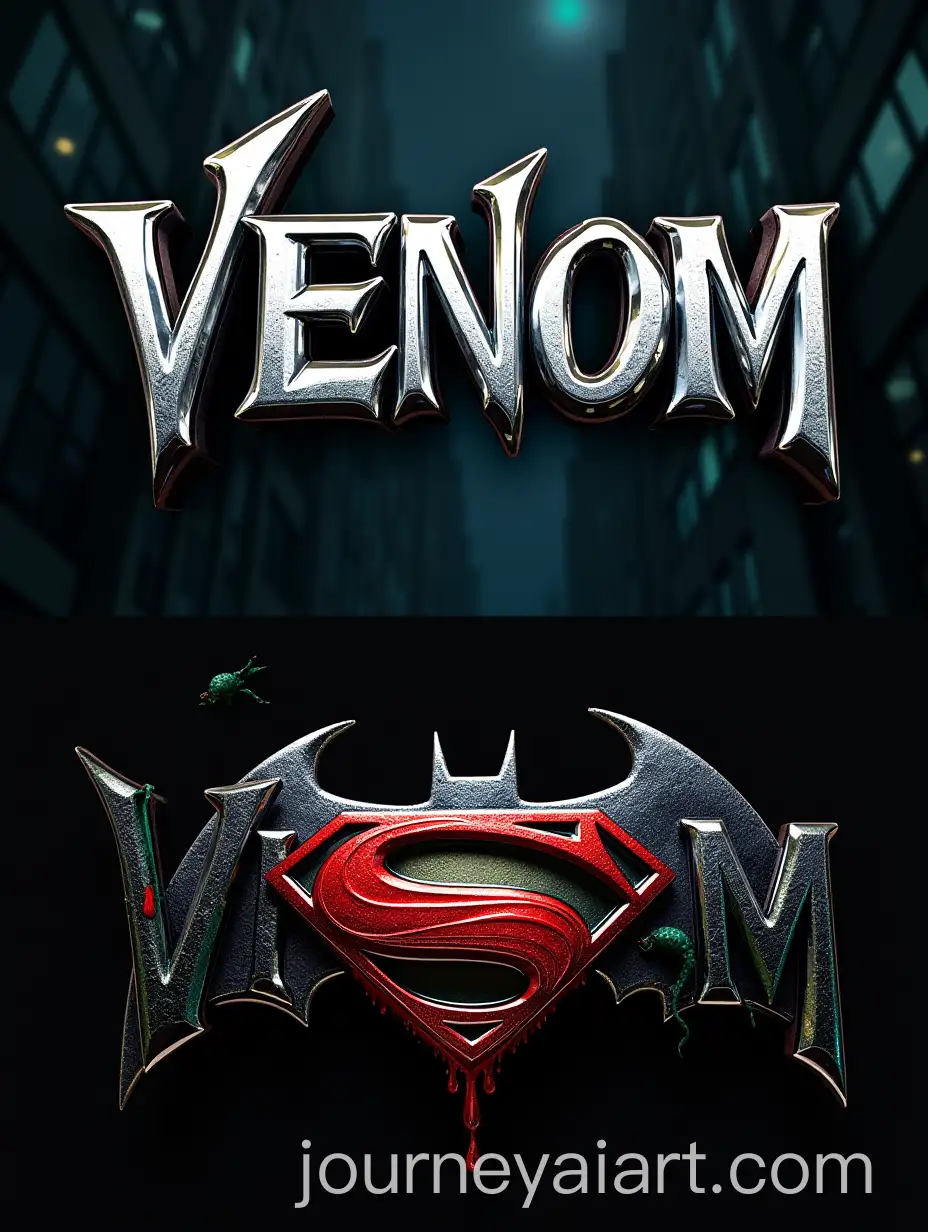
Explore our extensive collection of 6 free AI-generated images under the tag 'Shiny Letters.' From stock photos and 3D objects to vectors and illustrations, this page offers a diverse selection of high-resolution images. Enjoy the flexibility of downloading these images for free or clicking on 'open in editor' to adjust the prompts and regenerate images tailored to your needs.

Related Tags
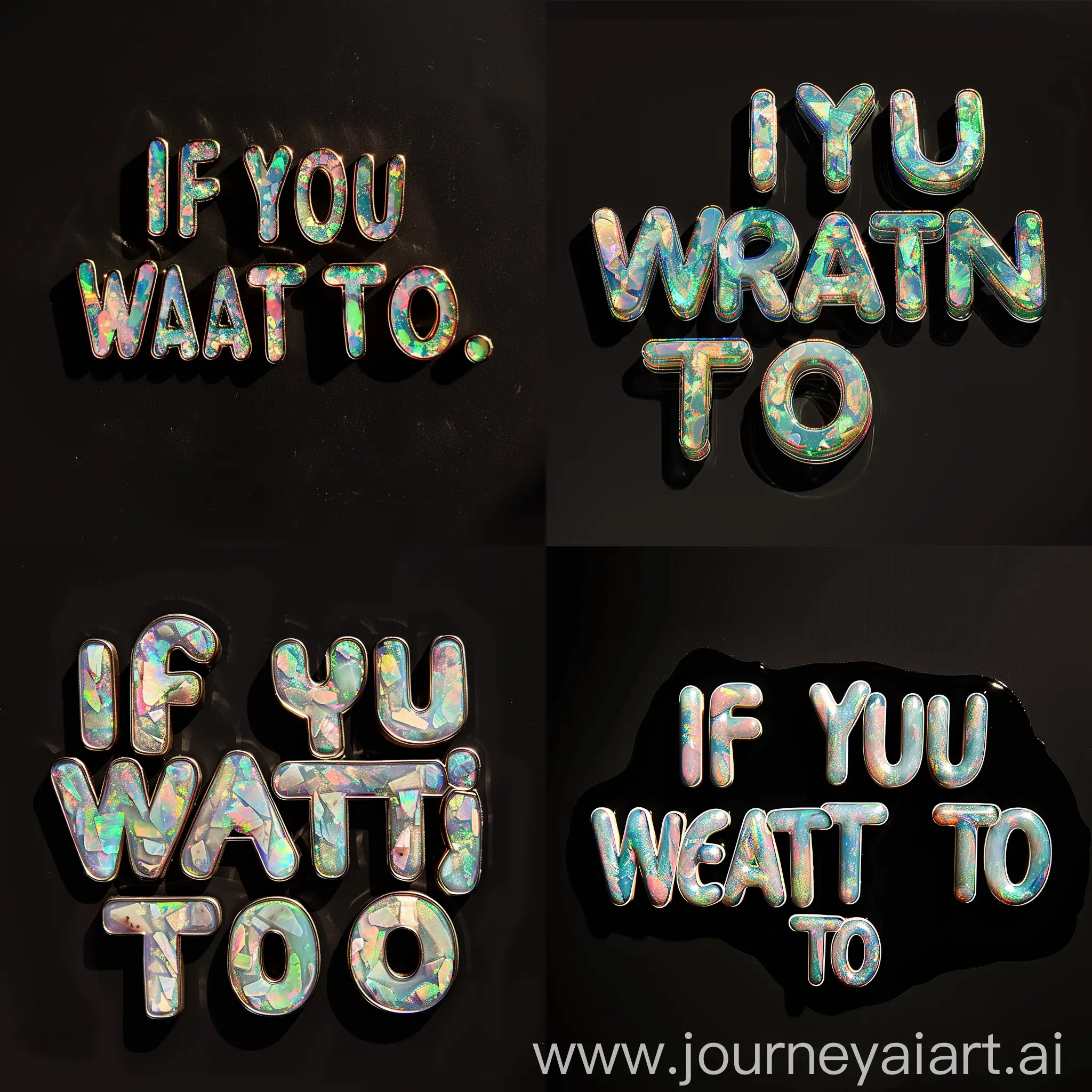
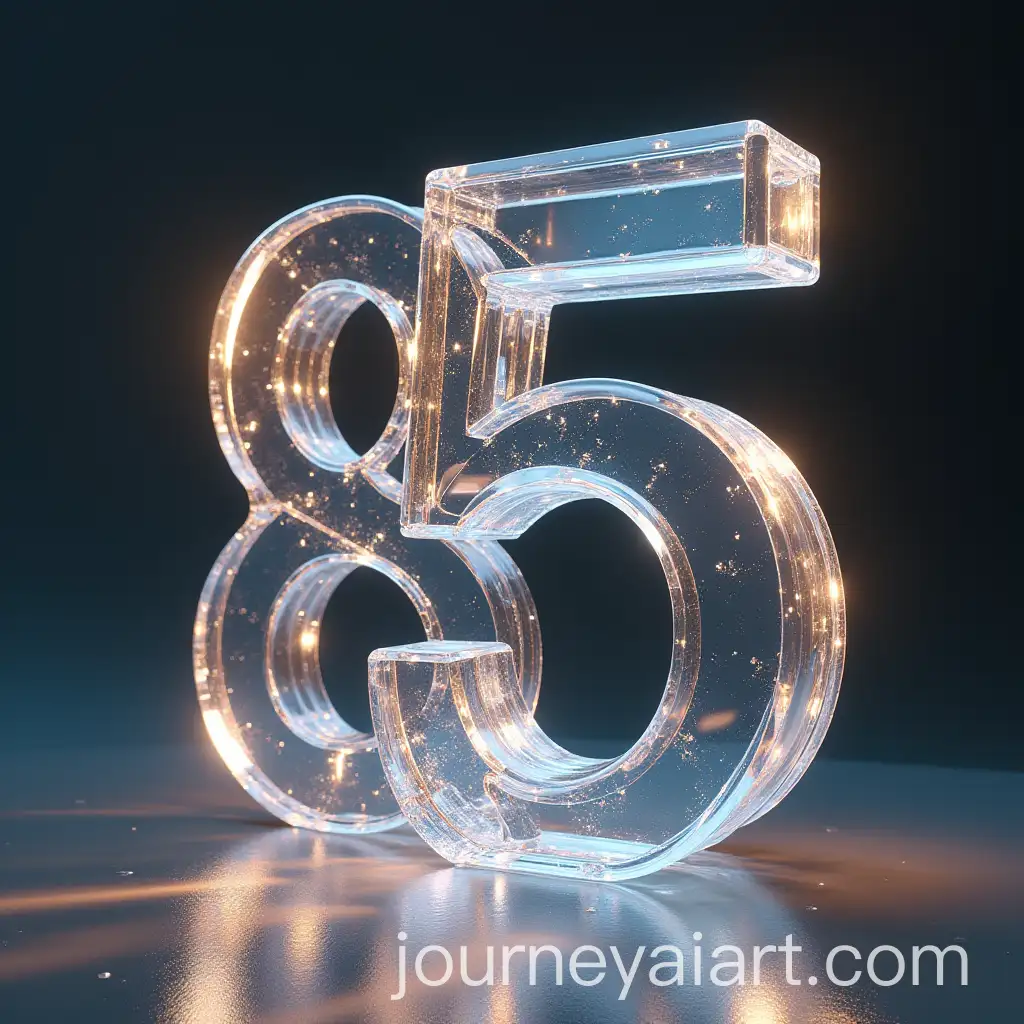
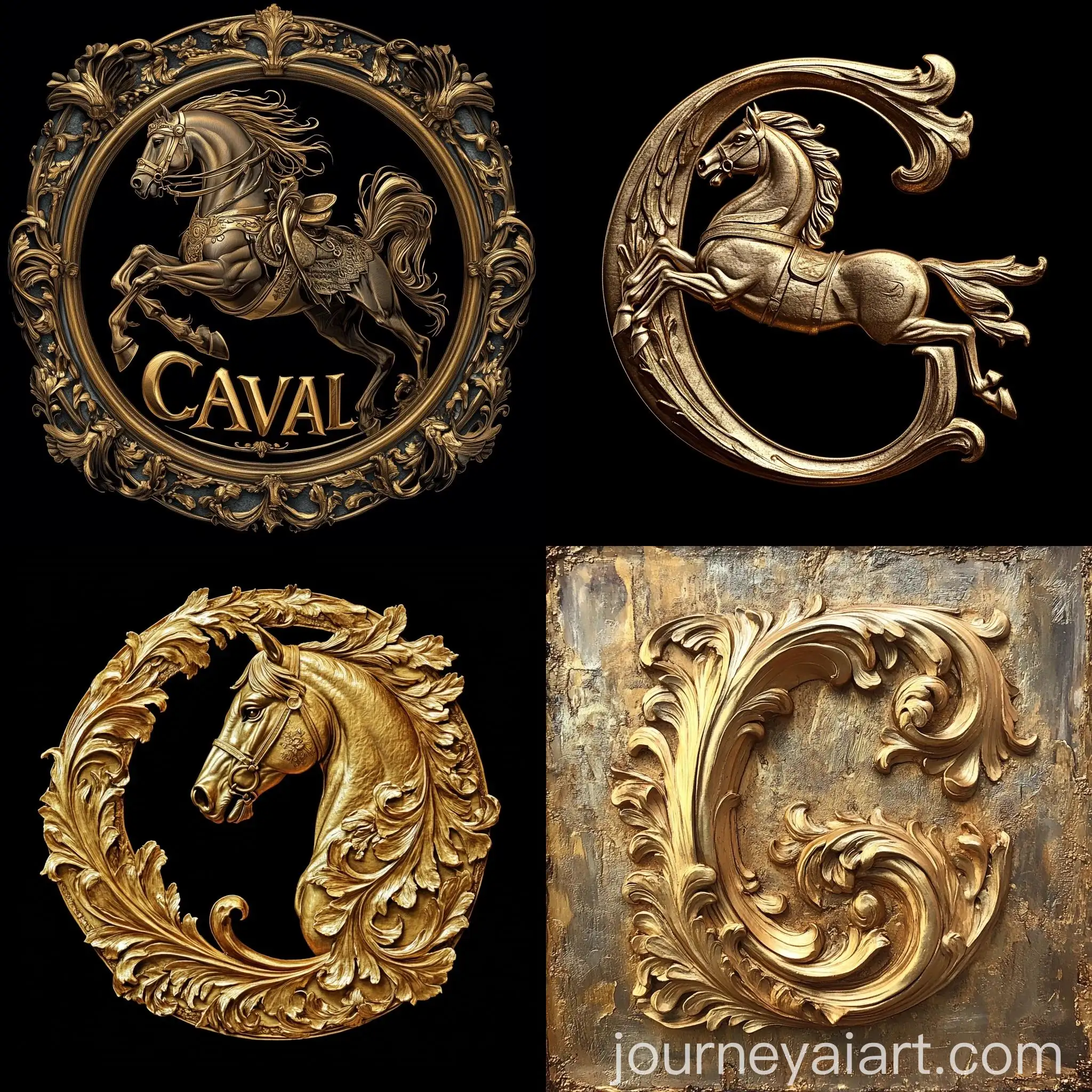
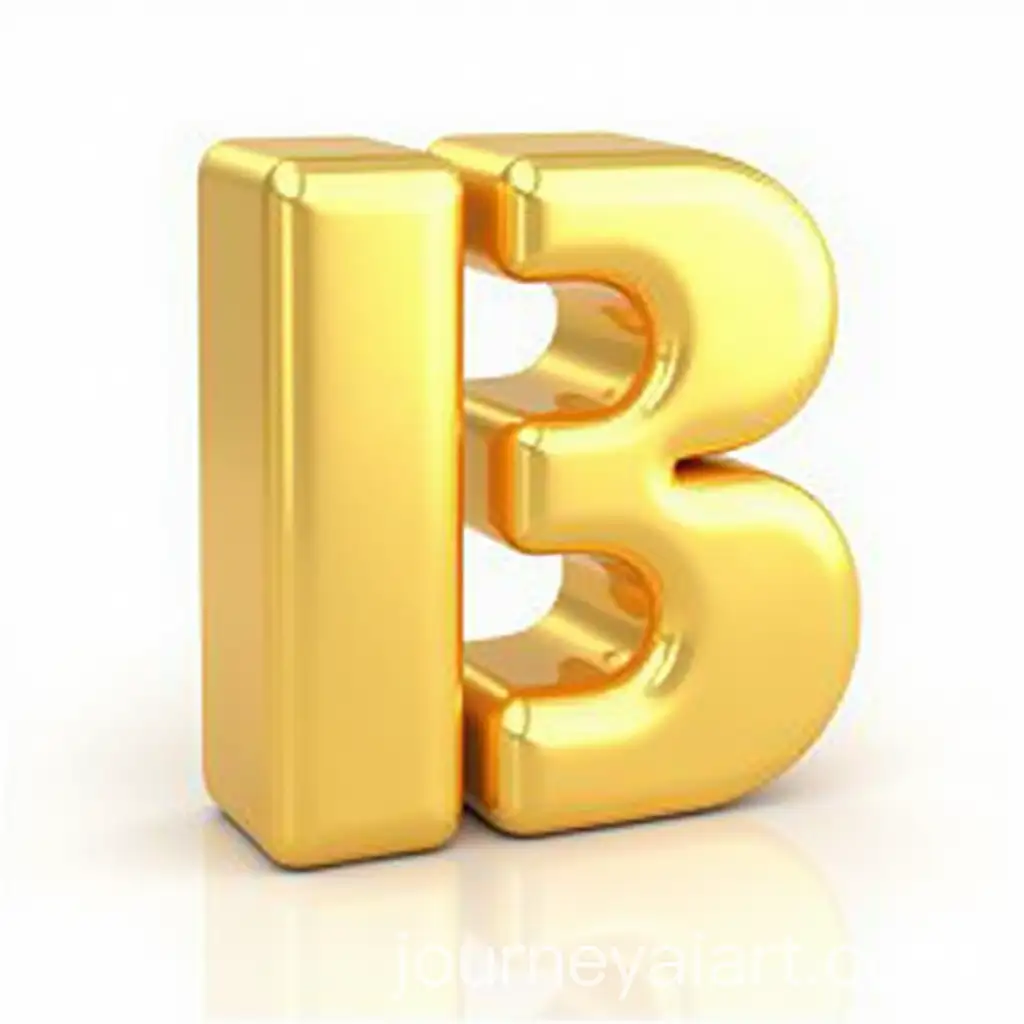
Shiny Letters refer to text elements designed with a reflective, glossy finish, often used in digital and print media to grab attention. The shiny effect can mimic materials like metal, glass, or neon, adding a dynamic and eye-catching element to typography. This style is popular in various applications, from advertising and branding to web design and entertainment, where impactful visuals are key to engaging audiences.
What 'Shiny Letters' Really Means in Design and Visual Art
AI-generated images of Shiny Letters typically exhibit smooth gradients, reflective surfaces, and a sense of depth that mimics 3D. These characteristics make the text appear more tangible and visually striking. The AI's ability to create variations—from subtle metallic sheens to bold, high-gloss finishes—offers users a wide range of styles to choose from, whether for modern, futuristic, or classic design themes.
Common Characteristics of Shiny Letters in AI-Generated Images
Shiny Letters have become a staple in modern branding, especially in industries like tech, luxury goods, and entertainment. The polished, high-quality appearance of shiny text conveys sophistication, innovation, and attention to detail. Companies use this style in logos, product packaging, and marketing materials to create a memorable, premium brand image. The versatility of Shiny Letters, enhanced by AI-generated designs, allows brands to experiment with textures and finishes that align with their identity.
How Shiny Letter Designs Influence Modern Branding
When creating Shiny Letters using AI, consider experimenting with different material simulations, such as chrome, gold, or glass, to achieve the desired effect. Adjusting the lighting and reflection parameters within the AI's editor can also enhance the realism and depth of the letters. Users can start with a basic prompt and refine it using the 'open in editor' feature, making tweaks to the shine intensity, color, and background until they achieve the perfect balance for their project.
Creating Shiny Letters Using AI: Tips and Tricks