33 Free Motion blur effect Midjourney AI images
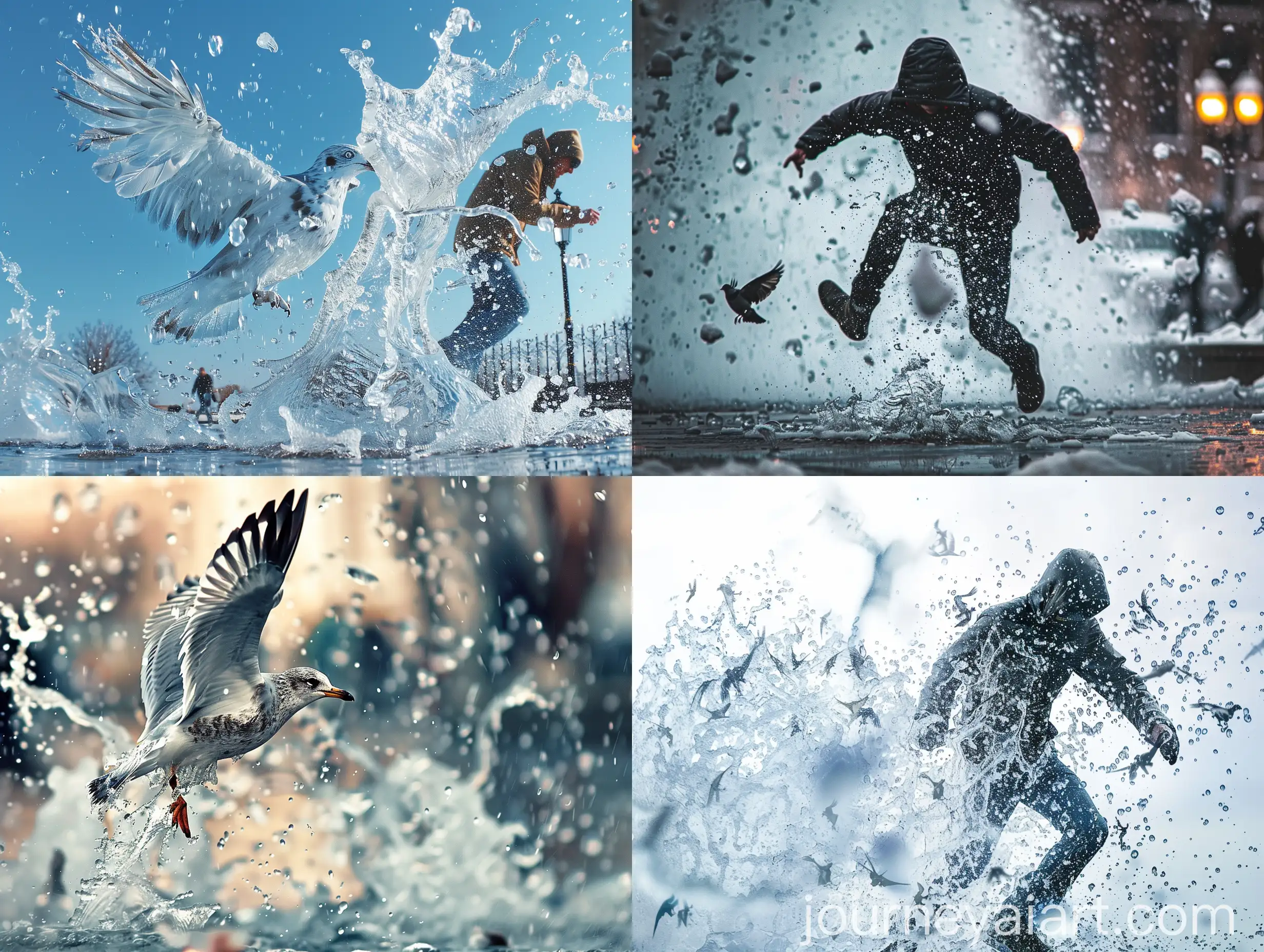
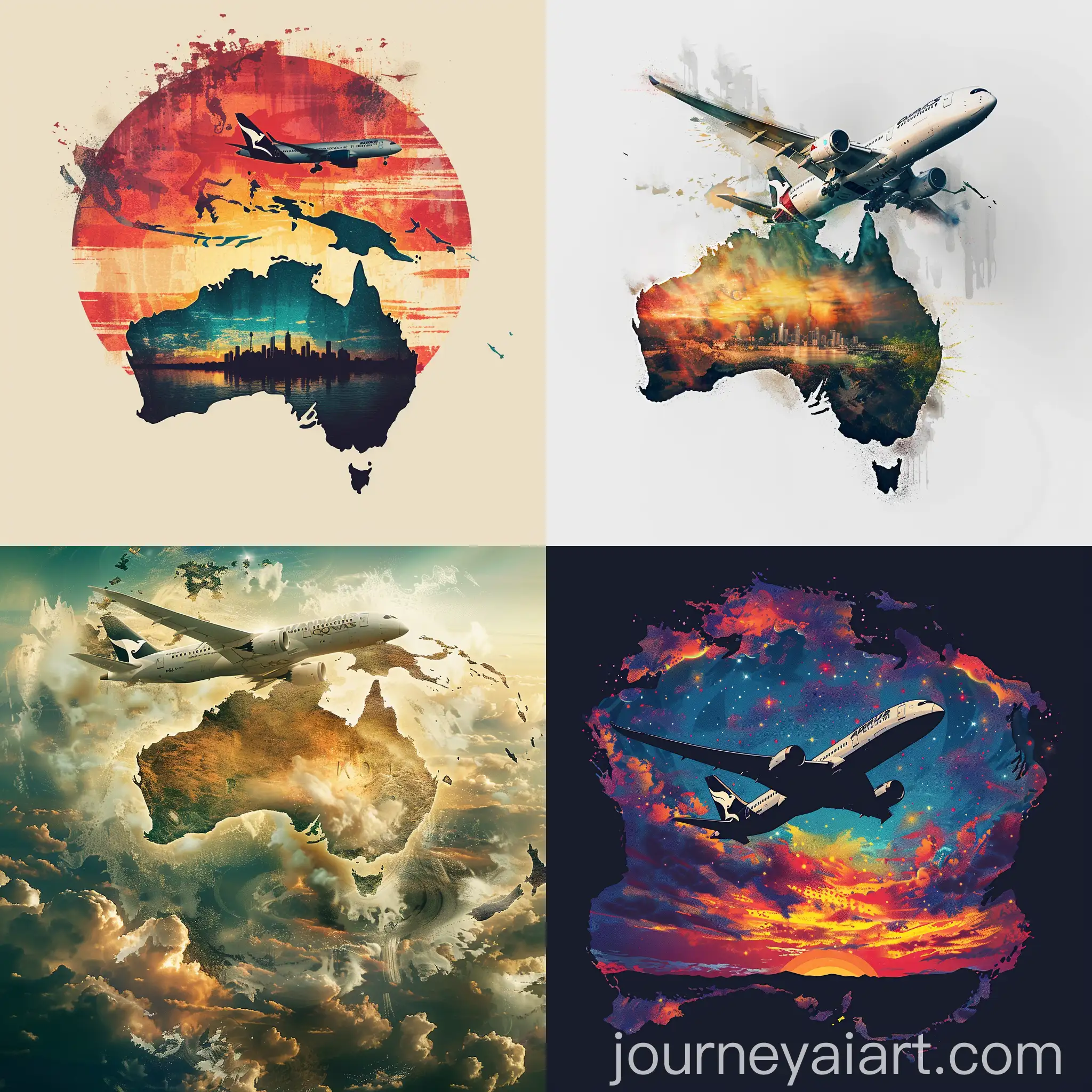
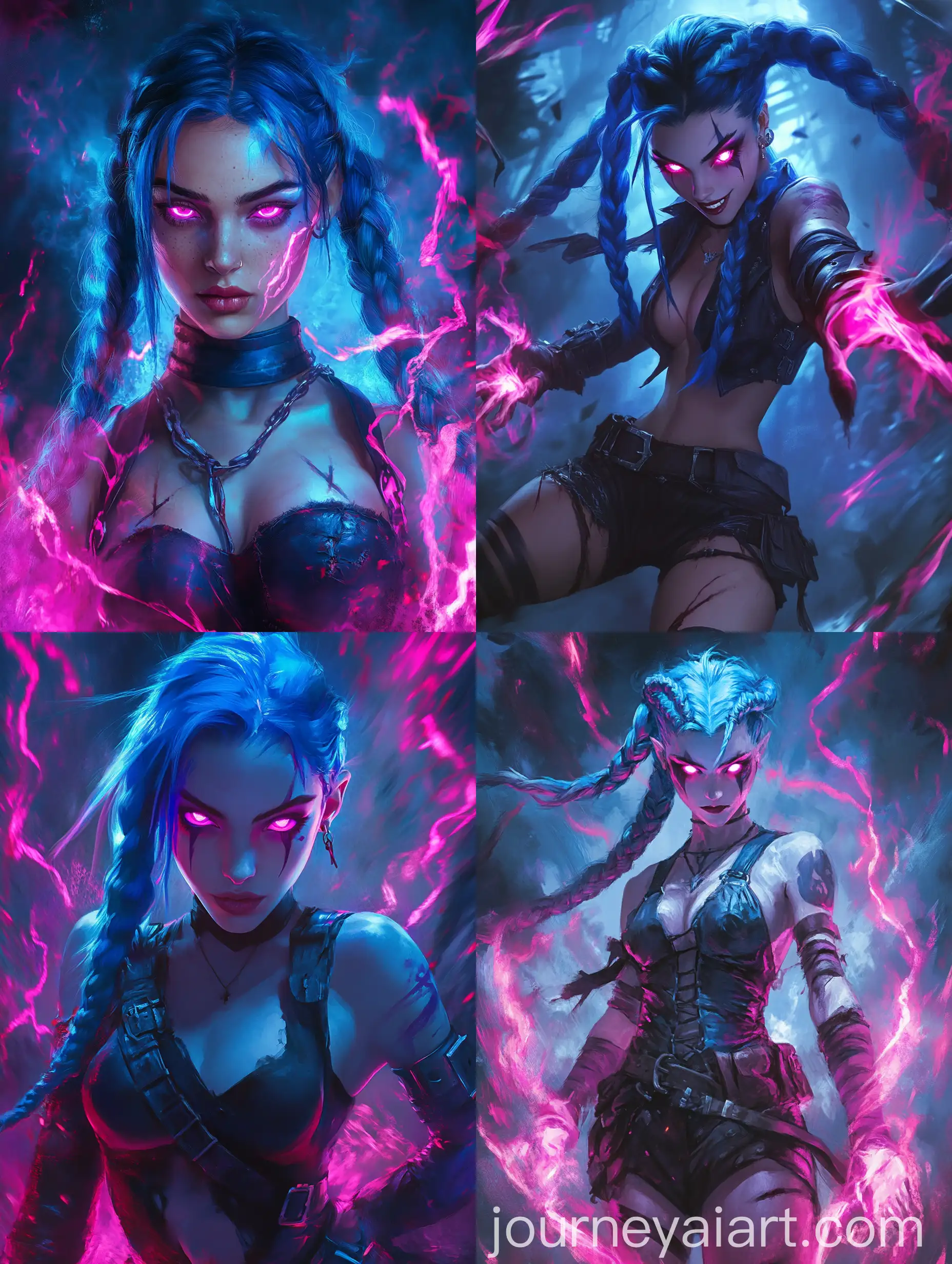
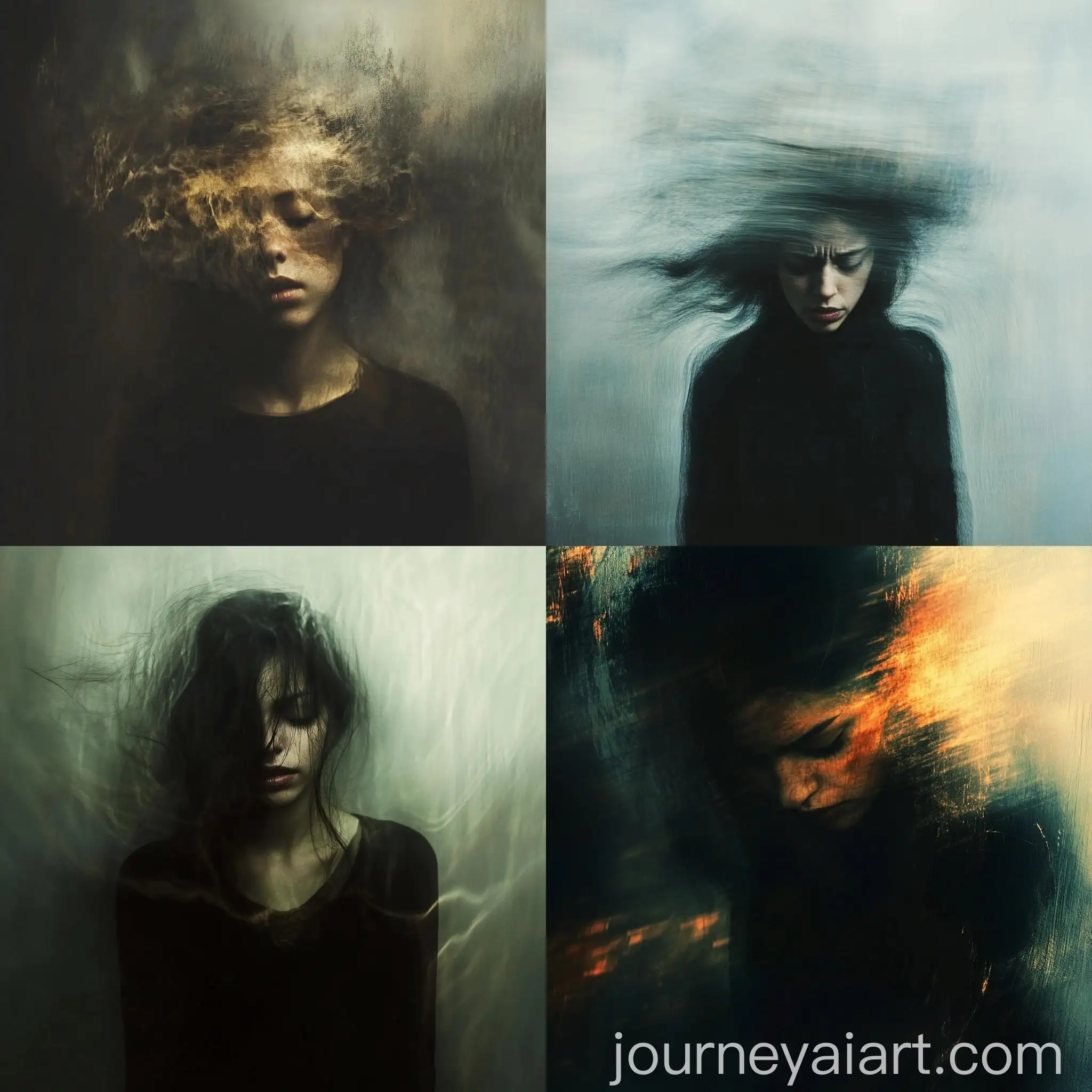
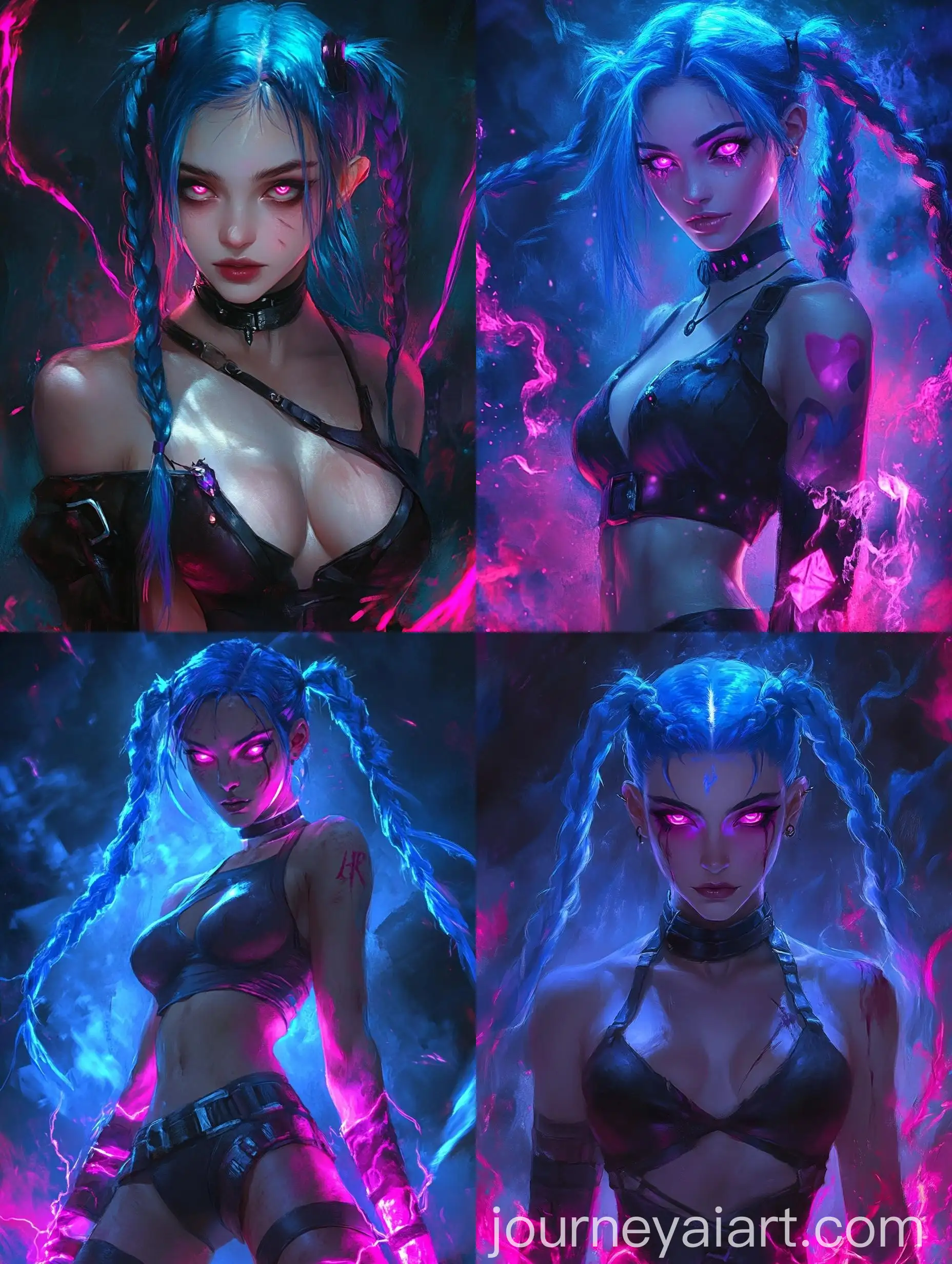
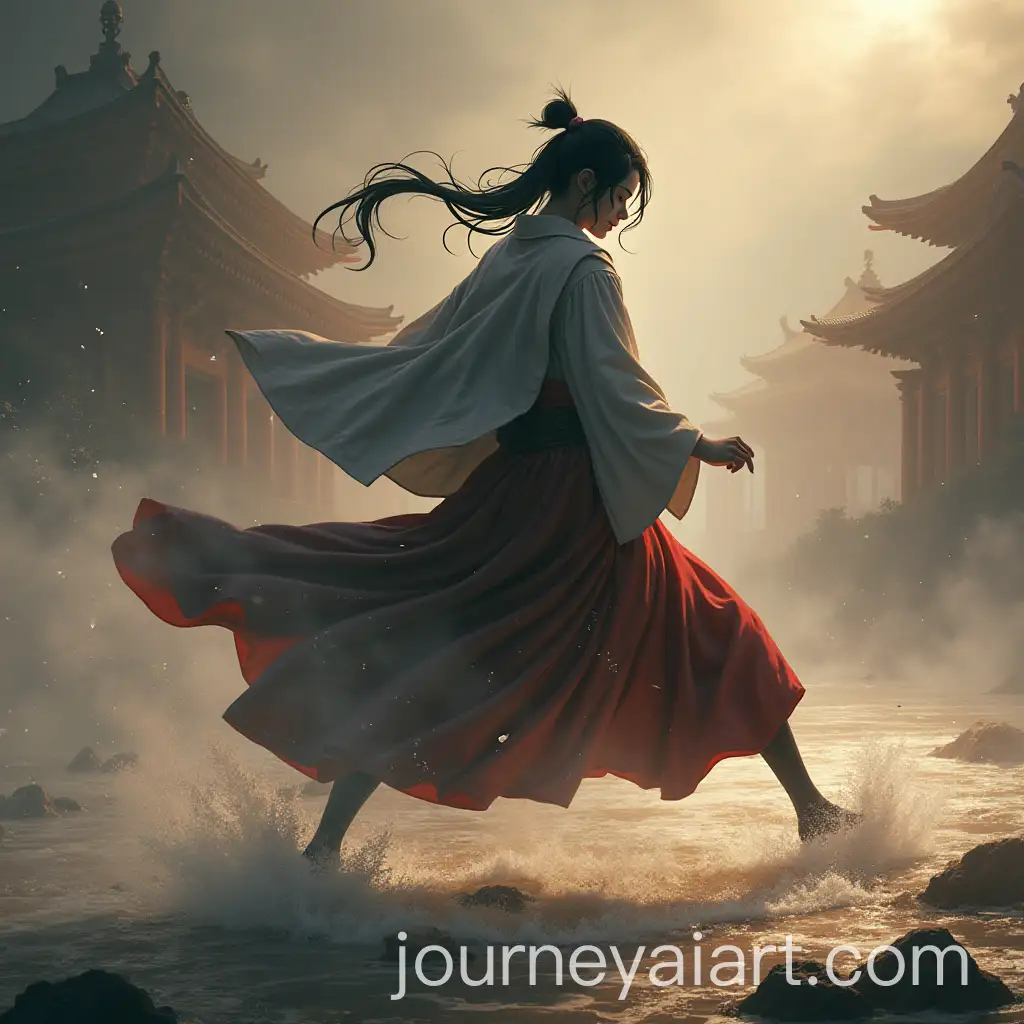
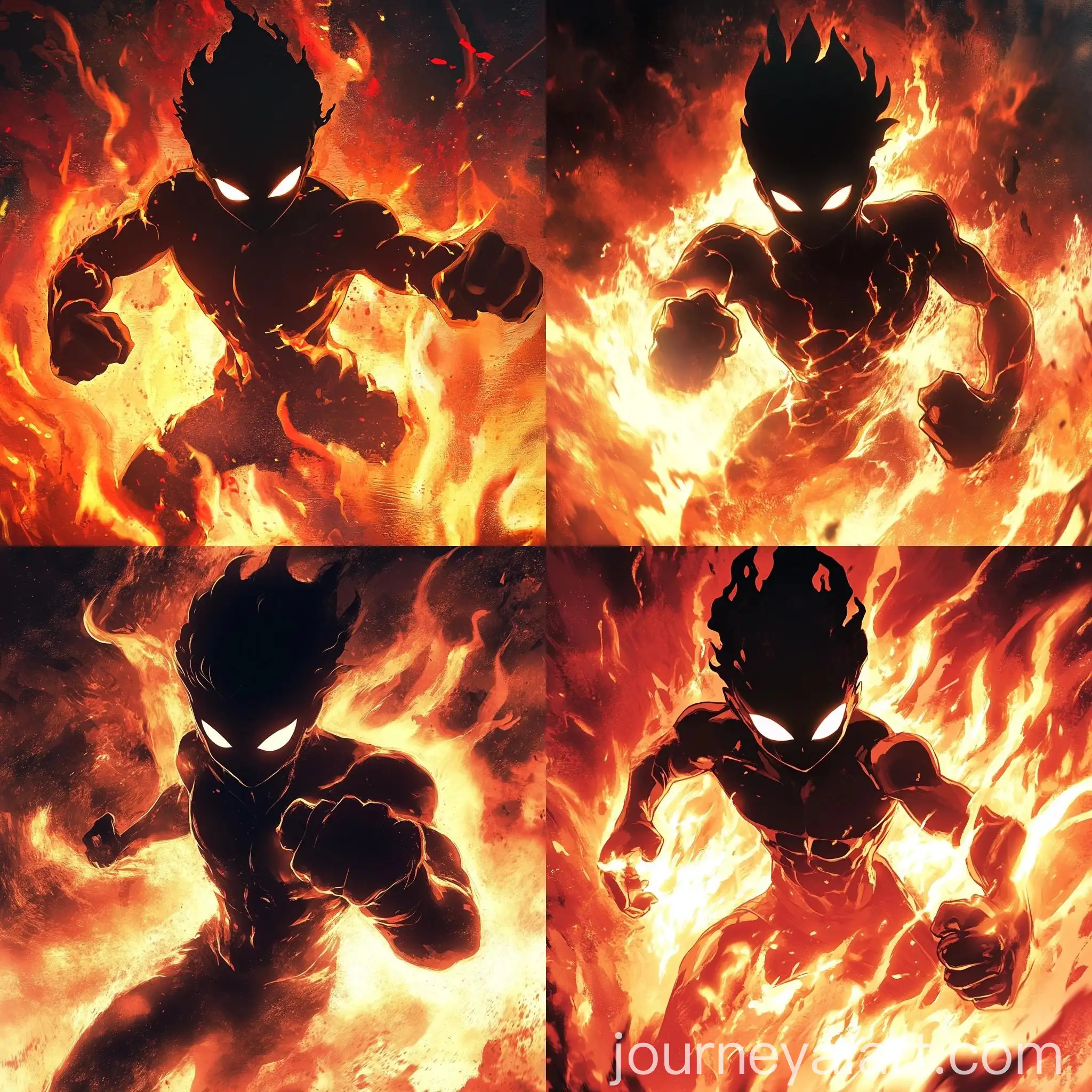
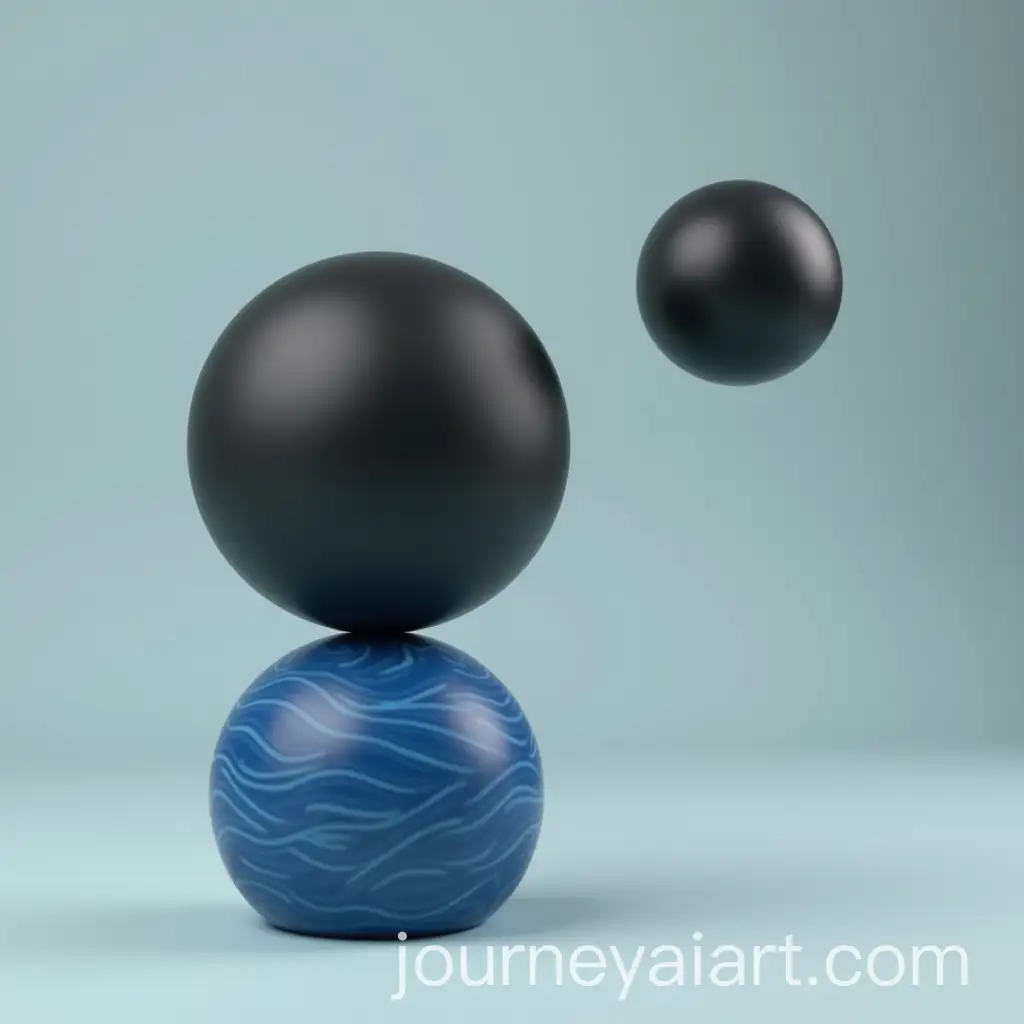
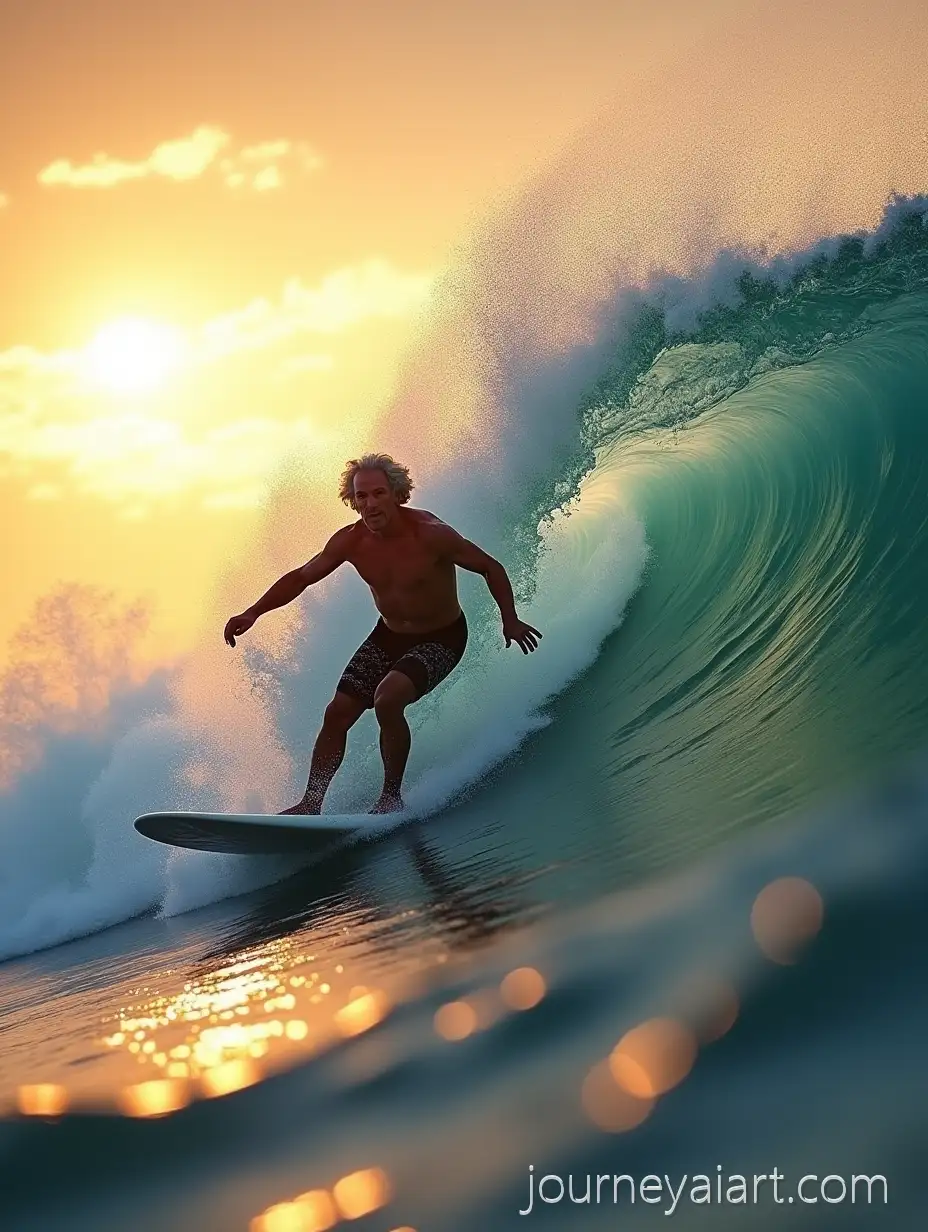
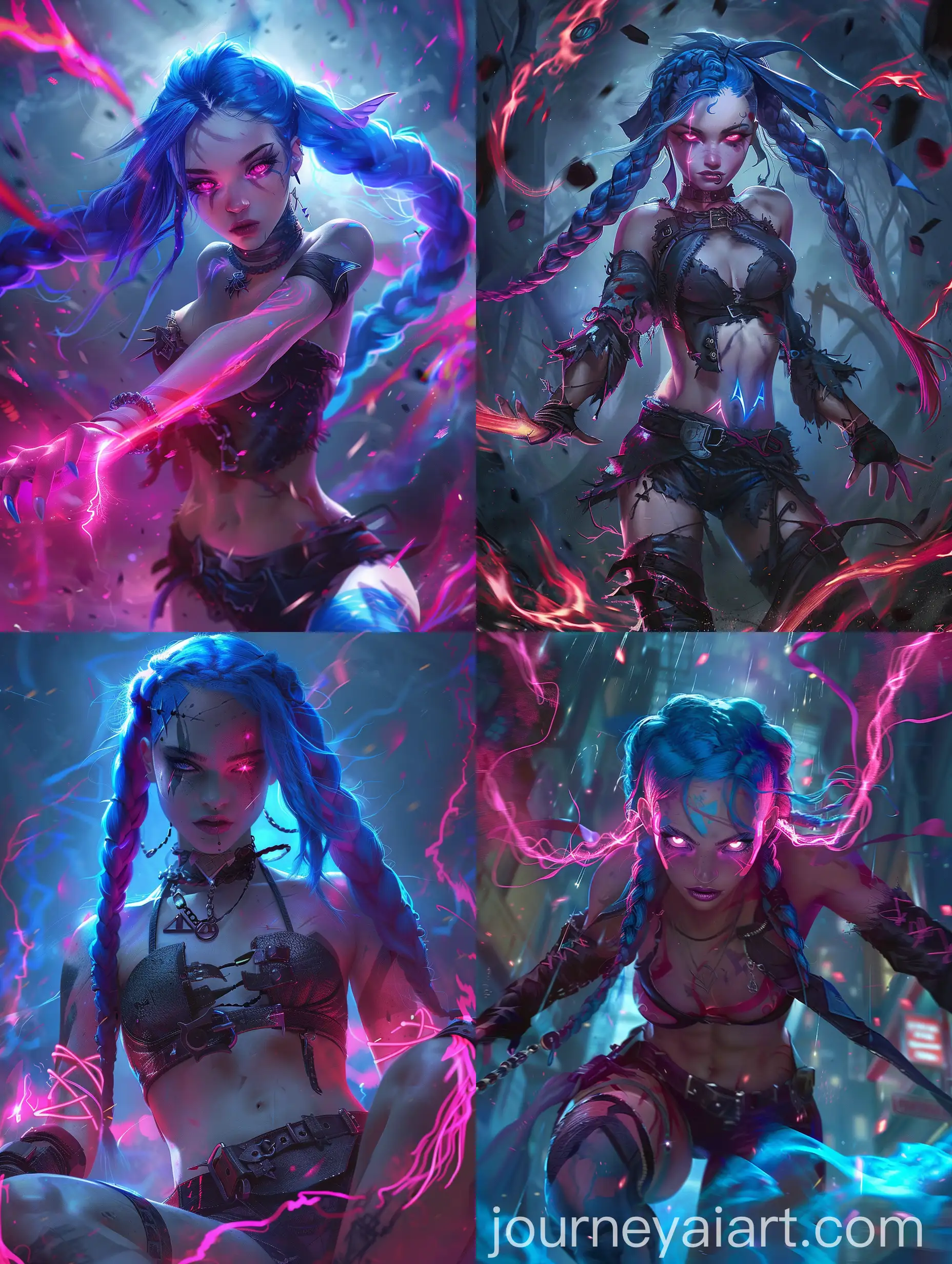
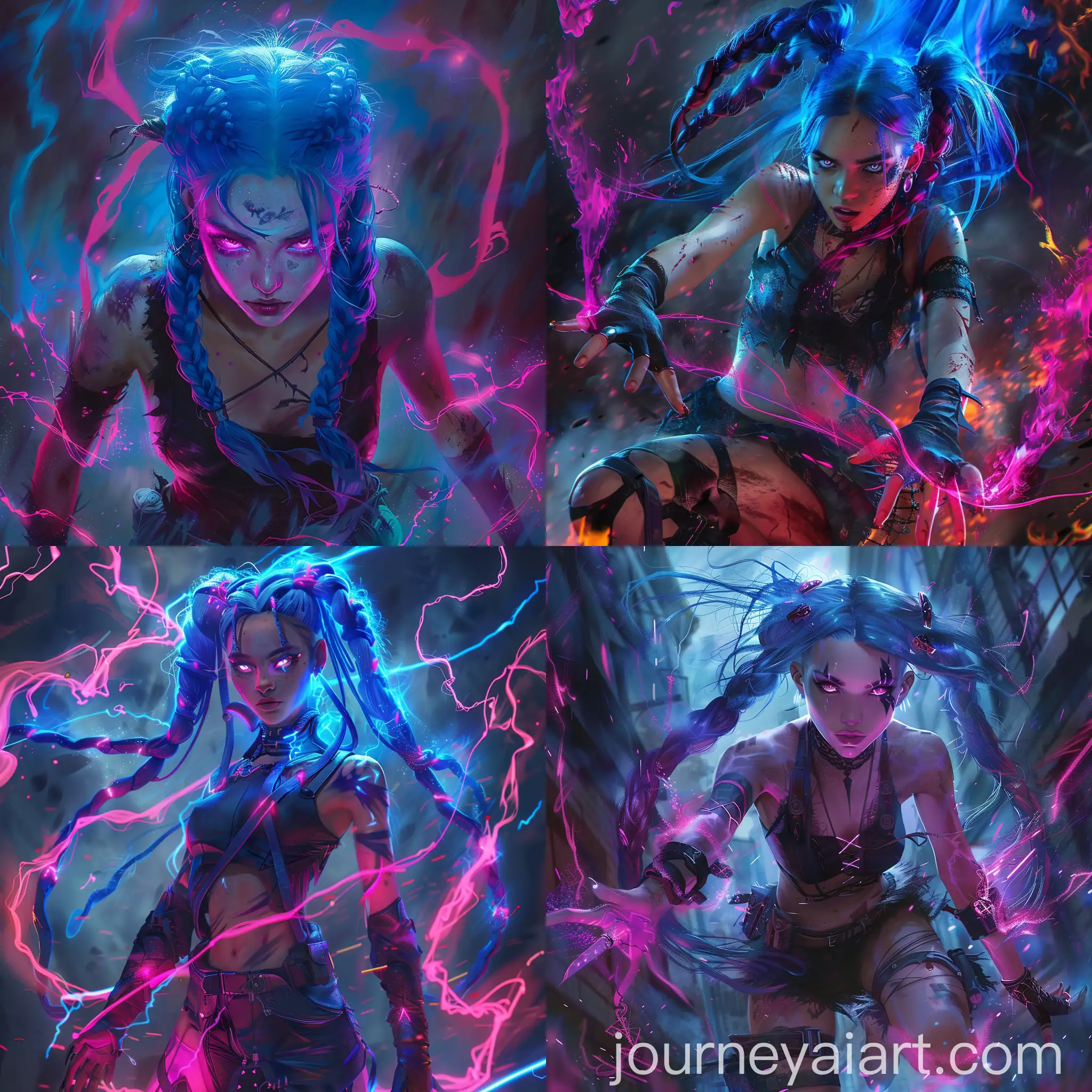
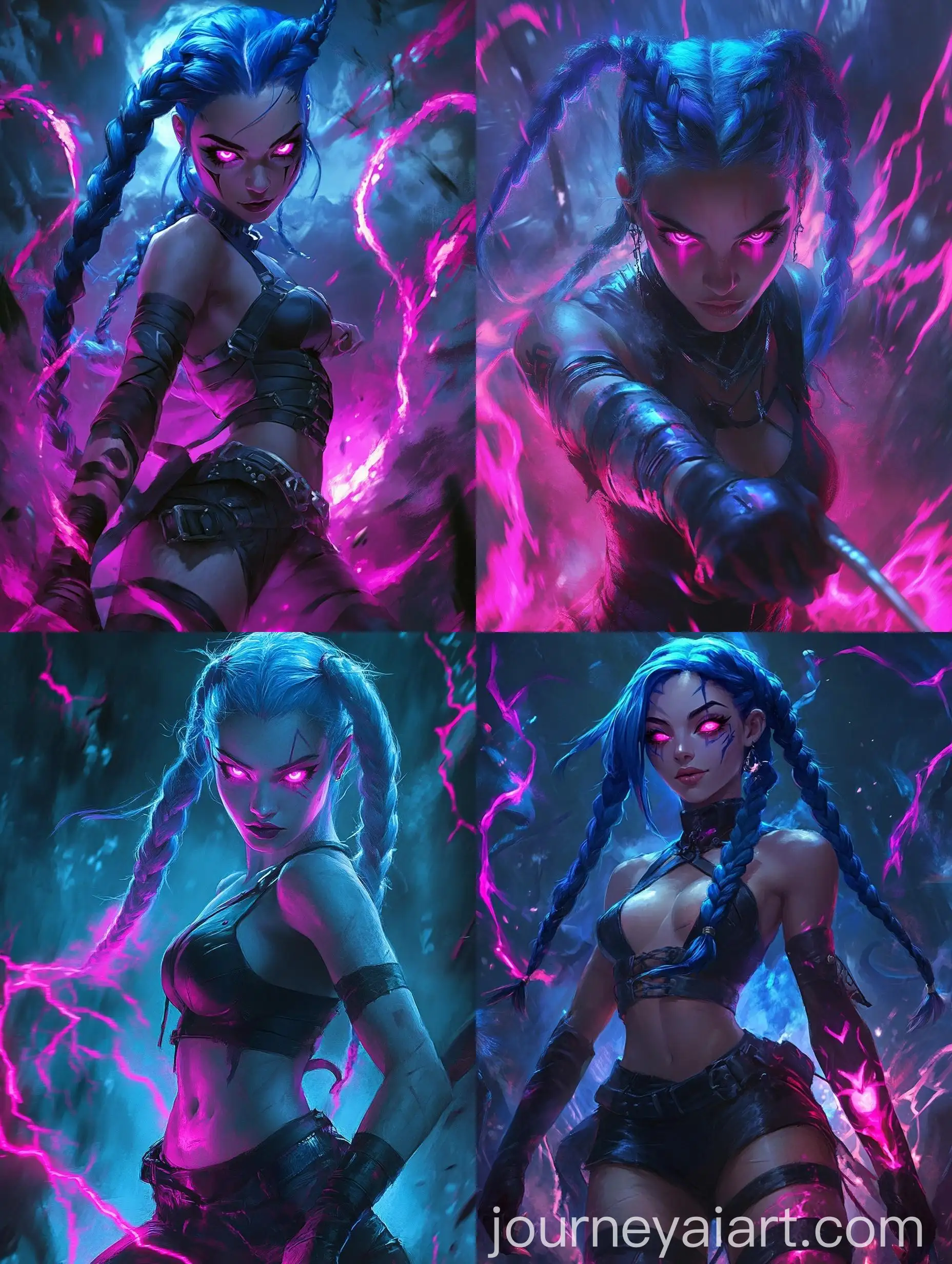
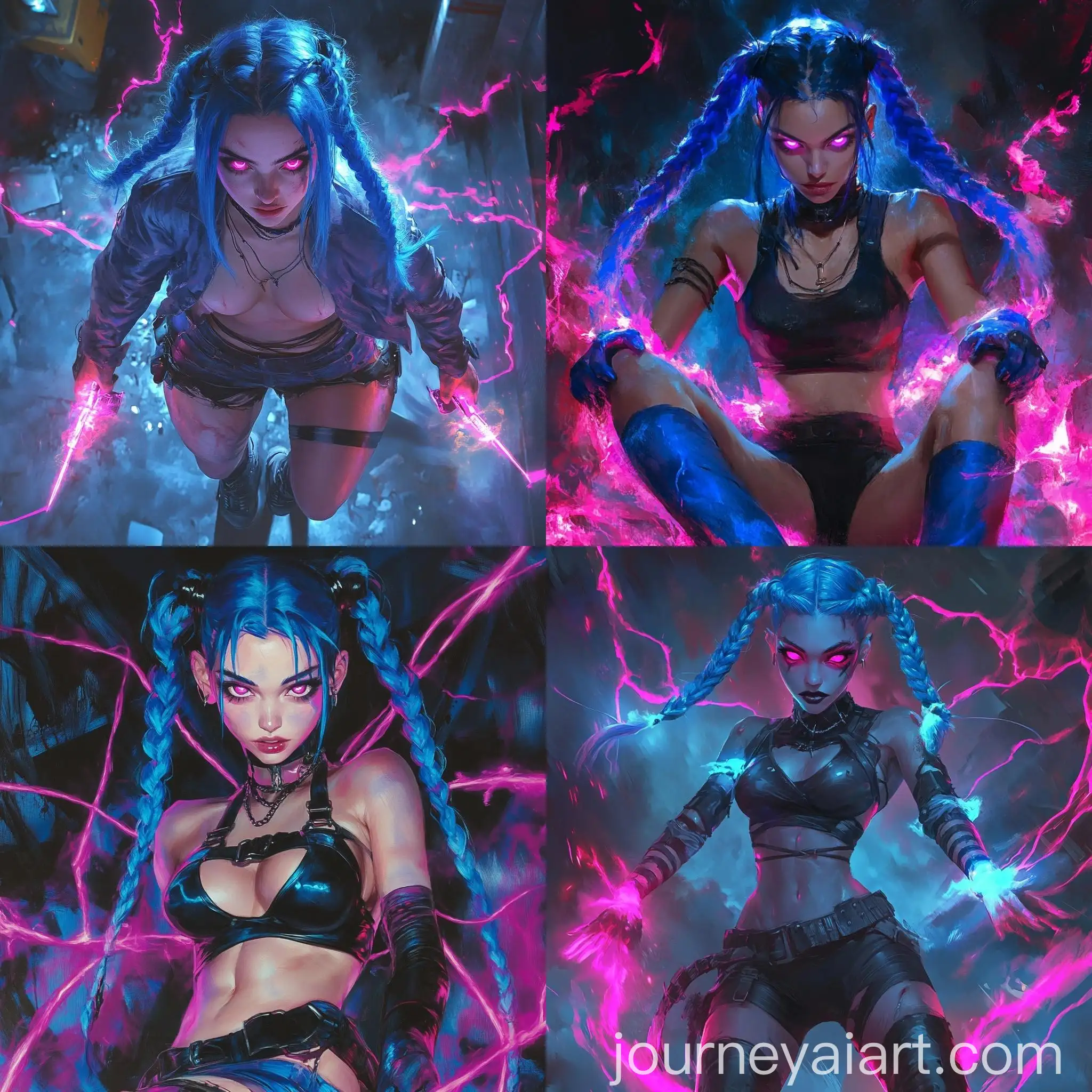
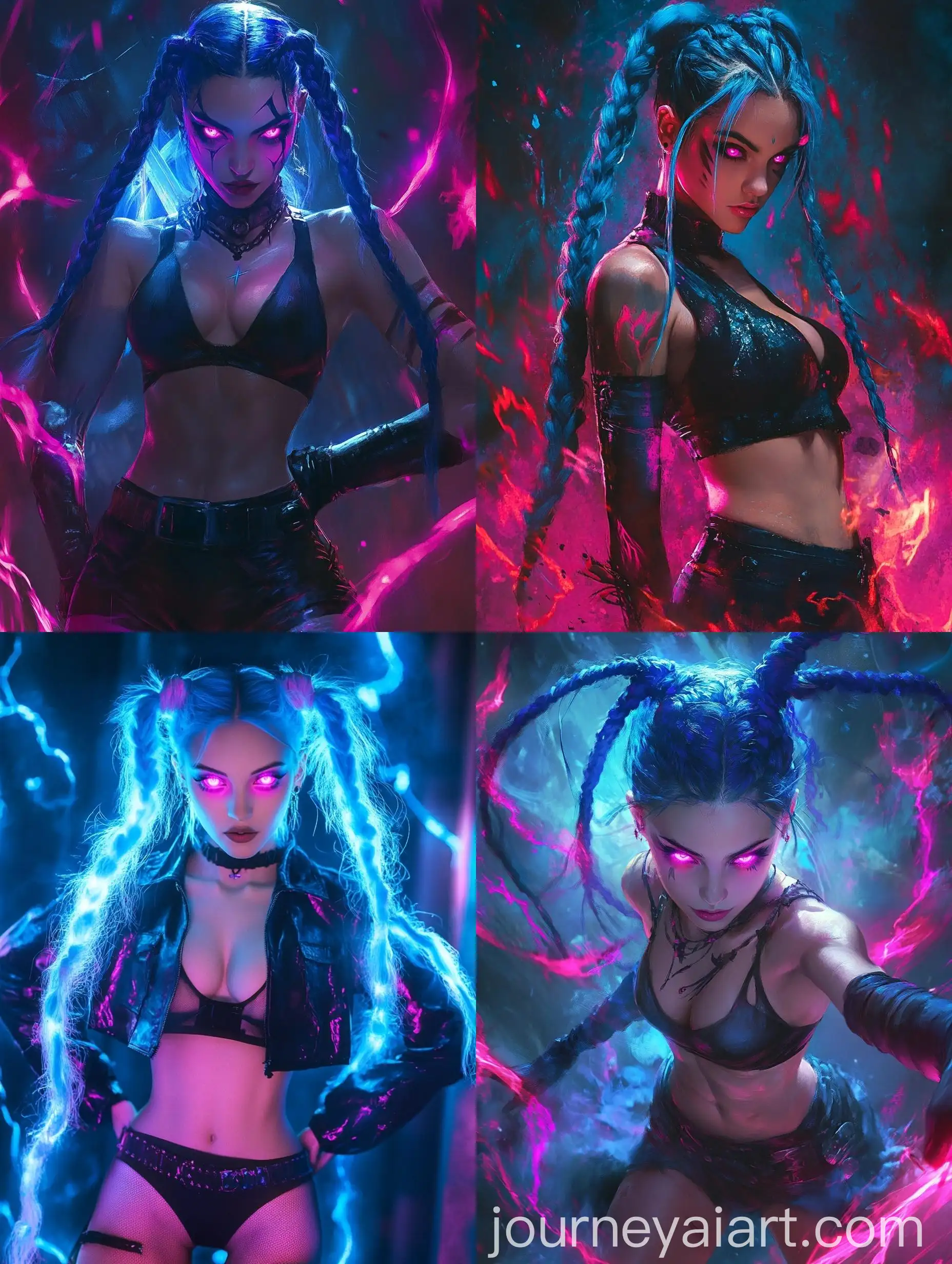
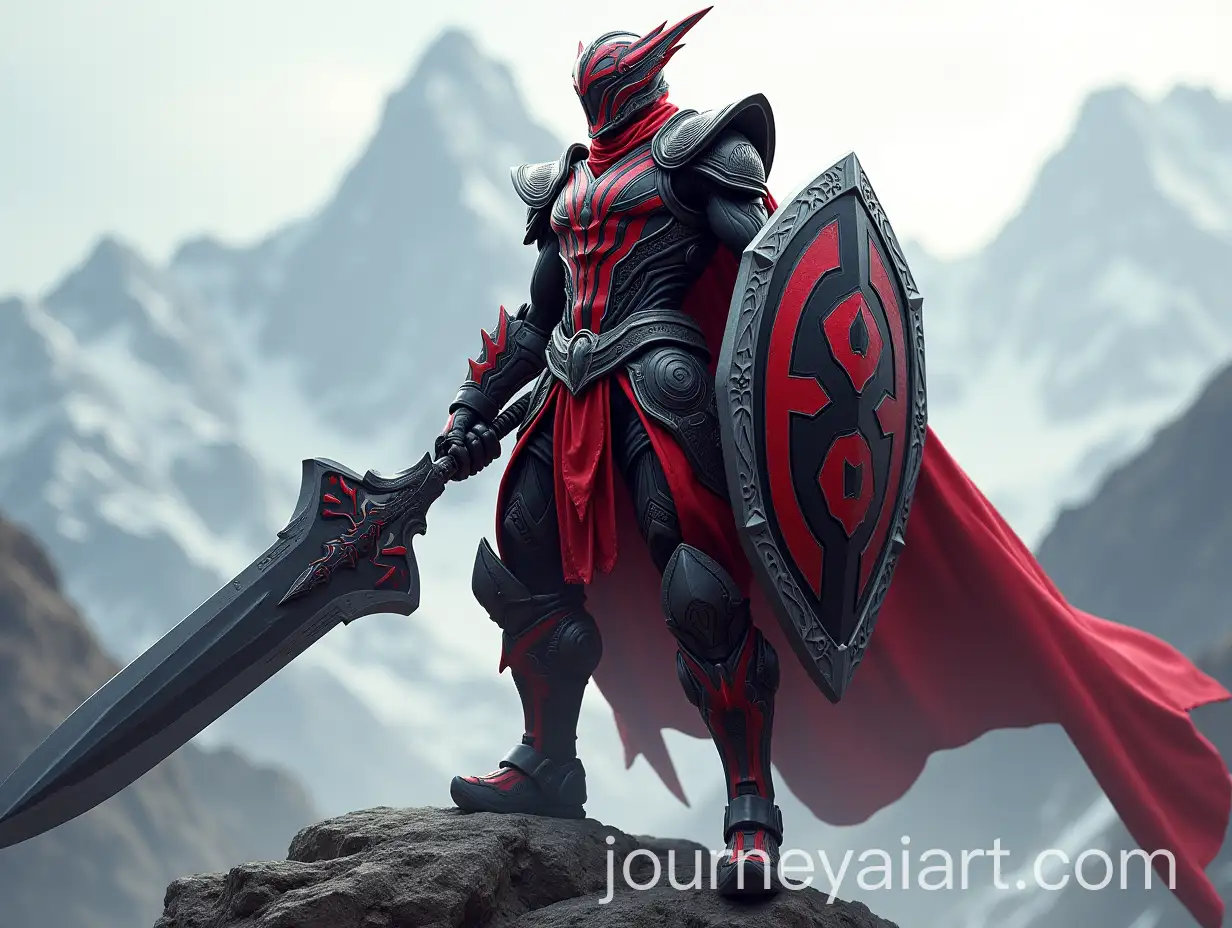
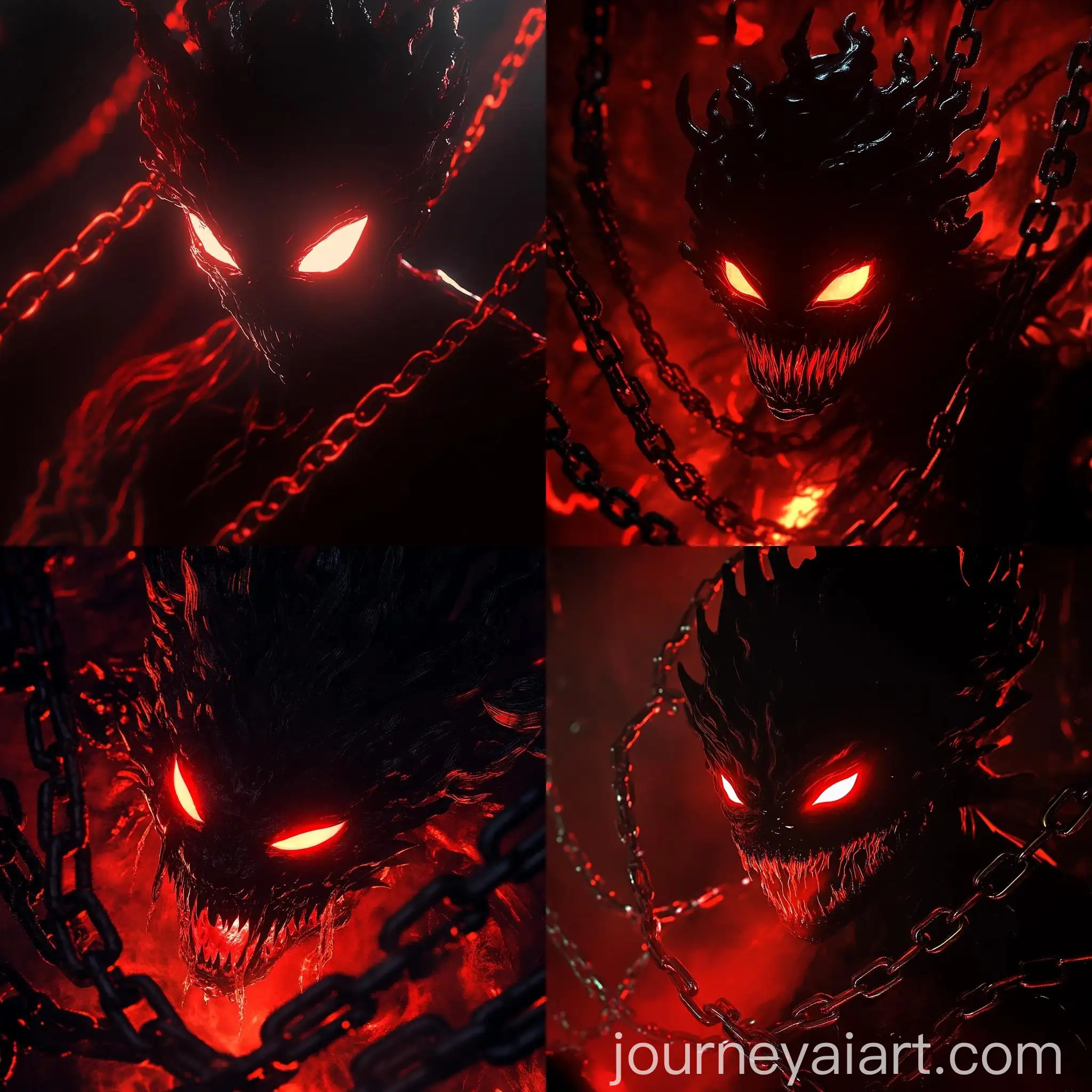
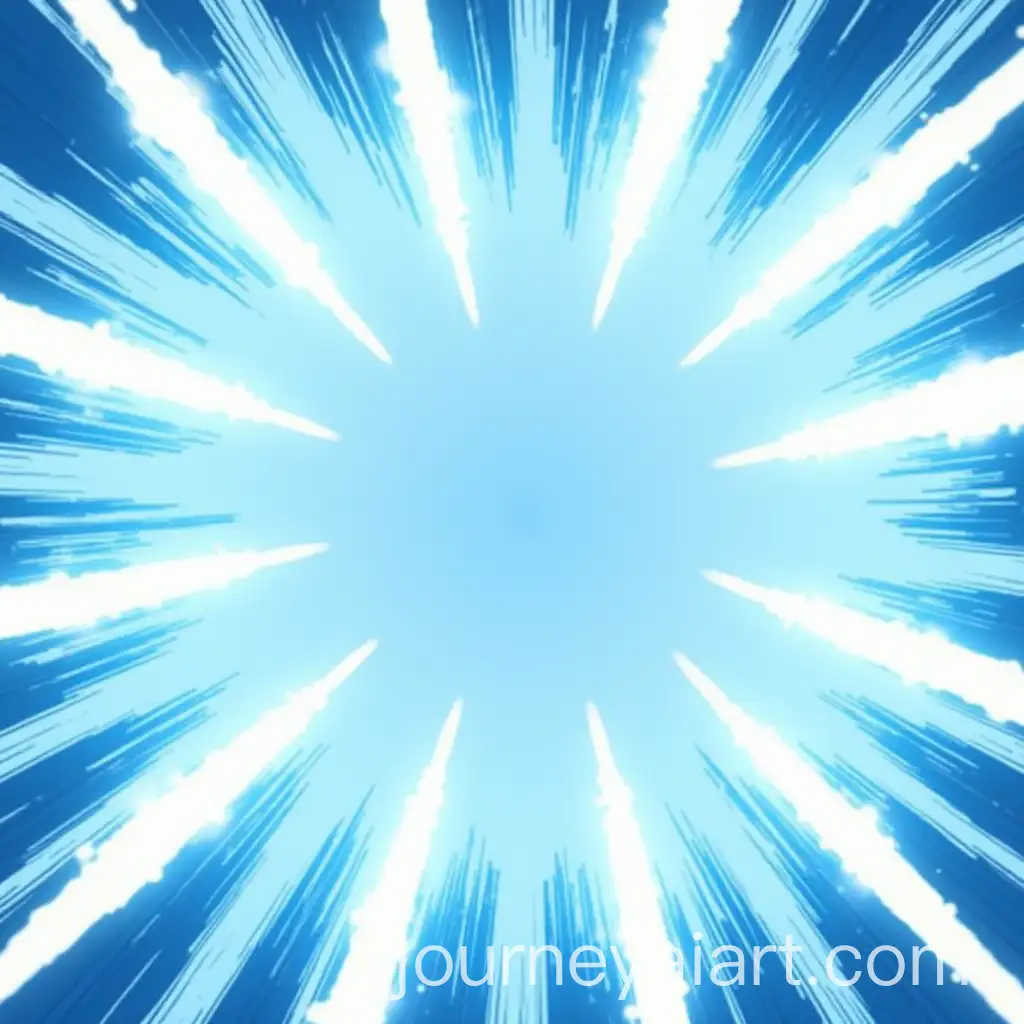
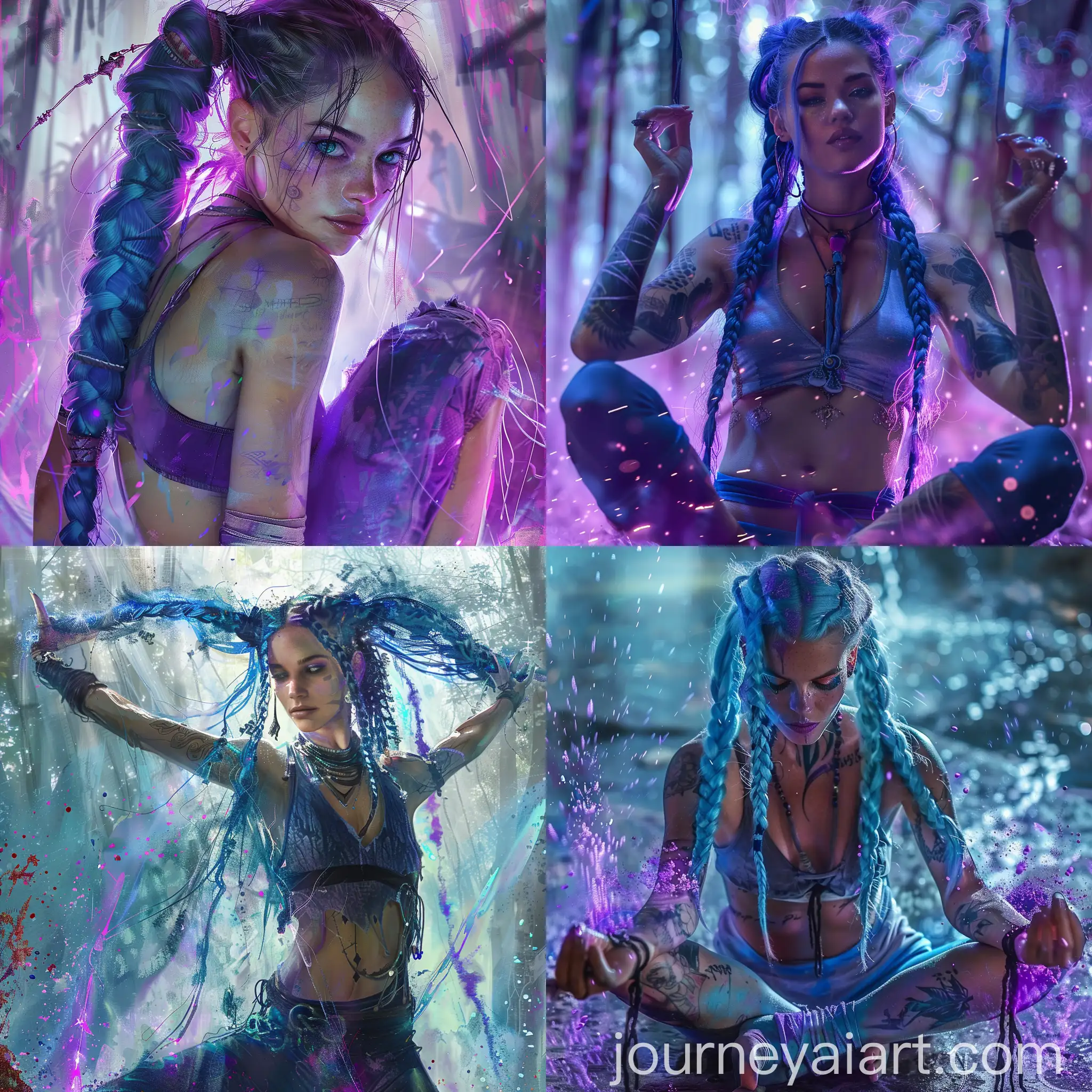
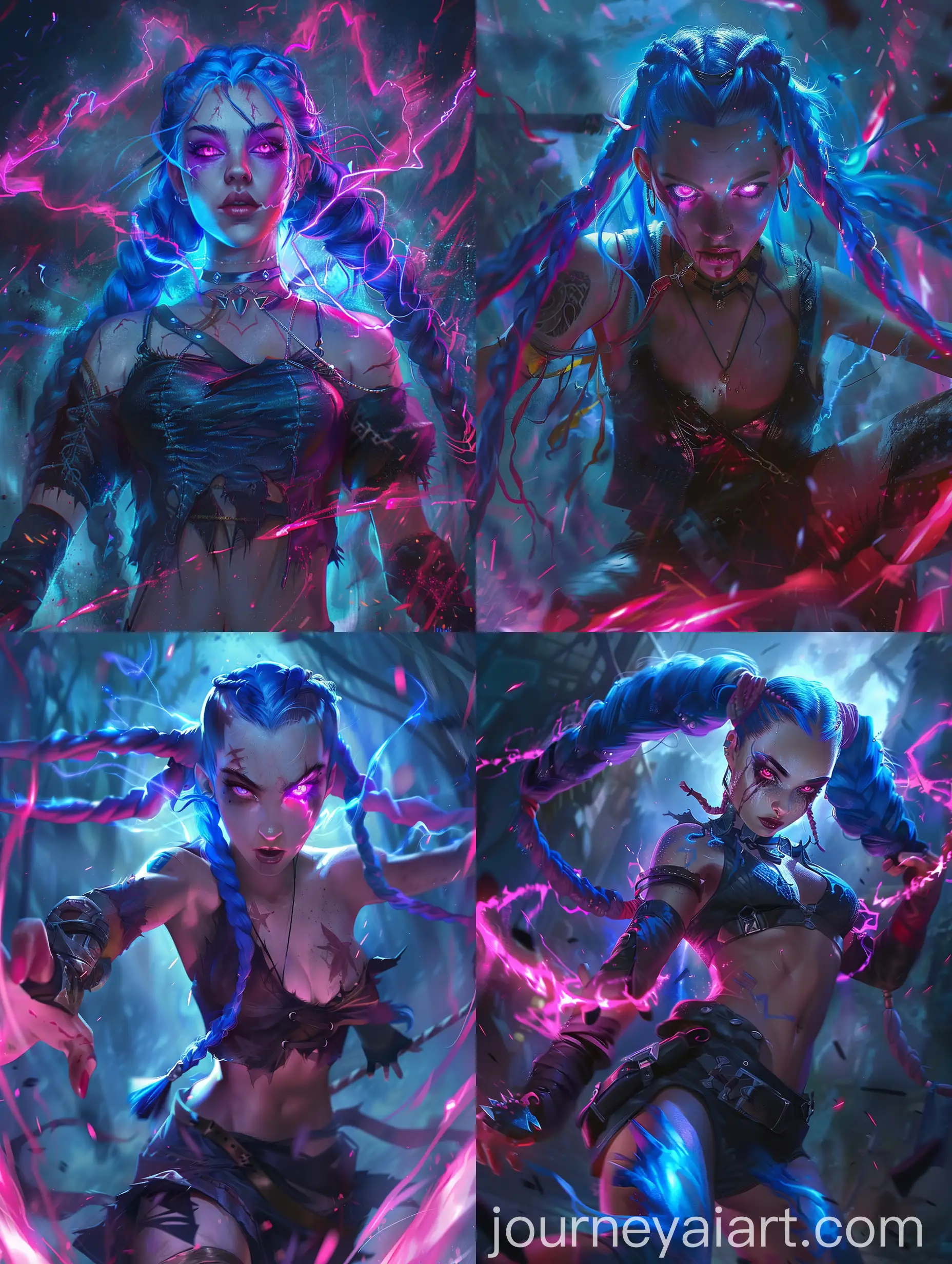
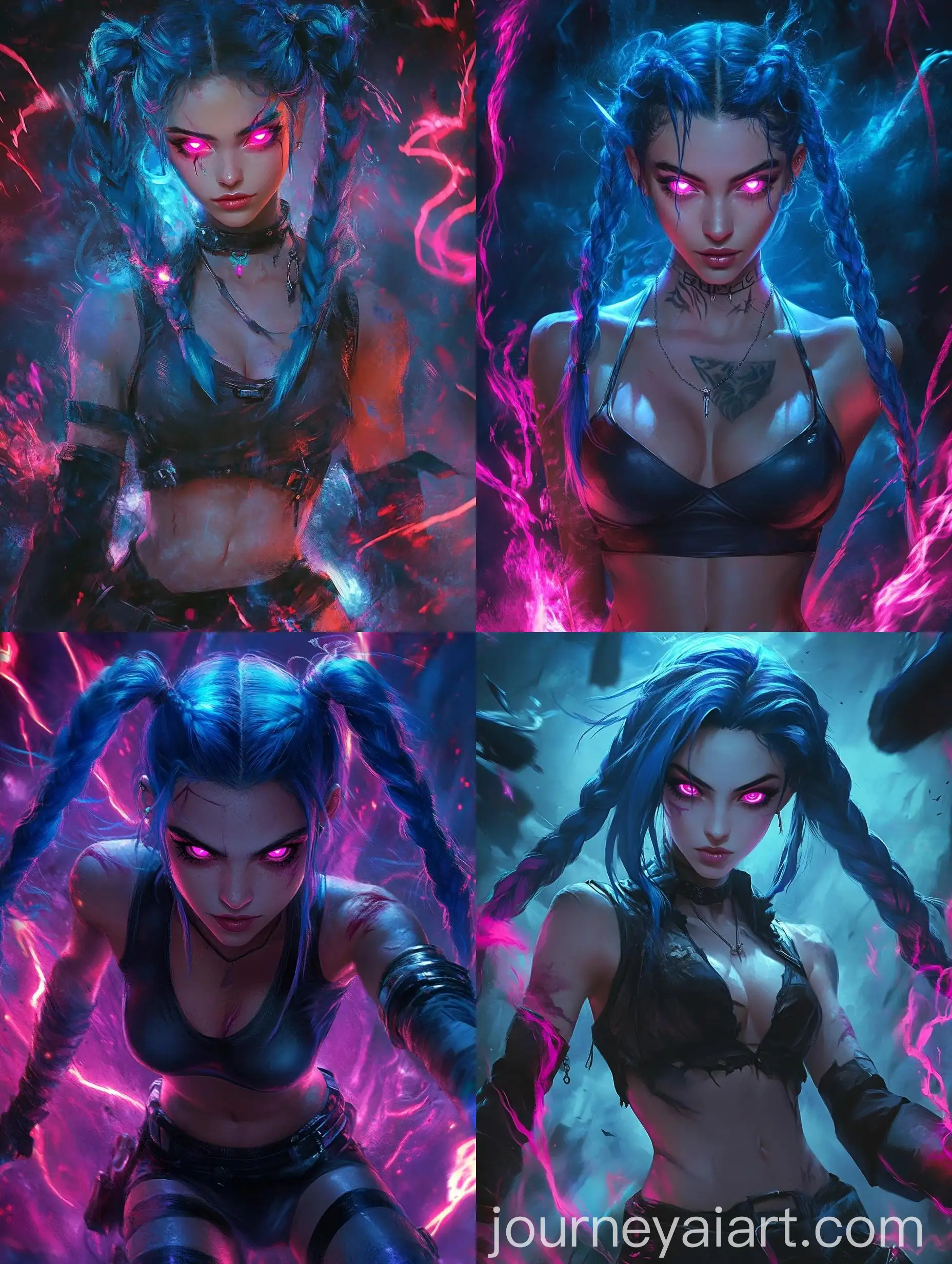
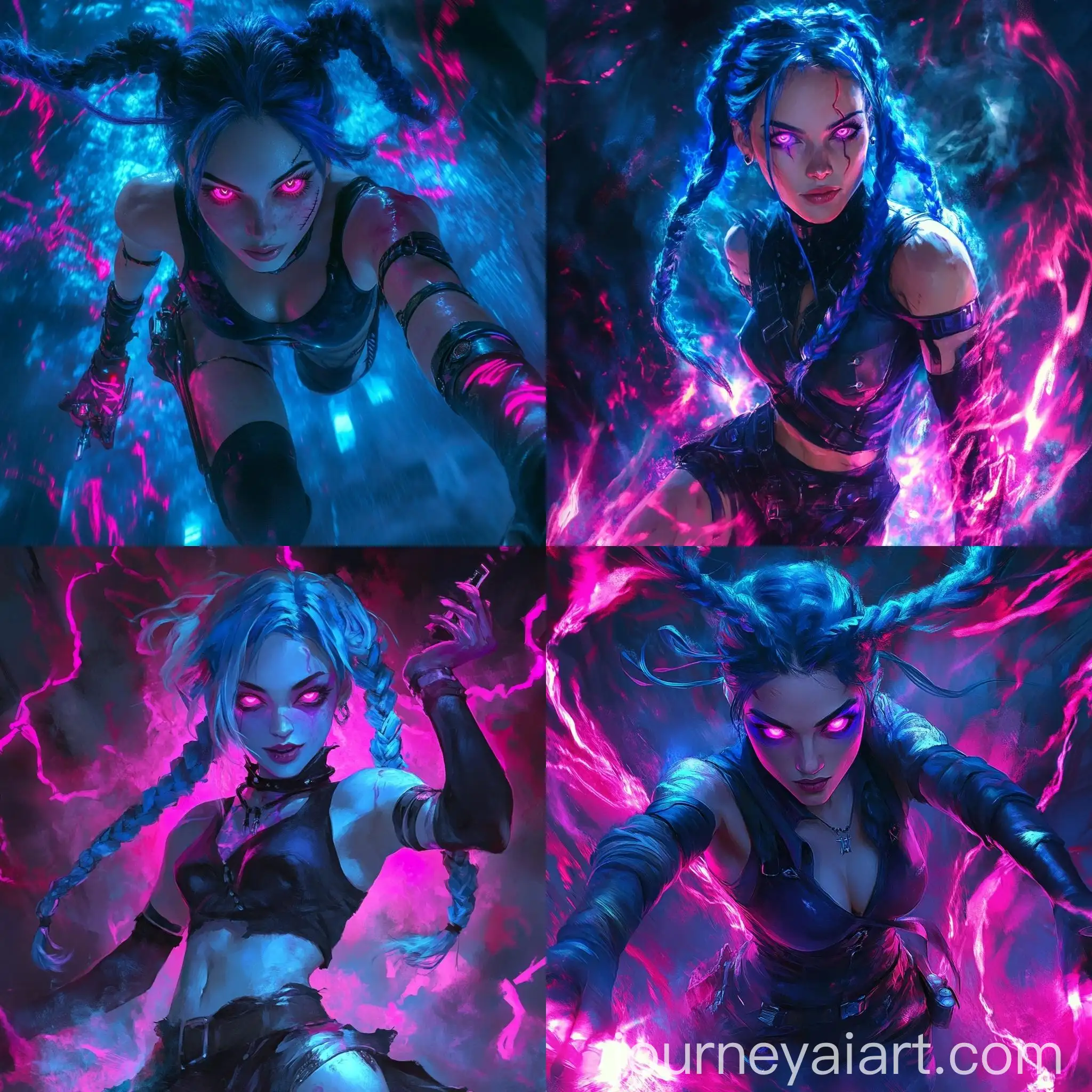
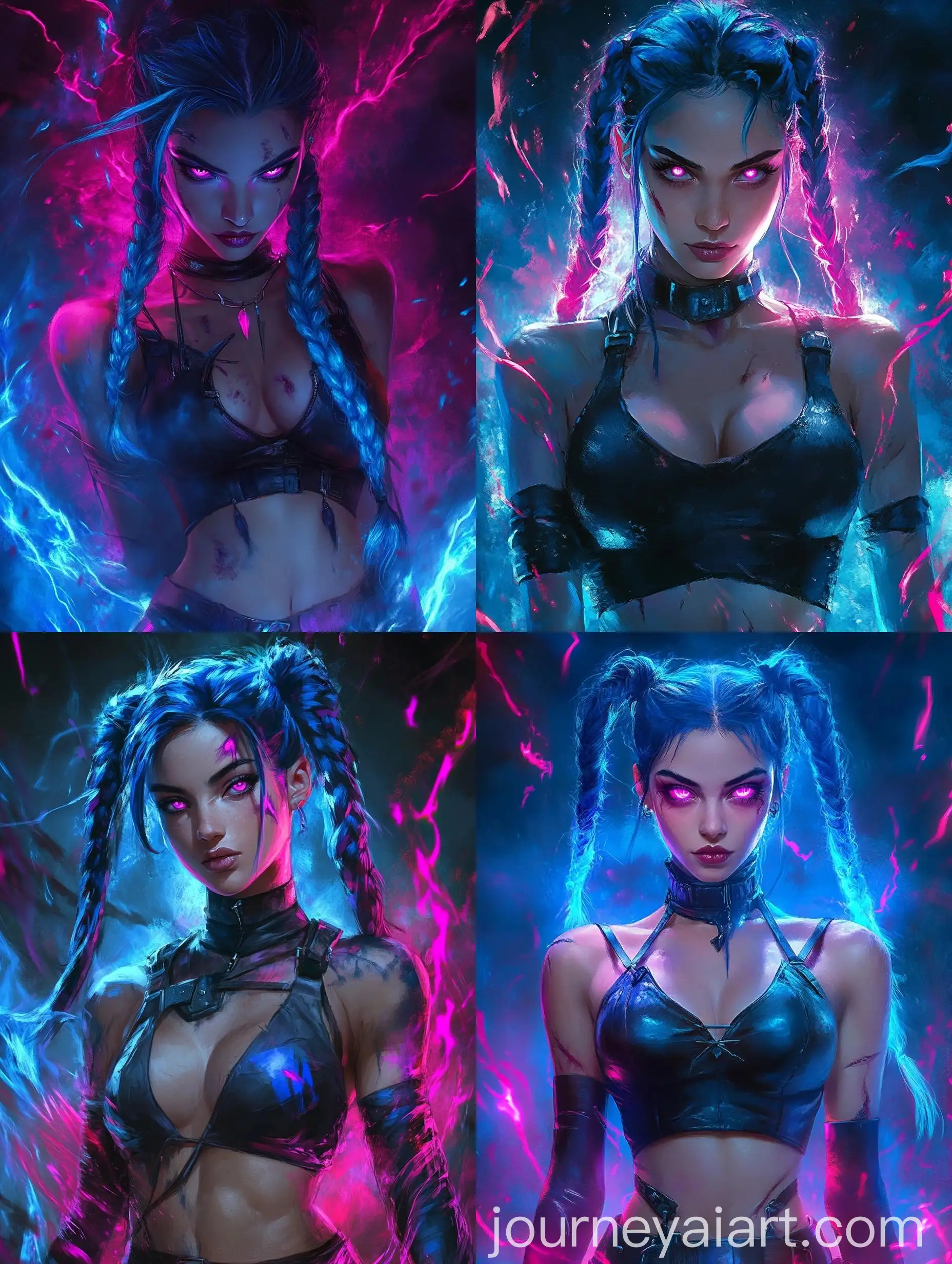
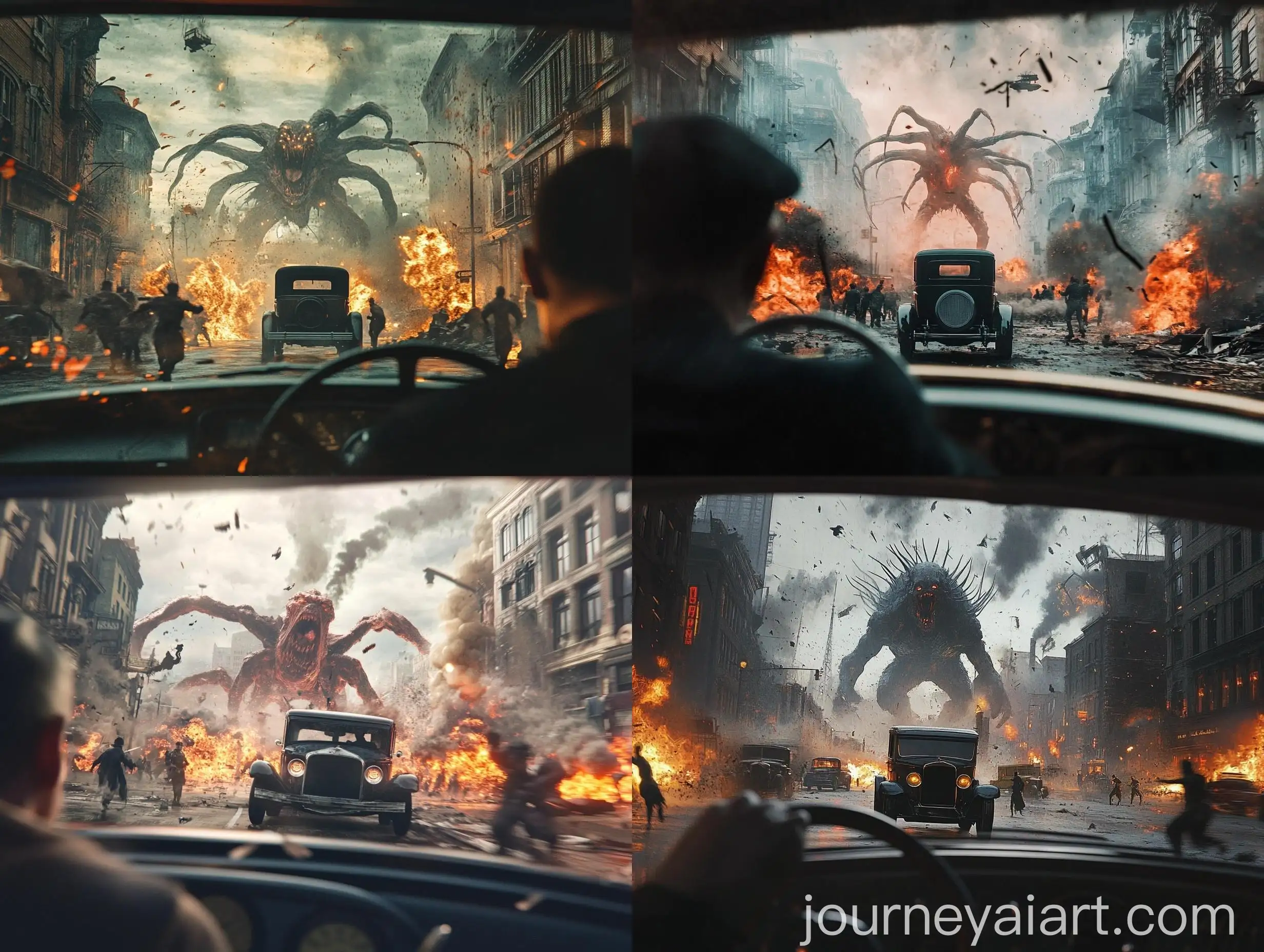
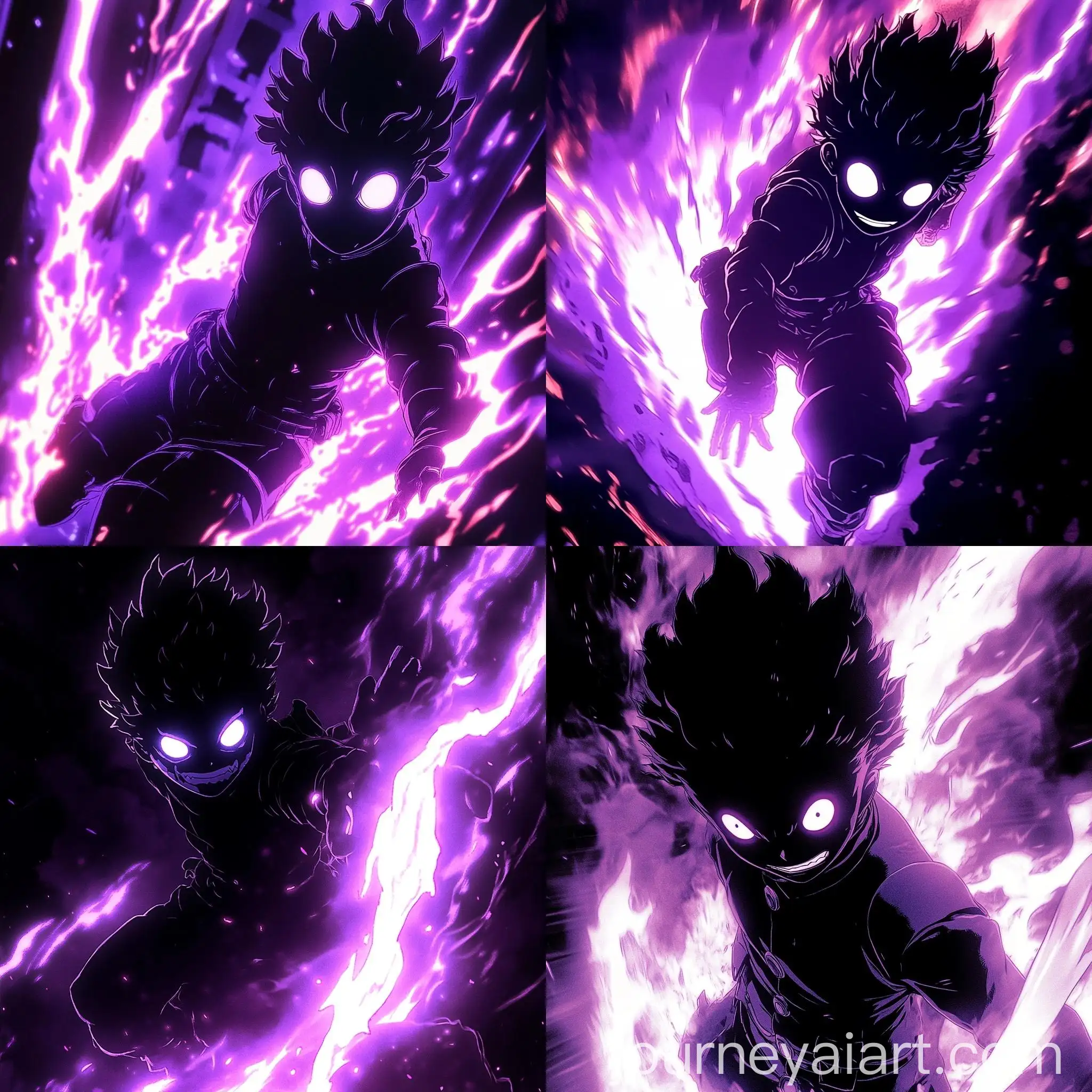
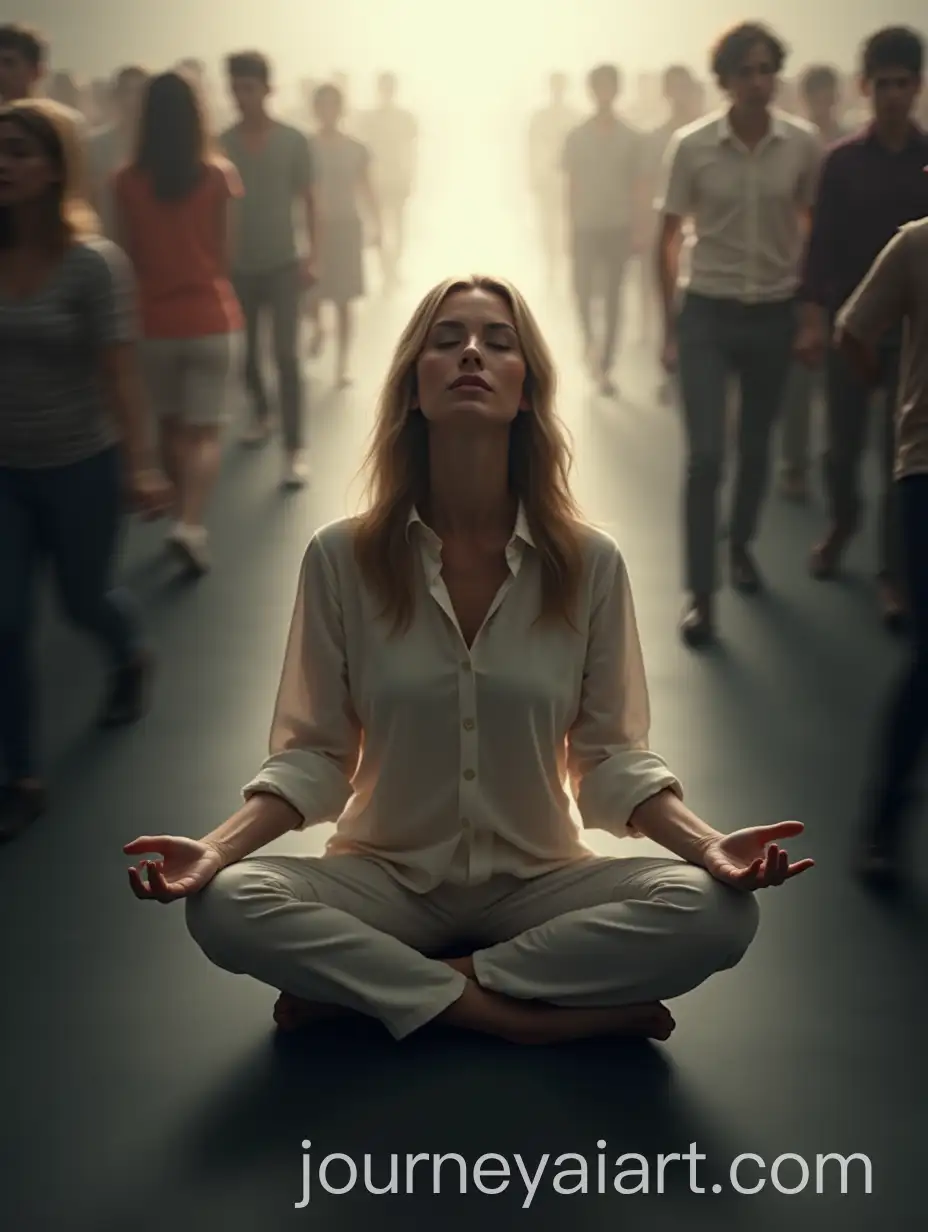
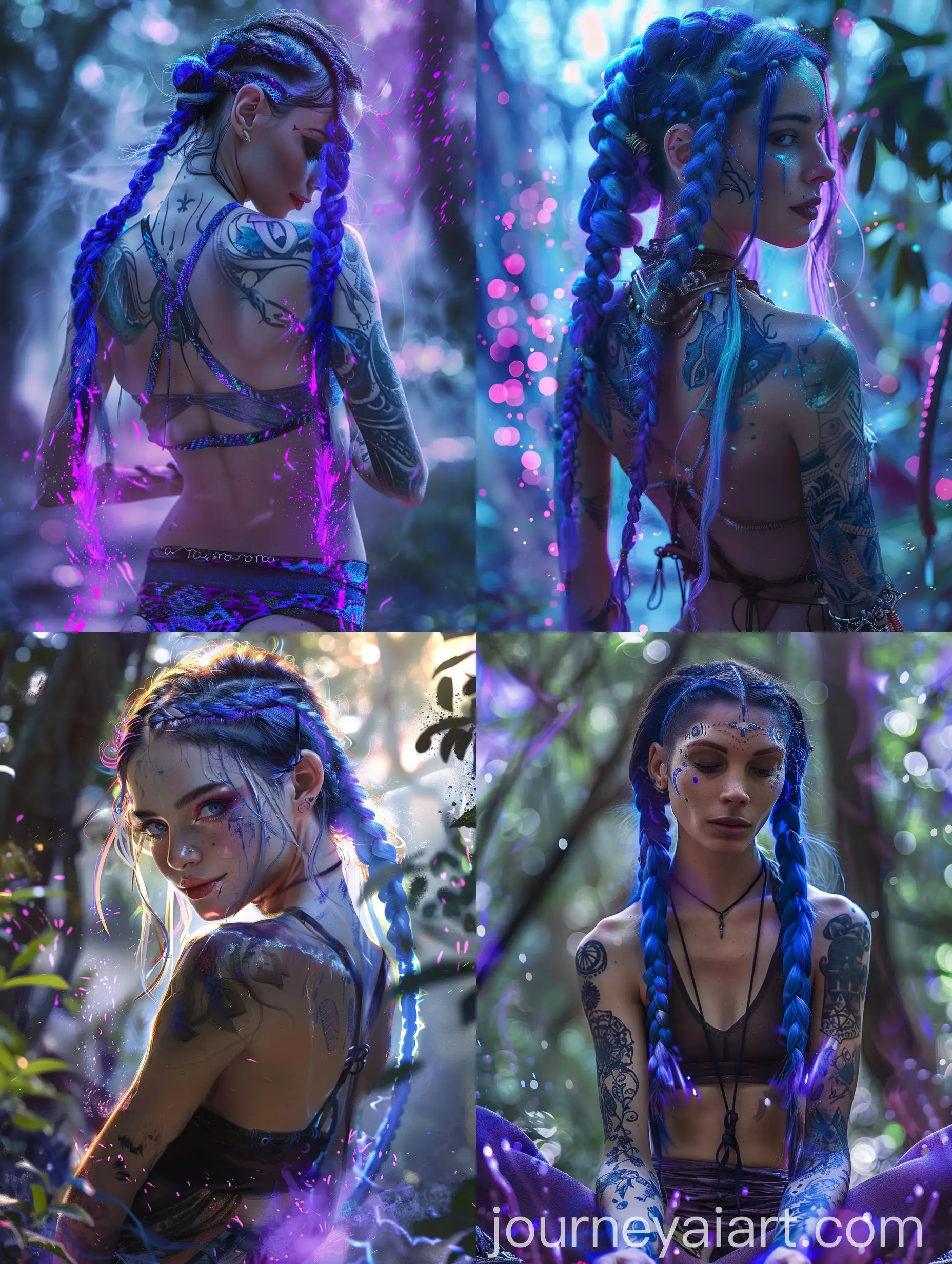
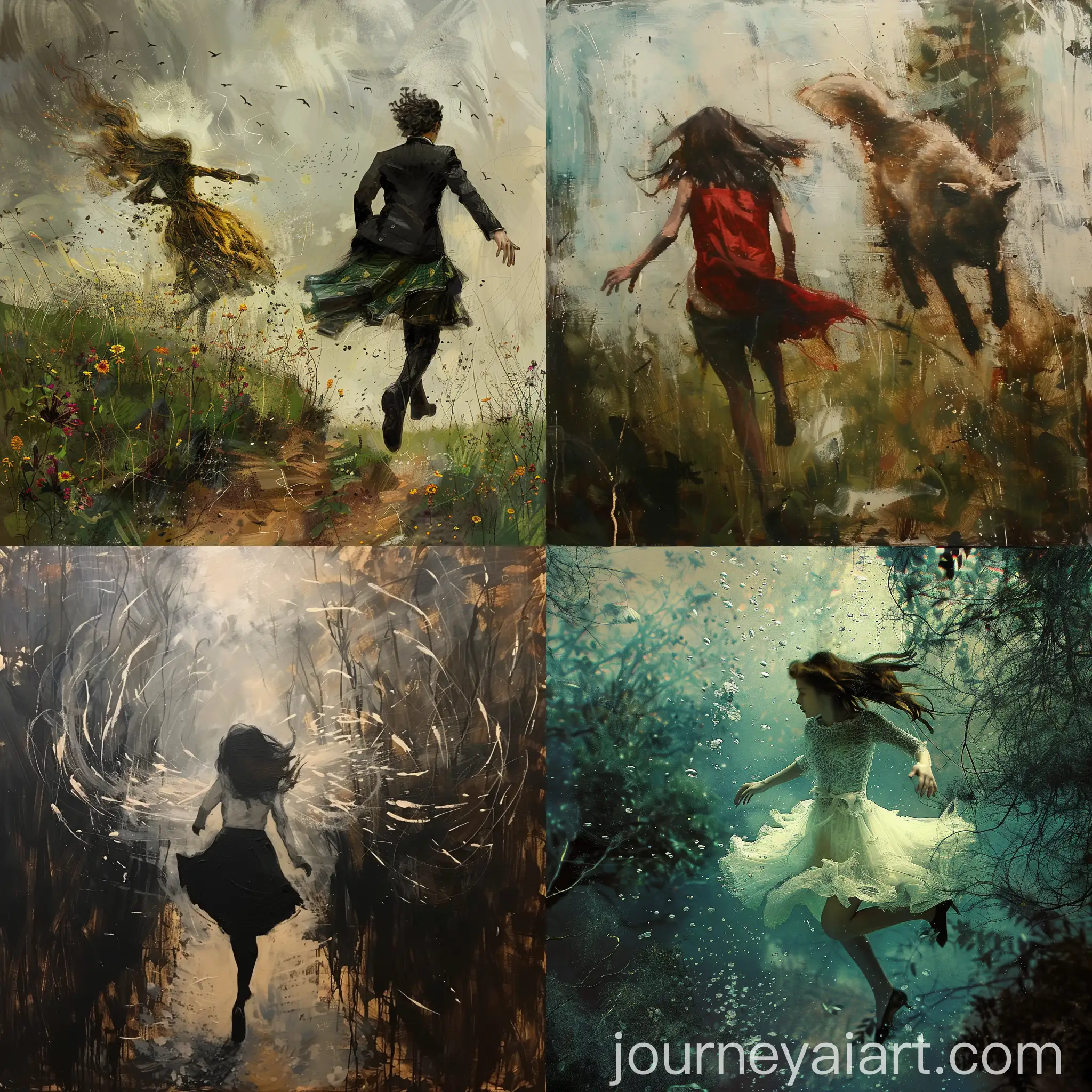
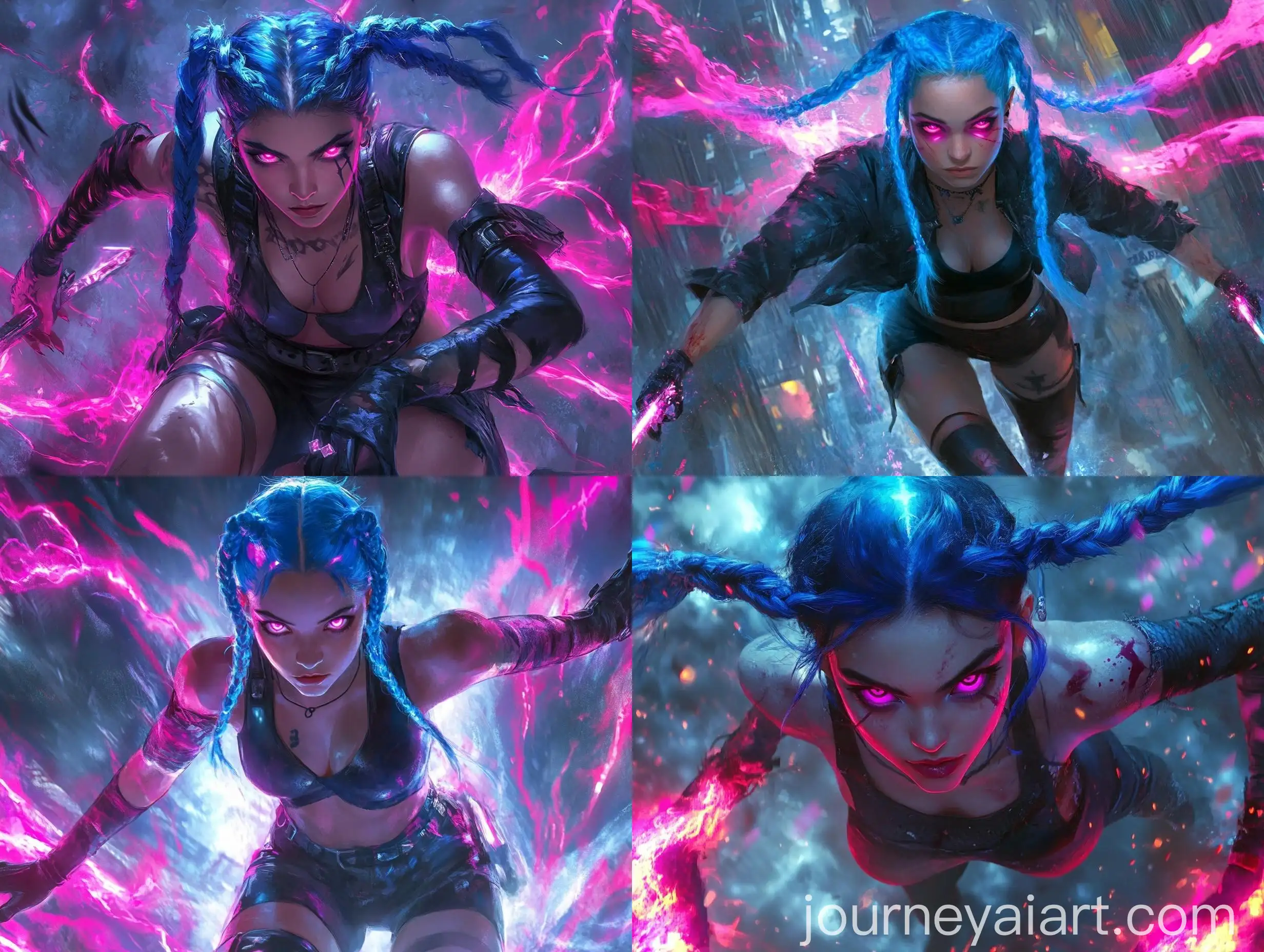
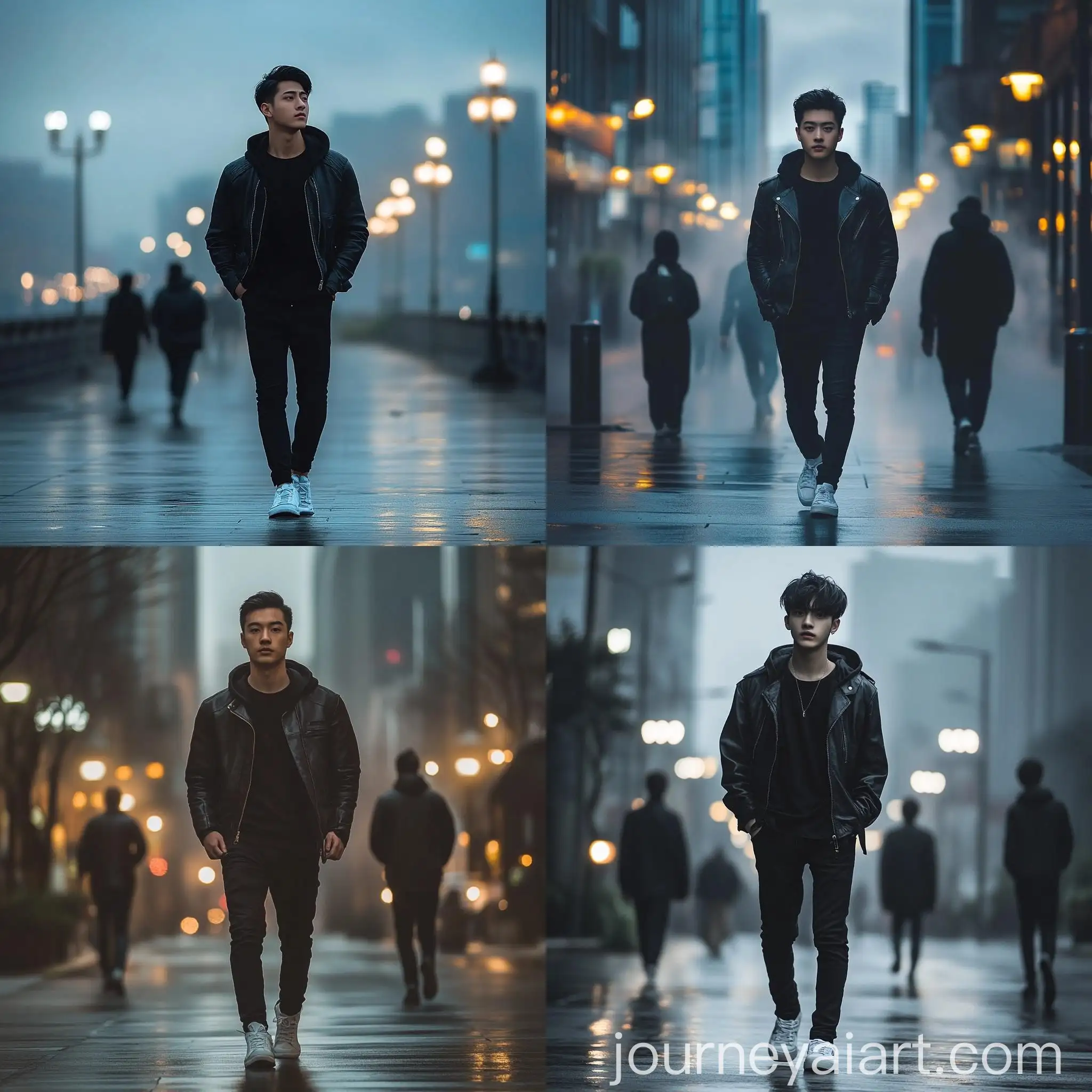
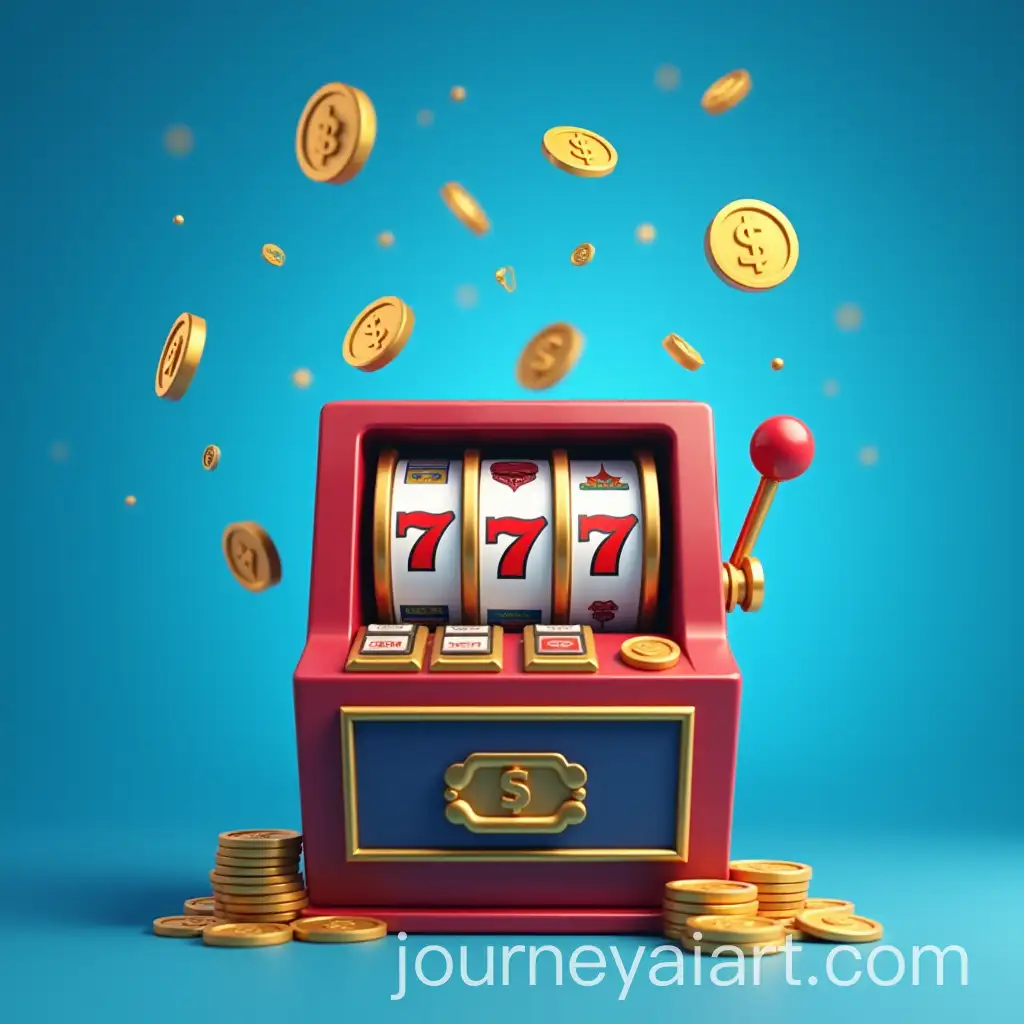
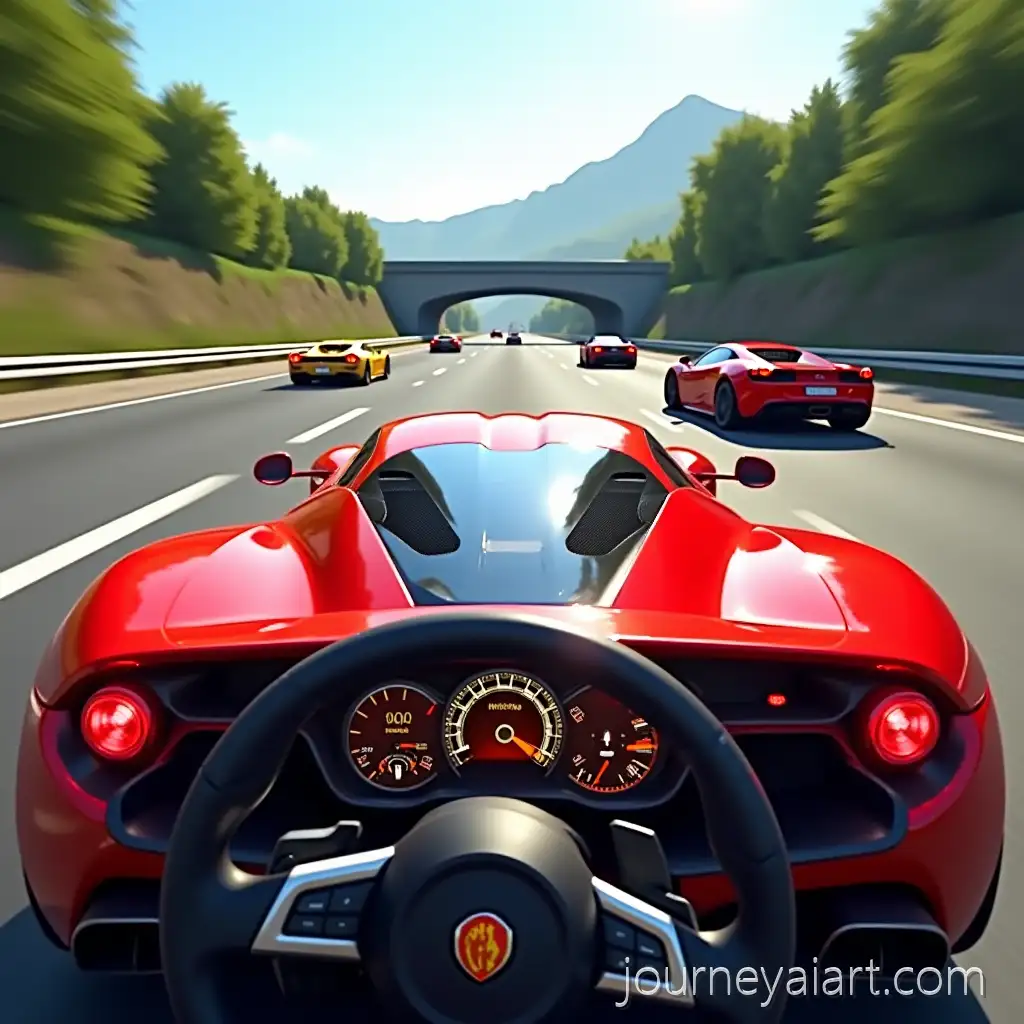
Discover our collection of 33 free AI-generated images showcasing the dynamic 'motion blur effect' tag. This diverse gallery features an array of stock photos, 3D objects, vectors, and illustrations, all available in high resolution for download. Enhance your creative projects with these captivating visuals, and take advantage of our 'open in editor' feature on each image's detail page to fine-tune prompts and regenerate images to your exact specifications.

Related Tags
Motion blur is a visual effect that creates the illusion of movement within a still image. It occurs when a subject moves during the capture of an image, resulting in a streaked or smeared appearance. In photography, motion blur can be achieved by using slow shutter speeds or panning techniques. Designers and digital artists often incorporate motion blur effects to convey speed, energy, and dynamism in their work. This technique is widely used in sports photography, automotive advertising, and action-oriented graphic design to create a sense of excitement and movement.
Understanding Motion Blur: Definition and Applications in Photography and Design
AI-generated motion blur effects can simulate various types of movement, each with distinct characteristics. Linear motion blur creates straight streaks, ideal for depicting fast-moving objects like cars or athletes. Radial motion blur produces a circular blurring effect, often used to suggest rotation or zooming. Zoom blur creates the illusion of rapid forward movement or focus change. AI algorithms can also generate more complex, multi-directional blur patterns to simulate chaotic movement or abstract concepts. These diverse blur types allow creators to convey different sensations of speed and motion, enhancing the visual impact of their images.
Characteristics and Types of Motion Blur Effects in AI-Generated Images
To create effective motion blur effects in AI-generated images, consider the following tips: 1) Define the direction of movement clearly in your prompt to guide the AI in generating appropriate blur patterns. 2) Experiment with different intensities of blur to find the right balance between clarity and motion. 3) Use contrasting elements in your composition, combining sharp, static objects with blurred ones to emphasize movement. 4) Incorporate light trails or color streaks to enhance the sense of motion, especially in night scenes or abstract compositions. 5) Combine motion blur with other effects like particle systems or speed lines to create more dynamic and engaging visuals.
Creating Compelling Motion Blur Effects in AI-Generated Images
The future of AI-generated motion blur effects looks promising, with several emerging trends on the horizon. Advanced machine learning algorithms are expected to produce more realistic and nuanced blur patterns, mimicking complex camera movements and natural motion more accurately. We may see the development of AI systems capable of generating motion blur effects that adapt to specific contexts or artistic styles automatically. Interactive AI tools could allow users to adjust blur parameters in real-time, offering unprecedented control over the final image. As AI technology continues to evolve, we can anticipate more seamless integration of motion blur effects in video generation, creating fluid transitions and dynamic scenes in AI-produced animations and films.
Future Trends in AI-Generated Motion Blur Effects