19 Free Motion Effects Midjourney AI images
Dive into our Motion Effects collection, showcasing 19 free AI-generated images that capture the energy and dynamism of movement. Whether you're searching for striking stock photos, expressive illustrations, intricate 3D objects, or sleek vector graphics, this tag offers a broad spectrum of high-quality visuals. All images are available in high resolution for free download, and users can take advantage of the 'open in editor' feature on each image detail page to customize prompts and regenerate visuals that perfectly match their vision.
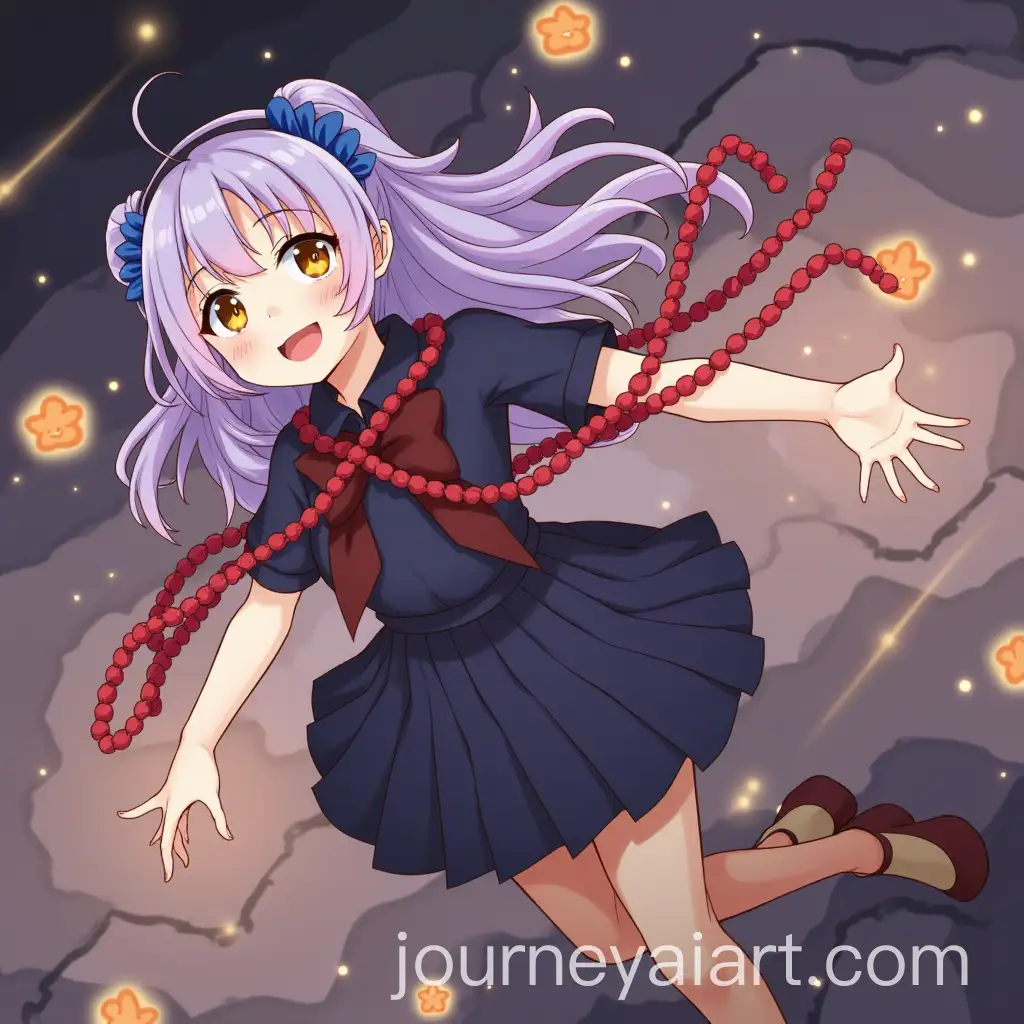
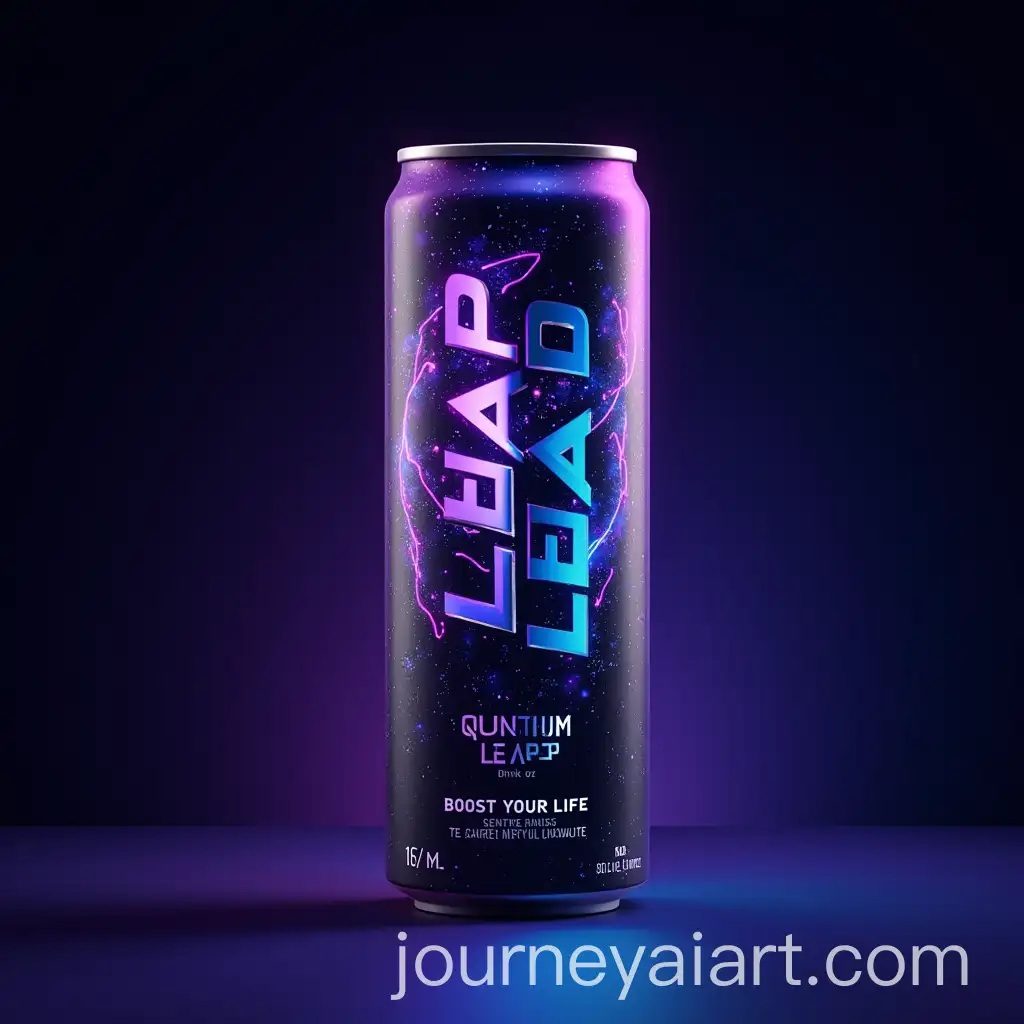
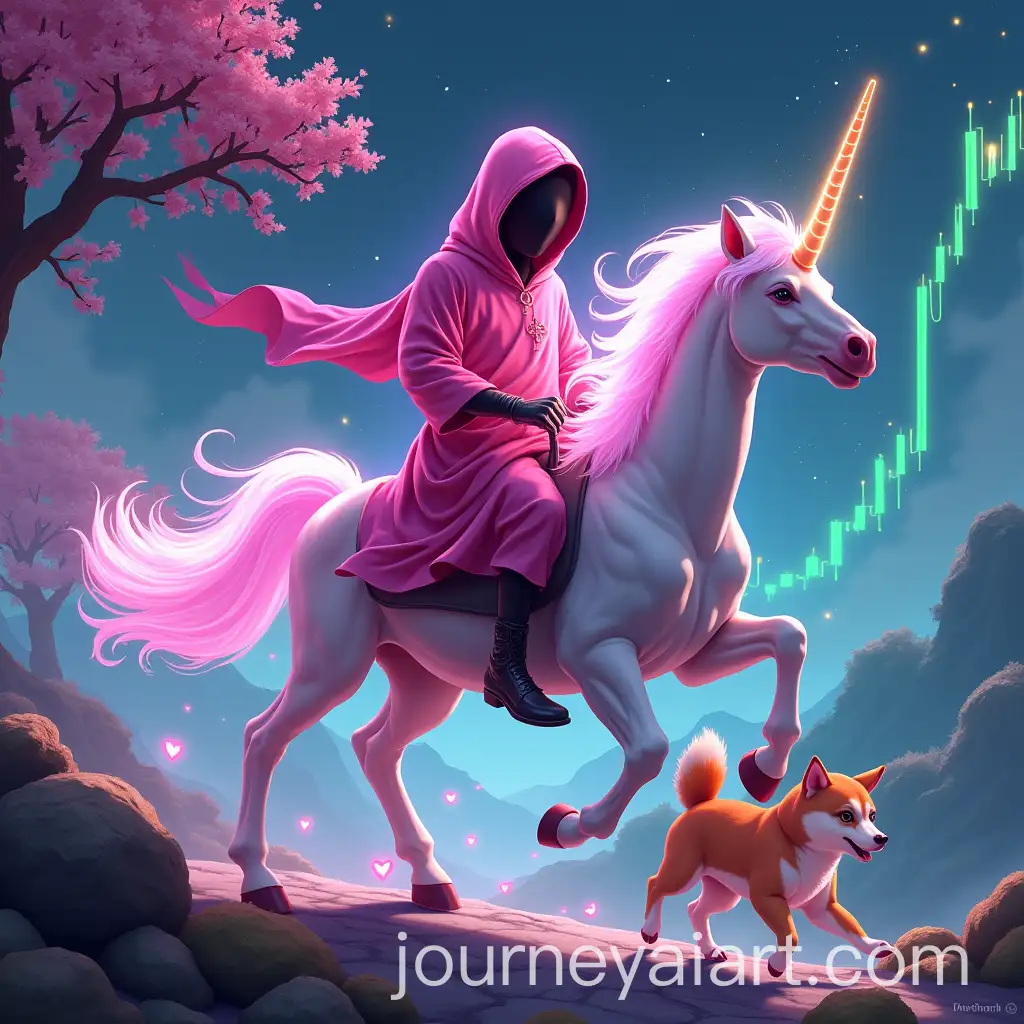
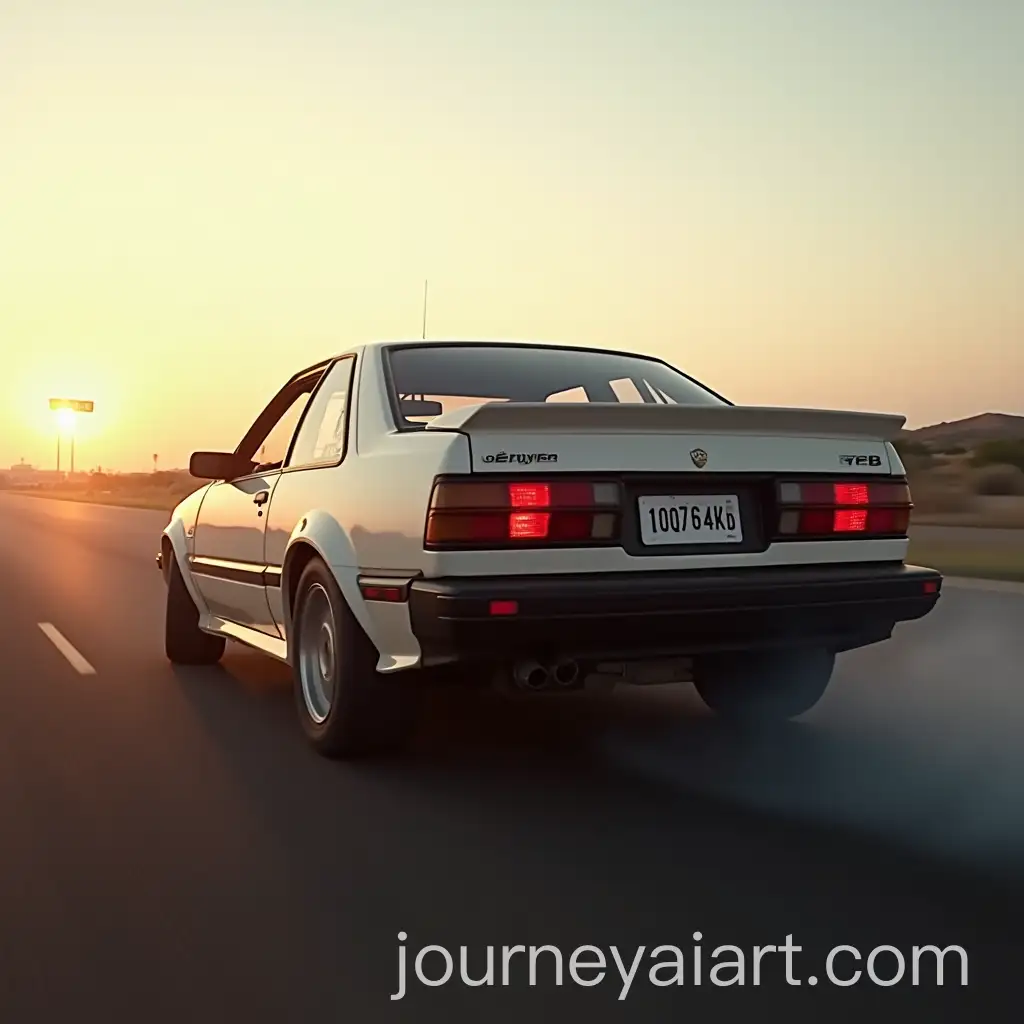
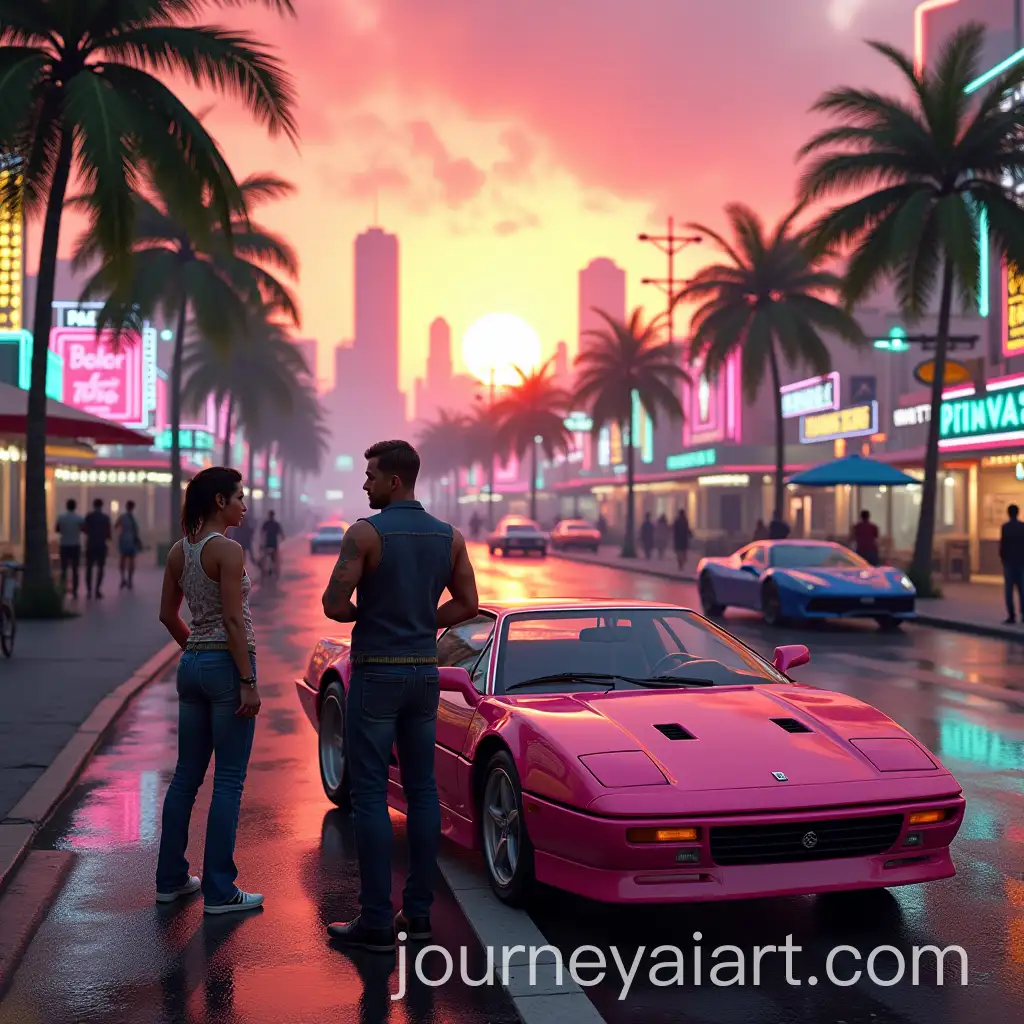
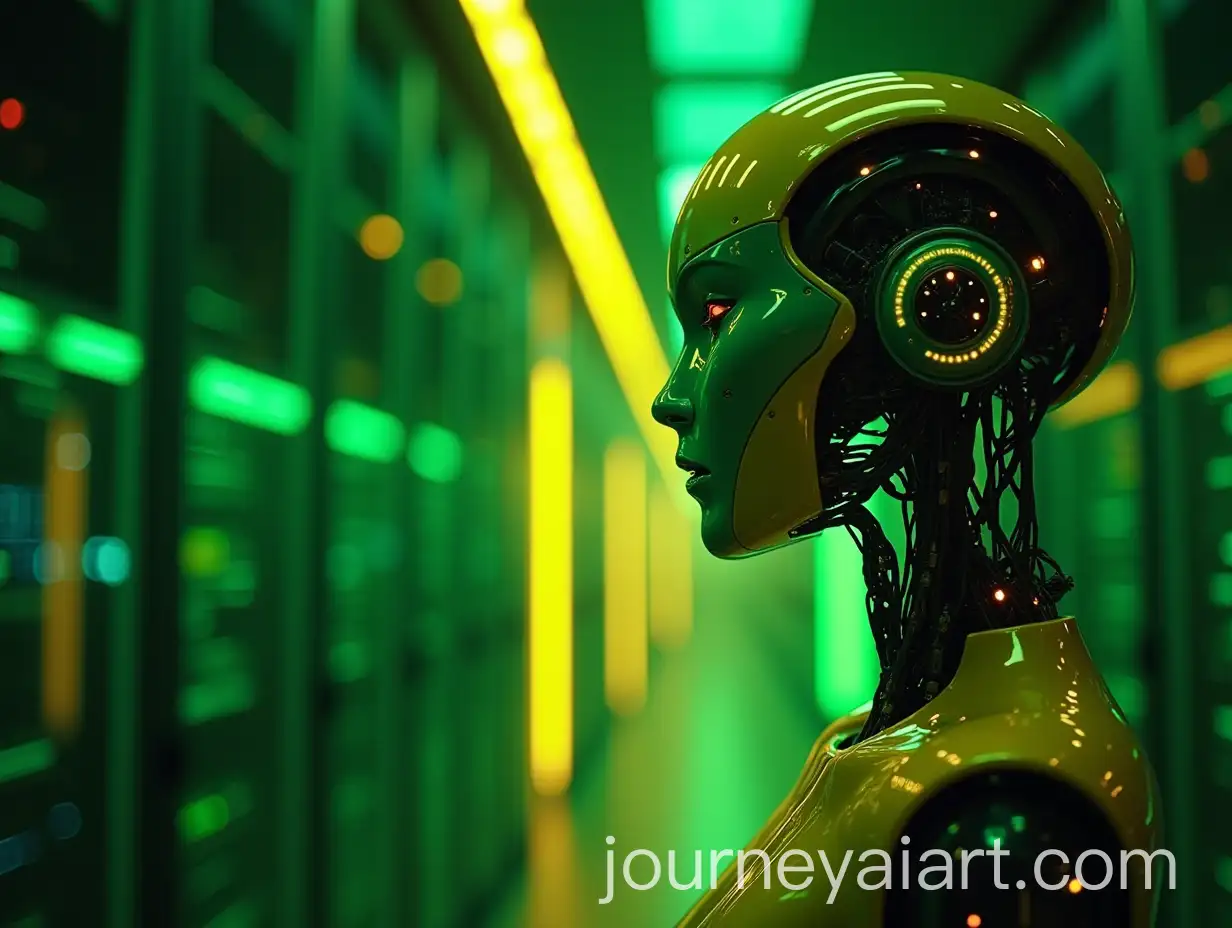
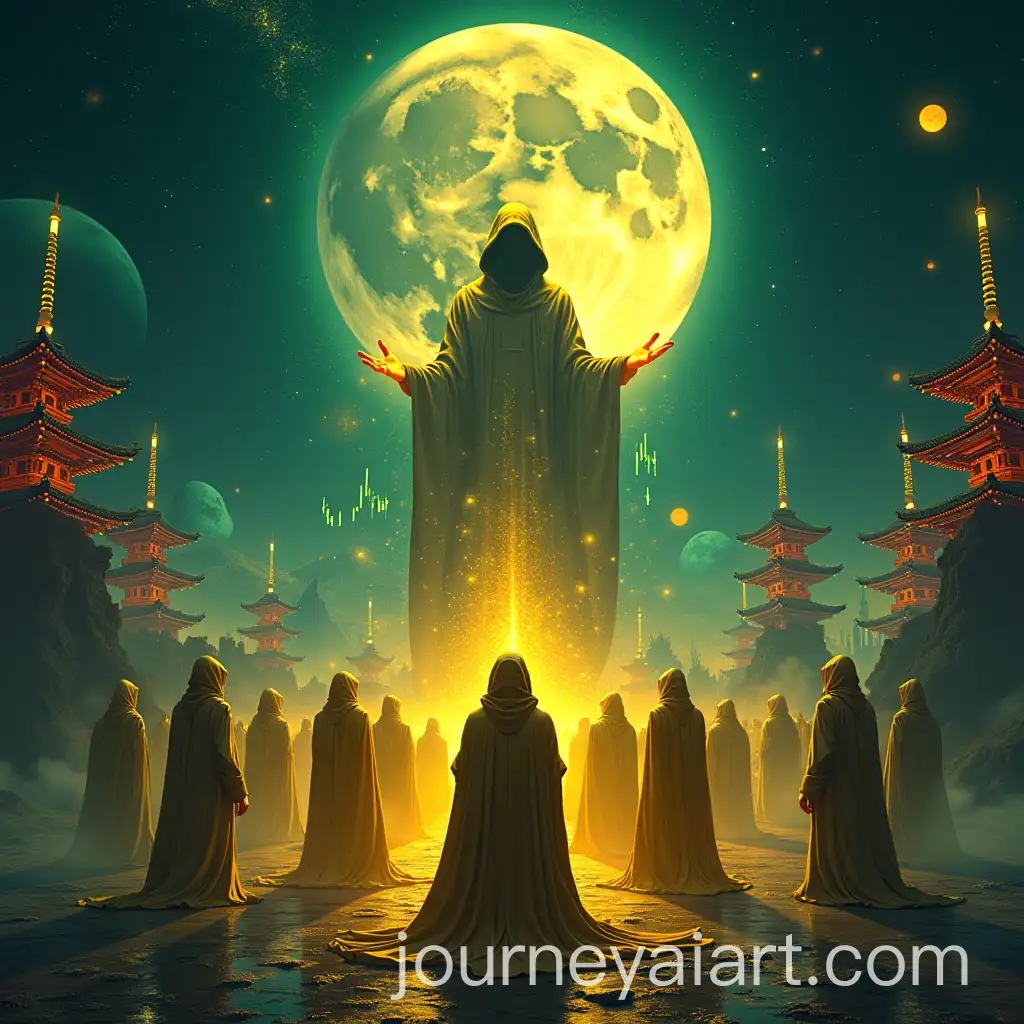
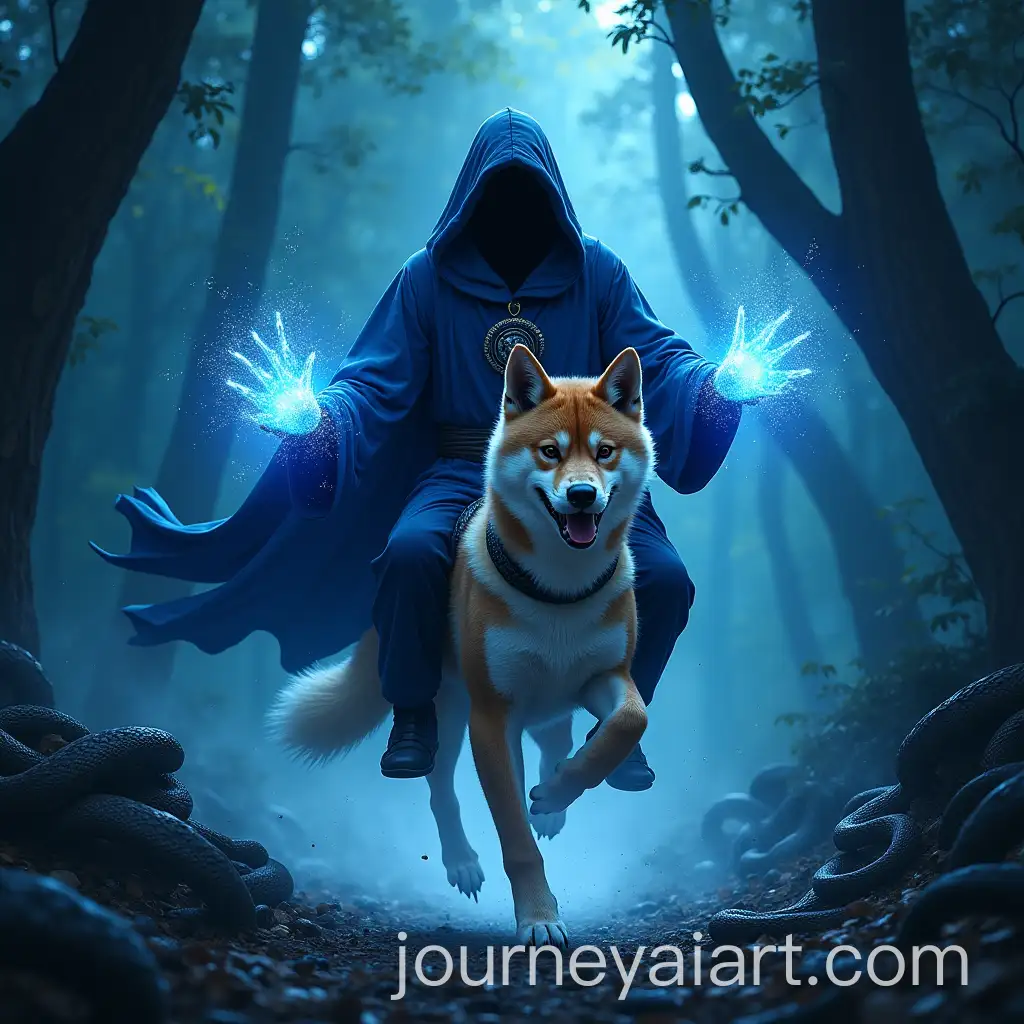
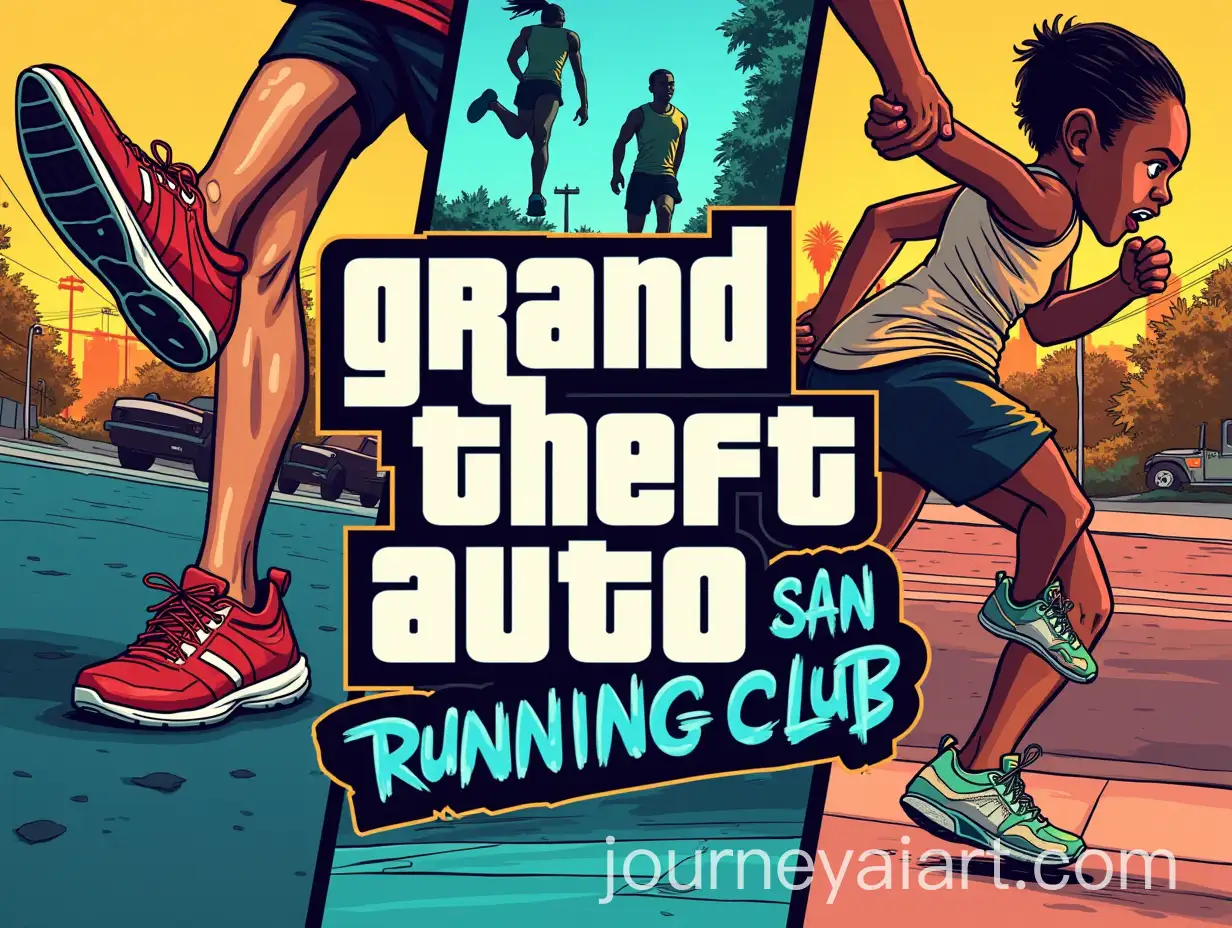
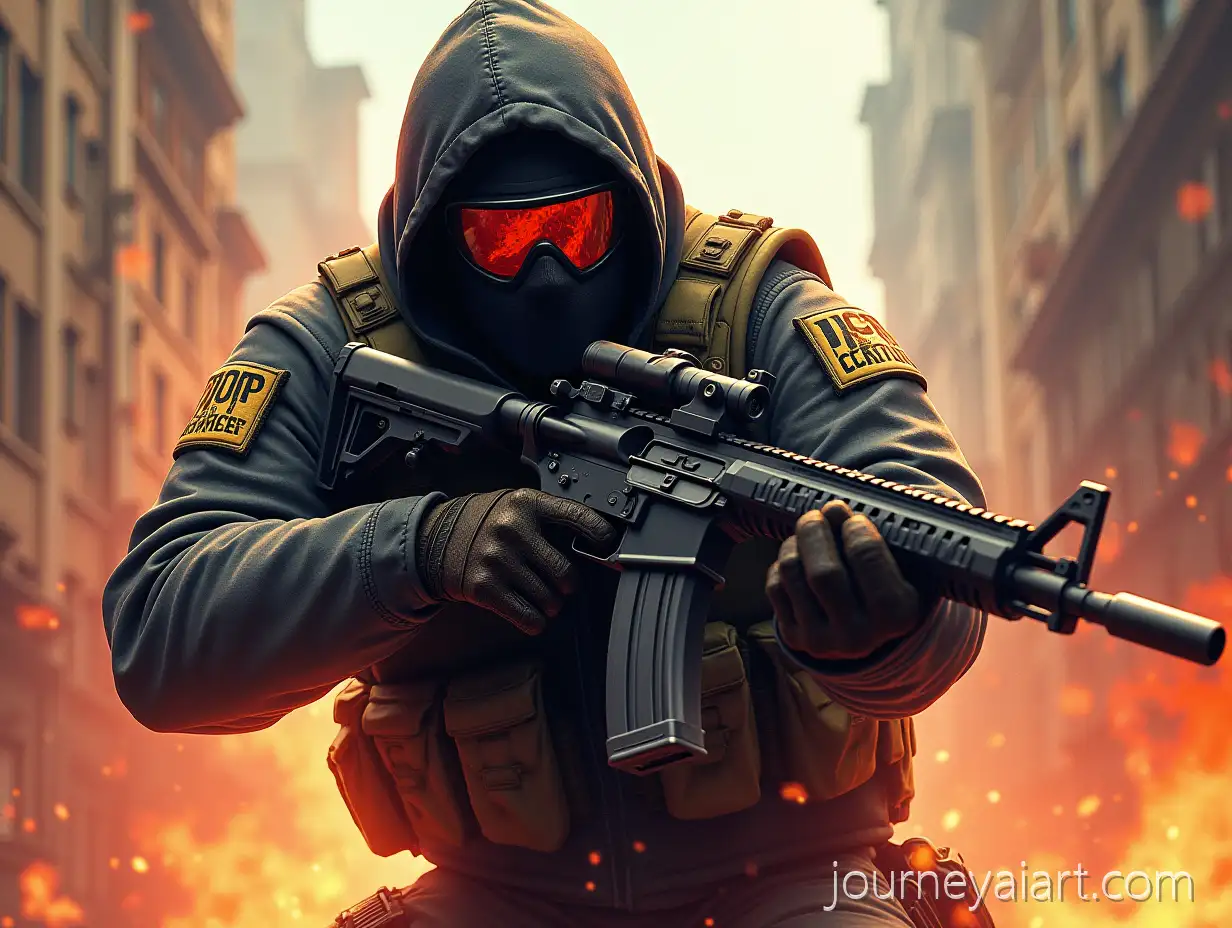
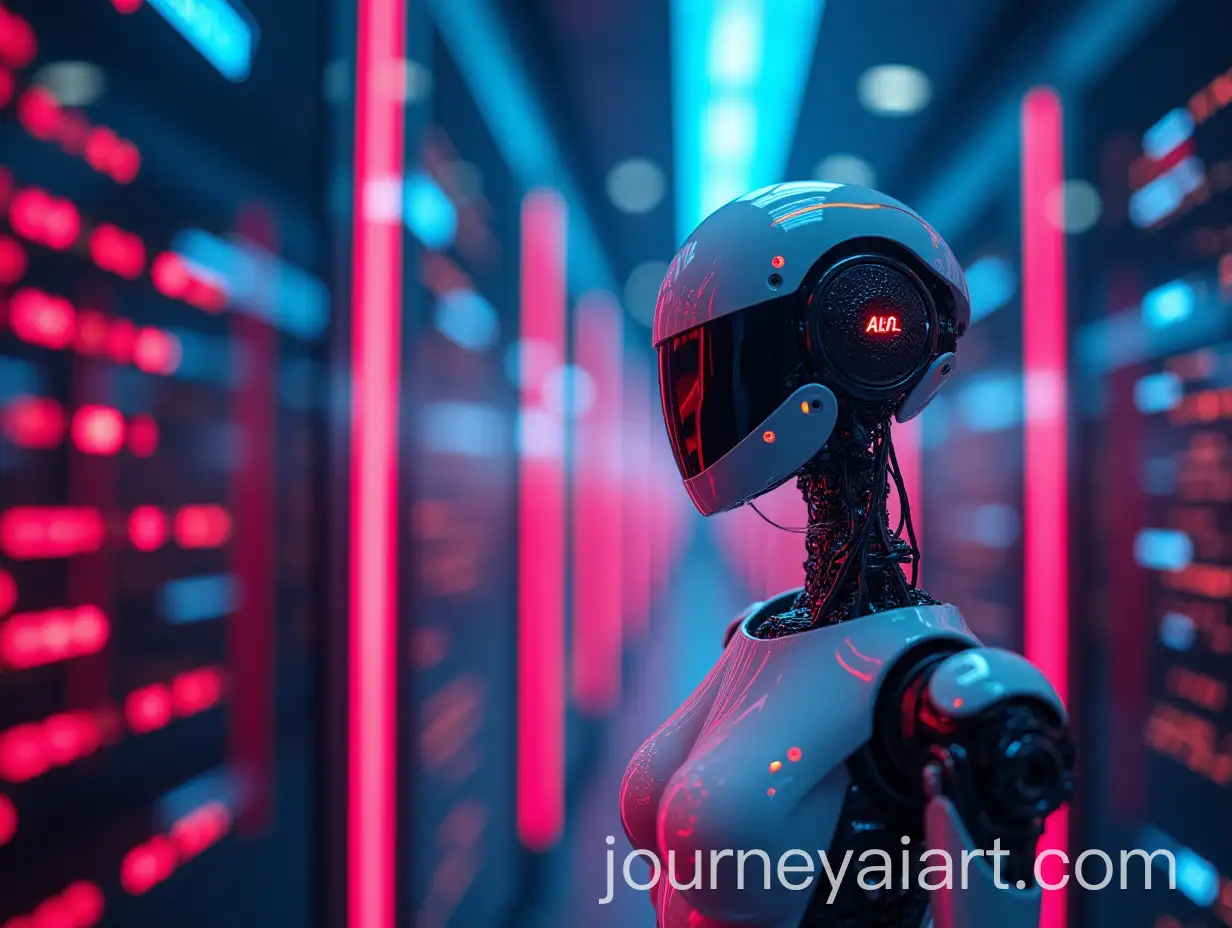
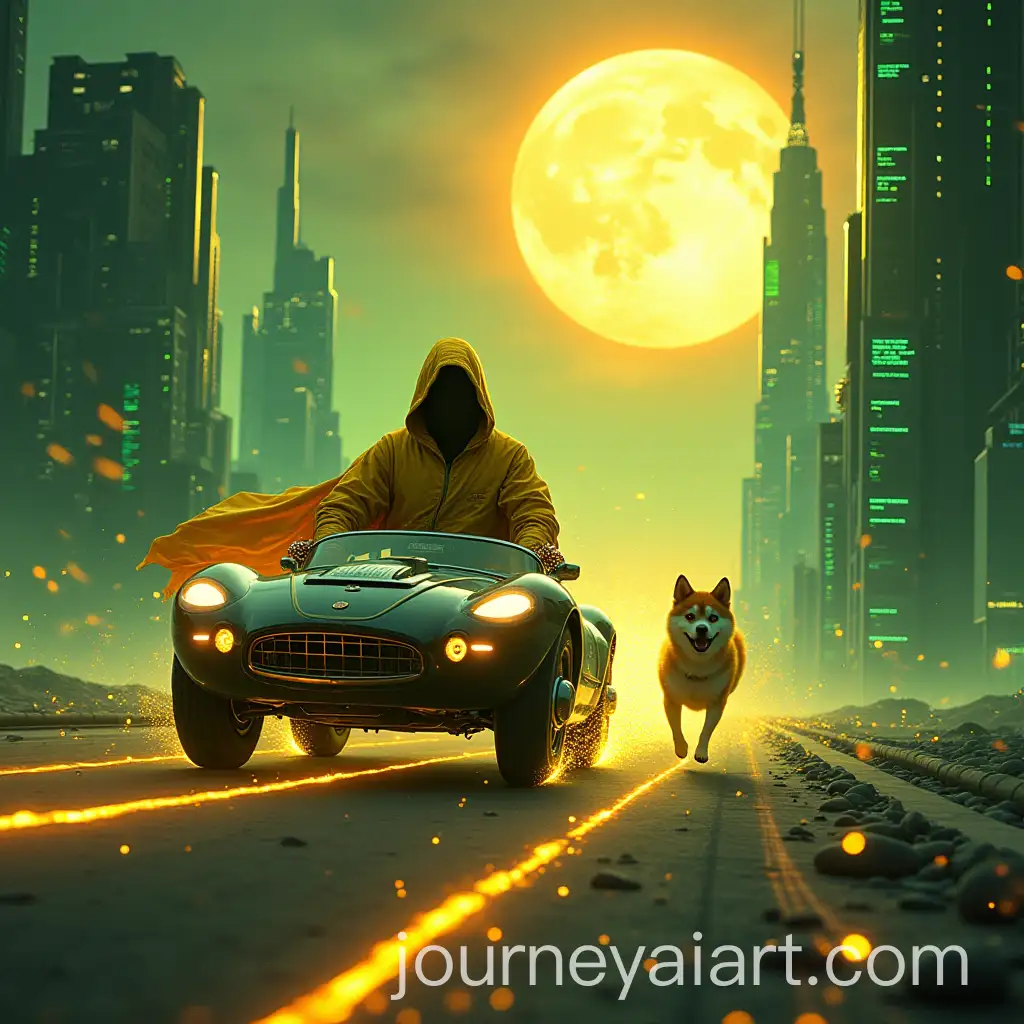
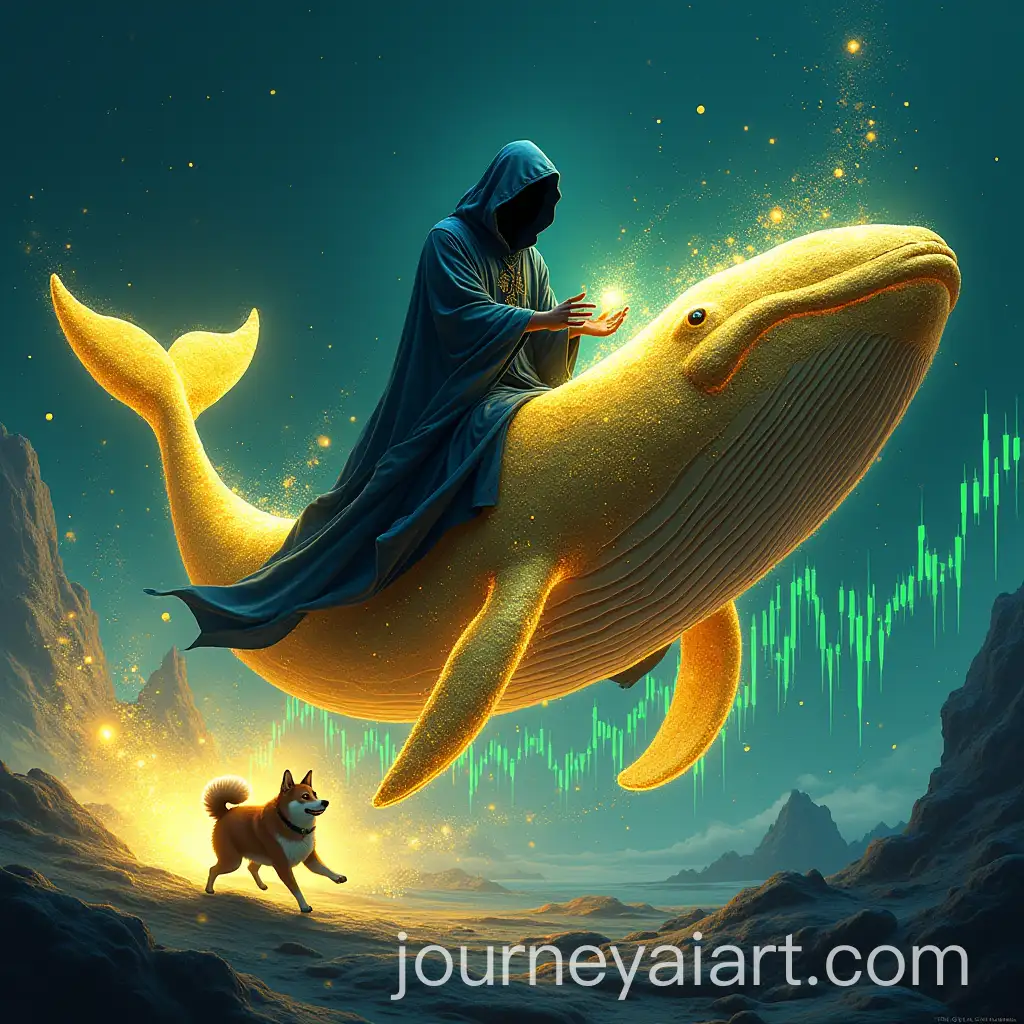
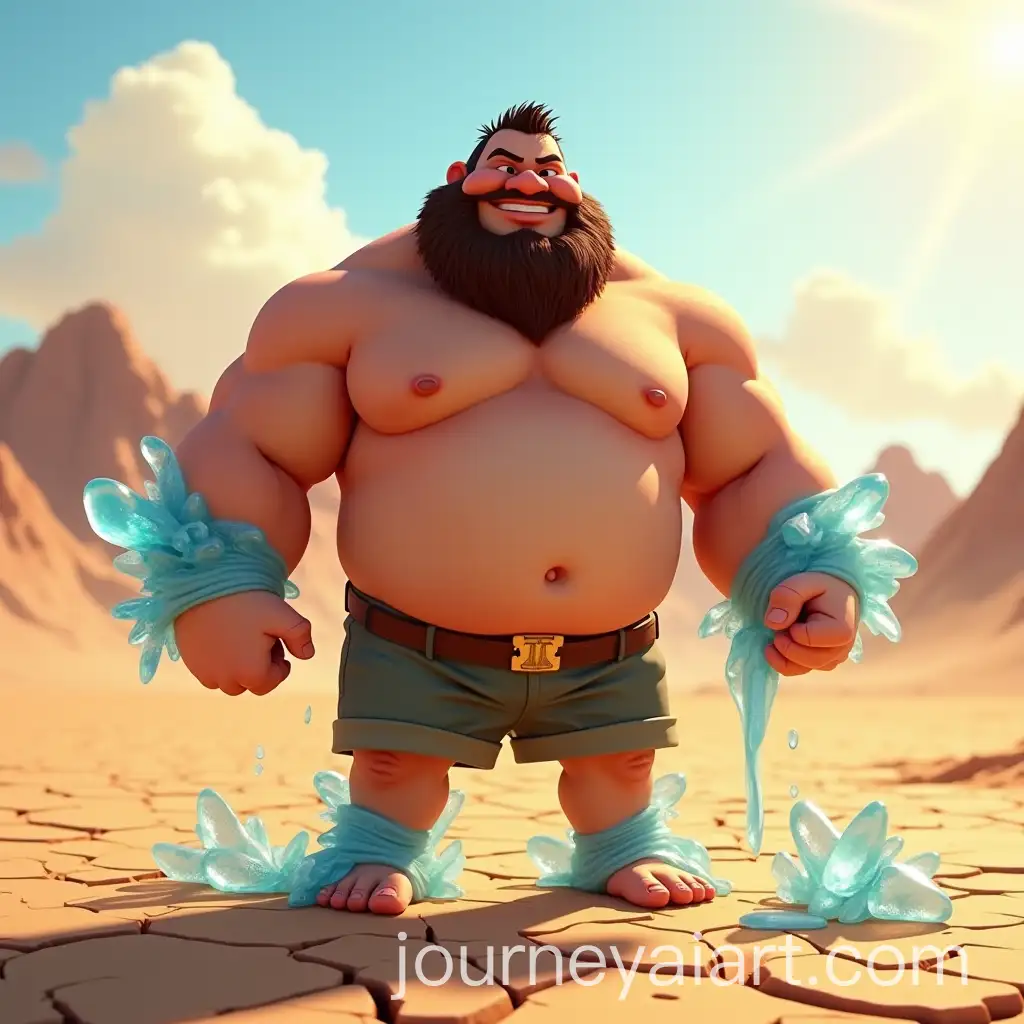
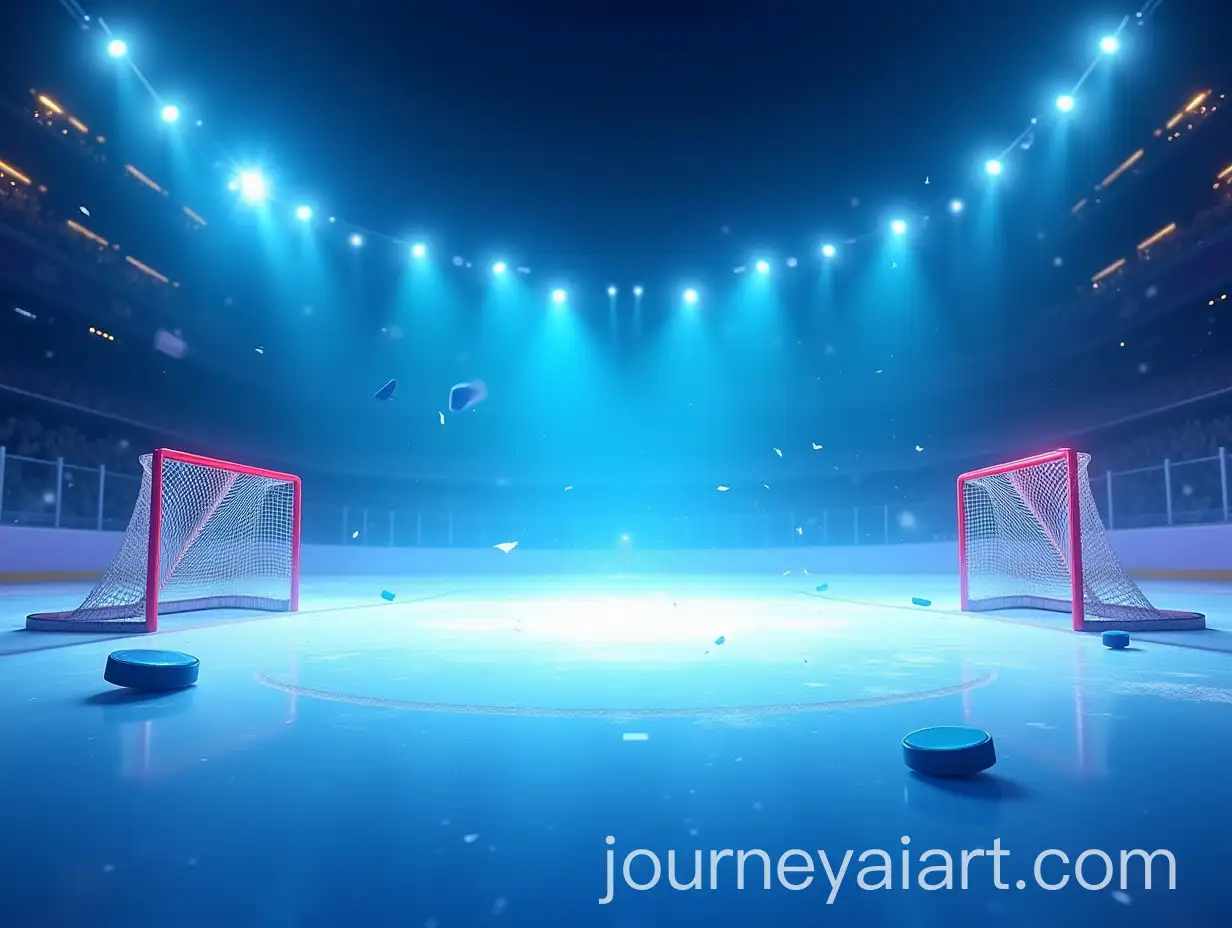
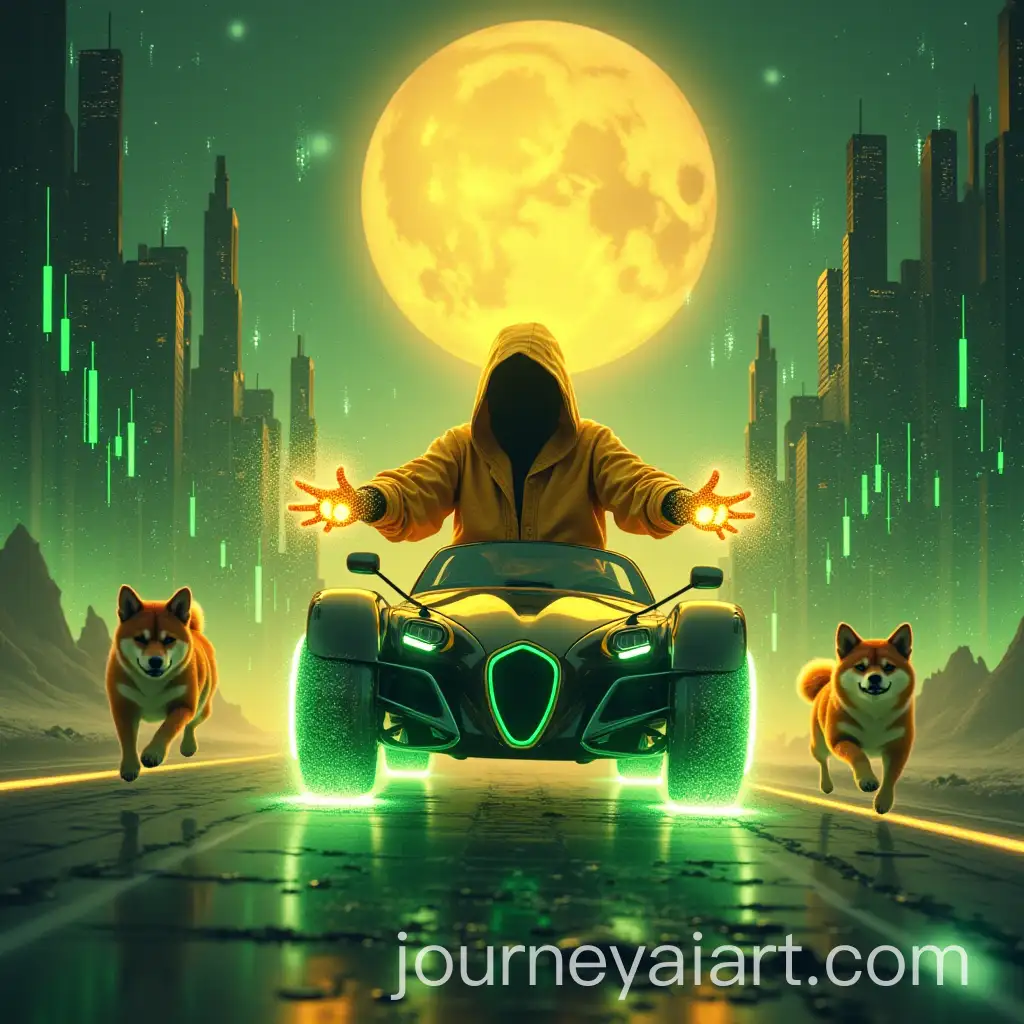
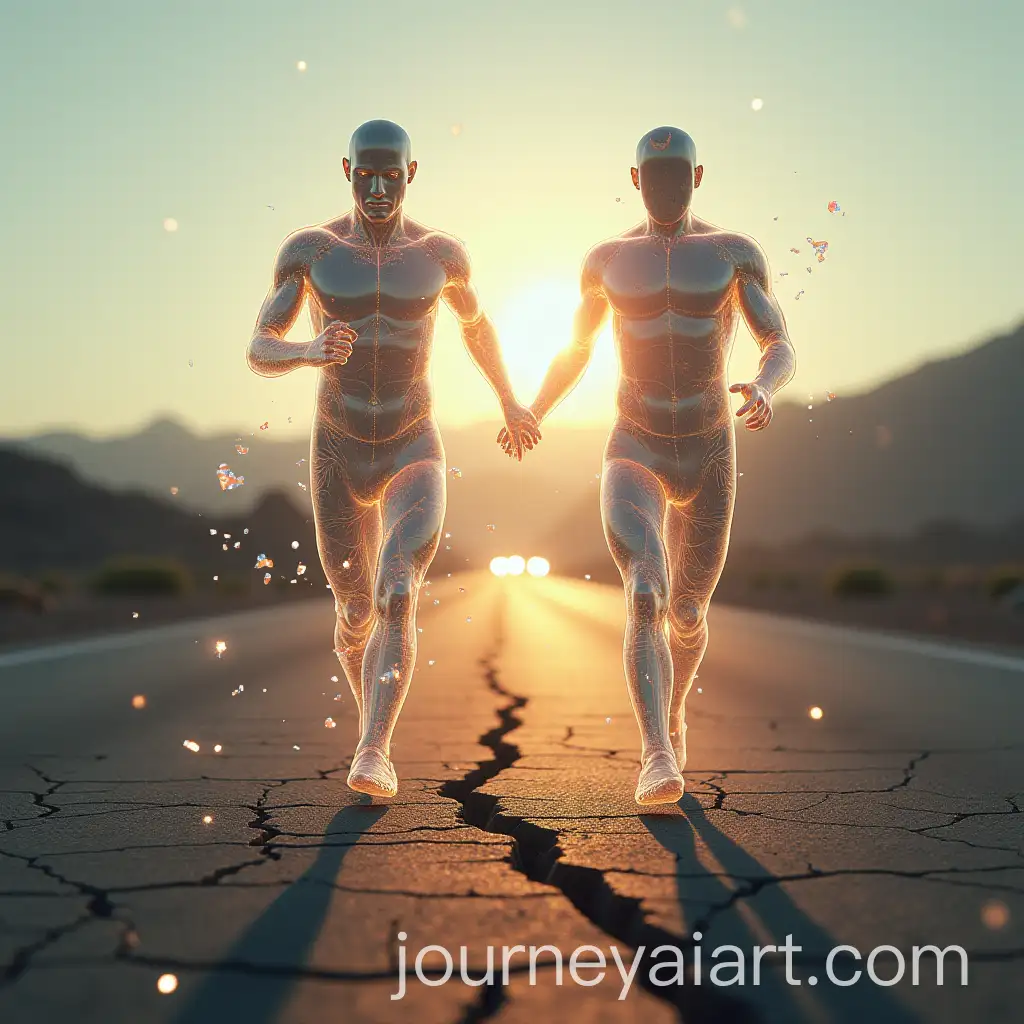
Motion effects refer to visual elements that simulate or imply movement, often used to convey speed, action, or fluid transitions in both static and dynamic media. In AI-generated imagery, motion effects can include blurs, trails, abstract swirls, and dynamic compositions that suggest a subject is moving. These visuals are ideal for projects that require energy, drama, or a futuristic aesthetic. Understanding motion effects is key to selecting imagesAI Motion Effects Content that amplify storytelling through implied action or visual rhythm.
What Are Motion Effects in Visual Media?
AI-generated motion effect images are characterized by elements such as motion blur, layered transparency, flowing lines, and kinetic compositions. These features are frequently applied in marketing materials, UI design, sports graphics, animation storyboards, and tech-related content. Motion effects bring a sense of excitement and modernity, making them suitable for digital advertising, social media visuals, and conceptual artwork. Their ability to suggest momentum or change makes them highly effective in drawing viewer attention and enhancing visual narratives.
Key Features and Use Cases for AI-Generated Motion Effects
Motion effects span a range of styles—from highly abstract representations like neon trails and fluid waves, to realistic depictions like slow-shutter blurs and radial zoom effects. Abstract styles often emphasize color and form to evoke mood and energy, ideal for artistic or conceptual uses. In contrast, realistic styles mimic photographic techniques, providing visual cues that resonate with viewers' real-world experiences. AI-generated tools allow creators to explore both spectrums with ease, offering customization in texture, speed simulation, and directionality.
Styles of Motion Effects: From Abstract Energy to Realistic Blur
Creating AI-generated motion effect images is simple with modern tools. By adjusting prompt language—such as including terms like 'motion blur', 'dynamic', 'speed lines', or 'fluid movement'—users can tailor outputs to specific needs. The 'open in editor' feature allows further refinement by enabling prompt tweaks based on an existing image. This empowers creators to experiment with different intensities, colors, or perspectives to craft visuals that match their project's pace and tone. Whether you're a designer, marketer, or content creator, the editor helps streamline visual storytelling with just a few clicks.
How to Use AI Tools to Create Custom Motion Effects