18 Free Melancholy Atmosphere Midjourney AI images
Explore our curated collection of 18 free AI-generated images under the tag 'Melancholy atmosphere.' This diverse selection includes stock photos, 3D objects, vectors, and illustrations, all available for high-resolution download. You can also use the 'open in editor' feature on the image detail page to customize the prompt and regenerate your perfect image.
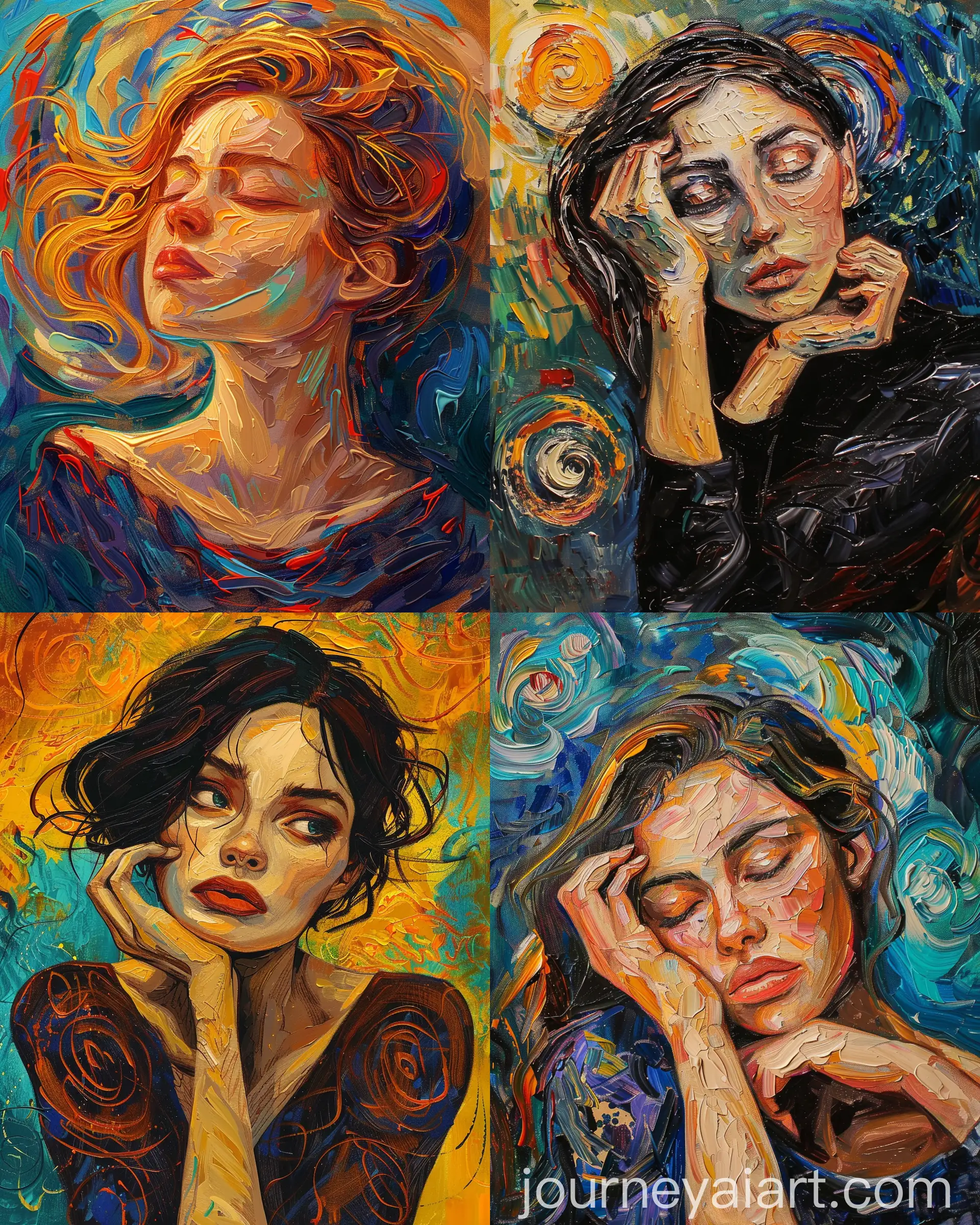
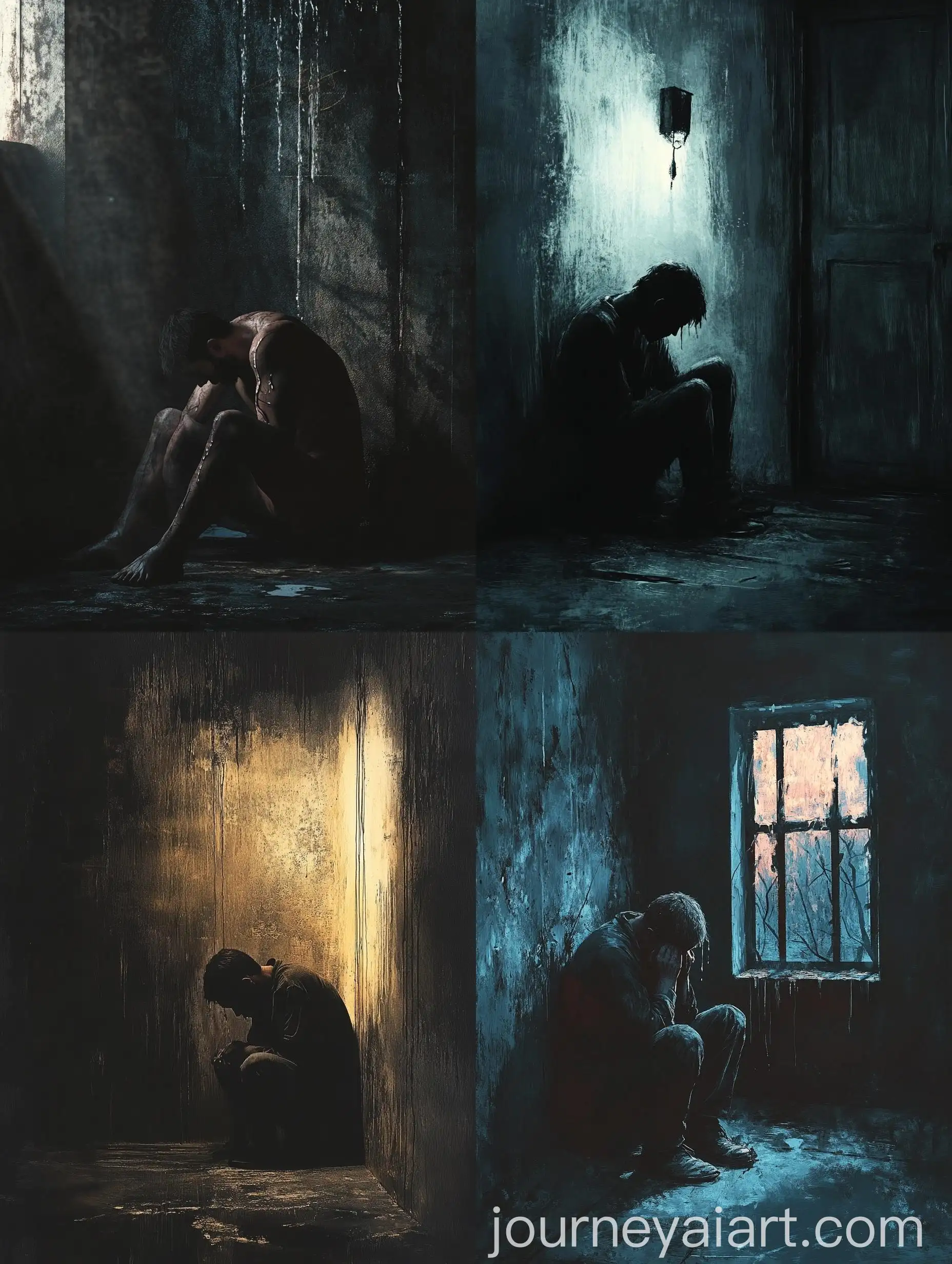
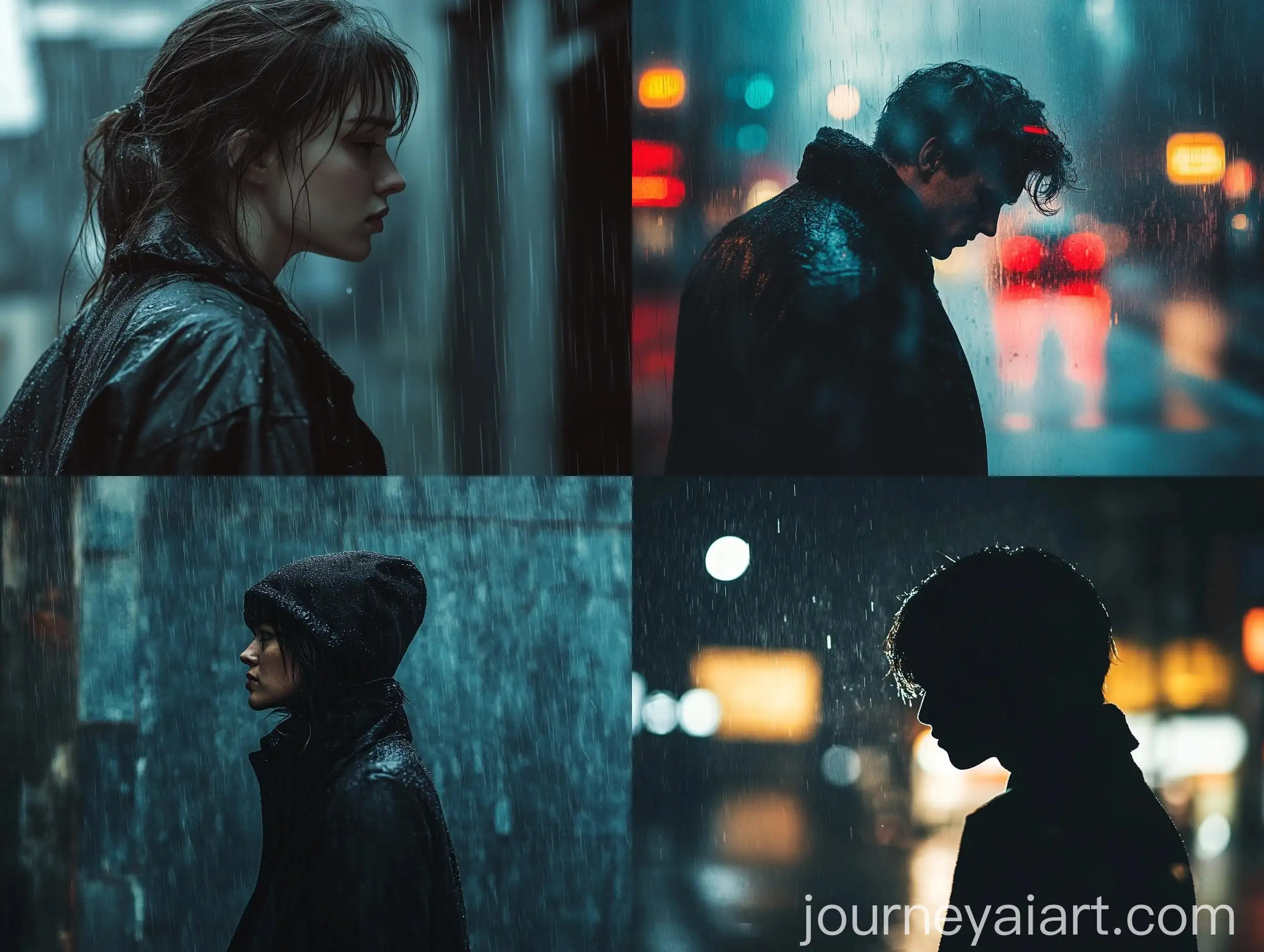
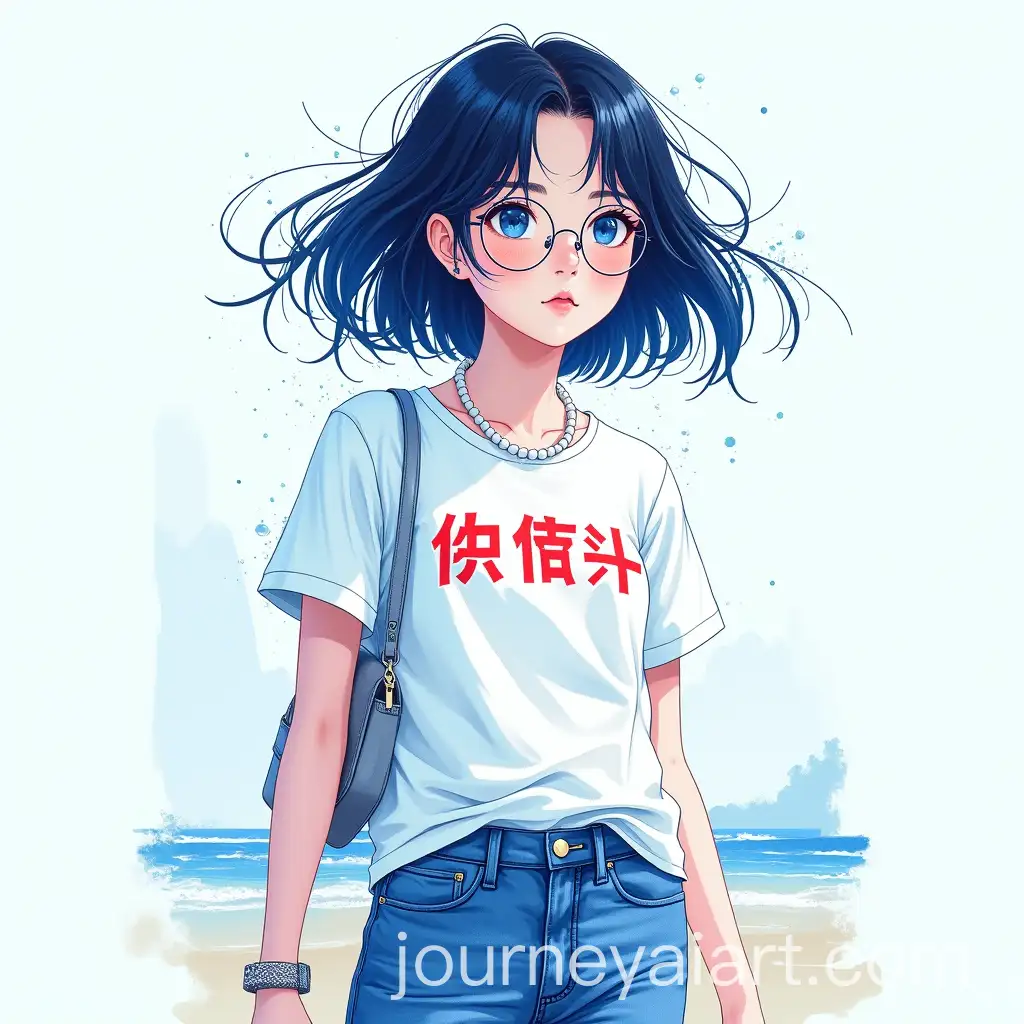
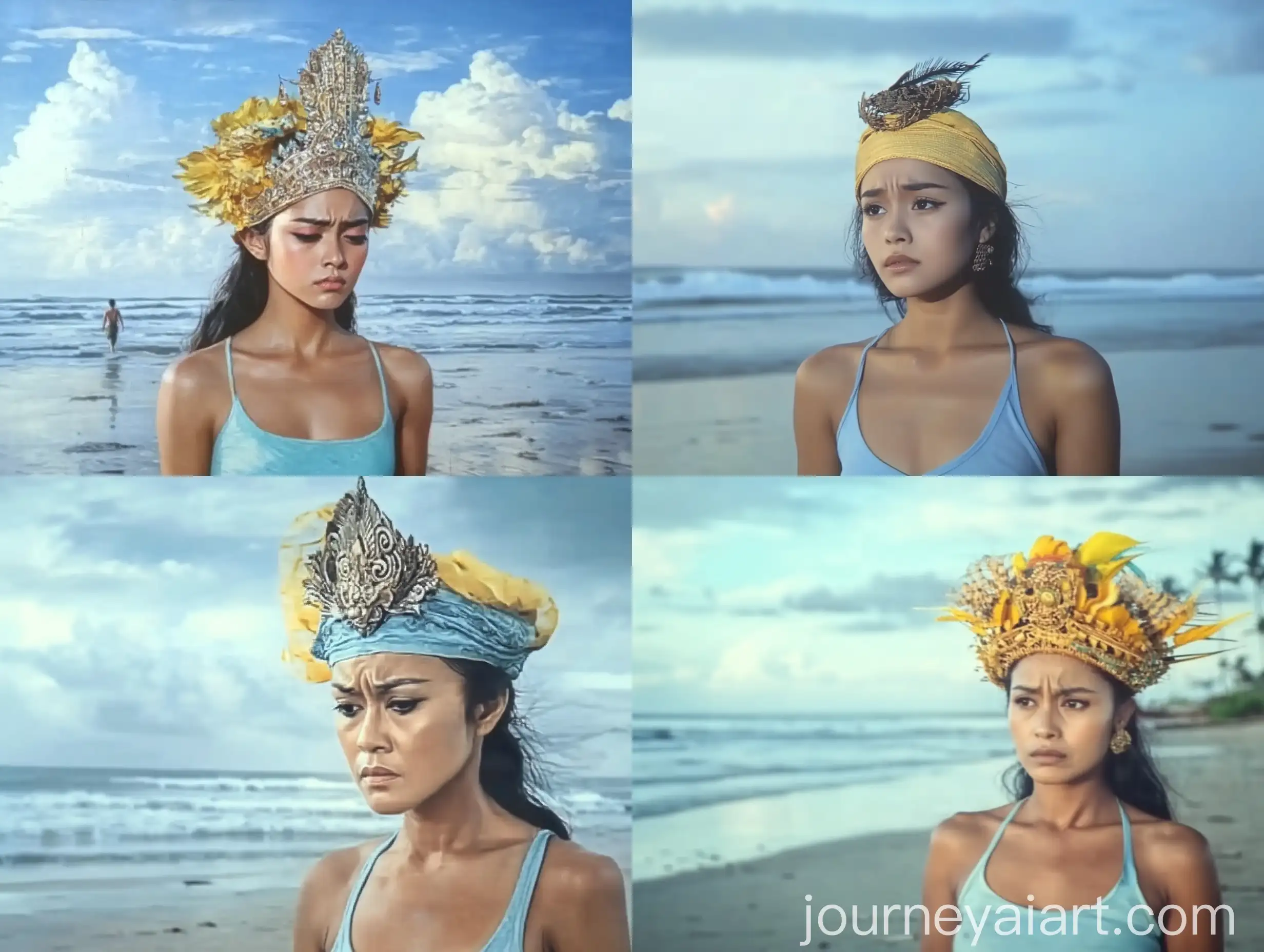
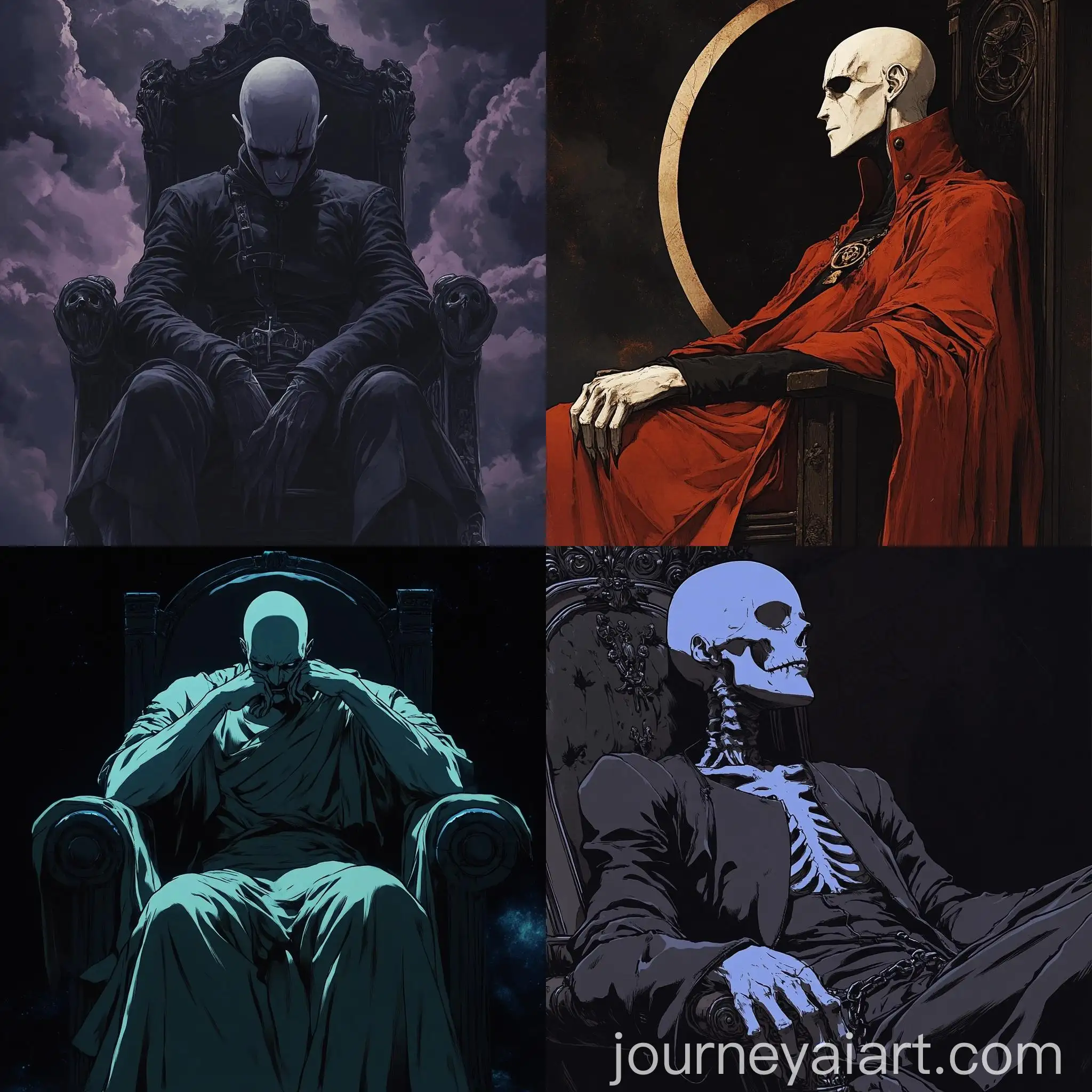

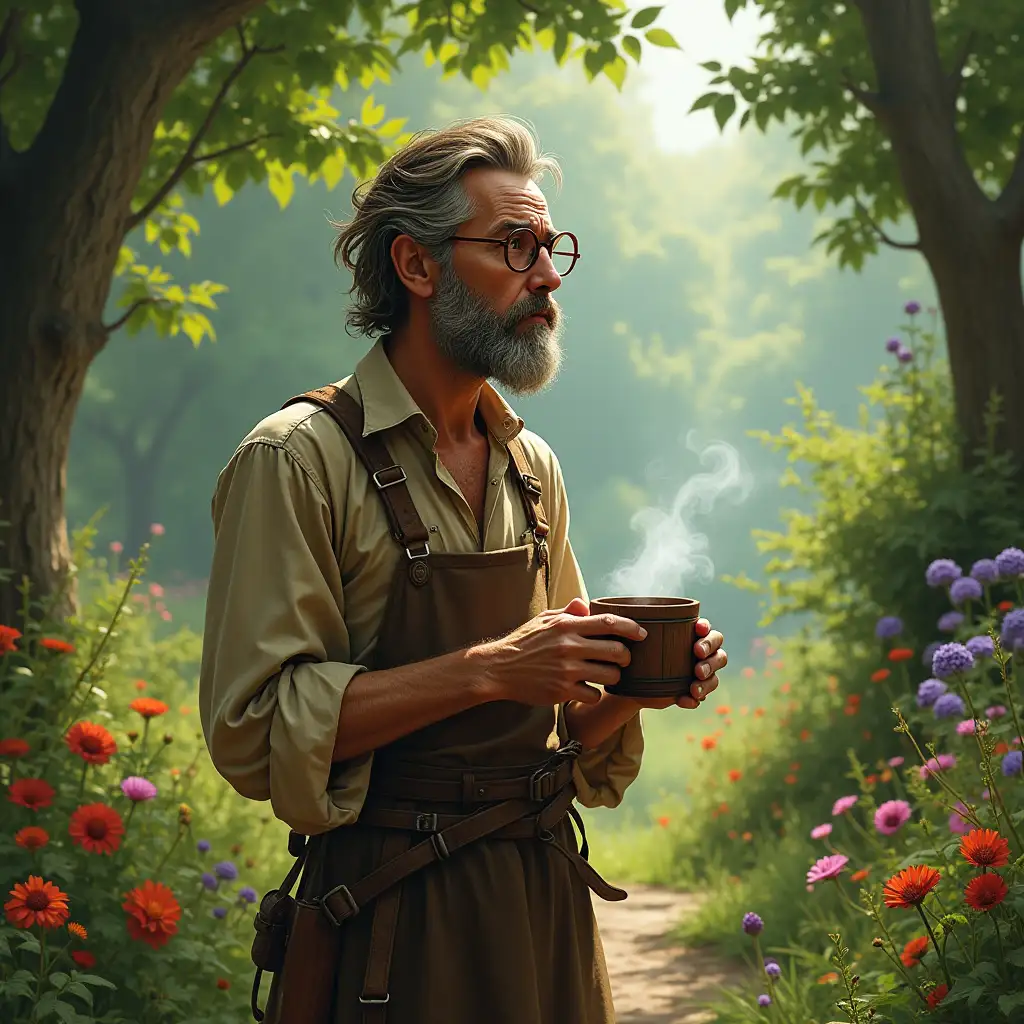
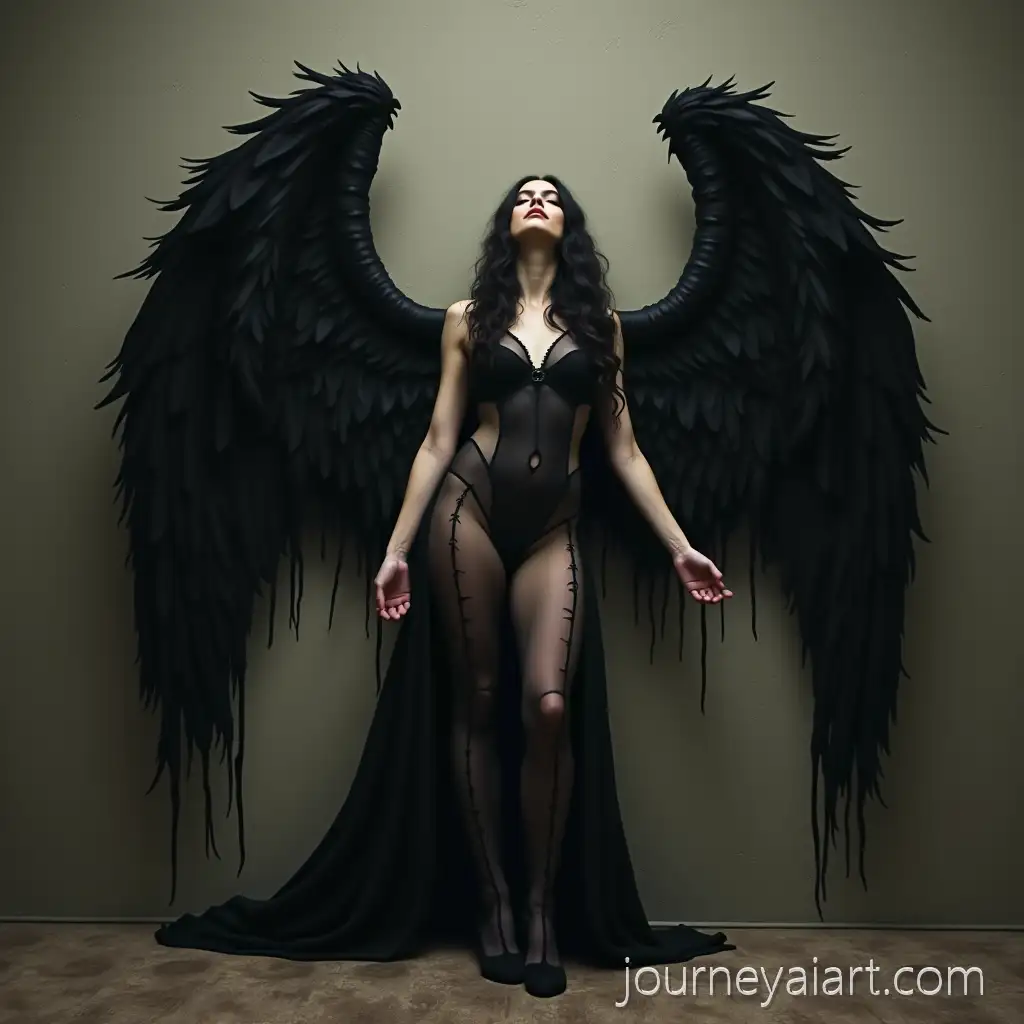

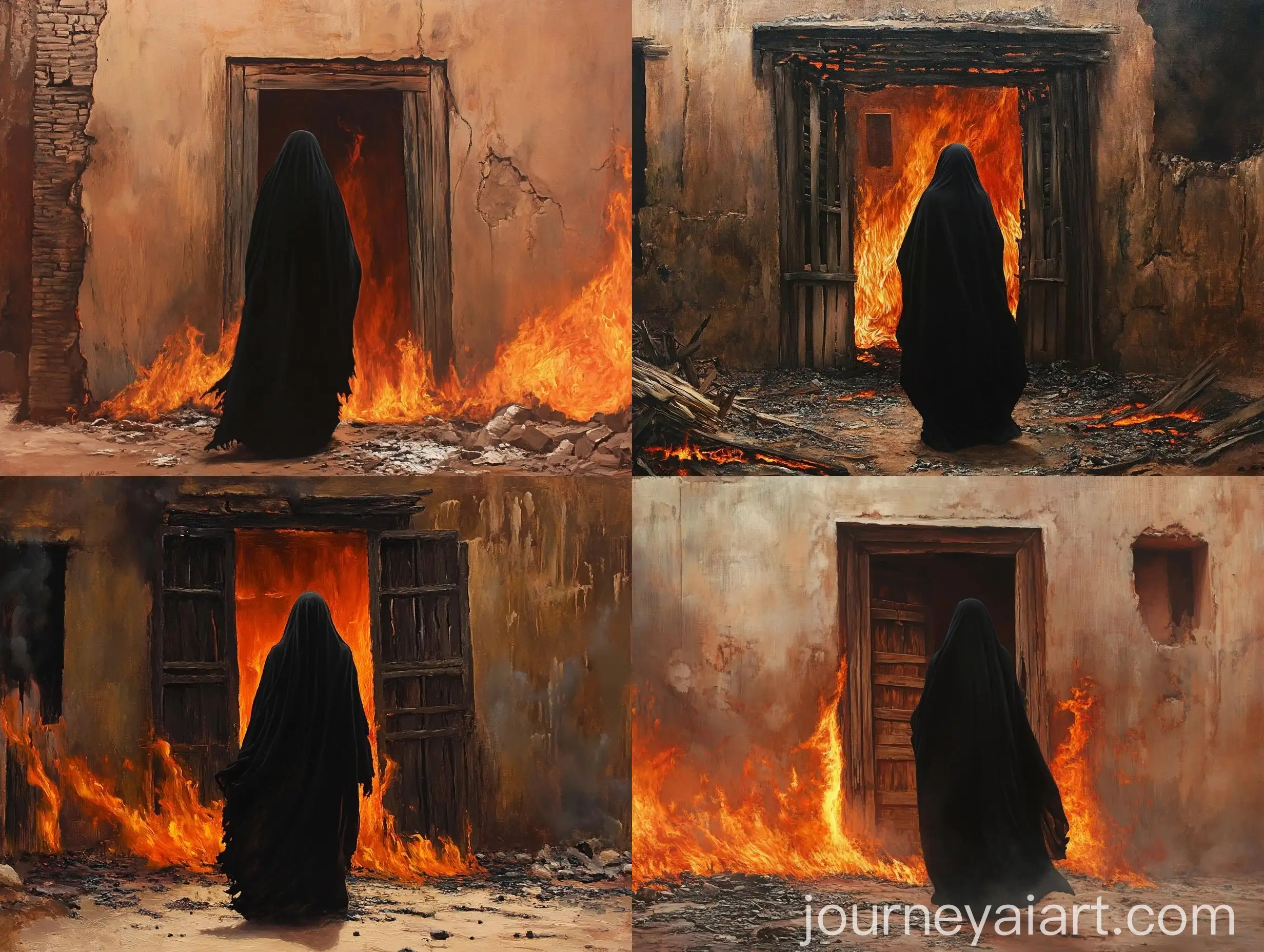
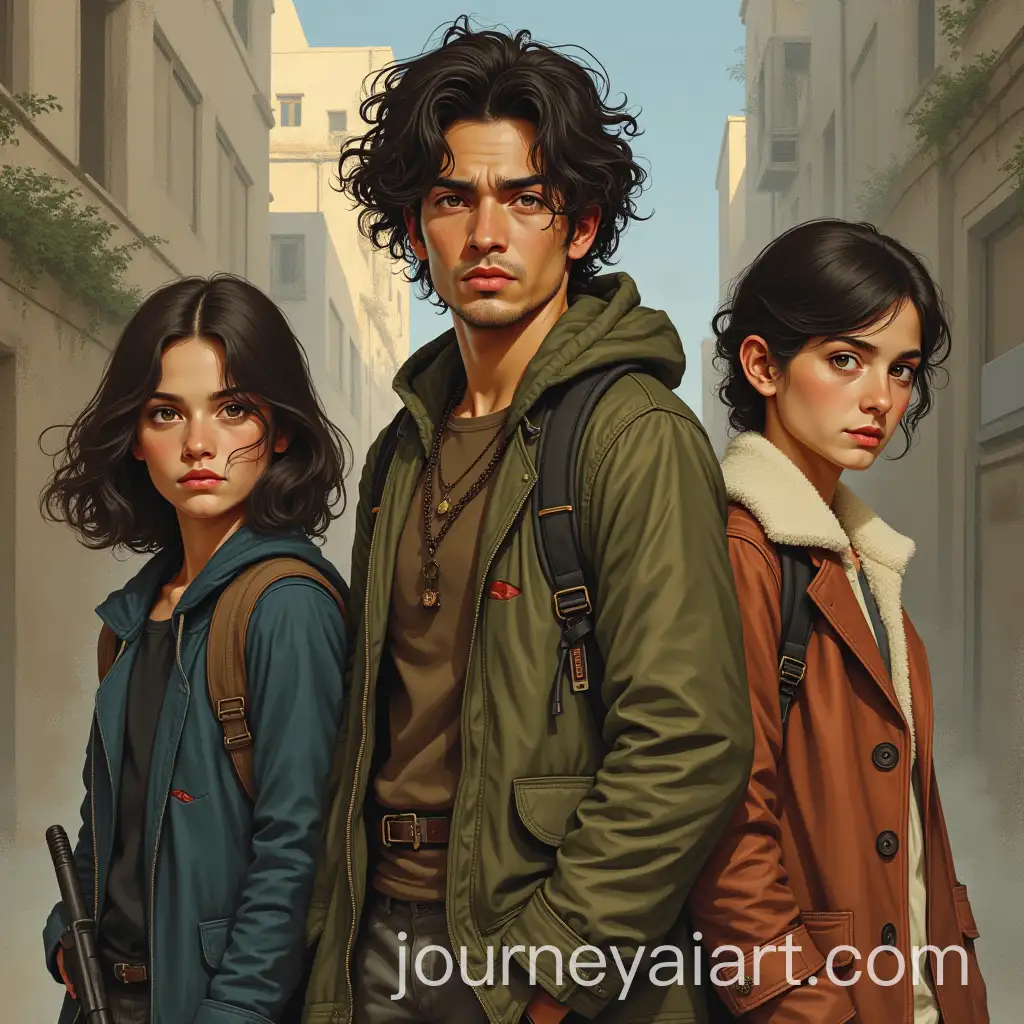
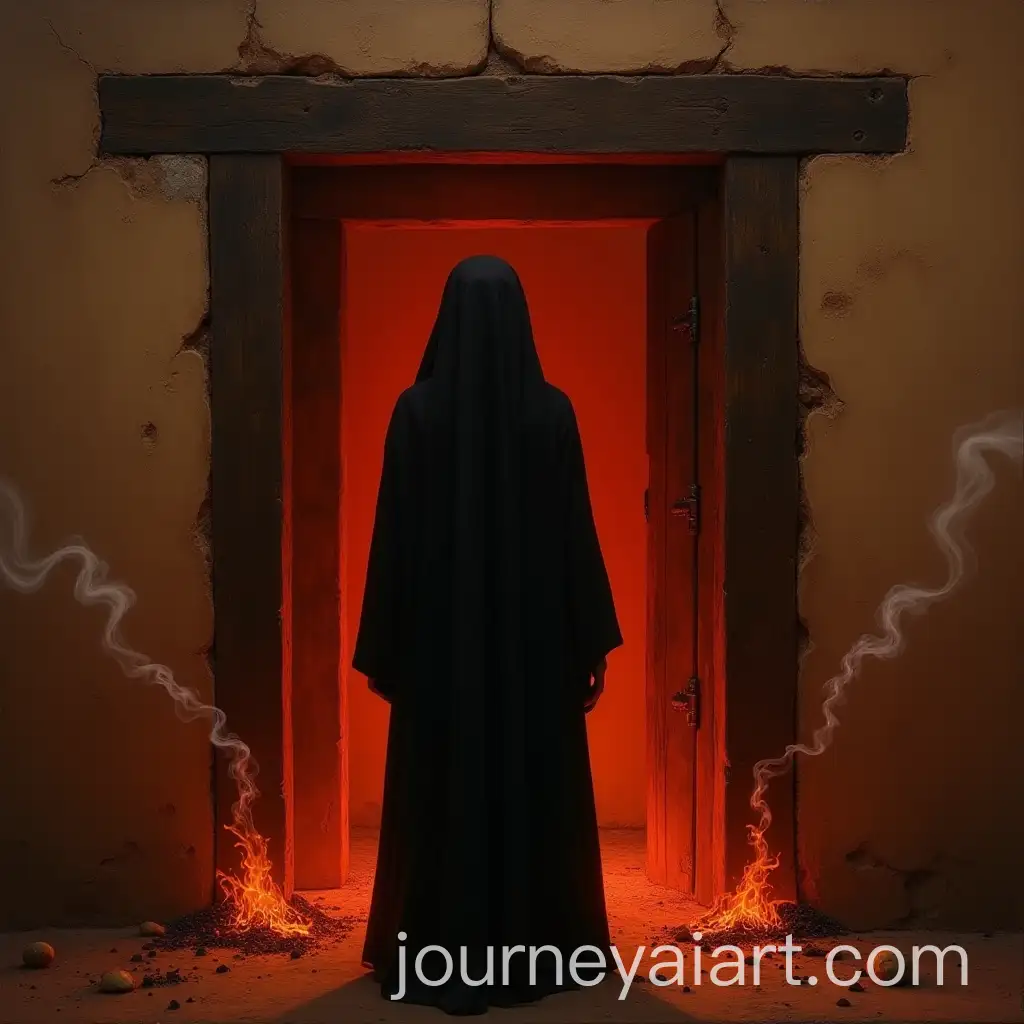
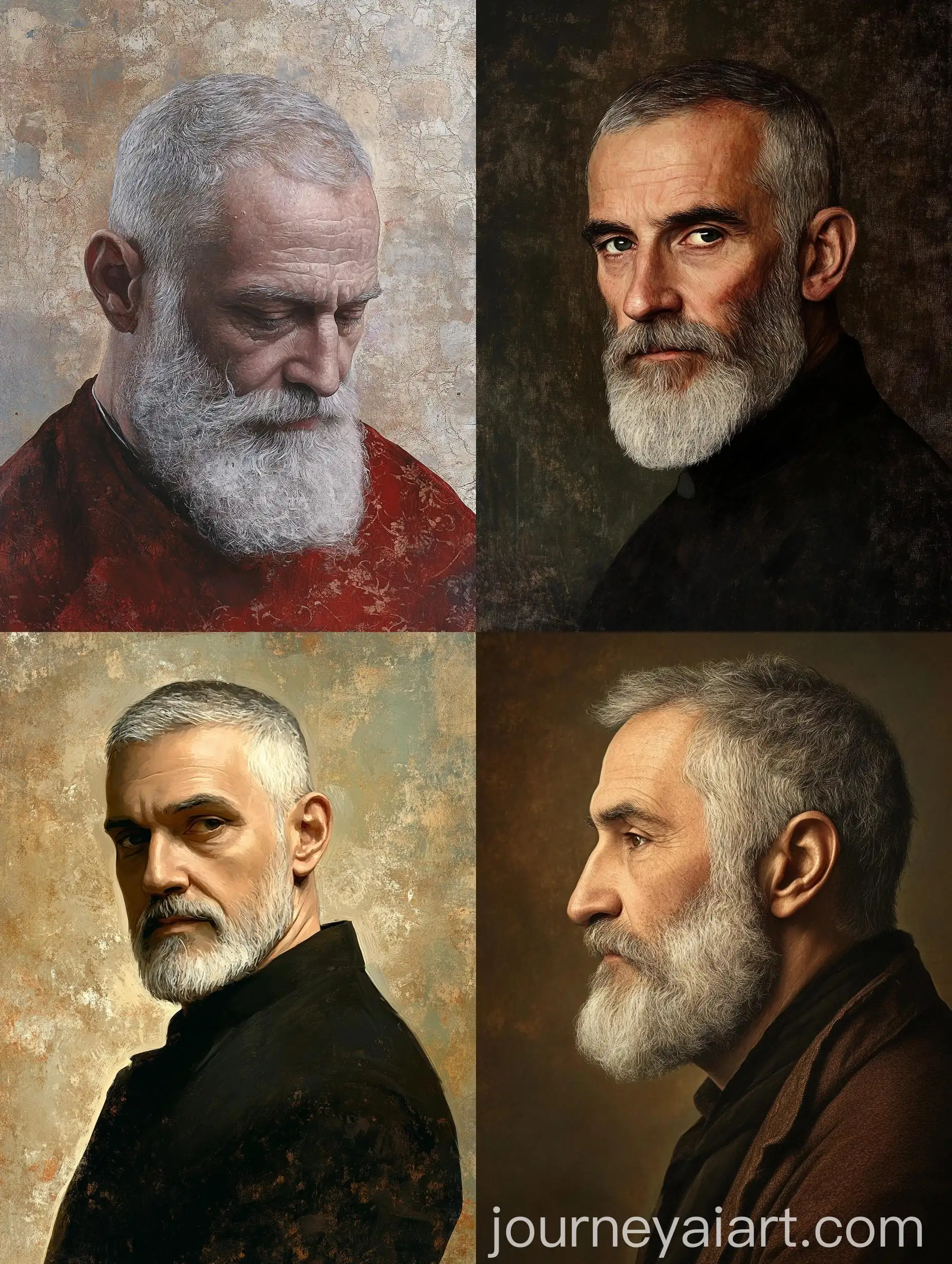
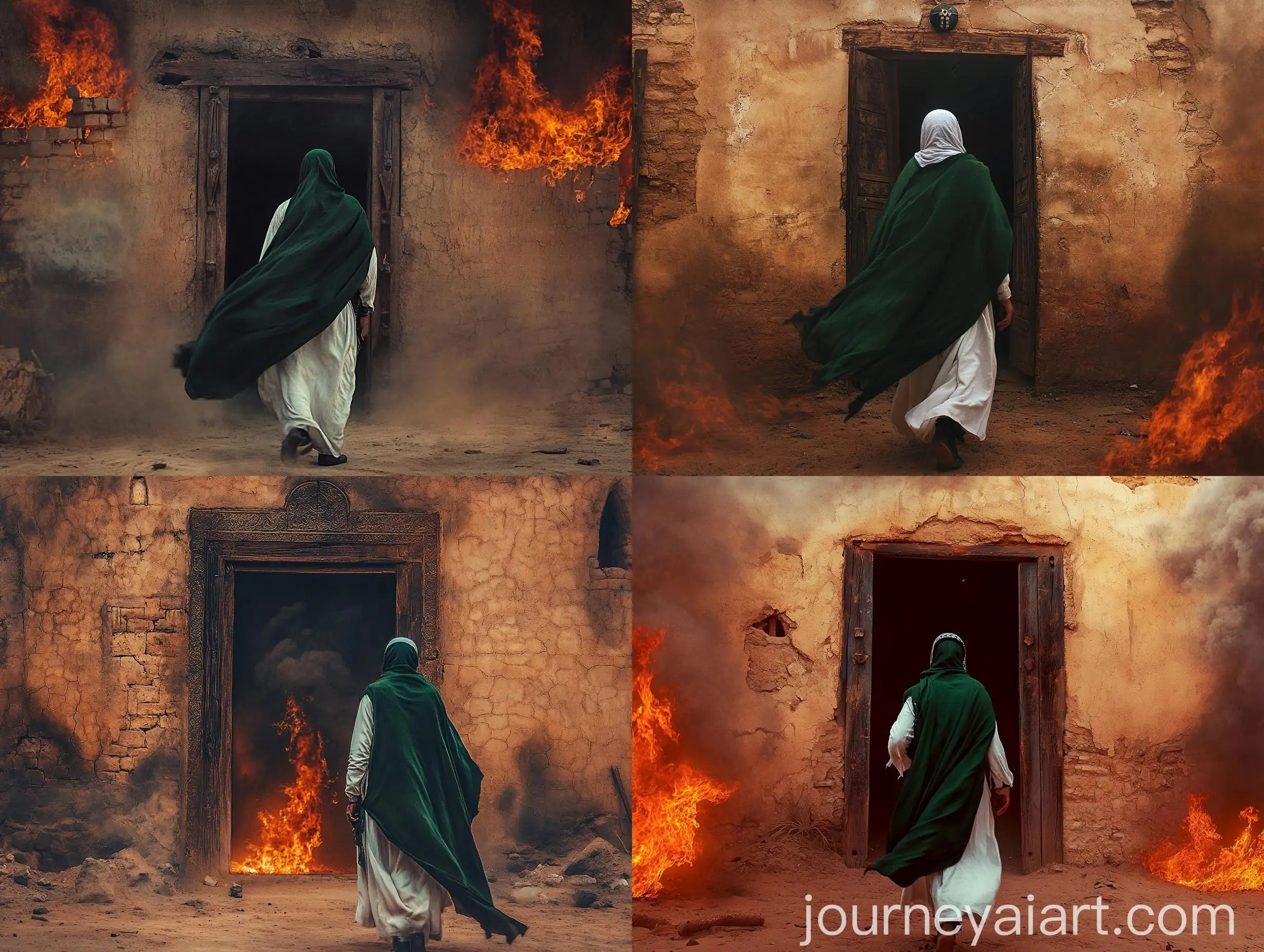

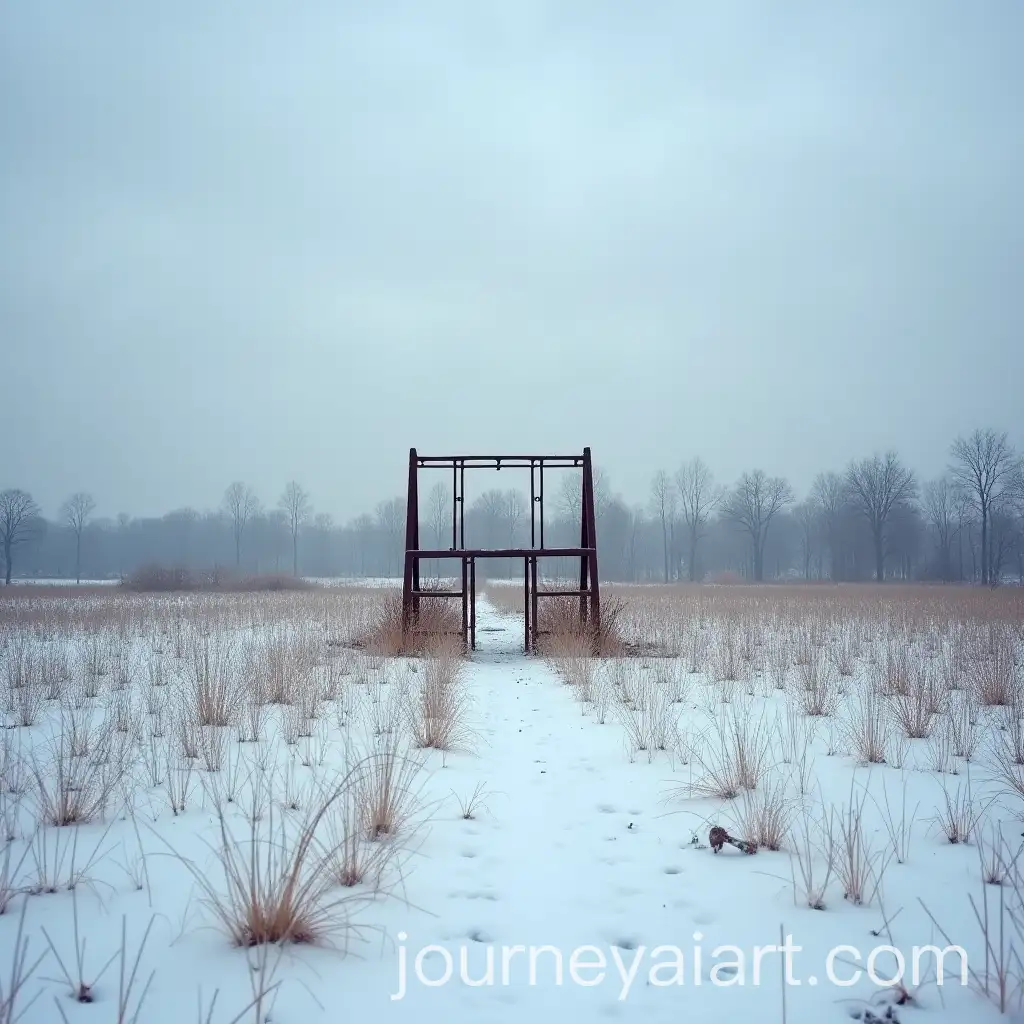
The 'Melancholy atmosphere' in visual art refers to a mood of deep reflection, often tinged with sadness or wistfulness. This emotional tone is conveyed through muted color palettes, somber lighting, and contemplative subject matter. The use of these elements in AI-generated images can evoke a sense of introspection and longing, making them powerful tools for storytelling in various creative projects.
Understanding the Melancholy Atmosphere in Visual Art
Melancholy-themed AI images typically feature cool, desaturated colors, soft lighting, and subjects that evoke a sense of isolation or nostalgia. These images are ideal for use in projects that require a contemplative or emotional tone, such as book covers, album art, or marketing campaigns for introspective brands. The versatility of these images makes them suitable for both digital and print media, allowing creators to evoke specific emotions in their audience.
Characteristics and Applications of Melancholy-themed AI Images
In modern culture, the concept of melancholy has found a strong presence in film, literature, and digital media. Movies with a melancholic atmosphere, such as 'Lost in Translation' or 'Her,' use visuals to enhance the emotional depth of the narrative. Similarly, melancholic themes in video games and graphic novels help to create immersive experiences that resonate deeply with audiences. AI-generated images with a melancholy atmosphere can contribute to this cultural trend by offering new ways to explore and express complex emotions.
The Role of Melancholy in Modern Culture and Media
Creating your own melancholy-themed images with AI is a straightforward process. Start by selecting a base image that embodies a somber or reflective mood. Then, use an AI image editor to adjust elements such as color tones, lighting, and texture. You can also experiment with different prompts to fine-tune the emotional impact of the image. The 'open in editor' feature on our website allows you to easily regenerate images until you achieve the desired melancholic effect.
How to Create Your Own Melancholy Atmosphere Images with AI