16 Free Light Play Midjourney AI images
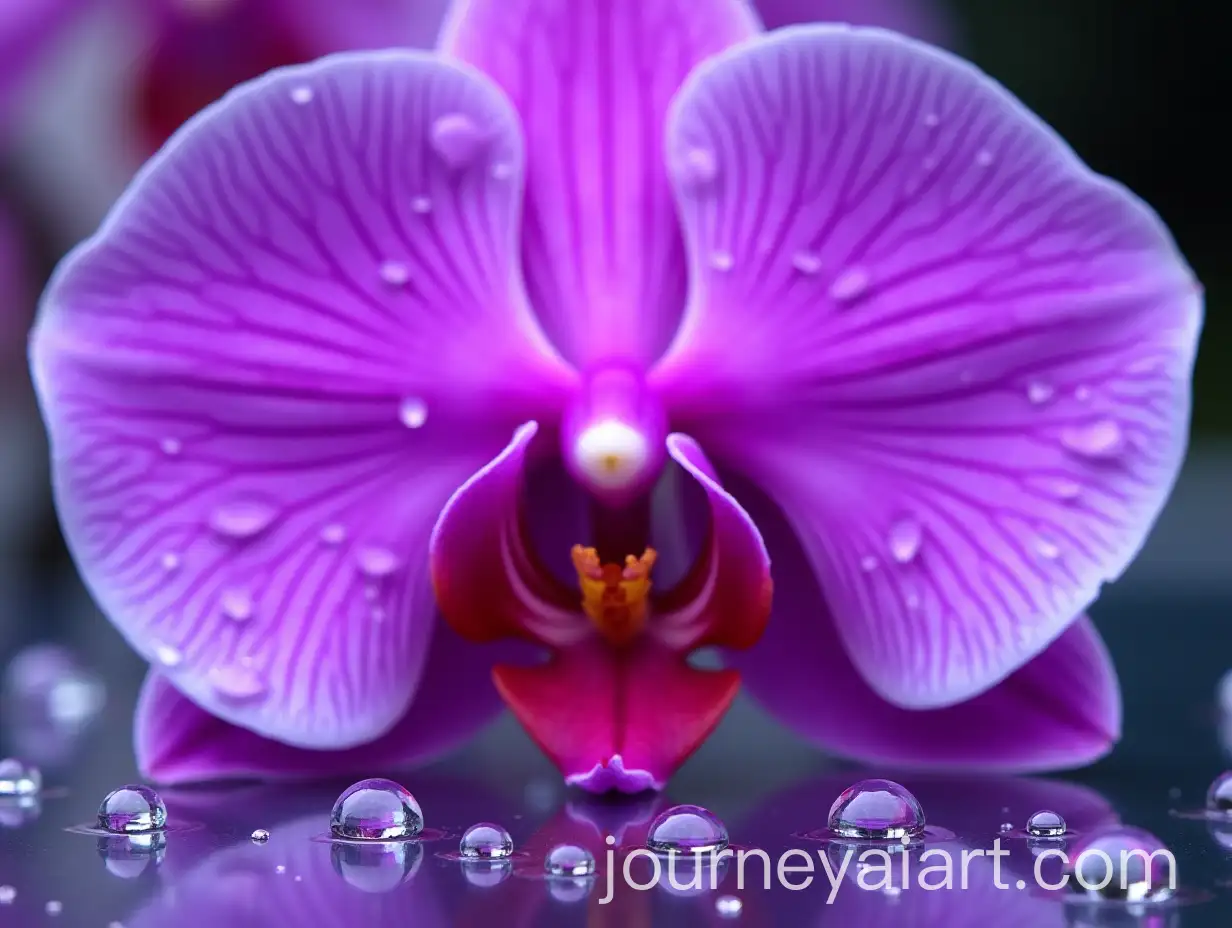
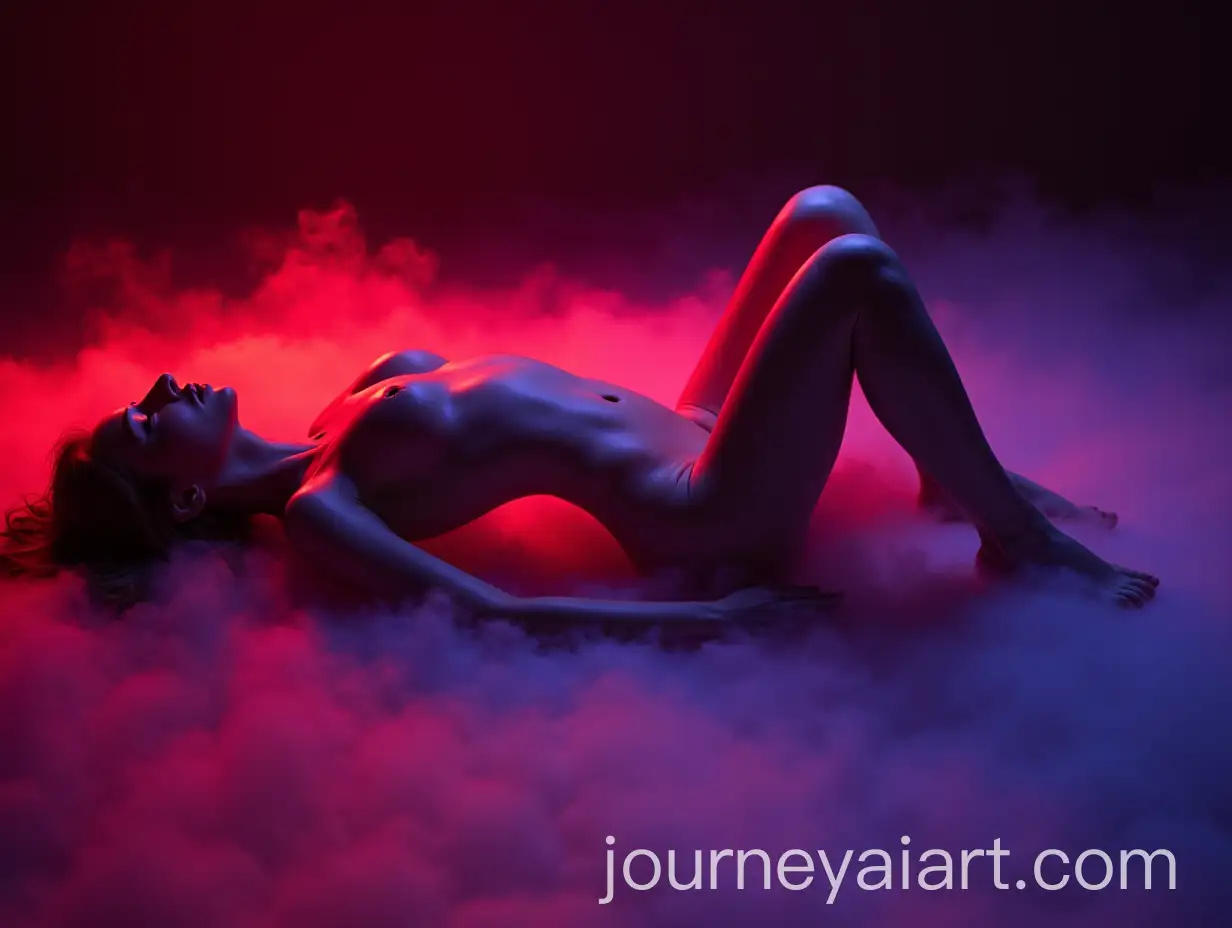
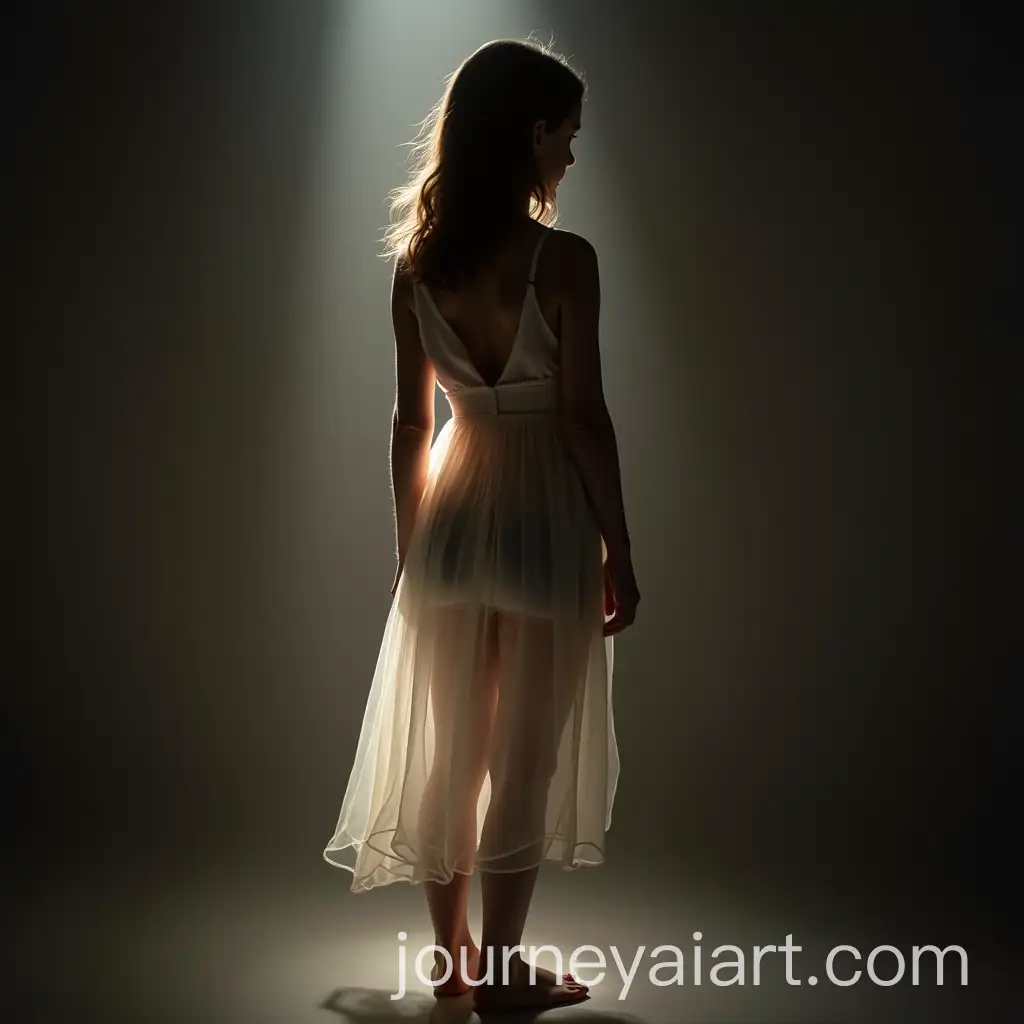
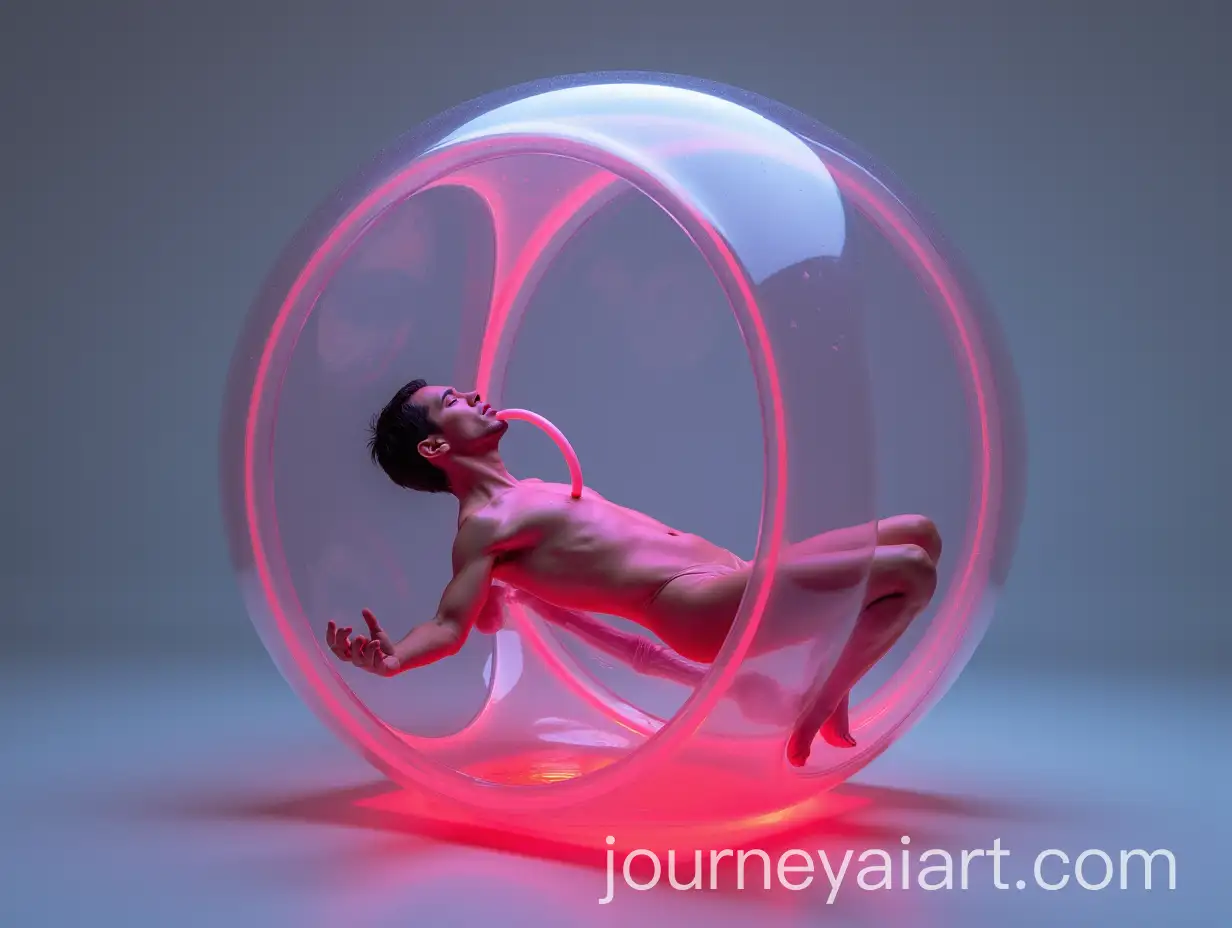
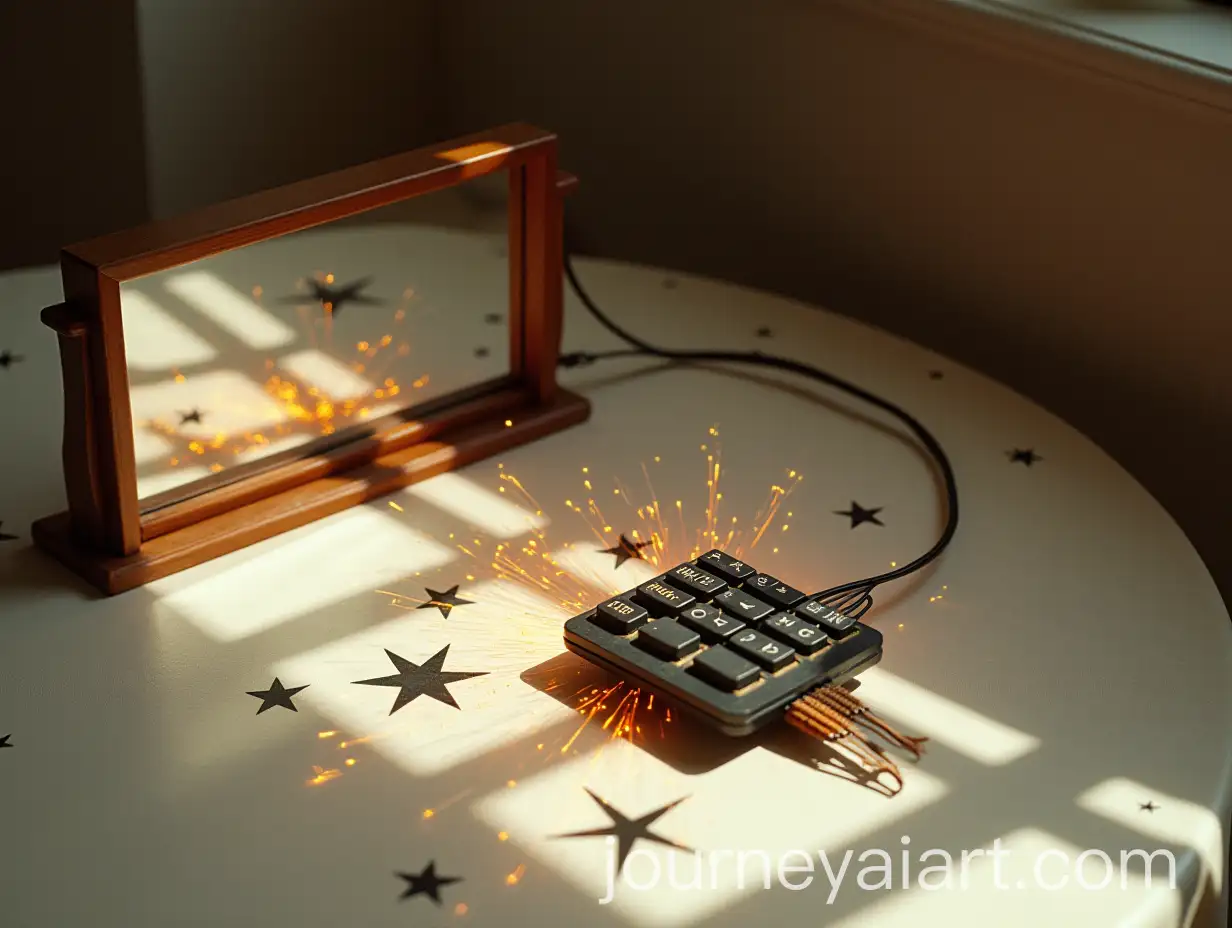
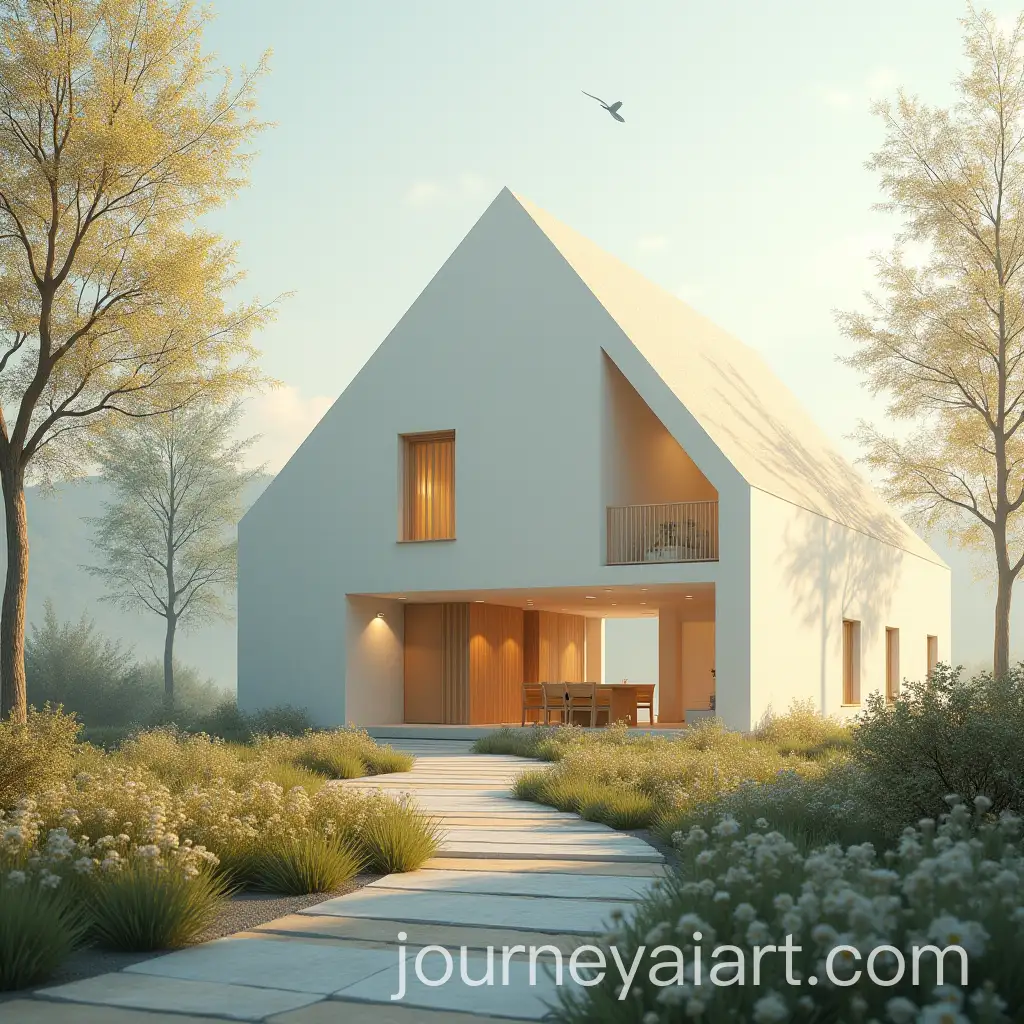
Welcome to our 'Light Play' image collection, featuring 16 free AI-generated images. Explore a variety of image types, including stock photos, 3D objects, vectors, and illustrations, all crafted with dynamic lighting effects. All images are available for high-resolution download, and you can even use our 'open in editor' feature to fine-tune the image and regenerate it with your preferred adjustments.










Related Tags
Light play in visual art refers to the manipulation and use of light to create mood, depth, and visual interest within an image. In AI-generated art, light play can be achieved by training the AI to recognize and reproduce light effects, such as reflections, shadows, diffusions, and highlights. These techniques are crucial for making the digital artwork feel more alive and immersive. AI tools designed to generate these images can simulate light behavior realistically or creatively, allowing for new and unique forms of expression. In the context of AI image creation, light play can be a powerful tool to enhance visual storytelling, adding an extra layer of meaning or aesthetic appeal to any composition.
What is Light Play in Visual Art and AI-Generated Imagery?
Incorporating light play into AI-generated images can significantly impact the way viewers perceive and interact with the visuals. Whether it’s a stock photo, 3D object, vector, or illustration, light play enhances the overall composition. For stock photos, dynamic lighting can elevate the emotional tone of the image, making it feel more realistic or dramatic. In 3D renderings, light play is essential for creating depth, realism, and visual focus, guiding the viewer's attention. Vectors and illustrations, though more stylized, benefit from light play through vibrant contrasts, soft glows, or creative reflections that draw attention to key elements in the design. Light play is, therefore, a versatile technique across various image formats, shaping the atmosphere and conveying complex emotions or concepts.
How Light Play Enhances Different Types of AI-Generated Images
Light play has become an integral part of contemporary digital art and design, influencing both commercial and personal projects. The ability to manipulate light in digital environments allows artists to experiment with visual effects that are impossible in traditional media. For example, graphic designers often use light play to create futuristic or ethereal aesthetics in product designs, album covers, and advertisements. In the world of gaming, realistic light simulation plays a major role in creating immersive environments. Movies, especially in CGI-heavy genres like science fiction and fantasy, also rely on light play to build mood and tension. As AI continues to evolve, the possibilities for using light play to enhance digital artworks will only expand, leading to even more innovative creations.
The Influence of Light Play in Contemporary Digital Art and Design
Creating compelling light play images with AI tools involves understanding how light interacts with the subject matter in your scene. Start by selecting an AI platform that allows you to manipulate lighting settings, such as exposure, shadow depth, or light sources. When setting up your prompts, specify the type of lighting effects you want, such as soft ambient lighting, dramatic contrasts, or glowing highlights. You can also play with color temperatures, like warm sunlight or cool moonlight, to evoke different moods. Once your image is generated, use the 'open in editor' feature to tweak the light intensity, add reflections, or adjust shadows for the perfect effect. By fine-tuning these settings, you can create a range of atmospheres, from serene and ethereal to bold and high-contrast.
How to Create Stunning Light Play Images with AI Tools