32 Free Light Blue Color Midjourney AI images
Welcome to our Light Blue Color image collection, featuring 32 free AI-generated images. Explore a diverse array of stock photos, 3D objects, vectors, and illustrations, all available in high-resolution for download. Use our 'open in editor' feature on the image detail page to adjust the prompt and regenerate your perfect image.

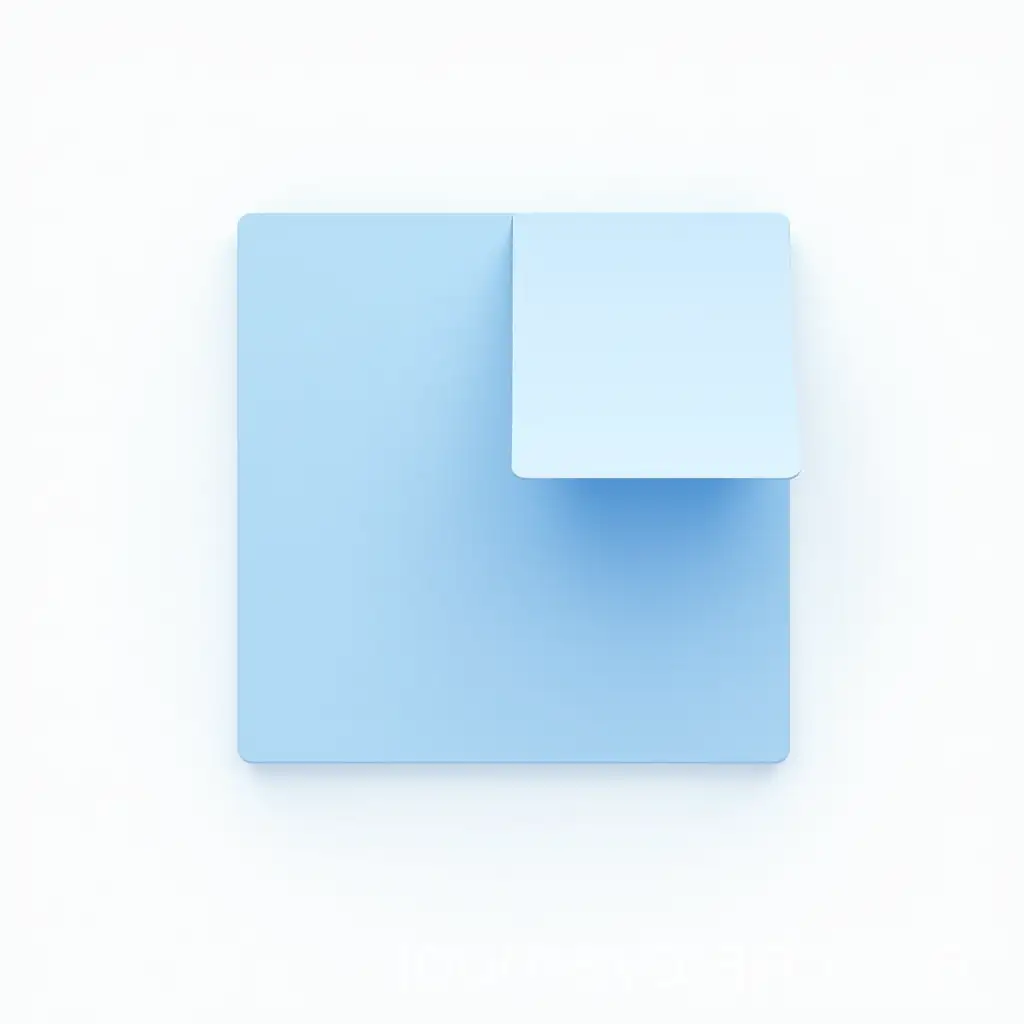
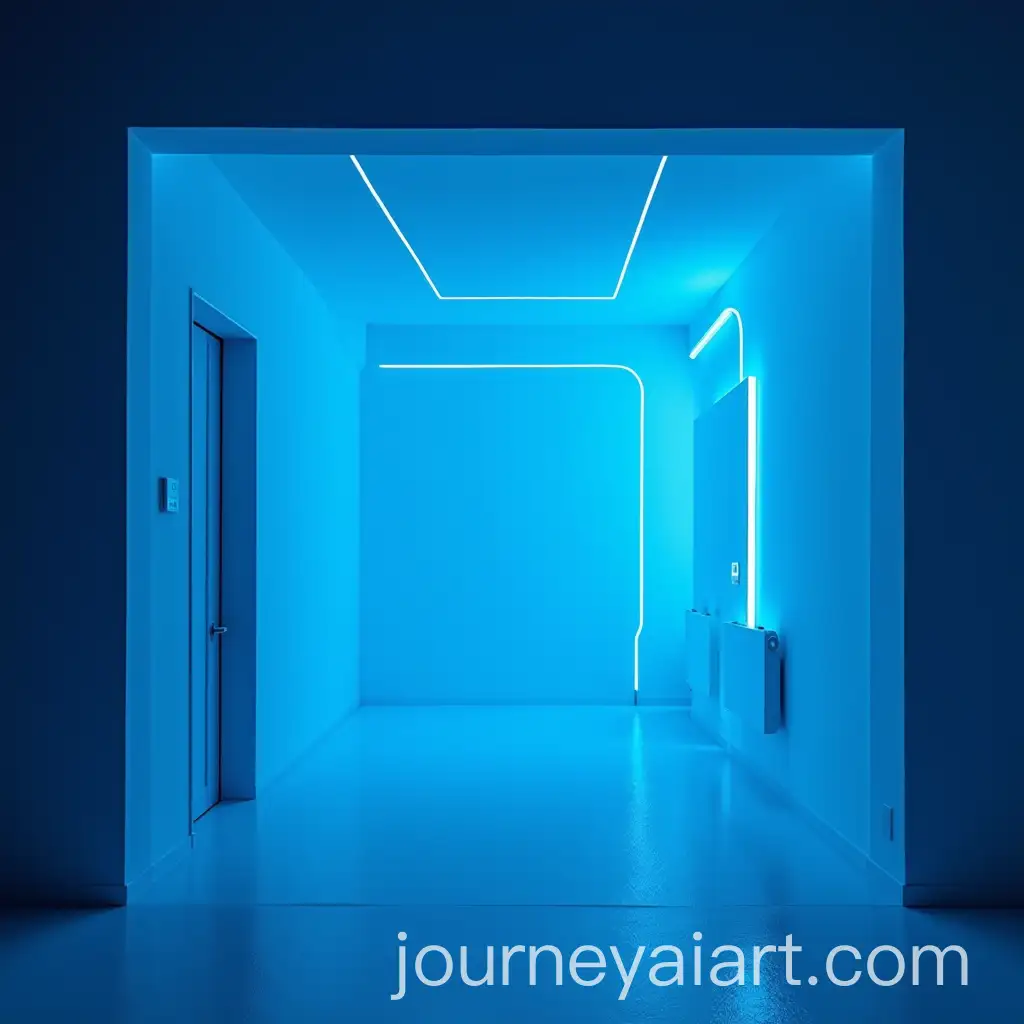
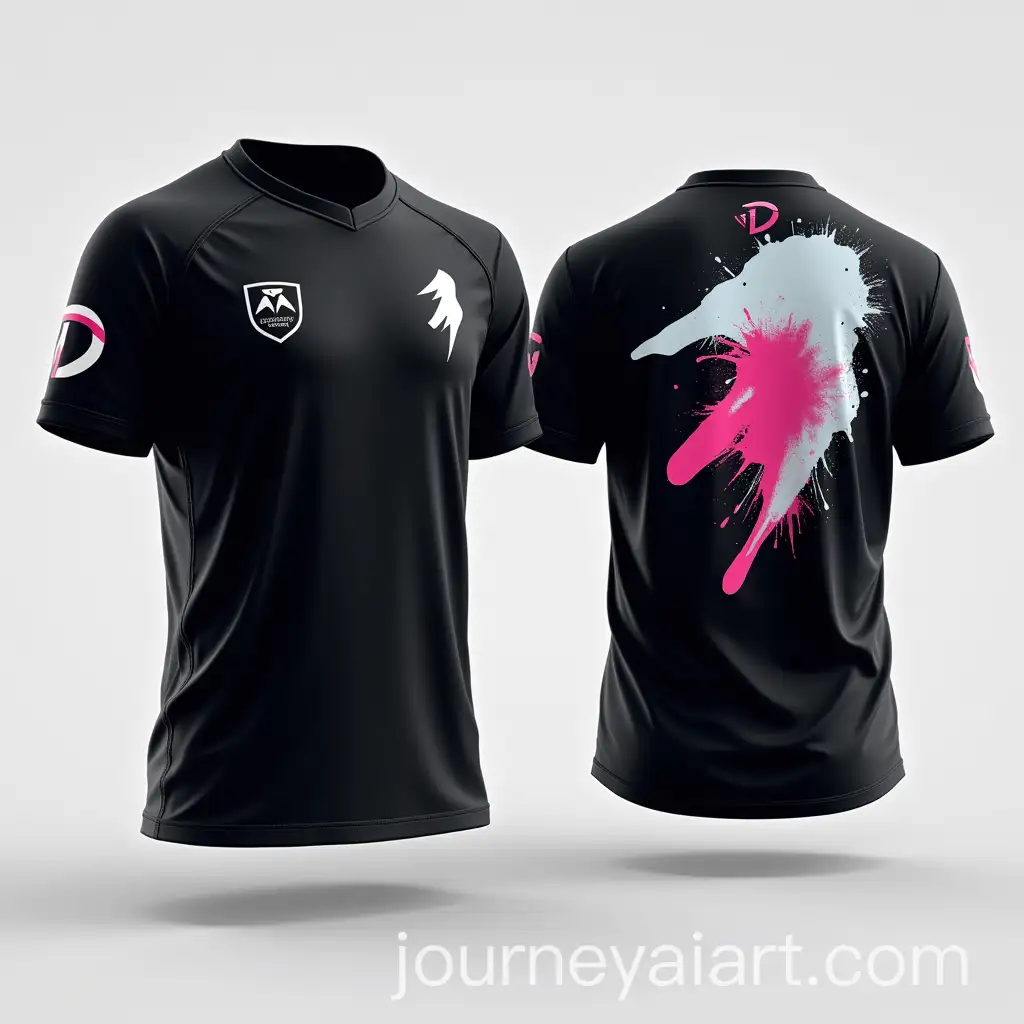

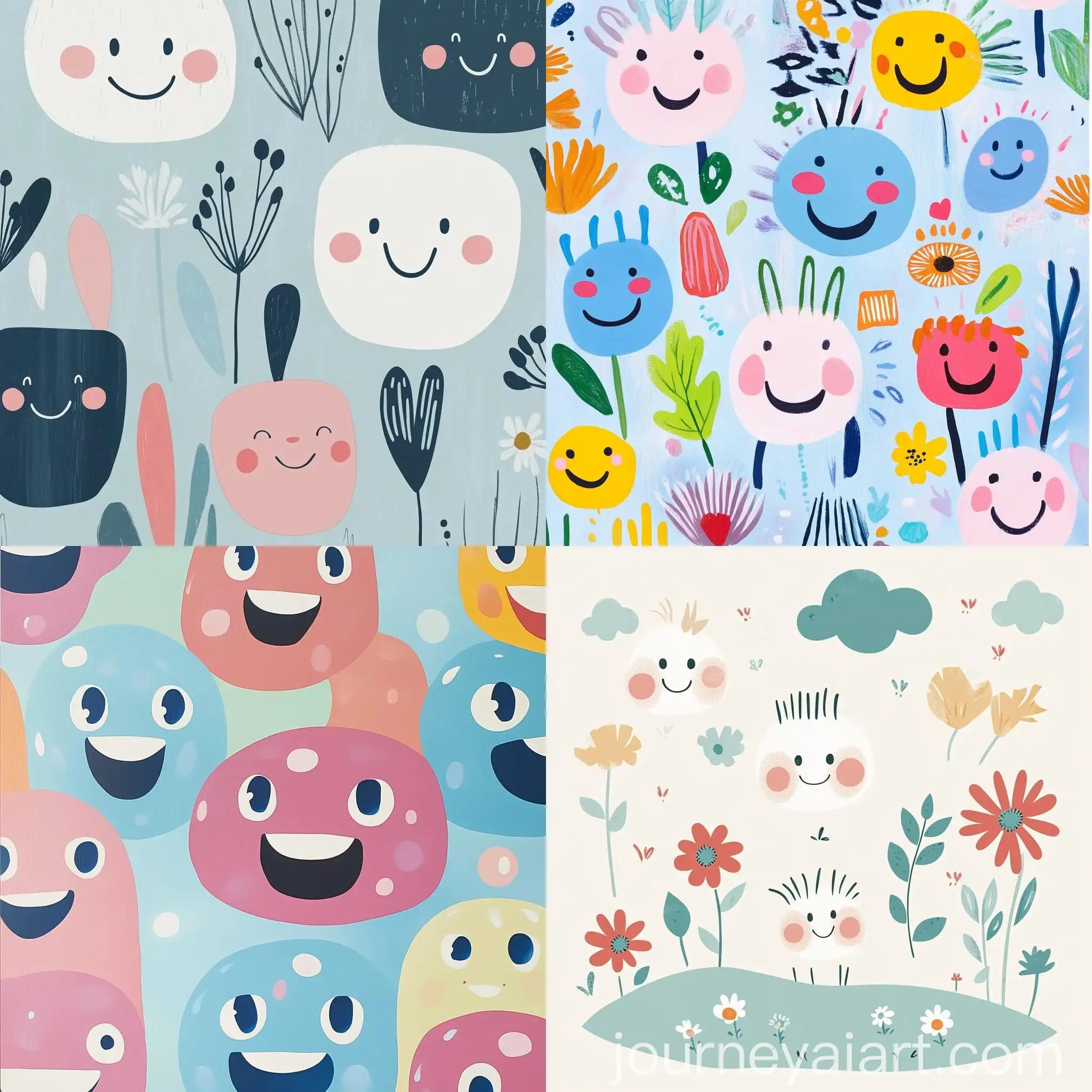
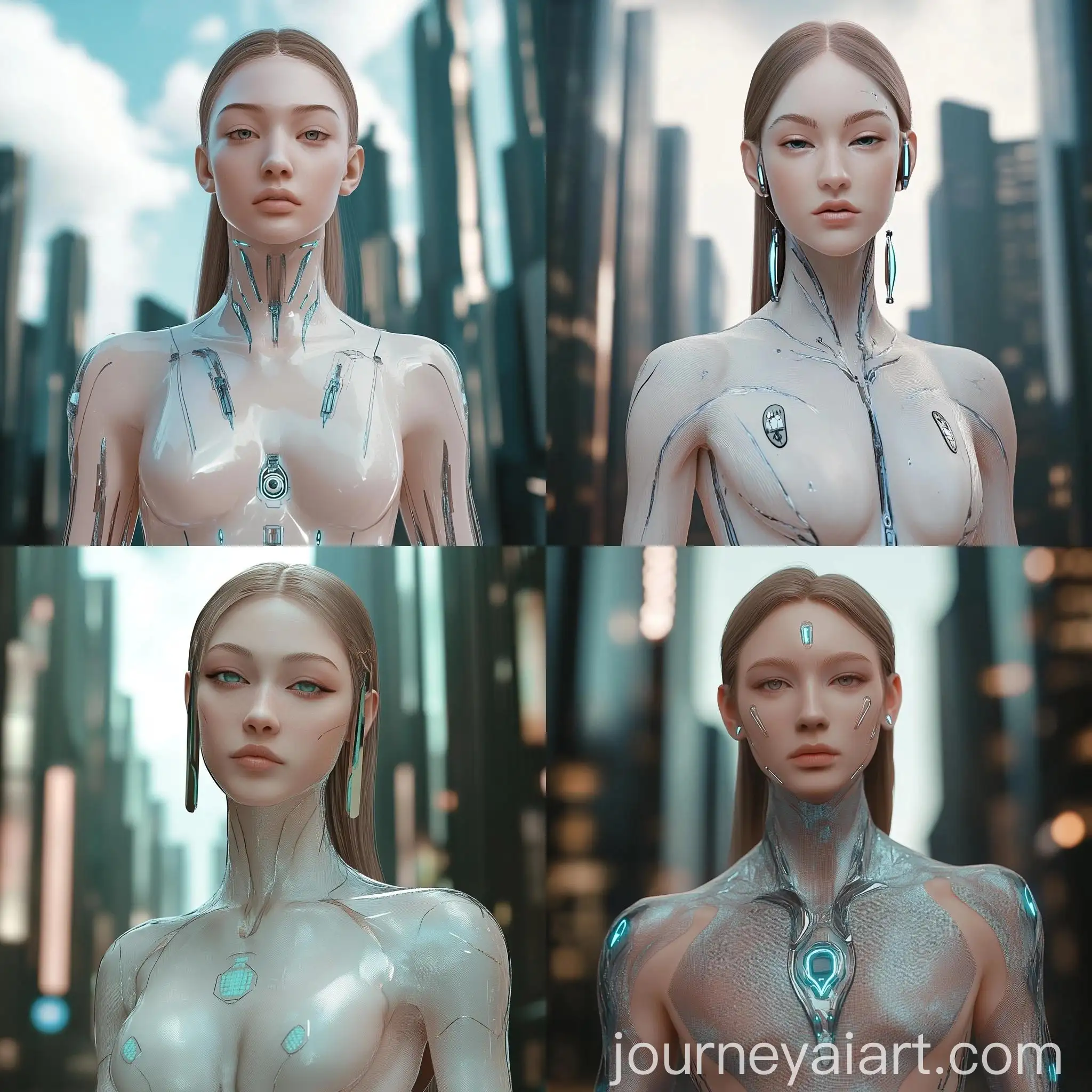
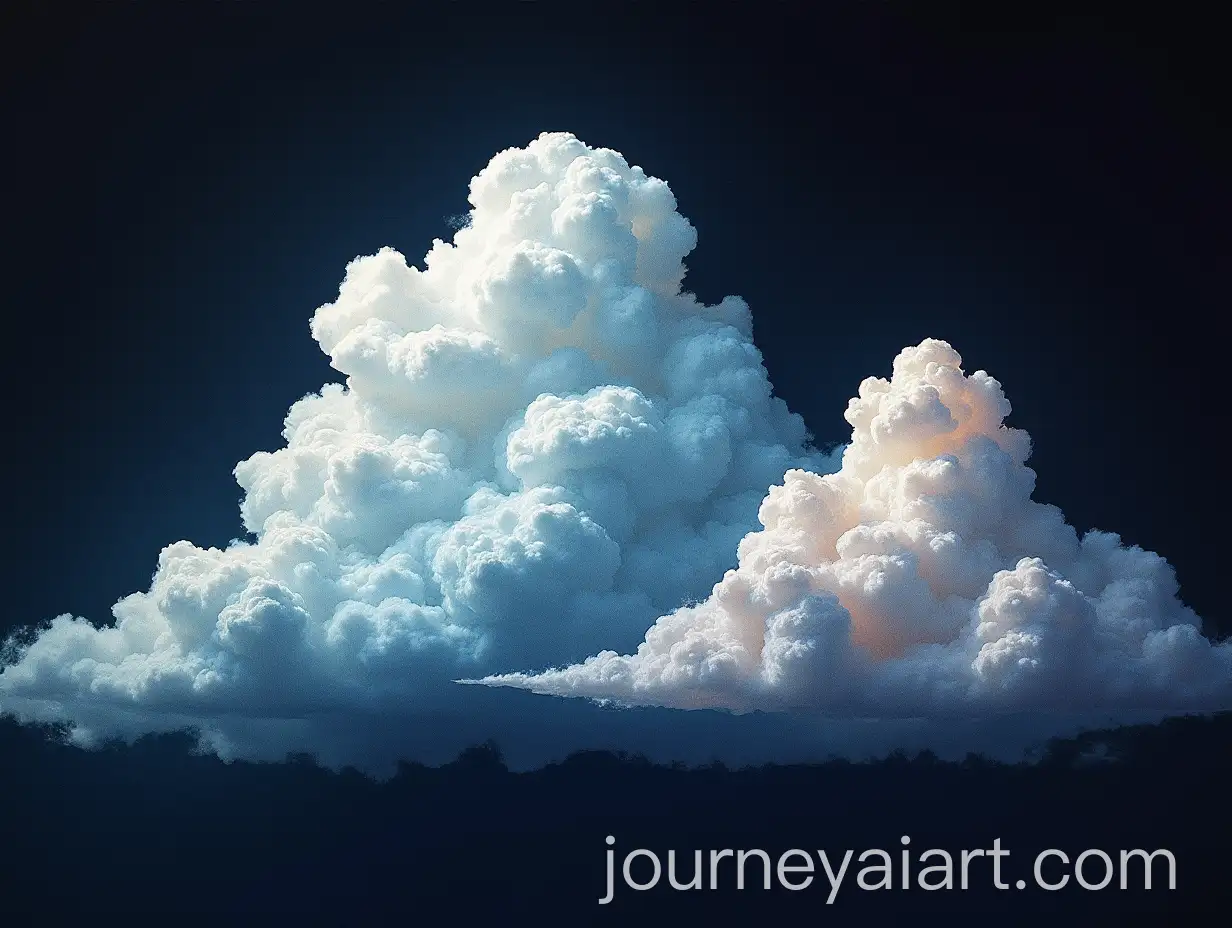

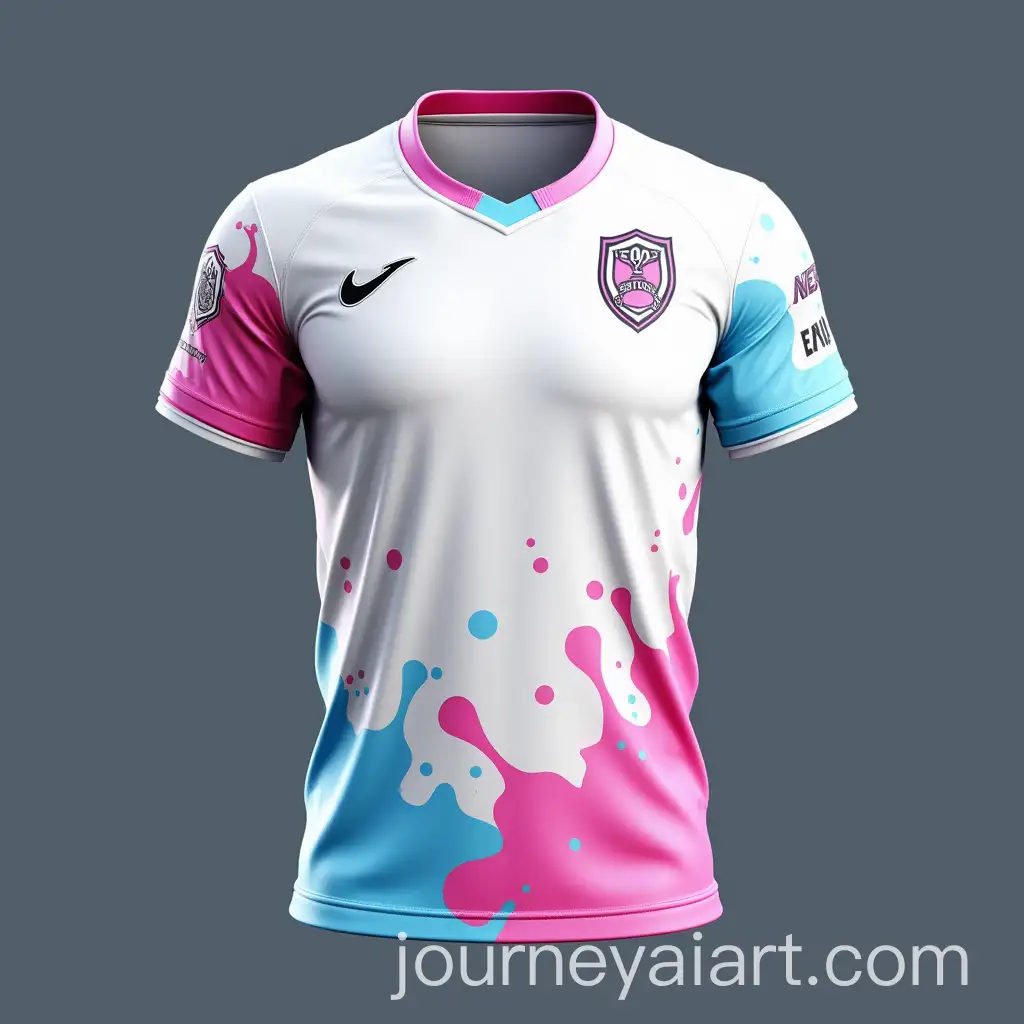

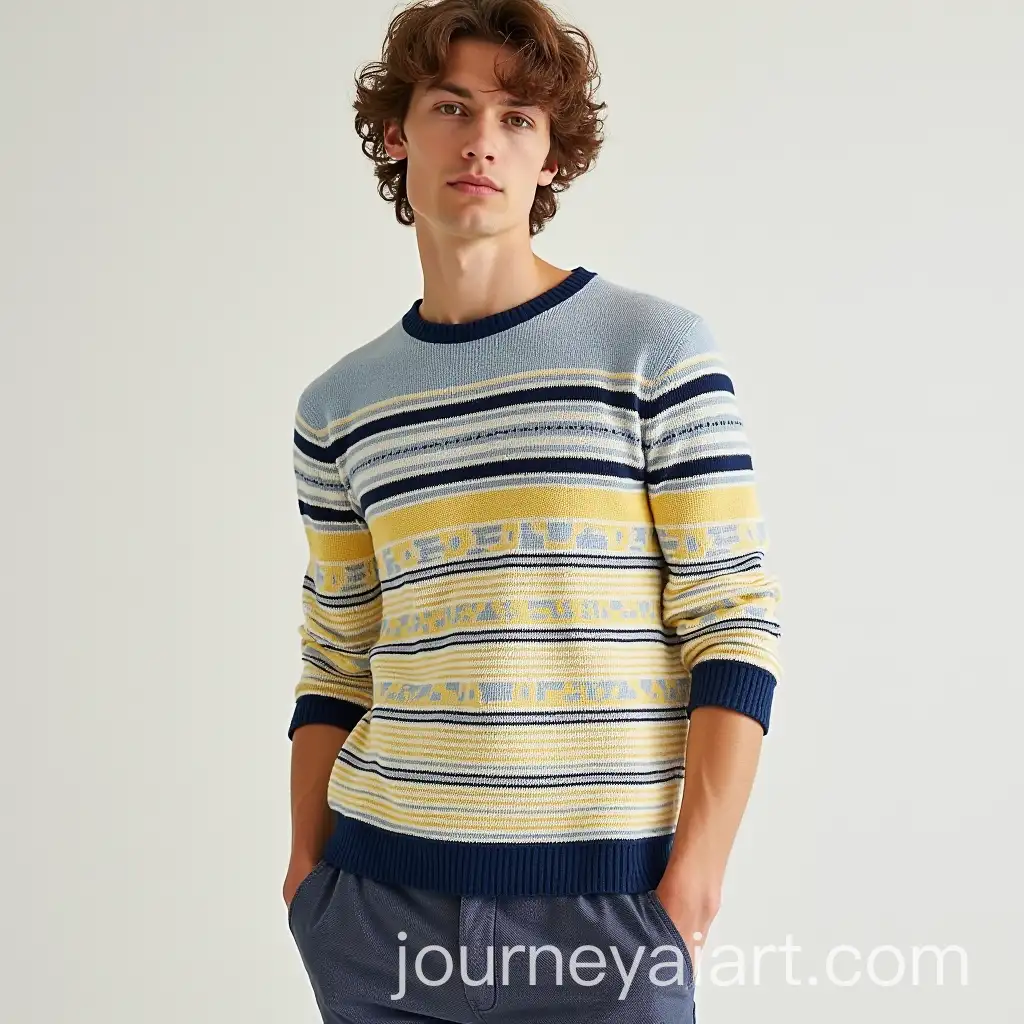
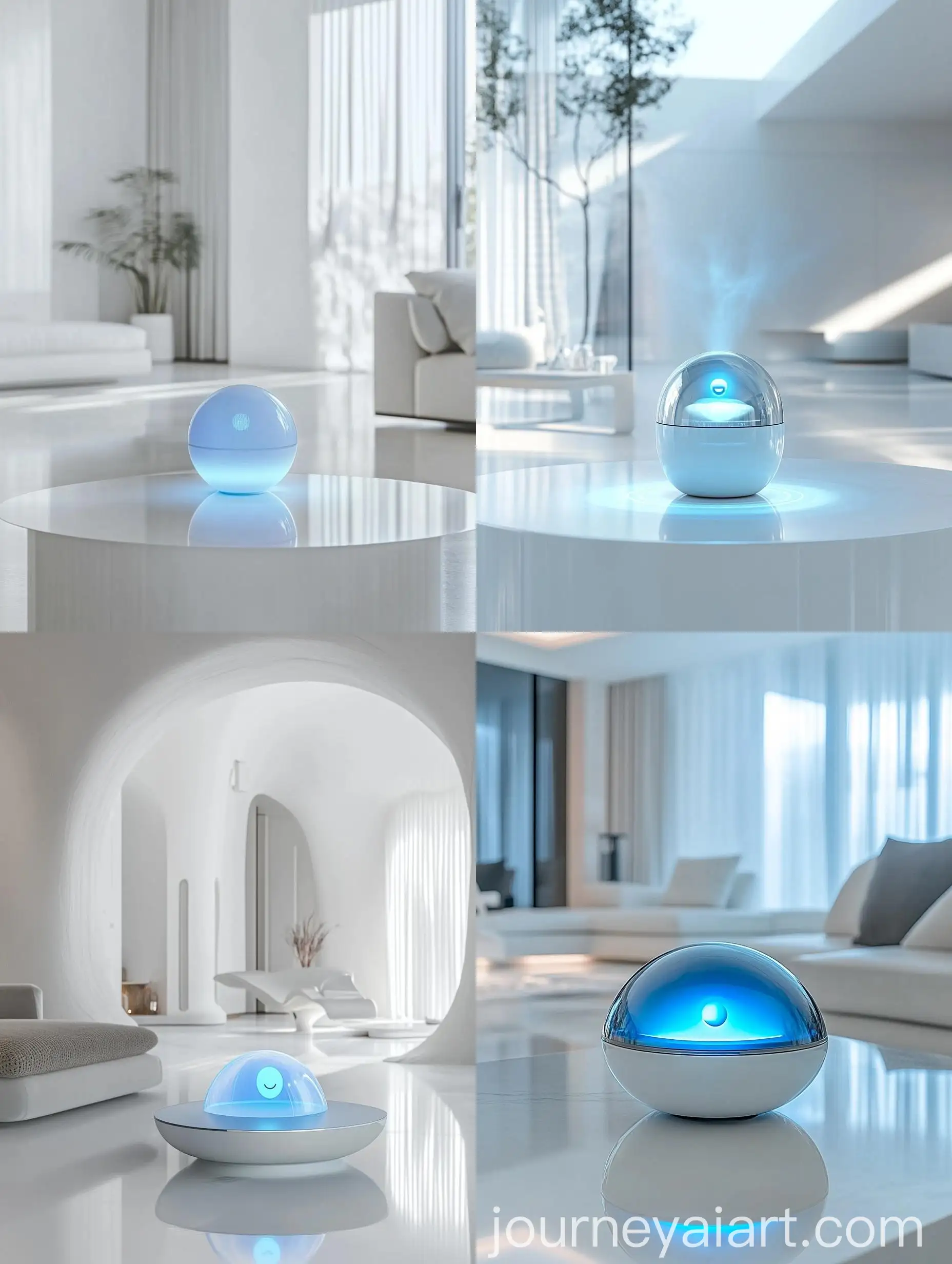
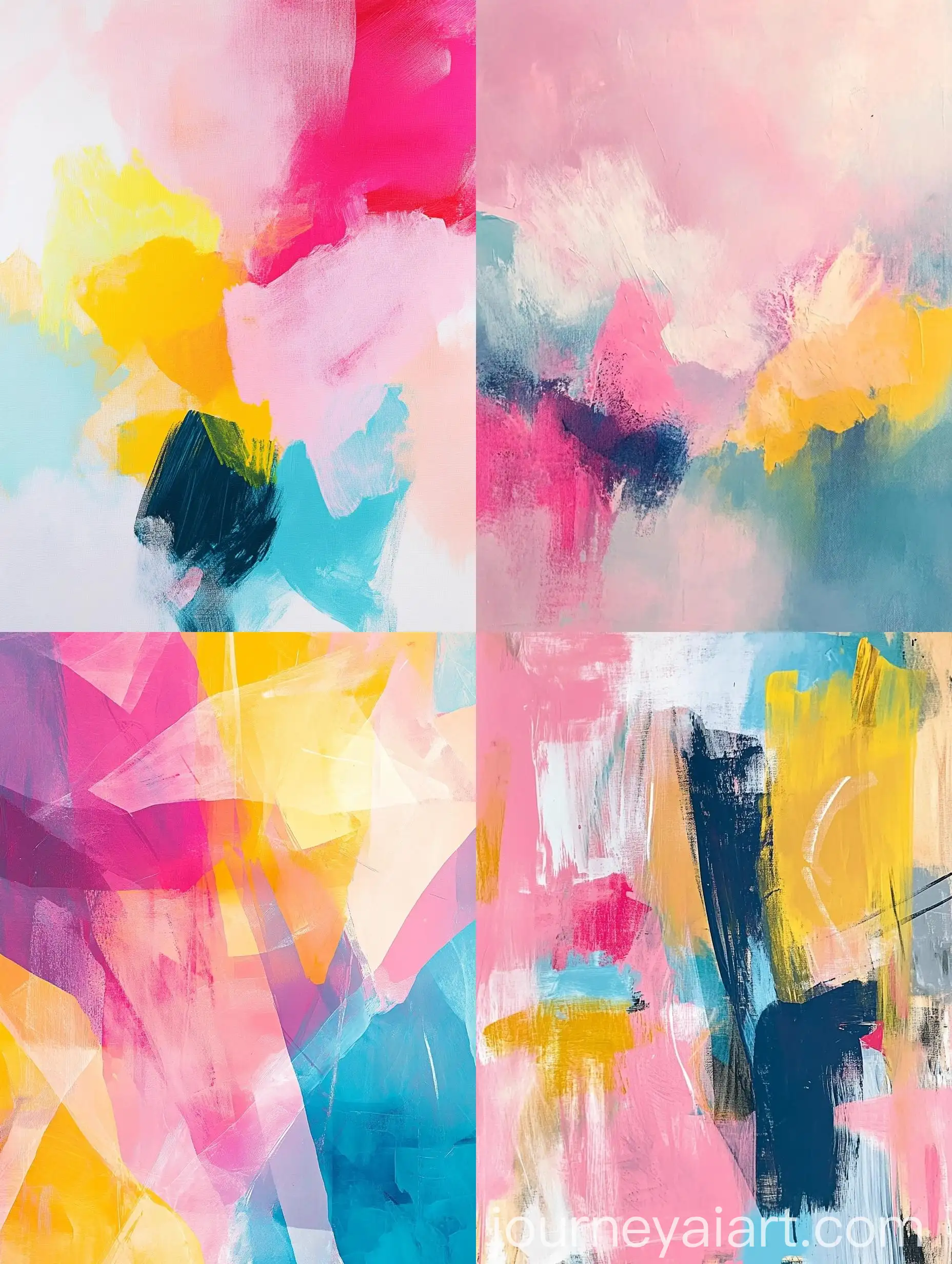
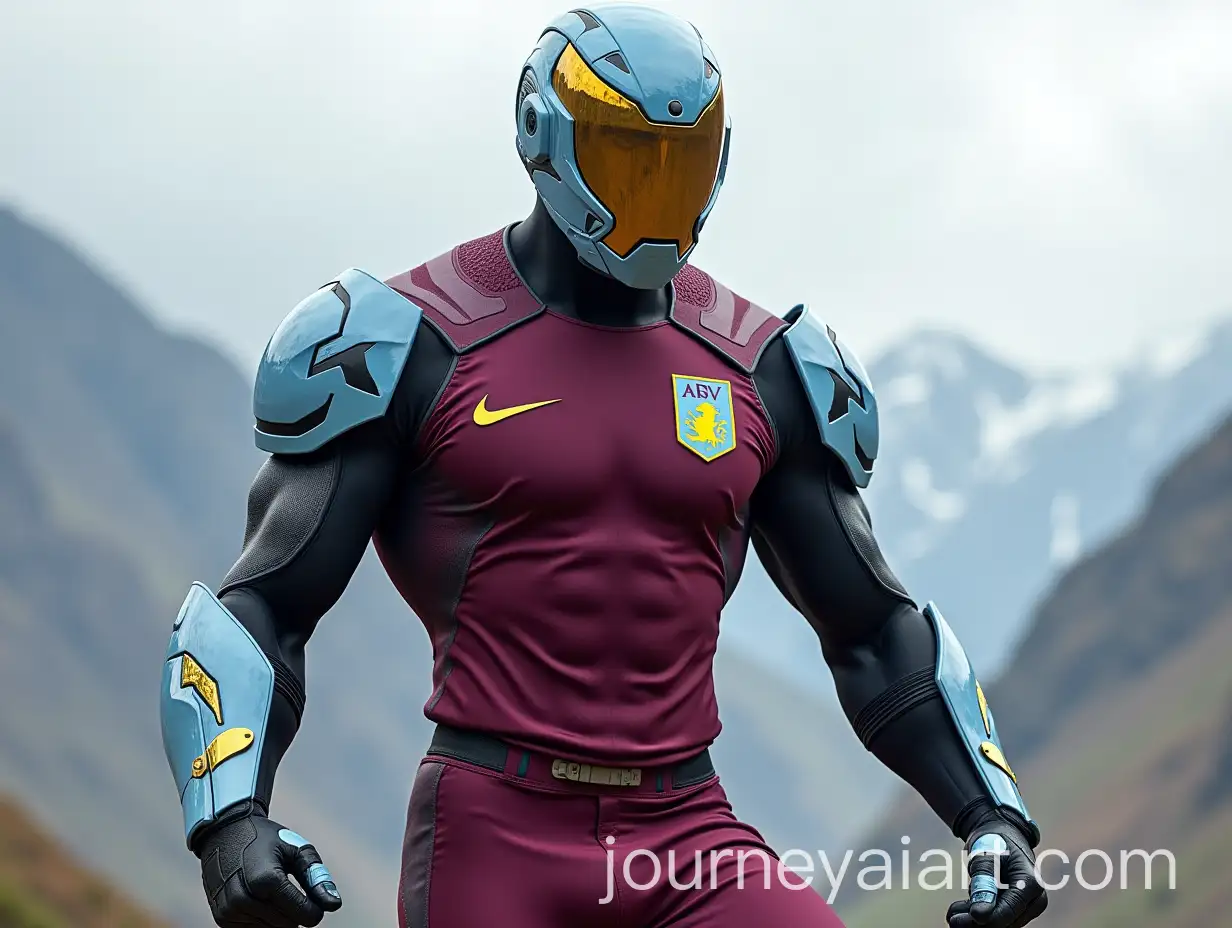


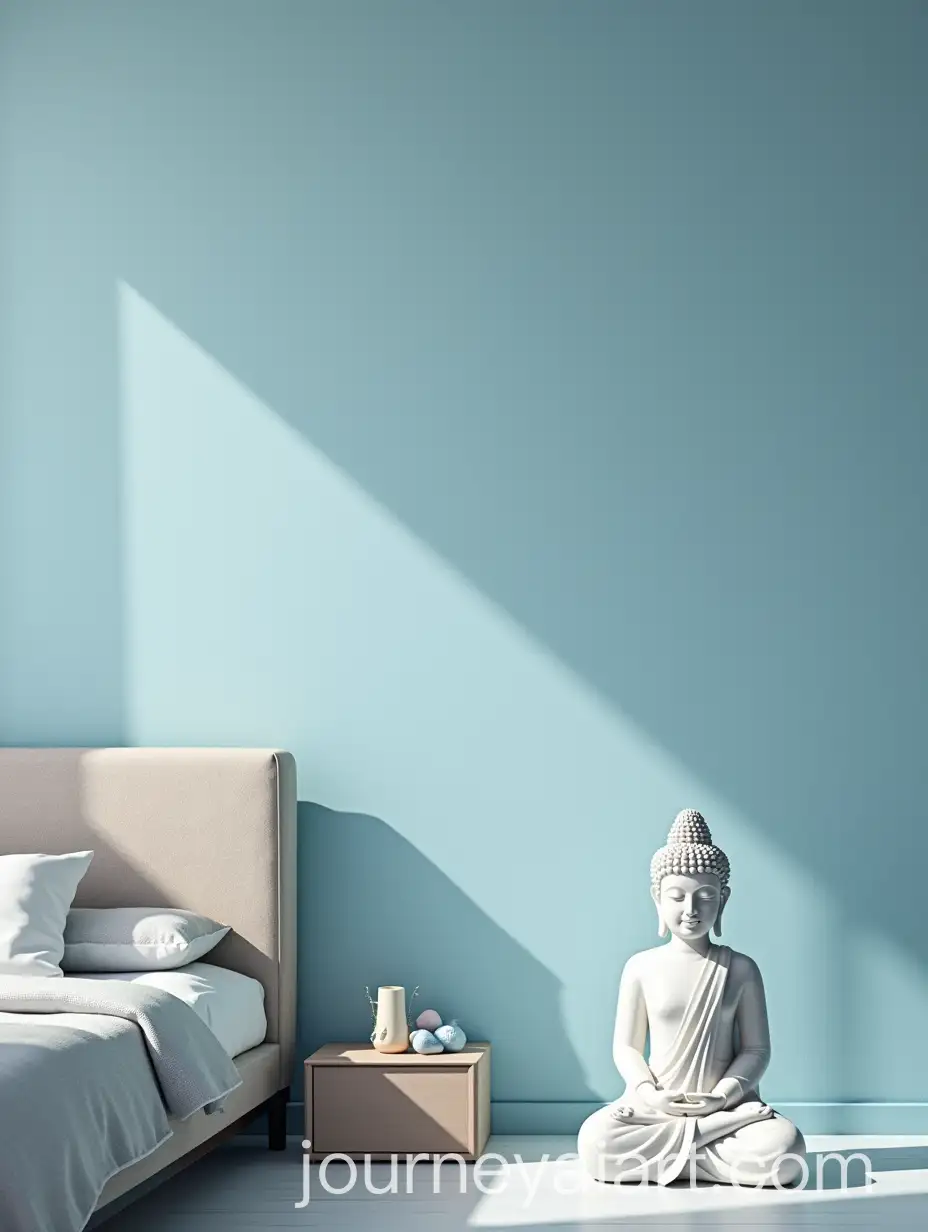
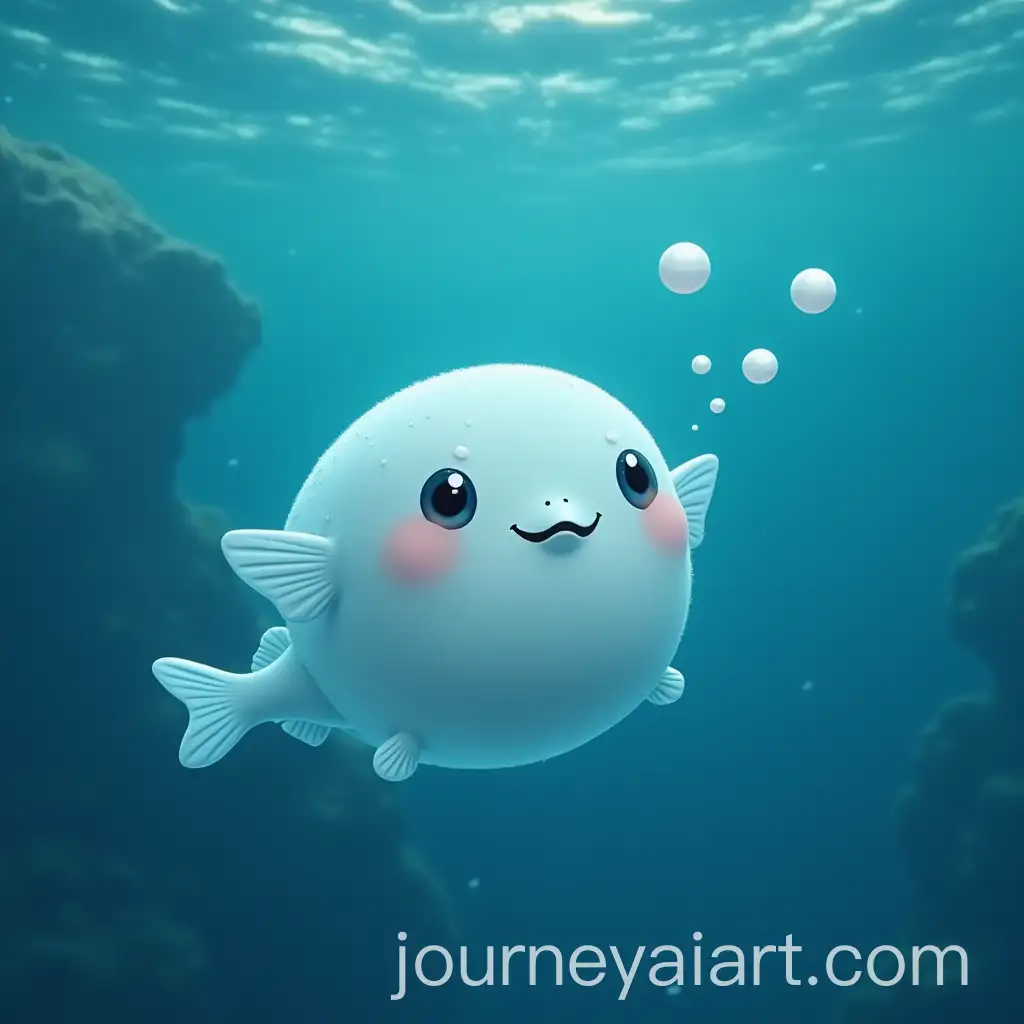

Light blue is often associated with tranquility, calmness, and serenity. In visual art, it is used to evoke feelings of peace and relaxation. This color is prominent in depictions of the sky and water, contributing to a sense of openness and freedom. Light blue can also symbolize trust, loyalty, and wisdom, making it a versatile color in various artistic expressions.
The Significance and Symbolism of Light Blue in Visual Art
Light blue finds its applications across various art forms, from traditional paintings to digital illustrations. In graphic design, it is used for backgrounds and elements that need to convey calmness and clarity. In 3D objects, light blue can highlight surfaces that require a soft, reflective quality. This color is also popular in vector art and stock photos for themes involving nature, wellness, and technology.
Applications of Light Blue in Different Art Forms
In modern design trends, light blue is a favored color for creating minimalist and clean aesthetics. It is often used in user interface design to enhance readability and create a soothing visual experience. The trend of using light blue in branding and marketing materials continues to grow, as it conveys professionalism and reliability. Designers leverage this color to appeal to contemporary tastes for simplicity and elegance.
Influence of Light Blue in Modern Design Trends
Creating AI-generated images with light blue involves selecting the right prompts and settings in the image generation tool. Start by specifying light blue as a primary color in your prompt. Experiment with different shades and combinations to achieve the desired effect. Use the 'open in editor' feature to fine-tune your images, adjusting elements like brightness, contrast, and saturation to enhance the light blue tones. This approach allows for endless creative possibilities, ensuring your images stand out.
How to Create Stunning AI-Generated Images with Light Blue