15 Free High-detail design Midjourney AI images
Explore our High-Detail Design image collection, showcasing 15 free AI-generated visuals across various formats including stock photos, 3D objects, vector graphics, and illustrations. Each image is crafted with exceptional intricacy, making them perfect for projects that demand precision and clarity. Download high-resolution versions for free, and take customization even further by using the 'open in editor' option on any image detail page to adjust the prompt and regenerate a unique version tailored to your needs.

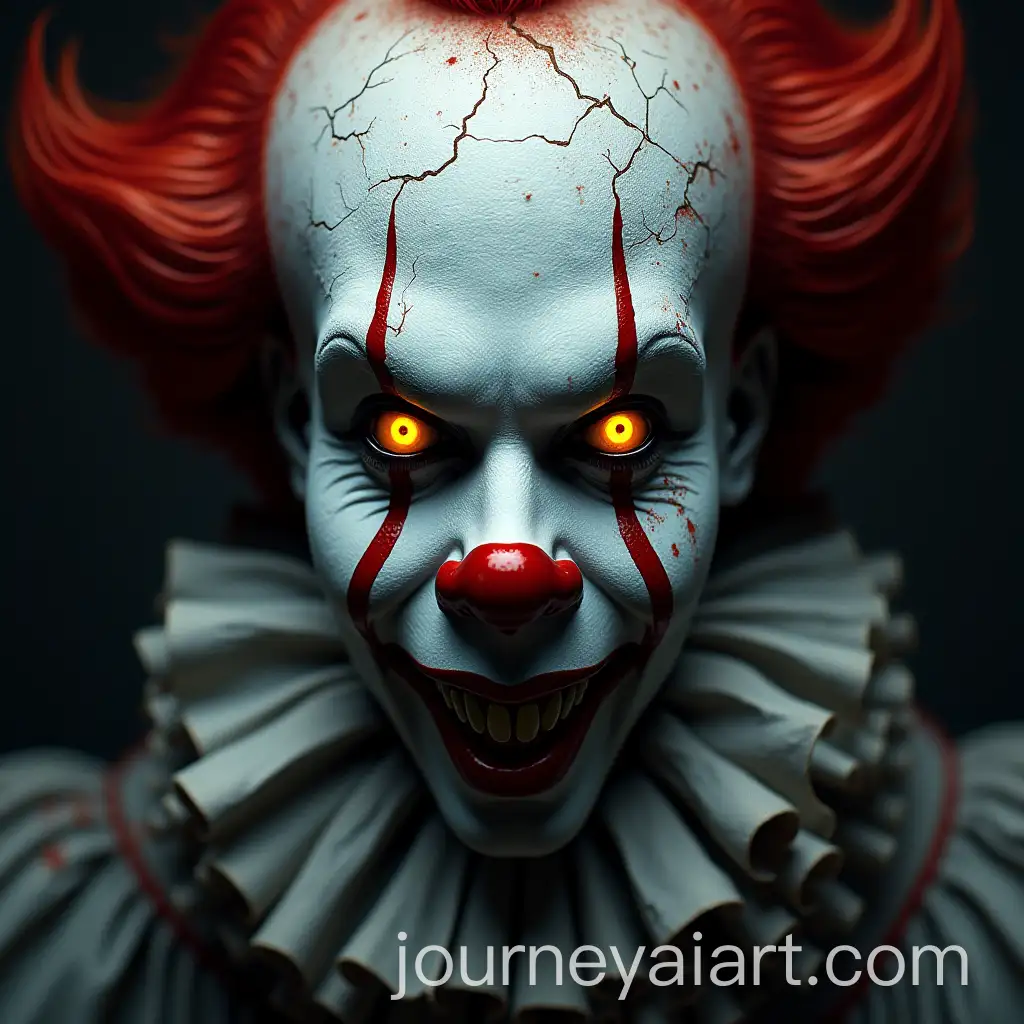
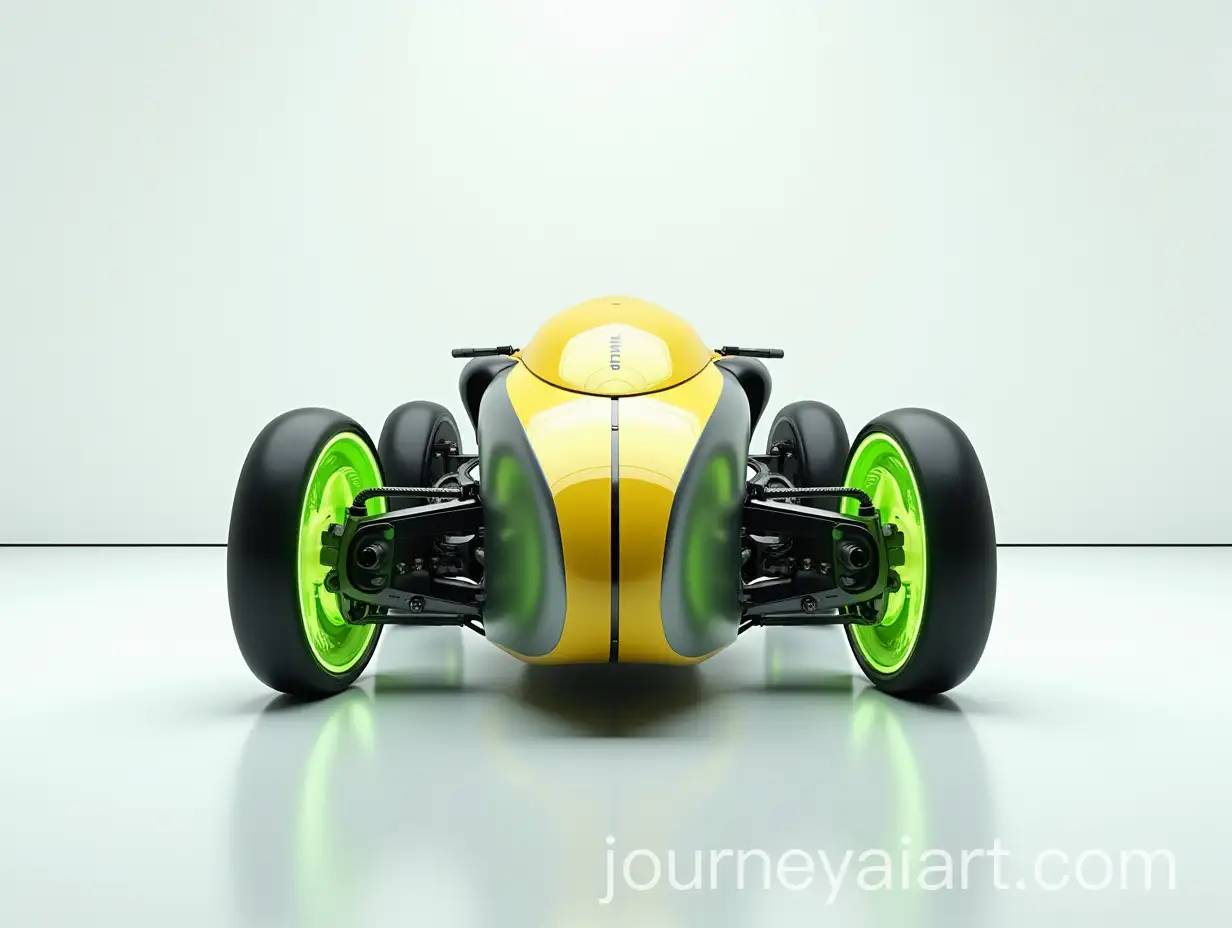
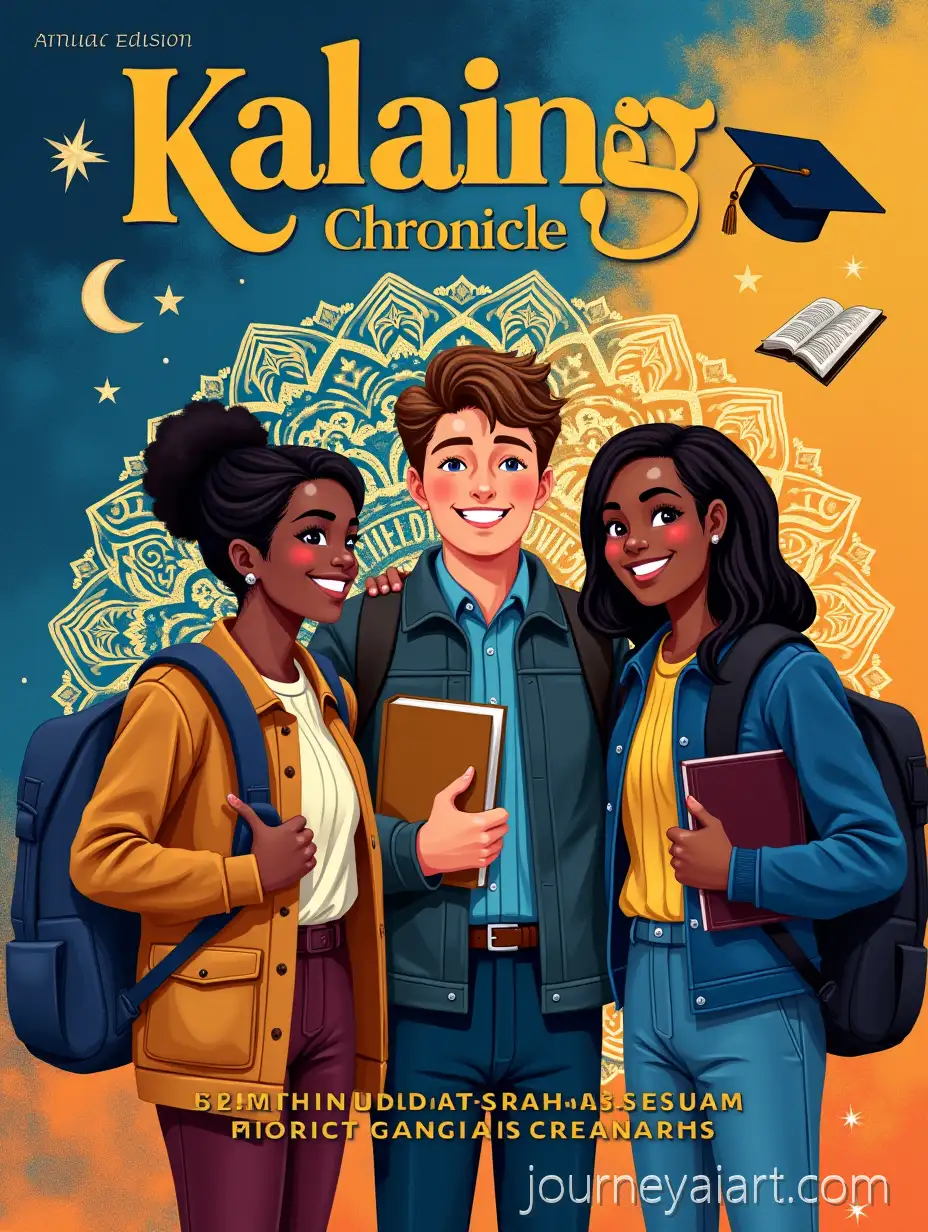
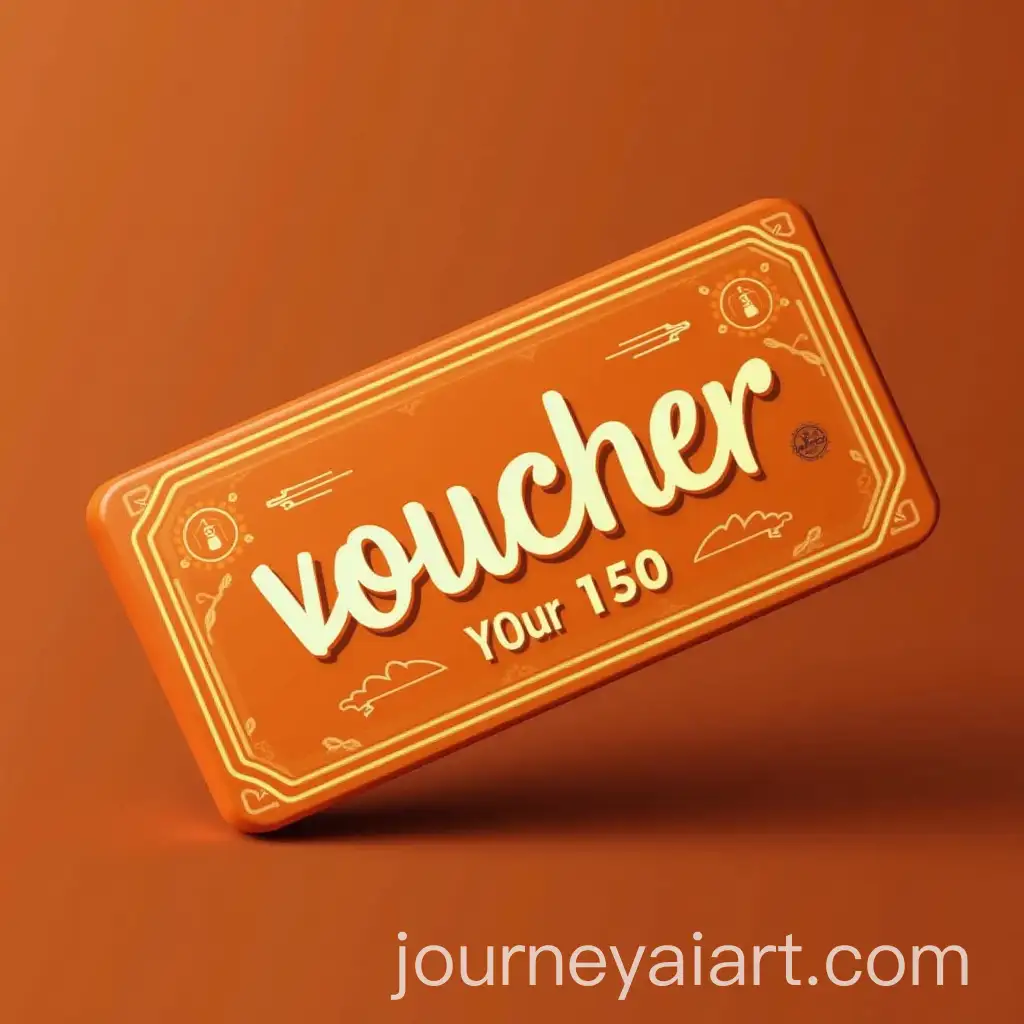
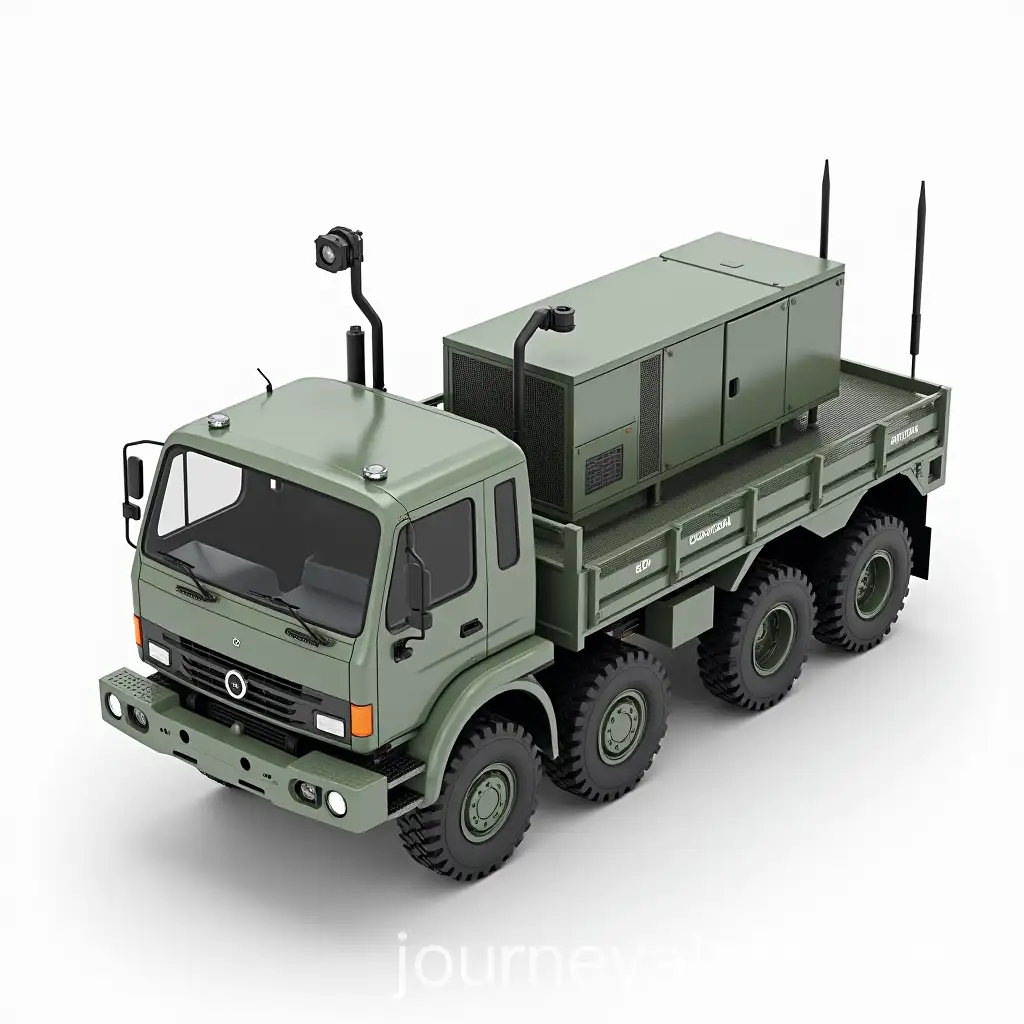
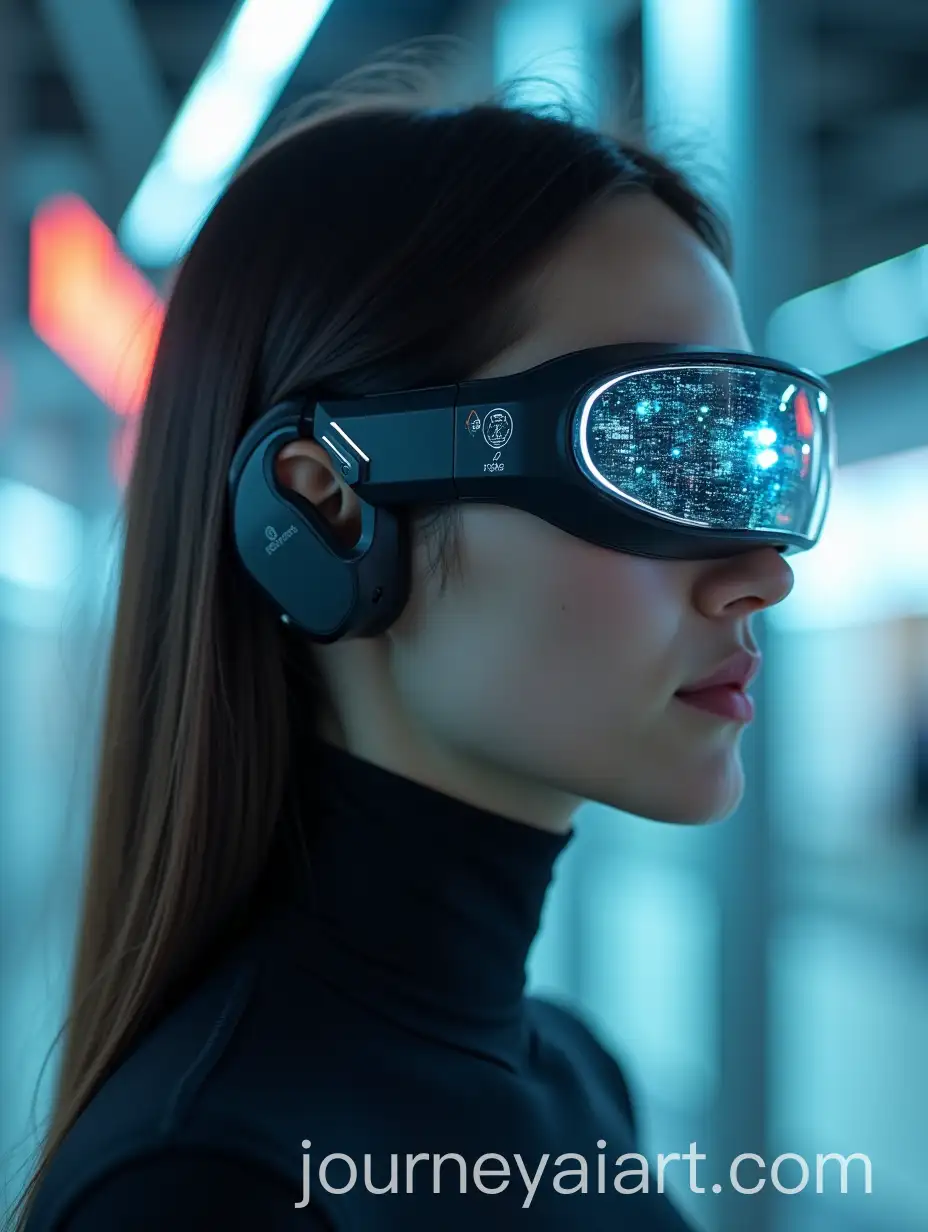
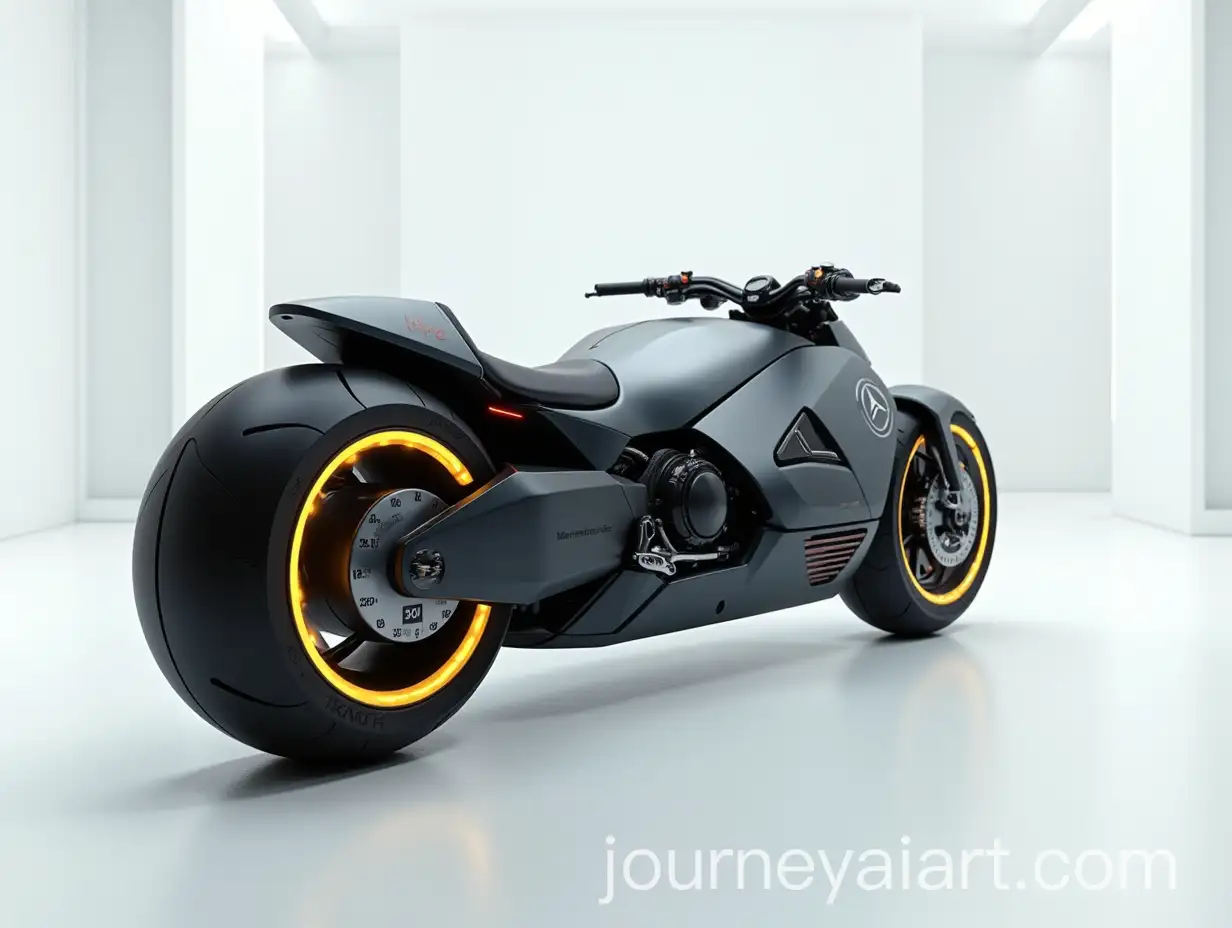
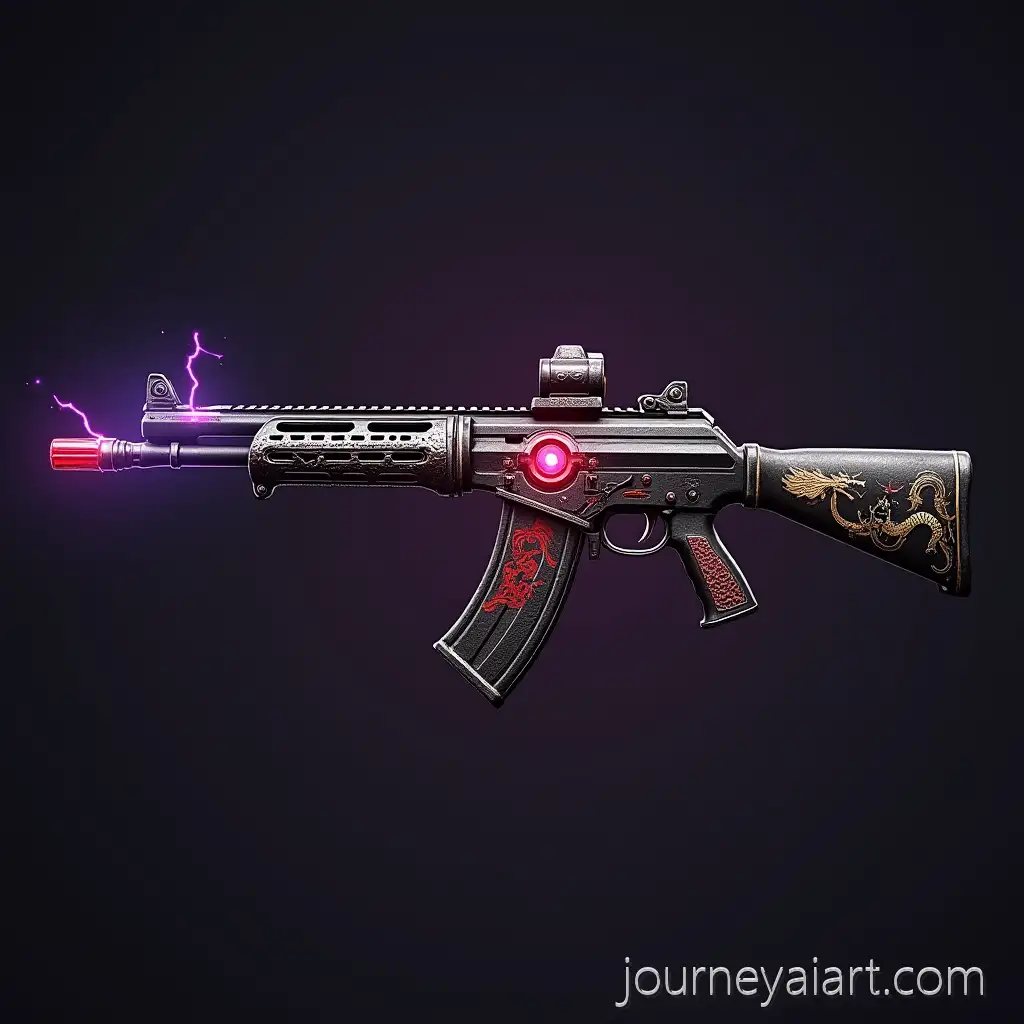
High-Detail Design refers to images that showcase exceptional precision, texture, lighting, and nuanced elements. These images are often rich in visual information, whether it's the grain on a wooden surface, intricate embroidery on fabric, or the hyperrealistic depth of a 3D object. In AI-generated content, high-detail outputs are achieved throughHigh-Detail Design Content optimized prompts and rendering algorithms that prioritize realism, sharpness, and artistic clarity. This level of detail is crucial for industries such as advertising, digital product design, architecture, and concept art, where visual accuracy and depth can significantly influence the viewer's perception.
What Defines a High-Detail Design in AI-Generated Imagery
High-detail AI-generated images are widely applied in fields like marketing, game design, virtual production, fashion visualization, and industrial prototyping. In advertising, hyper-detailed visuals draw attention and convey professionalism. Game developers and concept artists use these visuals to visualize environments or character designs with intricate features before entering production. In e-commerce, high-detail mockups help display products in realistic settings, enhancing consumer trust. These images are also useful for architects and 3D modelers needing references with precise structural detailing or material rendering.
How High-Detail AI Designs Are Used in Professional and Creative Fields
High-detail design is not limited to one artistic style. In vector graphics, it manifests as complex line work and layered color gradients. In 3D renders, it shows through photorealistic lighting, texture mapping, and surface reflections. Illustrations may incorporate fine brush strokes, digital shading, and detailed anatomical structures. Even stock photography-style AI images can mimic DSLR-quality sharpness, depth of field, and focus precision. Each format offers a unique way to experience detail—from technical schematics to expressive portraits—allowing creators to choose the visual language best suited to their project.
Different Styles of High-Detail Design Across Media Formats
Creating high-detail AI images starts with well-crafted prompts. Use descriptive language that includes terms like 'photorealistic,' 'intricate texture,' 'hyper-detailed lighting,' or 'fine brush strokes' to signal the AI to prioritize visual depth. Specify materials, lighting conditions, and camera types (e.g., 'shot on 85mm lens') to emulate real-world effects. Iteratively refine your prompt using the 'open in editor' tool to test variations and achieve optimal results. Combining clear, detailed instructions with selective style cues ensures the AI engine renders visuals that are not only accurate but visually compelling.
Tips for Generating High-Detail AI Images Using Prompt Engineering