9 Free Hazy Midjourney AI images
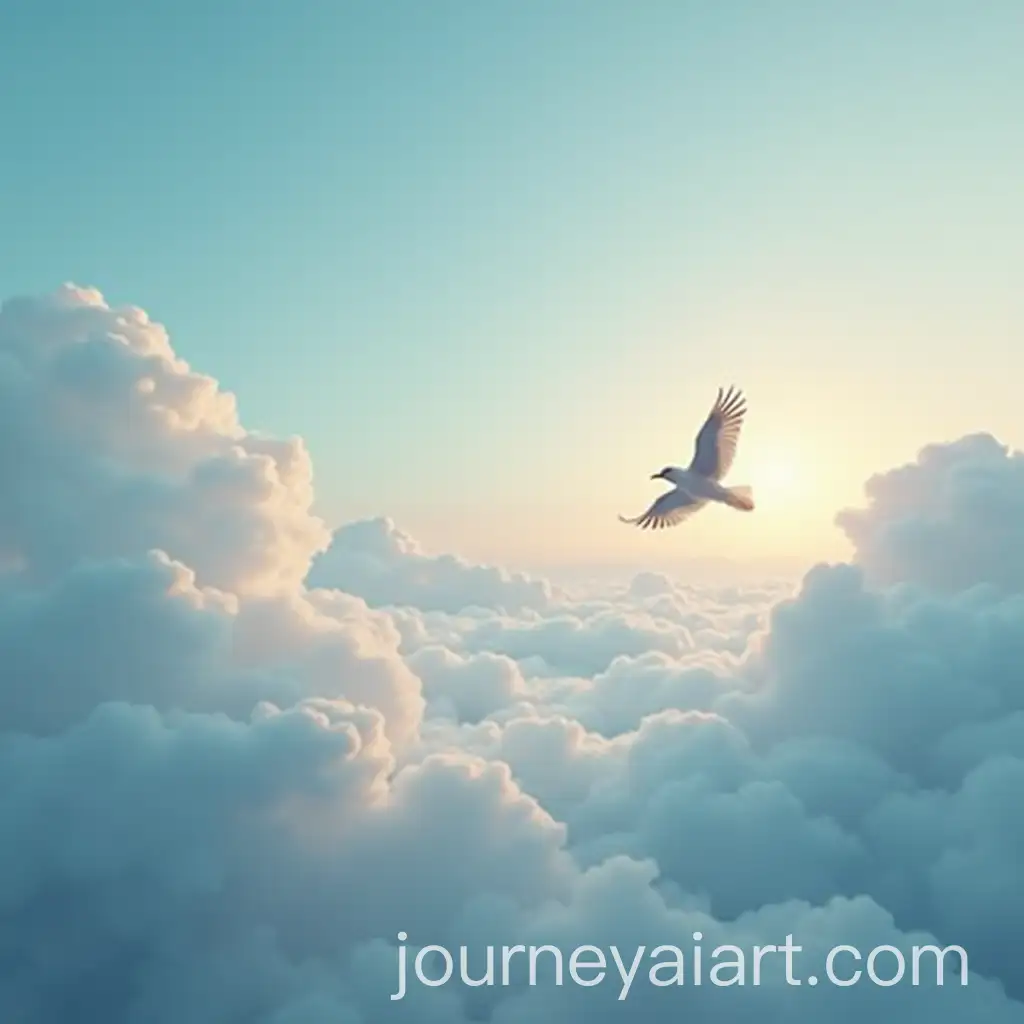
Discover a stunning collection of 9 free AI-generated images under the tag 'Hazy'. Our gallery offers a diverse array of stock photos, 3D objects, vectors, and illustrations, all available for high-resolution download. With the 'open in editor' feature, you can easily adjust prompts to regenerate images tailored to your specific needs.
Related Tags
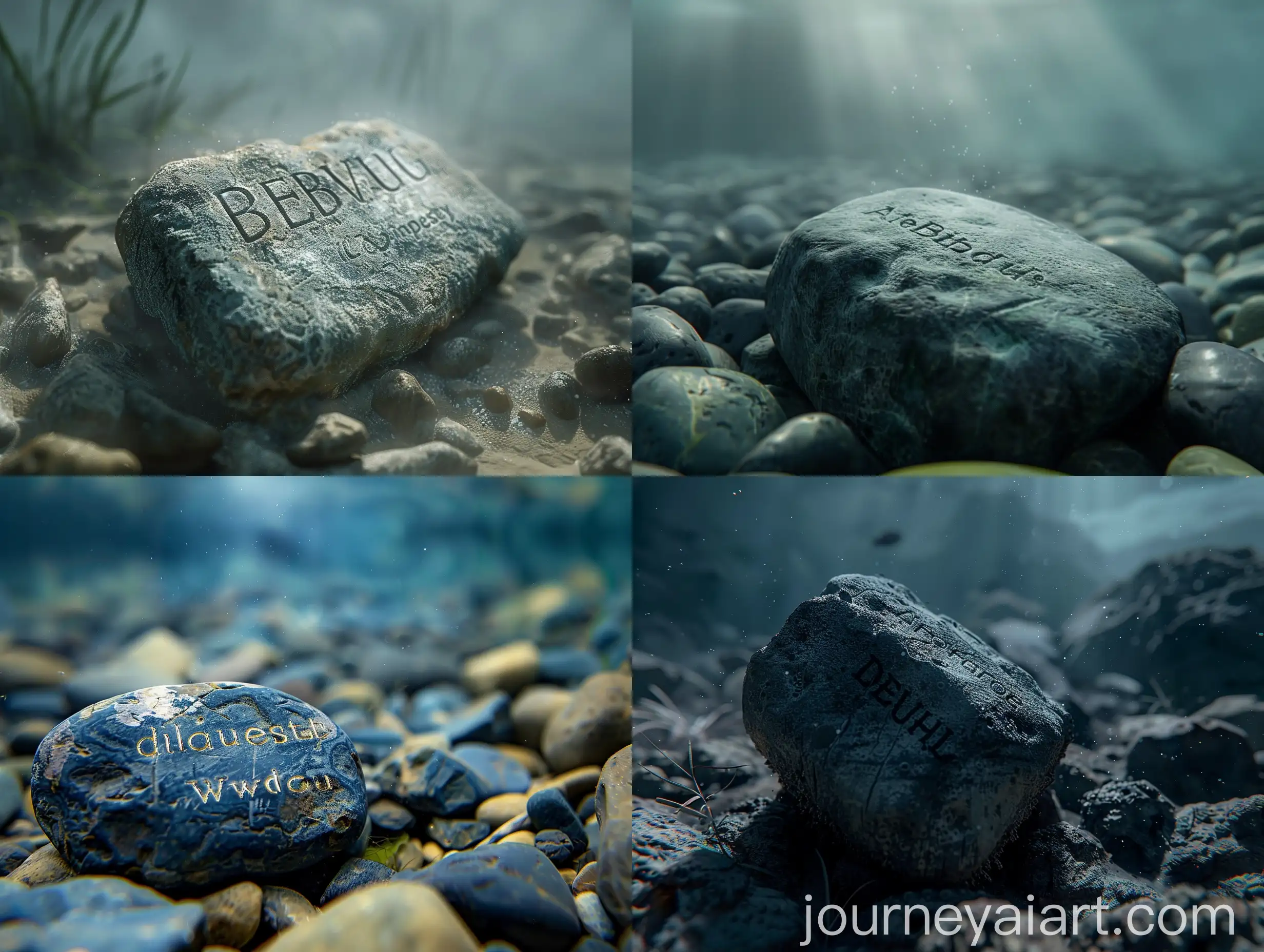
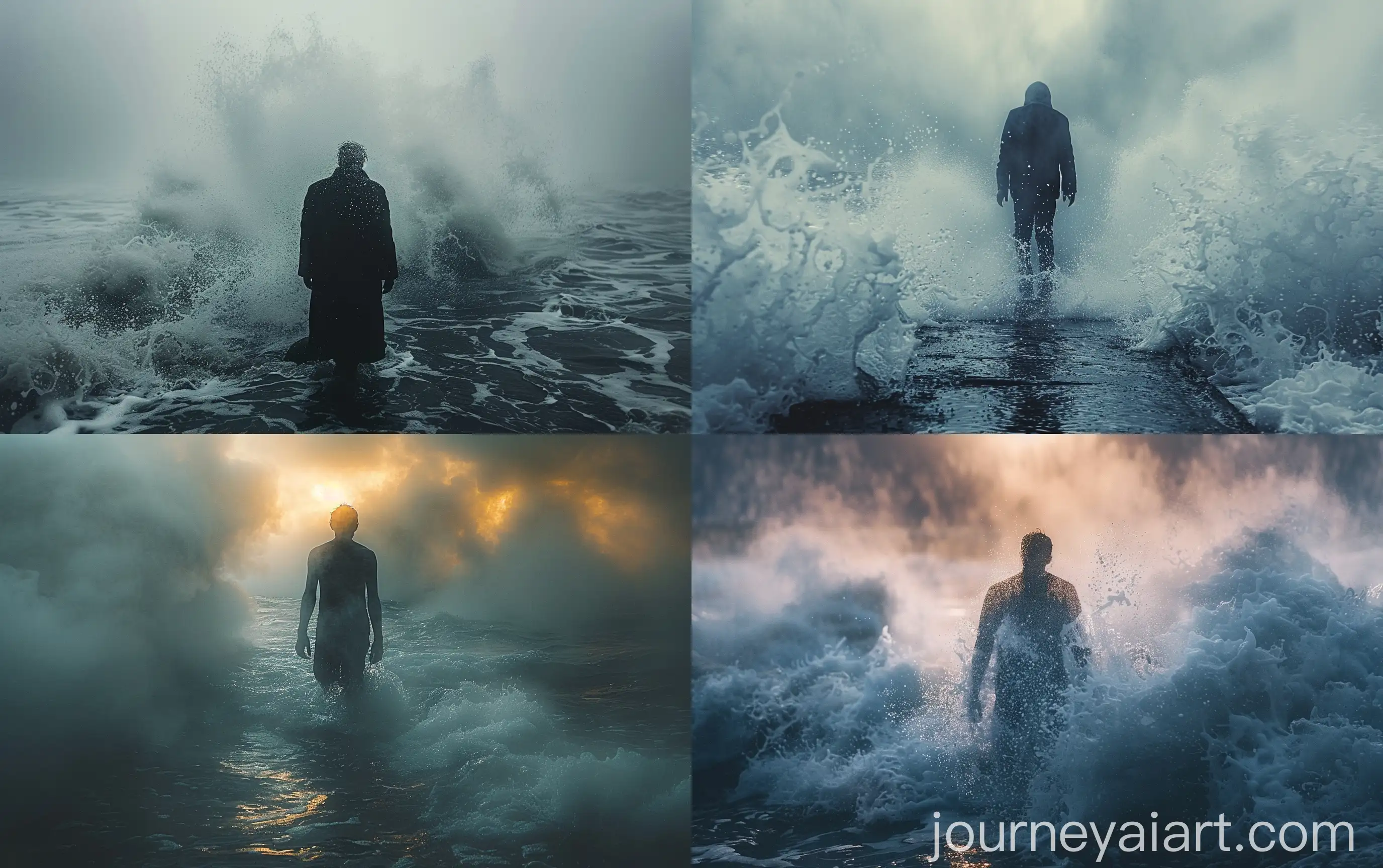
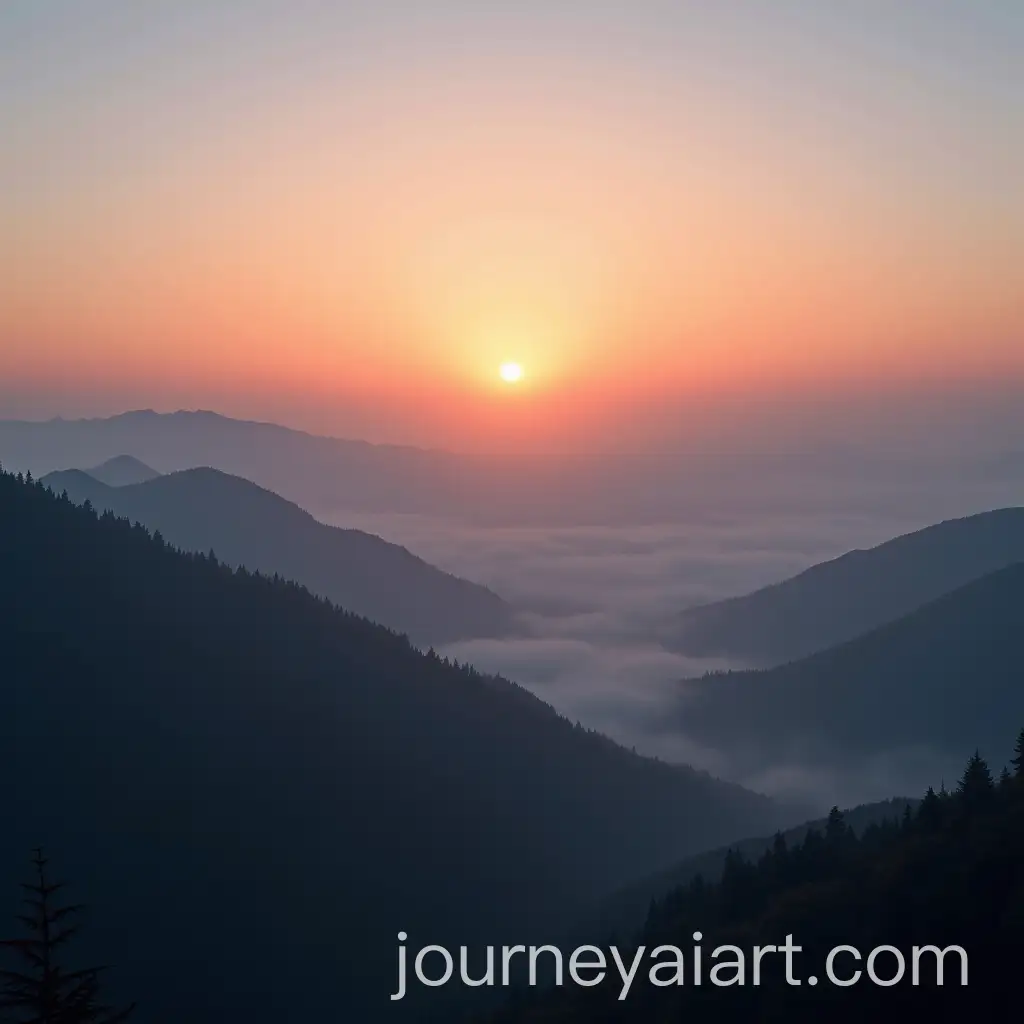
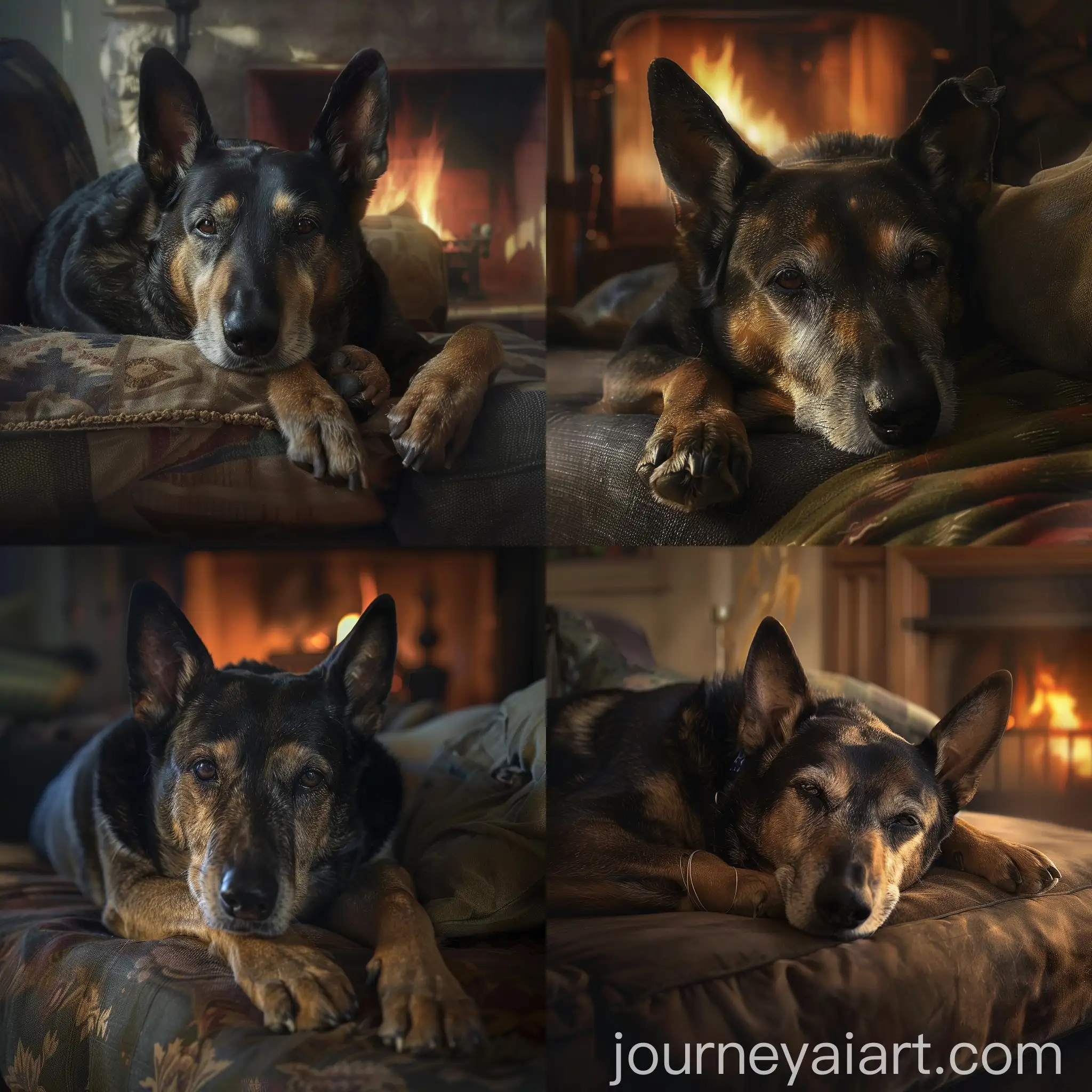
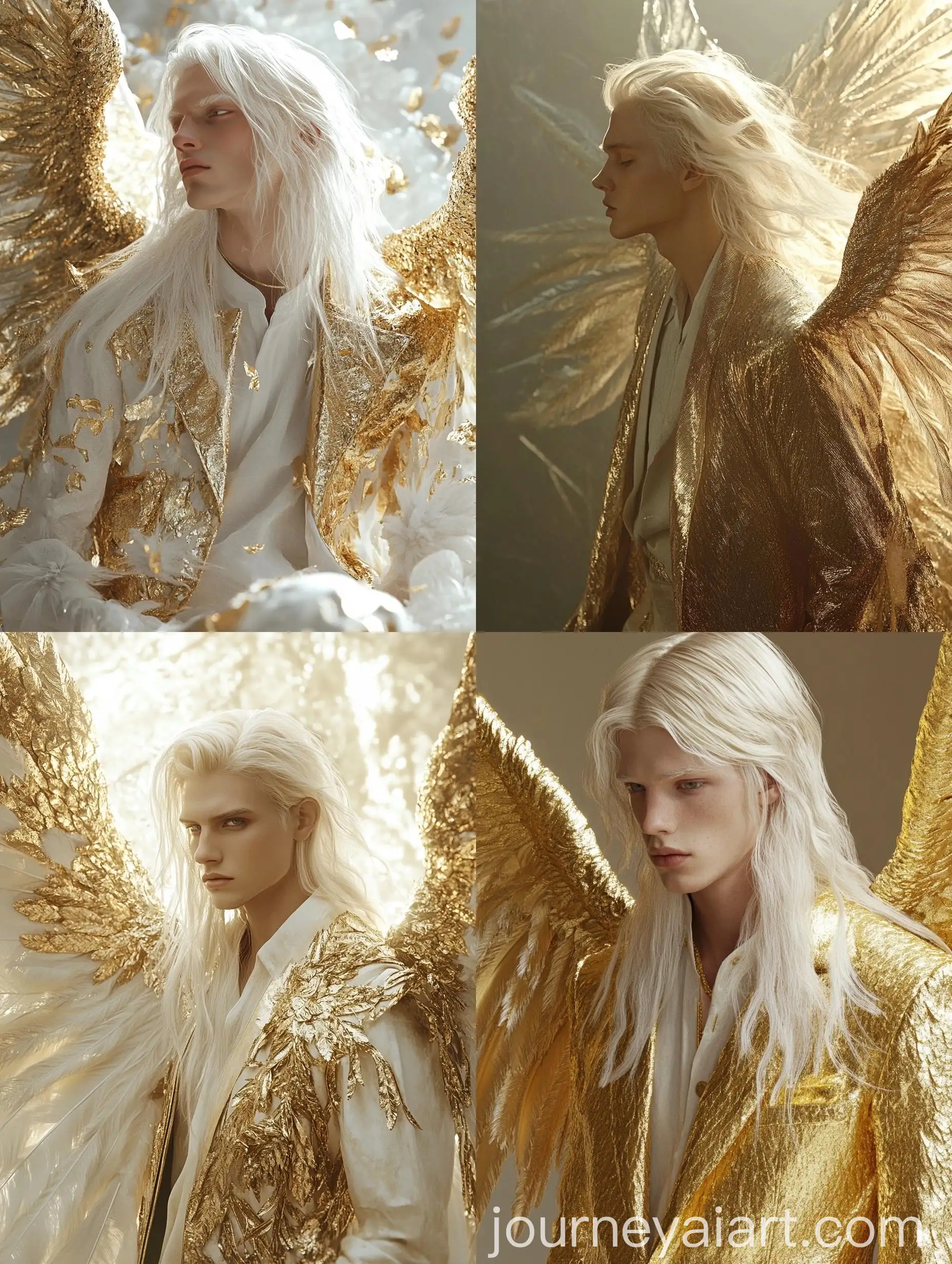
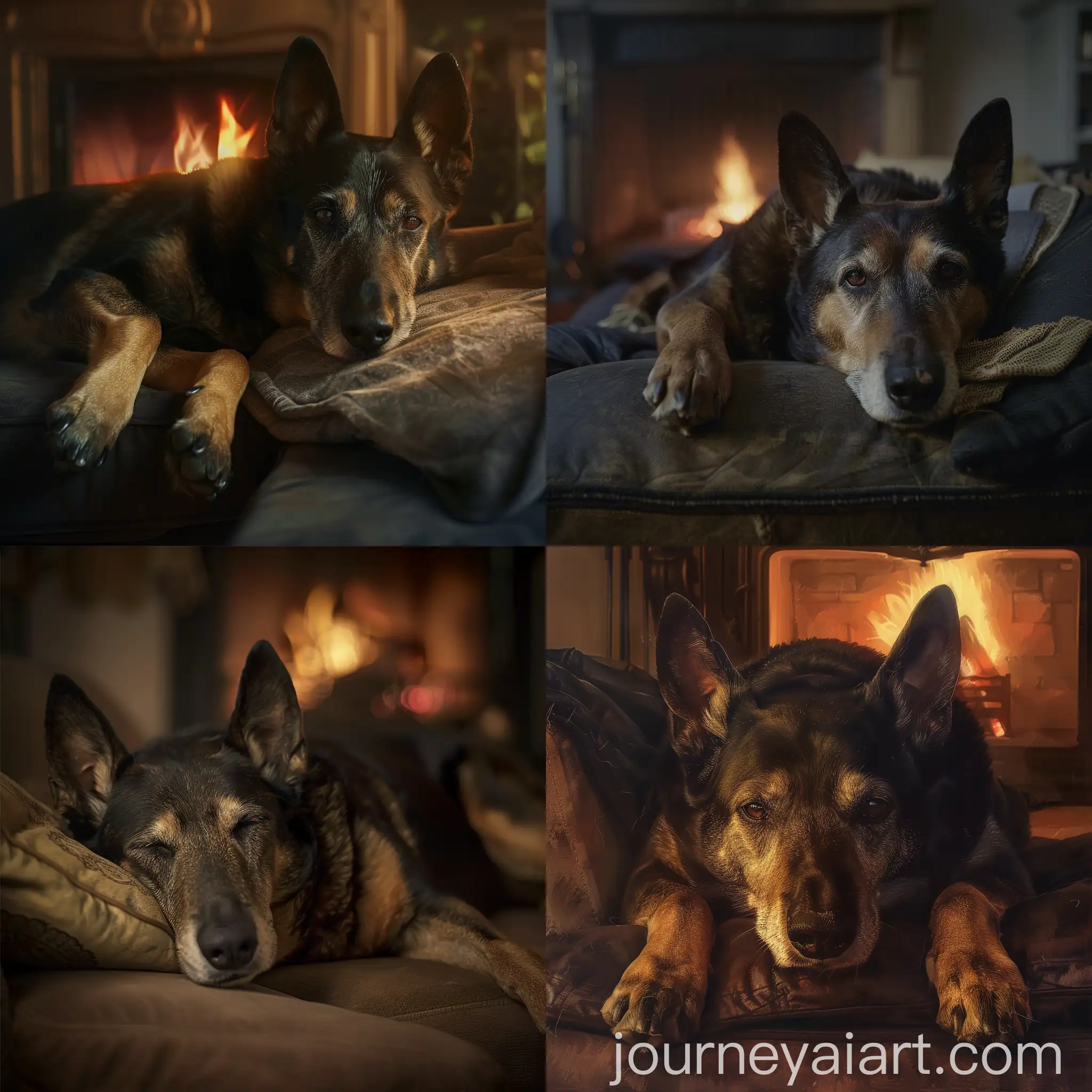
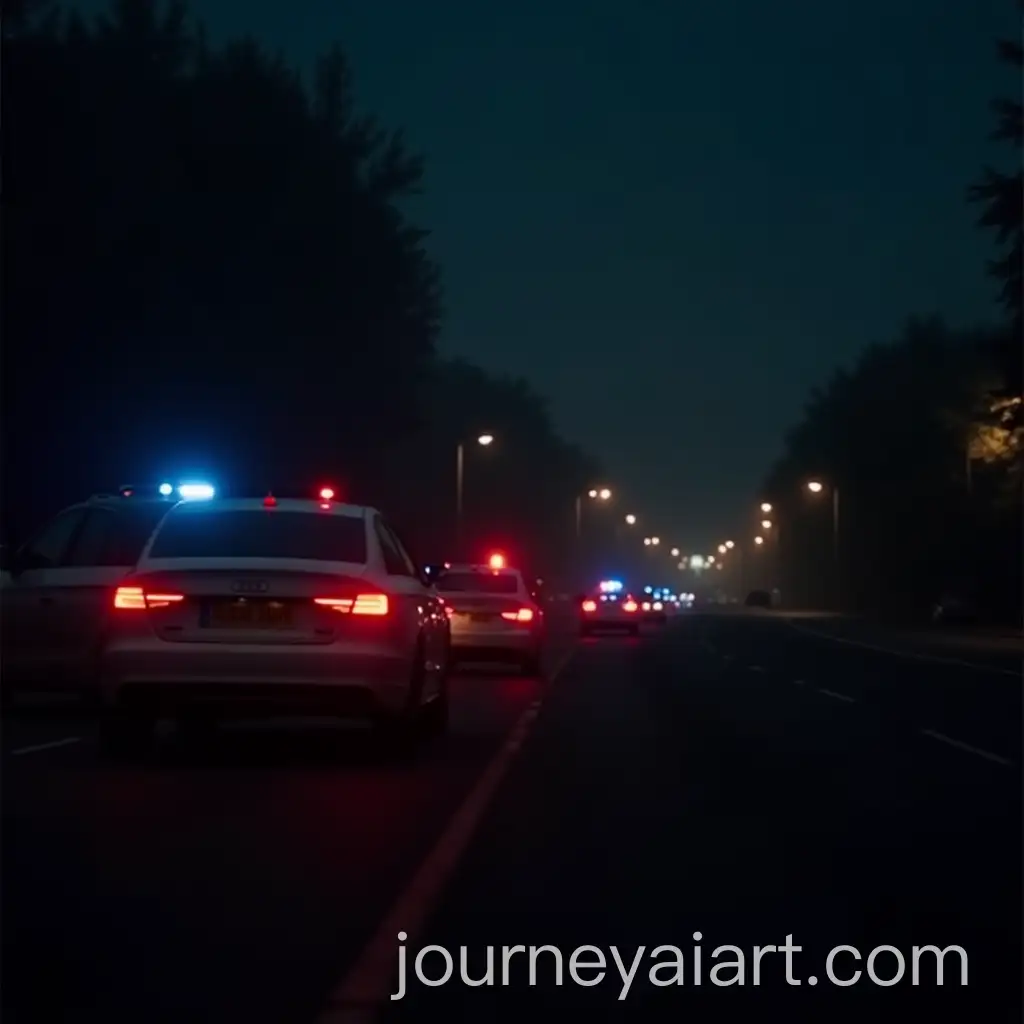
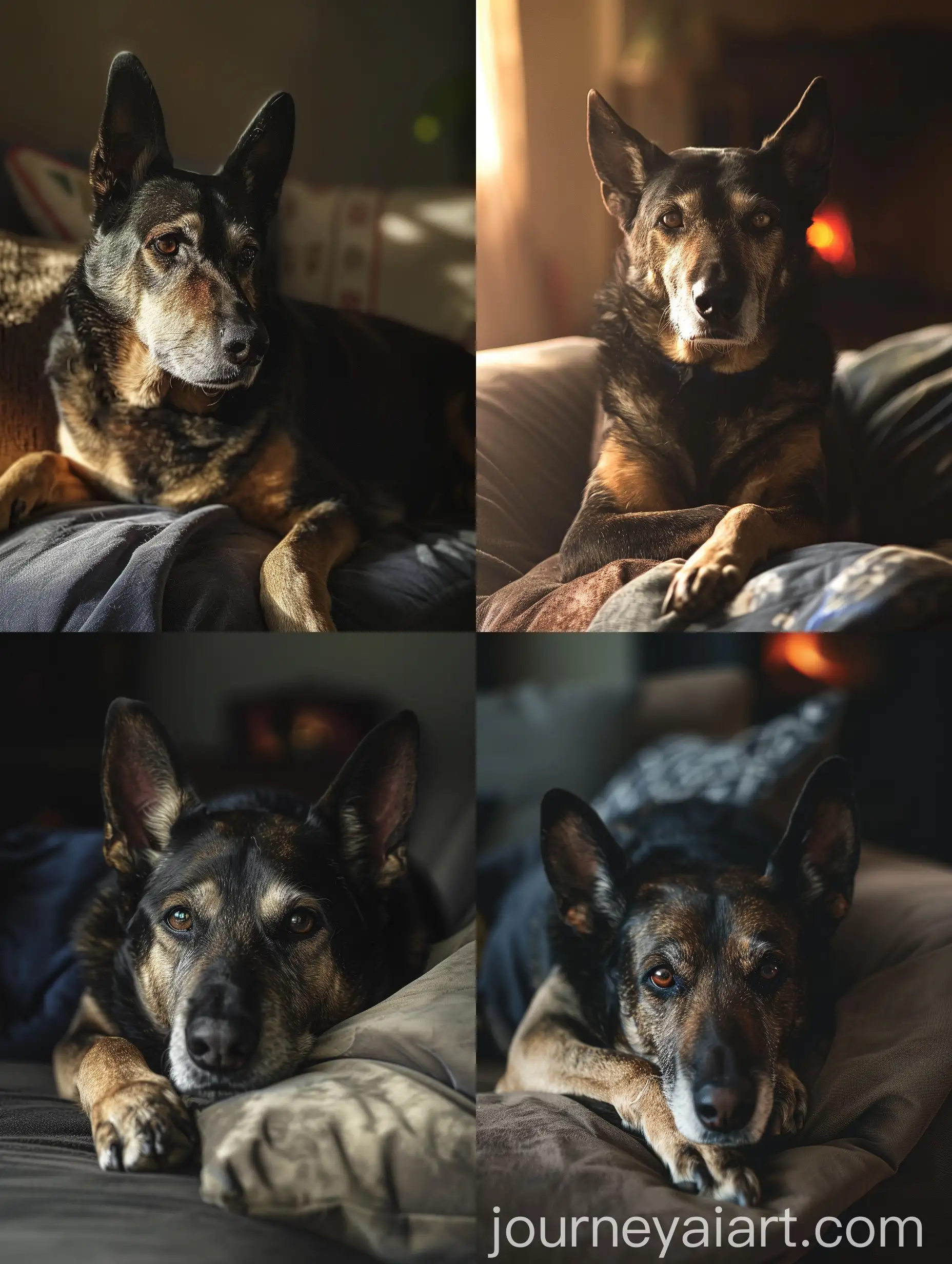
The 'Hazy' tag refers to images characterized by soft, diffused light, often creating a dreamy or ethereal atmosphere. This aesthetic draws inspiration from natural phenomena like mist, fog, and overcast skies, which diffuse light and soften edges. Historically, the hazy look has been used in photography and art to evoke emotions of nostalgia, tranquility, and mystery. In the context of AI-generated images, 'Hazy' captures these elements, providing users with a versatile tool for creating mood-driven visuals.
Understanding the Hazy Aesthetic: Definition and Background
Hazy images typically feature muted colors, blurred details, and a soft-focus effect that can transform ordinary scenes into evocative, atmospheric compositions. These images are widely used in various fields such as advertising, web design, and social media to create a calming or introspective mood. For instance, hazy backgrounds can be perfect for inspirational quotes, wellness blogs, or romantic themes, adding a touch of elegance and serenity to any project.
Characteristics and Applications of Hazy Images
Renowned artists like J.M.W. Turner and Claude Monet have masterfully employed the hazy style in their paintings, using it to capture the fleeting effects of light and atmosphere. In contemporary digital art, artists continue to explore this aesthetic, creating stunning visuals that leverage the soft, diffused lighting to enhance the emotive quality of their work. Notable examples include landscape photography by Michael Kenna and digital illustrations by artists on platforms like Behance and ArtStation, showcasing the timeless appeal of the hazy aesthetic.
Notable Artists and Works Featuring the Hazy Style
To create hazy AI-generated images, start with prompts that include keywords like 'soft focus,' 'diffused light,' 'mist,' or 'fog.' Experiment with different color palettes, favoring pastels or muted tones to enhance the soft, dreamy effect. Utilize the 'open in editor' feature to fine-tune the image, adjusting aspects like brightness, contrast, and blur to achieve the desired level of haziness. Combining these techniques can help you generate images that perfectly capture the serene and ethereal quality of the hazy aesthetic.
Creating Hazy AI-Generated Content: Tips and Techniques