17 Free Hatching Style Midjourney AI images
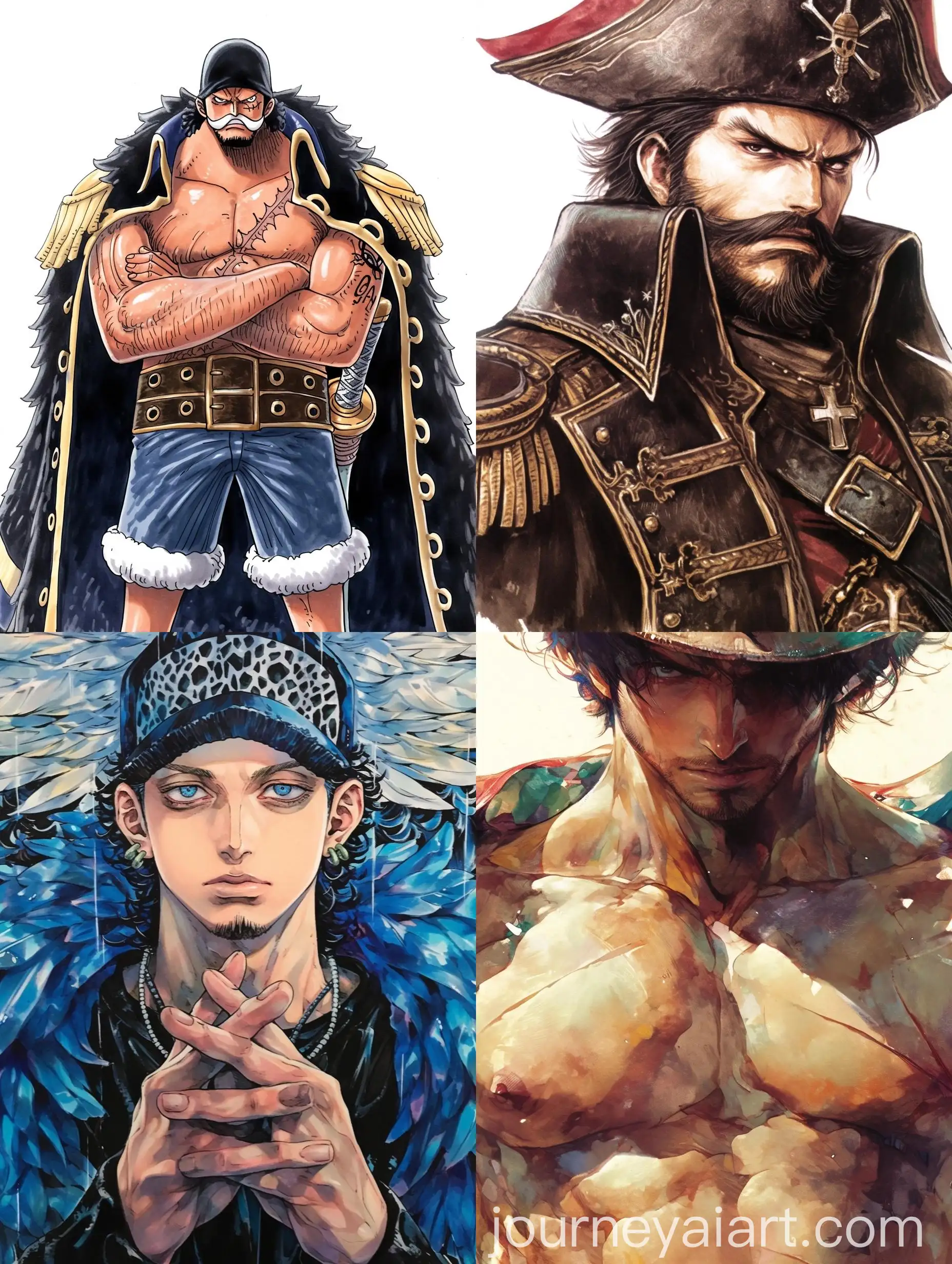
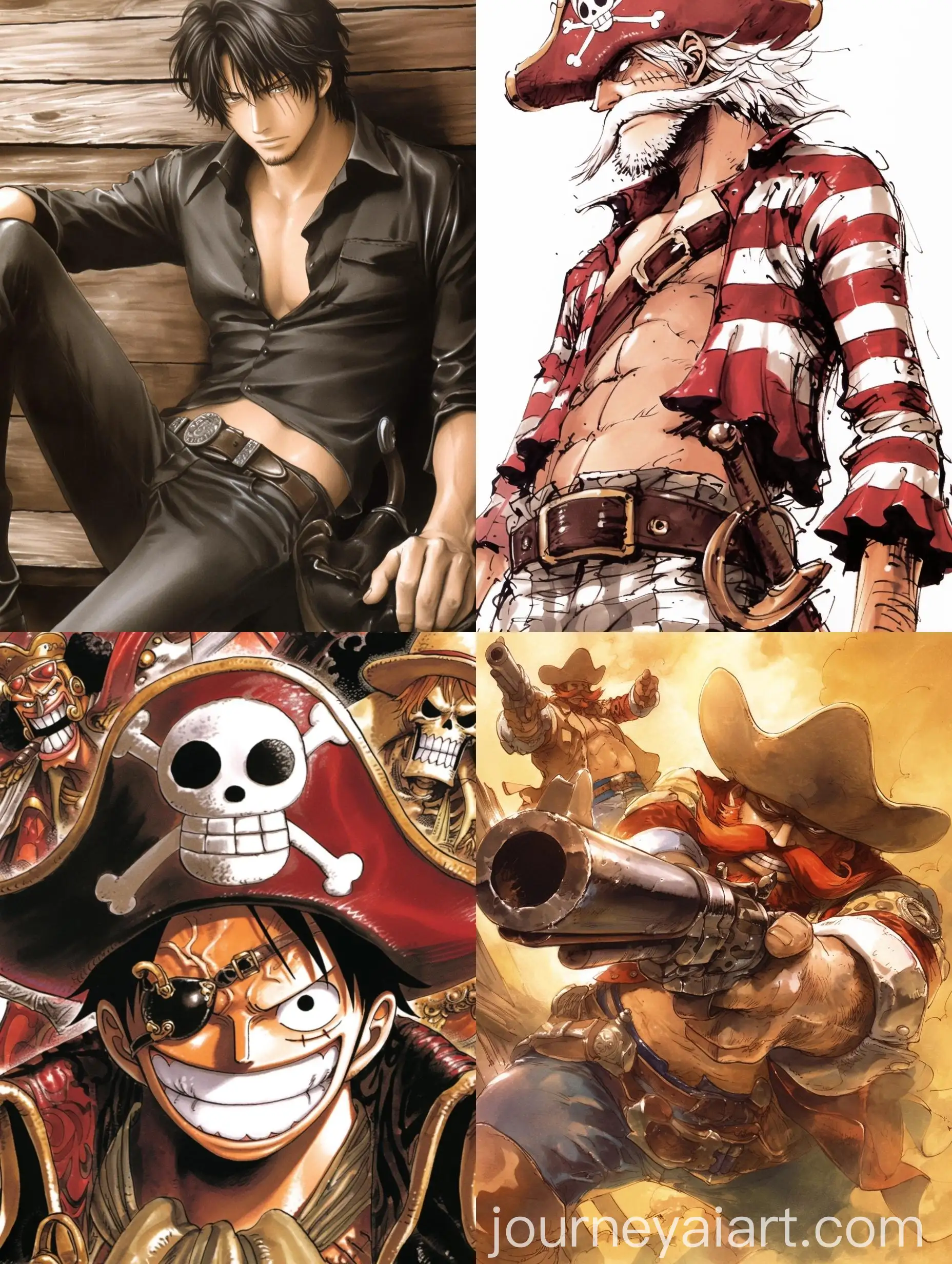
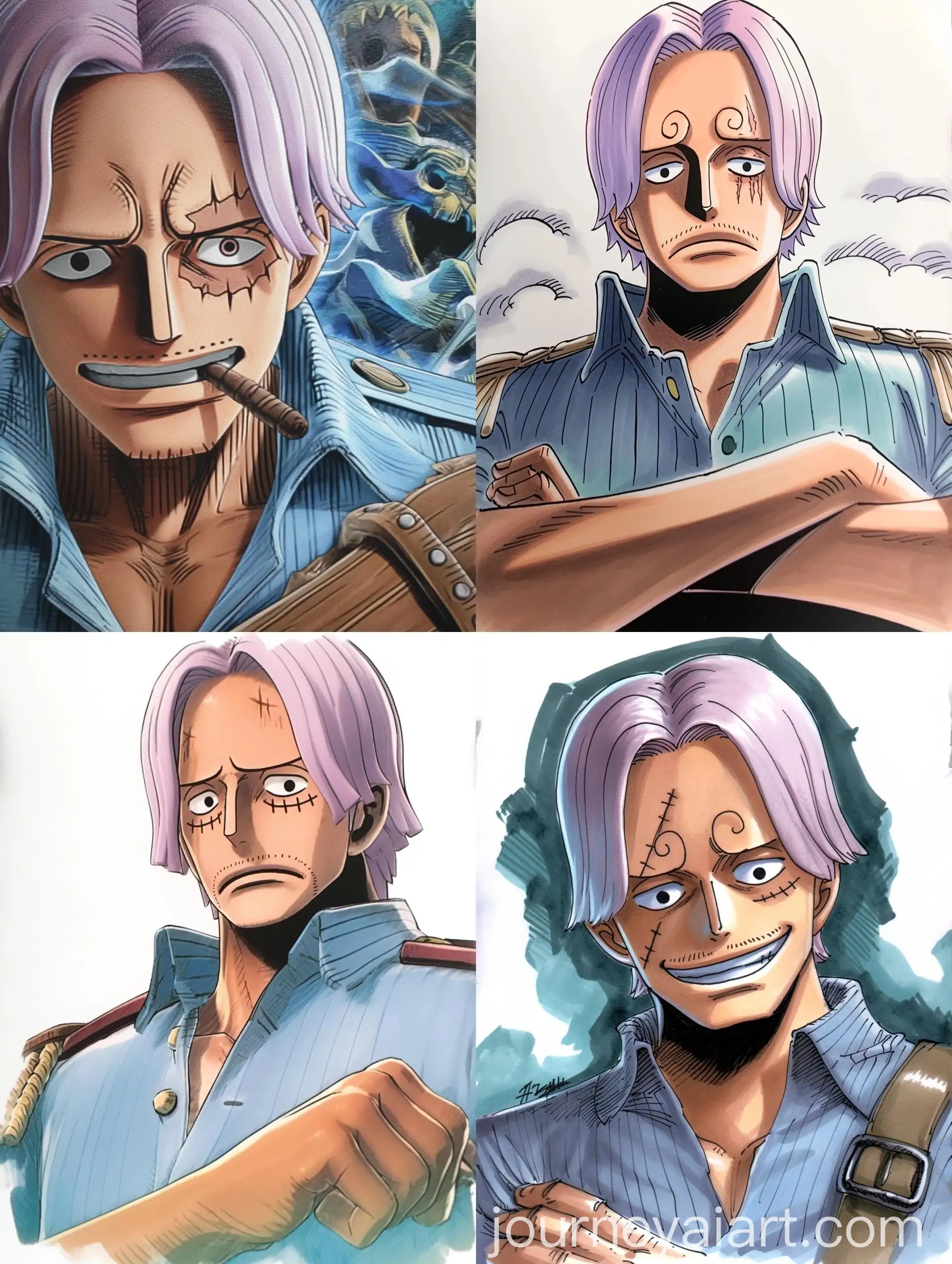
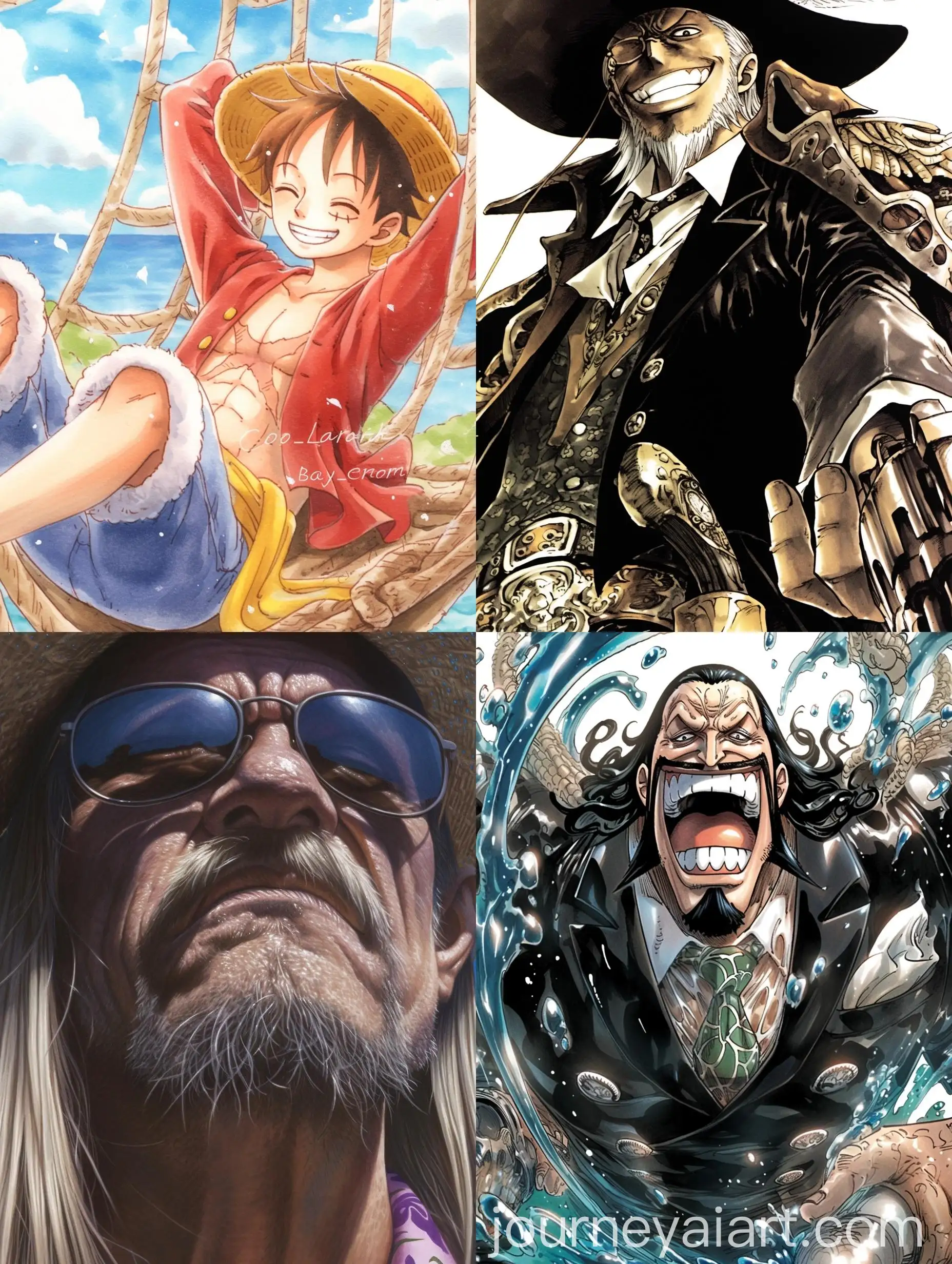
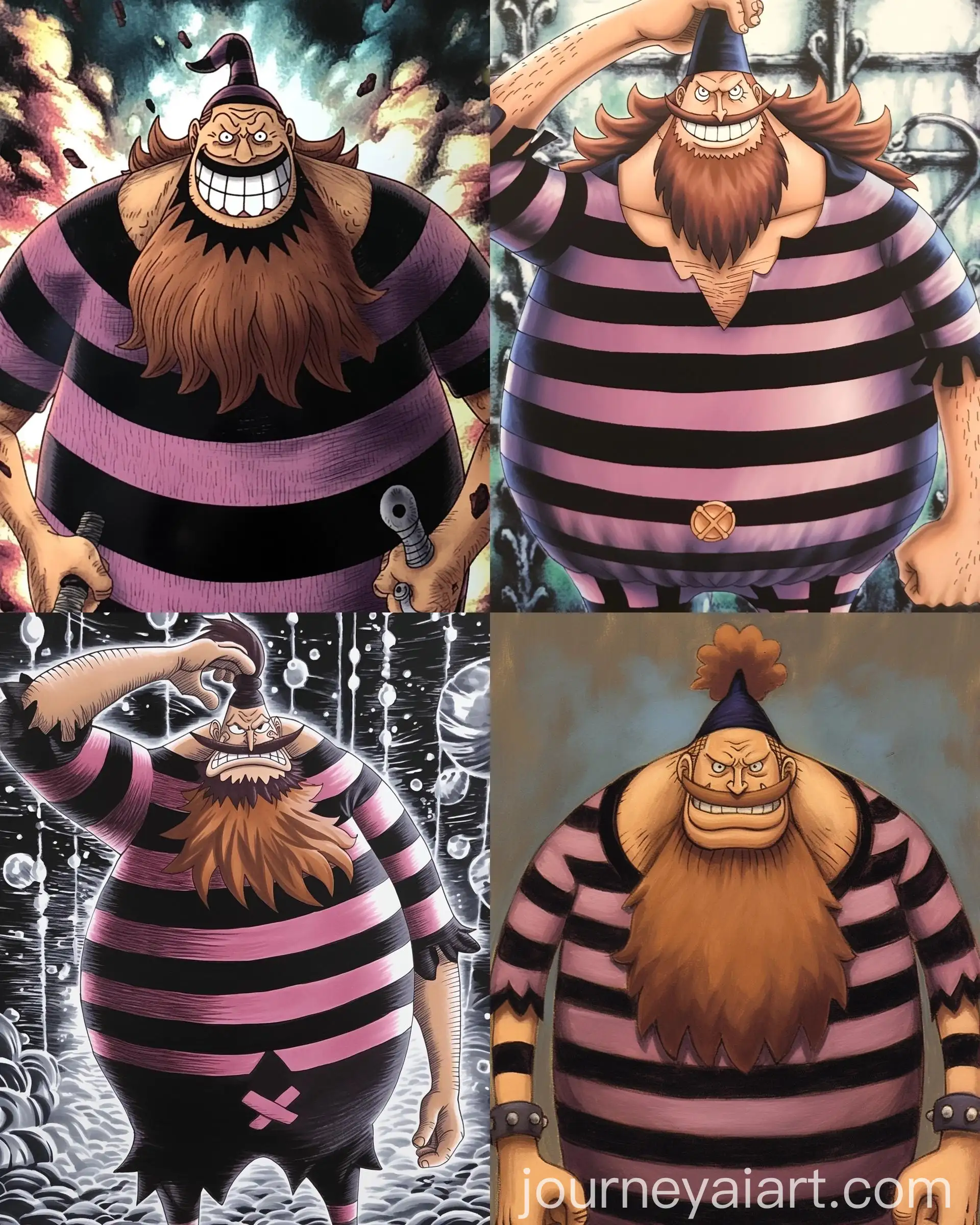
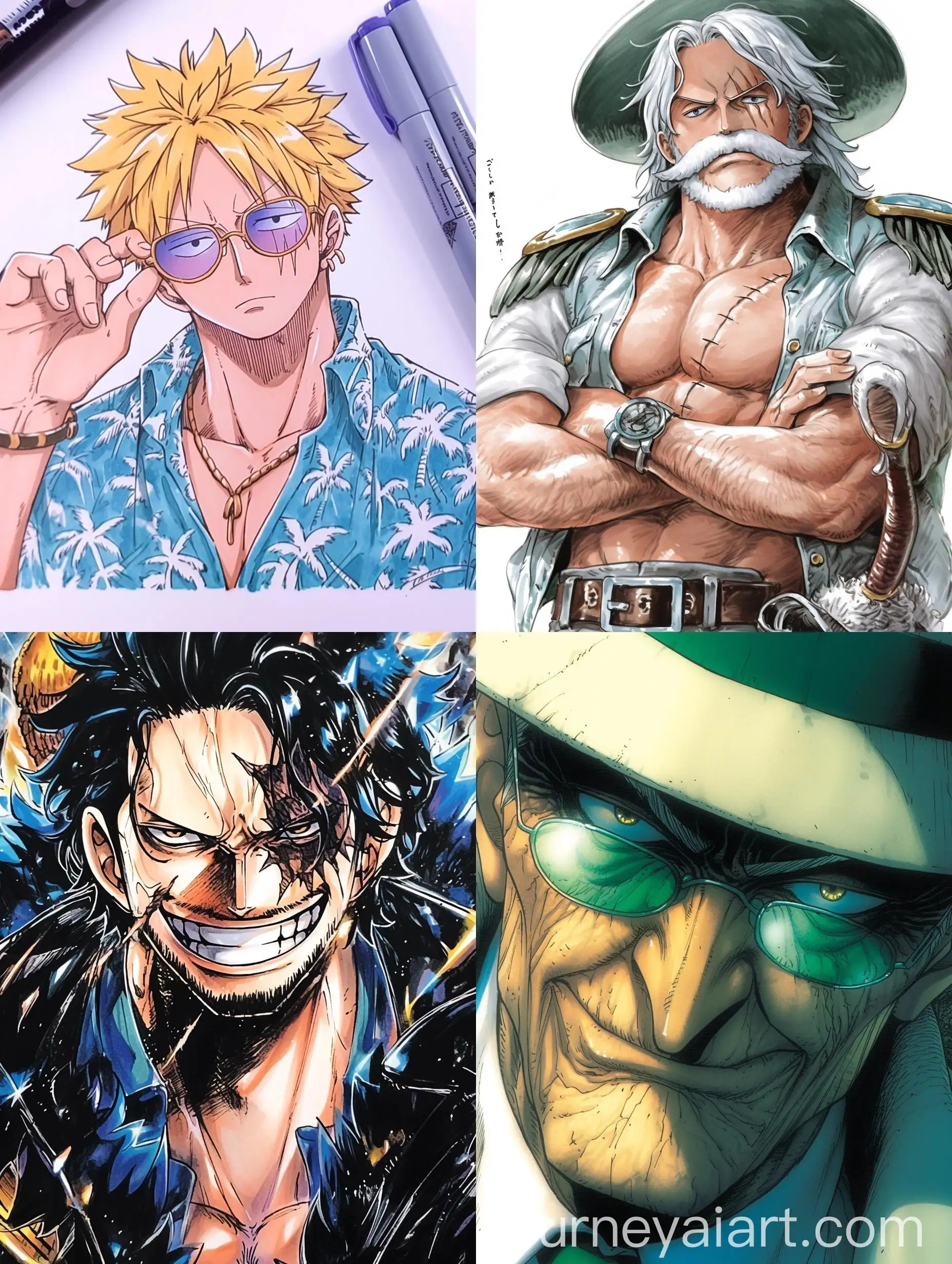
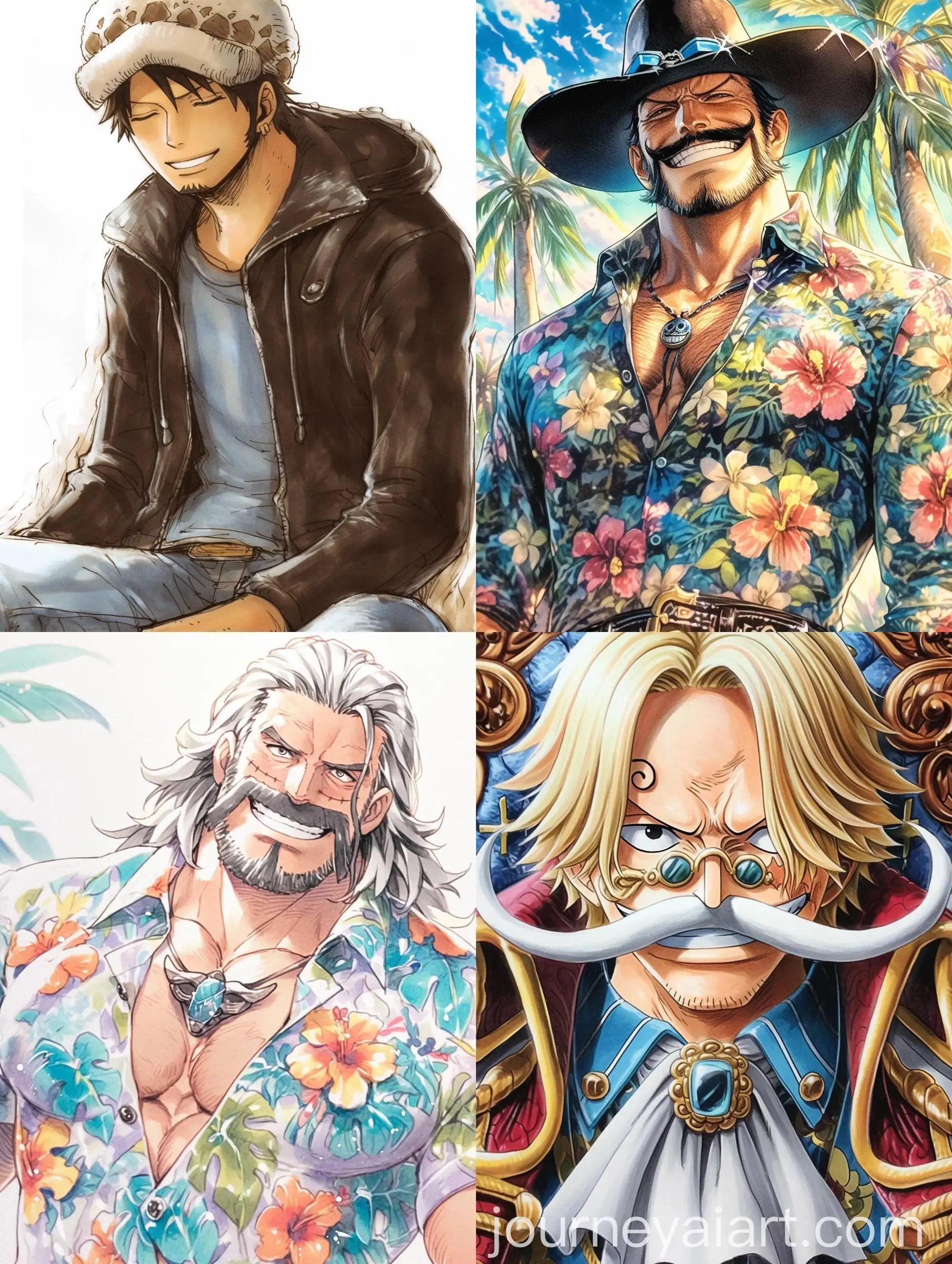
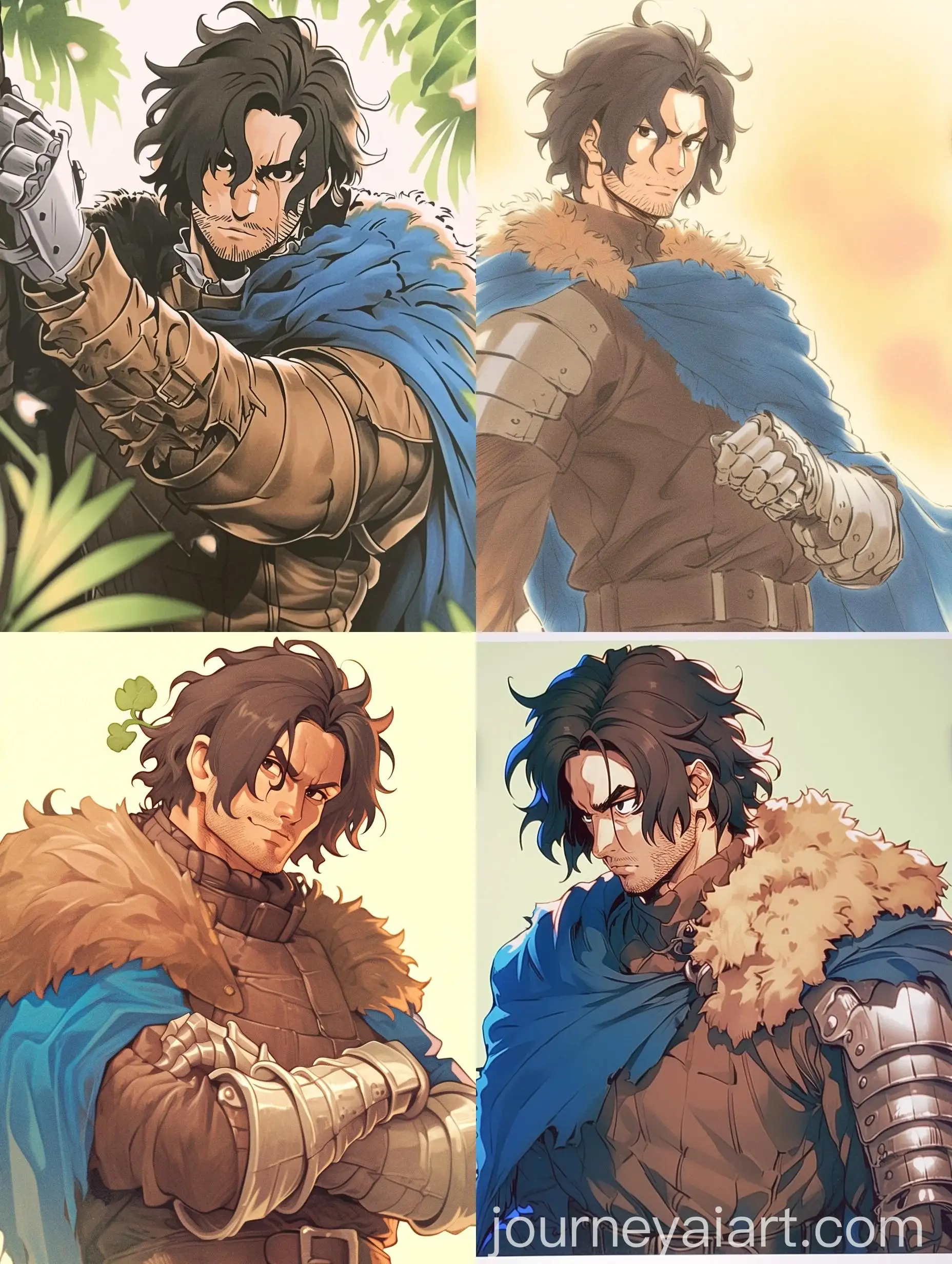
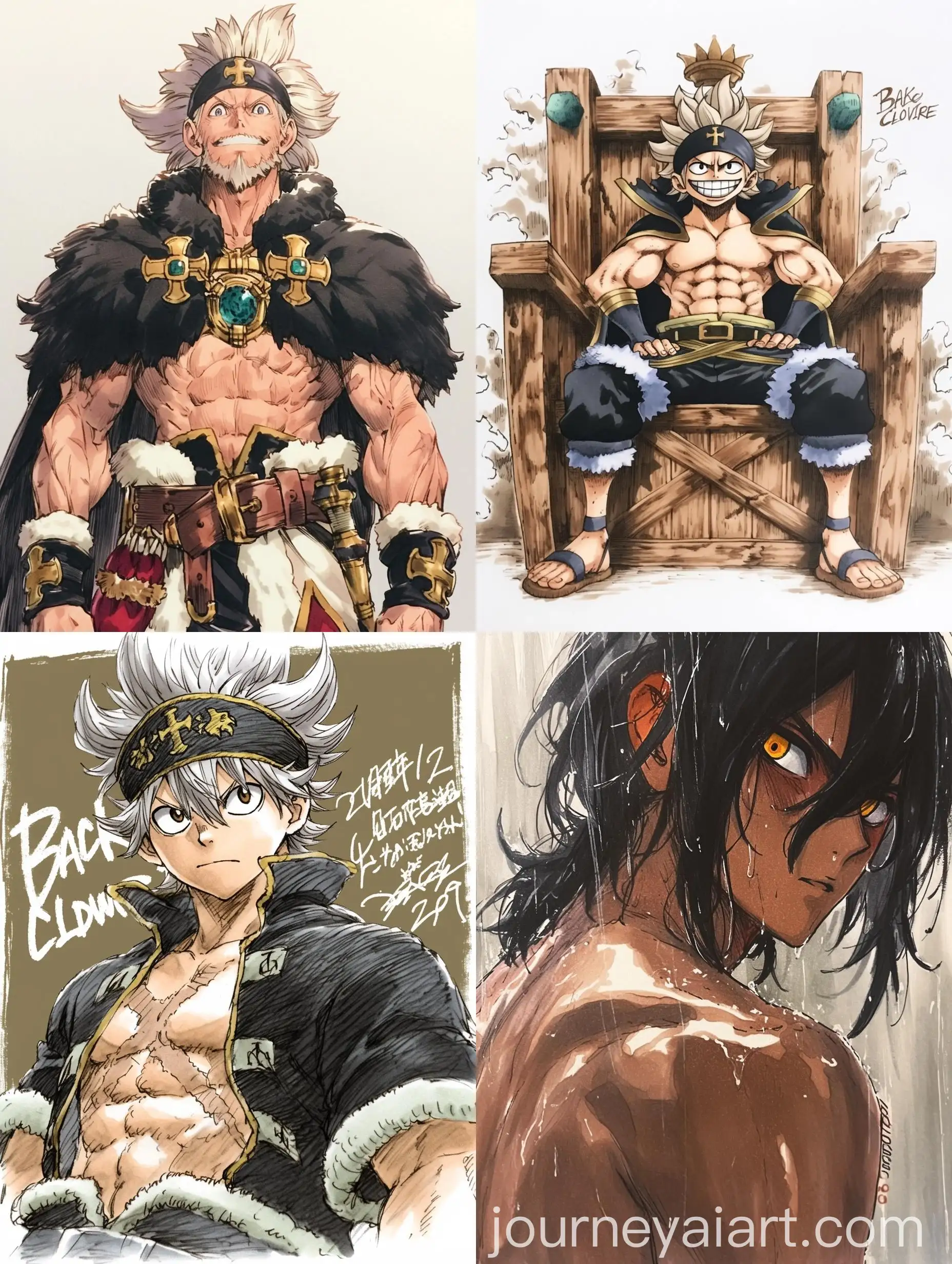
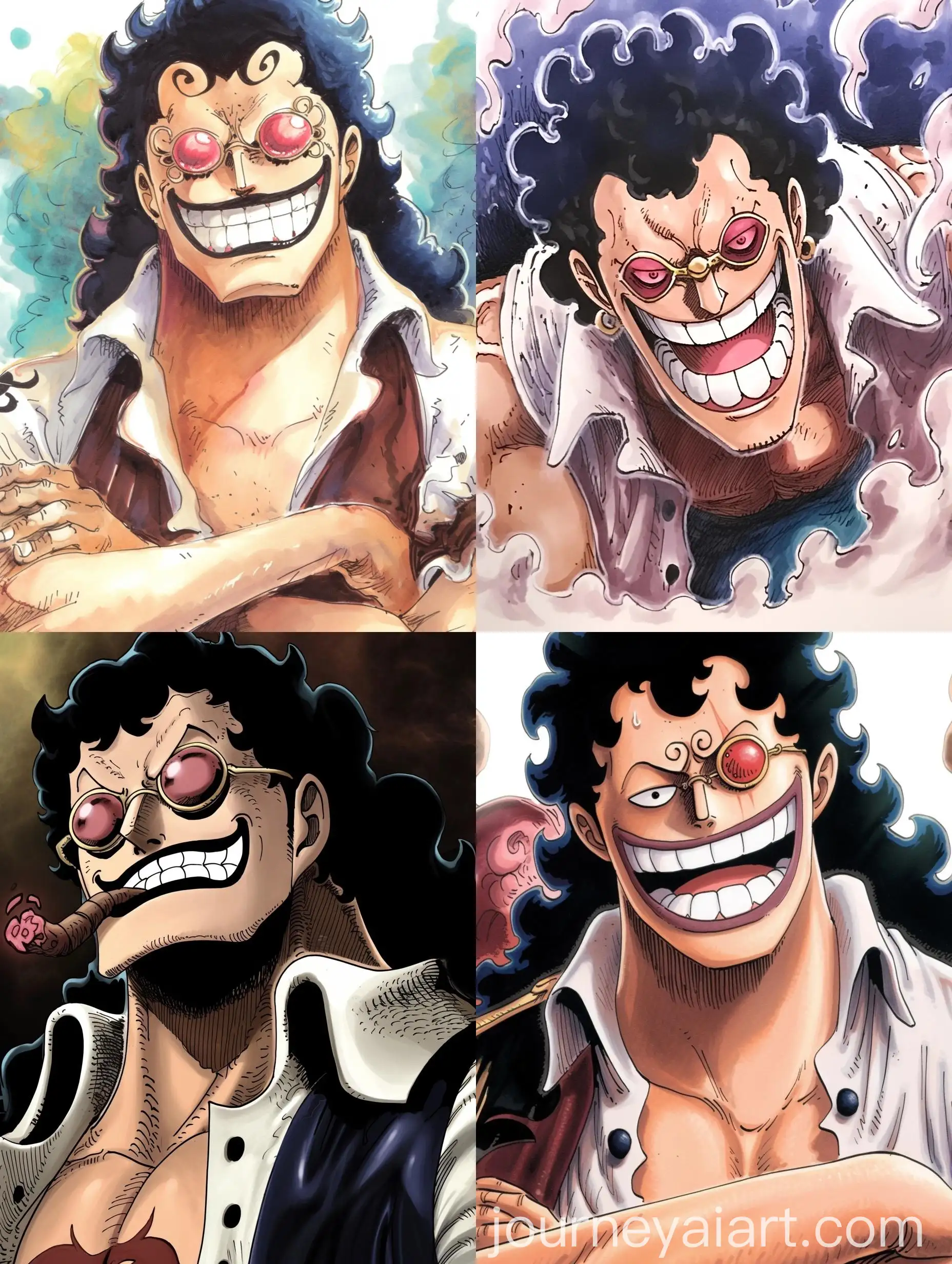
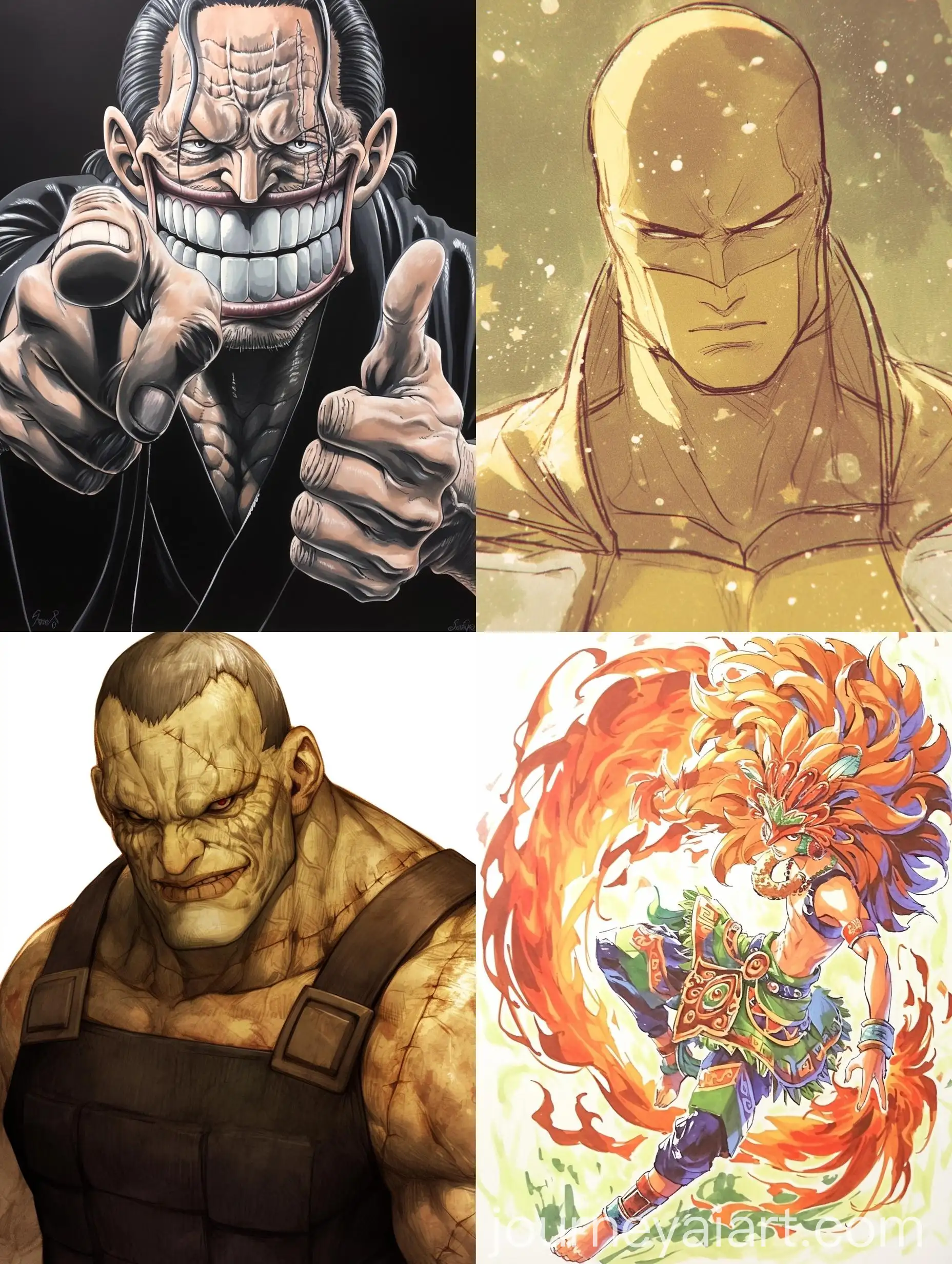
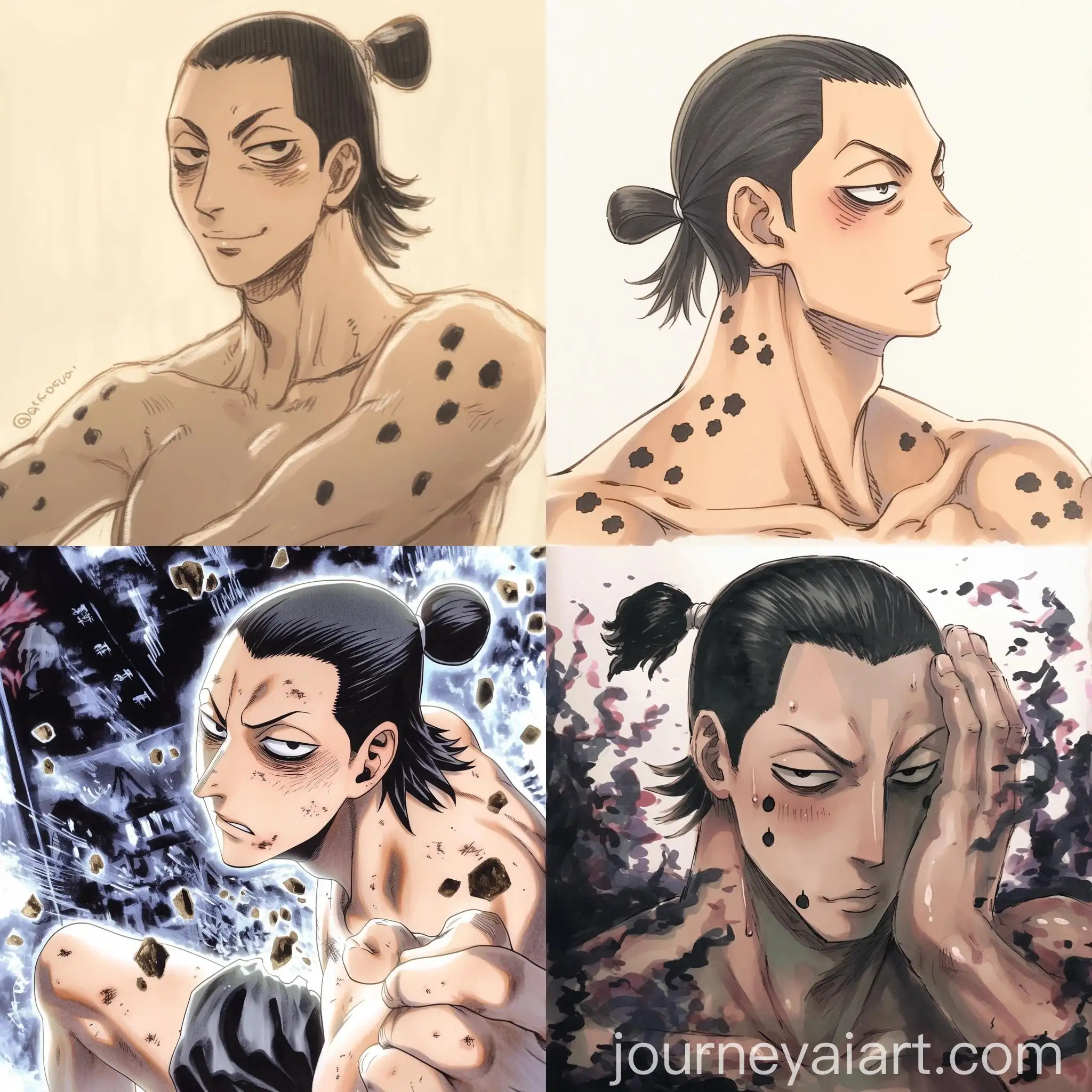
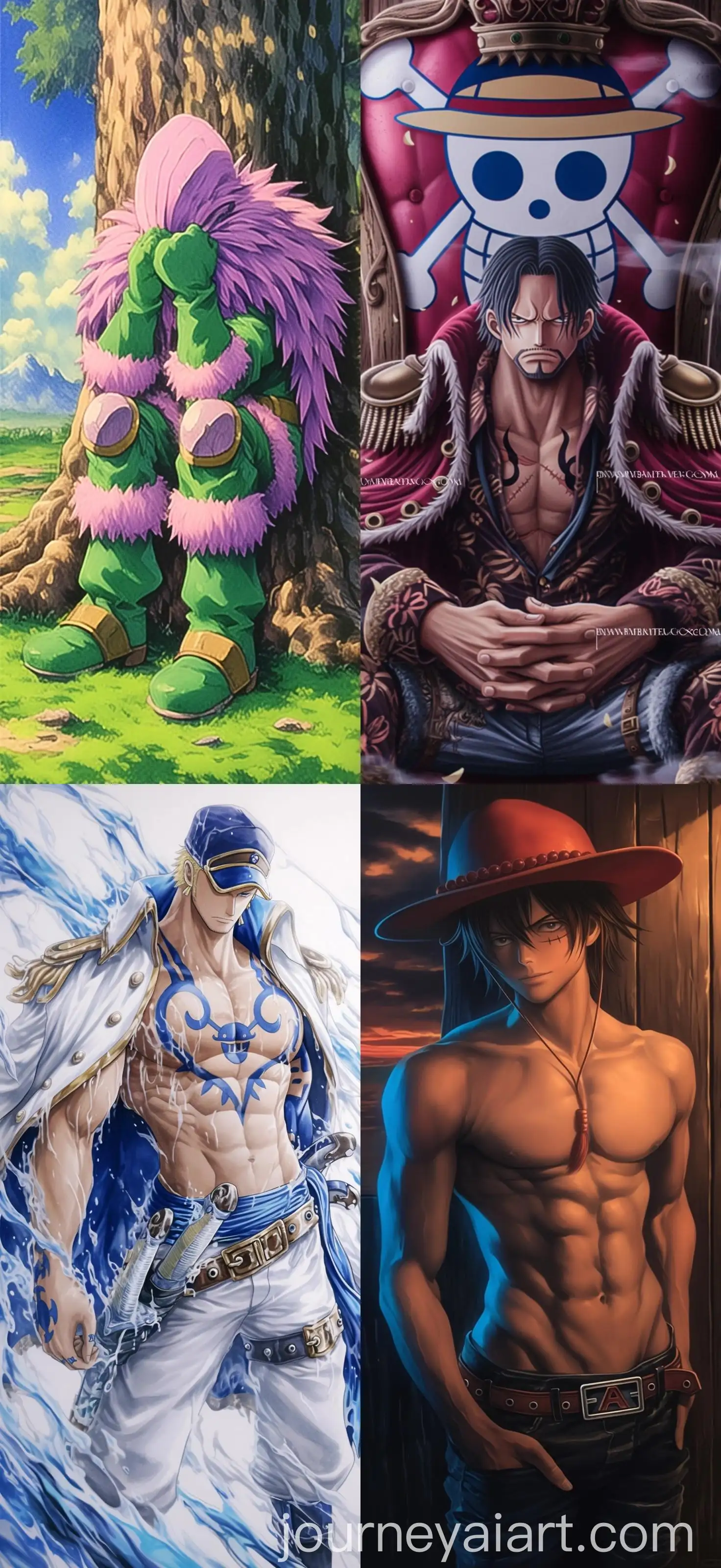
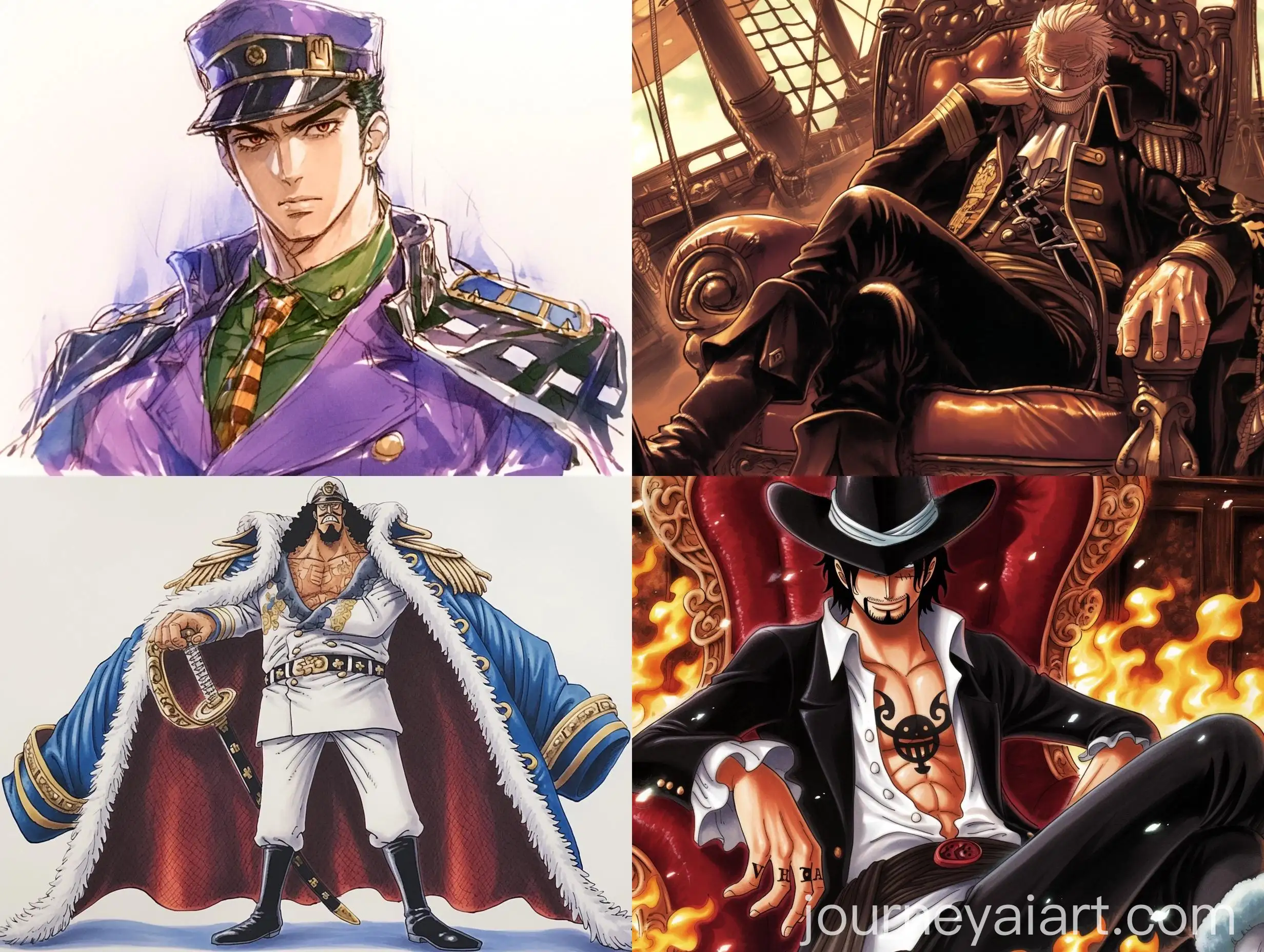
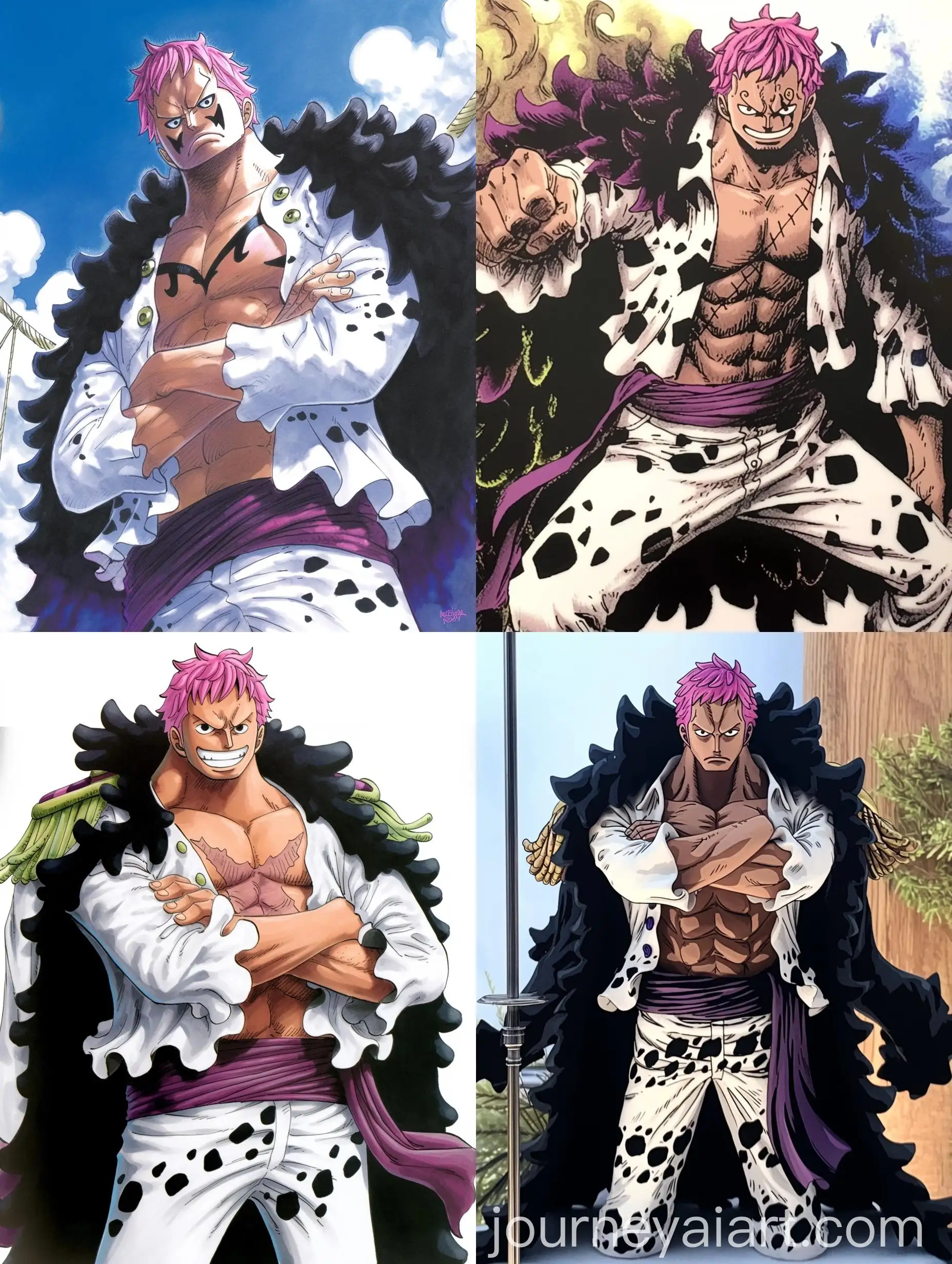
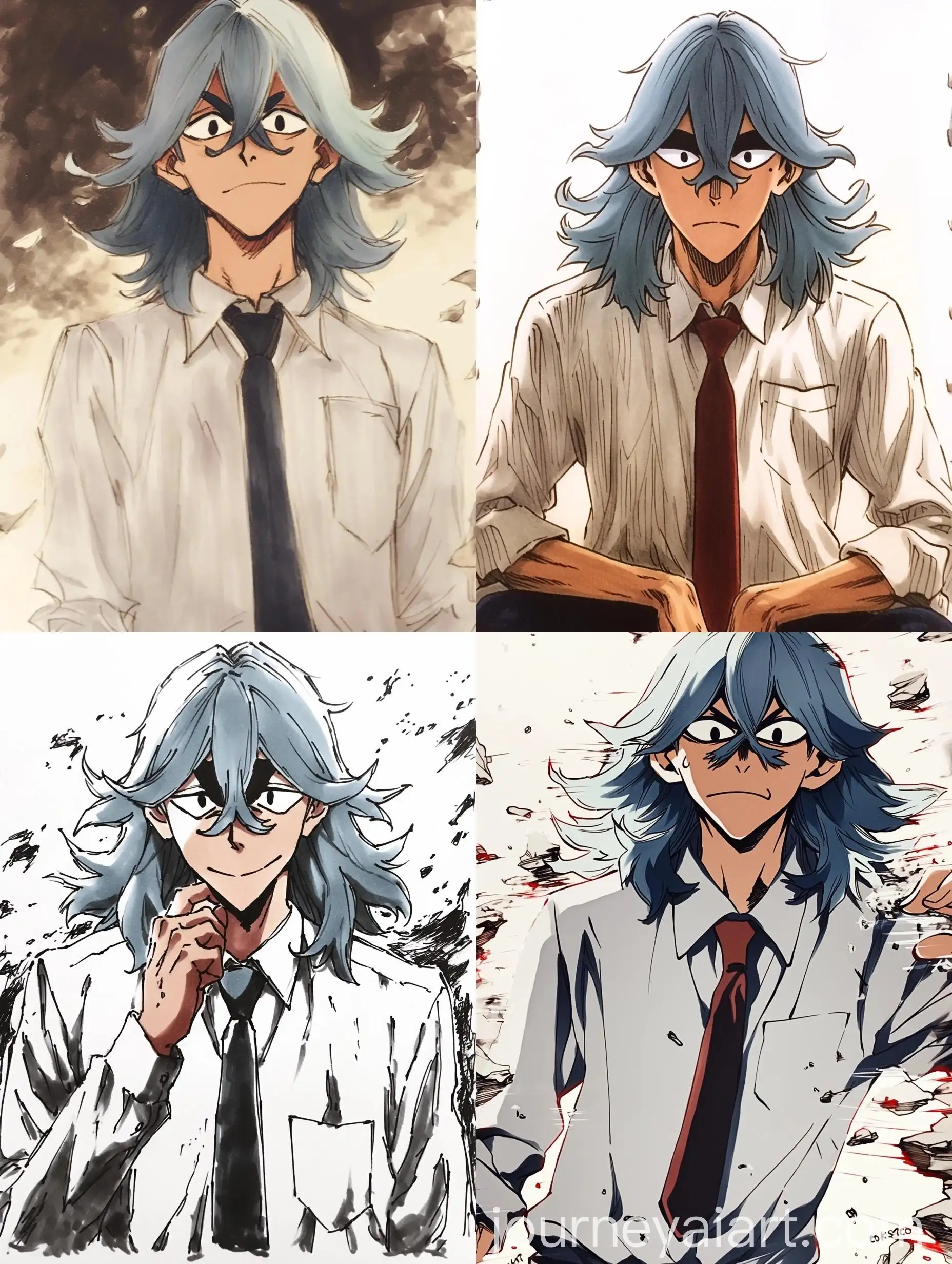
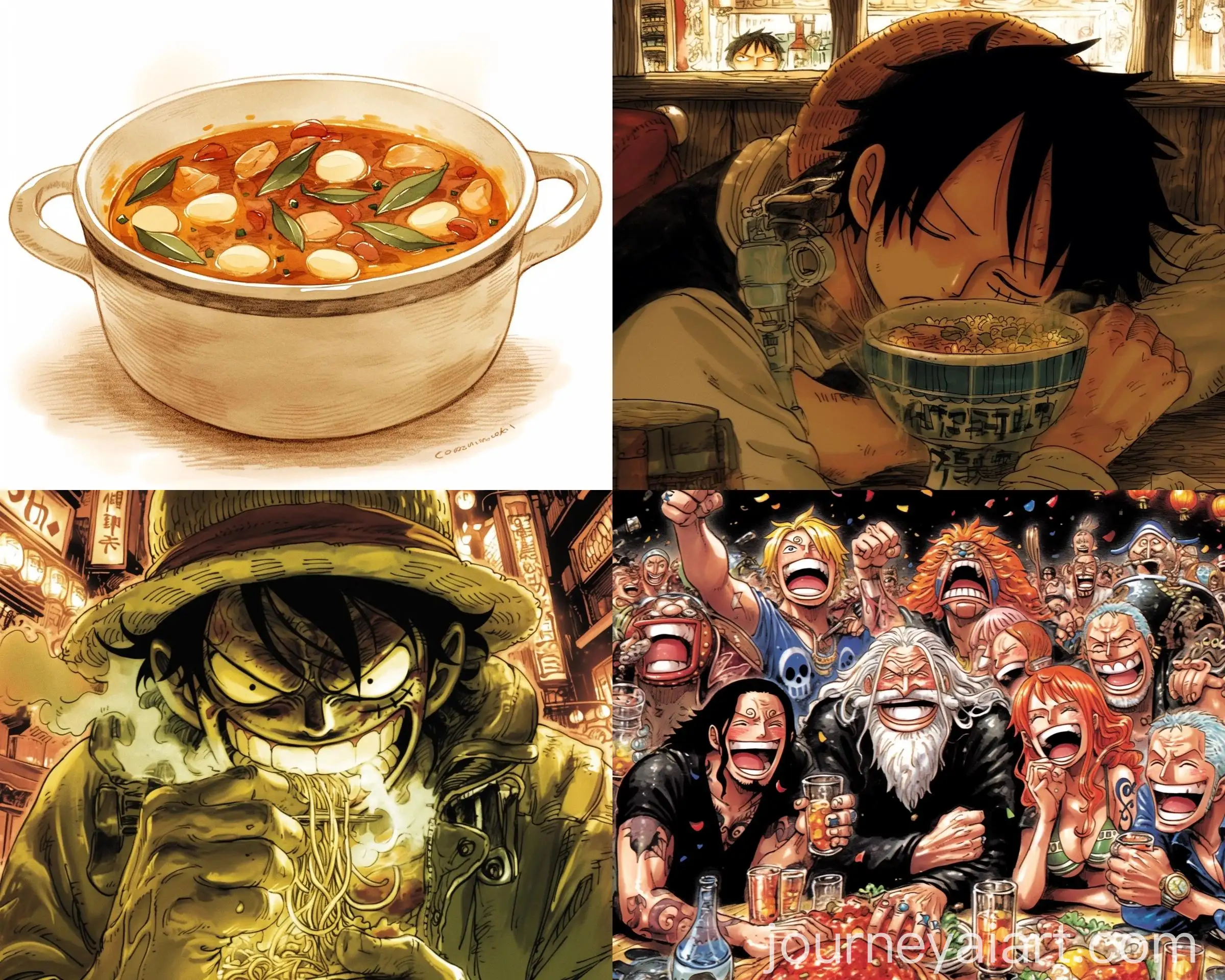
Welcome to our Hatching Style image collection, where you can explore 17 free AI-generated images. This selection includes a variety of image types like stock photos, 3D objects, vectors, and illustrations, all available for high-resolution downloads. Use our 'open in editor' feature on each image detail page to modify the prompt and regenerate the image to your liking.
Related Tags
Hatching is a technique used in drawing and engraving where lines are placed closely together to create shading and texture. The 'Hatching Style' in AI-generated art mimics this traditional technique, adding depth and contrast to digital images. This method is commonly used to convey a sense of volume and form in drawings, sketches, and detailed illustrations. In the context of AI, it offers a fresh blend of digital precision with the handcrafted feel of classic drawing techniques.
What is Hatching Style in Art?
AI-generated images using the hatching style typically feature intricate linework that ranges from fine, detailed strokes to broader, more dramatic shading. These images often emphasize contrast, with the tightness or spacing of lines used to control the level of light and shadow. This technique is particularly effective in creating textures like fur, fabric, and wood grain, making it ideal for illustrations, architectural renderings, and conceptual art.
Key Characteristics of Hatching Style AI Images
In modern digital art, hatching has seen a resurgence due to its ability to bring a traditional, handcrafted look to digital pieces. AI tools can generate complex, detailed hatching that would take hours to complete by hand. This style is often used in graphic design, tattoo art, and even in 3D modeling, where the texture created by hatching adds depth and realism. Its versatility makes it a popular choice for artists looking to combine the precision of AI with the artistry of traditional techniques.
How Hatching Style is Used in Modern Digital Art
To create AI-generated hatching style images, users can easily adjust prompts in our editor. Begin by selecting an existing image, then refine the prompt to focus on specific aspects like line density, stroke direction, or the intensity of shading. By experimenting with different parameters, users can generate unique hatching effects that match their vision, whether for fine art, detailed illustrations, or architectural sketches. The 'open in editor' feature allows for endless customization and creativity.
Creating Your Own Hatching Style Images with AI