32 Free Gemstone Midjourney AI images
Explore our Gemstone image collection, featuring 32 free AI-generated images. Discover a diverse range of visuals including stock photos, 3D objects, vectors, and illustrations, all available for high-resolution download. Utilize the 'open in editor' feature to customize prompts and regenerate images to suit your creative needs.
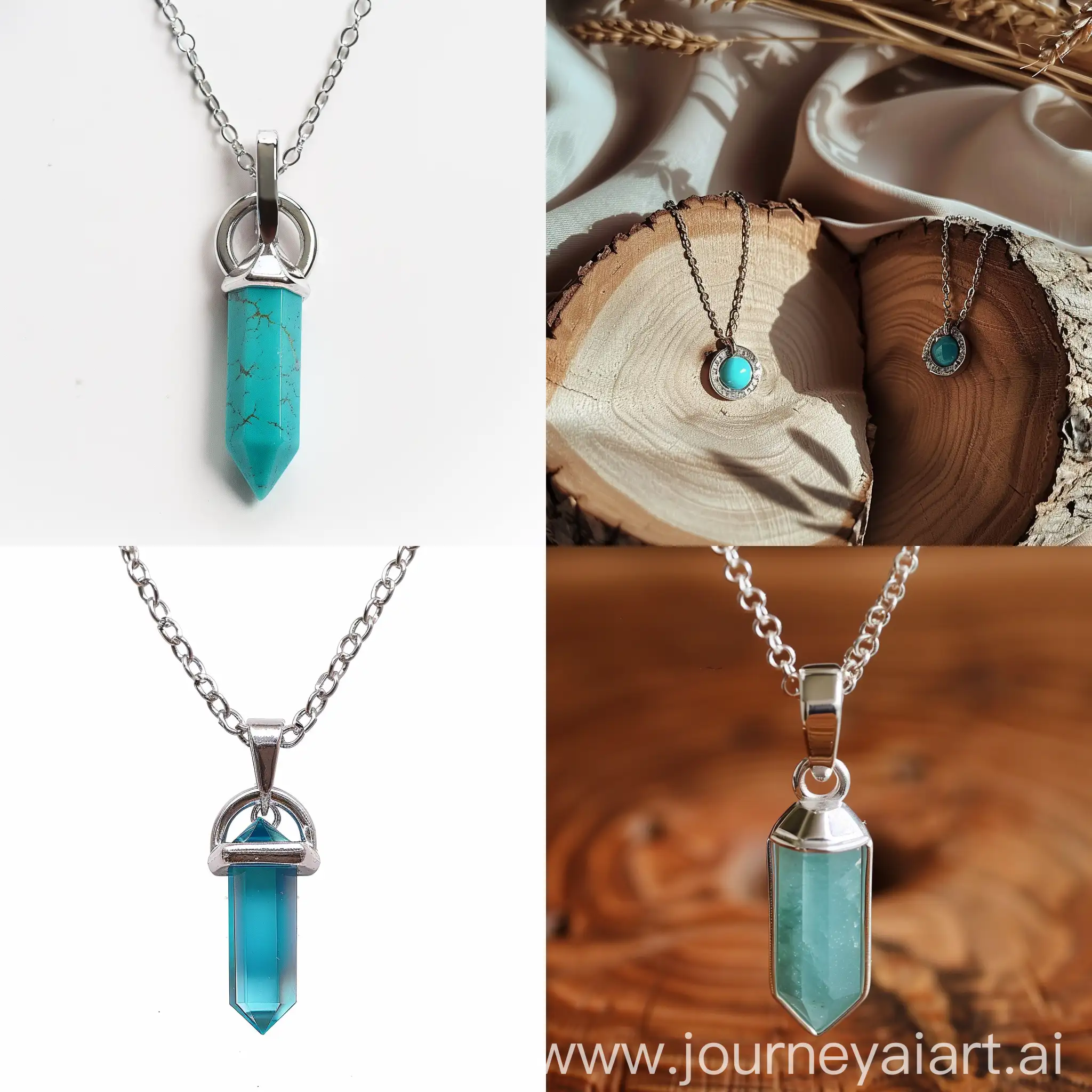
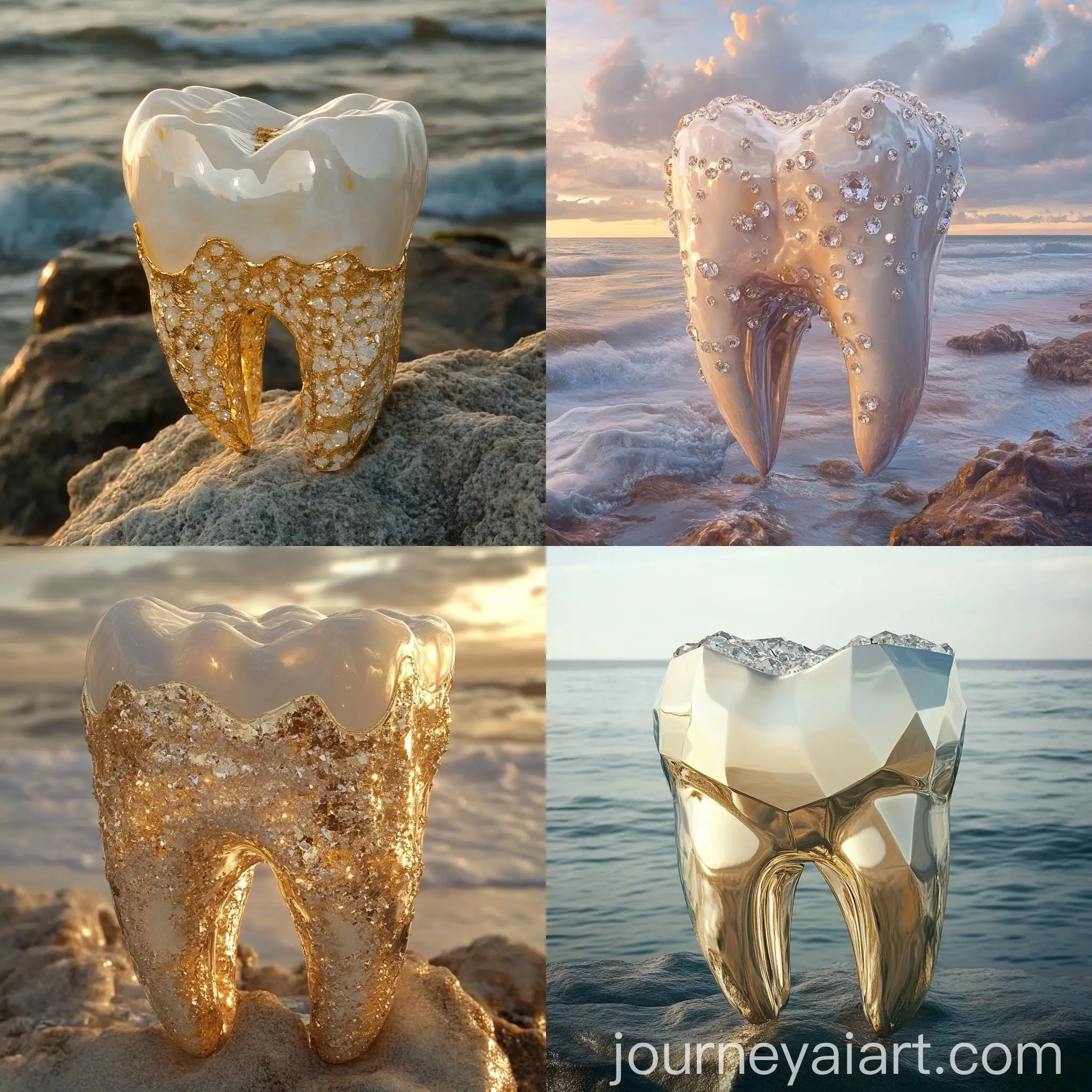
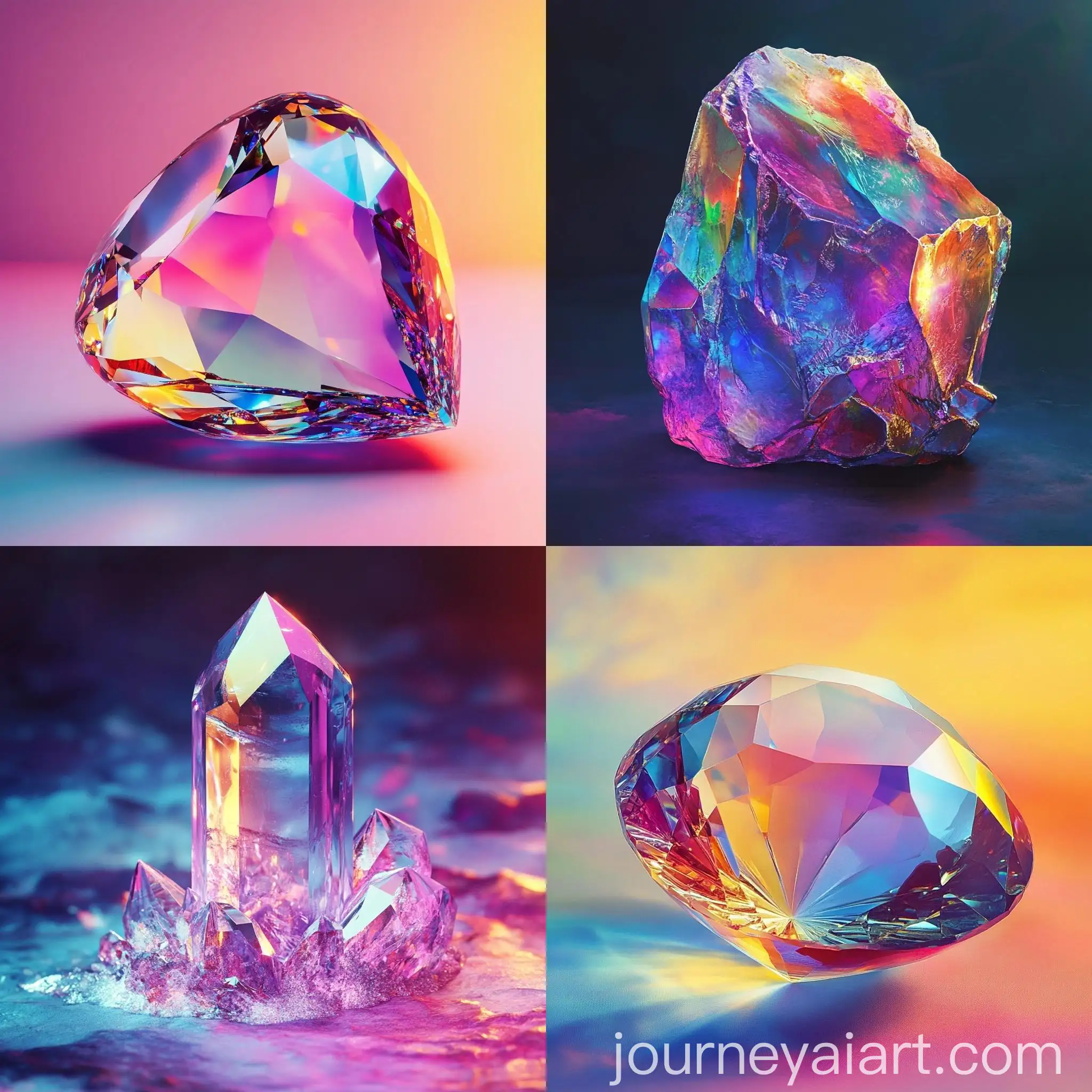
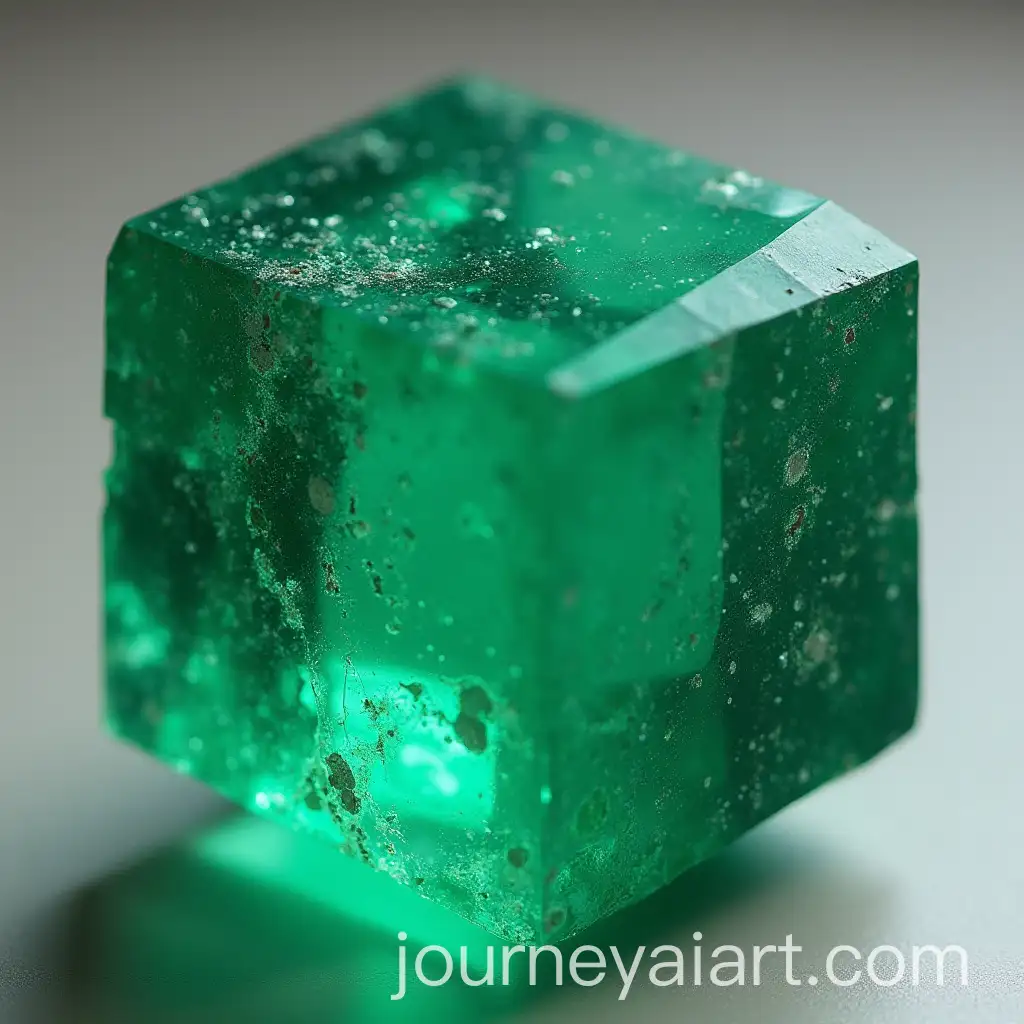

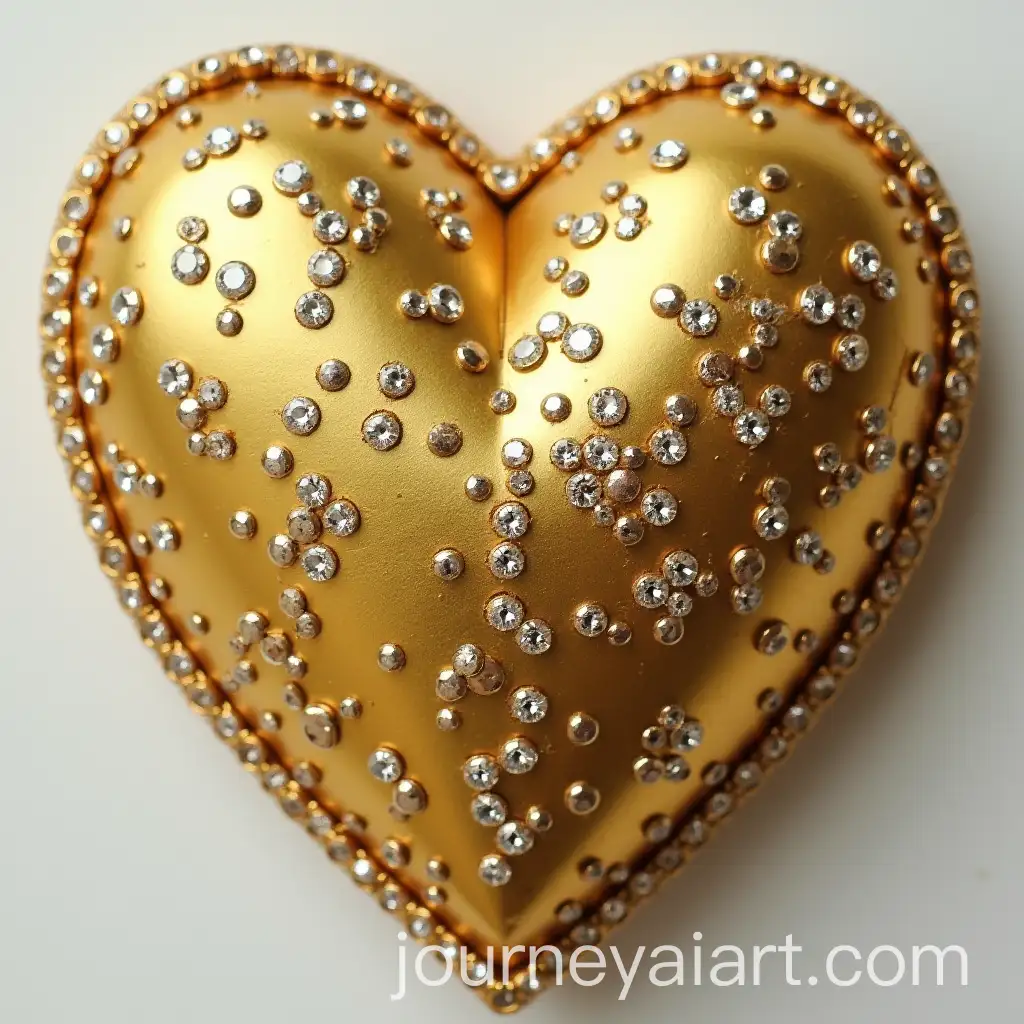
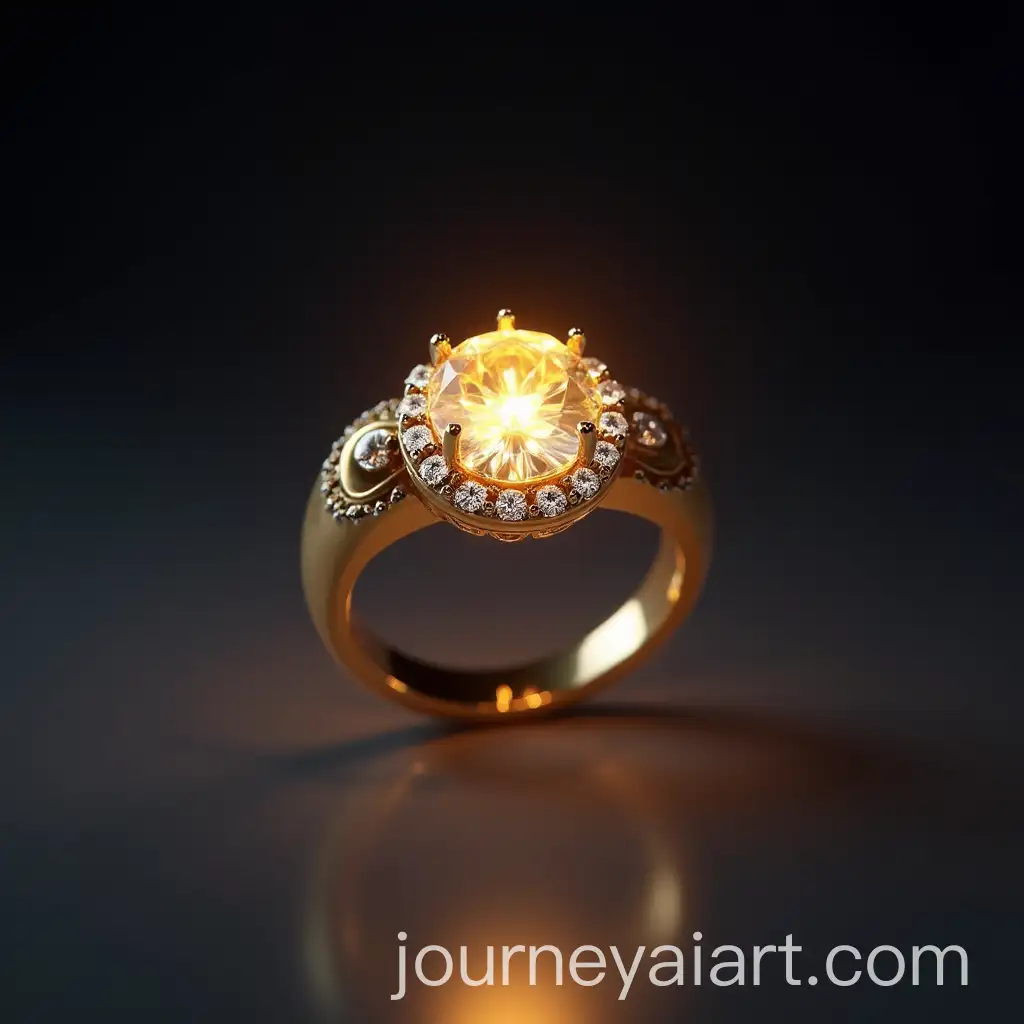
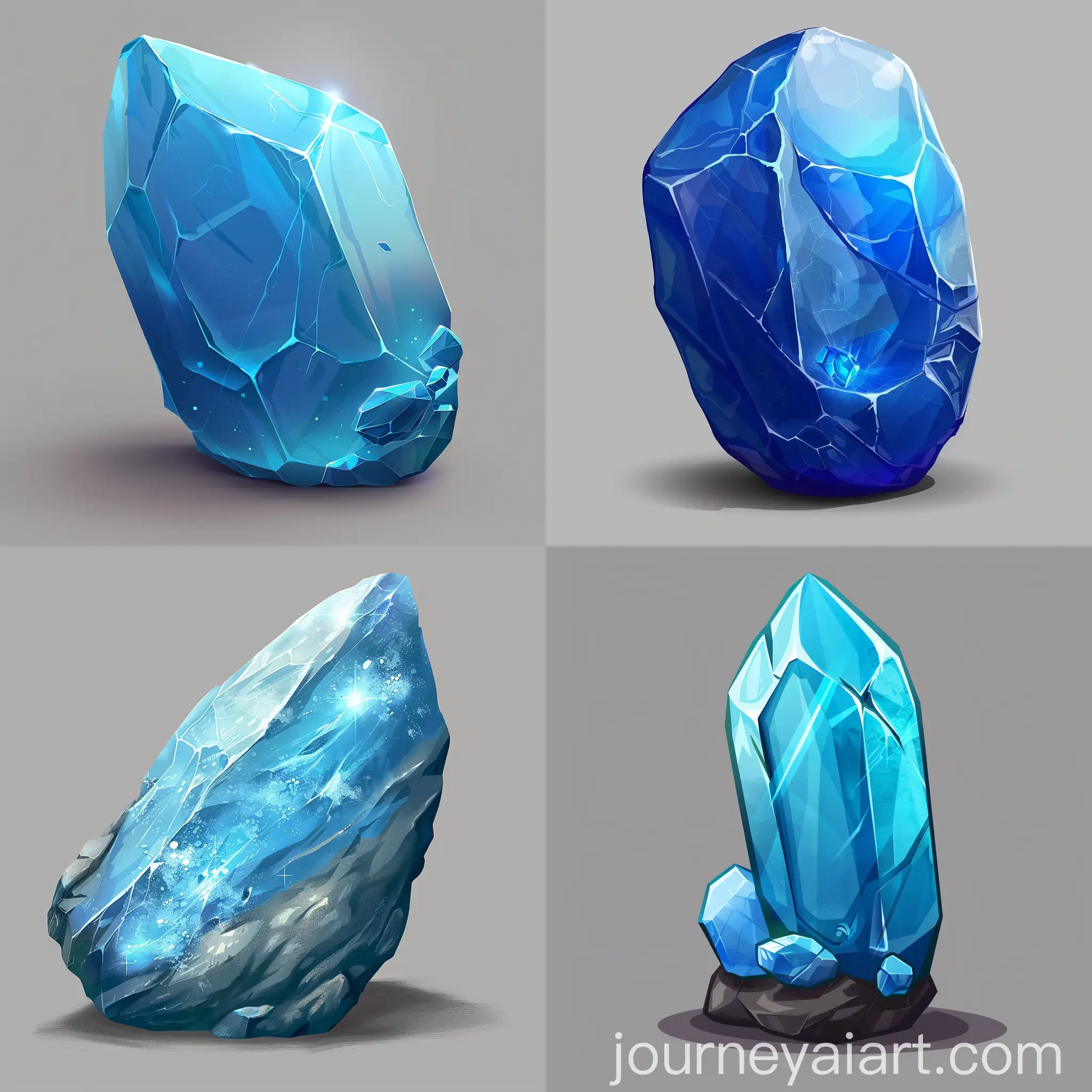
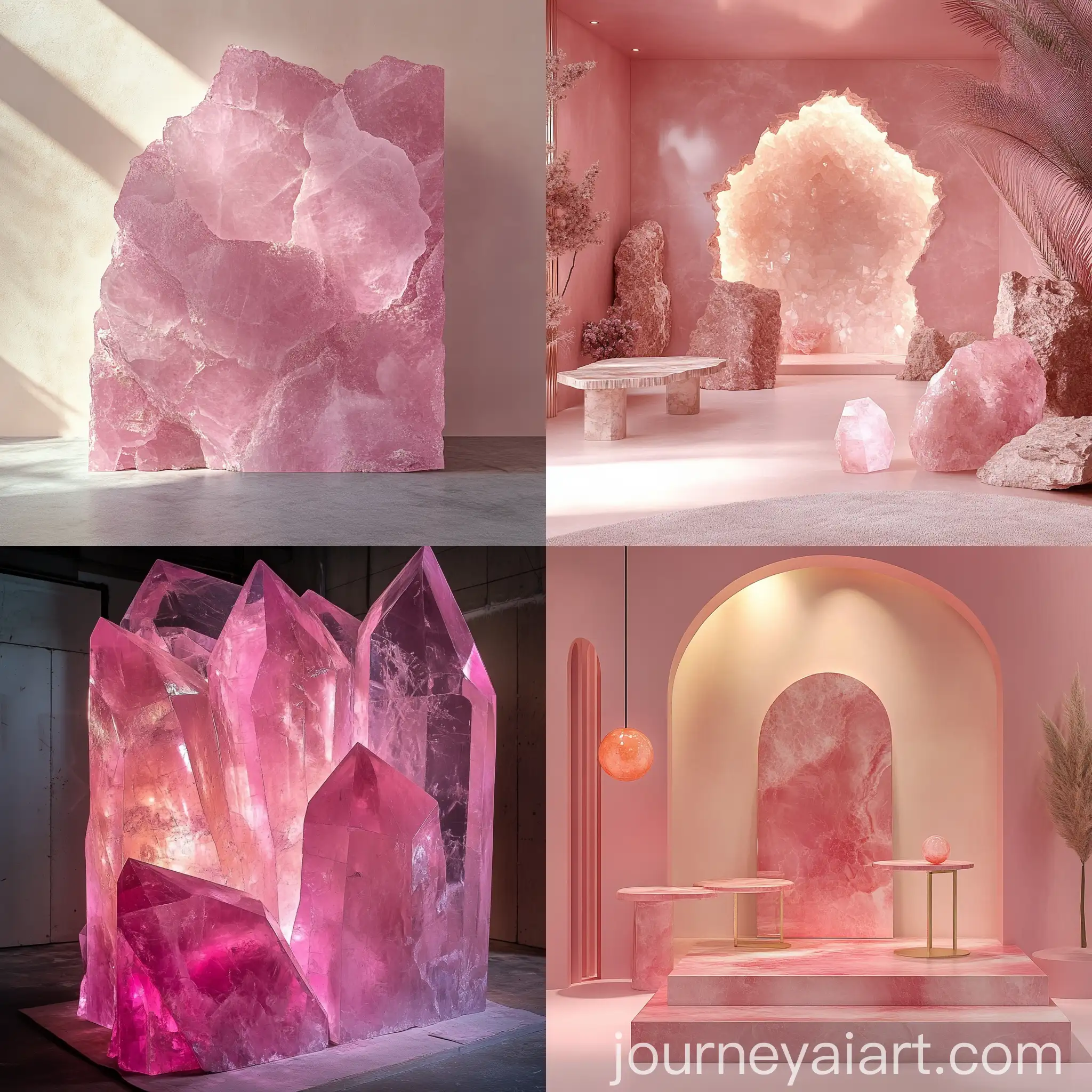
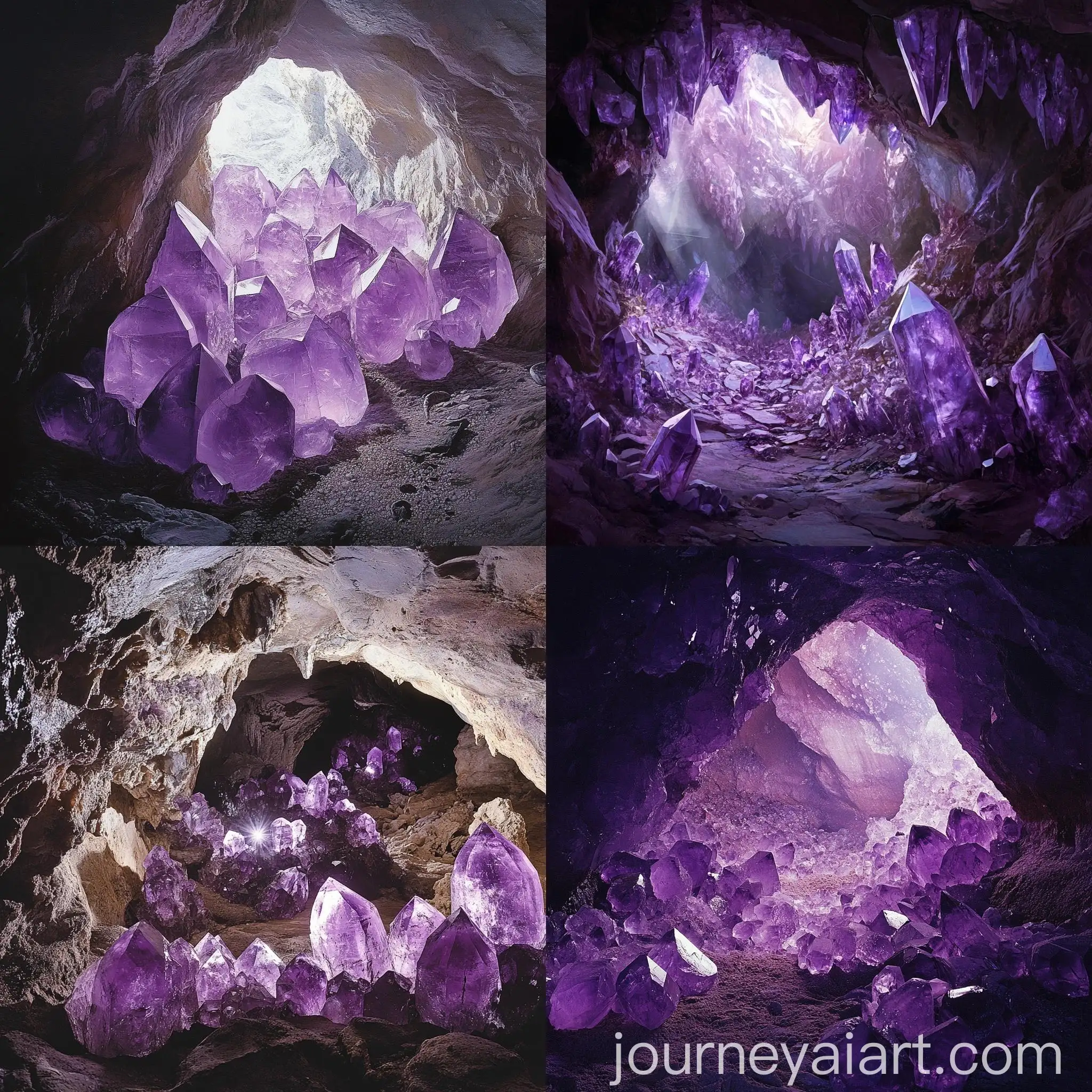
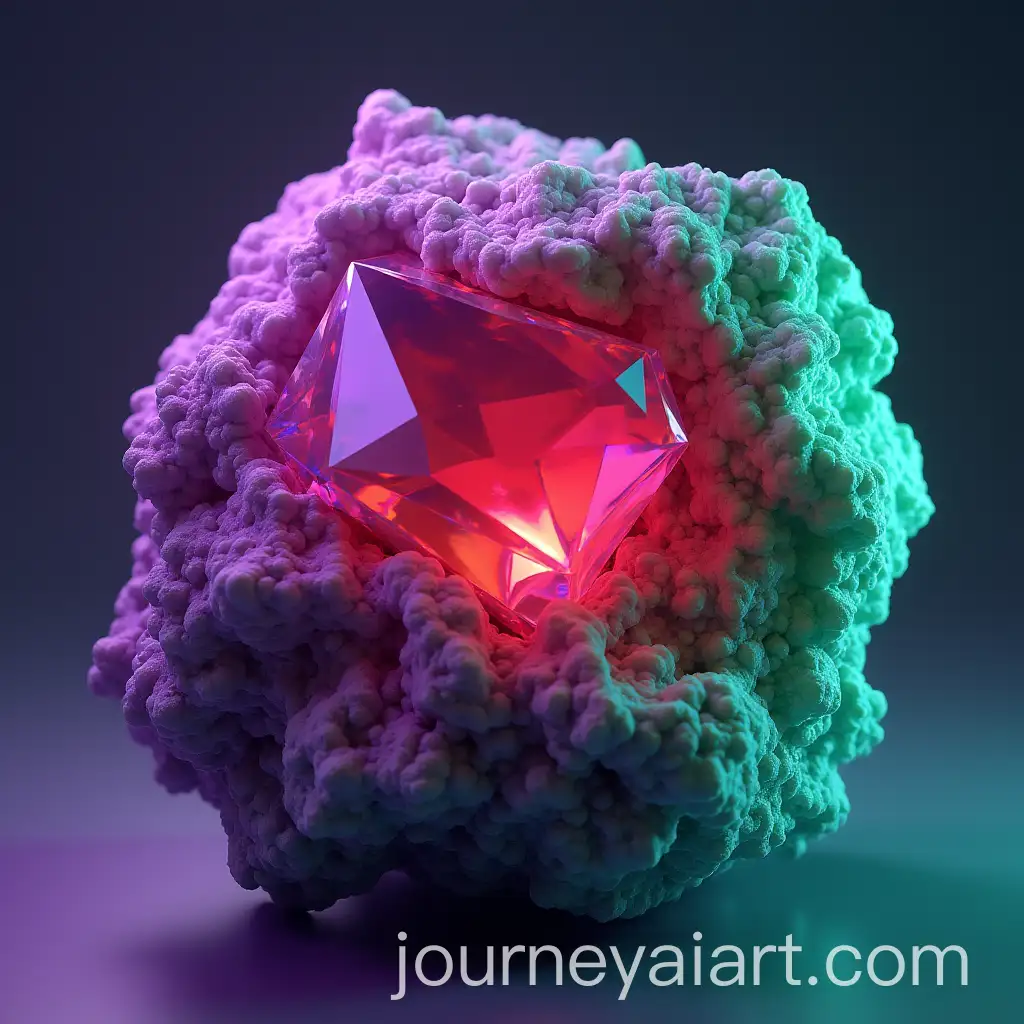
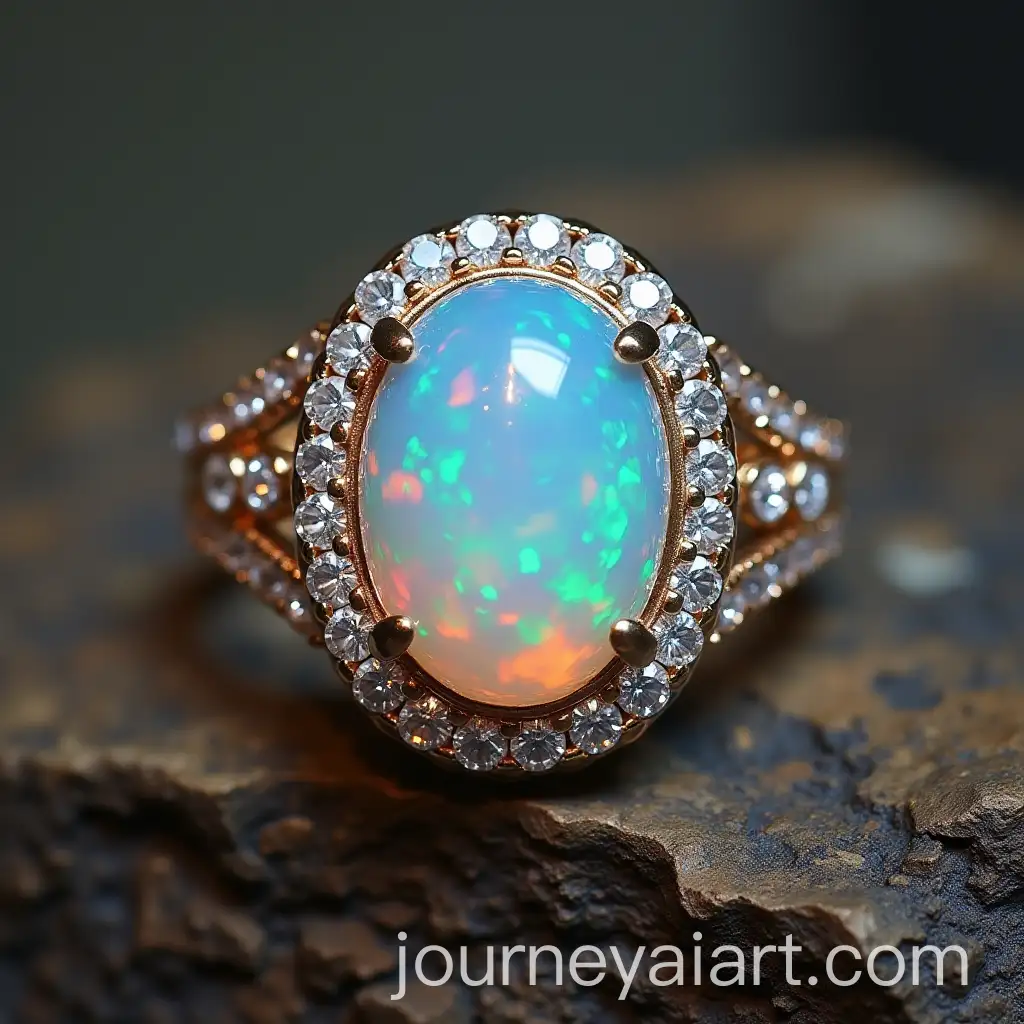
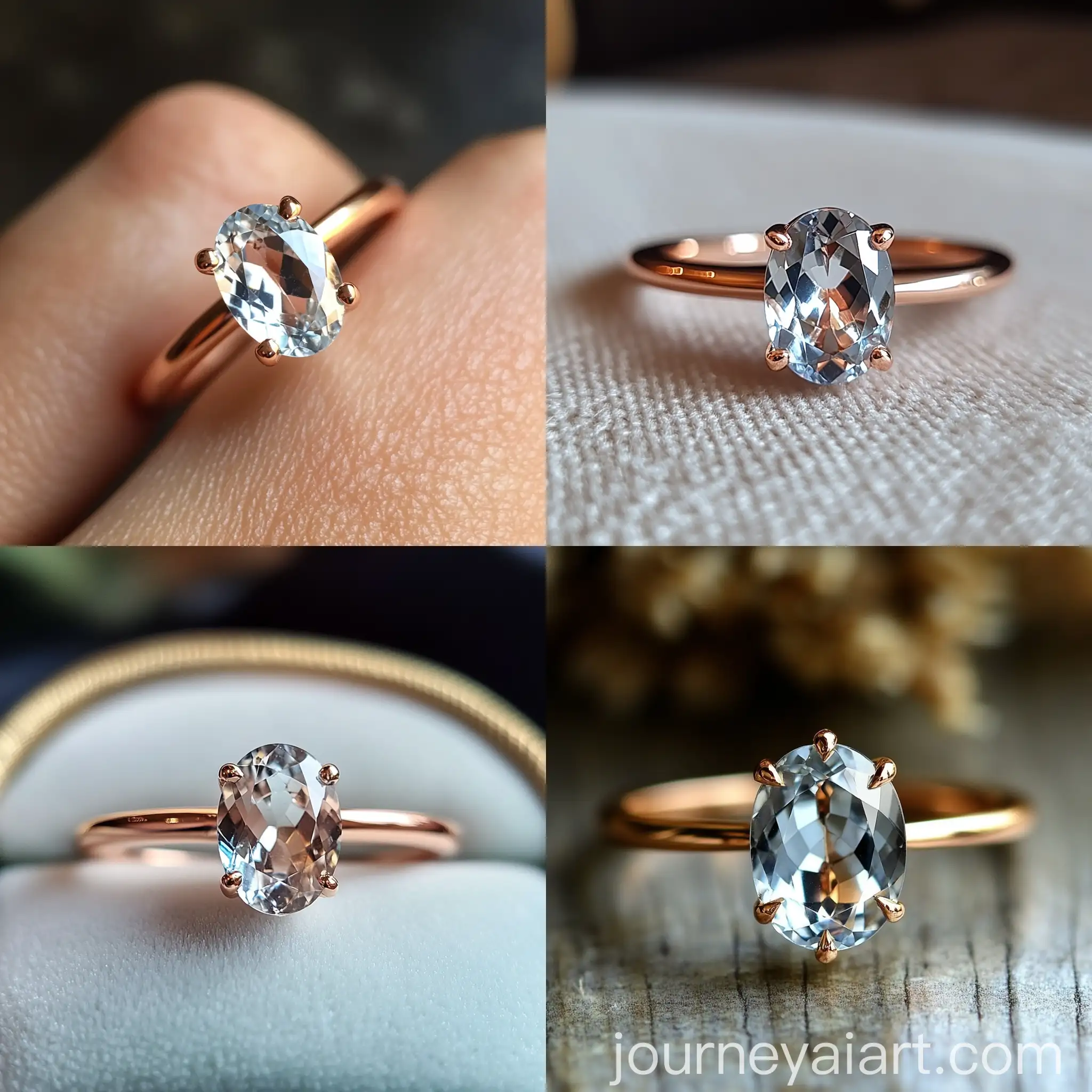
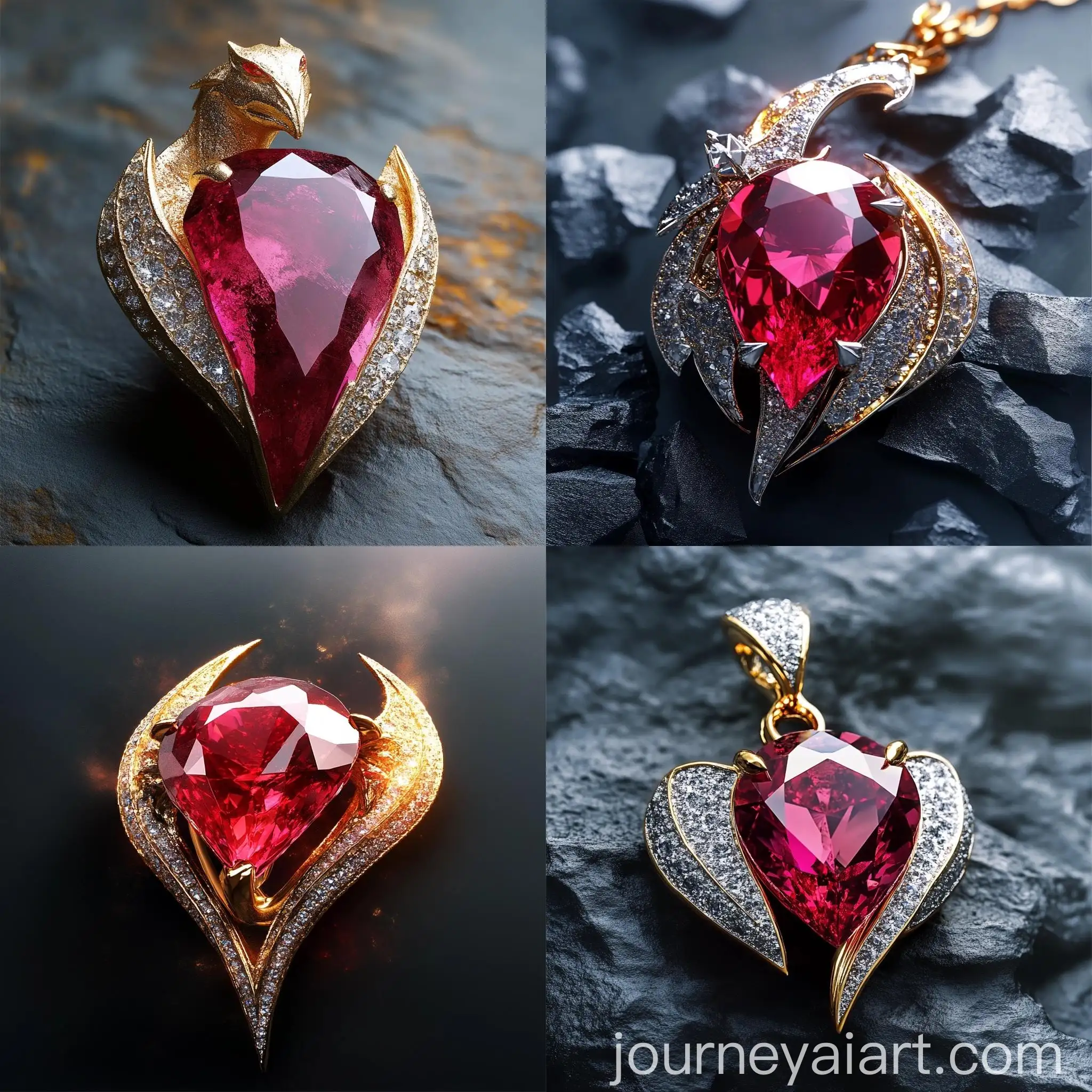

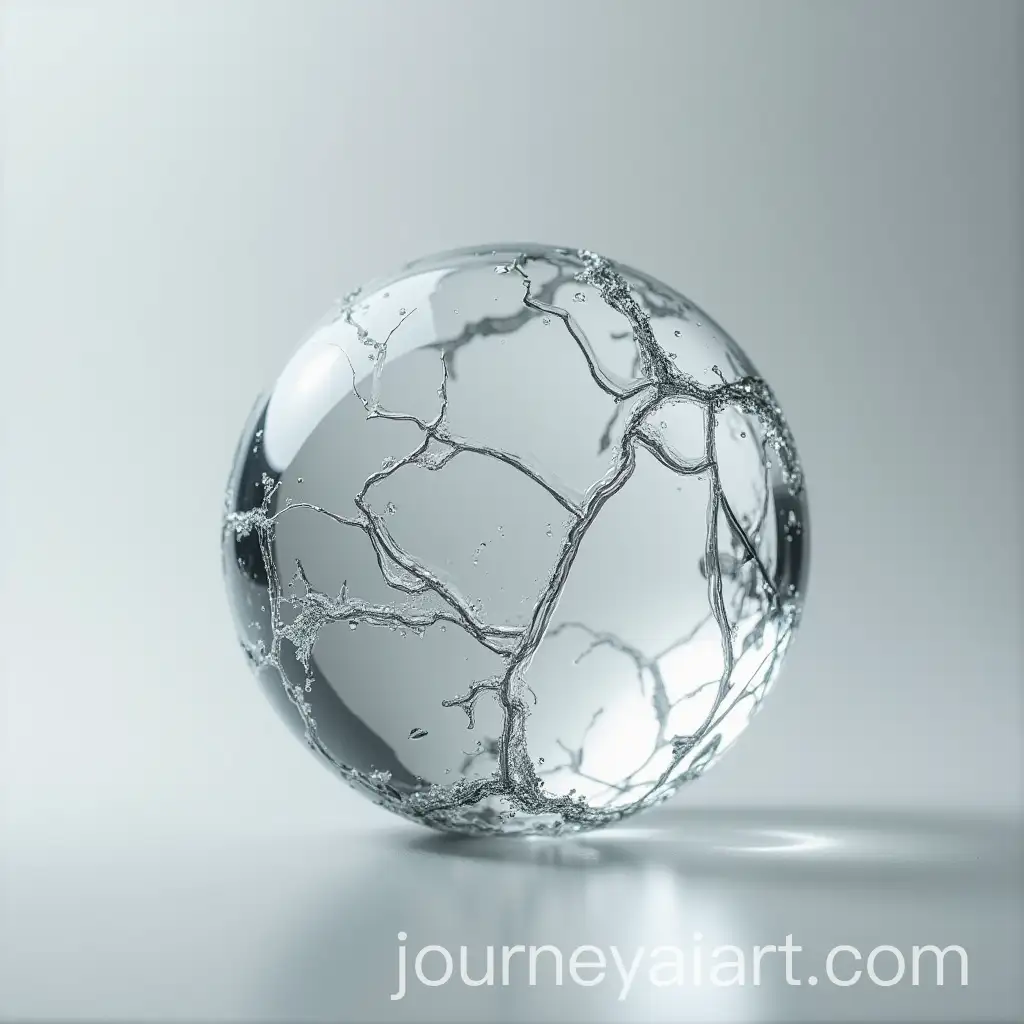
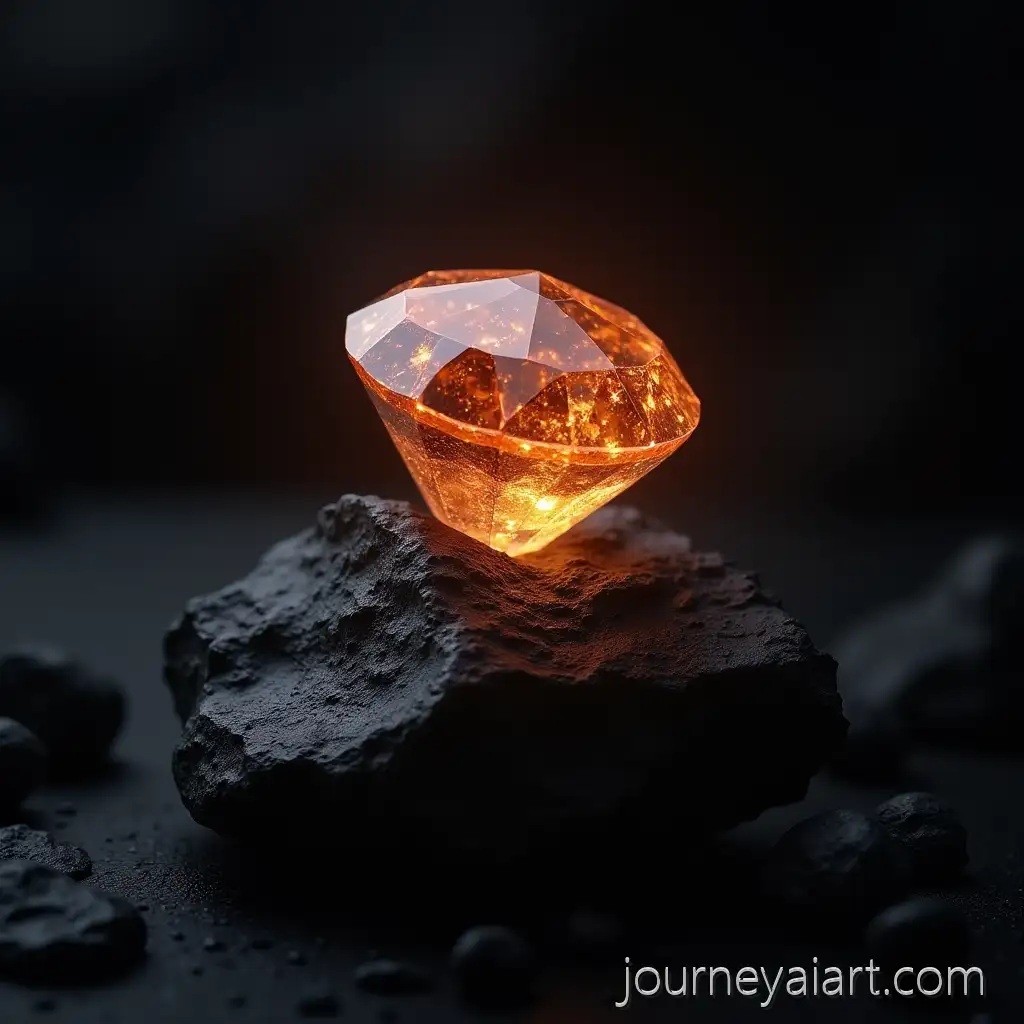
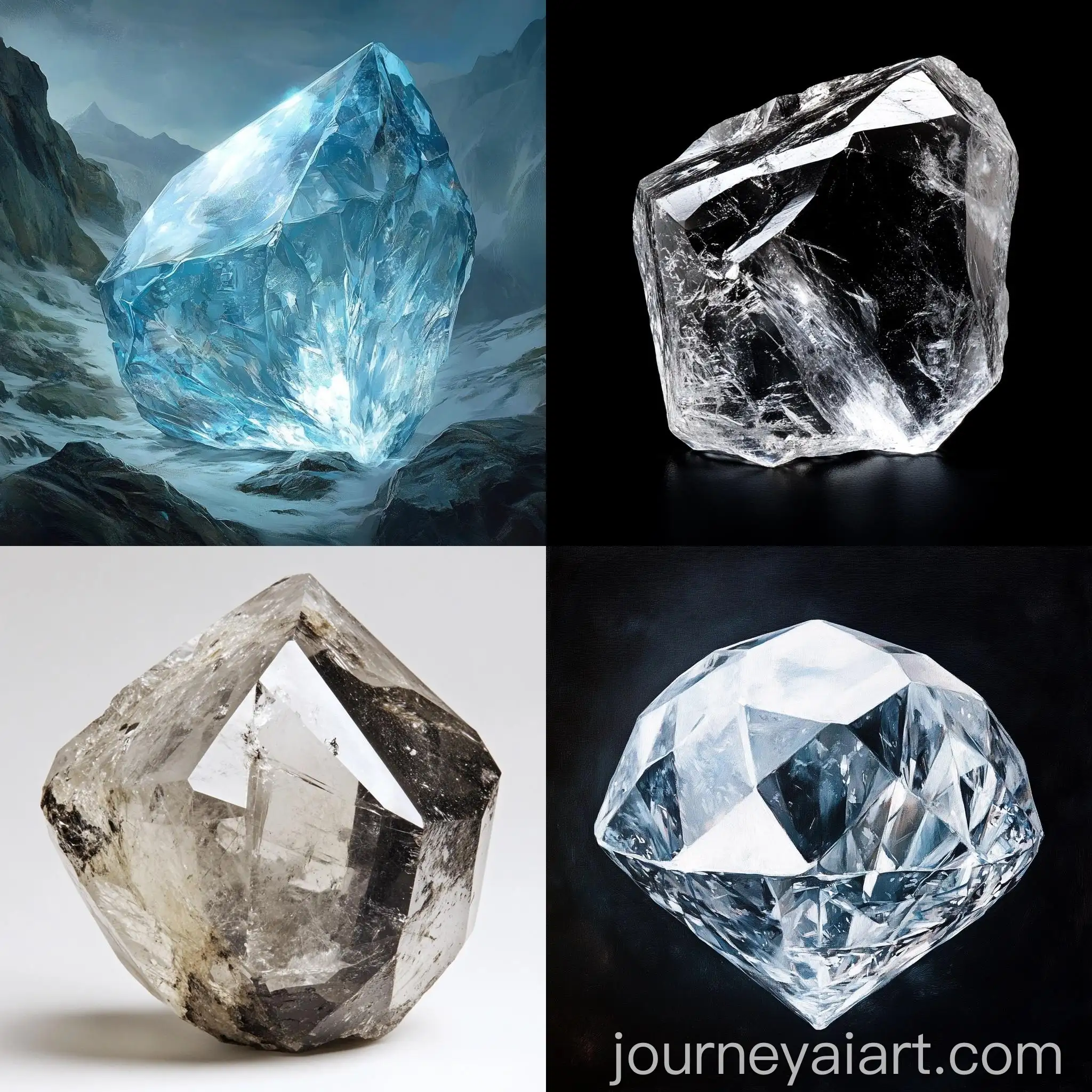
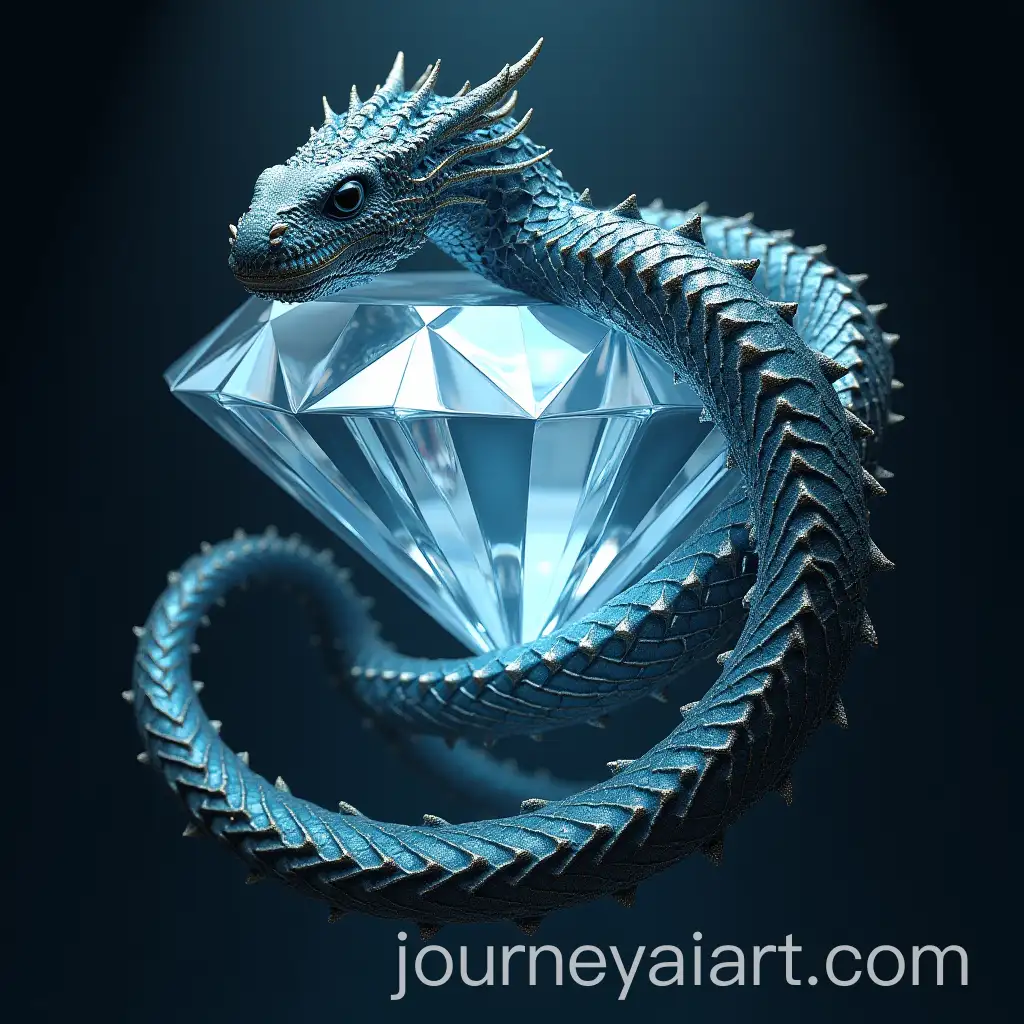
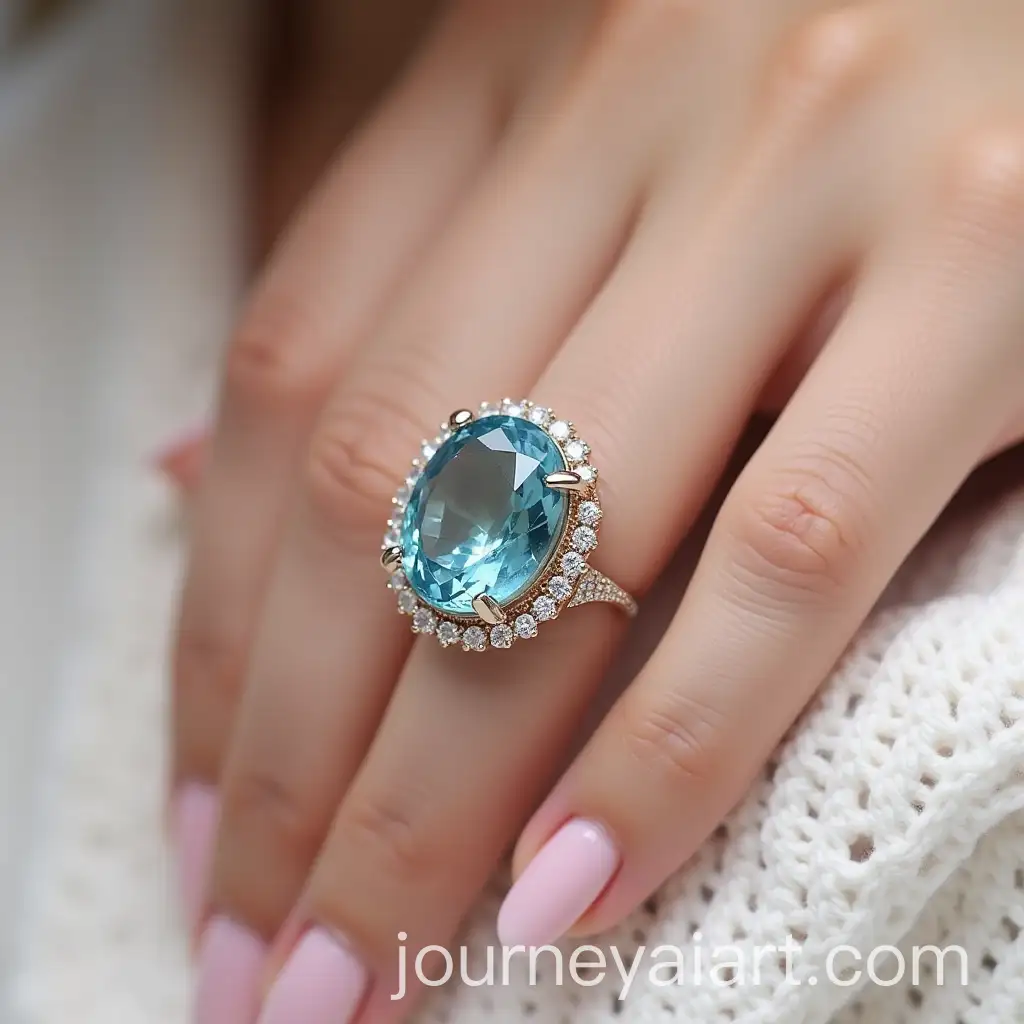

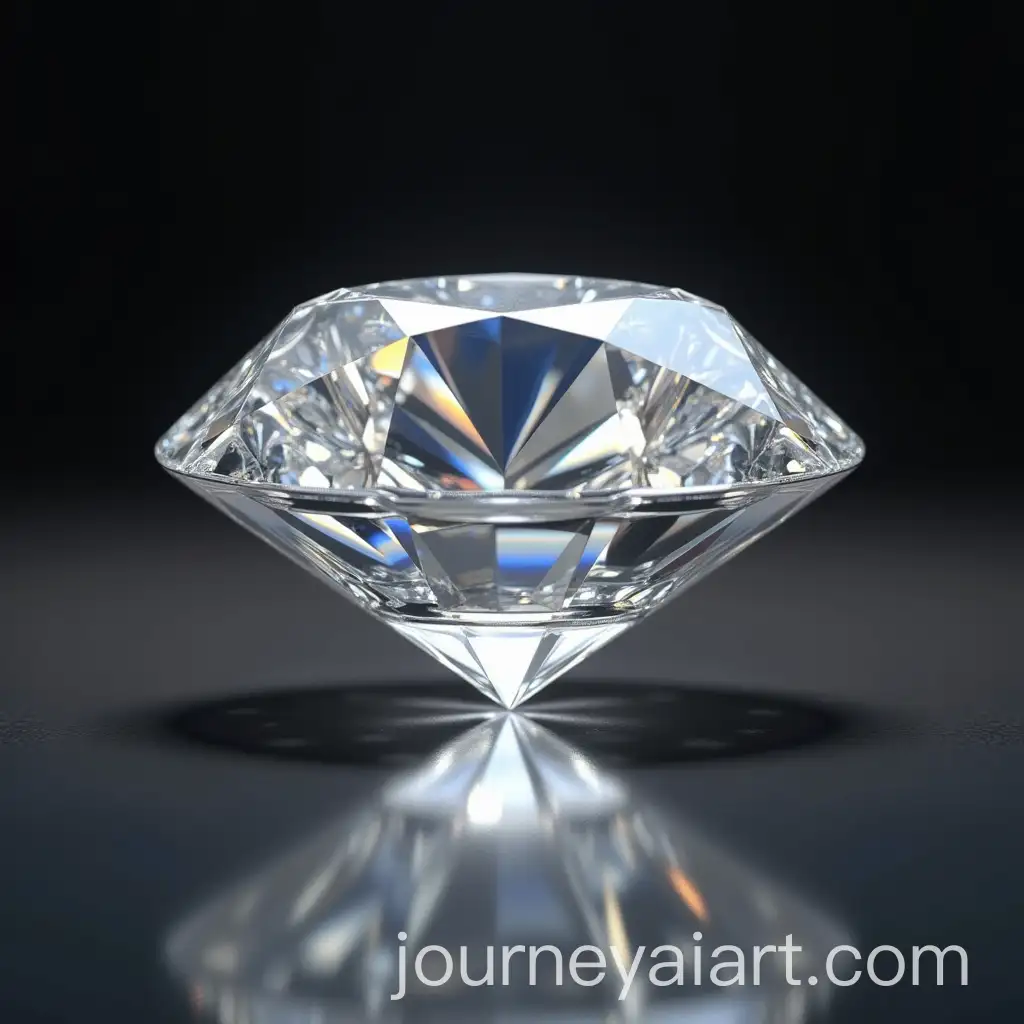

Gemstones have held a prominent place in art and design for centuries, symbolizing wealth, beauty, and mystery. In the context of AI-generated images, gemstones are used to create visually striking and detailed artwork, drawing on their natural allure. These images can be applied in various design projects, from digital art to product design, where the vibrant colors and intricate patterns of gemstones add a touch of elegance and sophistication.
Understanding the Significance of Gemstones in Art and Design
Gemstone-themed AI-generated images come in a wide range of styles, from hyper-realistic renders that mimic the exact look of real stones, to abstract and stylized interpretations that play with color, shape, and texture. These diverse styles cater to various creative needs, whether you're looking for realistic visuals for a jewelry catalog or more artistic representations for branding and marketing materials.
Exploring Different Styles and Types of Gemstone Imagery
In modern culture, gemstones have transcended their traditional role as mere accessories, becoming symbols of luxury, spirituality, and even personal identity. This cultural significance is reflected in digital media, where gemstone imagery is often used in branding, fashion design, and even in the digital representation of astrological signs. AI-generated gemstone images offer a unique way to explore these themes, providing artists and designers with an expansive toolkit to create impactful visuals.
The Role of Gemstone Imagery in Modern Culture and Digital Media
Creating gemstone images with AI tools is both easy and flexible. Start by selecting a base image or generating a new one using AI prompts. The 'open in editor' feature allows users to modify the image's parameters, such as color, shape, and texture, to better fit their specific project needs. This customization capability is ideal for designers looking to produce unique, high-quality visuals that stand out in the competitive digital landscape.
How to Create and Customize Gemstone Images Using AI Tools