39 Free Cat Portrait Midjourney AI images
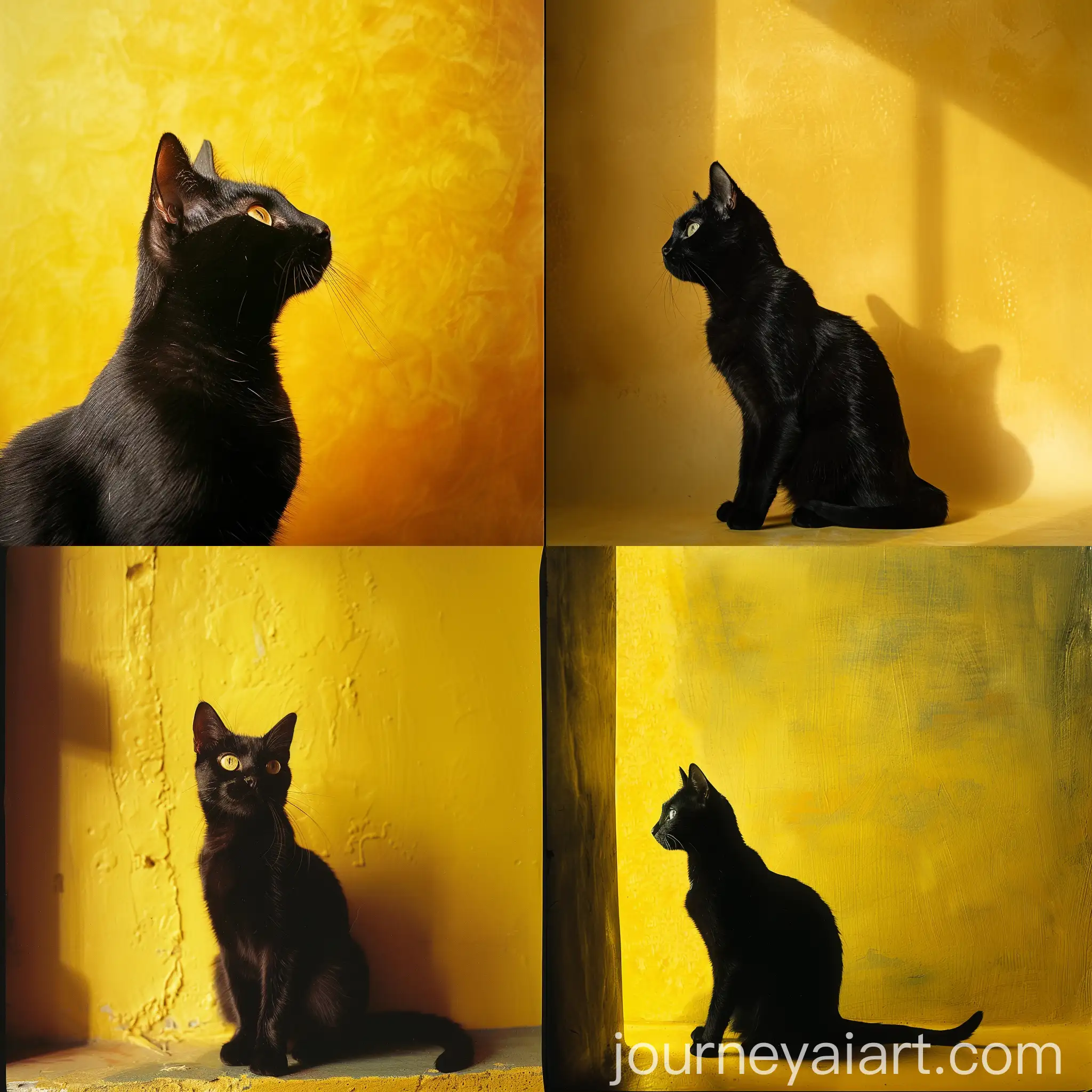
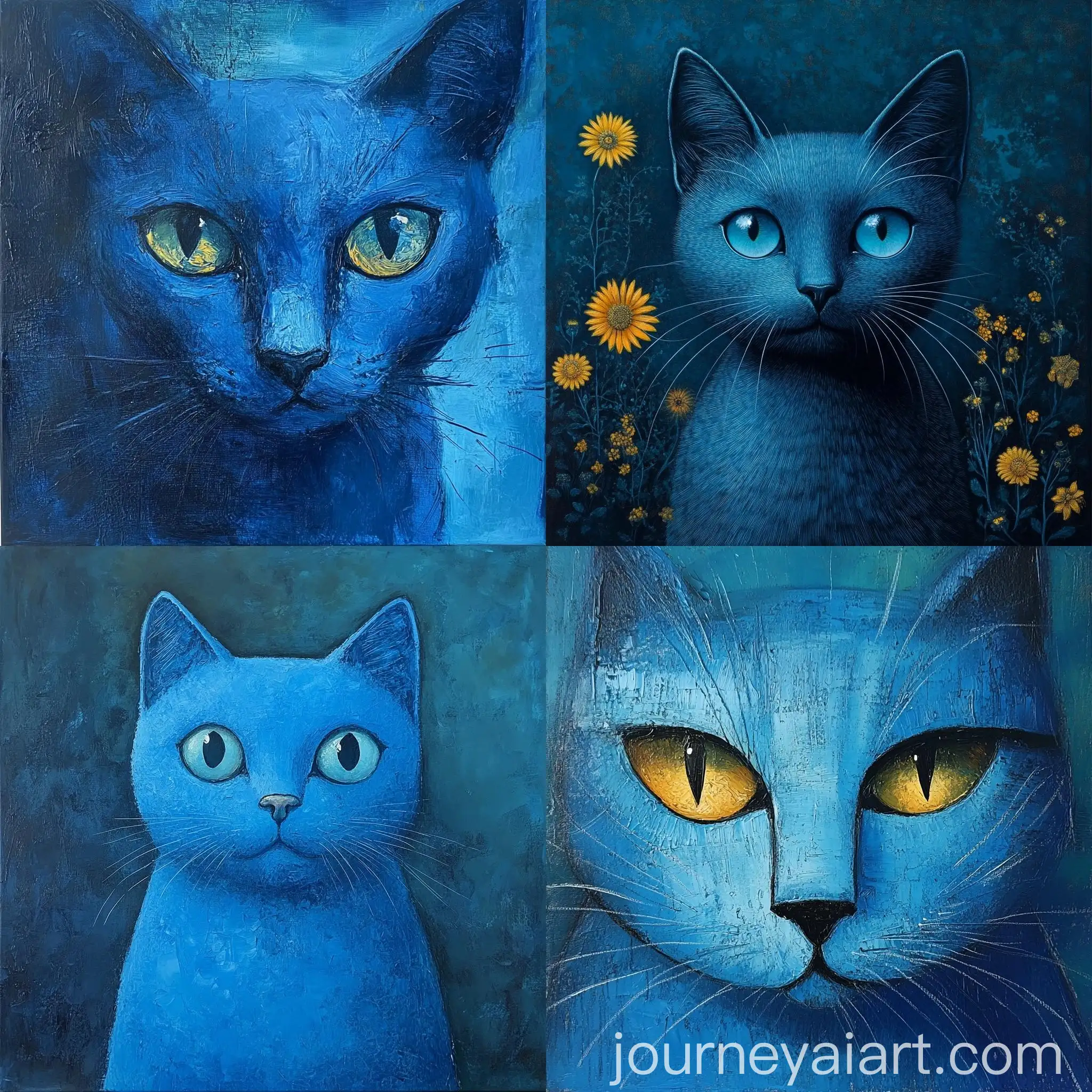
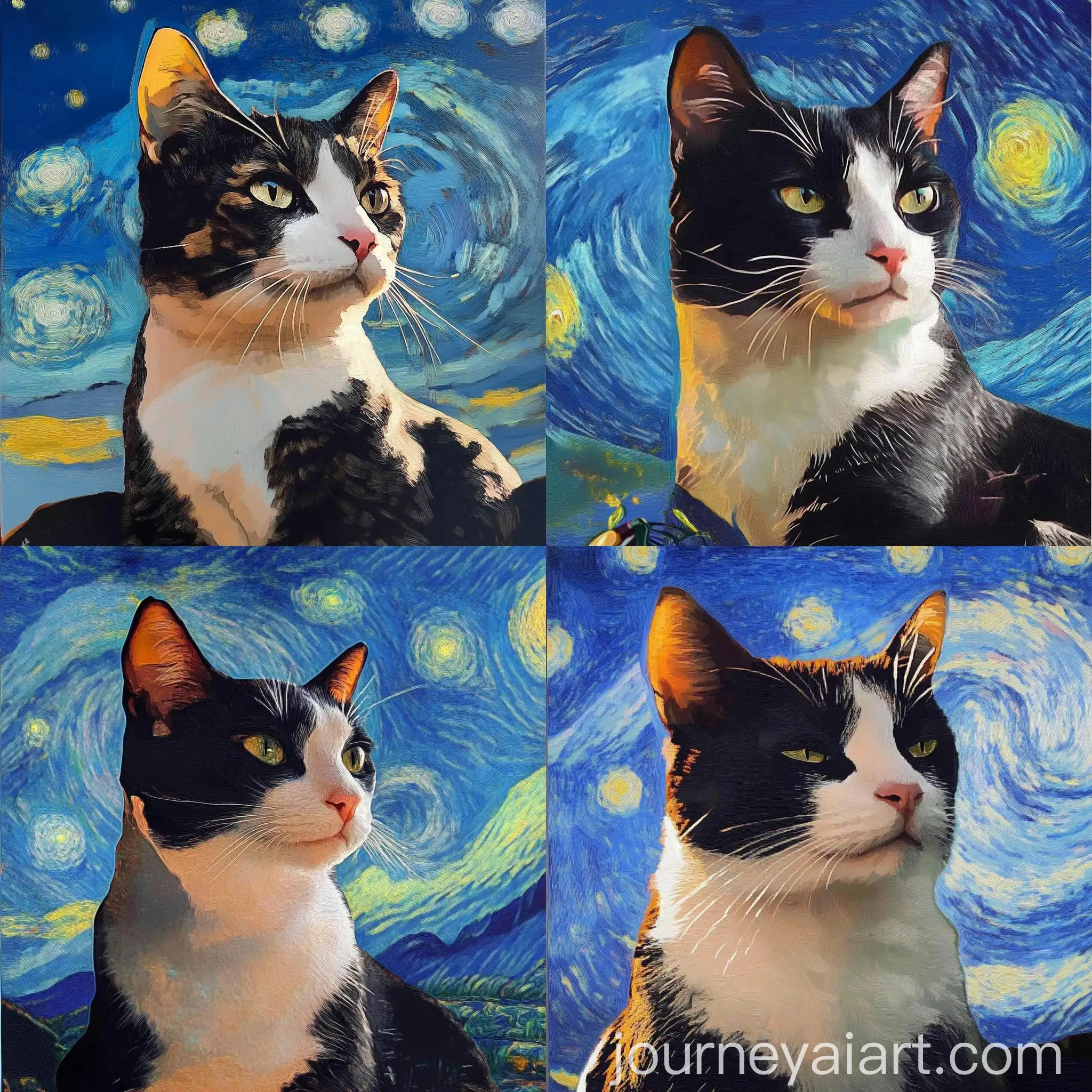
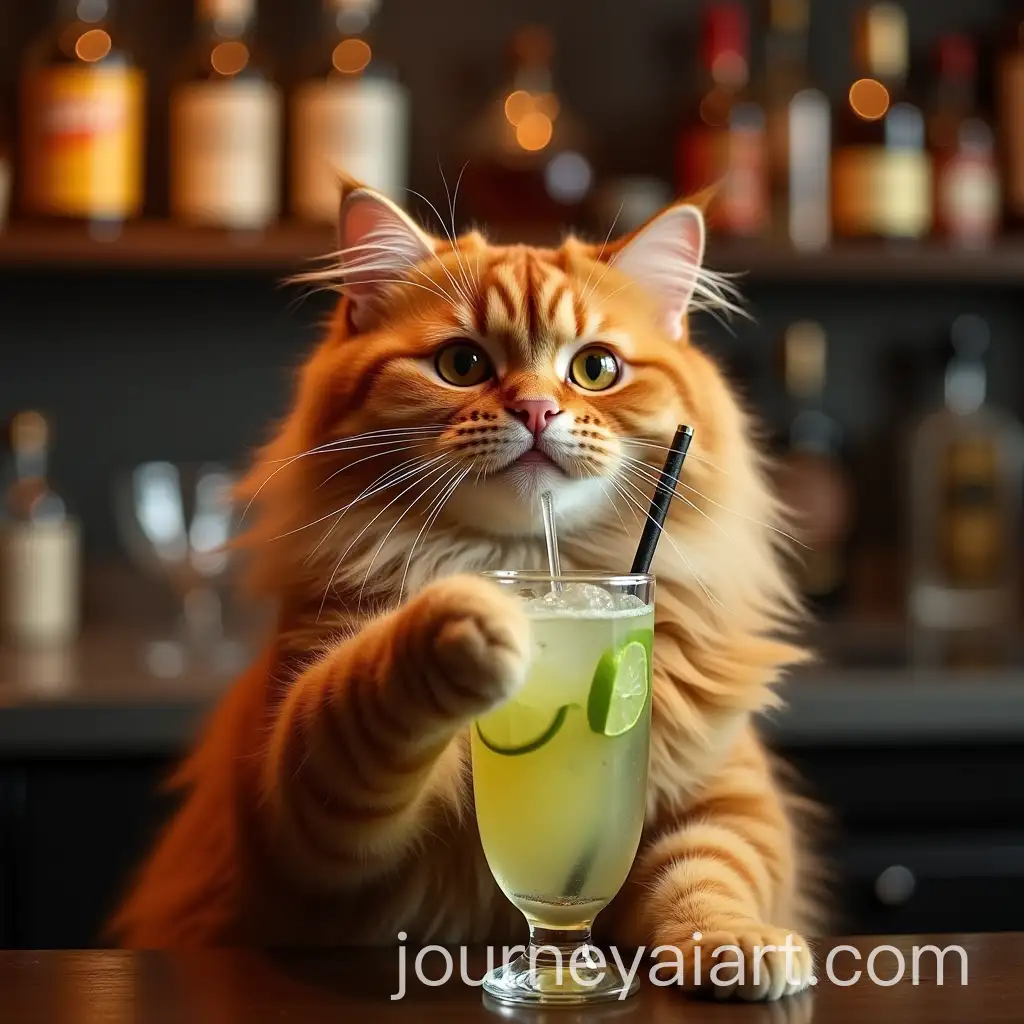
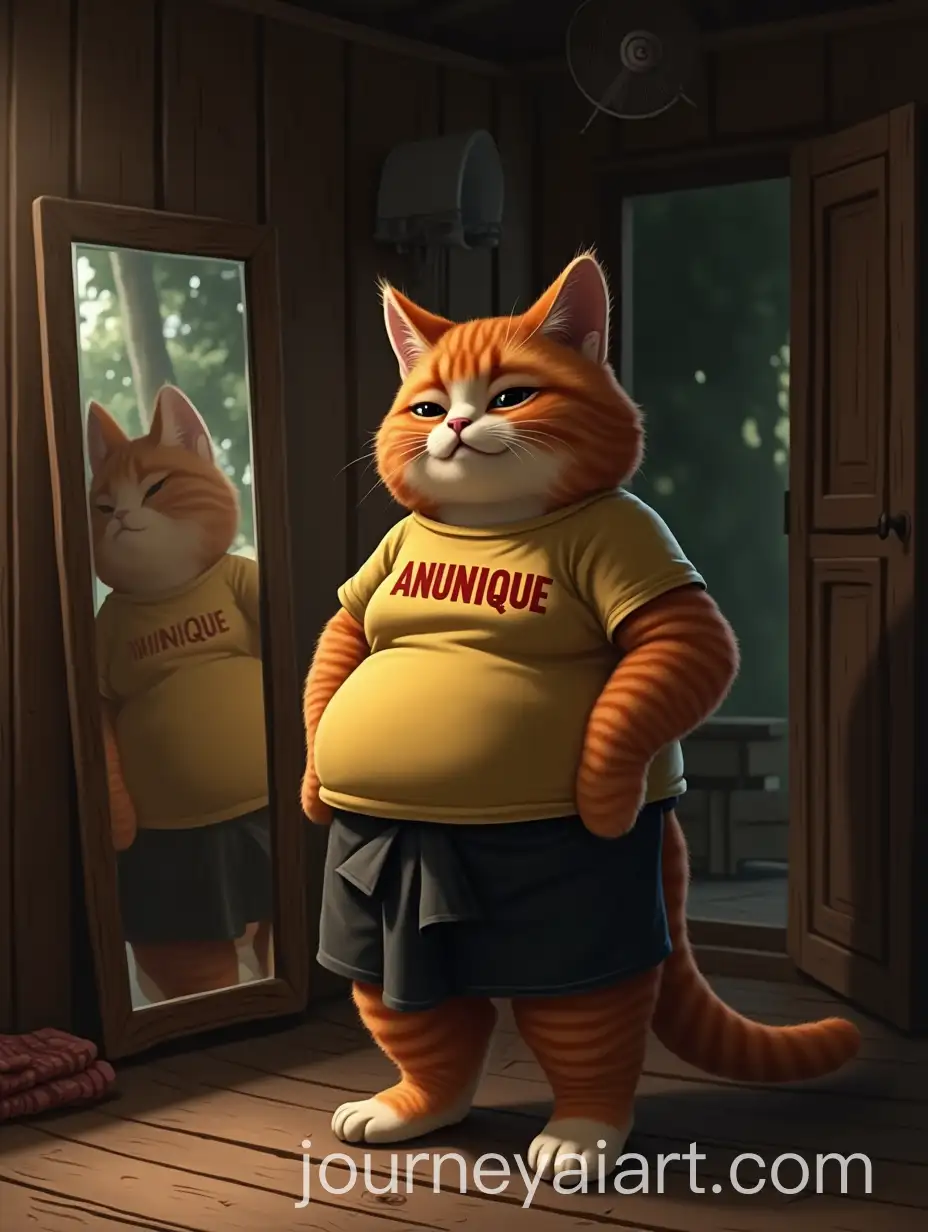
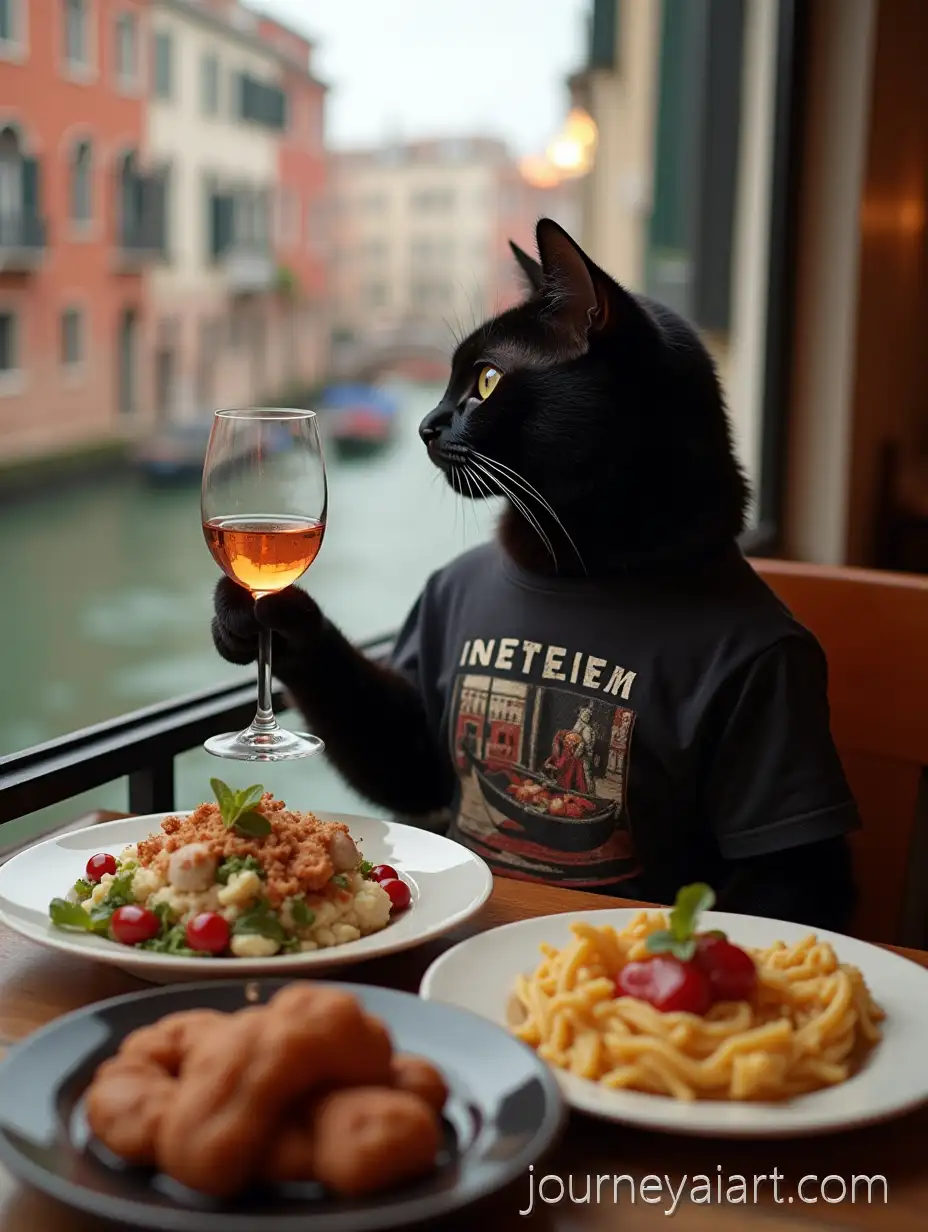
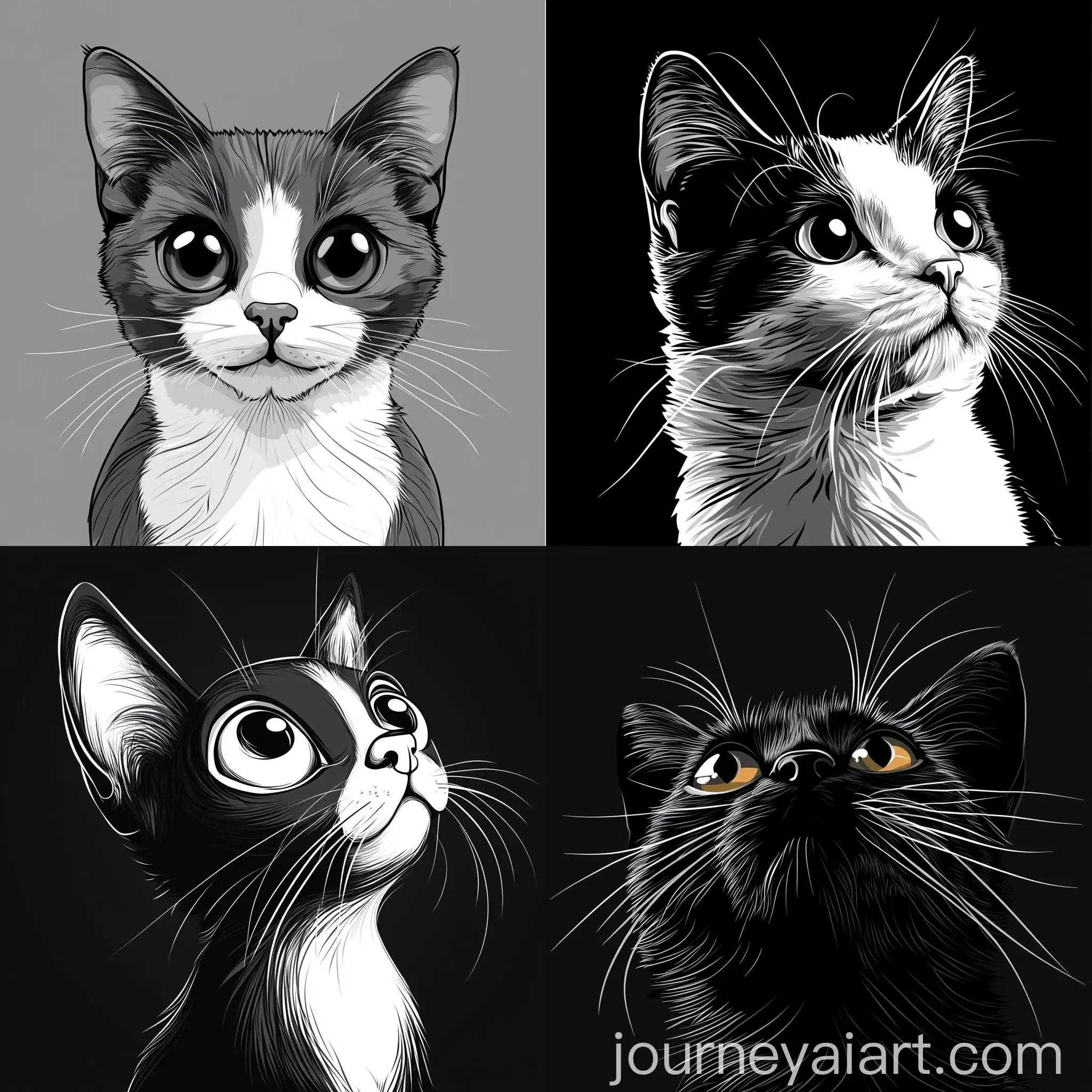
Welcome to our Cat Portrait image collection, featuring 39 free AI-generated images. Explore a diverse array of stock photos, 3D objects, vectors, and illustrations. Enjoy high-resolution downloads and use our 'open in editor' feature to customize prompts for your perfect image.


Related Tags
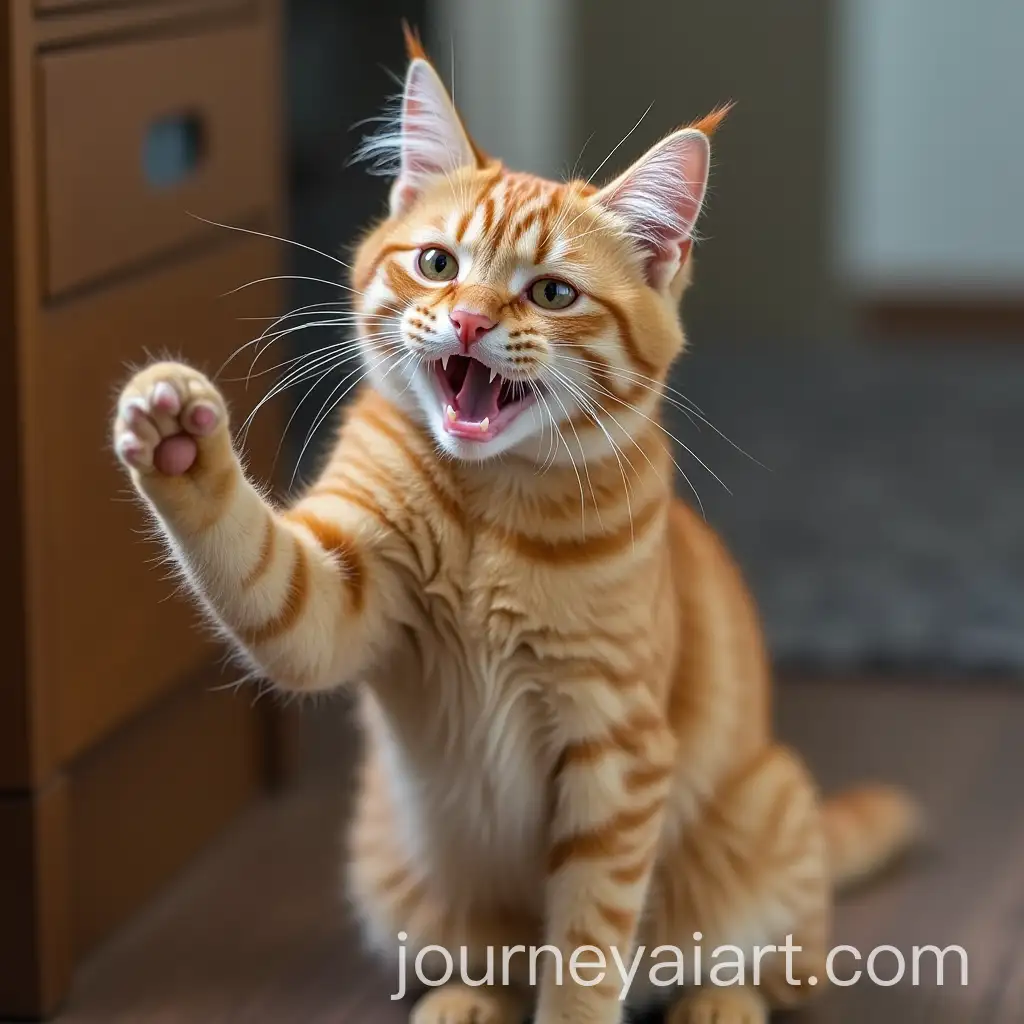
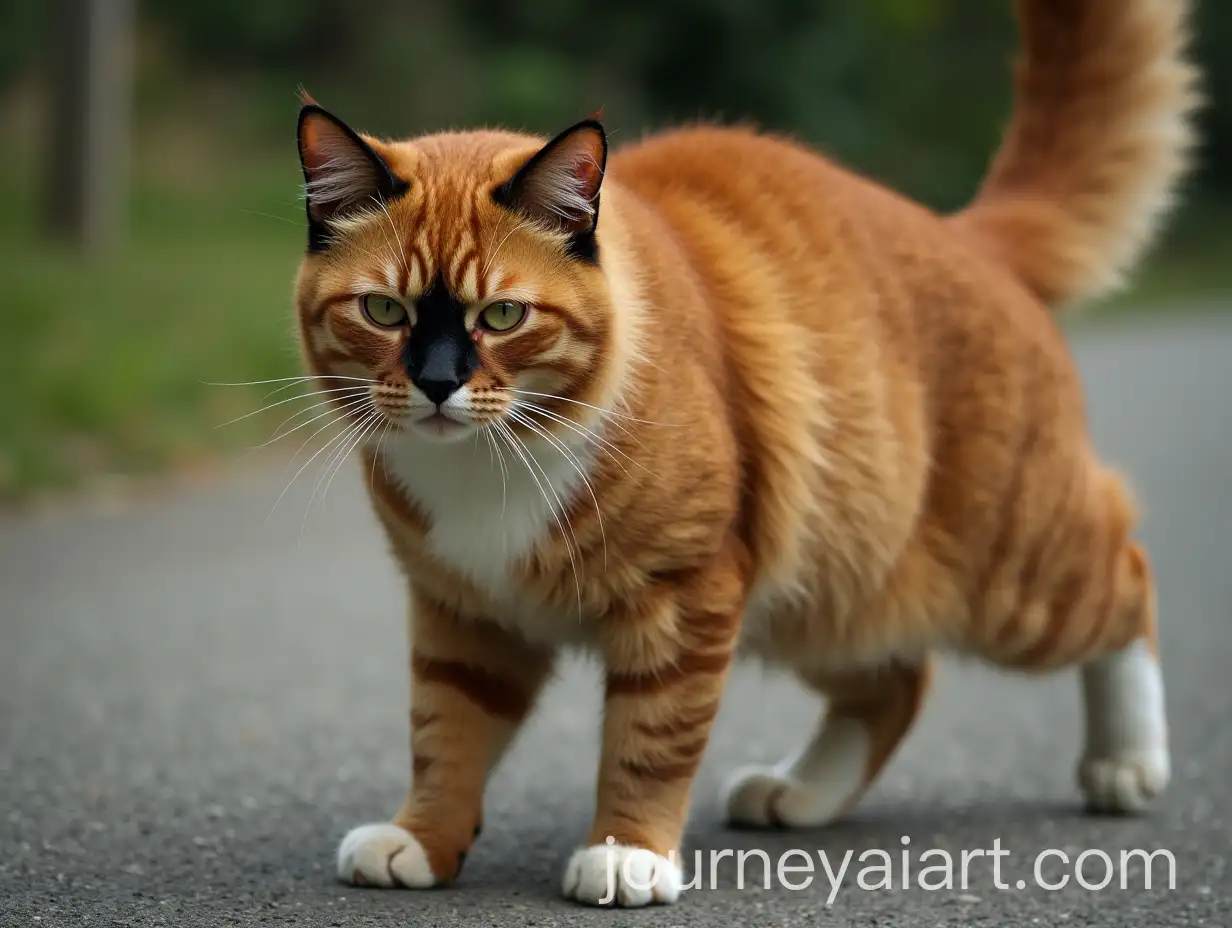
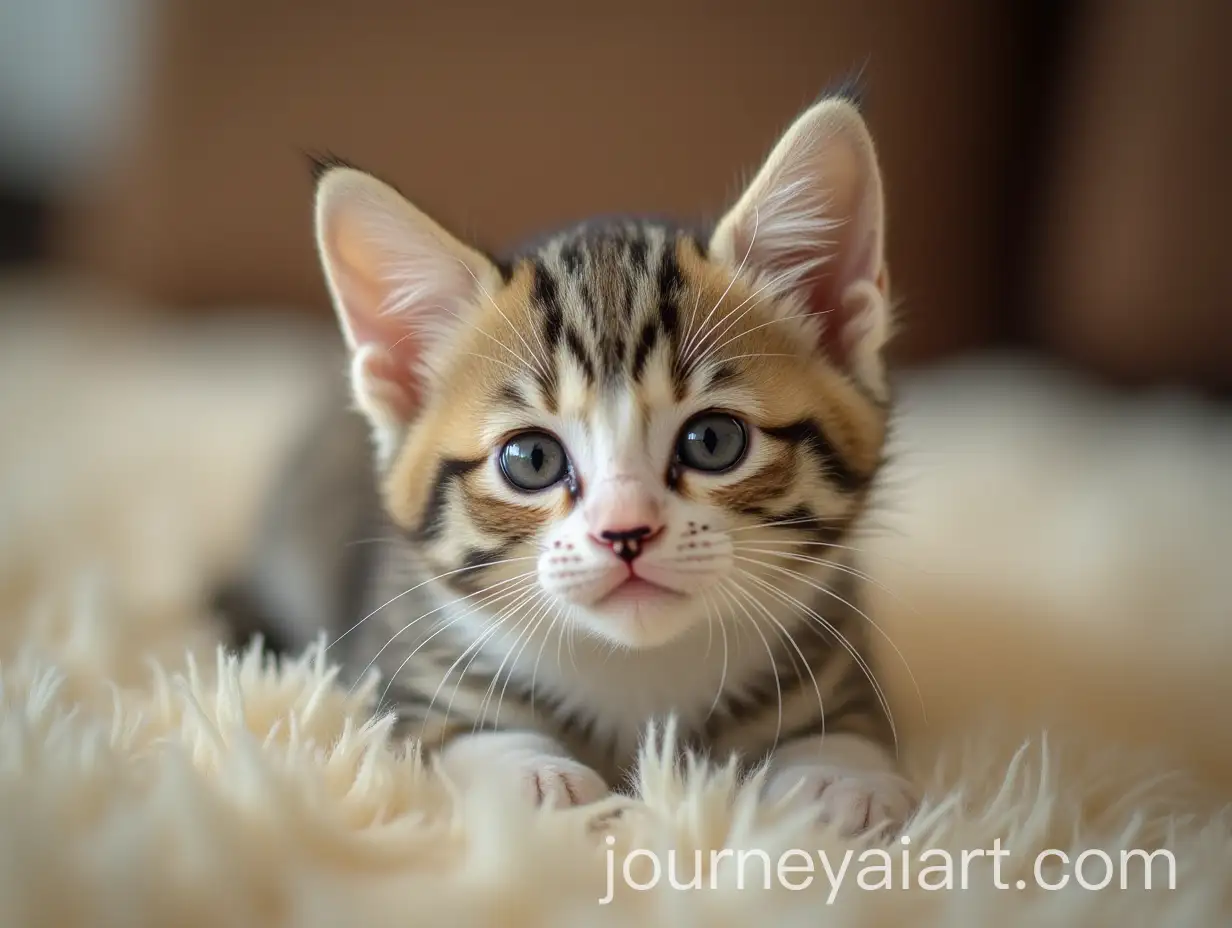
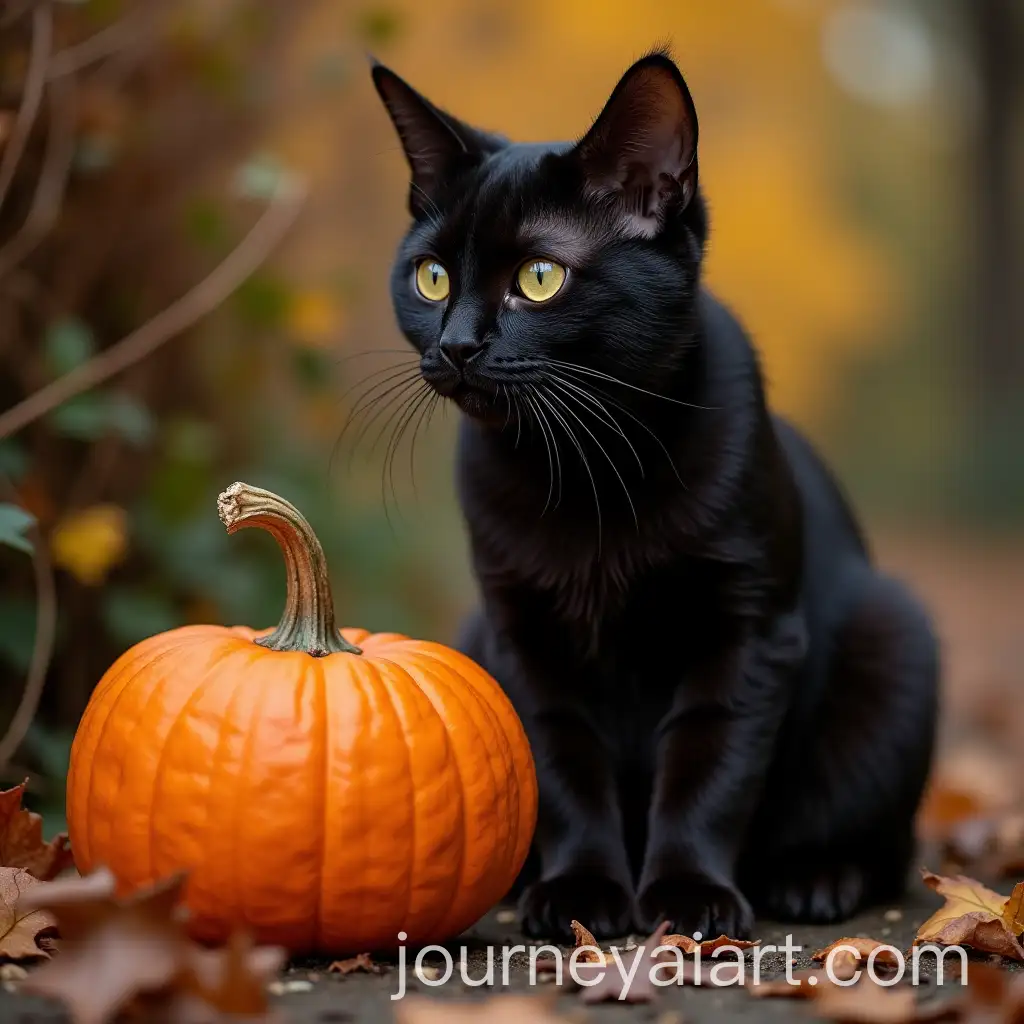
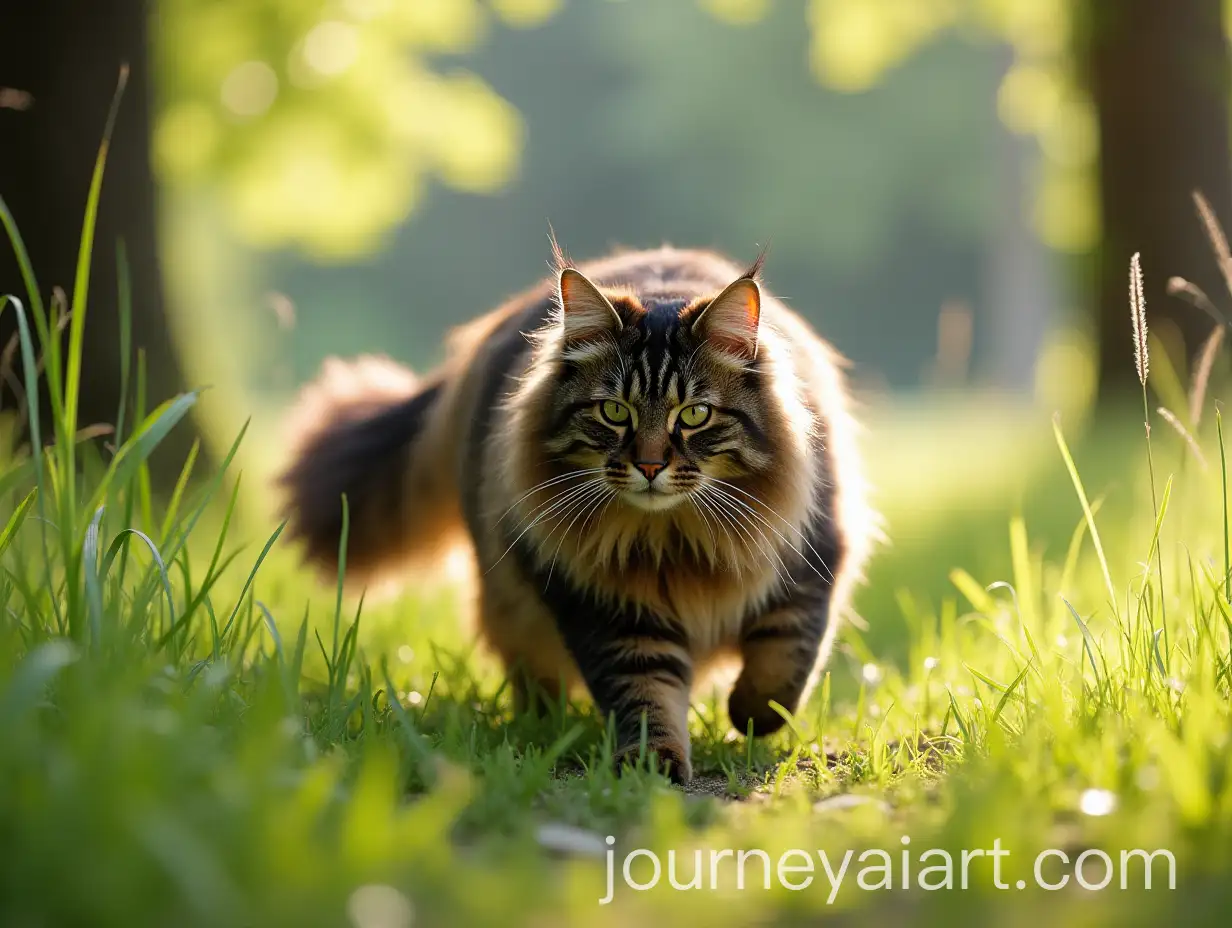
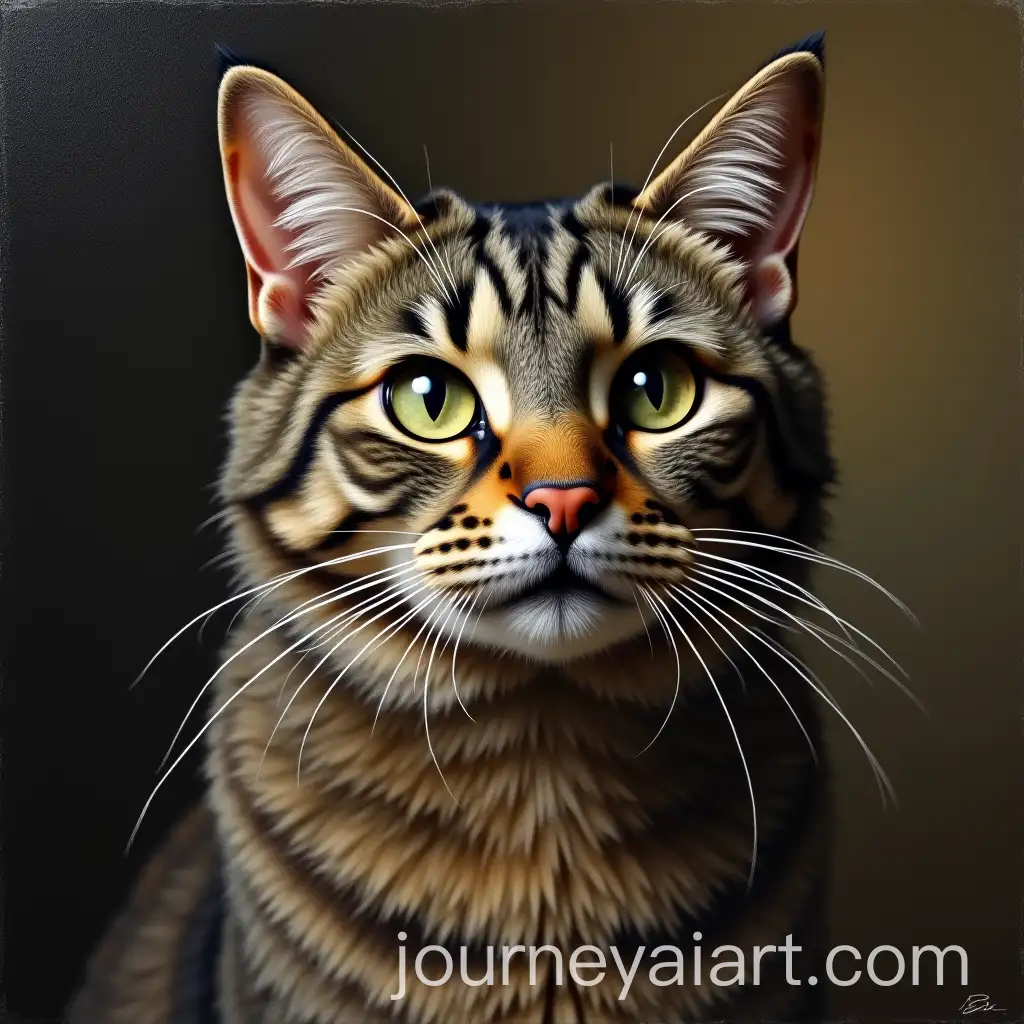
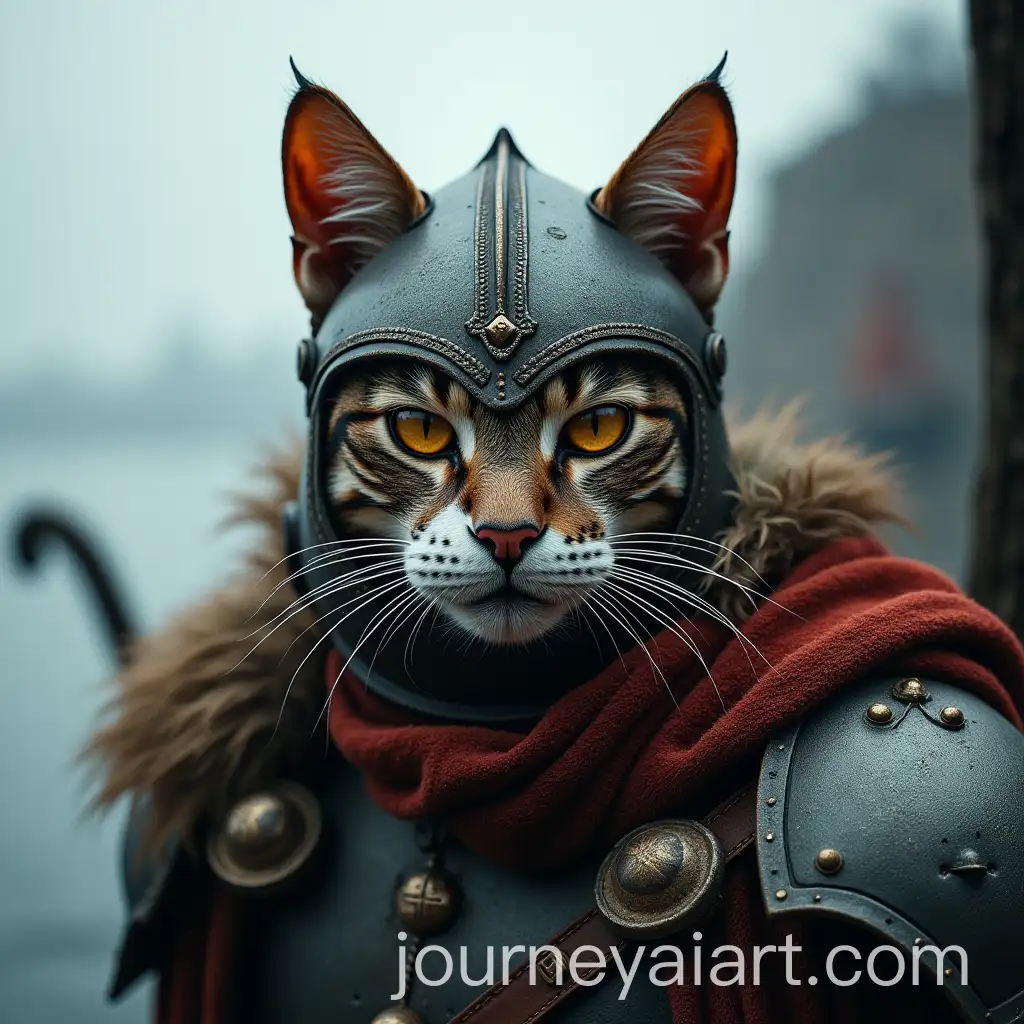
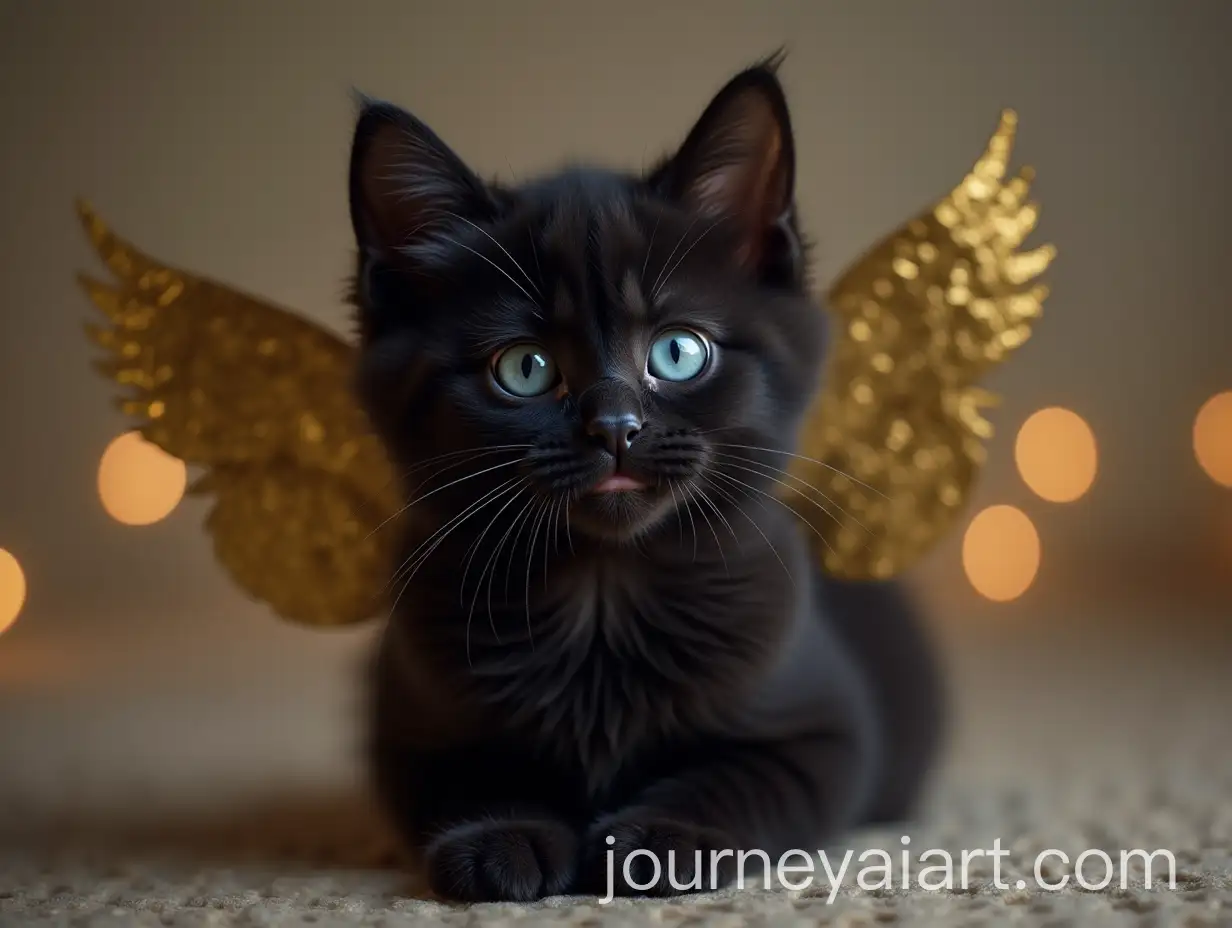
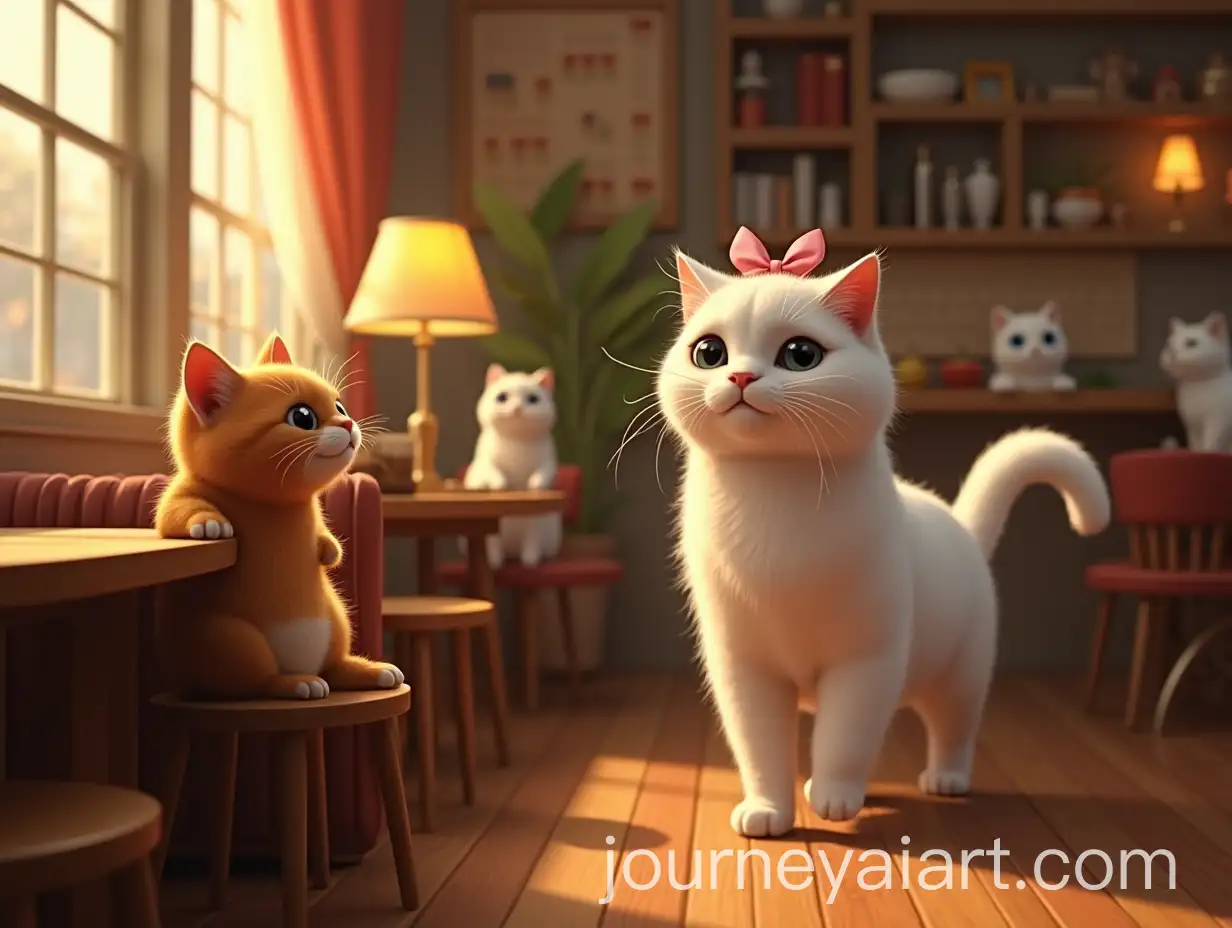
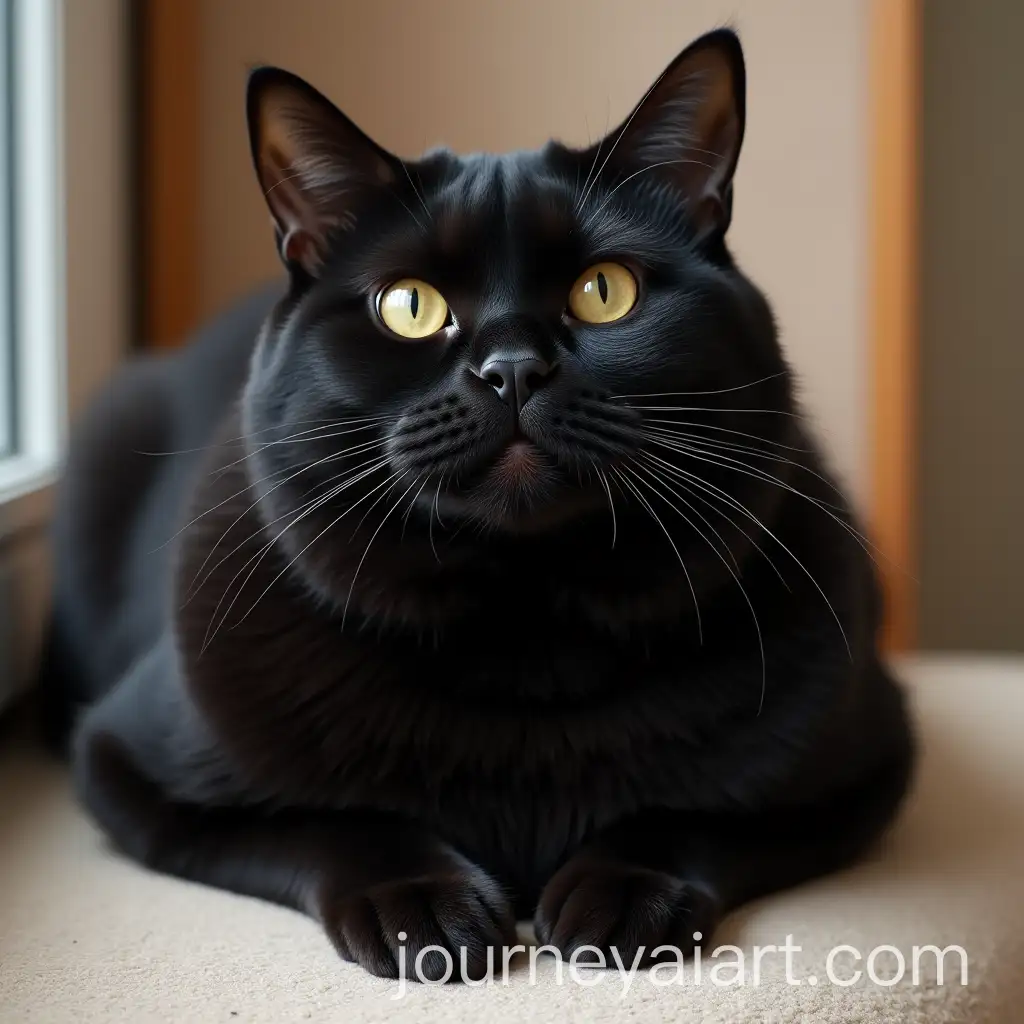
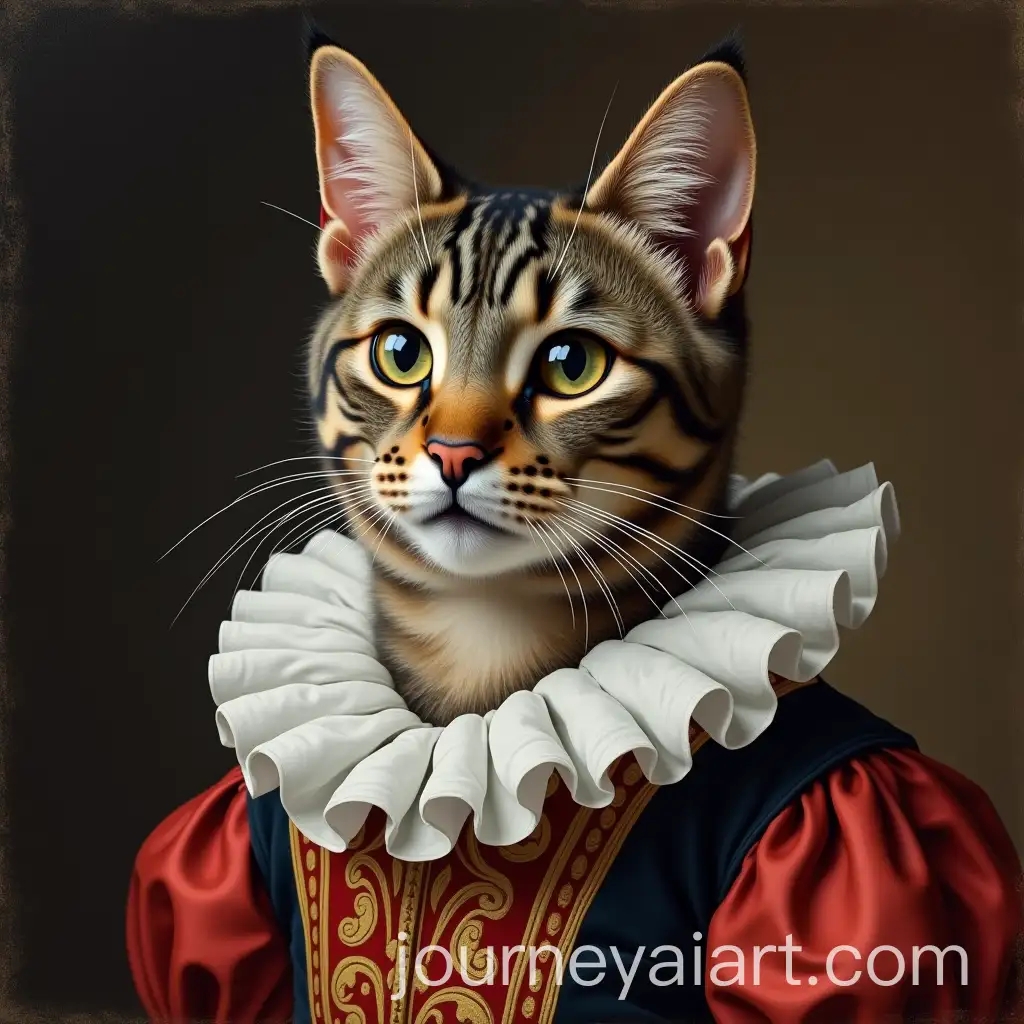
Cat portraits have long been cherished for capturing the unique personalities and beauty of our feline companions. Traditionally, these portraits were painted or photographed, but with the advent of AI technology, creating lifelike and imaginative cat portraits has become easier and more accessible. AI-generated cat portraits can range from realistic depictions to whimsical, stylized interpretations, offering a wide array of creative possibilities.
Understanding Cat Portraits: A Blend of Art and Affection
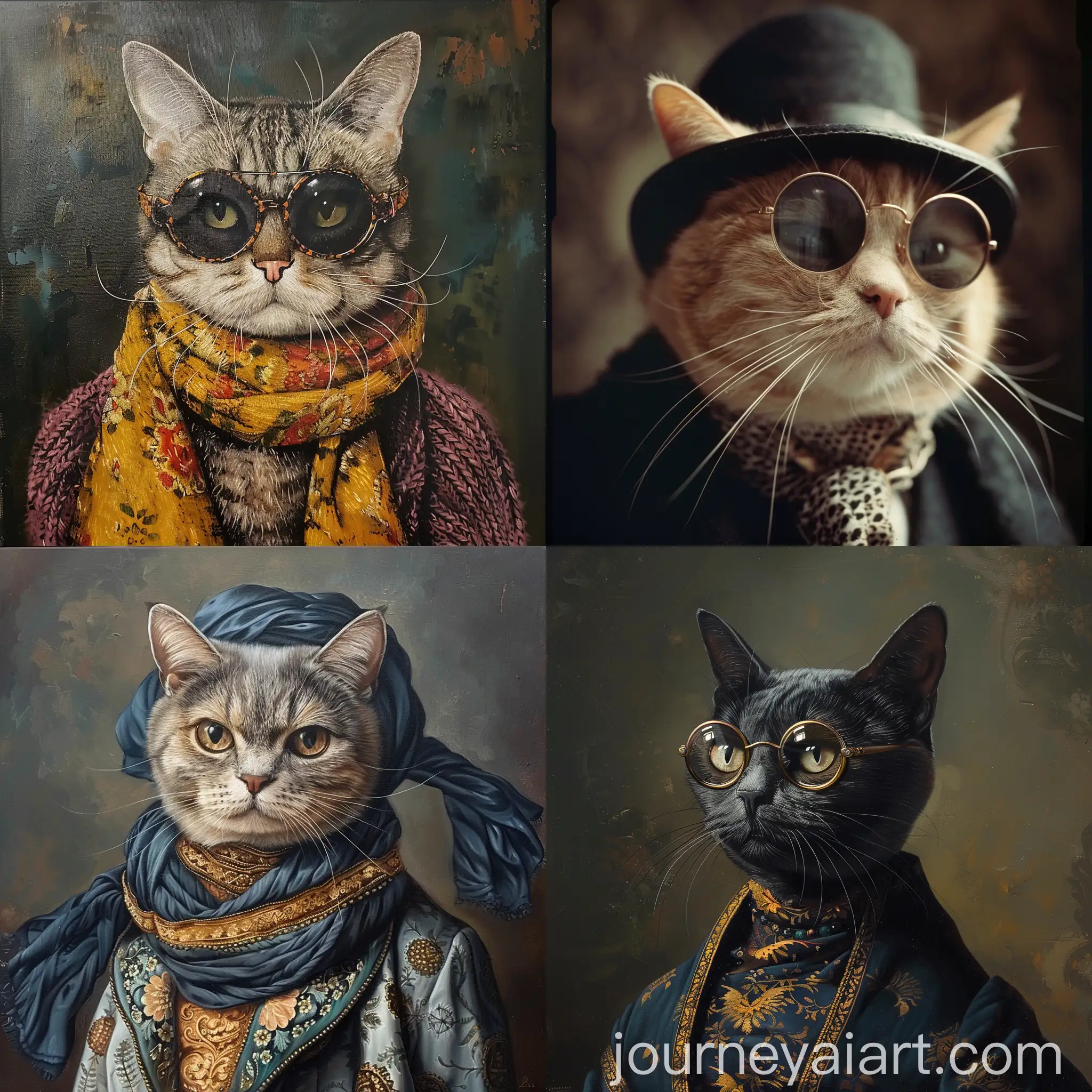
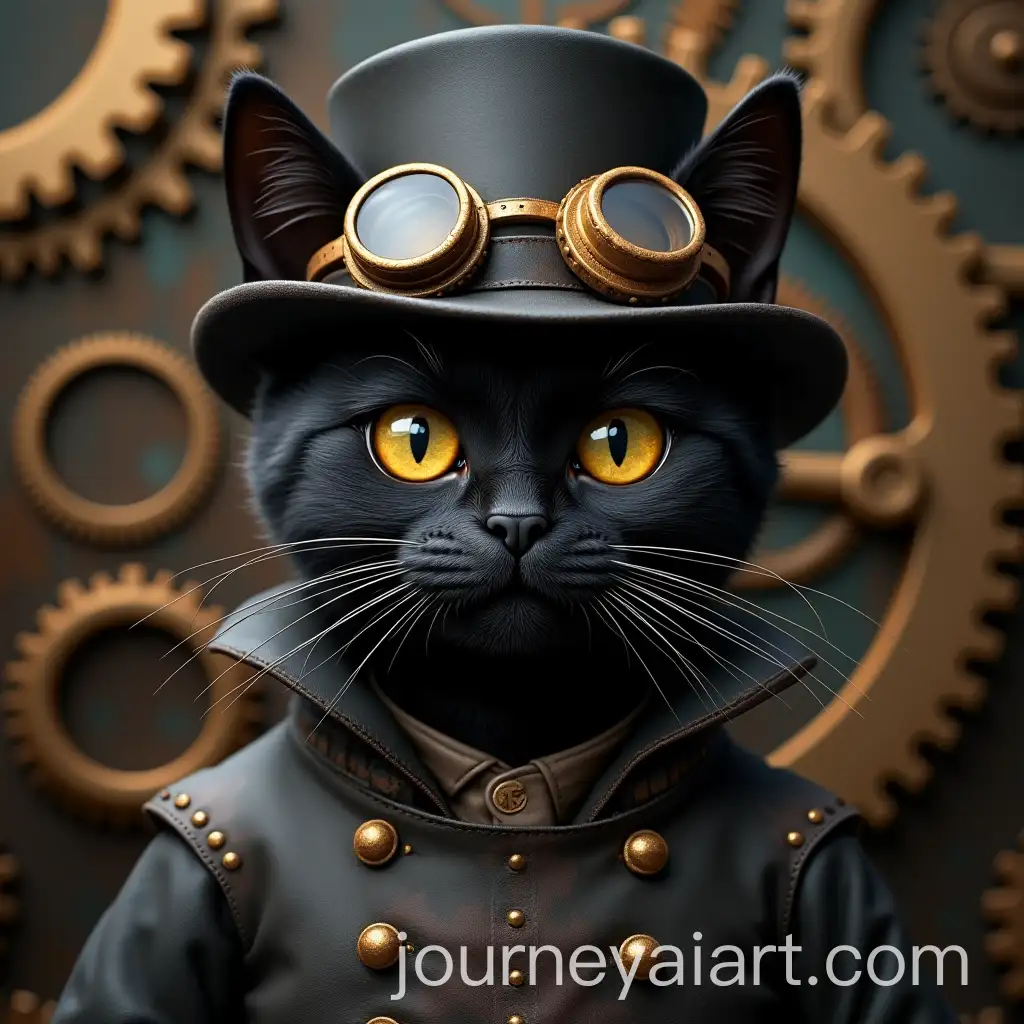
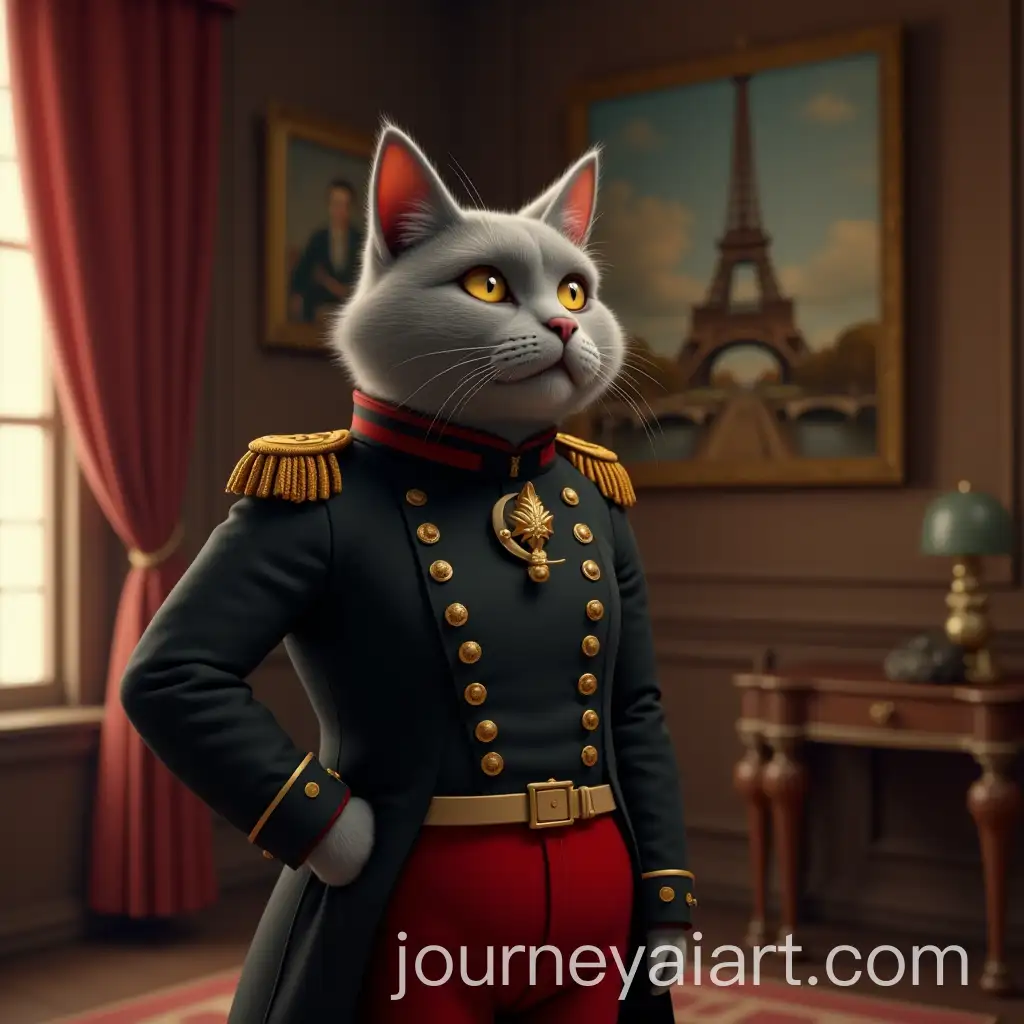
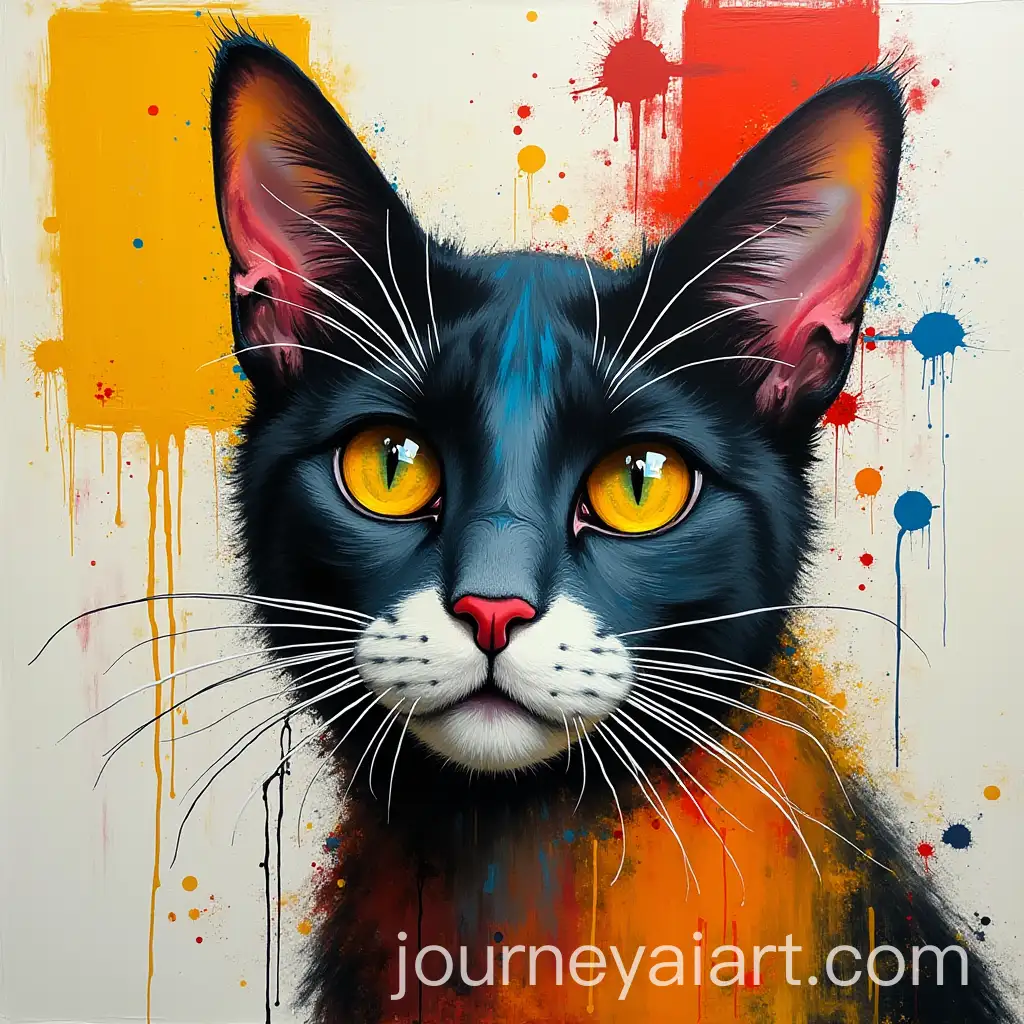
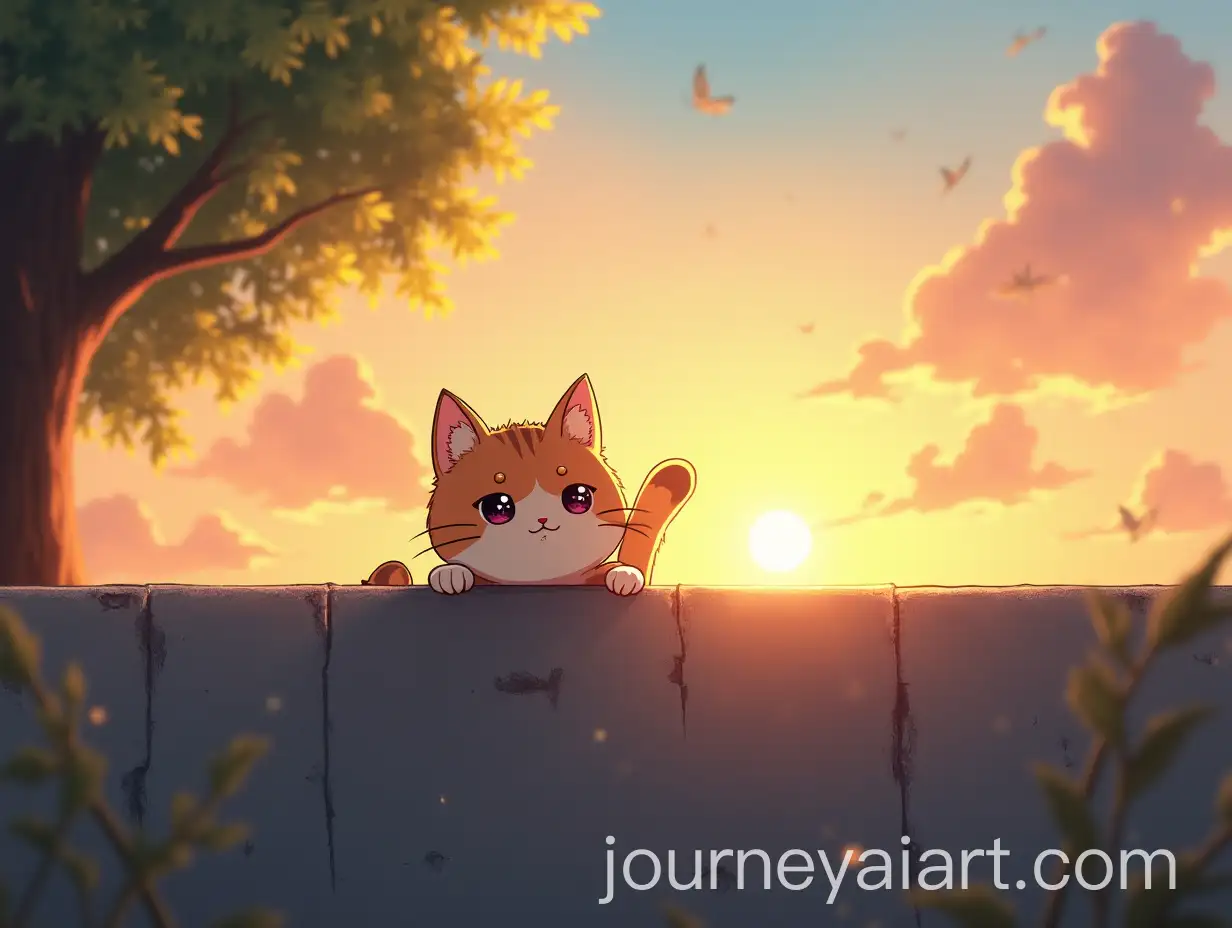
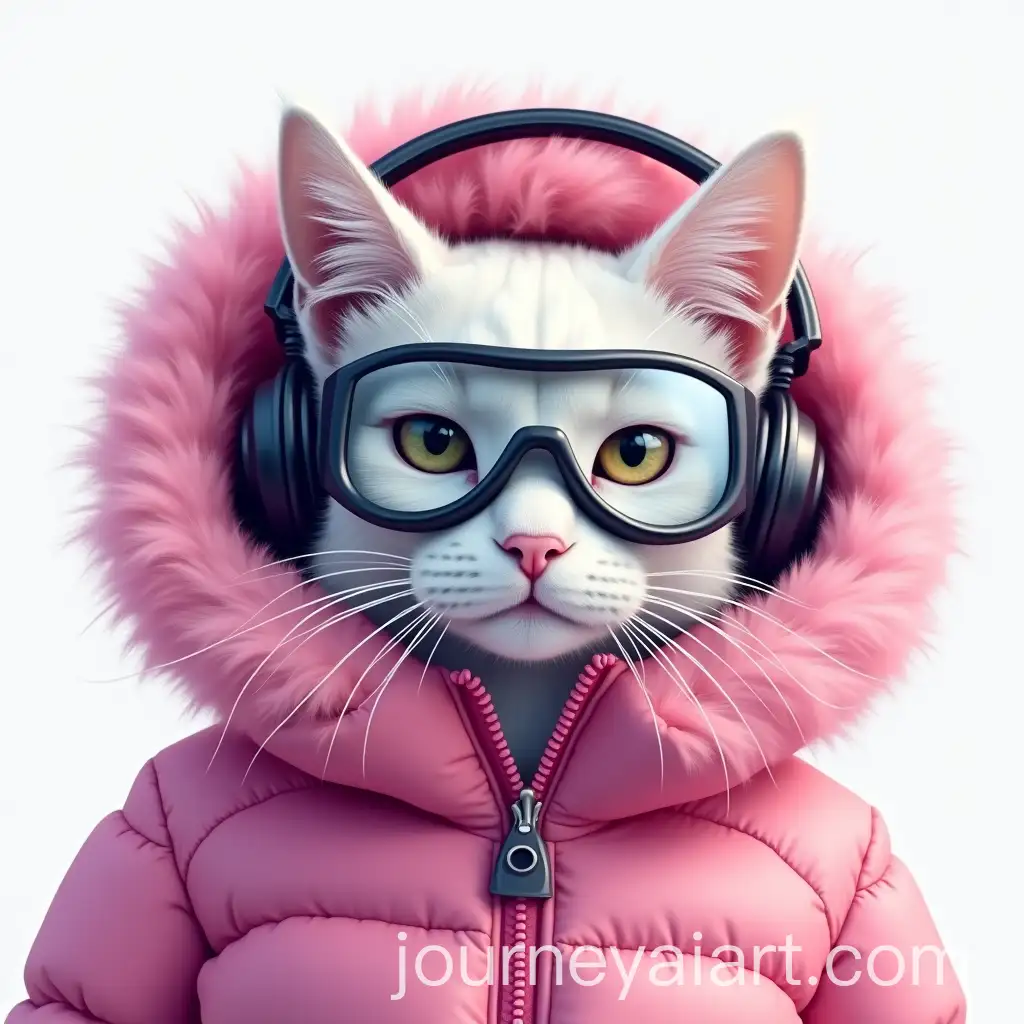
AI-generated cat portraits are characterized by their diverse styles, from hyper-realistic images to abstract and artistic renditions. These portraits can be used in various applications, such as personalized gifts, home decor, social media content, and even marketing materials. The flexibility of AI allows for customization, enabling users to tailor the images to specific themes or preferences, ensuring each portrait is unique and meaningful.
Characteristics and Applications of AI-Generated Cat Portraits
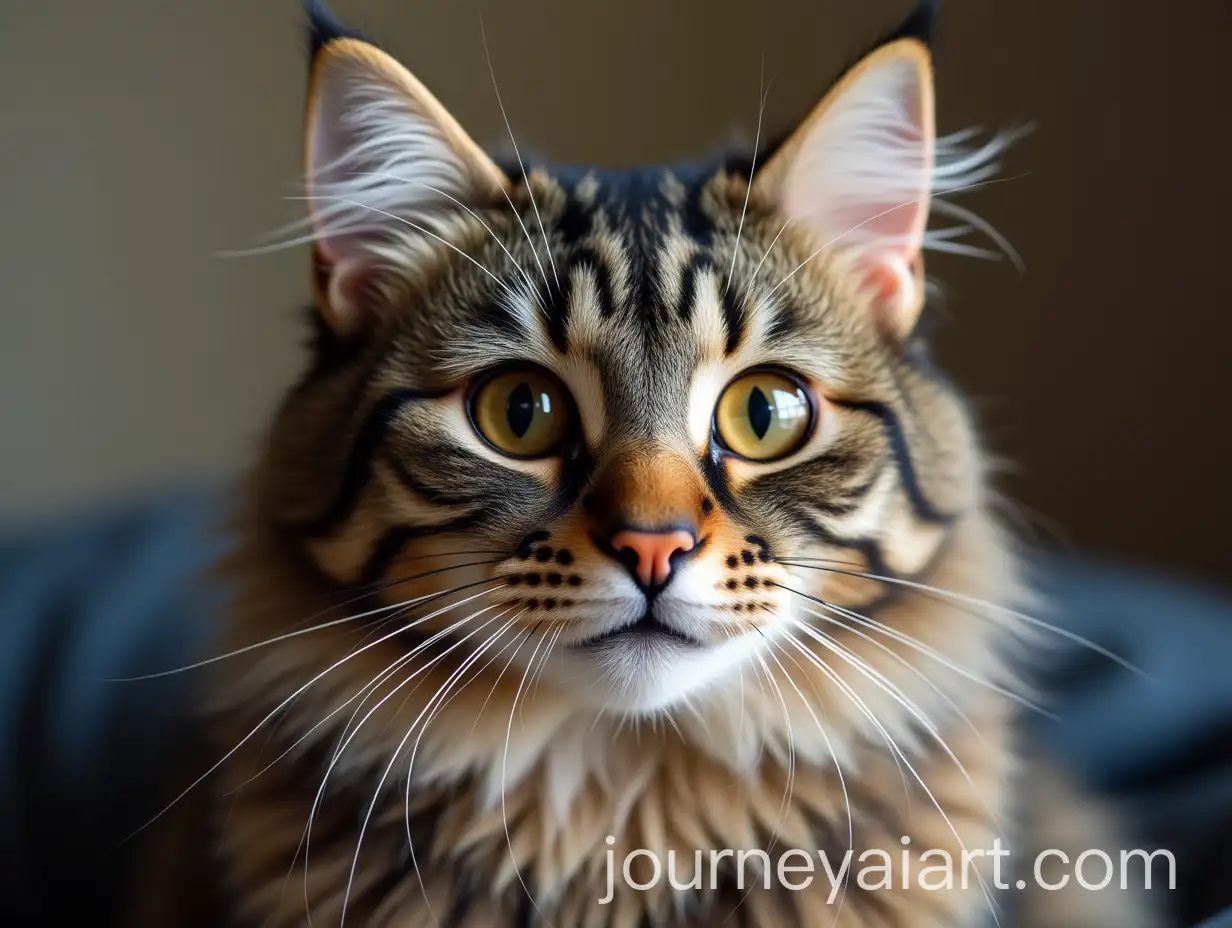
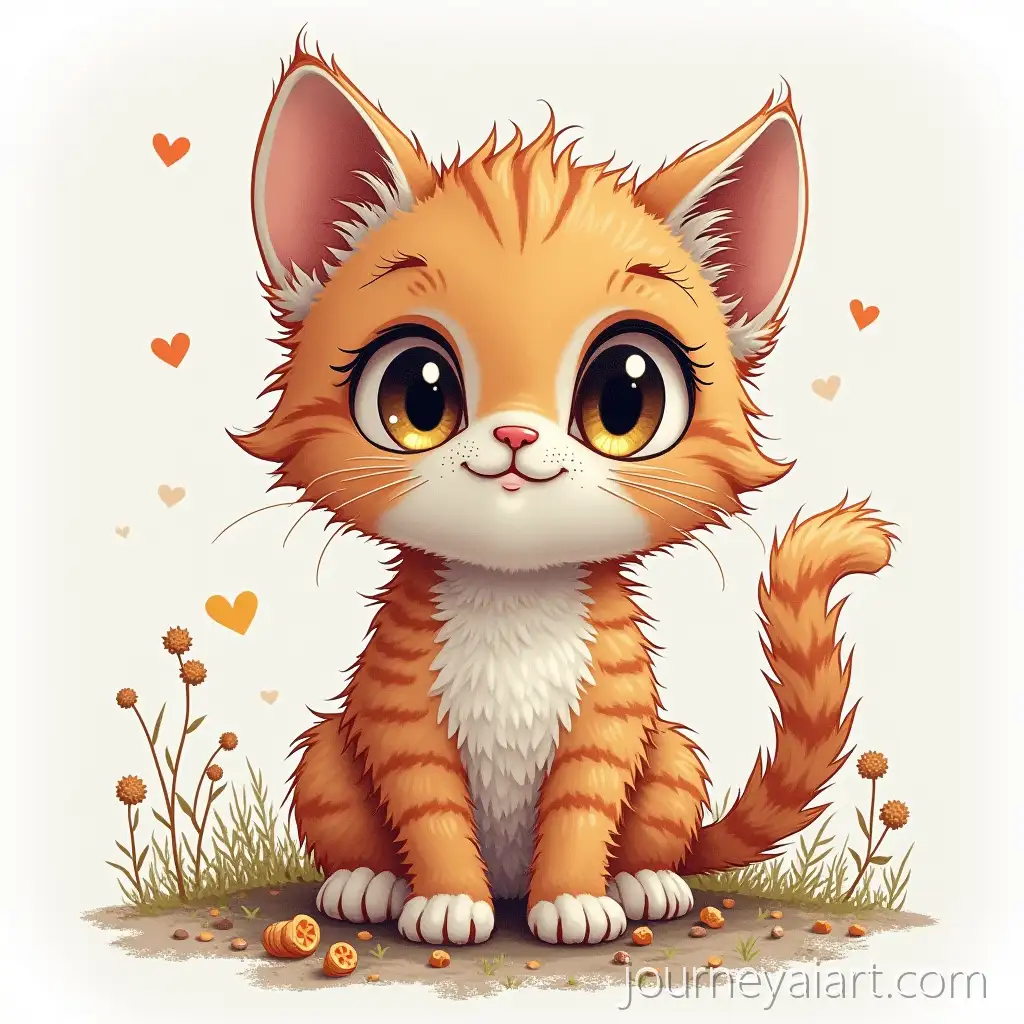
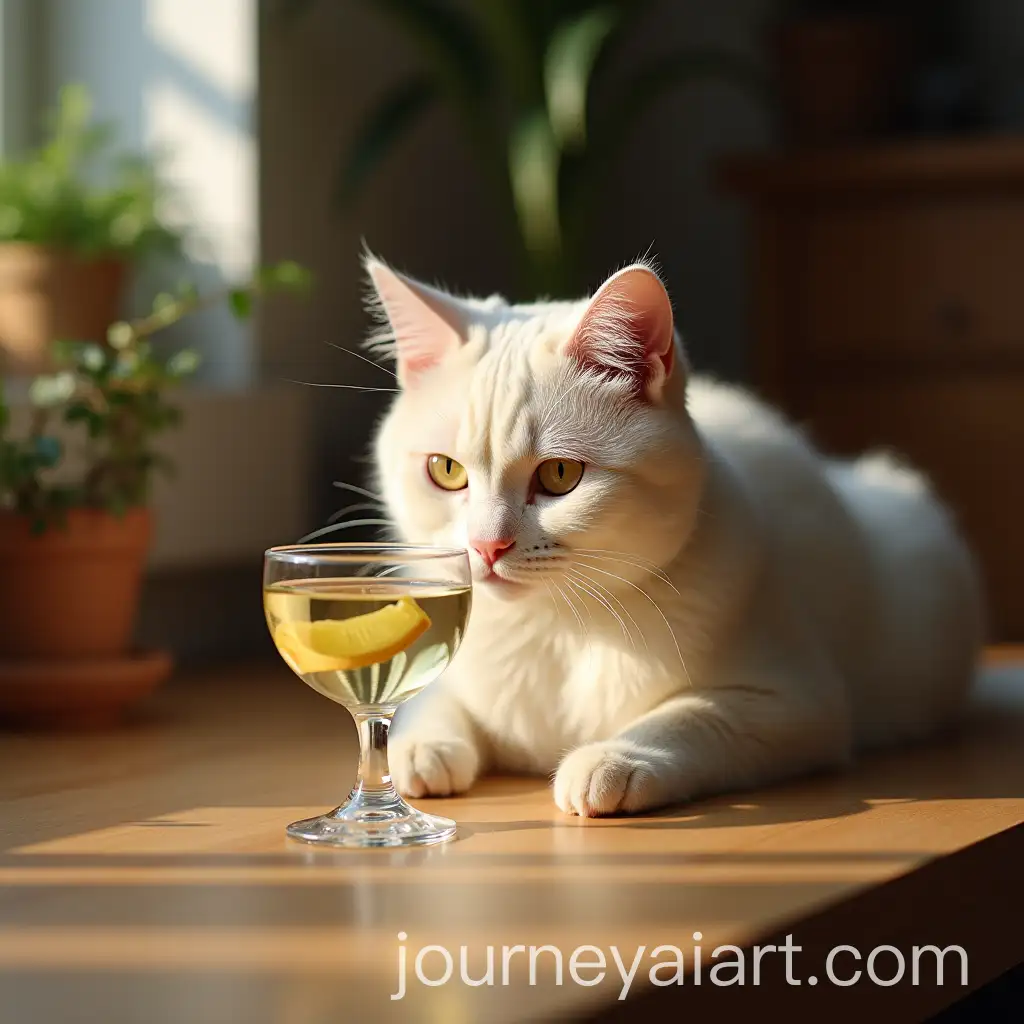
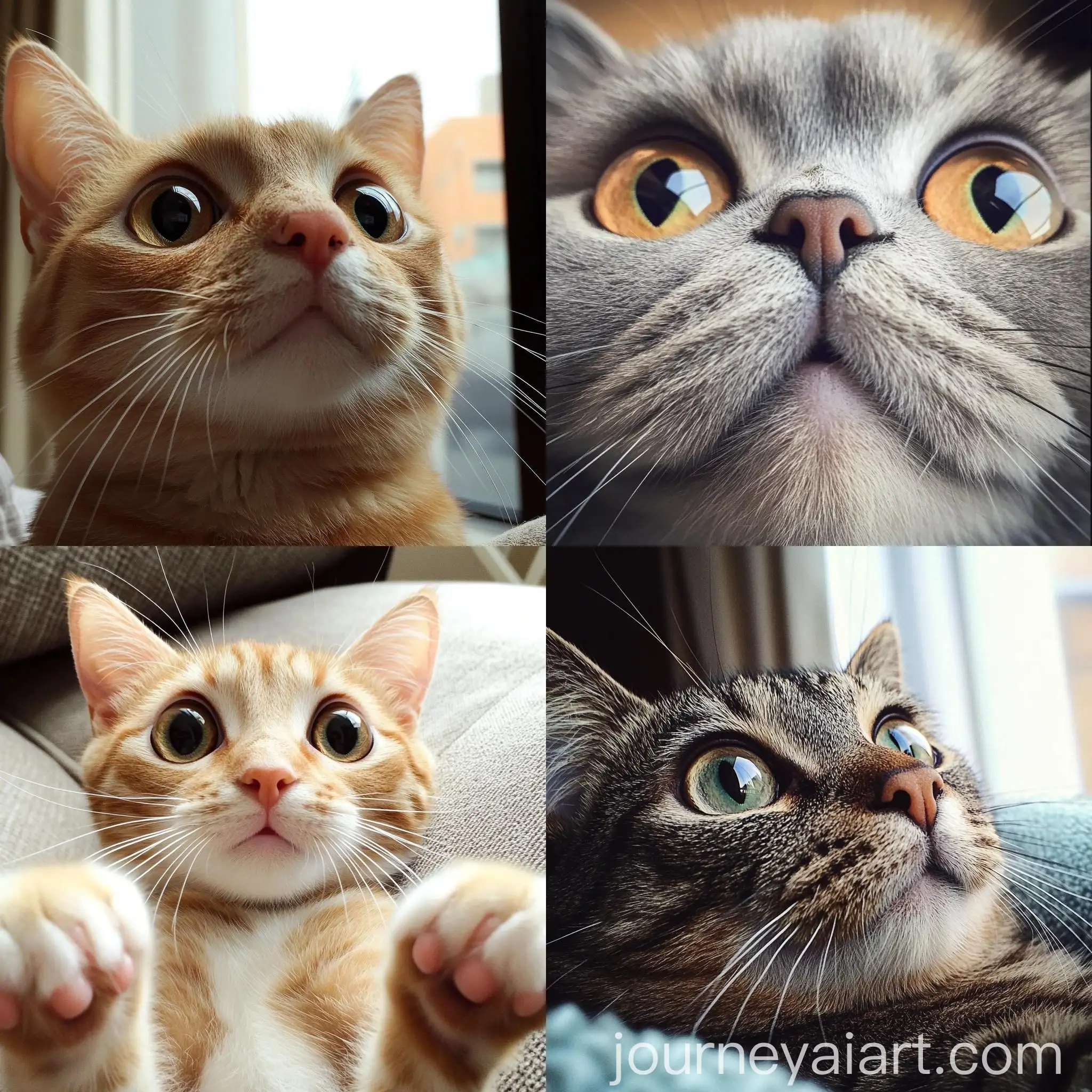
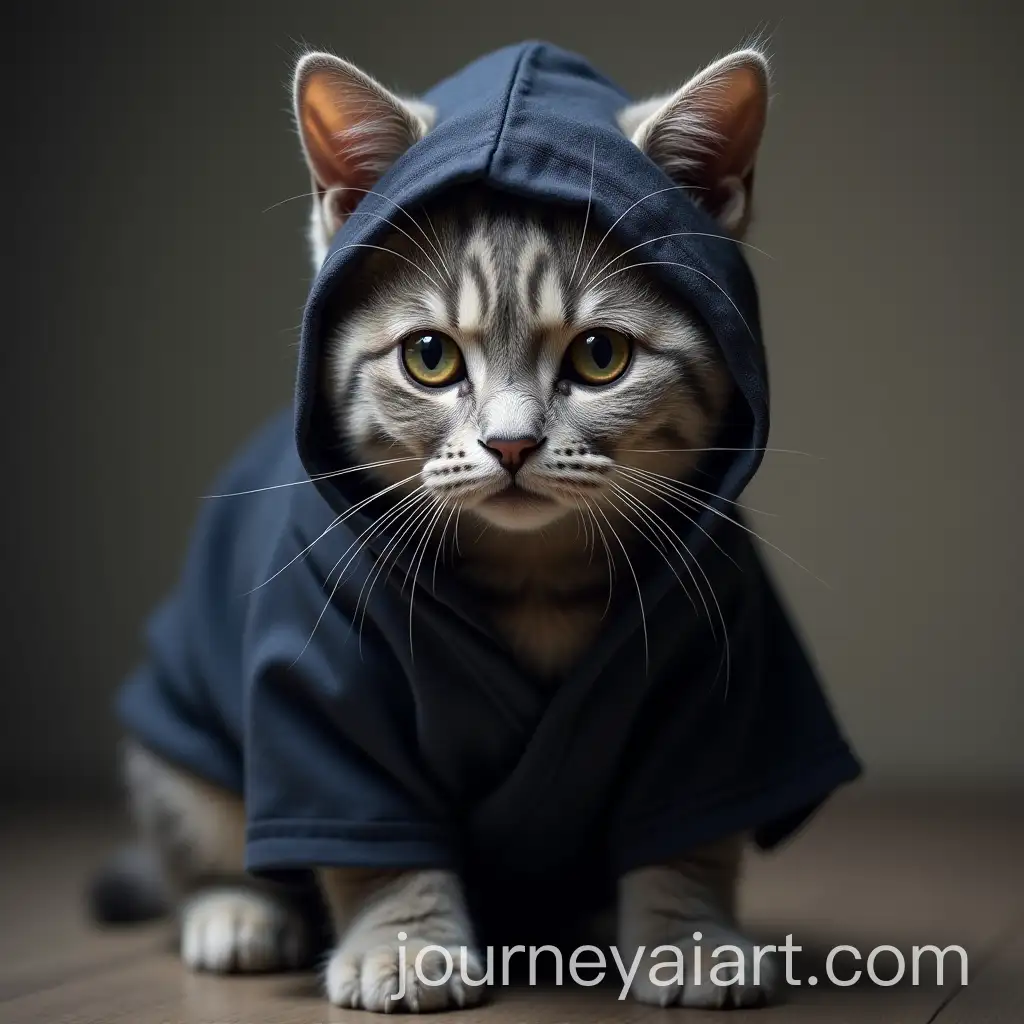
Cat portraits come in many styles, each offering a distinct aesthetic. Realistic portraits capture the true essence of a cat's appearance, showcasing fine details like fur texture and eye color. In contrast, stylized portraits might use vibrant colors, exaggerated features, or whimsical backgrounds to create a more artistic interpretation. Additionally, vector portraits provide a clean, modern look suitable for digital use, while 3D cat portraits add depth and dimension, making them ideal for various multimedia projects.
Exploring Different Styles and Types of Cat Portraits
Creating AI-generated cat portraits is both simple and rewarding. Start by selecting a base image or prompt that reflects the desired style or mood. Use the 'open in editor' feature to tweak the prompt, adjusting parameters such as color scheme, background elements, and artistic style. Experimenting with different settings can yield surprising and delightful results. For those new to AI image generation, many platforms offer tutorials and community forums to help refine your skills and inspire creativity.
Creating Cat Portraits with AI: Tips and Techniques