5 Free Bold Cel Shading Midjourney AI images
Explore our Bold Cel Shading image collection, featuring 5 free AI-generated images. This page offers a diverse range of stock photos, 3D objects, vectors, and illustrations. All images are available for high-resolution download, and you can use the 'open in editor' feature to adjust prompts and customize your perfect image.
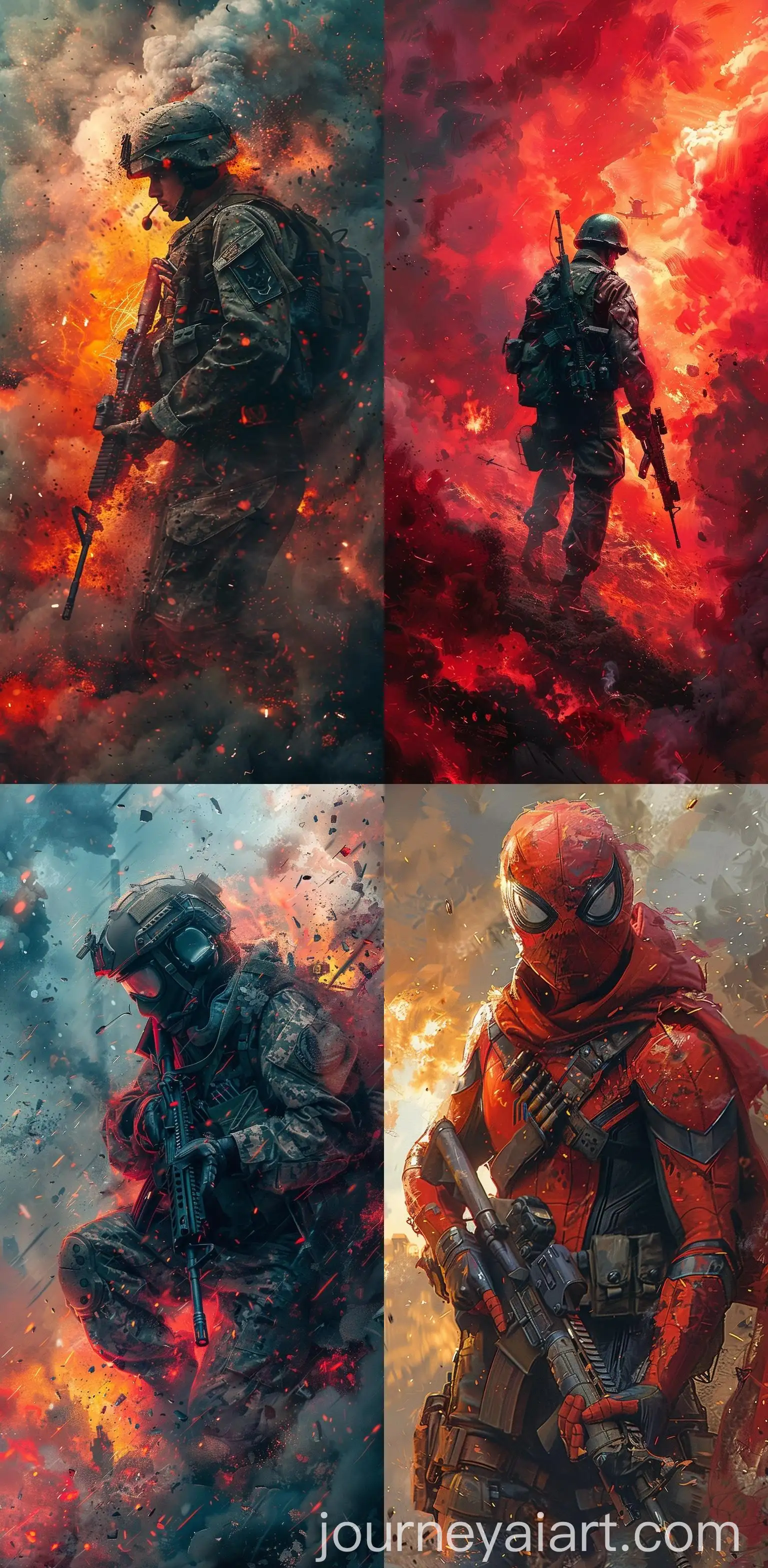

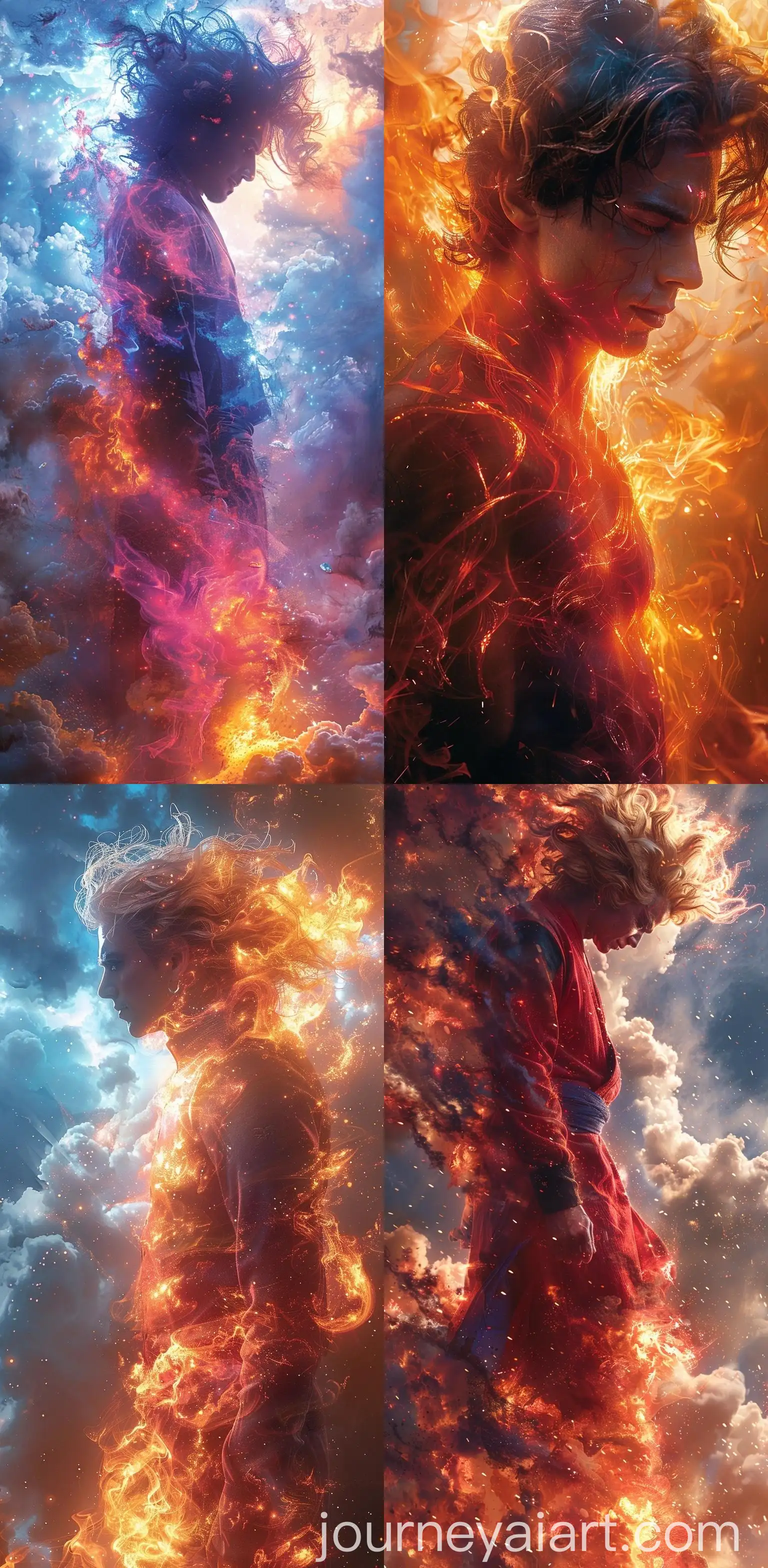
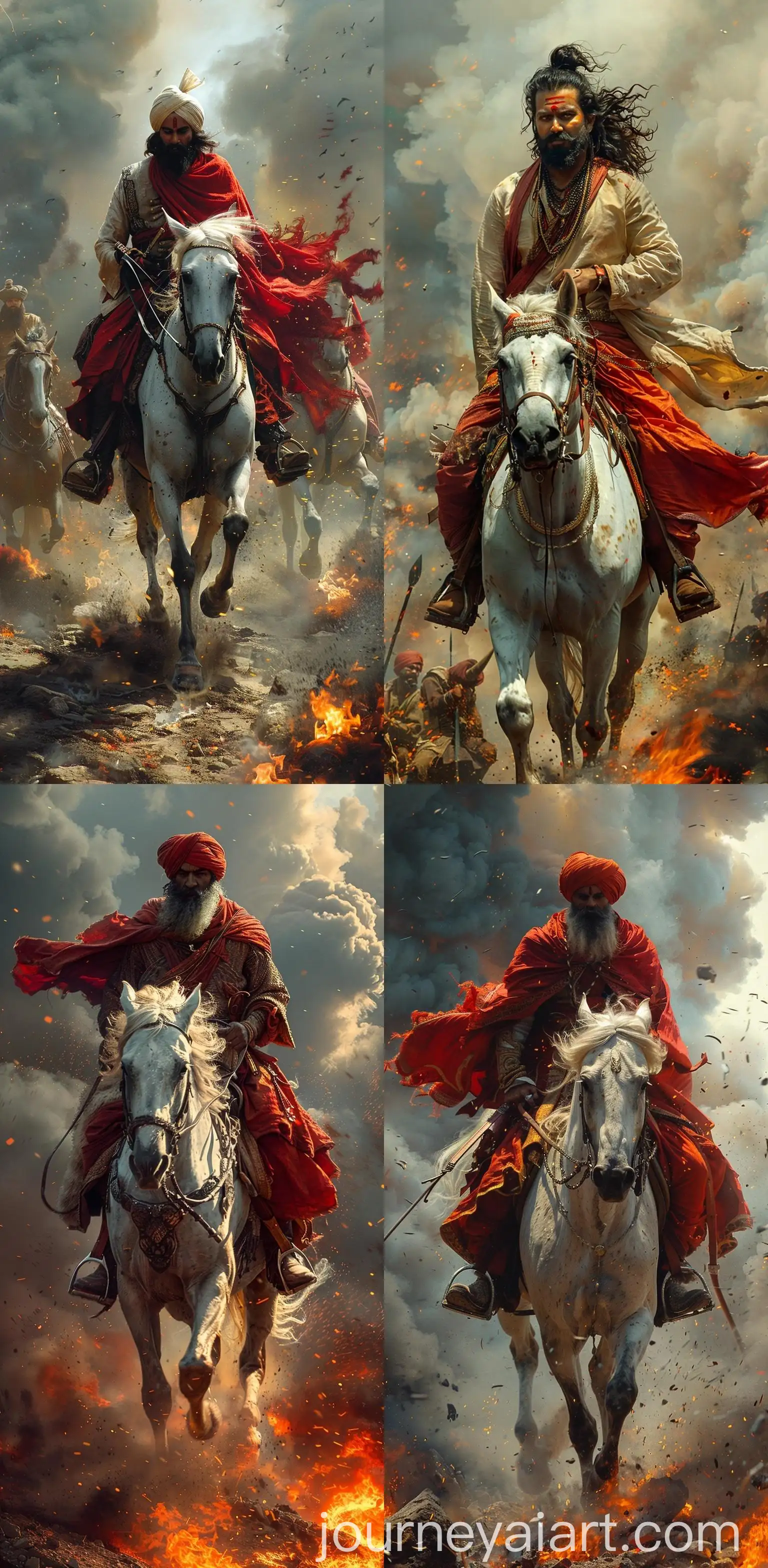
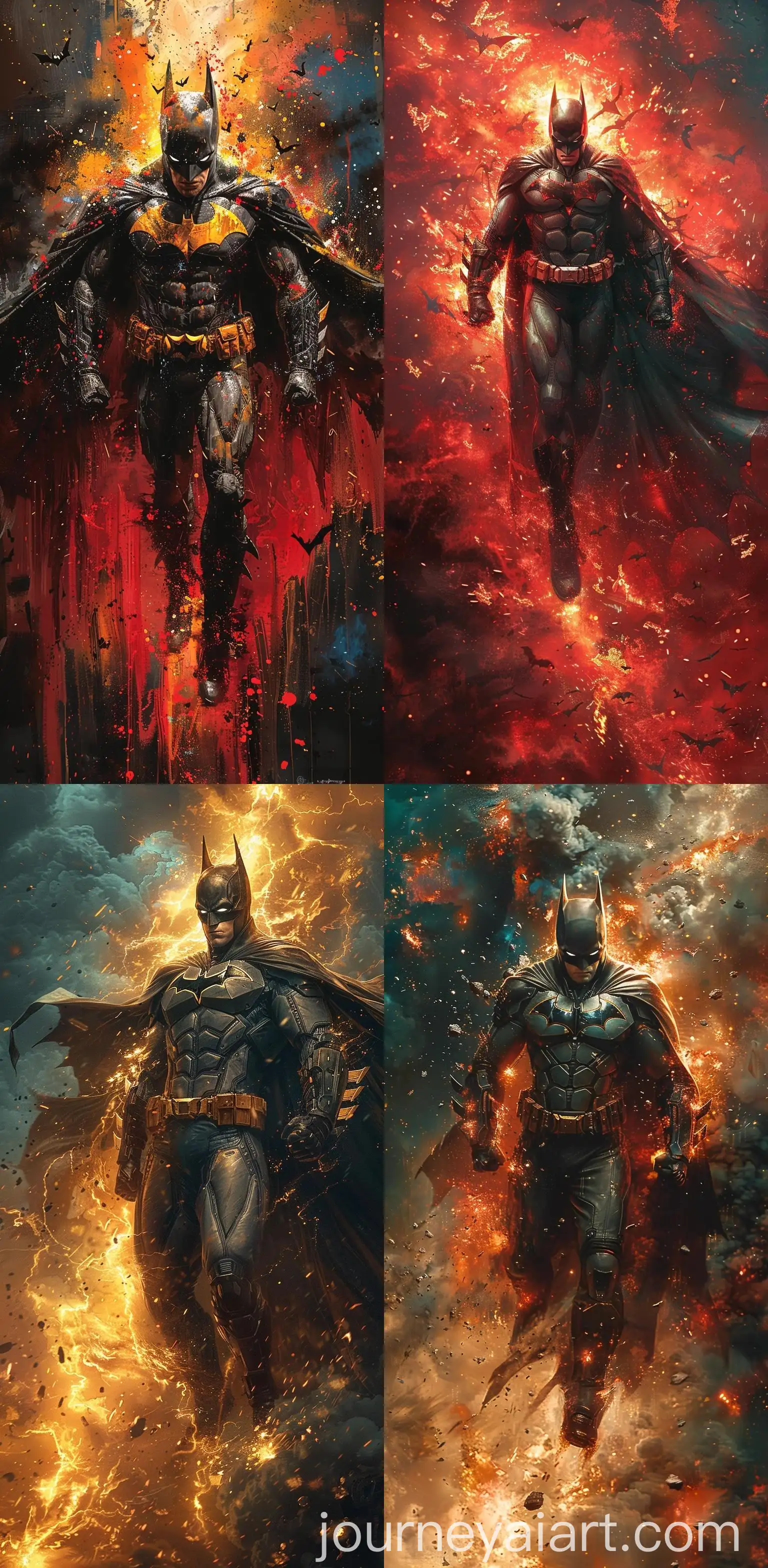
Bold Cel Shading is a distinctive art style that uses strong, contrasting lines and flat areas of color to create an eye-catching, graphic look. This technique emphasizes simplicity and highlights shapes and shadows with dramatic contrast, often used in animation and video game design to evoke a hand-drawn aesthetic. Popularized in the 1990s with the rise of 3D animated cartoons and games, cel shading provides a unique visual language that’s both artistic and functional in rendering quick, clear visuals.
What Is Bold Cel Shading in Digital Art?
The key traits of Bold Cel Shading include thick outlines, sharp color transitions, and minimal gradation between light and dark areas. These characteristics make it perfect for scenarios where clarity and stylized simplicity are needed, such as in video games like 'The Legend of Zelda: The Wind Waker' or in animated films. In modern design, it's frequently used for creating visually striking characters, bold concept art, and even marketing materials that need a vibrant, energetic aesthetic.
Key Characteristics and Practical Applications of Bold Cel Shading
Bold Cel Shading has left a lasting impact on both video games and animation, with its stylized look becoming synonymous with iconic pop culture works. It has been widely adopted across various media for its ability to create distinct, memorable visuals. Popular animated series like 'Samurai Jack' and games like 'Jet Set Radio' showcase the influence of this style, helping to set visual trends that continue to inspire contemporary digital artists and animators.
Impact of Bold Cel Shading on Modern Digital Culture
Creating Bold Cel Shaded art has never been easier with AI tools. By selecting the right prompts, you can generate images with distinct color blocks and sharp contrasts. For users looking to customize their AI-generated art, the 'open in editor' feature allows you to tweak the lighting, adjust the outlines, or alter the palette for the perfect Bold Cel Shading effect. With just a few clicks, you can experiment with various artistic directions to bring your unique vision to life.
How to Create Stunning Bold Cel Shaded Art with AI Tools