8 Free Arrow Icon Midjourney AI images
Welcome to our Arrow Icon image collection, featuring 8 free AI-generated images. Discover a range of stock photos, 3D objects, vectors, and illustrations, all tagged under 'Arrow Icon.' These high-resolution images are perfect for your projects, and you can even use the 'open in editor' feature to adjust the prompt and regenerate the image to fit your specific needs.




Related Tags
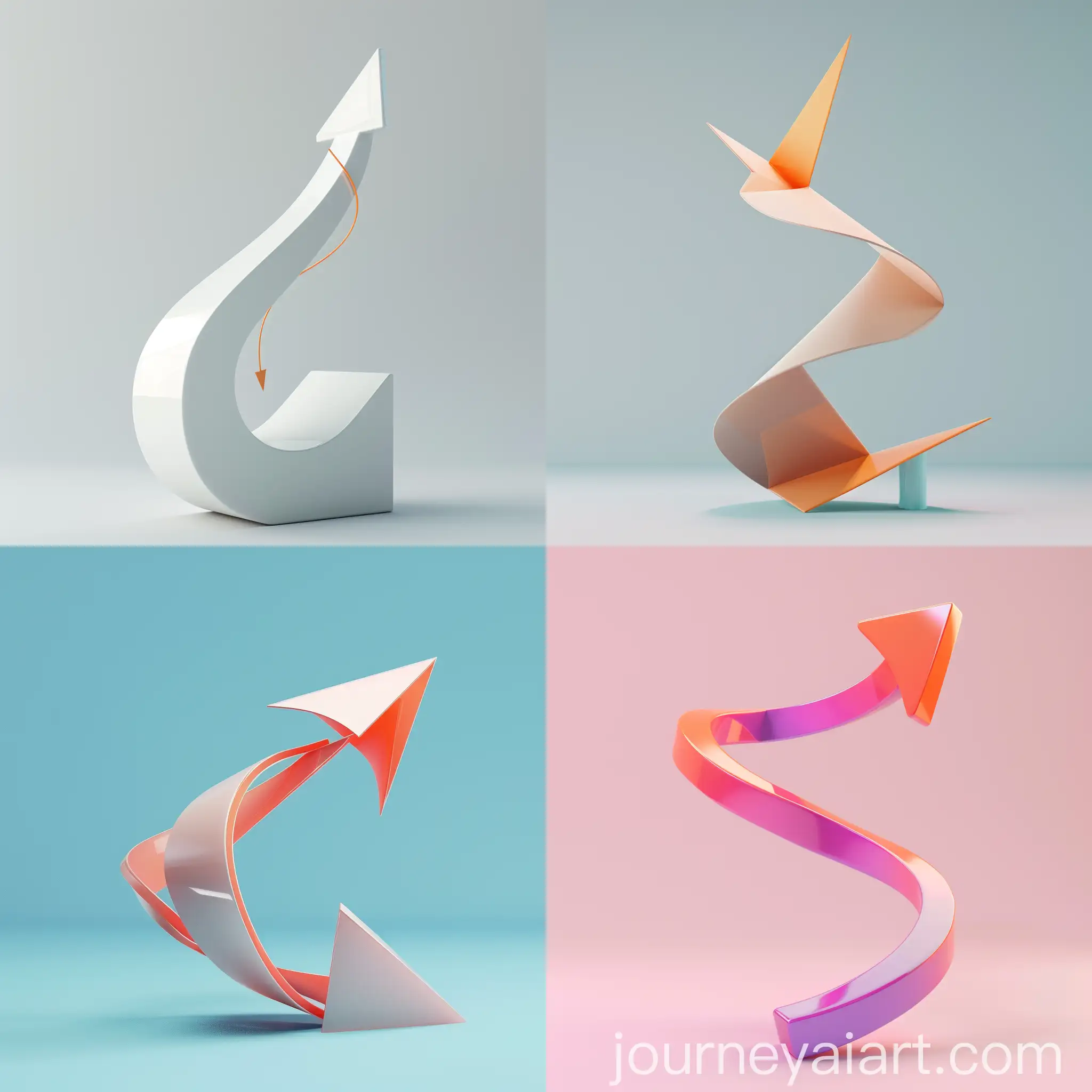
Arrow icons are symbolic graphics used to indicate direction, movement, or a particular action within a design. They are often found in user interfaces, websites, and mobile apps to guide users, signal choices, or draw attention to certain areas. These icons, though simple, play a crucial role in enhancing navigation and user experience by providing clear visual cues. In AI-generated content, arrow icons can be stylized in various ways, ranging from minimalistic flat designs to intricate 3D models, offering versatile usage across different design projects.
What is an Arrow Icon and Its Role in Design
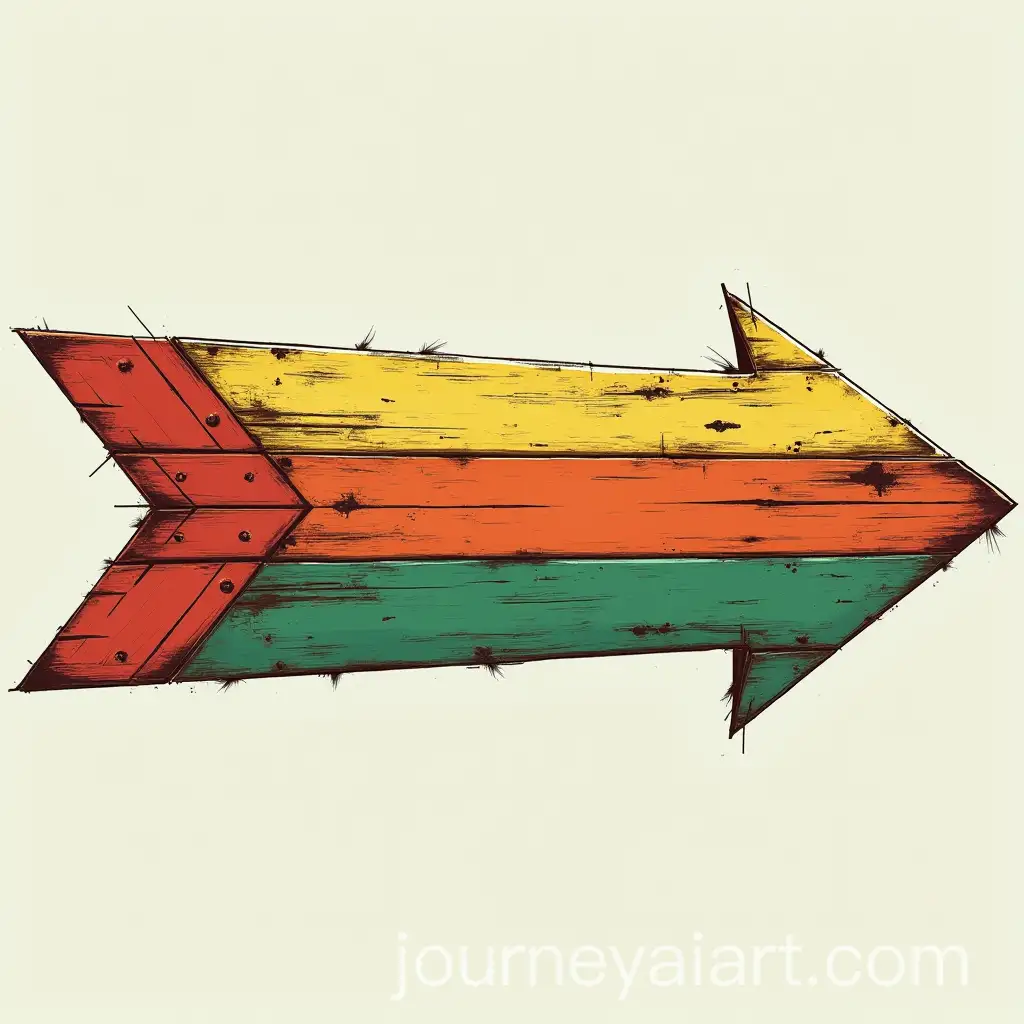
Arrow icons are widely used in a variety of design contexts, from website navigation menus to app interfaces and printed materials. They are especially useful in indicating forward or backward actions, scroll indicators, or visual hierarchy in infographics. AI-generated arrow icons offer a diverse selection that can be easily integrated into projects for both digital and print media. Designers can choose from modern, sleek vectors to more elaborate 3D-rendered arrows, depending on the aesthetic and functional requirements of their project.
Applications of Arrow Icons in Modern Design
AI-generated arrow icons come in a multitude of styles and types, each serving different purposes. From simple, flat-design arrows perfect for minimalist layouts to dynamic, 3D arrows suited for immersive interfaces, these icons can adapt to the visual needs of any project. Additionally, variations like curved arrows, dotted lines, or animated GIFs offer more creative approaches. The diversity of available formats allows designers to easily find or generate arrows that complement both modern and classic design aesthetics.
Exploring Different Styles and Types of Arrow Icons
One of the key benefits of AI-generated arrow icons is the ability to customize them easily. With the 'open in editor' feature, users can modify the prompt used to create the icon, tweaking elements like color, style, size, and texture. This flexibility allows designers to tailor icons to fit their exact needs, ensuring consistency across different platforms or branding guidelines. Whether it's altering the direction, changing the shading, or adding creative embellishments, the options are nearly limitless.
How to Customize AI-Generated Arrow Icons for Your Projects