10 Free Application Icon Midjourney AI images
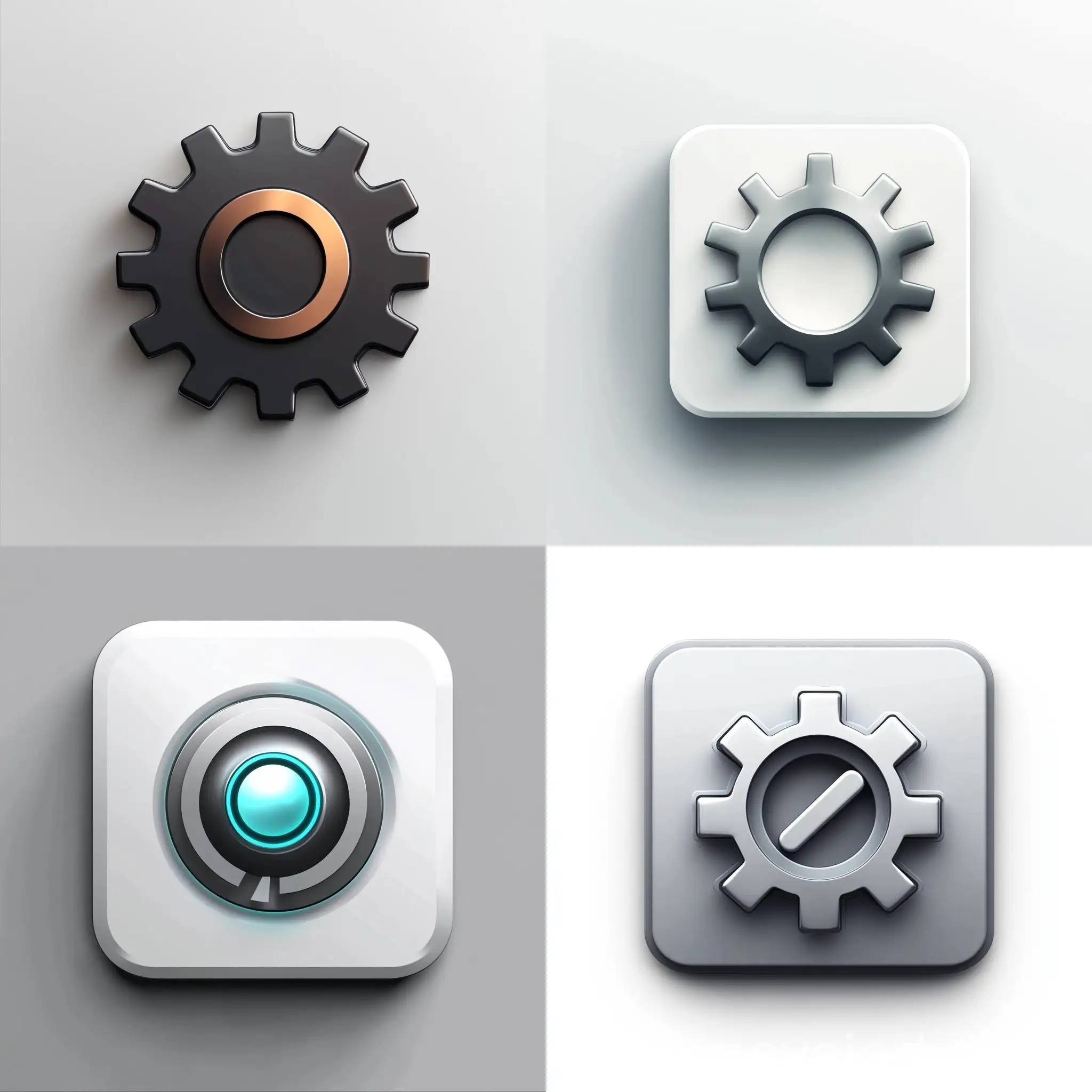
Explore our Application Icon image collection, showcasing 10 free AI-generated images. This collection offers a diverse range of stock photos, 3D objects, vectors, and illustrations, all available for high-resolution download. Use the 'open in editor' feature to customize prompts and regenerate images to suit your specific needs.






Related Tags
Application icons are small, visually appealing symbols used to represent software applications on various platforms. They serve as a user's first interaction with an app, often reflecting the app's functionality and brand identity. The evolution of application icons can be traced back to early computing days when simple, pixelated graphics were used to denote basic functions. Today, with the advent of AI and modern design tools, application icons have become more intricate, customizable, and versatile, adapting to various device resolutions and user interfaces.
Understanding Application Icons: Definition and Background
AI-generated application icons offer unique characteristics such as precision, scalability, and customization. These icons can be crafted in various styles, from minimalist flat designs to more complex, detailed illustrations. They are used across different platforms, including mobile apps, desktop applications, and websites, providing a consistent and professional appearance. The ability to regenerate icons using AI tools allows for quick adjustments and variations, making them ideal for iterative design processes where branding and user experience are critical.
Key Characteristics and Applications of AI-Generated Application Icons
Creating custom application icons with AI tools is a straightforward process that involves selecting a base design, inputting specific parameters or prompts, and fine-tuning the results. Users can start by choosing a style—such as flat, material, or skeuomorphic—then use AI-powered editors to adjust colors, shapes, and other design elements. The 'open in editor' feature allows for easy modification of existing icons, enabling designers to quickly regenerate new versions that align with brand guidelines or user preferences. This flexibility is particularly useful for creating icons that need to be updated regularly or tailored to different operating systems.
How to Create Custom Application Icons Using AI Tools
The future of application icons is poised for exciting developments as AI continues to evolve. We can expect to see more dynamic and context-aware icons that adapt to user behavior or environmental conditions, providing a more personalized experience. Additionally, the integration of augmented reality (AR) and virtual reality (VR) could lead to the creation of 3D, interactive icons that offer immersive user experiences. AI will also enhance the automation of icon design, enabling designers to generate large sets of icons quickly, with consistent quality and creativity, catering to the demands of a rapidly changing digital landscape.
The Future of Application Icons: Trends and Development